-
-
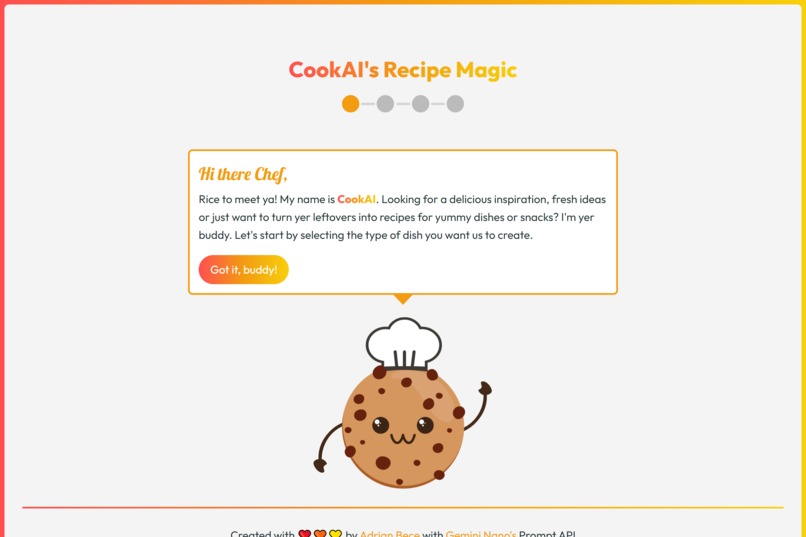
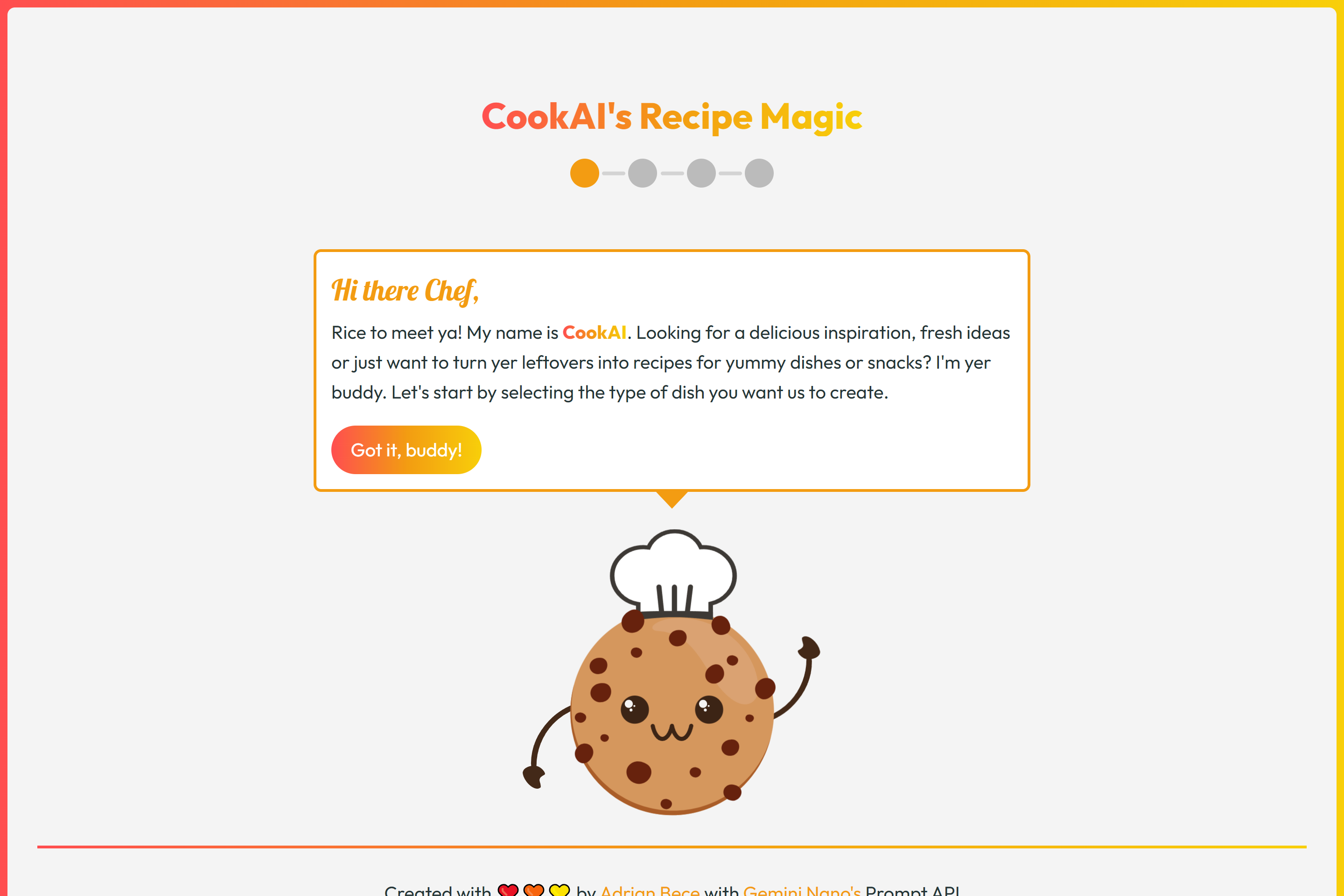
Step 1 landing: mascot greets the user and explains the app and the first step
-
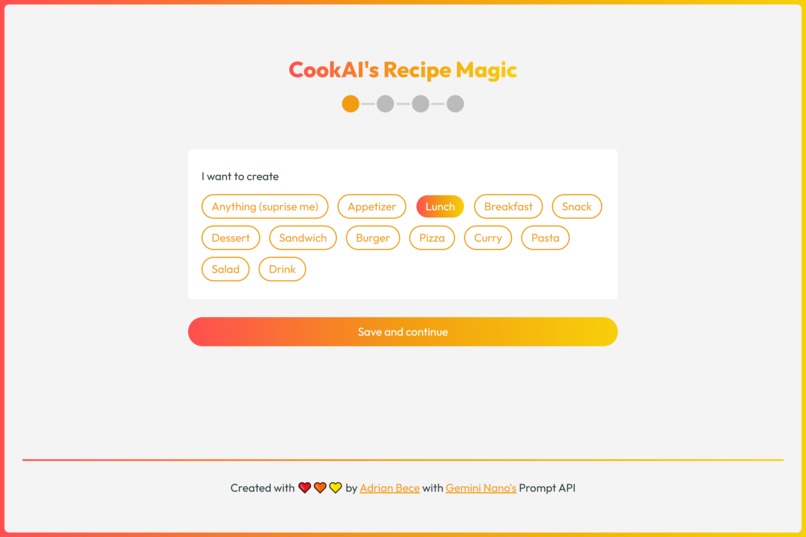
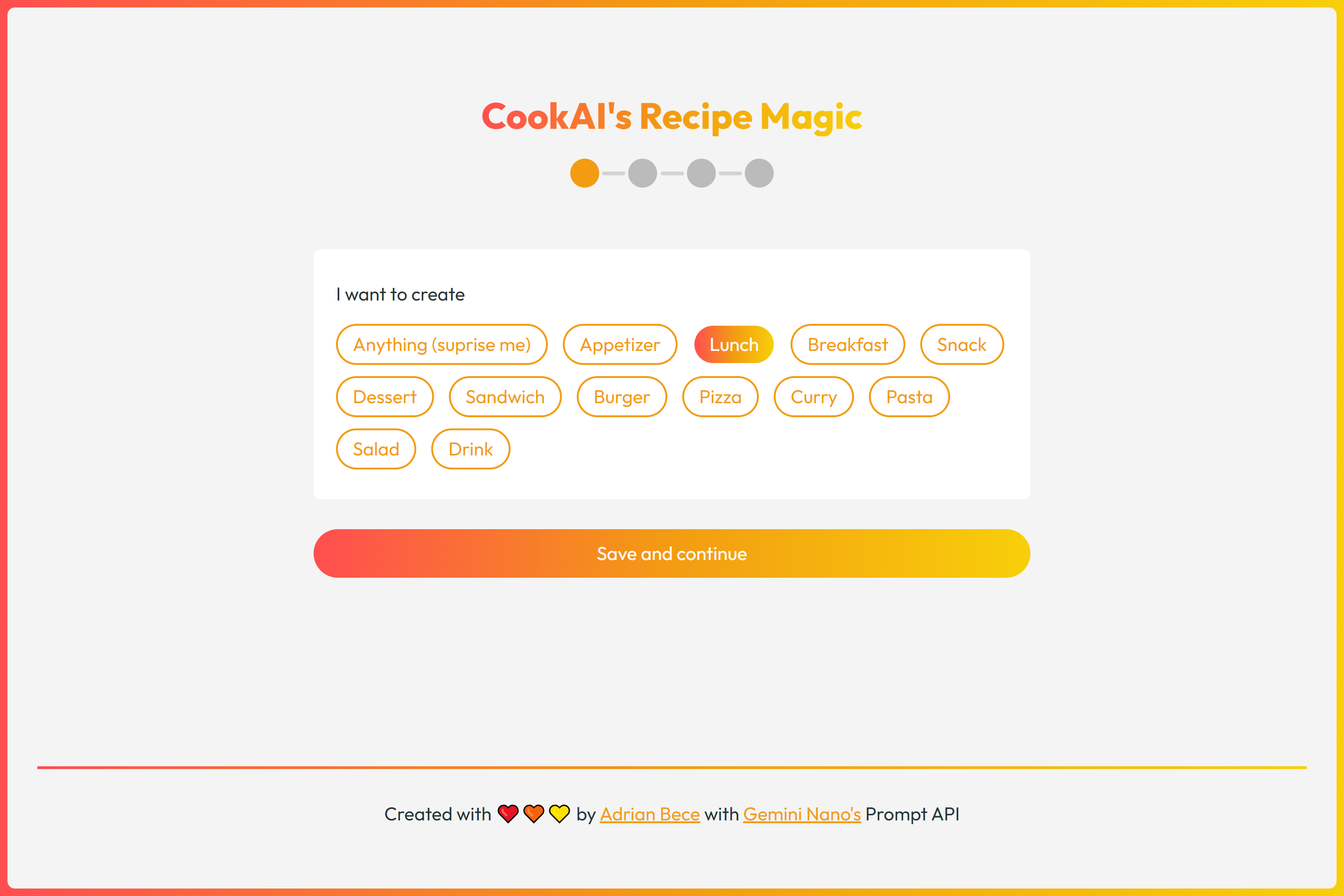
Step 1: User selects type of dish to create
-
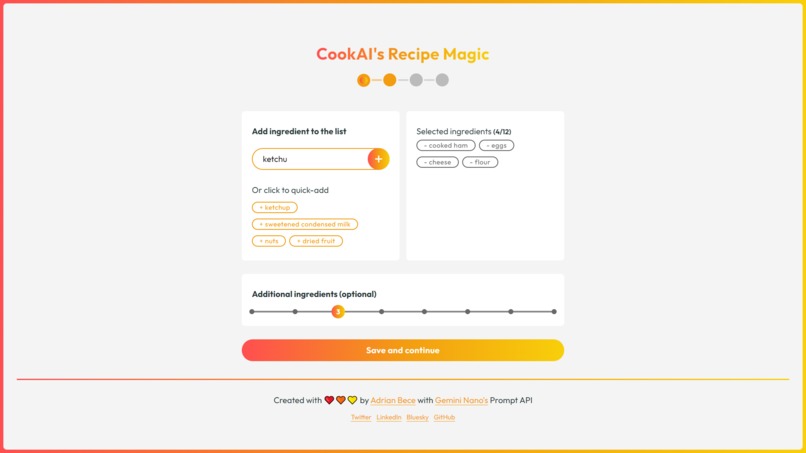
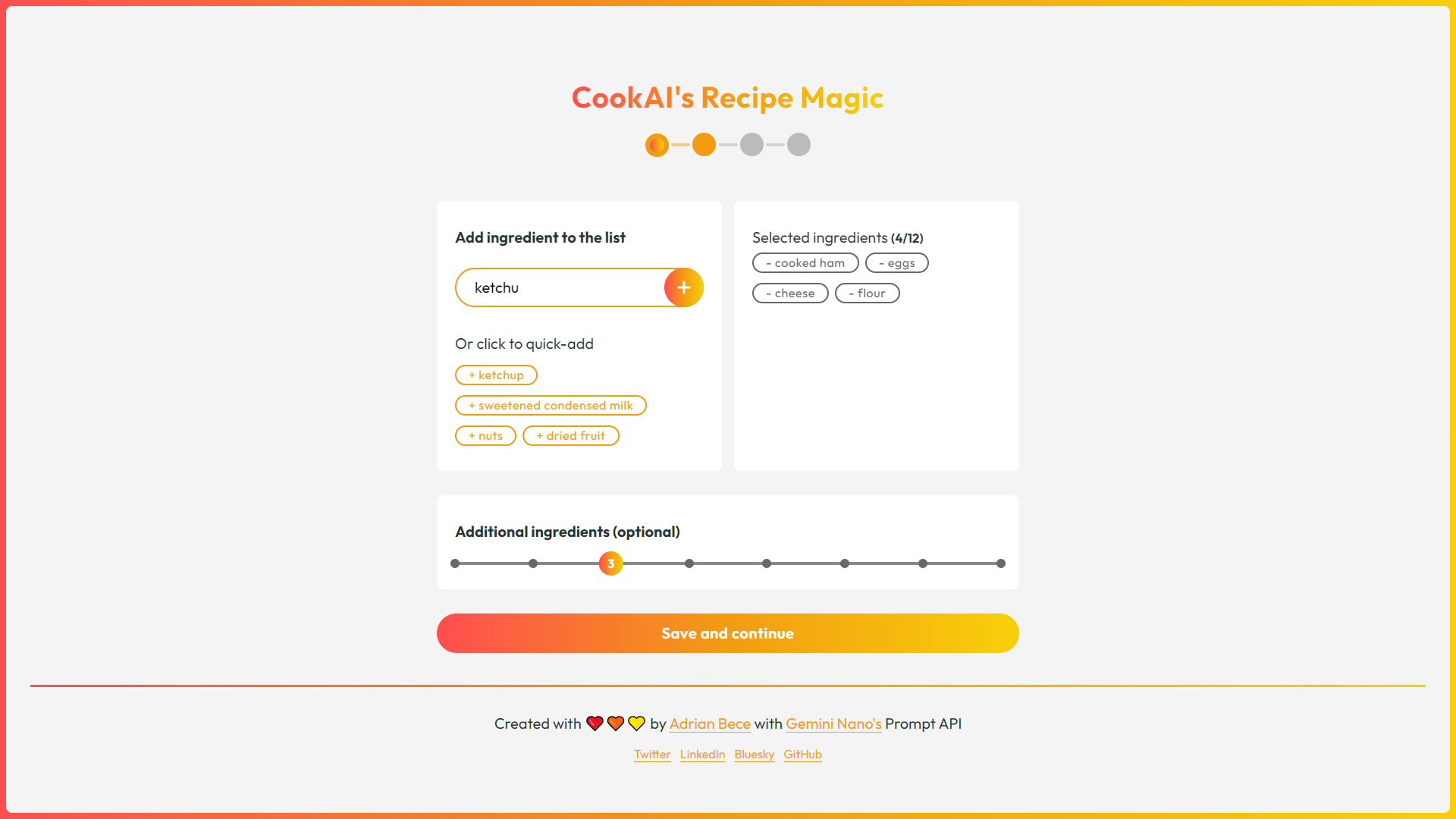
Step 2: User adds at least 3 ingredients they want to use and specifies how many addditional ingredients the AI can use
-
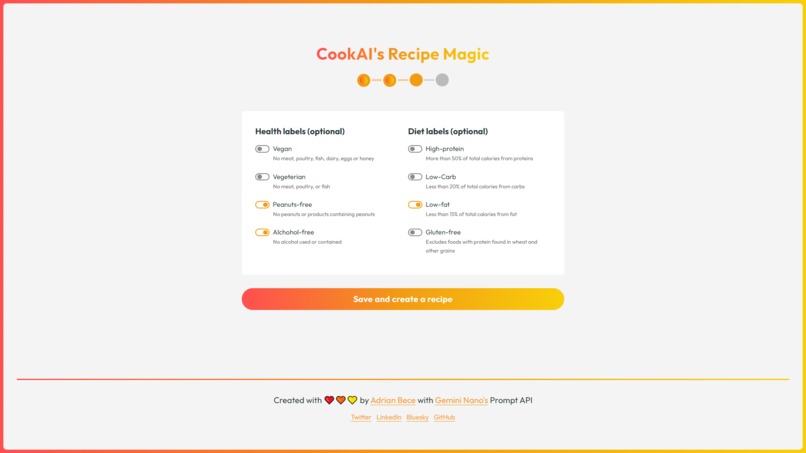
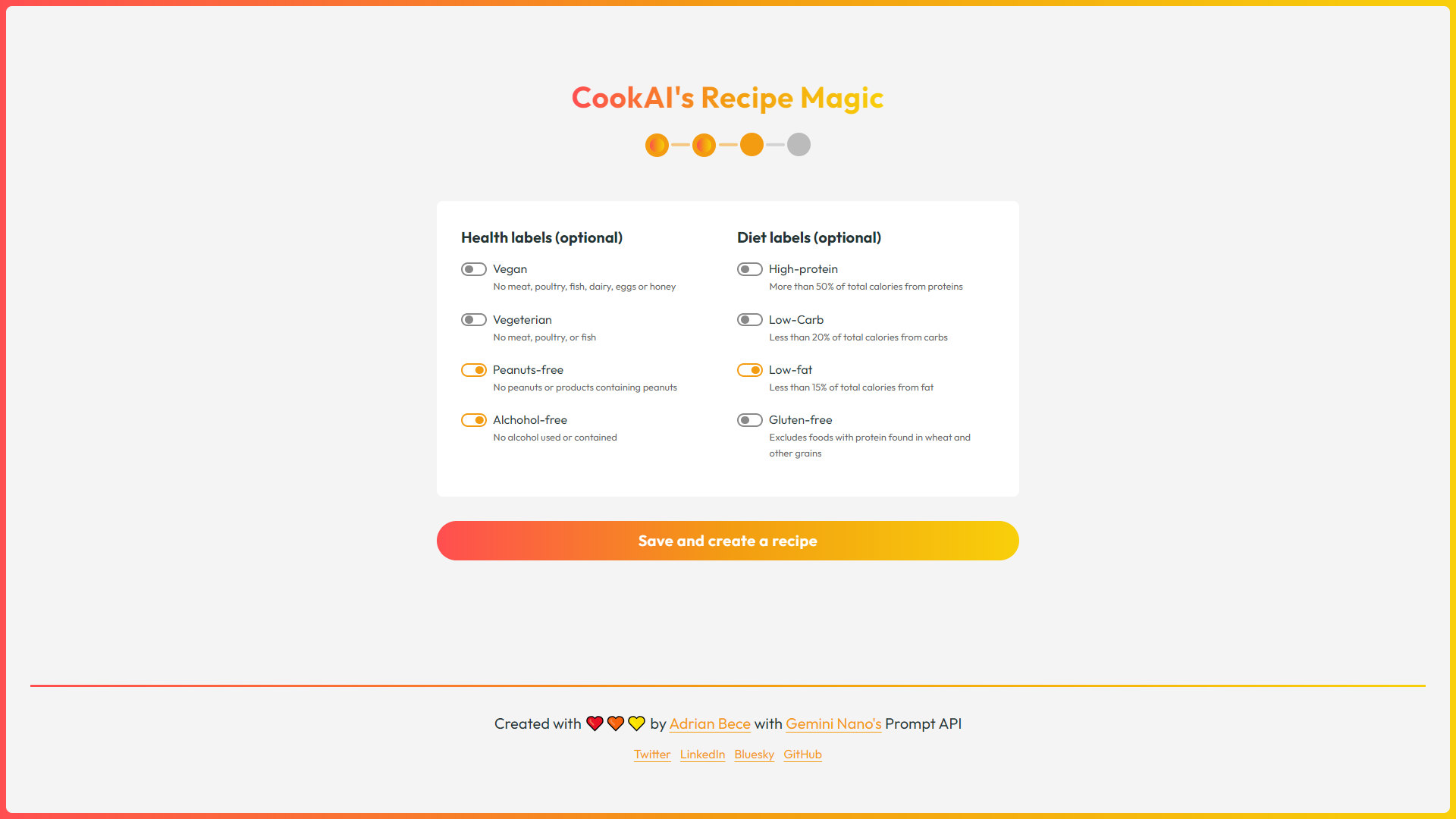
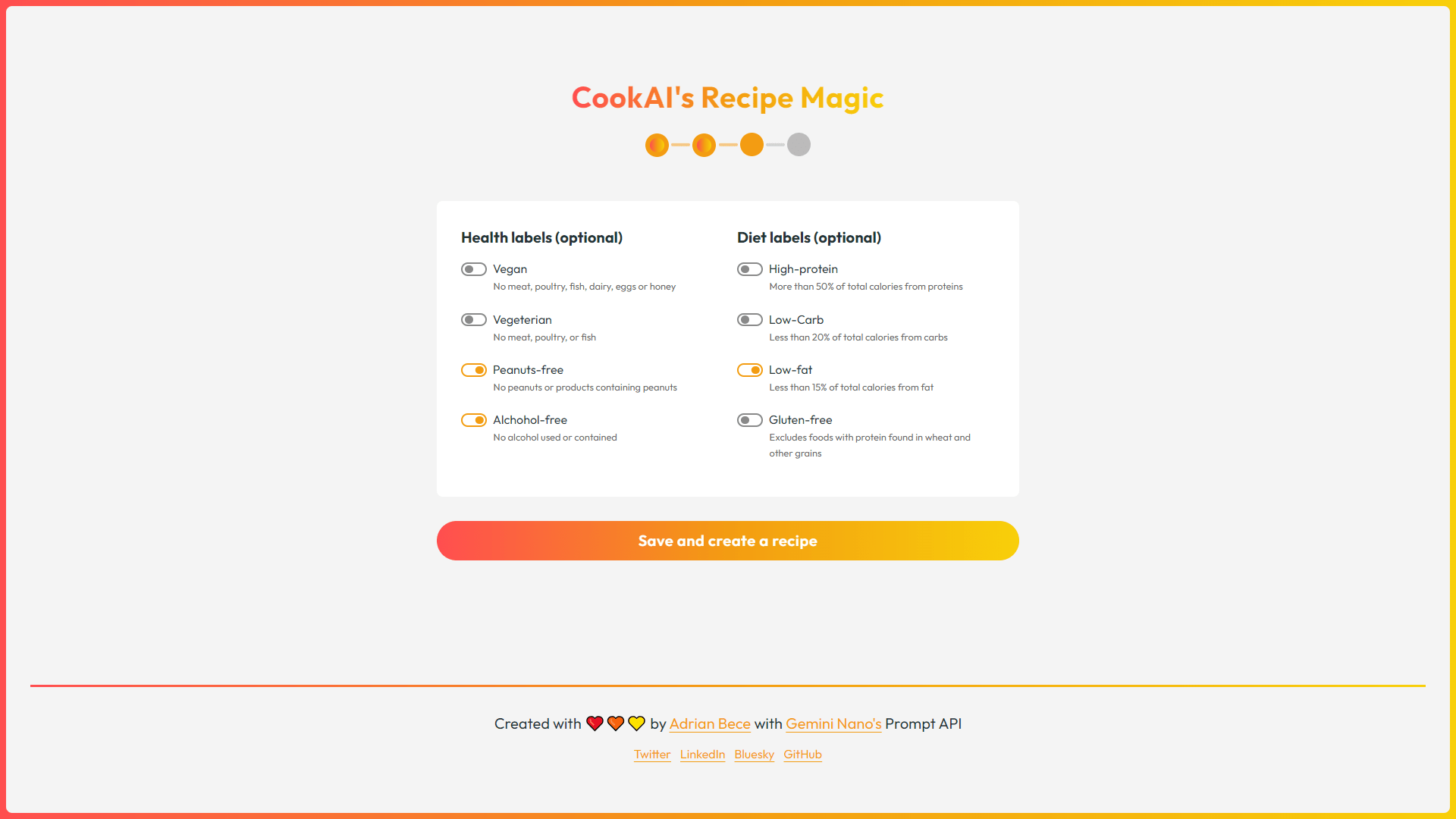
Step 3: User adds health or diet labels
-
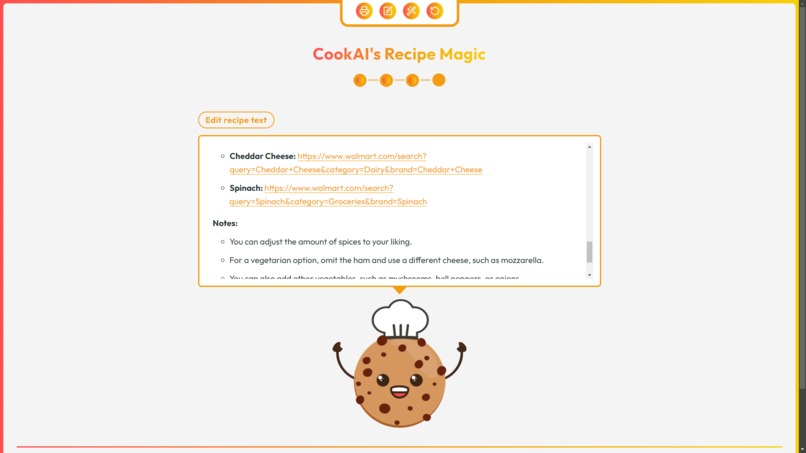
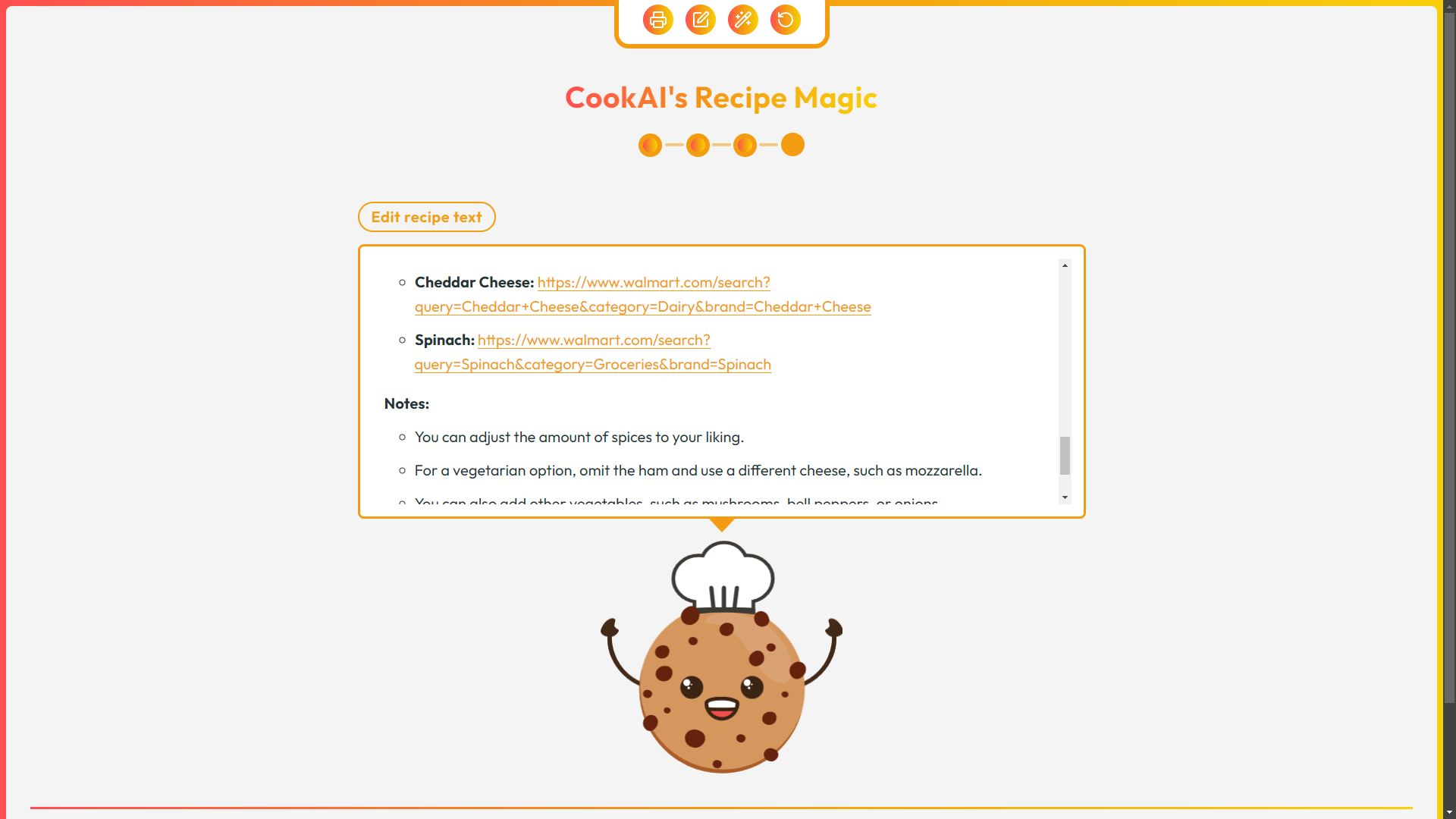
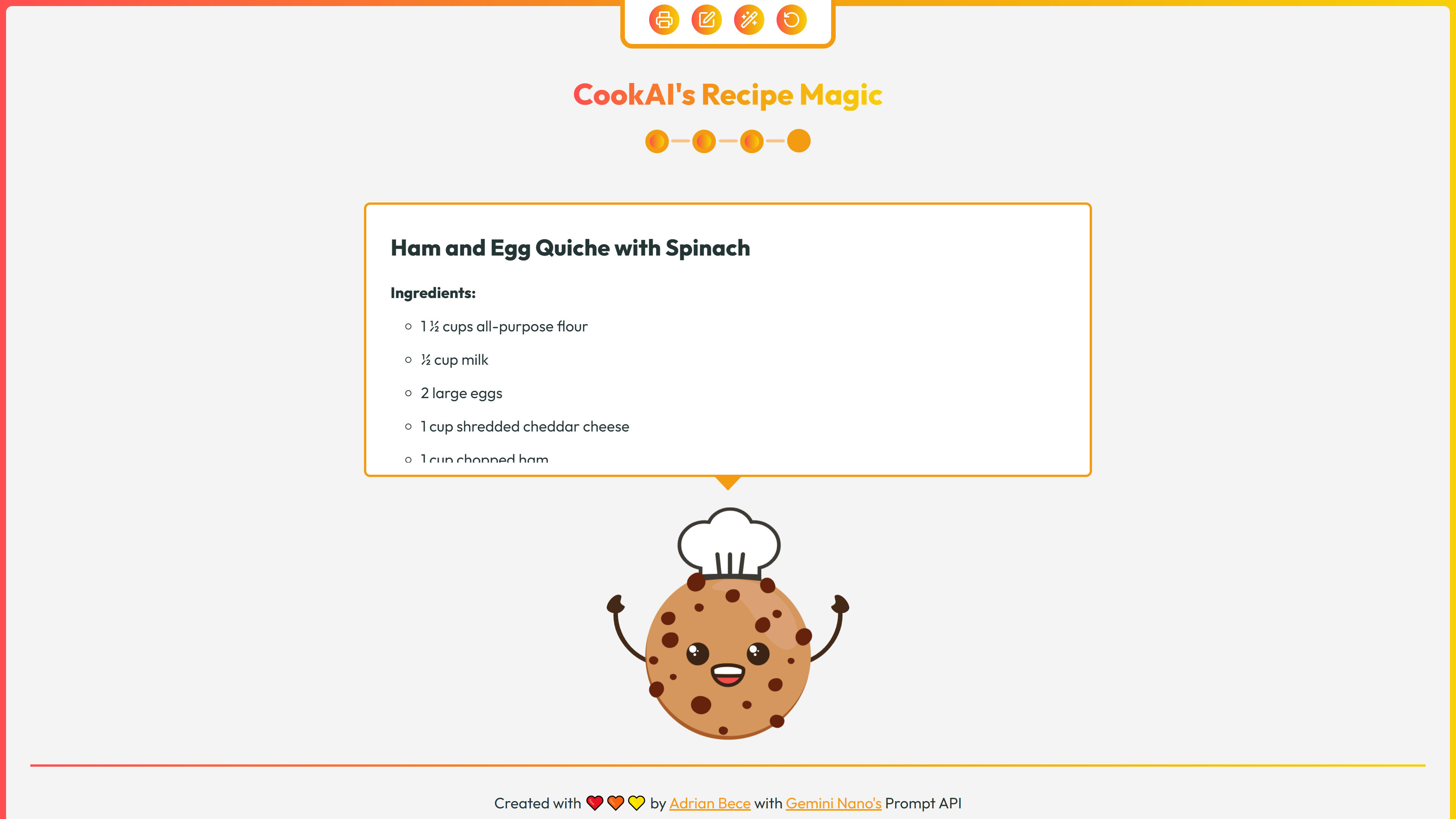
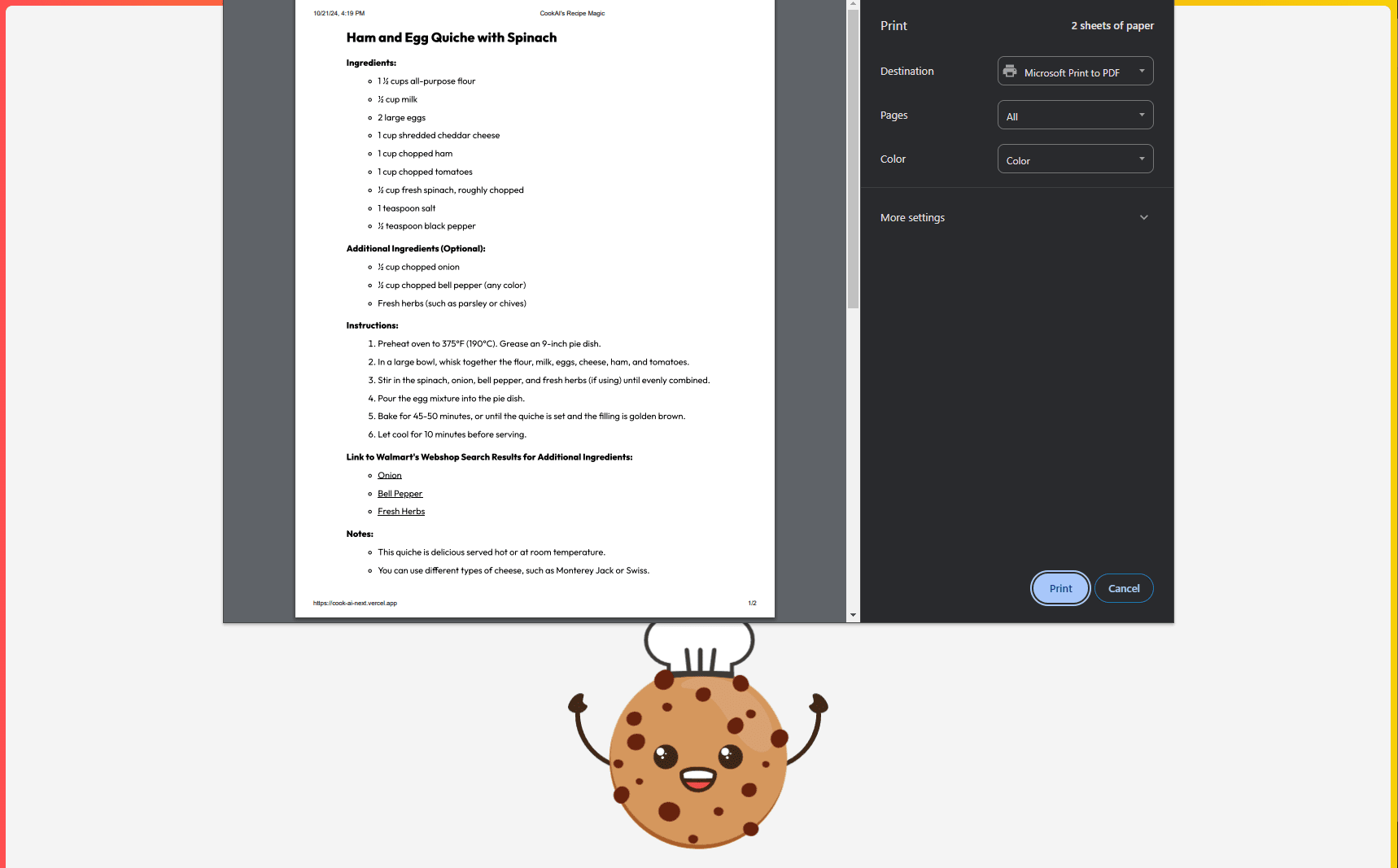
Step 4: User is presented with the generated recipe with control panel options
-
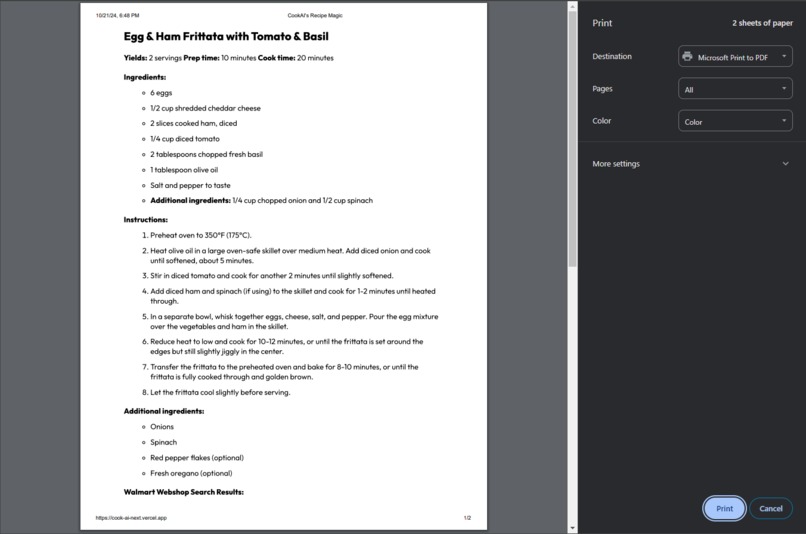
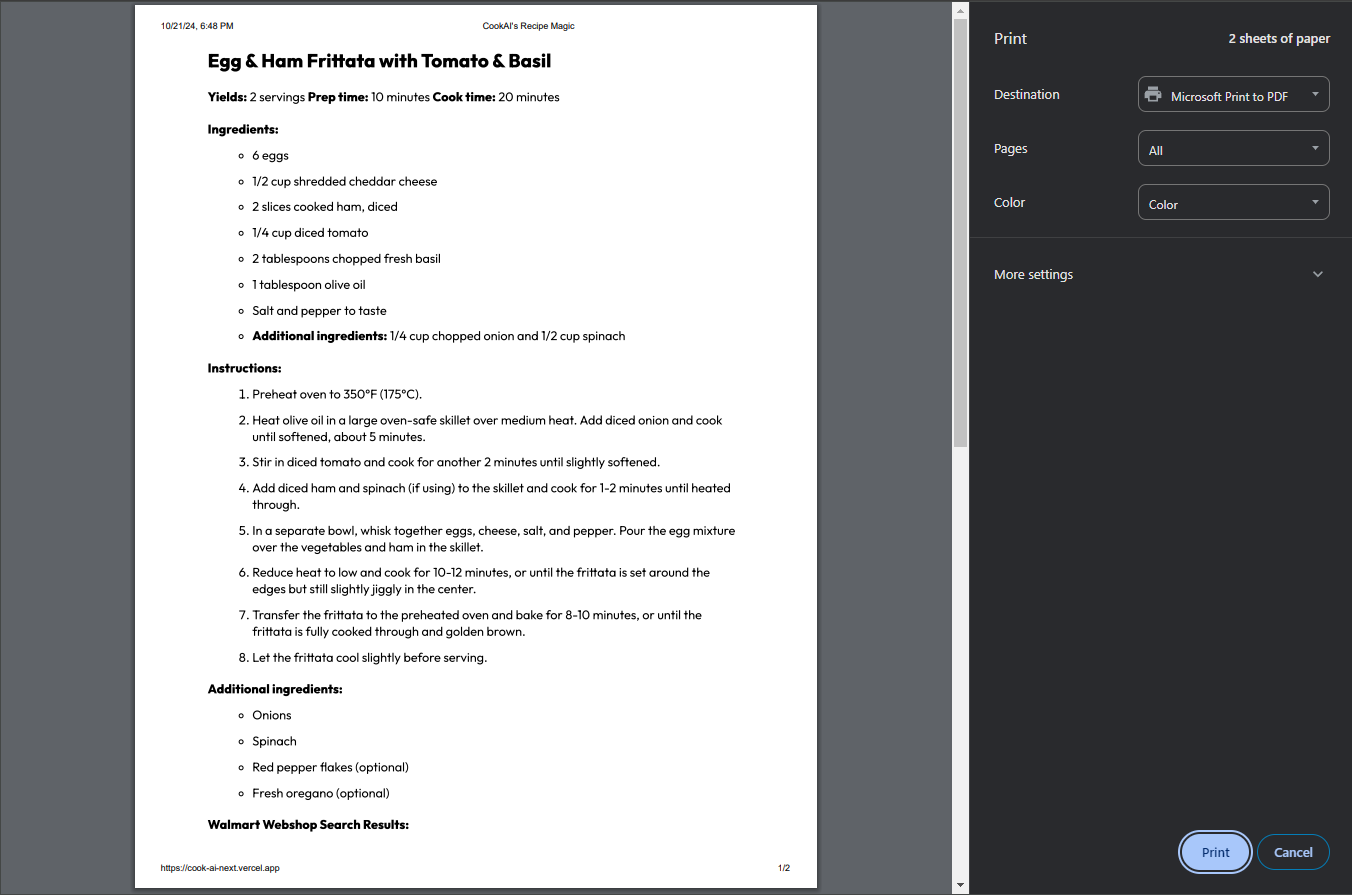
Recipes can be printed by clicking on the print option on the control panel
-
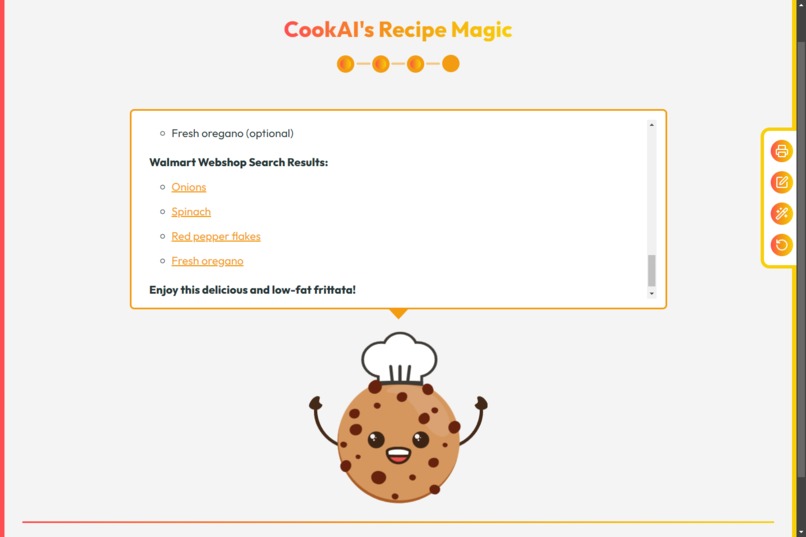
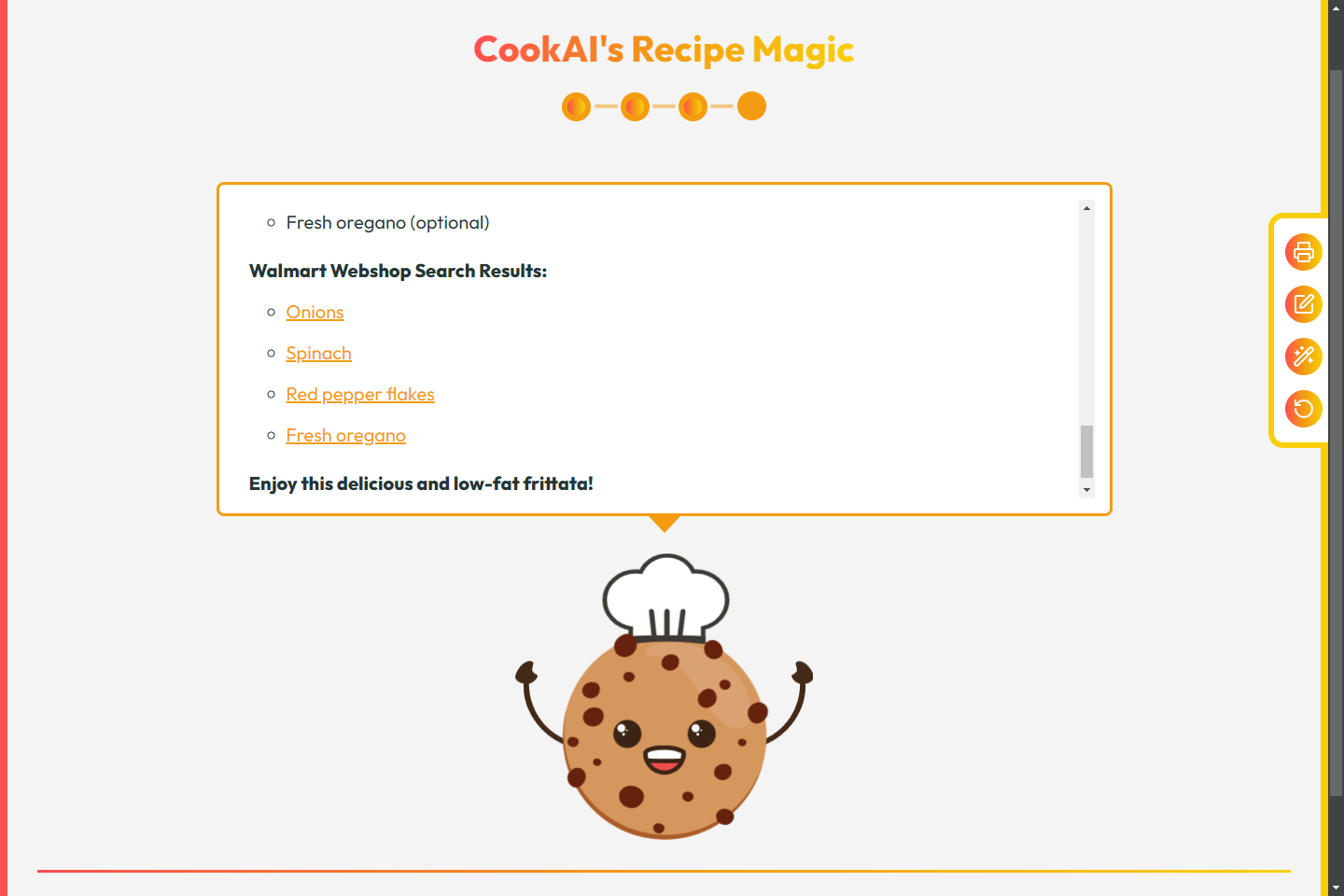
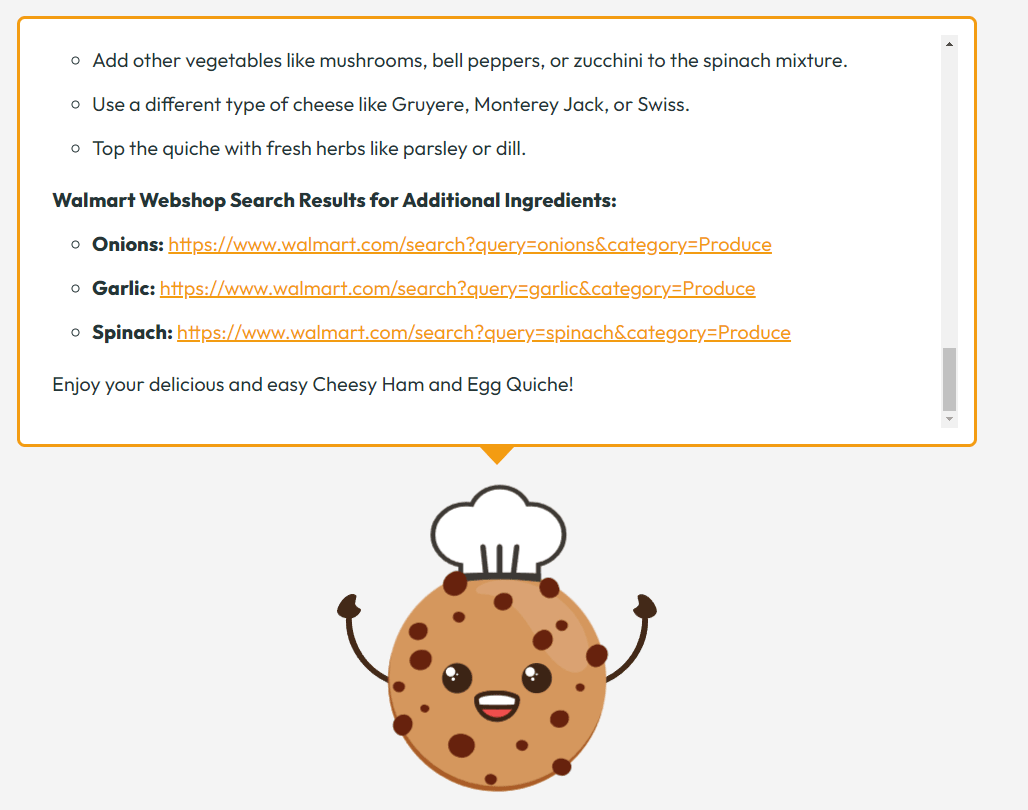
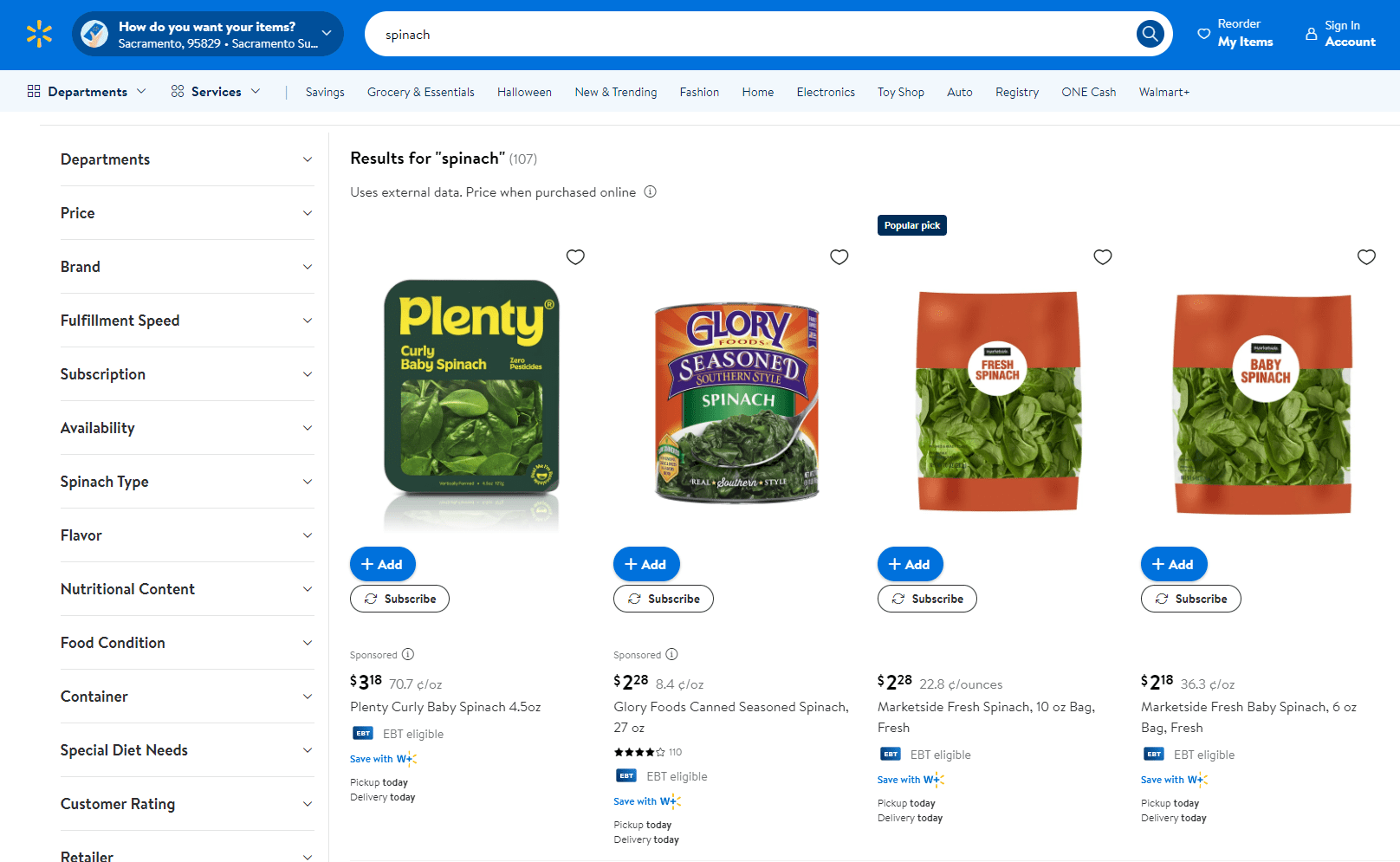
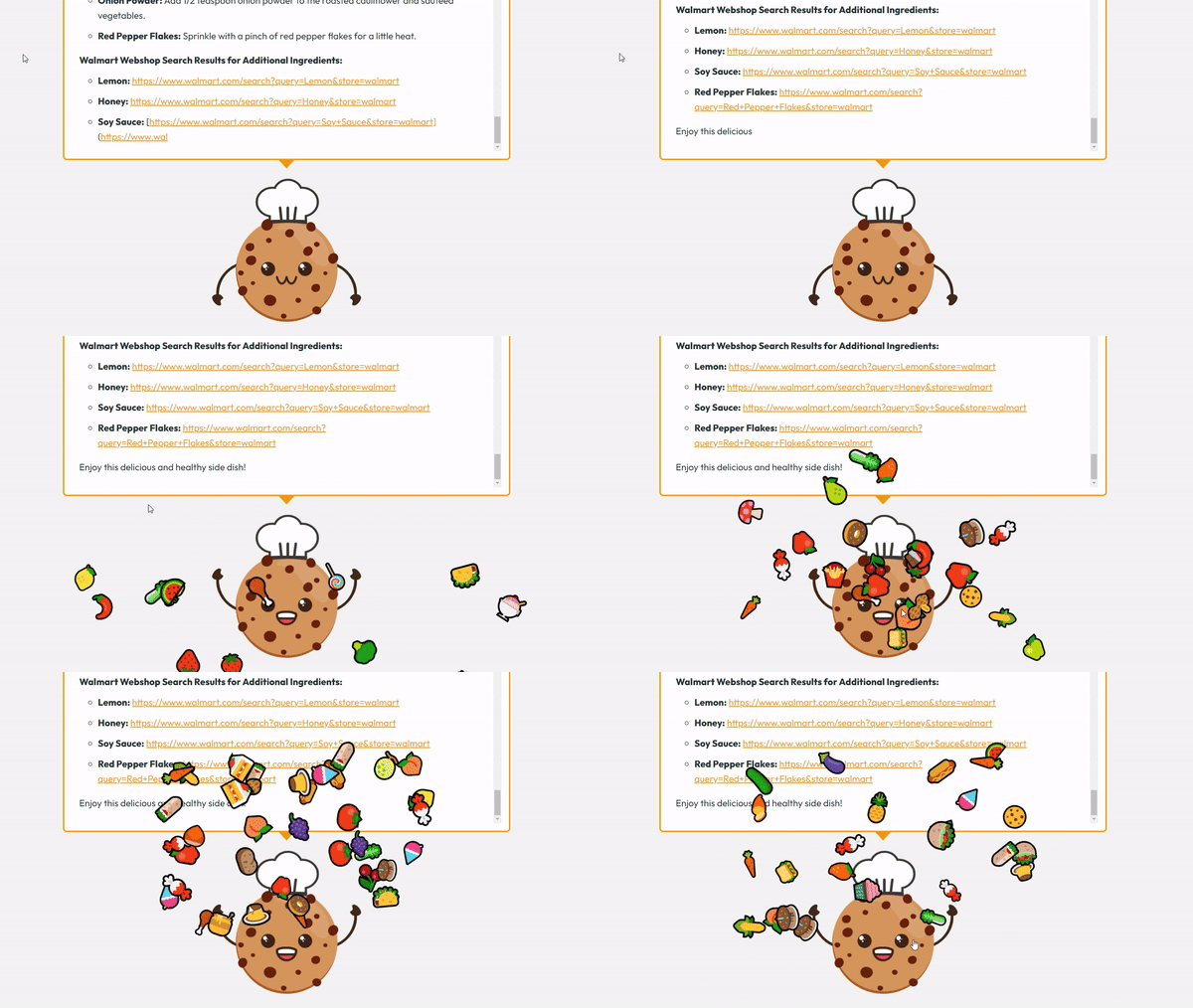
AI generates Walmart webshop search results links for any additional or missing ingredients
Inspiration
In 2019, I began learning how to cook and developed the Recipe Magic React app to inspire fresh recipe ideas and help me transform leftover food and ingredients into delicious dishes and snacks. Since we started growing our own vegetables about two years ago, I’ve been using the app more frequently. From time to time, we have a significant surplus of seasonal produce that needs to be used quickly if it can't be stored long-term. In short, the app allows me to search for recipes by ingredients and narrow down results using various filters.
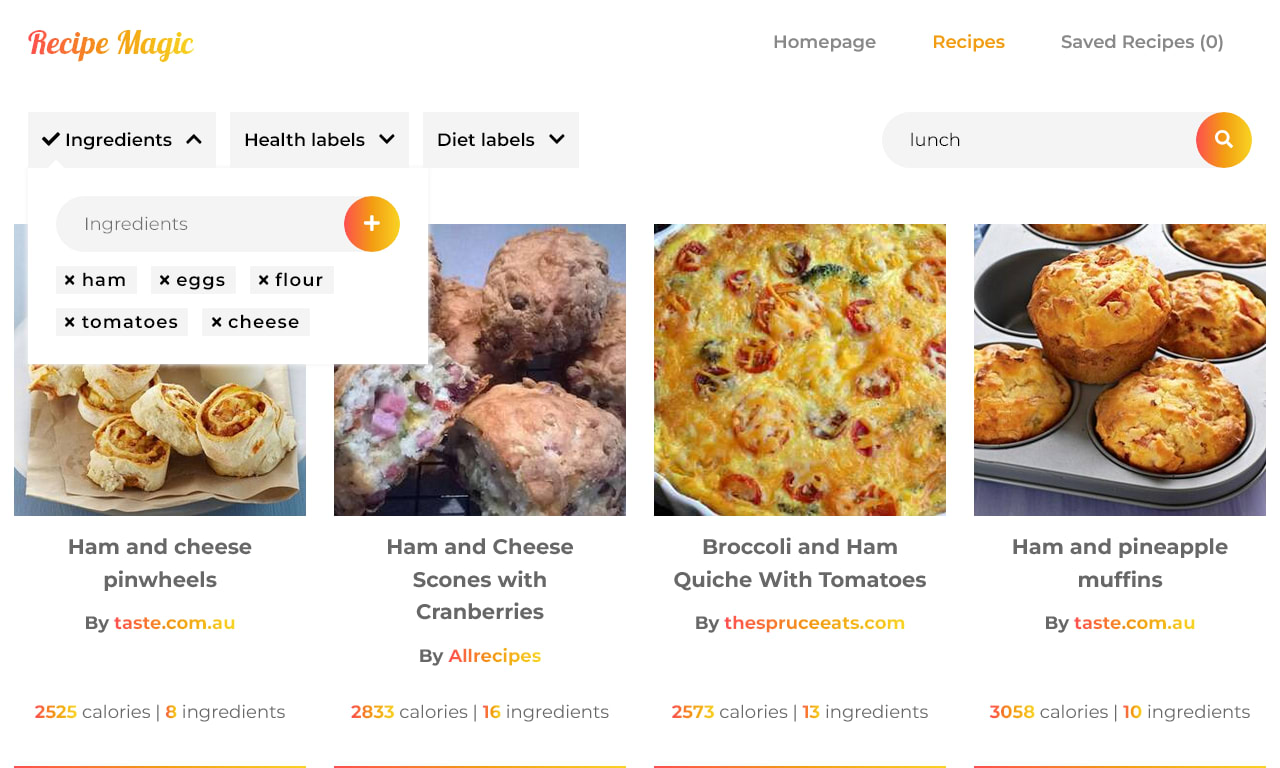
However, over time, I found it increasingly challenging to use the app due to the limitations of the rigid backend API. For example, when searching with a list of six ingredients, I might receive recipes that only use two or three of them as the top results, even though I want to utilize all of the ingredients. At other times (as shown in the screenshot below), the app provides recipes with numerous extra ingredients that I may not have on hand. To make things even more challenging, the preparation instructions are not included in the API response because of these limitations. As a result, users must visit an external site to view the complete recipe. Additionally, some of those pages may be removed, or the whole website might be unavailable.
One unexpected benefit was that the app helped me reduce food waste by enabling me to make use of most of the ingredients I already had on hand. On a global scale, food waste is a major problem, with households accounting for more than 50% of total food waste in 2022. On average, that is 72 kilograms (158 pounds) of food per person in the EU annually. Reducing food waste at the household level could lower environmental impact, cut economic losses, and help address issues of food insecurity.

When I first read about Gemini Nano's Prompt API, the idea of developing an AI assistant for searching recipes based on ingredients immediately came to mind. I created Cook AI's Recipe Magic from scratch using Next.js as a replacement for the outdated Recipe Magic app. So far, I’ve found the AI's output to be impressive and very promising, delivering significantly better results in substantially less time than the rigid backend API I used for the initial app back in 2019.
What it does
The Cook AI assistant consists of prompts inputted in three steps:
- Dish type,
- Ingredients,
- Health and diet labels
It outputs a recipe that meets the specified criteria, utilizing as many listed ingredients as possible (usually all ingredients) while considering the health and diet labels provided.
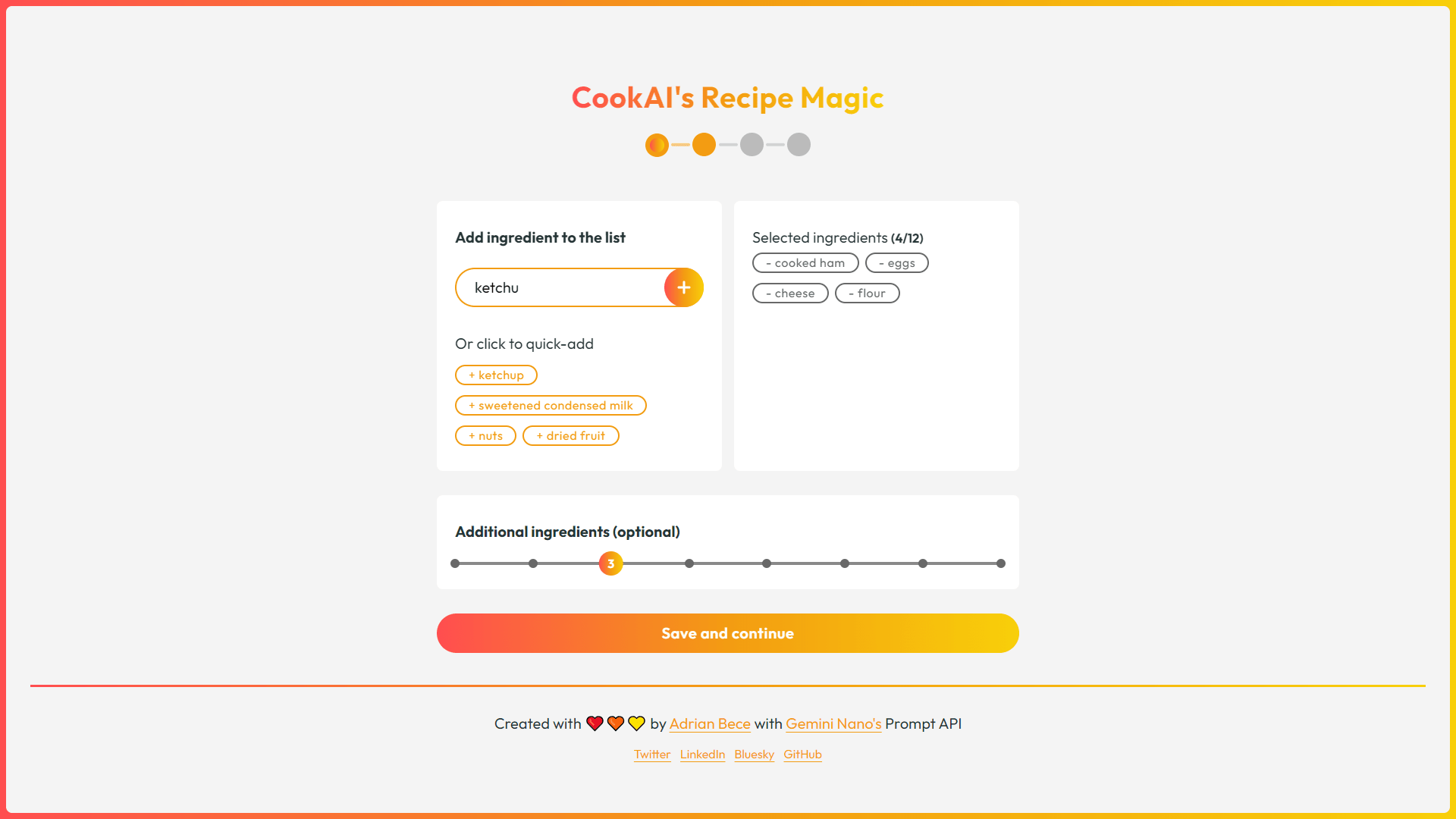
Users can print the resulting recipe, edit any of the parameters from the aforementioned steps, re-run the query, or start from the beginning. Users can also edit the result text before printing, allowing them to keep only the most relevant and useful information.

All this was fairly easy to achieve with the Gemini Nano AI, so I wanted to go the extra mile and try something new that could also be super useful for users of this type of app. I added an extra prompt for the AI to generate a link to Walmart's webshop search results, allowing users to quickly and easily purchase any missing ingredients.
How we built it
I've built Cook AI's Recipe Magic from scratch using Next.js. I wanted to keep the project architecture simple and avoid additional third-party dependencies, so I only included the react-range for a customizable range input, emoji-blast for a nice effect on success animation, along with DOMPurify and marked for parsing the Gemini Nano's output.
I'm using the Prompt API with a hard-coded base prompt so the output is consistent, which is then customized based on the user inputs mentioned earlier, such as dish type, ingredients, health and diet labels, etc.
For styling, I've used CSS modules that come out of the box with Next.js, as well as Google Fonts and the Lucide icon pack.
As an added bonus, I’ve made sure the app is fully usable with keyboard, ensuring improved accessibility for users who may have difficulty using a mouse.
In terms of performance, I've optimized assets by minimizing their size and implemented code-splitting and lazy loading for components and third-party libraries. For lazy-loaded components, I use skeleton loader UI elements to provide a smoother and more stylish loading experience.
In my day-to-day development job, I don’t work on projects that are this fun and colorful, so I wanted to challenge myself further by giving the application a delightful and whimsical identity. To achieve this, I focused on a vibrant presentation, crafted simple and playful copy, and developed an animated cookie mascot. This was the most enjoyable part of the project, with the cookie mascot featuring a variety of expressions and animations for the four different application states. Oh, and did I mention that it tells food puns, too?

Challenges we ran into
The biggest challenge was choosing the app UX and choosing the parameters that users could control when building the prompt. I also wanted to ensure that the output has a predictable format with minimal variations.
AI offers virtually endless possibilities for customization and interaction, so I had to decide which options to present to the user while ensuring they could easily navigate through the steps. I also made sure that the steps were straightforward, making it easy for users to understand what input is required from them.
To achieve this, I utilized pre-selected default values and provided static search suggestions for the ingredients input. I ended up with a very streamlined process where the only required input from the user was to select three ingredients from the ingredients input step. All other inputs can be skipped and edited afterward.
Accomplishments that we're proud of
- Built my first AI-powered web app using Gemini Nano
- Successfully integrated AI to provide additional value and functionality to users
- Created a delightful, vibrant, and whimsical style that enhances user experience
- Ensured a smooth and streamlined UX, enabling users to breeze through the app steps
- Generating recipes based on user-specified ingredients helps tackle the global problem of food waste in households
- Successful testing - I cooked a delicious meal and compared the usability of the app with the outdated version from 2019. I was able to get a perfect and delicious recipe in under 2 minutes, whereas it would have taken me more than 20 minutes with the old app.
What we learned
Until now, I had never worked with AI or integrated it into my apps, so my main takeaway from this hackathon is the AI's potential and the value it can provide in real-world applications. However, I still have concerns about how AI can potentially be misused for unethical and illegal activities, and I am curious about how companies can address and mitigate those concerns.
Focusing on the AI output, I experimented with various prompts and noticed instances where the AI took some liberties when generating responses. To ensure a consistent output format, I created prompts that clearly specify the requirements and restrict the AI's options.
What's next for CookAI's Recipe Magic
I will continue developing the app and adding additional functionalities, such as Firebase authentication and the ability to save and group recipes in a Firestore database. I also plan to work on the following improvements and features:
- Experiment further with the prompts and add additional parameters, such as more health and diet labels
- Allow users to adjust serving size
- Display nutritional data
- Let users choose their preferred webshop
Once the Gemini Nano and Prompt API are fully supported in the Chrome browser, I will replace the outdated Recipe Magic app with this new version. I can't wait to share the app with my friends and family as we continue to discover new recipes and create delicious dishes together.
Built With
- gemini-nano
- next.js
- prompt-api
- react
- svg
- vercel

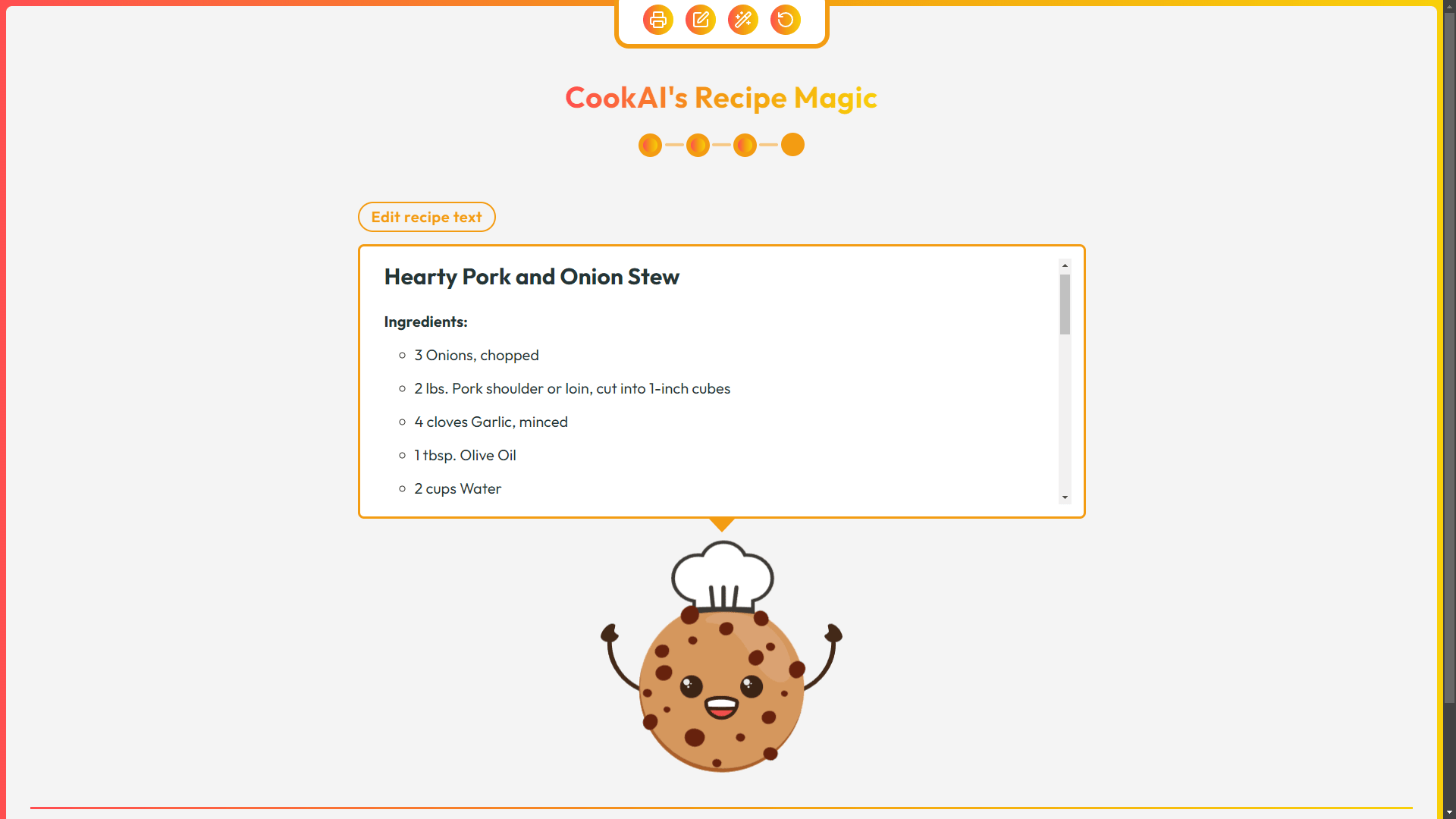
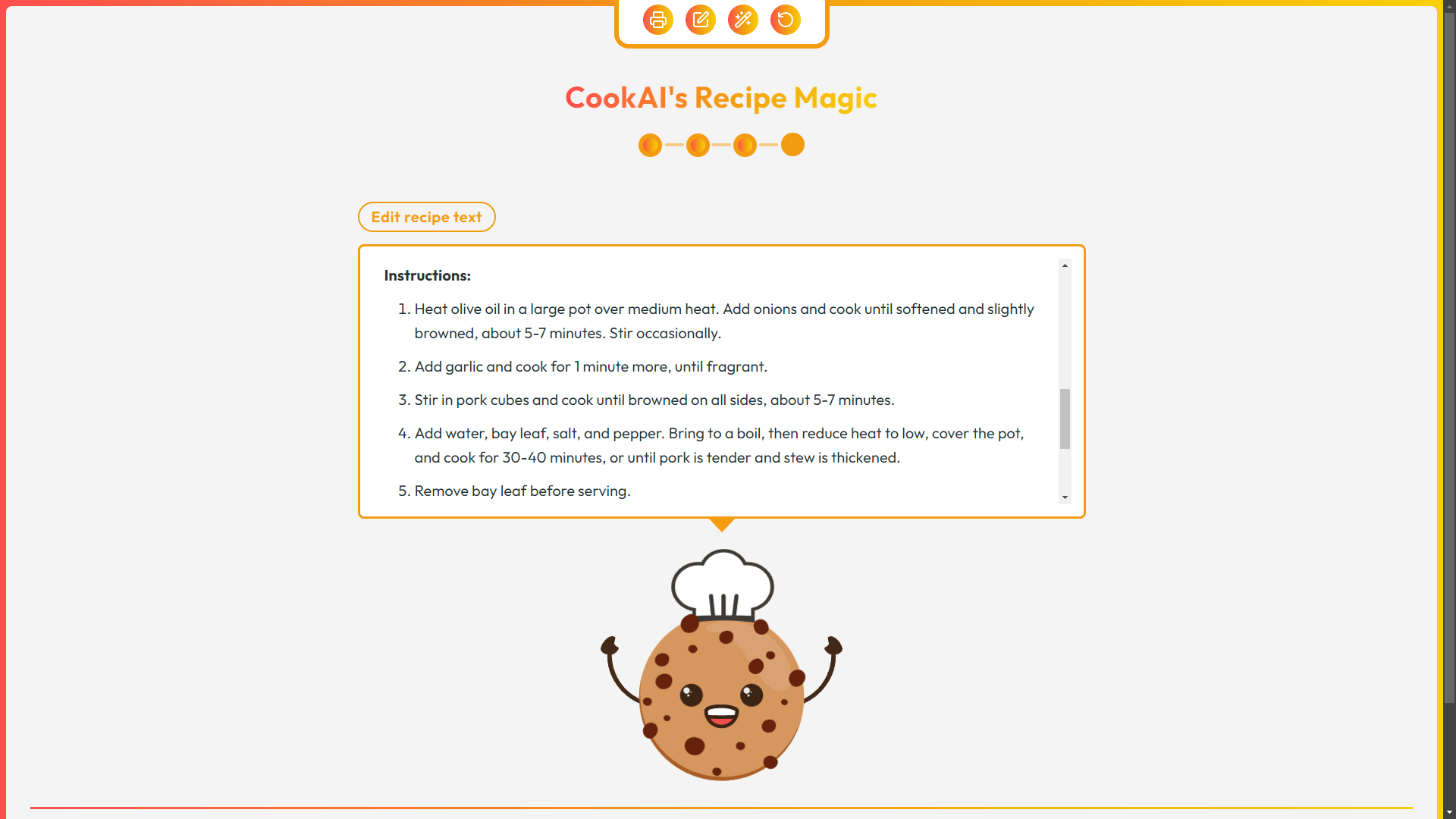 The recipe used all the listed ingredients, with some optional herbs and seasonings. Although I didn’t have all of them on hand, I was able to find suitable replacements. The instructions were clear and easy to follow, and here’s the result.
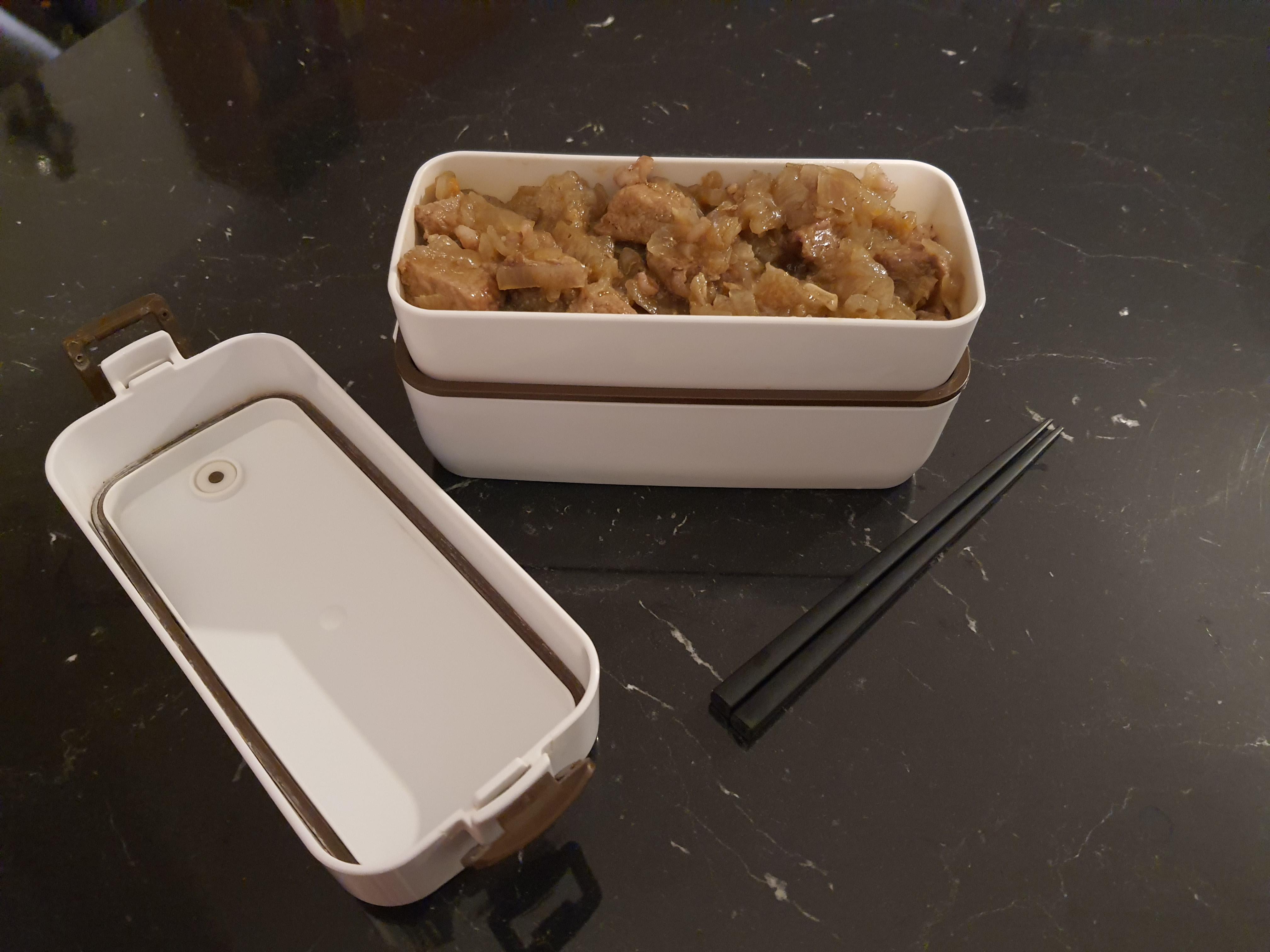 The proof of the pudding (or stew, in this case) is in the eating, and the pork and onion stew turned out absolutely delicious. I’ve already added the recipe PDF to my collection. It’s safe to say that the first real-world test was a delicious success, and I’m excited to use this app to discover even more tasty recipes in the future.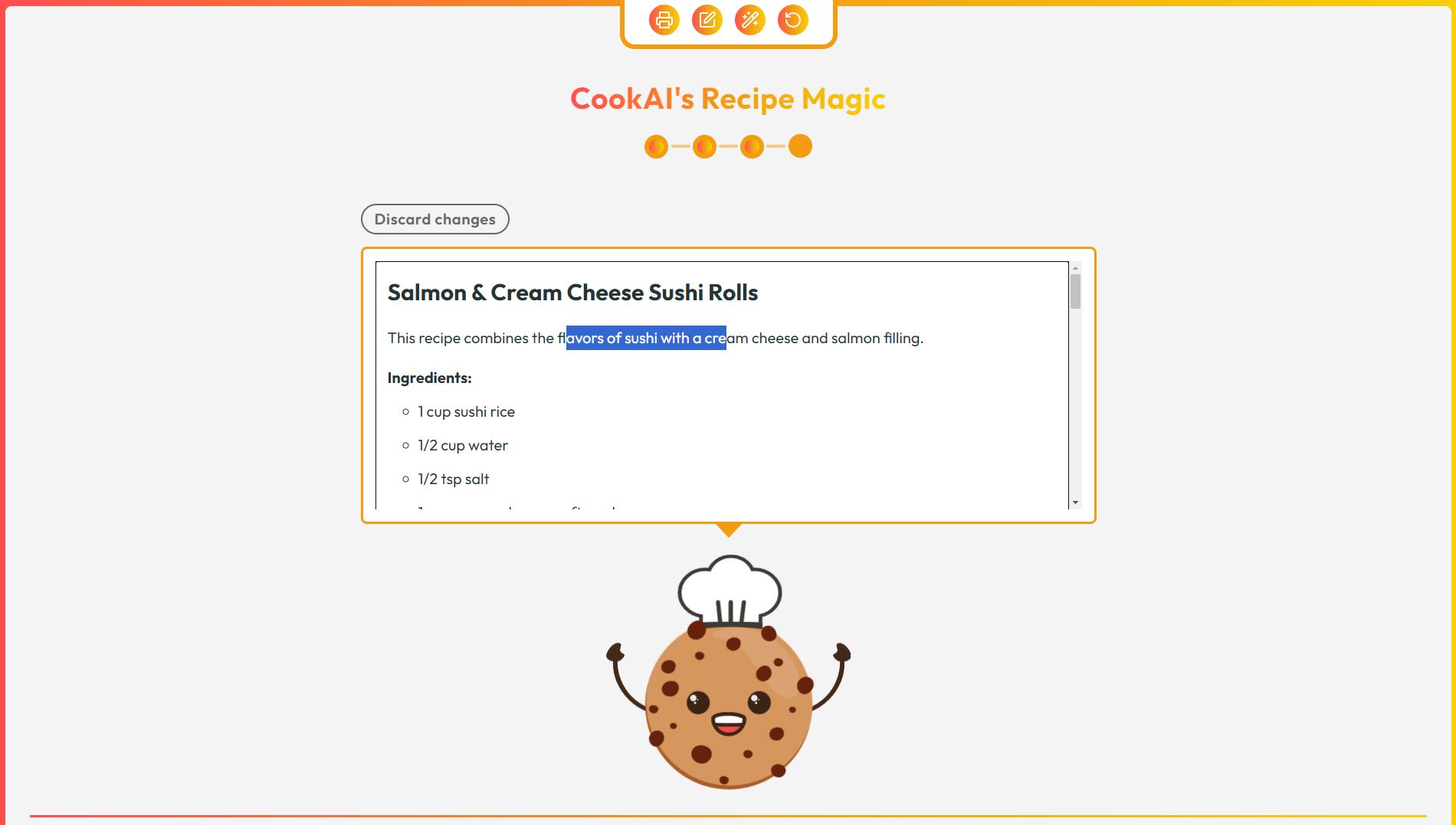
Log in or sign up for Devpost to join the conversation.