
Inspiration
While building ConvoSatya, we kept spending time searching for investors, accelerators, hackathons, demo nights, and other startup opportunities. We also had to track what we found and remember whom to follow up with.
We wanted to build an agent that could handle this work automatically every day.
What it does
We built one AI agent on Google Cloud that:
- Runs automatically every day
- Uses Gemini to search the web for investors, accelerators, hackathons, and startup programs
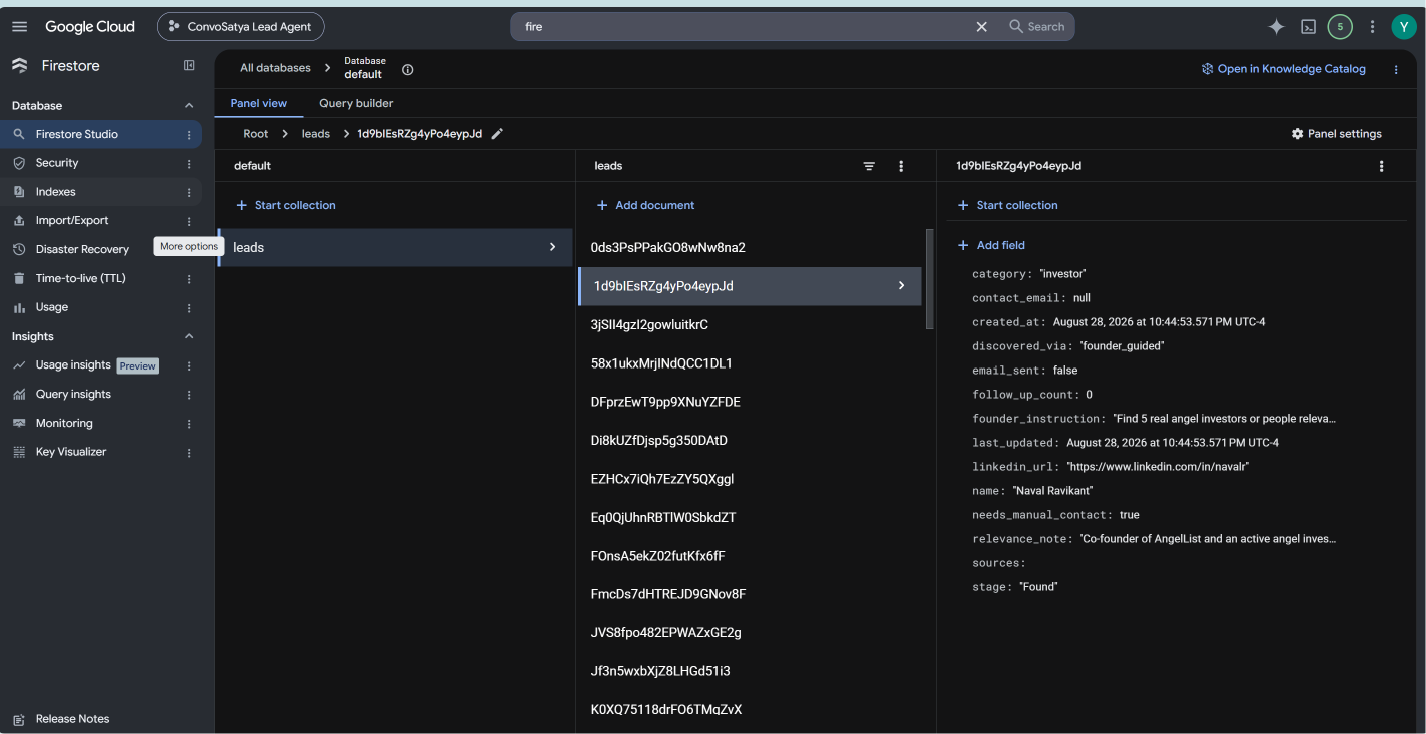
- Checks Firestore before saving anything, so the same lead is not added twice
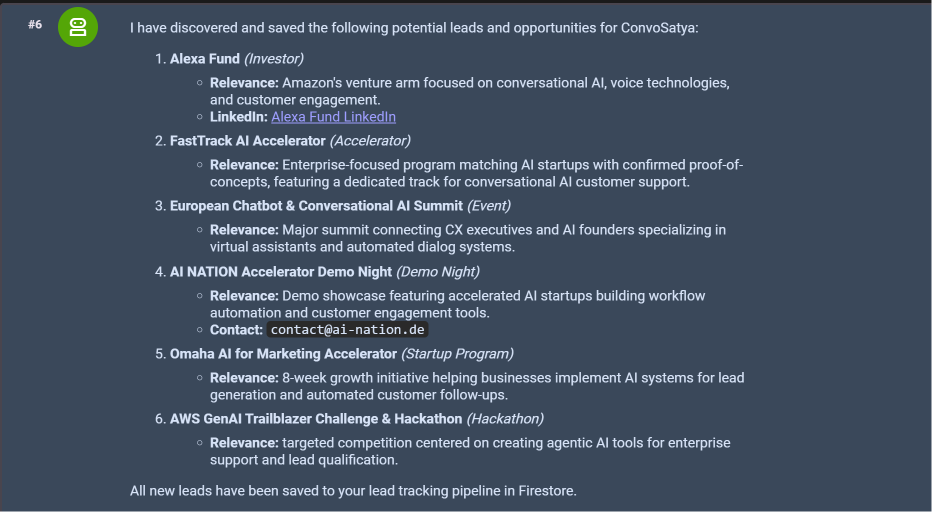
- Saves each relevant opportunity with a short explanation of why it fits ConvoSatya
- Includes the original source links
- Marks leads where contact information still needs to be found manually
How we built it
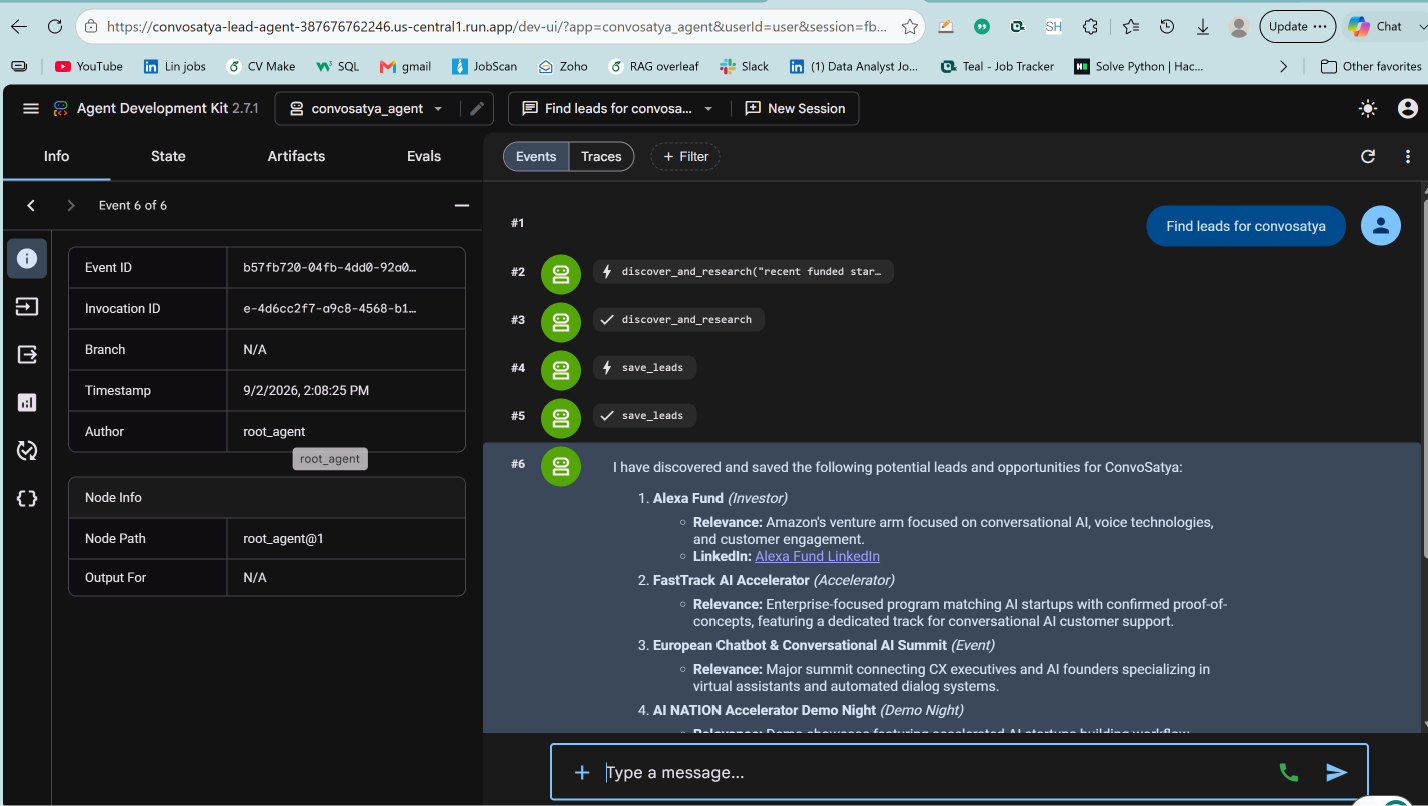
We used Python and Google’s Agent Development Kit to build one agent with two main tools:
- A research tool that finds and evaluates opportunities
- A Firestore tool that checks for duplicates and saves new leads
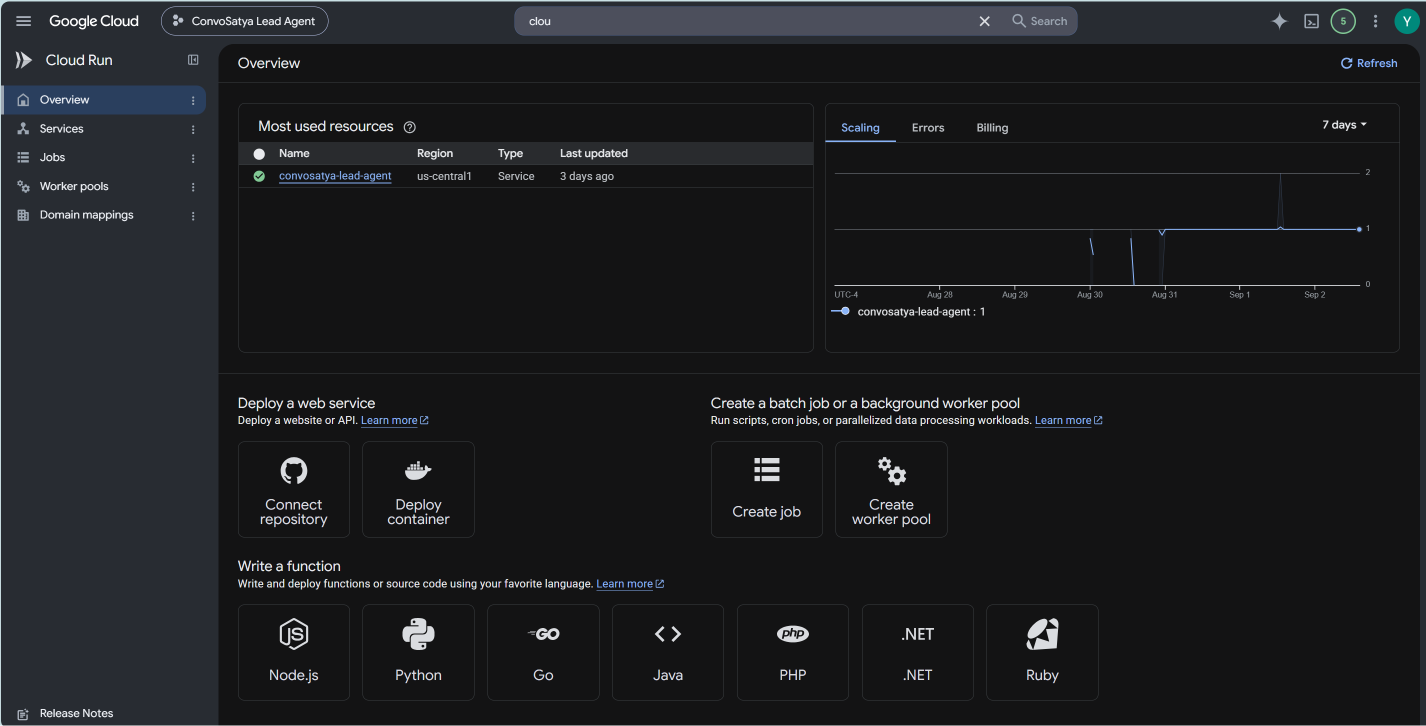
Gemini returns the results in a clear structure instead of one long paragraph. The agent runs on Cloud Run, while Cloud Scheduler starts it automatically every day.
We use Google Cloud’s built-in identity system, so there are no API keys stored in the code.
Challenges we ran into
One challenge was getting Gemini to search the web and return consistent, structured information in the same step.
We also learned that Cloud Run does not keep local memory between runs. Any information the agent needs later must be saved in Firestore instead of relying on the running server.
Deployment also introduced issues that did not appear during local testing, including permissions, service configuration, and model availability across Google Cloud regions.
Accomplishments that we’re proud of
We are proud that the agent can complete the full discovery process on its own.
After being triggered, it searched for opportunities, checked for duplicates, identified relevant leads, and saved them to Firestore without any manual work from us.
What we learned
We learned that getting something to work locally is very different from making it work reliably in the cloud.
Authentication, permissions, database storage, server settings, and regional model availability become important only when the complete system is deployed and running without anyone watching it.
What’s next
Next, we want to add:
- A dashboard to view and manage all saved opportunities
- Automatic email outreach when a verified contact email is available
- Follow-up reminders and automatic follow-ups for leads that have not replied
Built With
- firestore
- gemini
- google-cloud
- googleadk
- googlecloudrun
- python
- scheduler
- searchgrounding
- vertexai