-
-
-
-
-
-
-
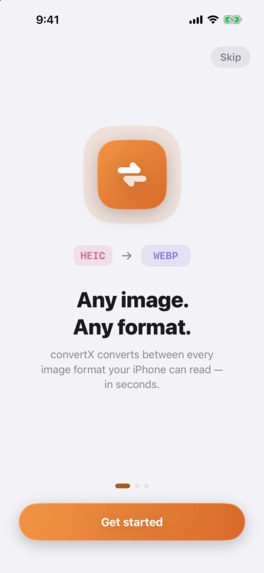
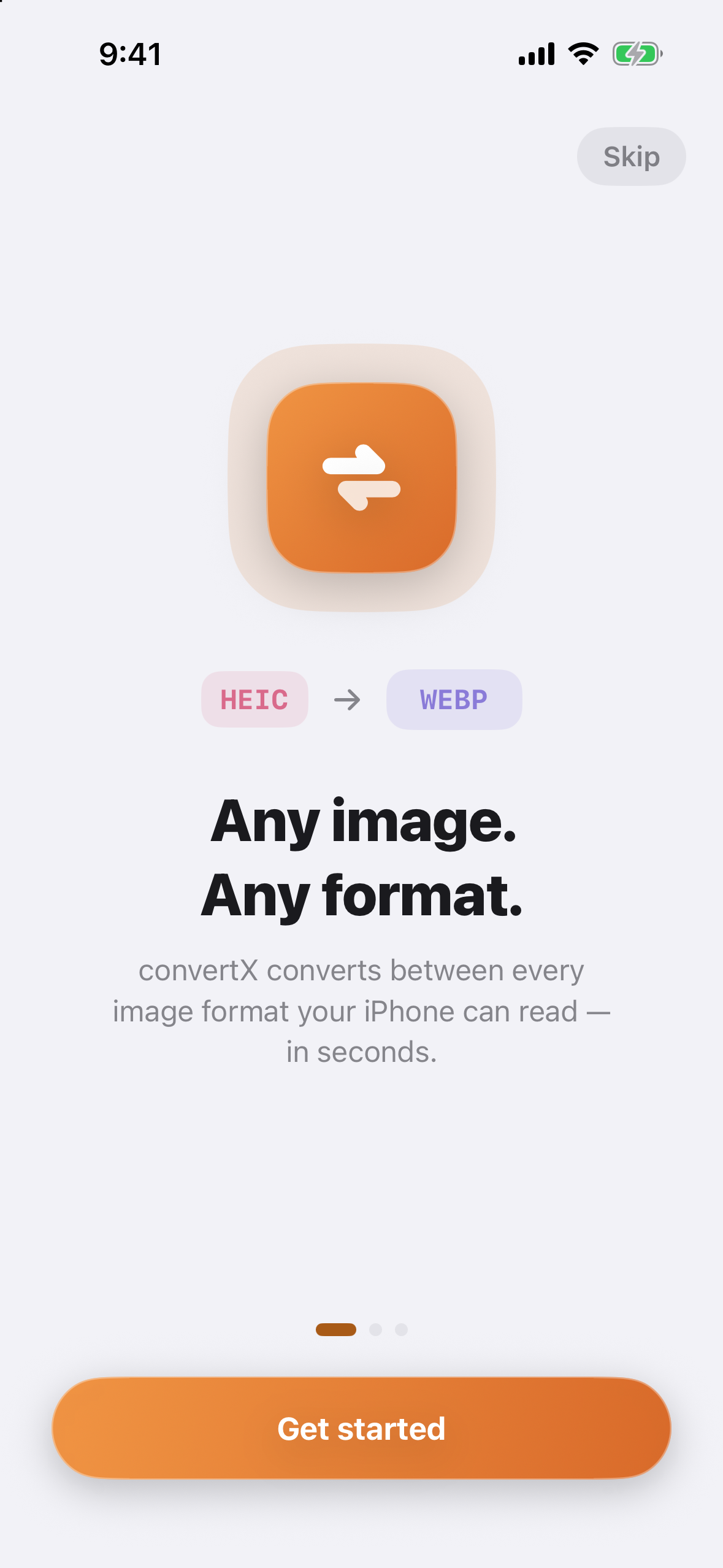
Welcome Onboarding
-

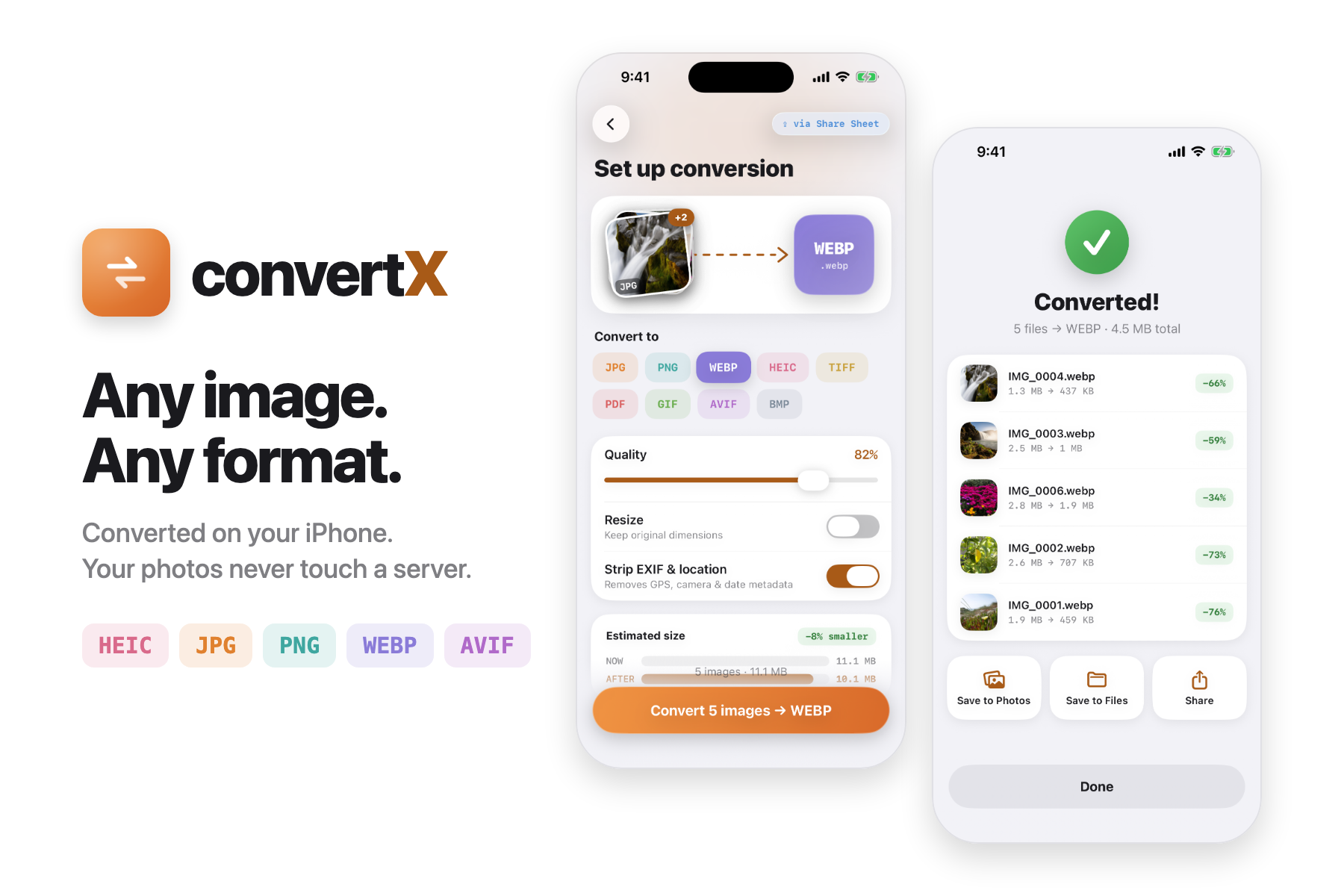
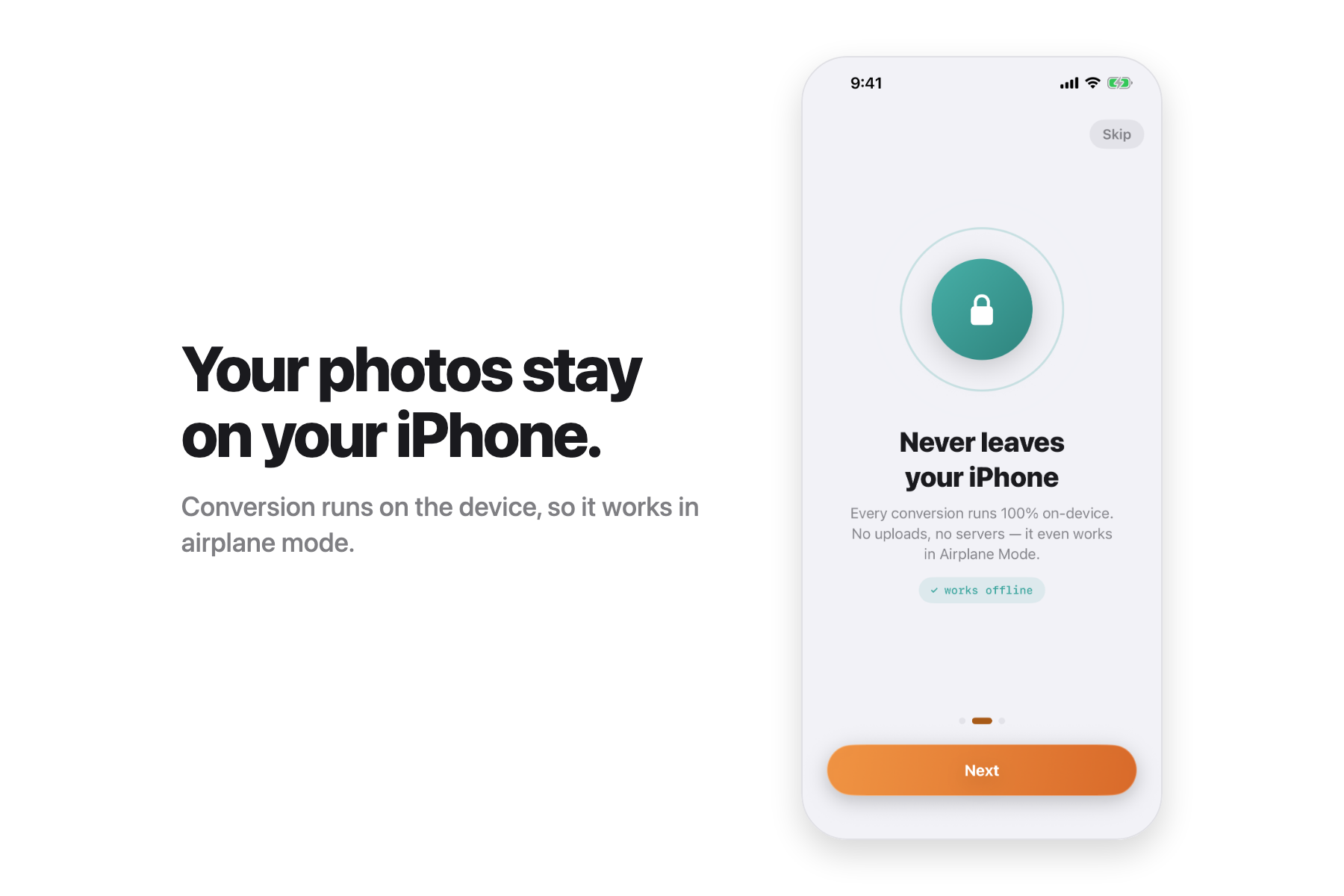
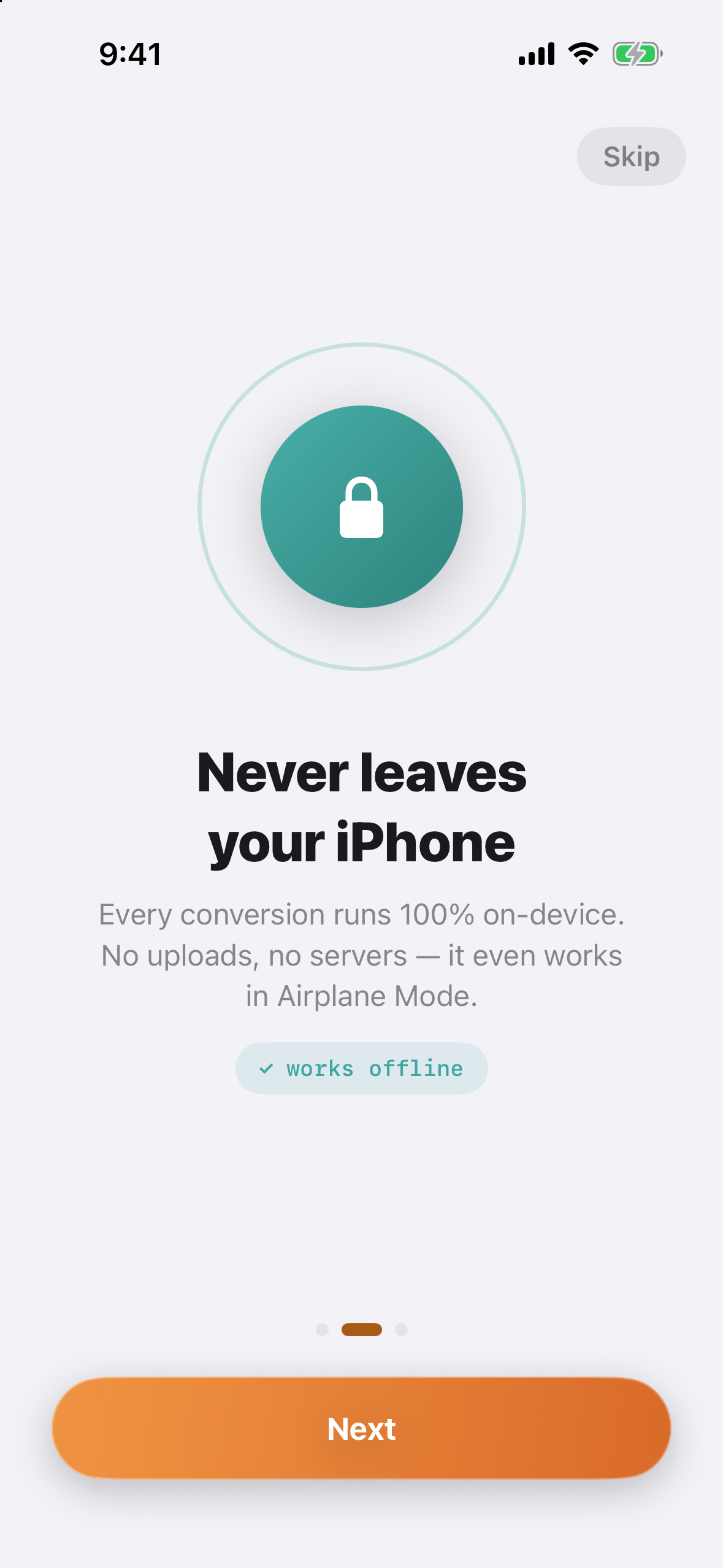
On-device processing
-
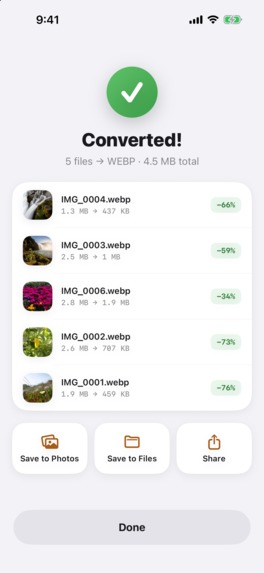
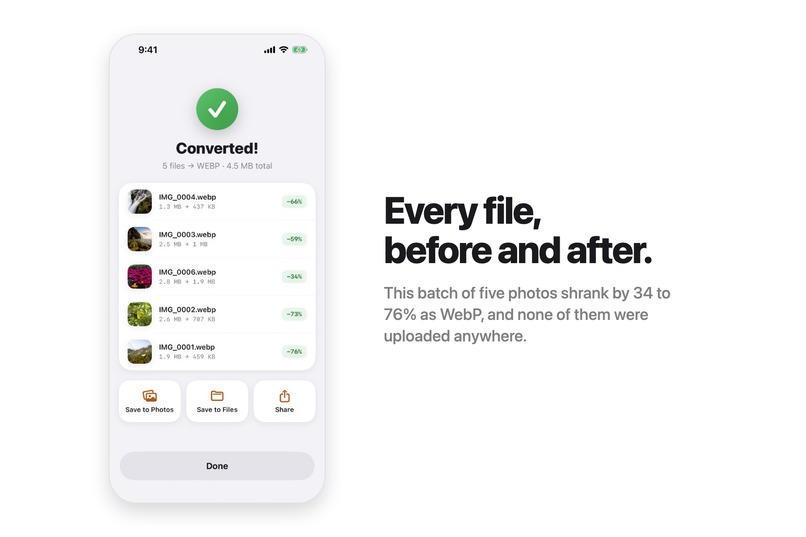
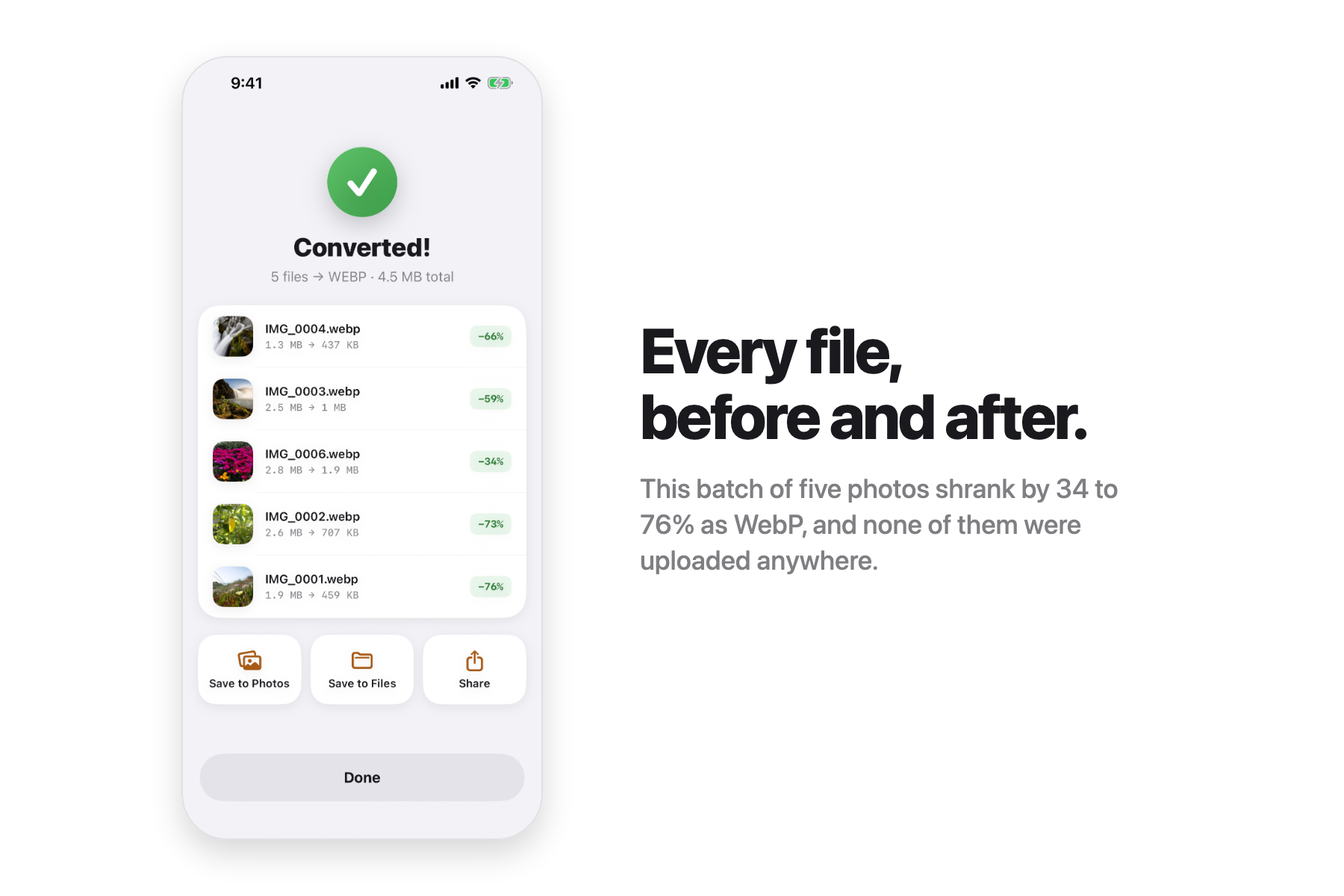
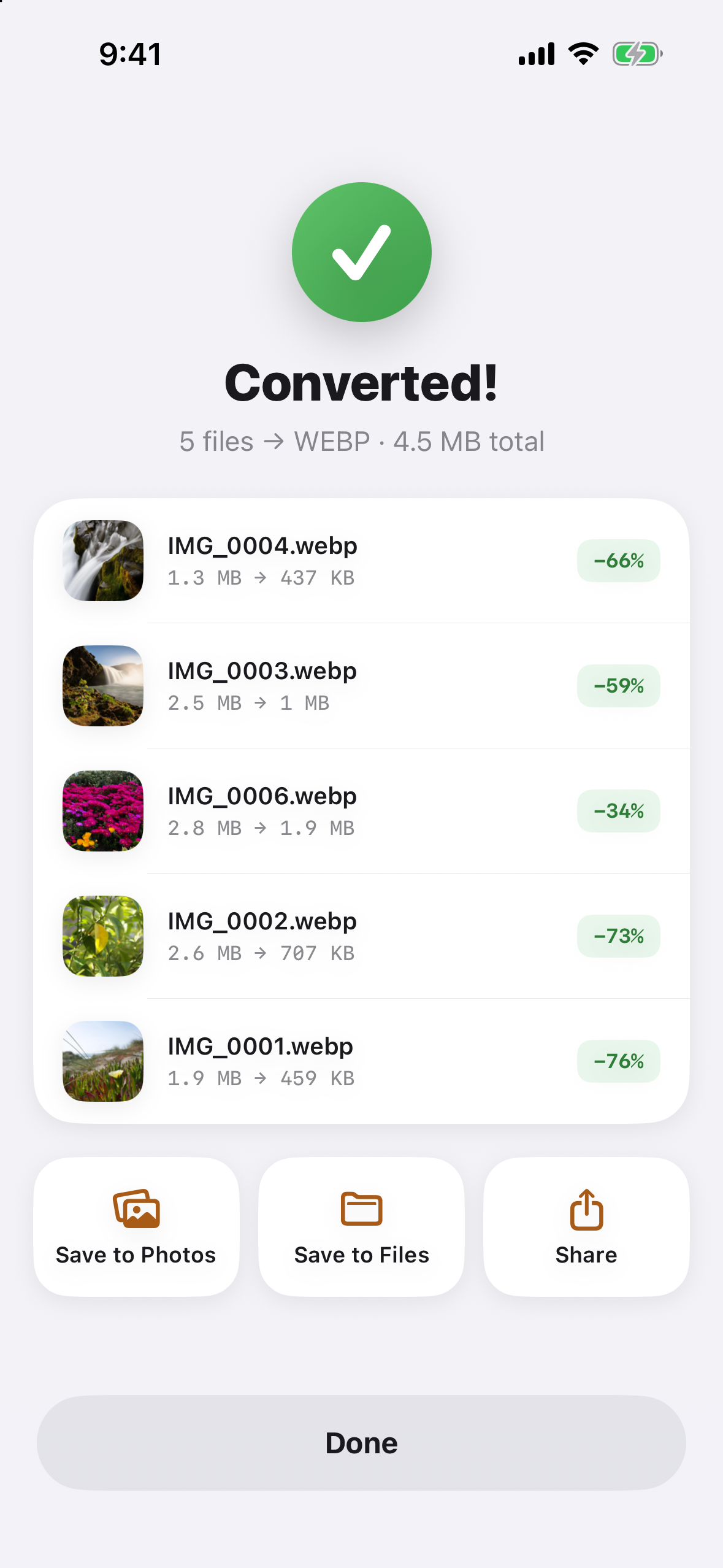
Successful conversion
-
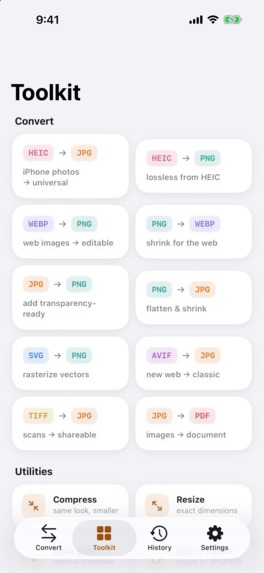
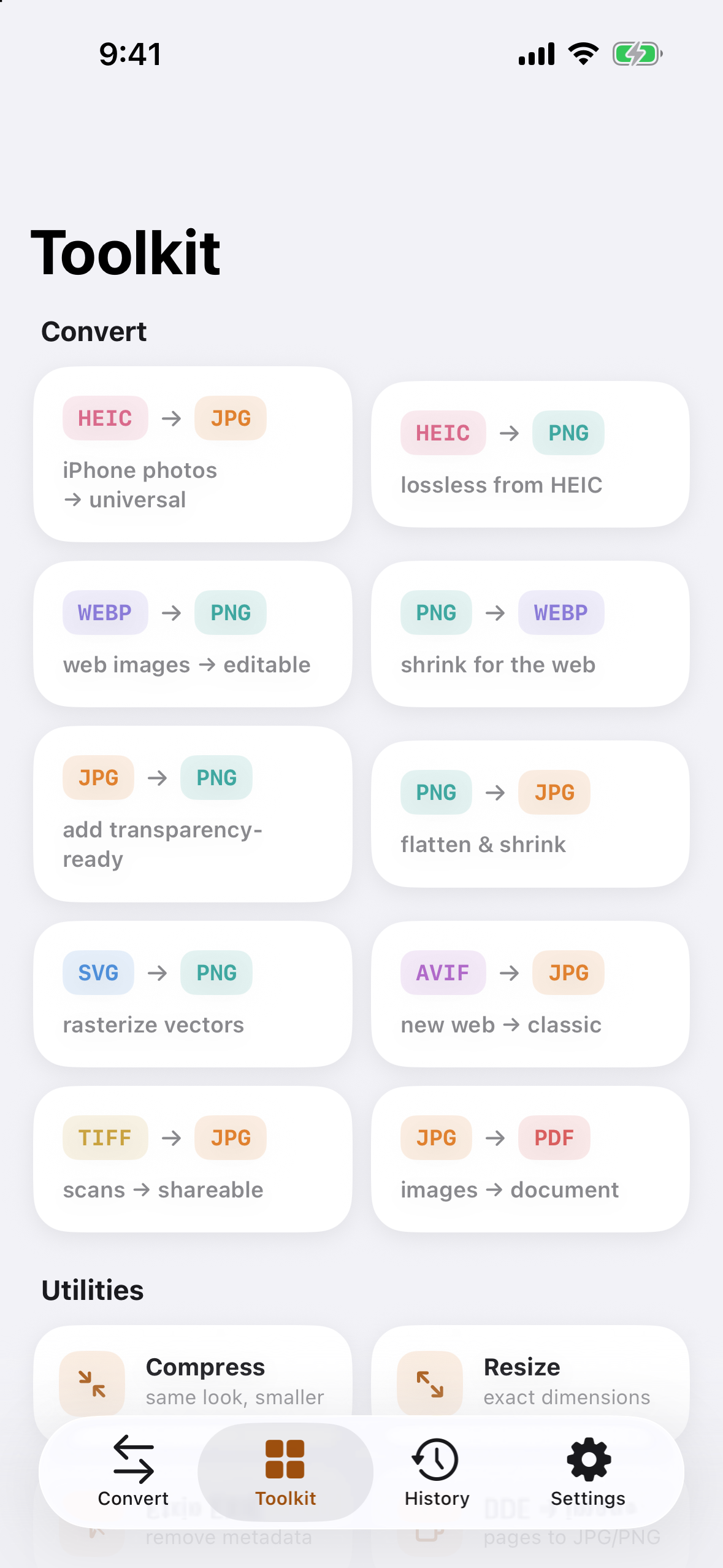
On-device Image Toolkit
-
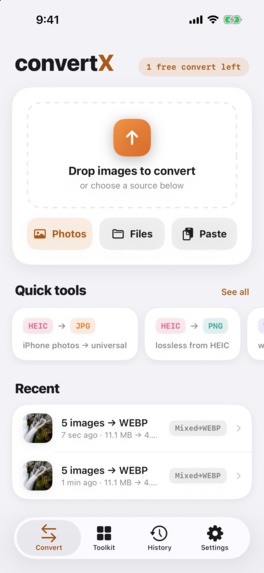
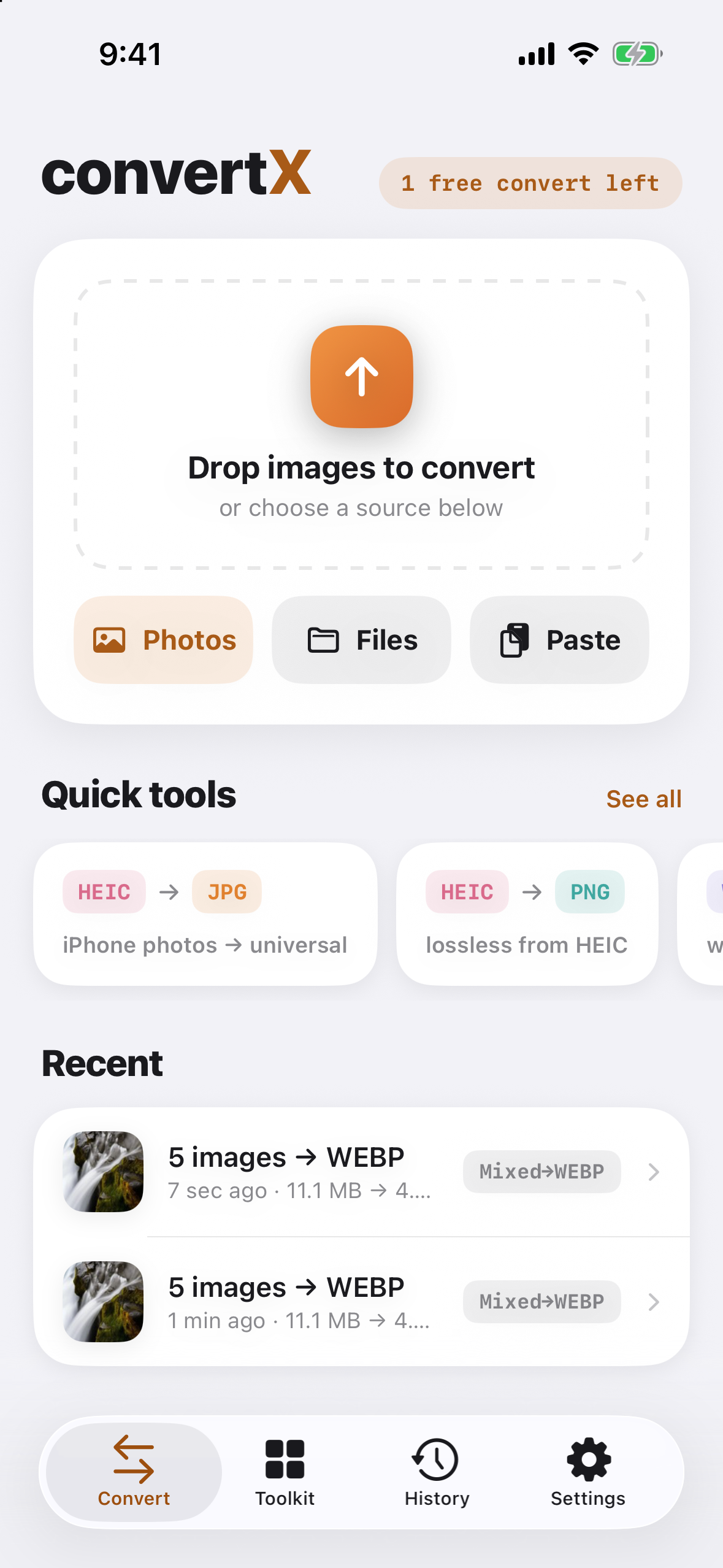
Home Screen showing a history of past image conversions
-
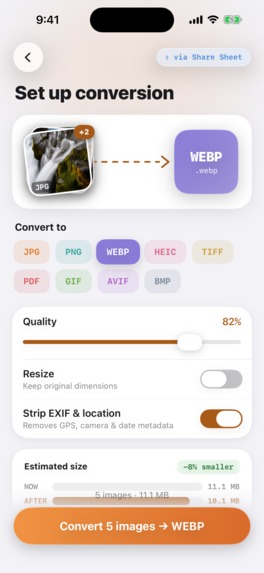
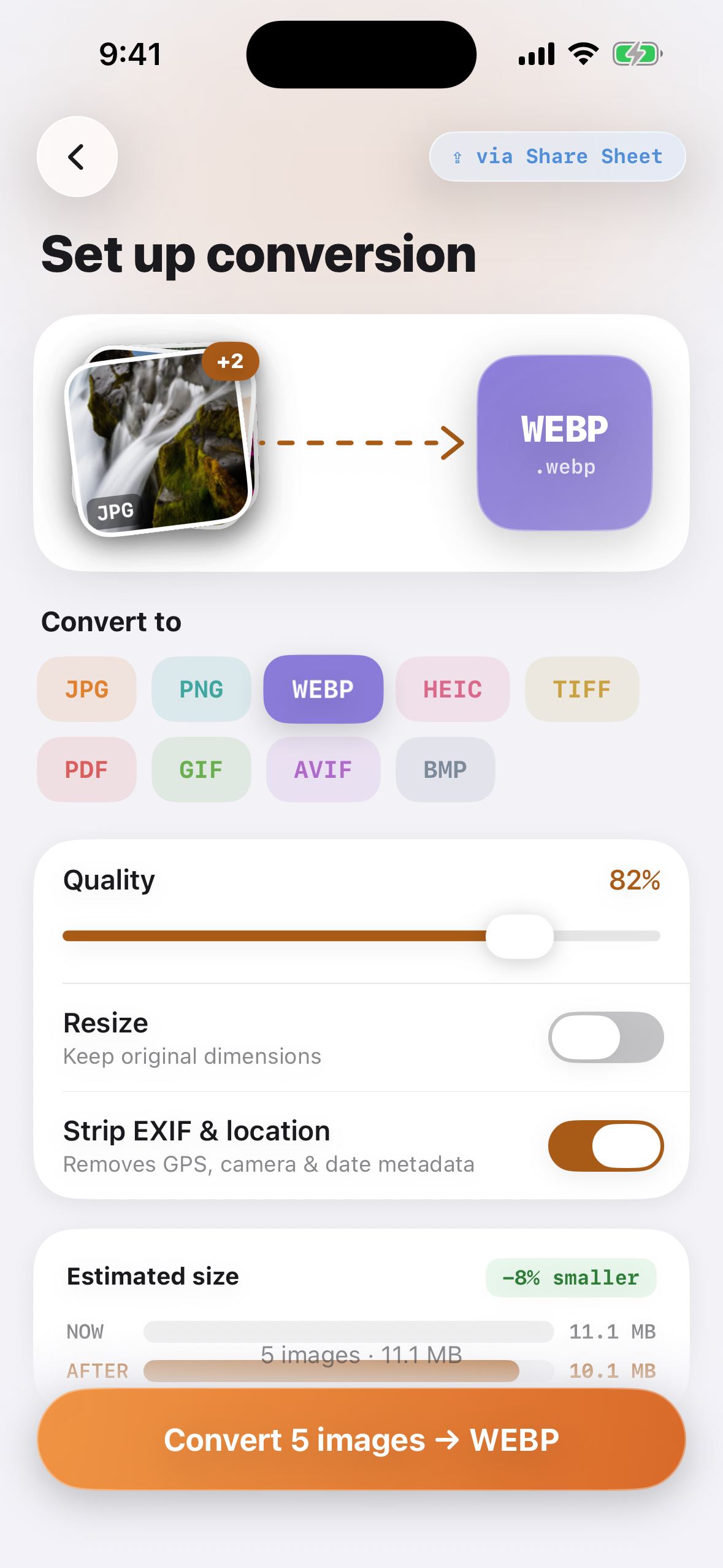
Batch conversion screen
-

App Icon

Inspiration
Every iPhone shoots HEIC. Half the internet still refuses to accept it. Somewhere between those two facts is a person trying to upload a photo to a government portal, a listing site, or a class assignment, getting rejected, and searching "convert HEIC to JPG" in a mild panic.
Most of the apps they find solve it by uploading their photos to a conversion server. That felt backwards to us. An iPhone is a supercomputer; it does not need a stranger's API to re-encode an image. So the goal became a converter where the fix takes about ten seconds and the photo never leaves the device. Not as a feature, as the whole premise.
What it does
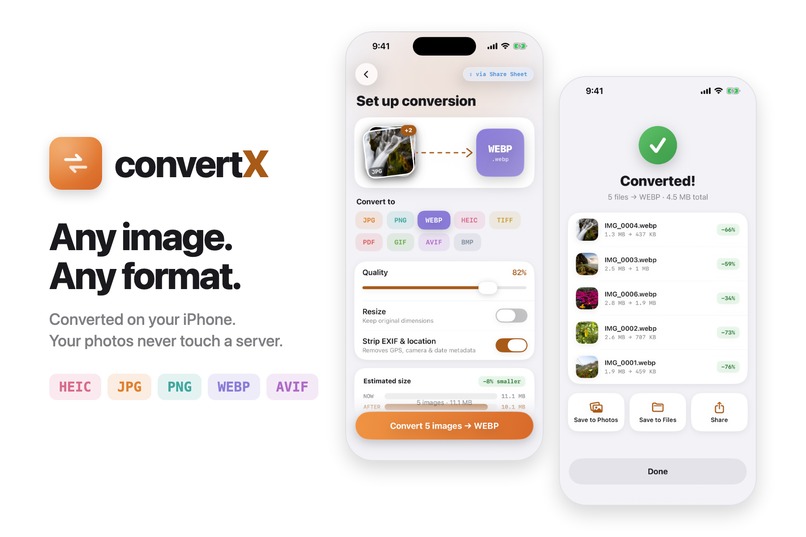
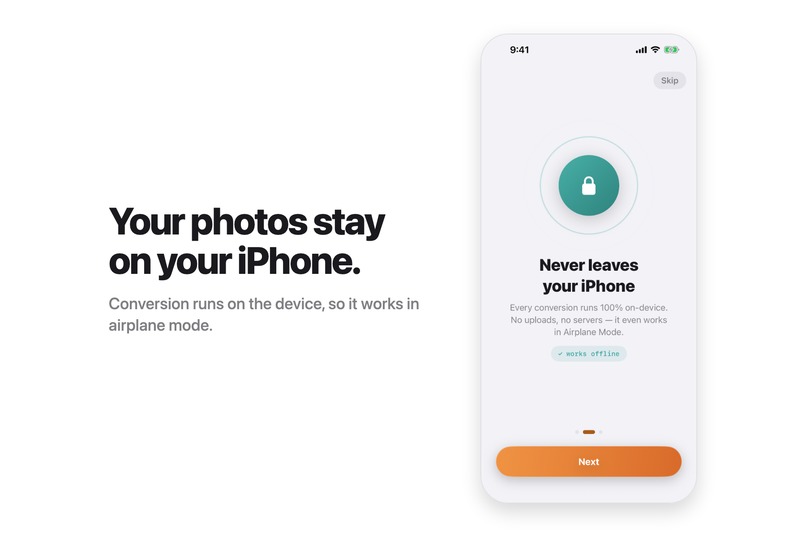
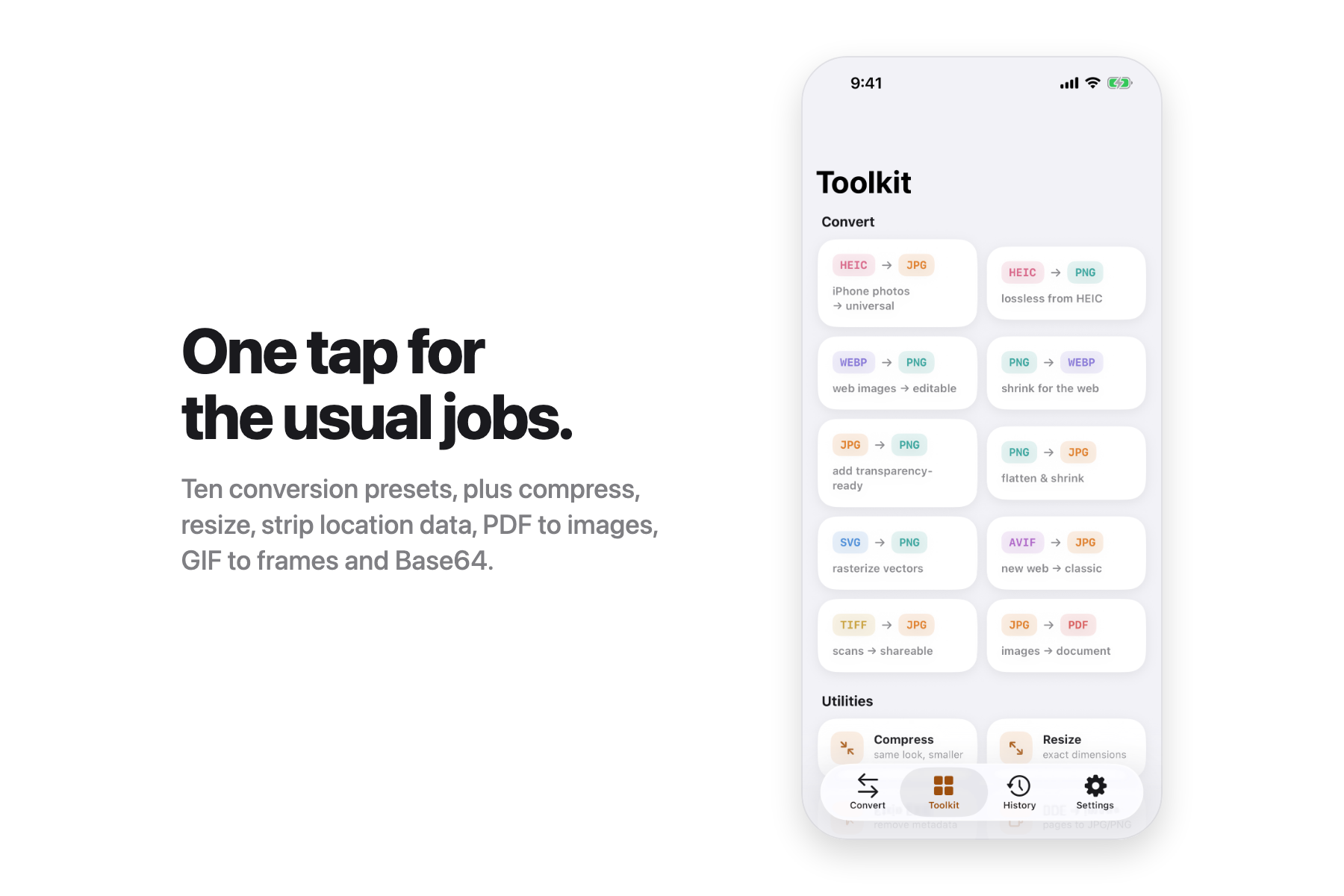
convertX converts any image format to any other, entirely on-device: HEIC, JPG, PNG, WebP, AVIF, TIFF, GIF, BMP, PDF, plus SVG, ICO, and RAW as inputs. It works offline because conversion makes no network requests at all.
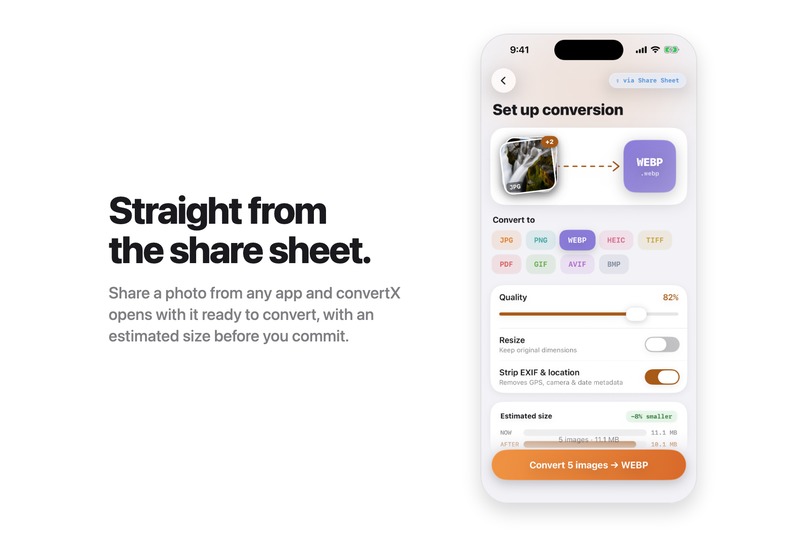
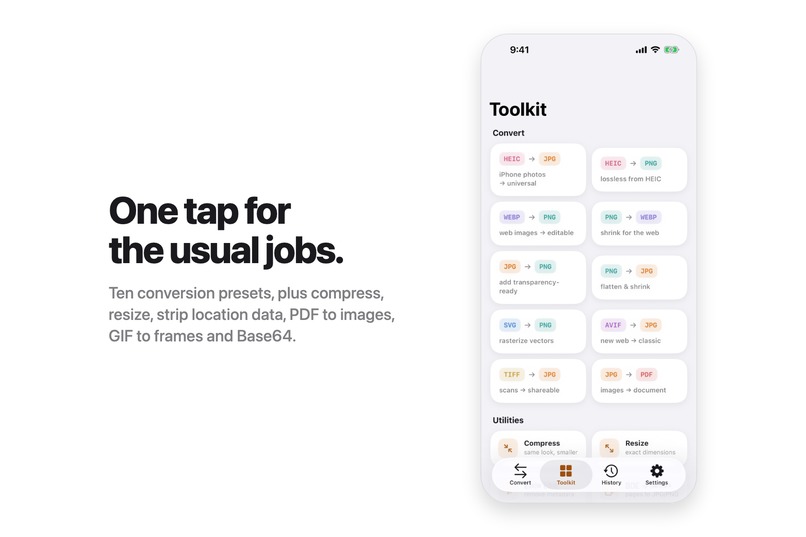
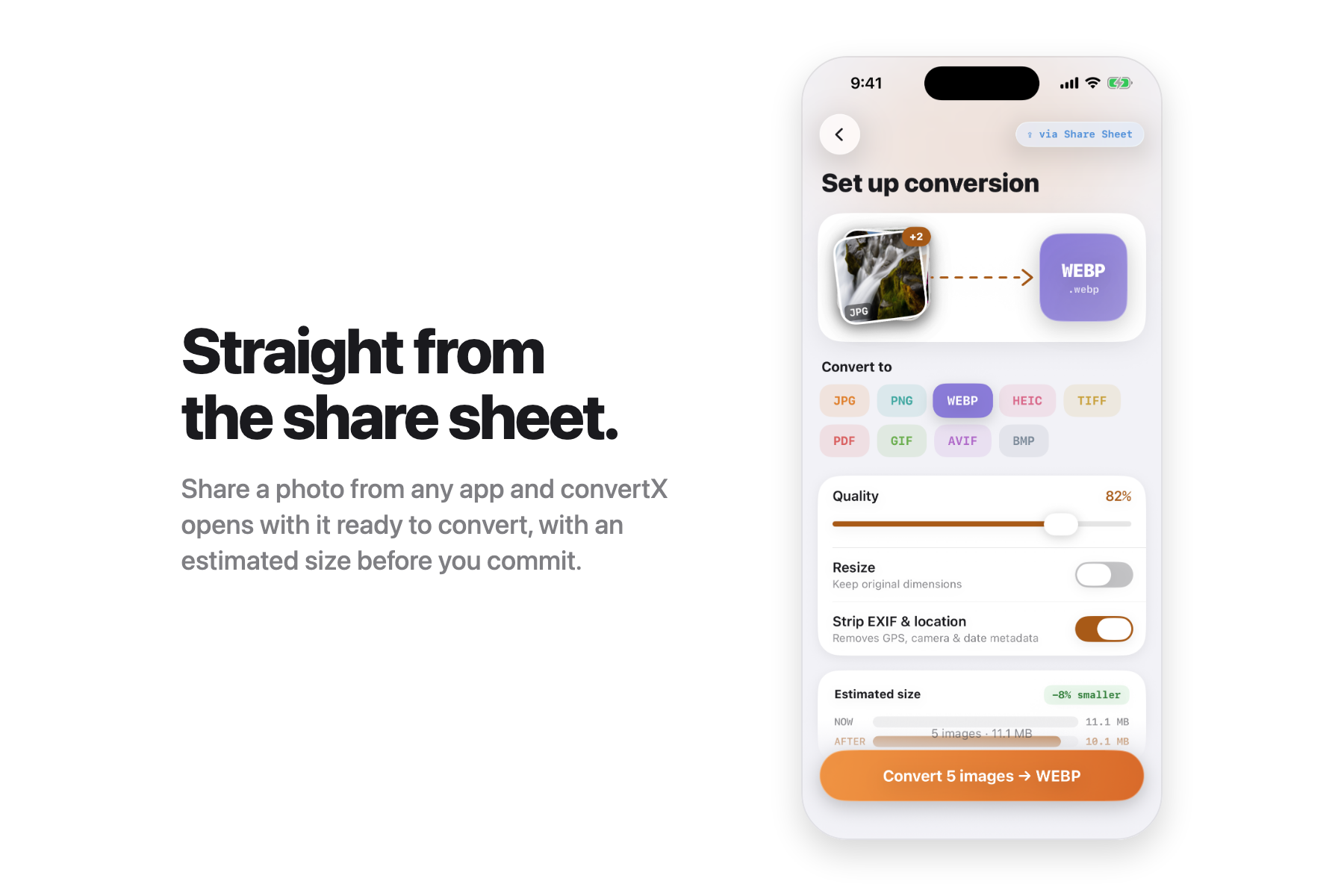
You can bring images in from Photos, Files, the clipboard, drag and drop on iPad, or straight from any app through the share sheet. Before converting you can set quality, resize, and strip EXIF and GPS metadata. There are one-tap tools for the common jobs: HEIC to JPG, compress, PDF to images, GIF to frames, Base64. Batches are uncapped, so "hundreds of photos in one run" is a real capability, not a slogan.
Monetization runs on RevenueCat: one free conversion run to prove the app works, then Premium unlocks unlimited runs and unlimited batch sizes, sold as weekly, annual, or lifetime through the hosted paywall.
How we built it
The app is SwiftUI on iOS 26, written in Swift 6 with strict concurrency and main-actor isolation by default. The project itself is generated with XcodeGen, which saved us more than once (more below).
The conversion engine sits on ImageIO and streams its work: PDF and GIF builders pull pages through closures instead of decoding a whole batch into memory. WebP encoding goes through libwebp, since ImageIO cannot write WebP on any iOS version. SVG rasterizes through SwiftDraw. Thumbnails are never stored on model objects; a small bounded cache decodes them for visible rows only, which is what keeps a 300-image batch from getting the app killed.
RevenueCat handles entitlements and the paywall, with a local StoreKit configuration for testing purchases end to end. Firebase provides analytics and crash reporting behind a typed telemetry layer with one hard rule, enforced by a unit test: no filenames, paths, or image contents ever appear in an event.
Challenges we ran into
WebP on iOS. ImageIO simply cannot encode WebP, so we linked libwebp directly, then spent a while learning that it expects un-premultiplied RGBA. Get that wrong and every transparent PNG comes out with dirty edges.
Swift 6 concurrency in the real world. With main-actor isolation as the default, closures you hand to SDKs that call back on background queues (PhotoKit, NSItemProvider) must be explicitly @Sendable, or the app traps at runtime in dispatch_assert_queue. We now have regression tests for every case that bit us.
Memory at batch scale. Our first jetsam crash came from accumulating decoded CGImages for a batch. Fixing the engine wasn't enough: storing a thumbnail on each model object cost about 0.4 MB per image, which is why the photo picker was originally capped at 30. After moving previews into an on-demand cache, memory stays flat: importing 3 images or 300 costs within a few MB of each other, and a full 300-image conversion peaks under 100 MB over baseline.
The share extension. Apple's stock compose controller crashed outright on iOS 26, so the extension is a custom principal class that hands files to the app through an app-group inbox. We also learned the hard way that with signing disabled, app-group entitlements silently vanish from simulator builds, and that simulator entitlements live in the binary's TEXT,entitlements section rather than the codesign blob.
RevenueCat Error 23. Every Xcode run of the paywall failed with "There is an issue with your configuration." The cause: our local StoreKit file had drifted from the live offering, with different product IDs and prices. Turning the SDK's log level to verbose printed the exact product list the offering requested, and syncing the file fixed purchases in one commit. If you hit Error 23, read the verbose logs before you touch the dashboard.
Shipping mechanics. Bumping the version in Xcode's UI only touches the app target, so one build went to review with the share extension carrying a different version than the app. Versions now live in the generated project's config, where every target inherits them.
Accomplishments that we're proud of
The privacy claim is enforced, not aspirational: conversions make zero network requests, and a test plants a fake filename in every error type and fails if it ever reaches an analytics event.
The batch numbers are measured, not estimated. And along the way we proved that AVIF encoding works on iOS 26, contradicting years of forum wisdom that iOS can't write AVIF.
The whole purchase funnel (paywall shown, purchase completed, restore) is verified end to end with real StoreKit test transactions, and the app follows the user's text size on every screen, with contrast-checked palettes in both light and dark mode.
Mostly, though: it's live on the App Store, and version 1.0.3 shipped this week.
What we learned
Verify claims against the actual system instead of community folklore; the AVIF result alone paid for that habit. Keep versioning and signing in configuration files, never in an IDE, when your project is generated. Design paywalls so the user hits the wall before the tap, not after it: our CTA changes to "Unlock to convert 80 images" instead of letting a doomed tap open a paywall. And keep marketing copy honest as the product evolves; we removed a "zero tracking" footer the day analytics shipped, because a privacy-first app cannot afford copy that's even slightly untrue.
What's next for convertX - Image Converter
EXIF preservation for WebP output through libwebp's full API, since the simple API drops it and we currently disclose that limitation in the UI. Better ergonomics for large batches: re-exporting a subset and retrying only failed files. And a "convert more" path straight from the results screen, because the data shows finishing one conversion is exactly when people start another.

Log in or sign up for Devpost to join the conversation.