-
-
Homepage
-
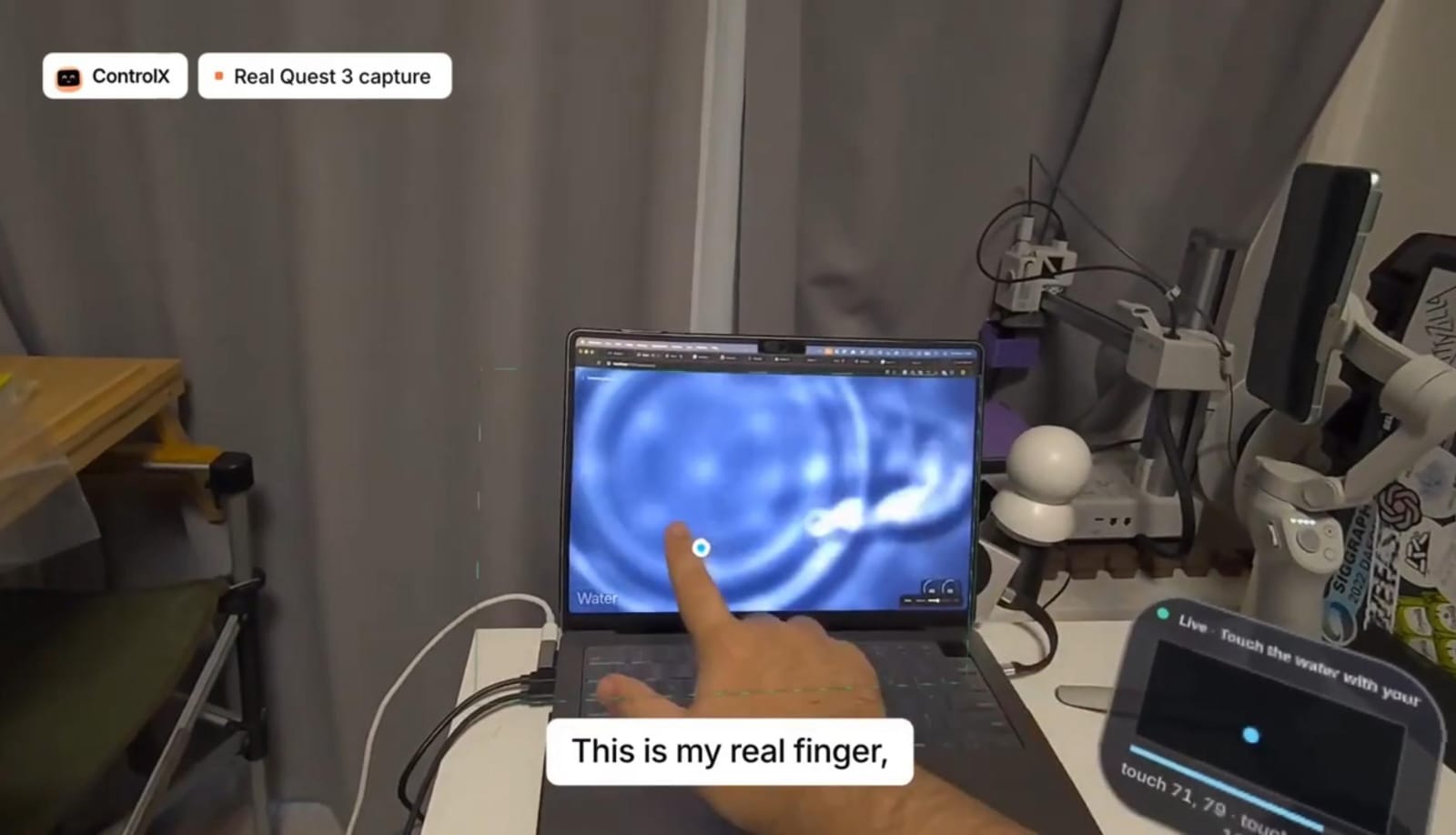
Quest 3 passthrough water ControlX
-
ControlX Virtually
-
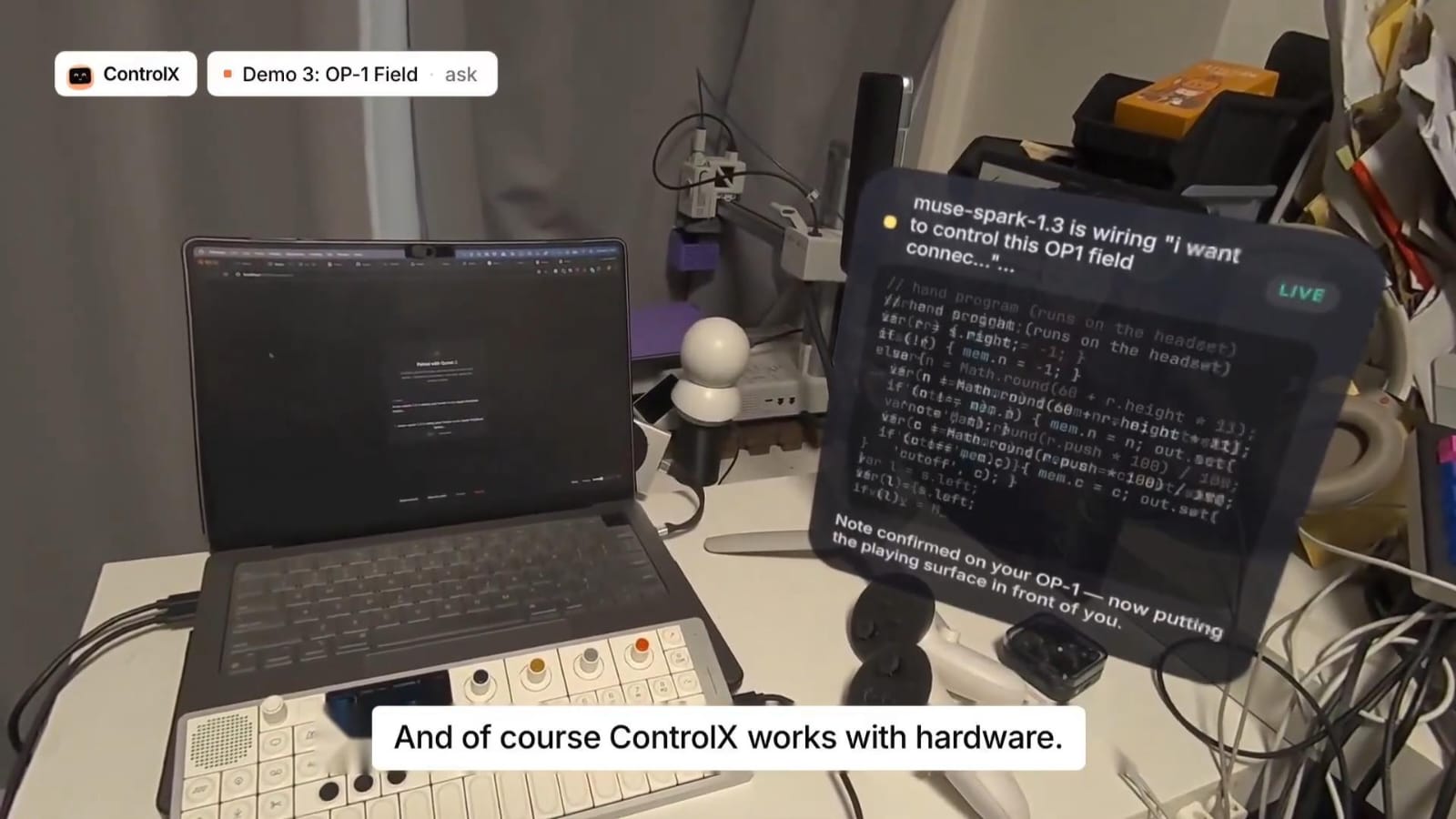
ControlX works with hardware
-
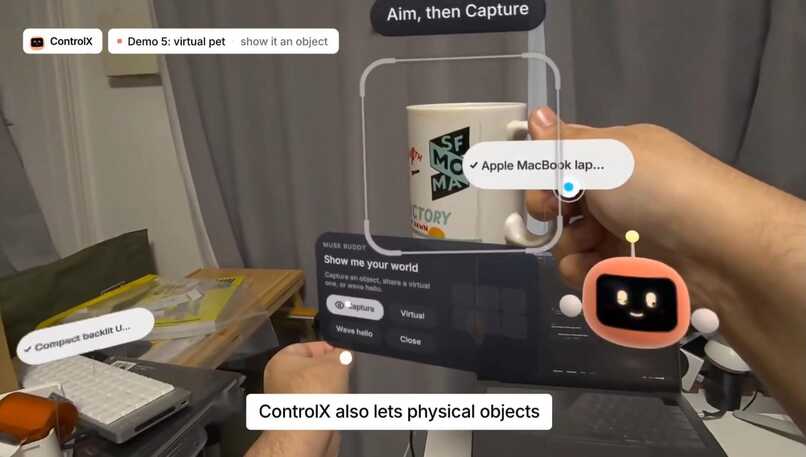
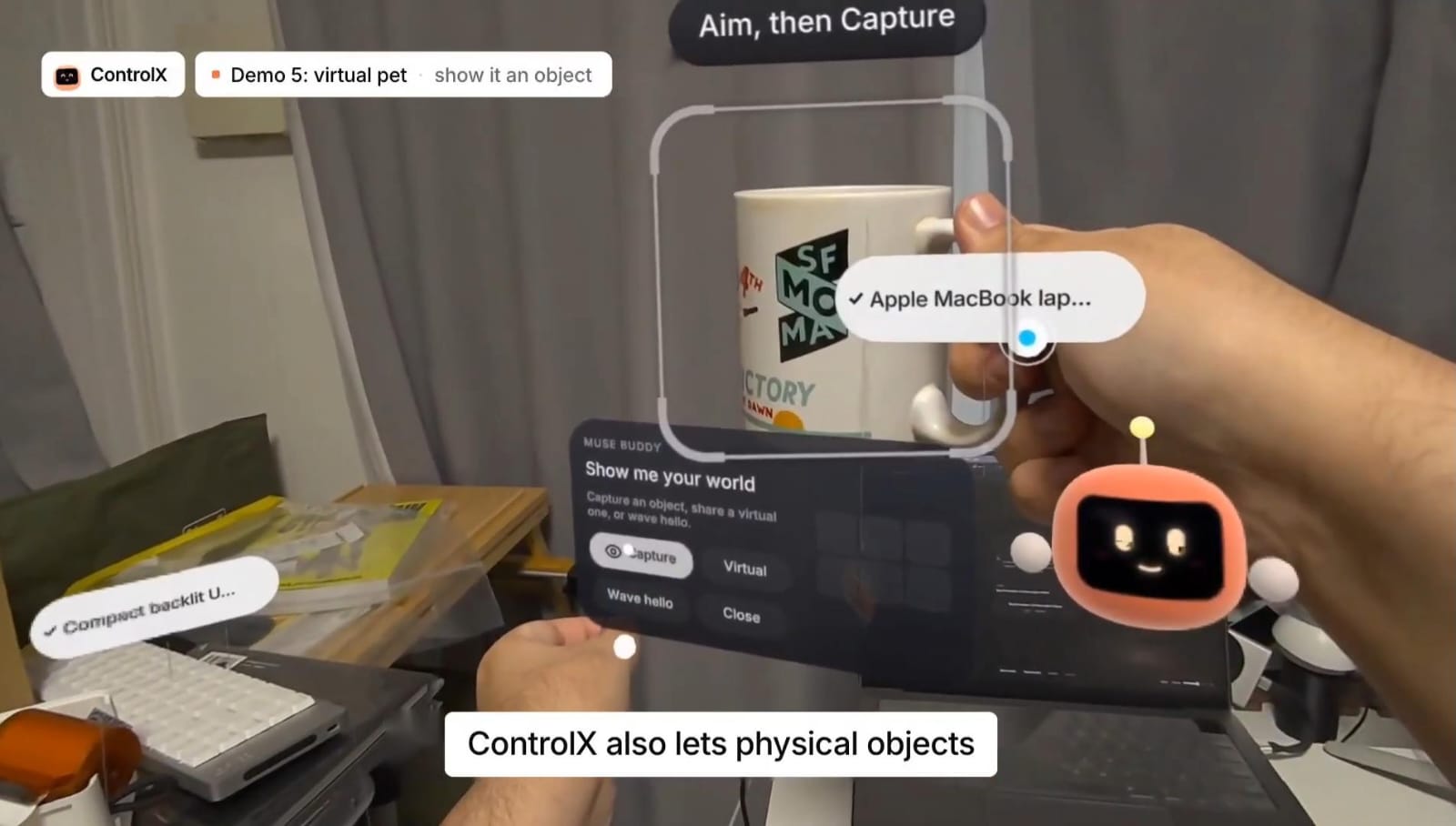
ControlX works with Physical Objects
Inspiration
As a developer interested in both software and immersive experiences, I wanted to explore what happens when you can interact with the devices around you from inside mixed reality. A headset can show you the room, but it can also become a new way to work with the objects and software already in it.
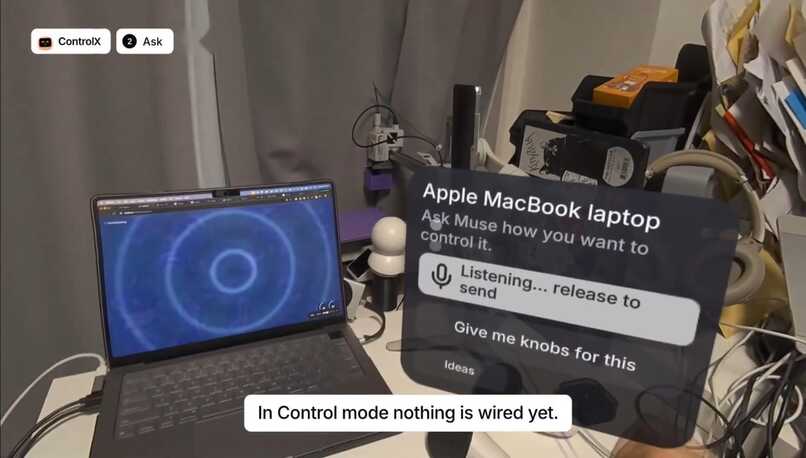
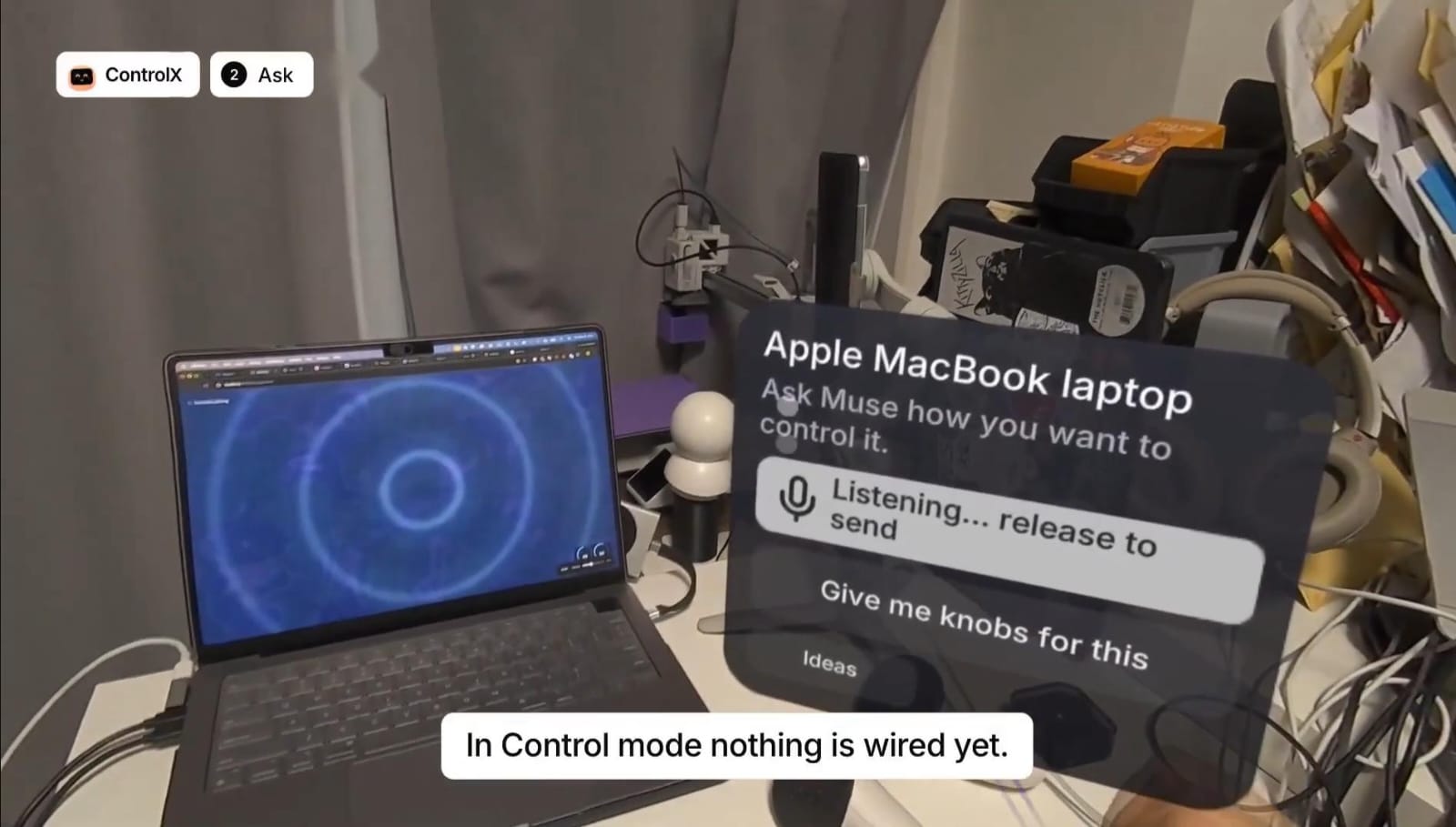
That led to ControlX: tag something in your room, describe what you want it to do, and let an AI coding agent build the connection. Instead of treating every device as a separate integration, ControlX explores a more flexible idea: let people create the controls they need, when they need them.
What it does
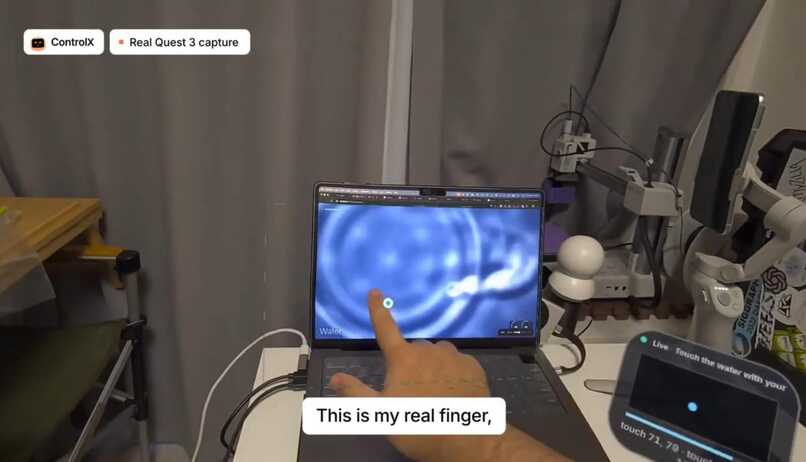
ControlX lets you select a real-world object in Quest 3 passthrough, ask for an interaction, and use controls generated for that request. A Muse agent on a paired PC writes a connector, tests it against the device, and presents controls in AR/VR, such as knobs, keys, pads, or hand gestures.
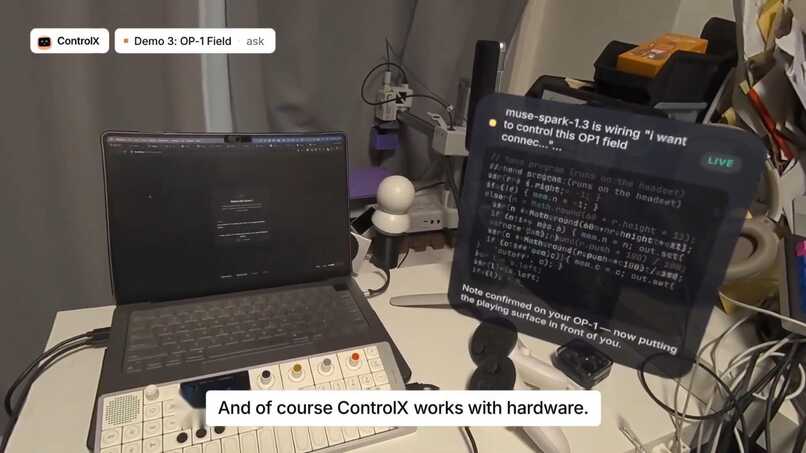
It is designed to work with devices and software the PC can reach, including MIDI instruments, Bluetooth hardware, and desktop applications. Demonstrations include an OP-1 Field, a DJI Osmo Mobile 4, Instagram Reels, a visual synth, a virtual pet, and a hand-pose recorder.
How we built it
ControlX combines a Quest 3 WebXR app, a Node.js server, and a PC companion:
- Meta SAM 3.1 identifies and outlines objects in passthrough
- A Muse agent uses Meta models and local development tools to write and test connectors
- Generated AR/VR controls are validated and bound to connector actions
- Connectors run as Node.js processes on the paired PC
- Optional hand programs run in a restricted Worker on the headset
- WebSocket messaging connects the headset, server, companion, and device executors
- A simulated room supports demos and checks without a headset
The project uses TypeScript, Three.js, WebXR, Web MIDI, and a modular device protocol.
Challenges we ran into
- Making object selection and the transition from annotation to control deliberate and clear
- Connecting generated code to real devices while validating actions and controls
- Keeping the headset, PC companion, server, and hardware in sync
- Distinguishing live model runs from fixtures and simulated results
- Designing controls that feel natural in AR/VR and remain usable with hands
- Preserving responsive performance on standalone VR hardware
Accomplishments that we're proud of
- Building a complete ask → generate → test → control workflow for mixed reality
- Demonstrating live Muse-generated interactions with an OP-1 Field and DJI Osmo Mobile 4
- Creating AR/VR controls for MIDI instruments and desktop applications
- Making the visual synth and simulated room available for no-headset demos
- Recording headset hand and head poses for review and dataset export
- Keeping the system extensible so interactions are not tied to one specific device
What we learned
- Clear boundaries between generated code, device execution, and UI controls matter
- Fixture runs are useful for demonstrating integrations, but must be clearly distinguished from live AI and hardware behavior
- Acknowledgements confirm that software accepted a command; they do not prove a physical effect occurred
- Hand interactions need careful attention to comfort, timing, and feedback
- Mixed-reality interfaces benefit from controls designed for the selected object and task
What's next for ControlX
- Attending to remaining hardware acceptance checks, including the gimbal interaction
- Expanding supported devices and connection methods
- Refining the generated controls and hand-program experience
- Improving mobile and webcam support beyond the currently tested environments
- Exploring shared mixed-reality controls and collaborative device interactions
Built With
- meta-sam
- mixed-reality
- muse-spark
- node.js
- quest-3
- three.js
- typescript
- webmidi
- webxr

