Inspiration
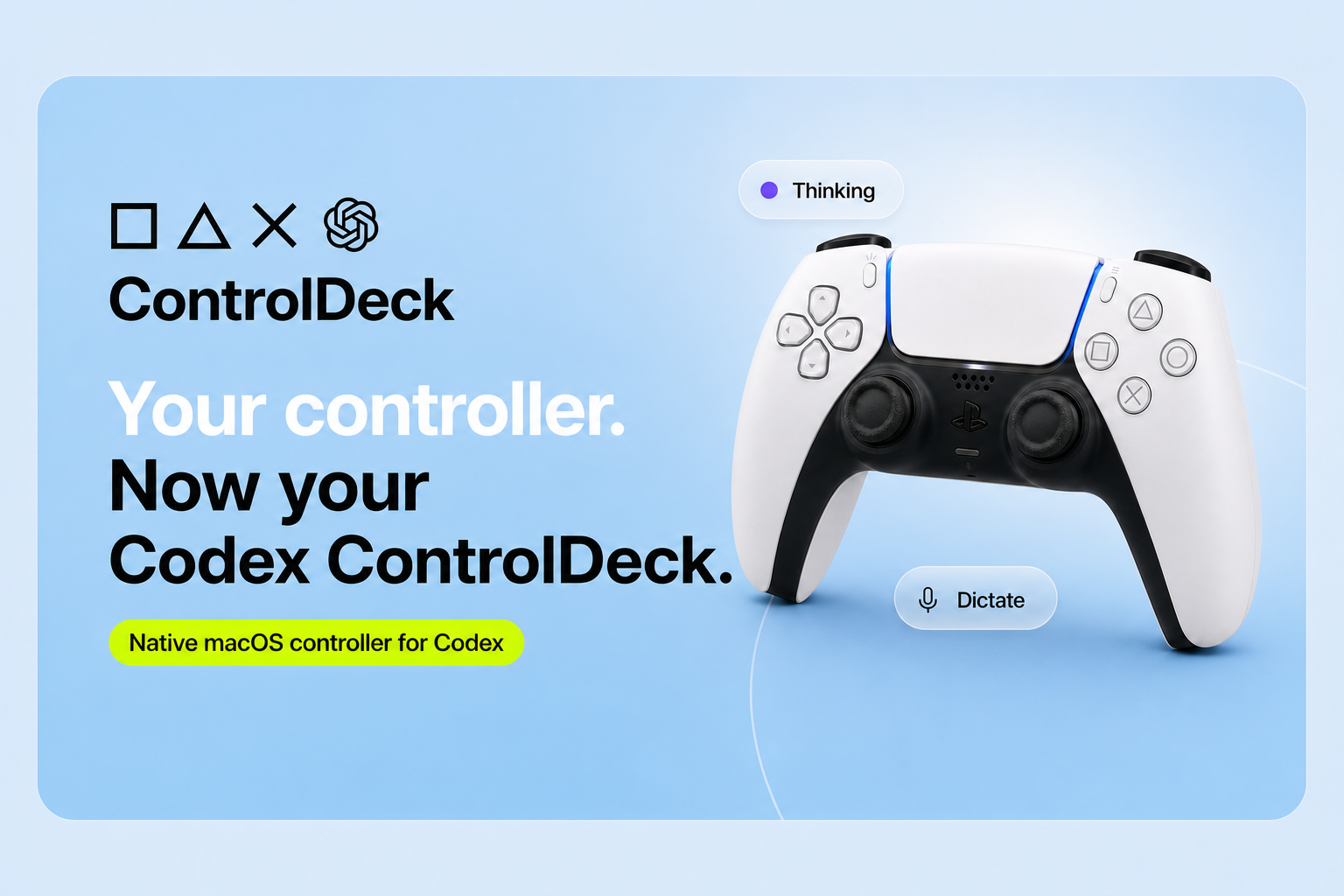
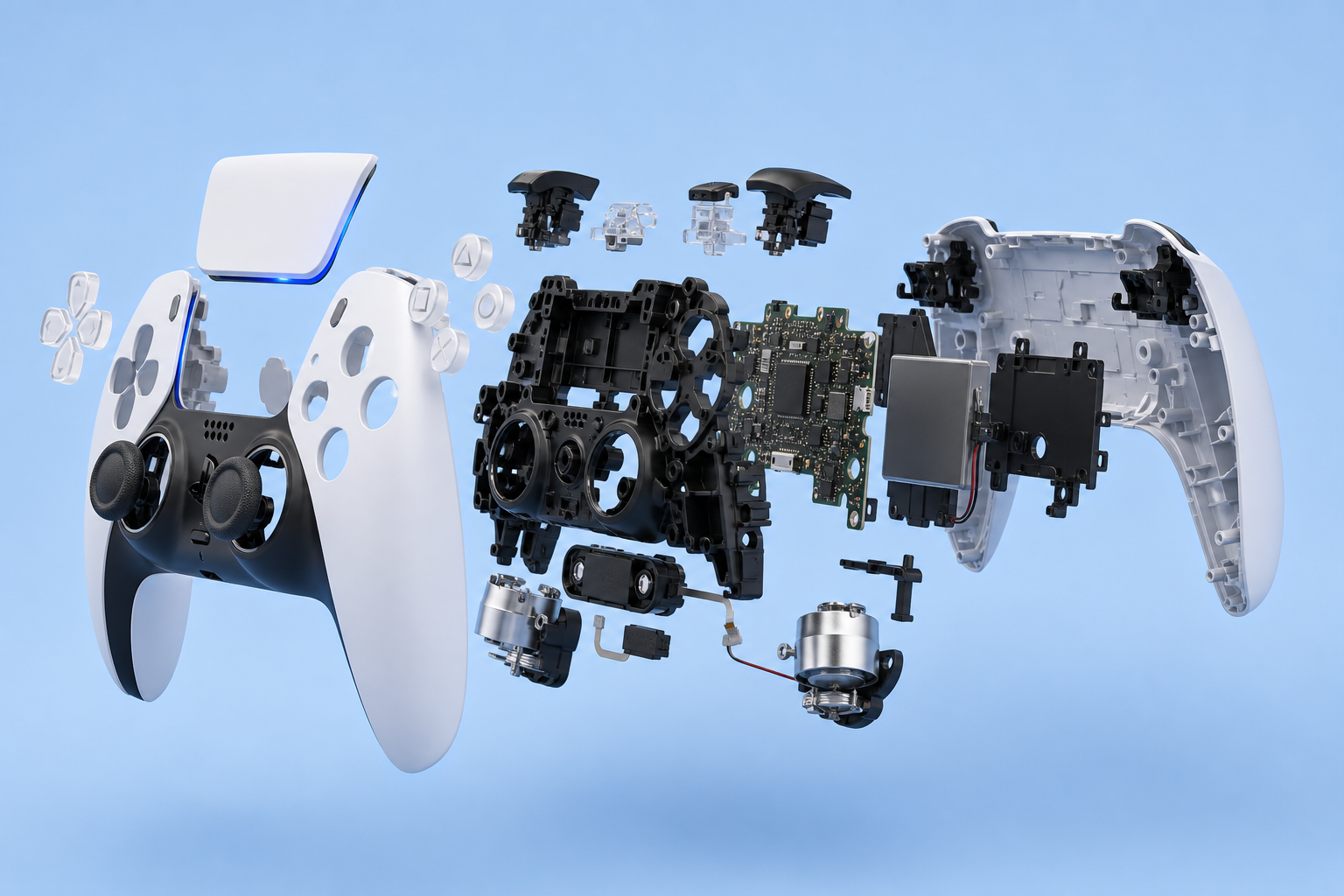
I wanted to get a Codex Micro, but it had sold out by the time I got around to it. I had a DualSense controller sitting on my desk and thought it was a great controller and had all the same inputs as the Codex micro (and more) so why not try make my own codex controller. I wanted to see whether that hardware could become a practical interface for Codex, to lessen the blow of missing out.
What it does
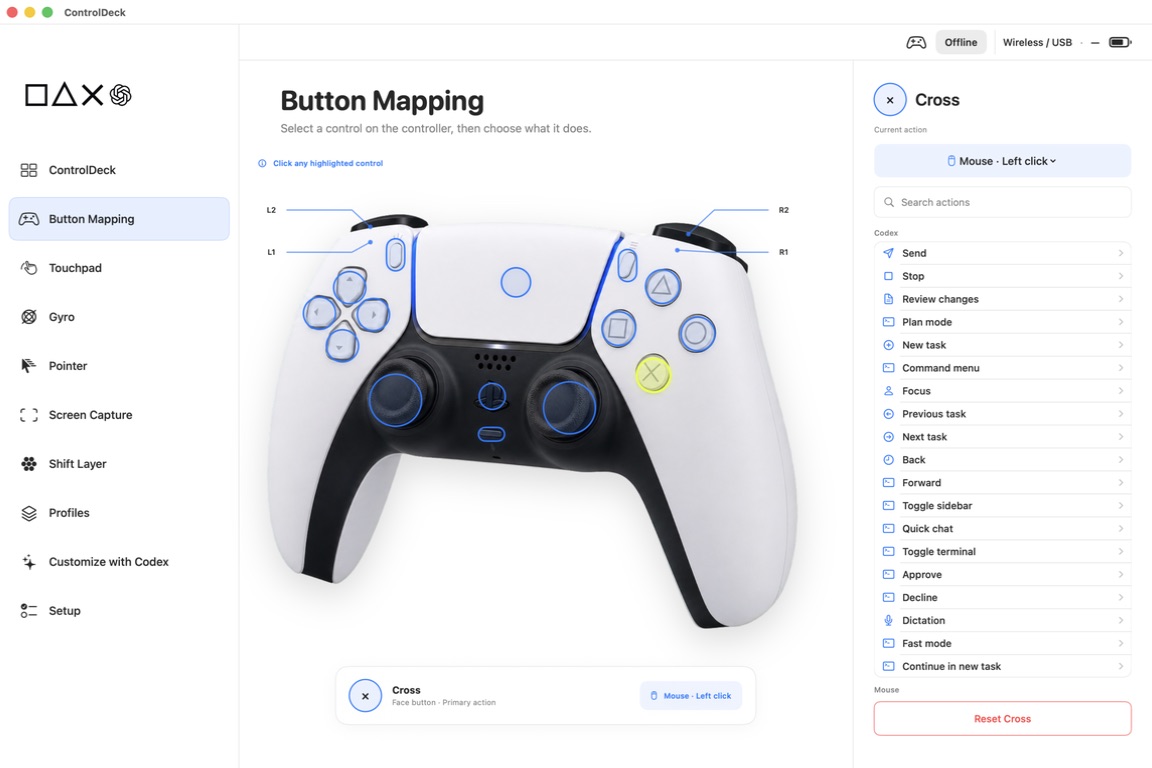
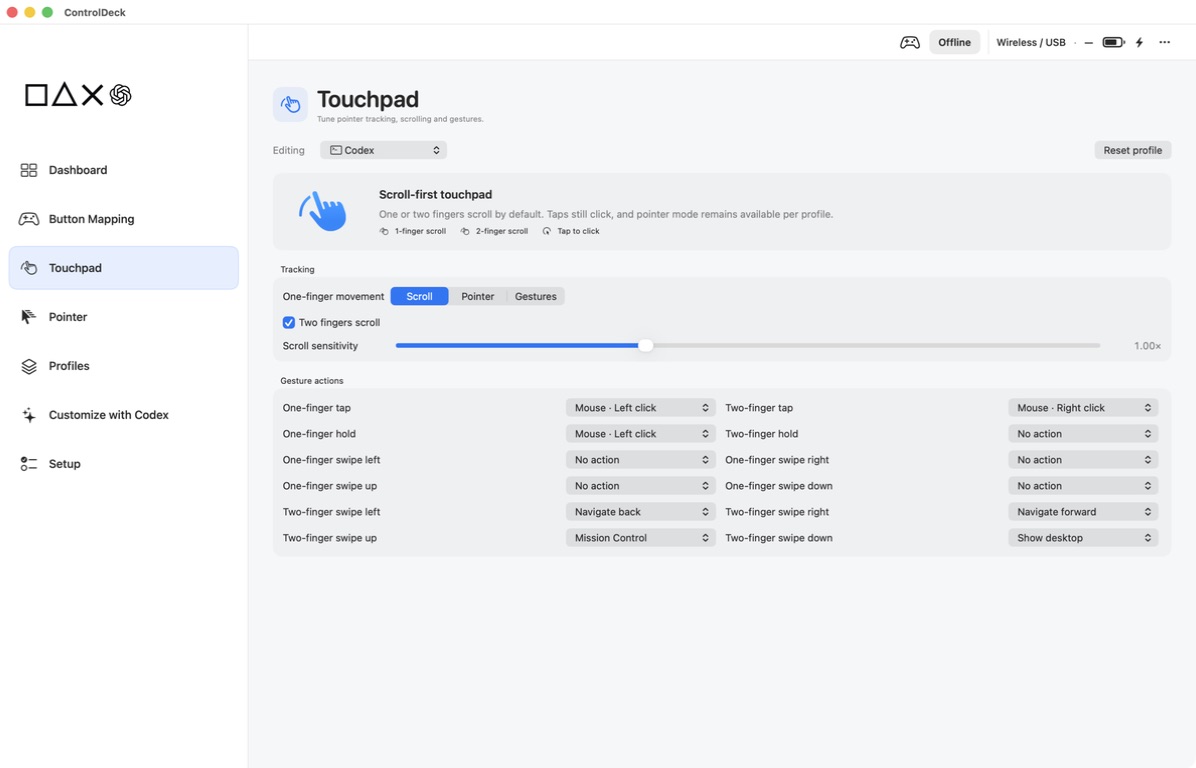
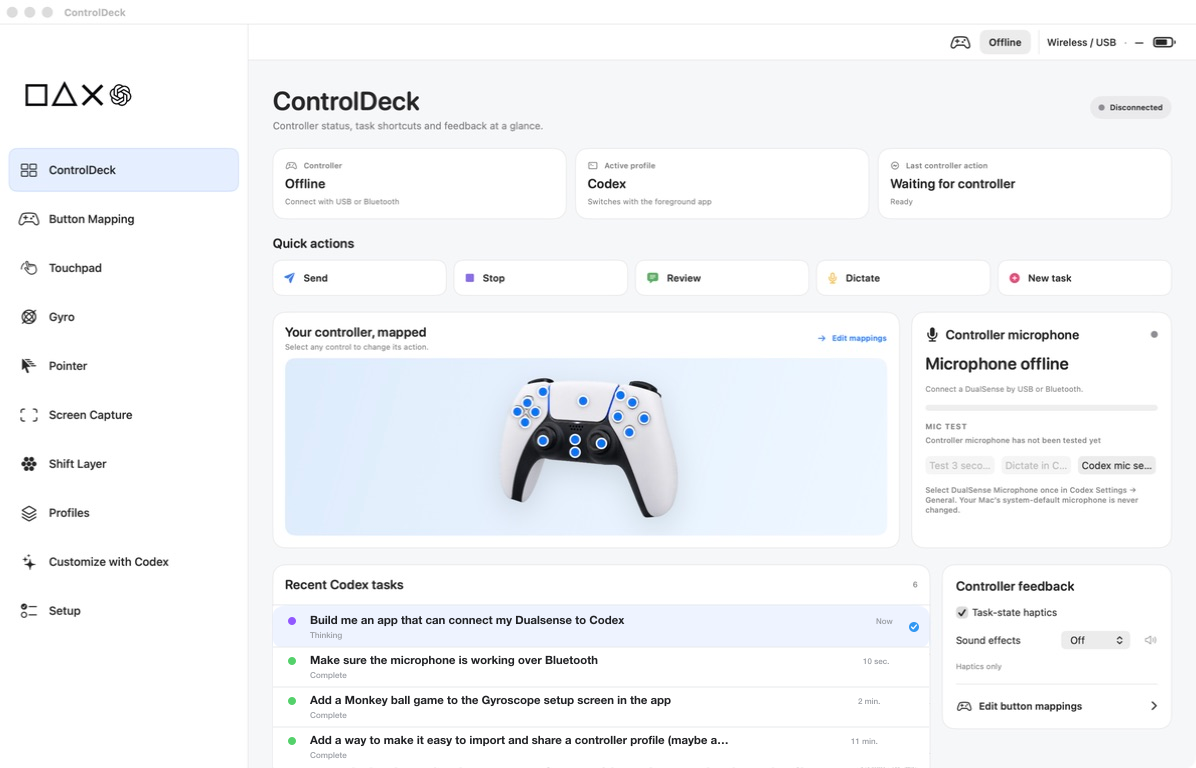
ControlDeck is a native macOS app that turns a compatible game controller into a physical interface for Codex and other Mac apps. You can dictate prompts, move between Codex tasks, send or stop work, review changes, control the pointer, scroll, click and drag, and capture and annotate screenshots. The controller also reflects Codex state through its light bar and haptics, so completion or attention states are noticeable without watching the screen. ControlDeck supports app-aware profiles for Codex, browsers, terminals, communication tools, presentations, creative apps and media players. Every input can be remapped, and an eight-slot profile wheel makes switching layouts quick. DualSense provides the full experience, including its microphone, speaker, adaptive triggers, touchpad, lights and motion sensors. DualShock, Switch Pro, Switch 2 Pro, 8BitDo and other compatible controllers can use the features their hardware supports.
How I built it
You can check out the entire prompt history here - I built ControlDeck with Codex and GPT-5.6 as an active development partner. The project began with a research document and a controller connected to my Mac. Each feature followed a practical loop: describe the behaviour I wanted, let Codex inspect the code and relevant system APIs, build it, test it on the physical controller, then report exactly what worked or felt wrong. That process covered everything from pointer acceleration and touch gestures to Bluetooth audio packets and the layout of the settings screens. The app is written in Swift and SwiftUI. It uses Apple’s Game Controller framework for standard inputs, Accessibility and Core Graphics for Mac interaction, IOHID for DualSense-specific communication, and Core Audio with Opus decoding for the wireless microphone. ControlDeck also includes a local Codex skill and a constrained MCP server. This allows someone to ask Codex to change mappings or profile-wheel slots, while limiting access to ControlDeck settings rather than exposing a general shell or filesystem.
Challenges I ran into
The Bluetooth microphone was the hardest part. macOS recognises a wireless DualSense as a controller but does not expose its microphone as an audio input. The microphone audio was hidden inside vendor-defined Bluetooth HID reports as 71-byte Opus frames. ControlDeck had to identify those packets, decode and buffer them, then publish the result as a stable 48 kHz Core Audio input named “DualSense Microphone”. The speaker required a similar path in the opposite direction. Audio and controller state also share the same transport. Without careful separation, encoded speech could be mistaken for random button presses or pointer movement. The final implementation pauses normal mapped input during wireless capture and only resumes after validated controller reports return. There were plenty of interaction problems as well: Accessibility permission loops, clicks that did not behave like real mouse clicks in some browser content, pointer movement across multiple displays, input lag while settings screens were open, and a hardware test that initially tried to do too much at once. Testing with the real controller made these problems obvious and helped turn the app into something comfortable to use.
Accomplishments that I'm proud of
I’m most proud that the wireless DualSense microphone works as a normal selectable input in Codex without a custom audio driver, administrator installation or permanent change to the Mac’s default microphone. The complete physical workflow also came together well. I can pick up the controller, dictate a task, move between conversations, control the Mac, capture and annotate part of the screen, and feel when Codex needs attention. ControlDeck grew beyond its original Codex layout into a general controller customisation app with app-aware profiles, secure profile sharing, support for several controller families and an optional gyroscope-driven rolling-ball game.
What I learned
I learned that physical feedback works particularly well with coding agents. A small haptic response or light change can communicate state without another notification or window competing for attention. I also learned how much capability can be hidden behind incomplete platform support. The DualSense hardware could already send wireless microphone and speaker audio, but using it required understanding the controller’s HID protocol and building the missing macOS bridge. Working with Codex was most effective when I treated the process like a tight hardware development loop, especially for an undocumented feature like the microphone.
What's next for ControlDeck
I want to refine reliability across more controllers and Macs, add more community-created profiles, and make spoken customisation through Codex even easier. There is also room for richer task-aware feedback, better profile discovery and more ways to use motion, touch and adaptive triggers without making the default controls complicated. The immediate next step is to get ControlDeck into more hands and learn which controller actions people actually keep using once the novelty wears off.
Built With
- chatgpt
- chatgpt5.6
- codex
- dualsense

Log in or sign up for Devpost to join the conversation.