
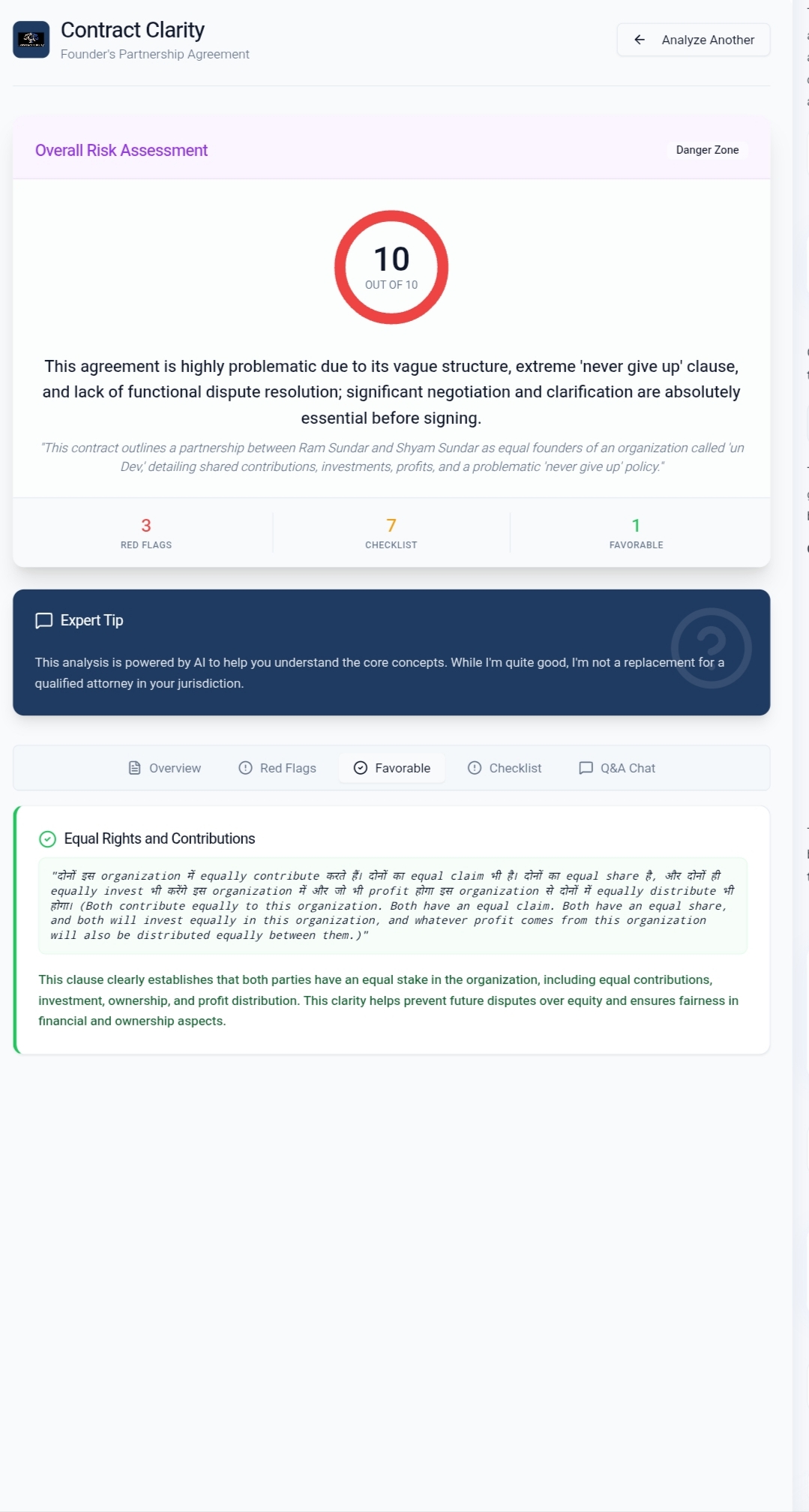
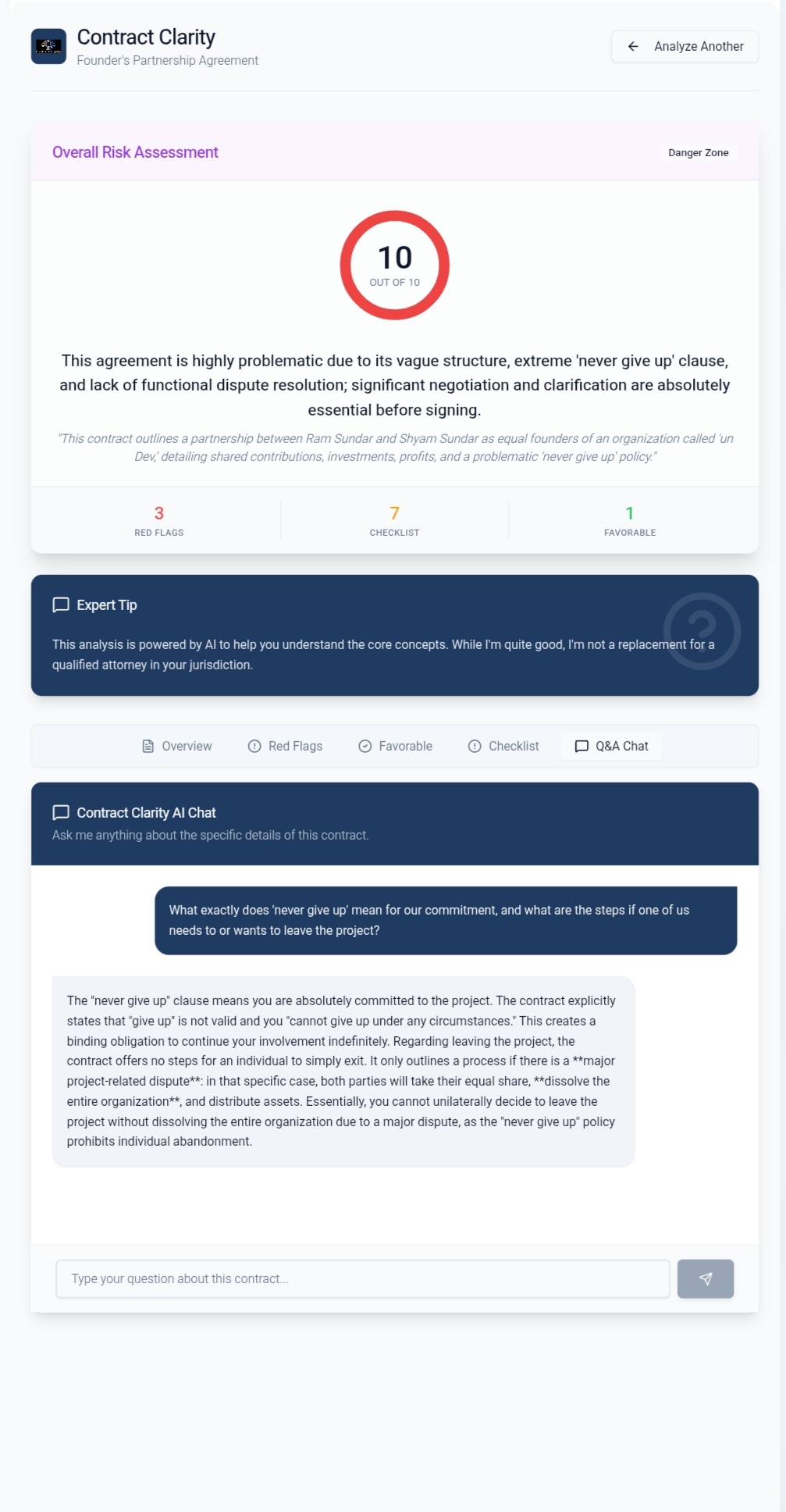
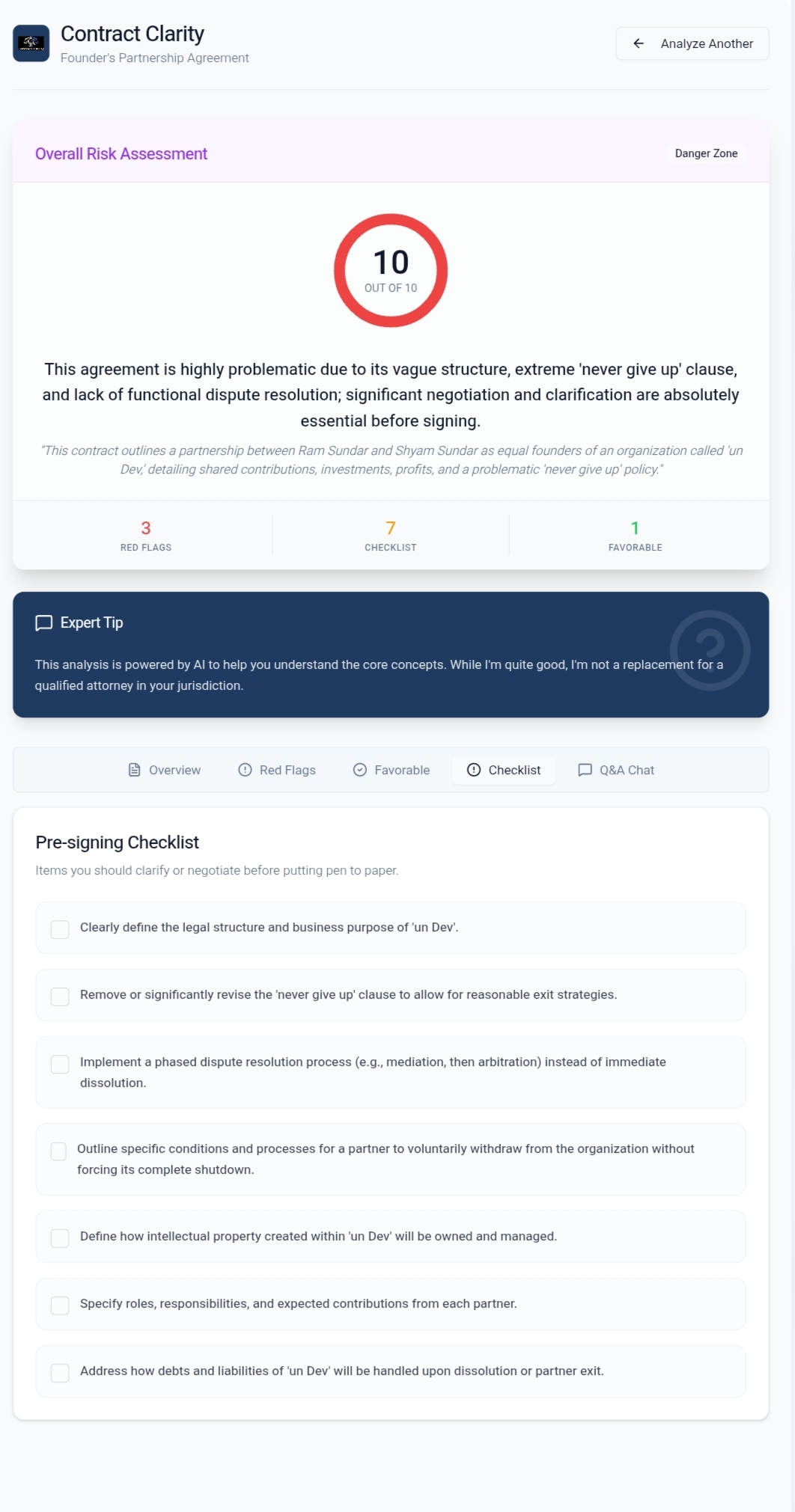
What Inspired This Project Every day, millions of people sign legal documents they barely understand. A freelancer agrees to an unlimited liability clause hidden in paragraph 14. A renter misses an auto-renewal provision that locks them in for another year. An employee unknowingly signs away the rights to their own inventions.
The idea for Contract Clarity was born from a simple, frustrating observation: the law protects those who understand it, but legal language is designed to be opaque. Not maliciously — centuries of precedent and precise terminology have made contracts inaccessible to anyone without specialized training. But the result is the same: ordinary people enter agreements without knowing what they're really agreeing to.
We wanted to build something that acts like a brilliant friend who happens to be a lawyer — warm, direct, and never condescending. Something that reads the fine print so you don't have to.
How We Built It Architecture Overview Contract Clarity is built on a modern full-stack architecture using React + TypeScript + Tailwind CSS on the frontend, powered by Supabase for backend services and Gemini 2.5 Flash for AI-powered contract analysis.
$$ \text{System Architecture} = \underbrace{\text{React + Vite}}{\text{Frontend}} + \underbrace{\text{Supabase Edge Functions}}{\text{API Layer}} + \underbrace{\text{Gemini 2.5 Flash}}{\text{AI Engine}} + \underbrace{\text{PostgreSQL}}{\text{Data Layer}} $$
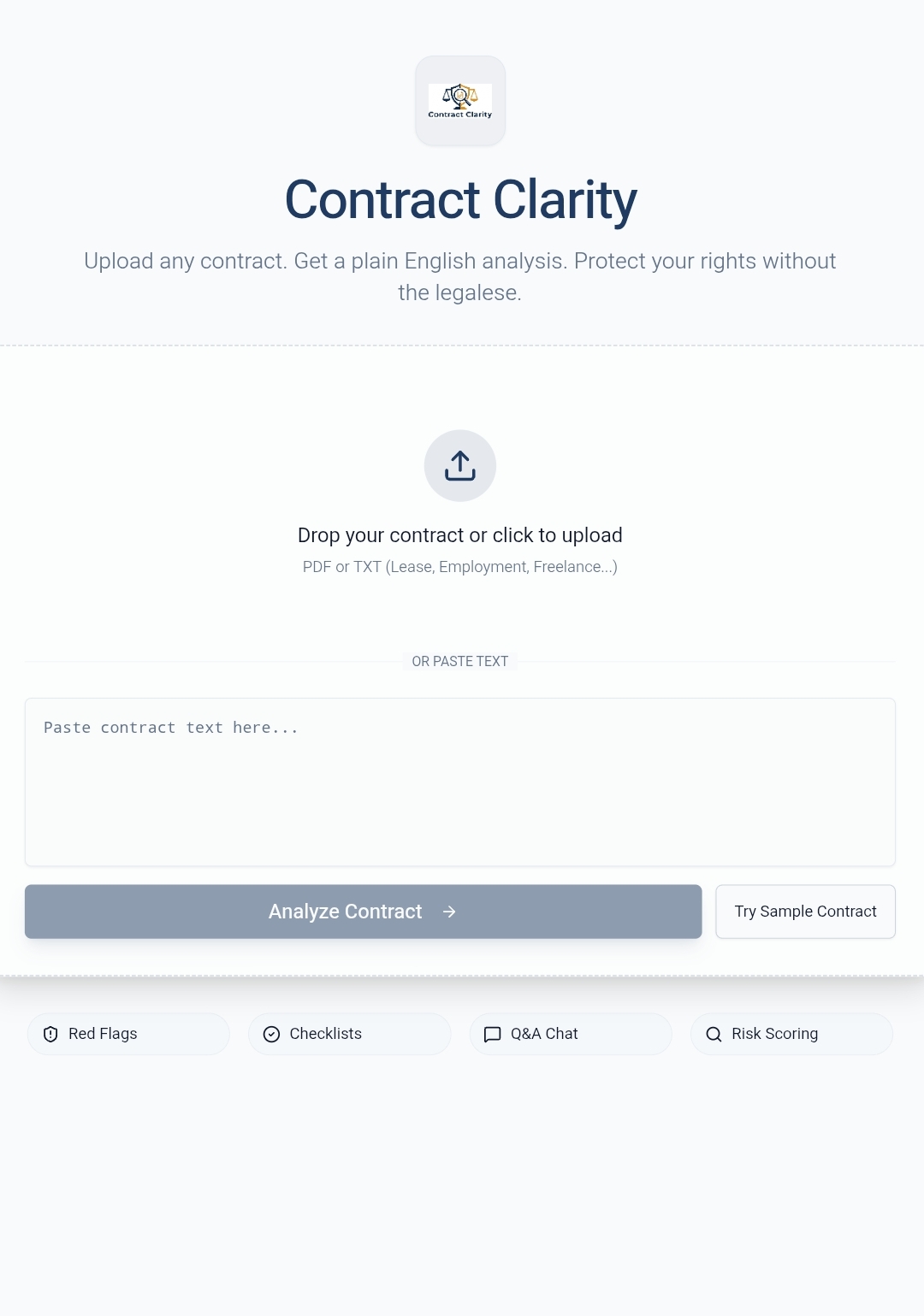
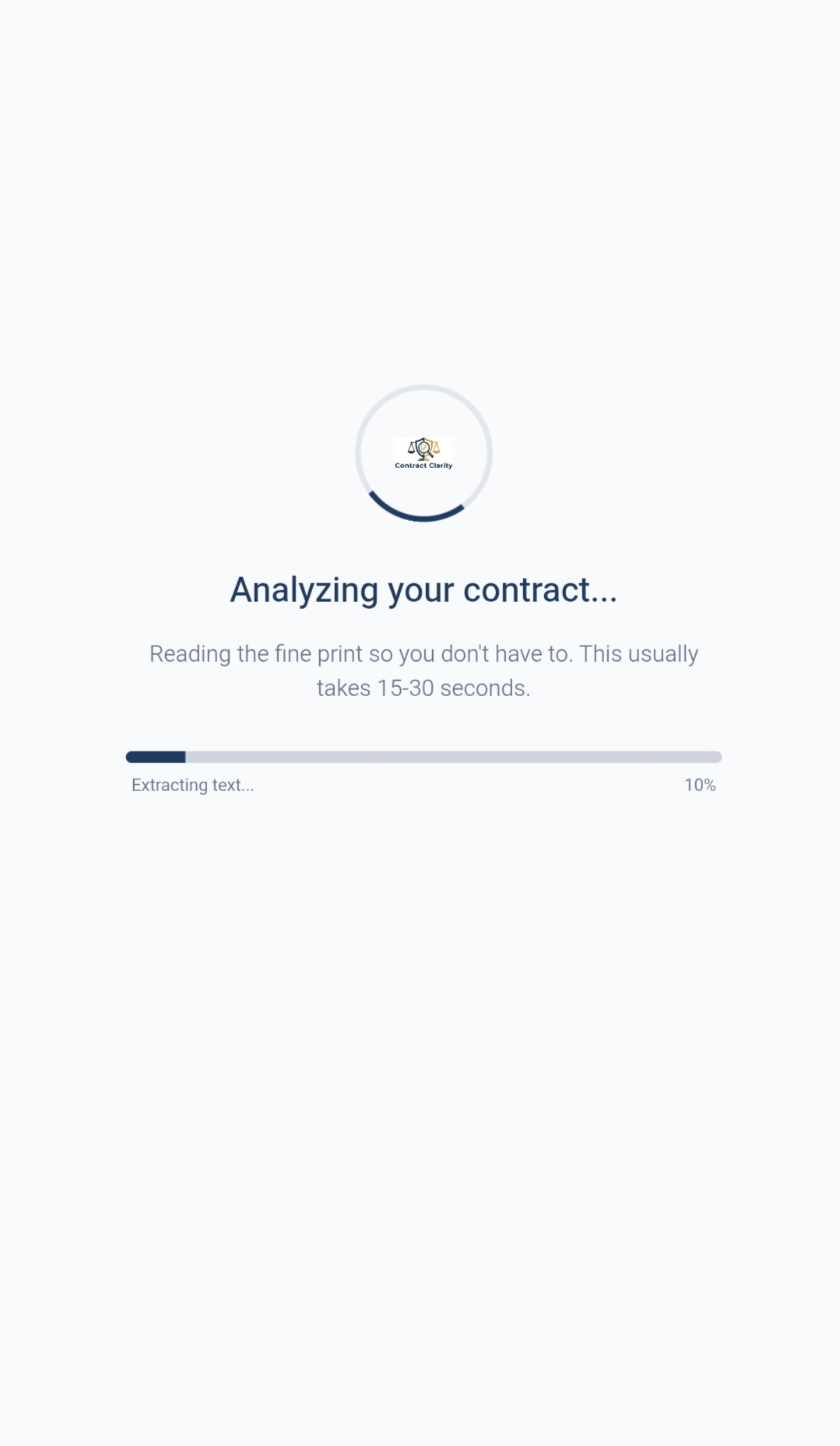
The Analysis Pipeline When a user uploads a contract, the system follows a rigorous pipeline:
Text Extraction: For PDFs, we use OCR.space to extract raw text. For TXT files, we read directly.
Content Truncation: We limit input to 12,000 characters to stay within API context windows while preserving the most critical clauses.
AI Prompting: We send a carefully engineered system prompt that instructs the model to return structured JSON with specific fields: risk scores, red flags, favorable clauses, and negotiation checklists.
JSON Parsing: The response is cleaned of markdown fences and parsed into a strongly-typed TypeScript interface.
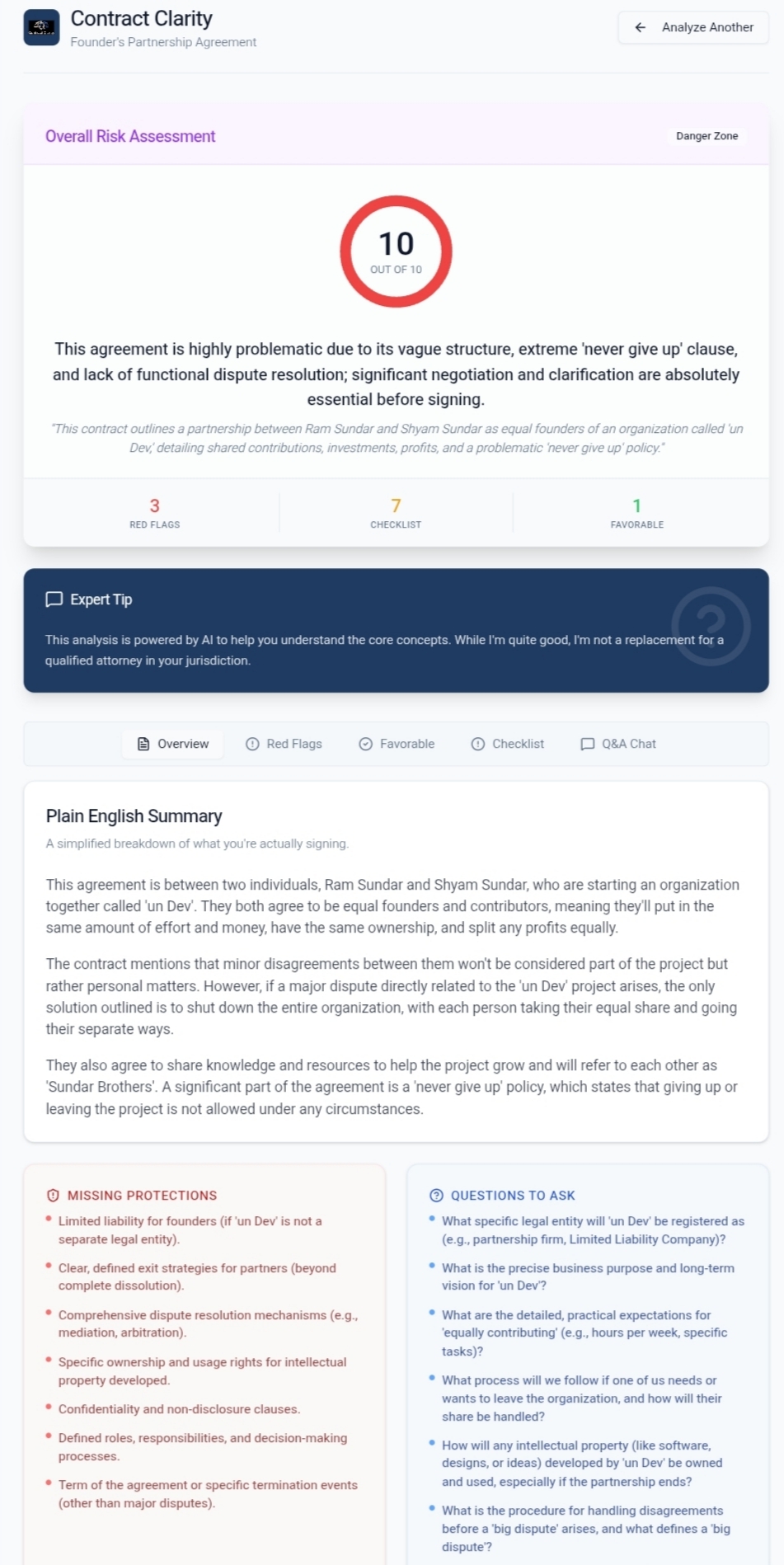
Persistence: Results are saved to Supabase PostgreSQL for future reference. Risk Scoring Model The risk score is generated by the AI model on a scale of $1$ to $10$, where:
$$ \text{Risk Score} \in \mathbb{Z}, \quad 1 \leq \text{Risk Score} \leq 10 $$
The score maps to qualitative labels as follows:
$$ \text{Risk Label}(x) = \begin{cases} \text{Low Risk} & \text{if } 1 \leq x \leq 3 \ \text{Moderate Risk} & \text{if } 4 \leq x \leq 6 \ \text{High Risk} & \text{if } 7 \leq x \leq 8 \ \text{Danger Zone} & \text{if } 9 \leq x \leq 10 \end{cases} $$
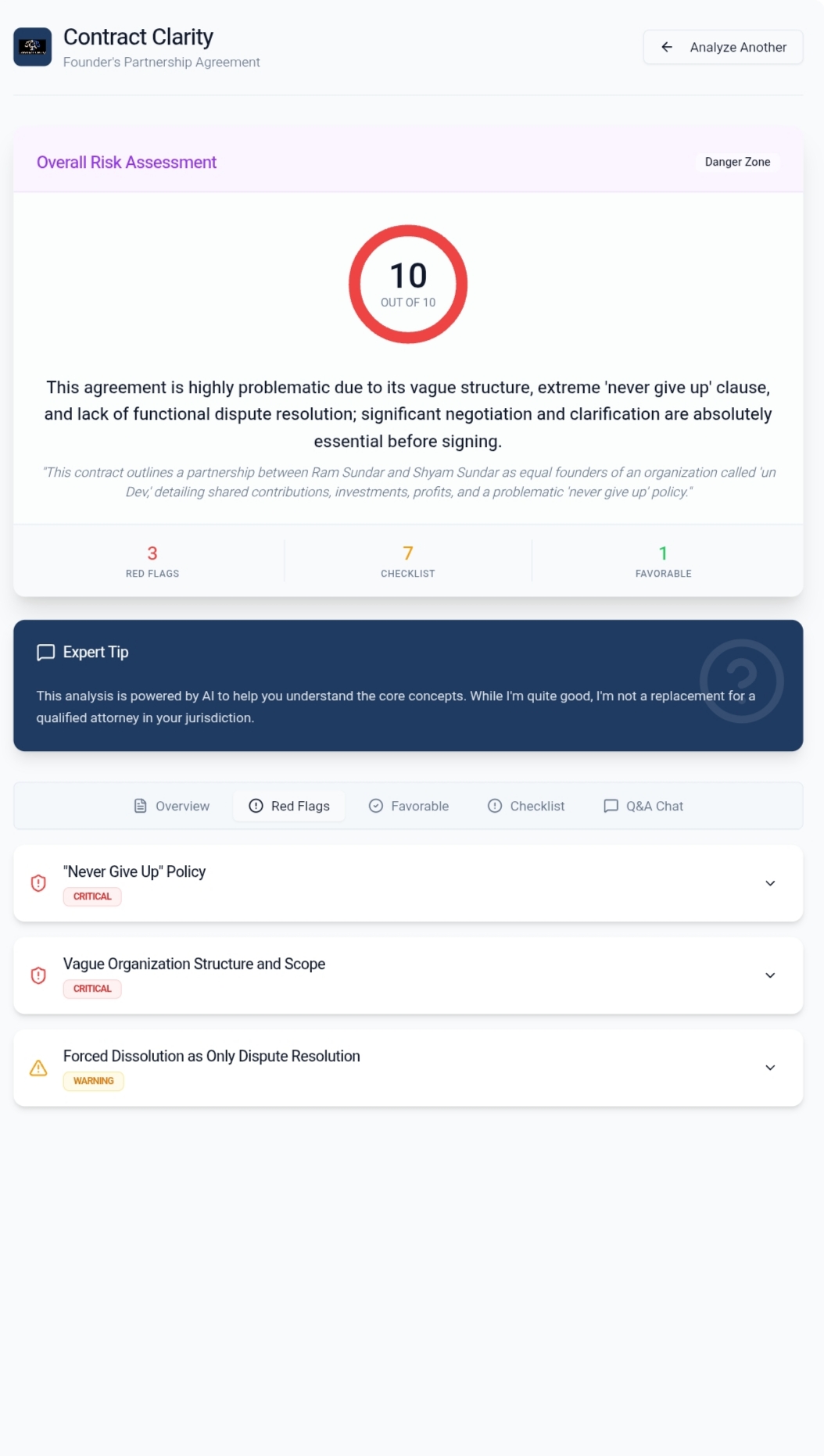
Severity Classification Each detected red flag is classified by severity using a three-tier system:
Severity Definition Mathematical Representation Critical Could cost significant money or rights $S = C$ Warning Worth negotiating before signing $S = W$ Watch Unusual but may be acceptable $S = O$ The total number of actionable items for a user is the sum of all non-Watch severity flags:
$$ \text{Actionable Items} = \sum_{i=1}^{n} \mathbb{1}[S_i \in {C, W}] $$
What We Learned
Prompt Engineering is Everything Getting an AI to consistently return valid JSON with the exact schema we needed was surprisingly difficult. Early attempts resulted in markdown fences, preambles, or malformed JSON. We learned that system prompts must be explicit, repetitive, and unambiguous. Phrases like "Return ONLY valid JSON. No markdown fences, no preamble" became essential guardrails.
SSE Streams are Powerful but Tricky The Gemini API returns responses as Server-Sent Events (SSE). We initially tried to pass these streams directly through our Edge Functions, but the Supabase client expects JSON responses. We learned to buffer the stream server-side, concatenate all text fragments, and return a clean JSON object:
$$ \text{Full Text} = \bigoplus_{i=1}^{n} \text{fragment}_i $$
Where $\oplus$ denotes string concatenation over all SSE data frames.
- OCR Has Edge Cases PDF text extraction seems simple, but we encountered documents where:
Scanned images in PDFs returned empty text Multi-column layouts caused jumbled reading order Headers and footers added noise to the contract text We learned to add error handling for every extraction failure path and provide clear user feedback.
- UI Design for Trust Legal technology demands trust. Users need to feel confident that the analysis is reliable, but also understand that AI analysis is not legal advice. We learned to balance bold risk visualizations with careful disclaimers, using color psychology (red for danger, green for safety, amber for caution) to communicate at a glance.
Challenges We Faced Challenge 1: The JSON Parsing Problem Our biggest technical challenge was the response format mismatch. The Gemini gateway returns SSE streams even when you don't want them. Our Edge Function initially returned raw SSE text, causing the frontend's JSON.parse() to throw syntax errors.
Solution: We rewrote the Edge Function to consume the full SSE stream, decode each frame, extract the text fragments, and reconstruct the complete response before returning it as a clean JSON object.
Challenge 2: Handling PDFs vs. Plain Text Supporting both PDF uploads and direct text pasting meant building two entirely different input pipelines:
$$ \text{Input}(x) = \begin{cases} \text{OCR}(x) & \text{if } \text{mime}(x) = \text{application/pdf} \ x & \text{if } \text{mime}(x) = \text{text/plain} \end{cases} $$
Solution: We abstracted both paths behind a unified analyzeContract(text: string) function. The PDF path handles OCR extraction asynchronously, then delegates to the common analysis function once text is available.
Challenge 3: Context Window Limitations Legal contracts can be thousands of words long, but AI models have finite context windows. We had to make the difficult tradeoff of truncating at 12,000 characters.
Solution: We designed the system prompt to be effective even with partial contracts. The AI is instructed to analyze what it can see and flag if critical sections appear to be missing.
Challenge 4: The "Button Must Be Clickable" Lint Rule Our design used a component as a visual indicator inside an expandable card, but the project's lint rules required all buttons to be interactive. This forced us to rethink the component hierarchy.
Solution: We used the asChild prop to render the button as a non-interactive container, satisfying both the design intent and the lint requirements.
Challenge 5: Creating a Meaningful Logo A legal tech tool needs a logo that communicates trust, clarity, and protection — without looking like a traditional law firm. We used AI image generation to create a minimalist shield-and-magnifying-glass design in a modern navy and amber palette.
Impact & Vision Contract Clarity isn't just a tool — it's a mission. The goal is to democratize legal understanding. If we can help one freelancer avoid an unfair non-compete clause, one renter spot a hidden auto-renewal, or one immigrant understand their employment rights, the project has succeeded.
The math is simple:
$$ \text{Impact} = \sum_{\text{user}} \left( \text{Red Flags Detected} - \text{Unfavorable Clauses Signed} \right) $$
We believe that understanding is power, and everyone deserves to understand what they're signing.
Tech Stack Layer Technology Frontend React 18, TypeScript, Tailwind CSS, shadcn/ui Build Tool Vite Backend Supabase Edge Functions (Deno) Database PostgreSQL (via Supabase) AI Engine Gemini 2.5 Flash OCR OCR.space API Image Generation Async AI Image API. Built with care for the people who need it most.
Built With
- html/css
- lucidereact
- radixui
- react18
- shadcn/ui
- sonner
- sql
- tailwind
- typescript
- vite

Log in or sign up for Devpost to join the conversation.