-
-
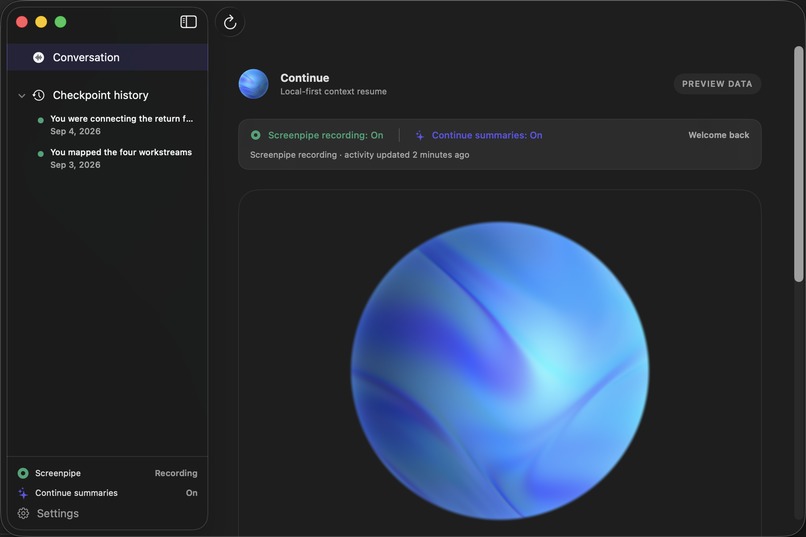
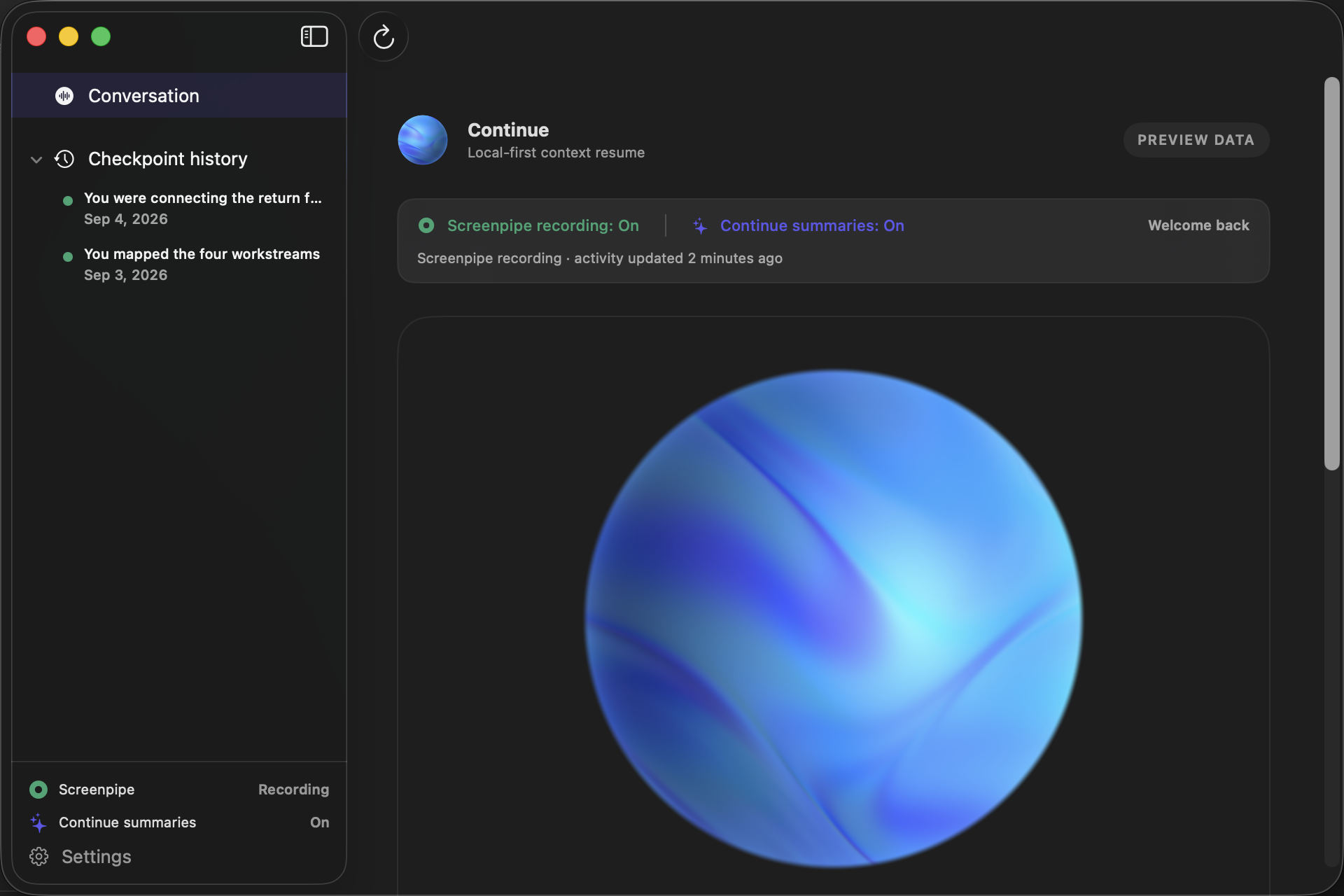
continue.ai dashboard
Inspiration
We've all had that moment where we come back to a project after a few hours—or even a few days—and think: “Wait… where did I leave off?”
Modern work is fragmented across applications, conversations, files, and browser tabs. Research on fragmented knowledge work has found that interrupted work may not be resumed for roughly 25 minutes, while more recent research has explored how knowledge workers must switch between multiple applications even to complete a single task.
We built continue.ai around a simple question: What if your computer remembered where you left off, so you didn't have to?
What it does
continue.ai is a context-resume assistant for macOS.
While you work, Continue captures activity in bounded batches and turns it into structured checkpoints that remember what you were working on, what you last did, and what should happen next.
When you return, Continue can give you a concise briefing of your previous context instead of making you reconstruct it yourself.
You can also talk to Continue. Through ElevenLabs voice and text conversations, users can ask questions about their current checkpoint or search previous work, such as what they worked on yesterday or what happened on a specific project.
Checkpoint history persists locally, creating a searchable memory of your work over time.
The goal isn't to replace the tools you already use. It's to provide the continuity layer between them.
How we built it
Continue combines a native SwiftUI macOS application with a local web service and capture worker.
Screenpipe provides captured screen activity, which Continue processes in bounded batches. A configured OpenAI vision model interprets screenshots alongside a privacy-filtered activity timeline and generates structured checkpoint summaries containing the current project, task, last action, key activity, and suggested next action.
Those checkpoints are stored locally in SQLite, where they become persistent and searchable rather than disappearing when a session ends.
The native macOS client communicates with the local service for recording state, checkpoint history, and capture controls. ElevenLabs provides the conversational layer, allowing users to hear their briefing or ask questions about both their current context and previous checkpoints.
We intentionally designed sensitive actions around user control: raw screenshots and microphone audio aren't stored as Continue checkpoint records, voice requires explicit activation, and workspace-resume actions require confirmation rather than silently controlling the user's computer.
Challenges we ran into
One of our biggest challenges was deciding how much context is enough context.
Capturing everything would create unnecessary privacy concerns and huge amounts of irrelevant information, while capturing too little would make the summaries useless. We had to design bounded observations that preserved enough information for the model to understand what the user was doing without turning Continue into constant surveillance.
We also had to connect several very different layers: macOS-native SwiftUI, screen capture, vision processing, persistent local memory, a web service, and real-time conversational voice.
Finally, we had to think carefully about the boundary between remembering what the user did and acting on their behalf. That led us to make resume actions proposals that require user approval rather than autonomous actions.
Accomplishments that we're proud of
We're proud that Continue became more than a UI prototype.
We built a working native macOS experience with live screen activity capture, AI-generated checkpoints, persistent SQLite memory, searchable checkpoint history, and ElevenLabs voice and text conversations.
We're especially proud of the memory system. Continue doesn't only summarize what you're doing right now—it creates a growing local history that users can query by project, topic, or time.
Most importantly, we built the core experience we originally imagined: leave your work, come back later, and continue without having to reconstruct where you left off.
What we learned
We learned that context switching isn't only about distraction. Modern work naturally happens across multiple specialized tools, which means the information required to understand a project is often fragmented before an interruption even happens.
That changed how we thought about Continue. Instead of building another productivity or project-management tool, we started thinking of it as a memory and continuity layer for the tools people already use.
We also learned how important trust is when building software that understands someone's screen. Privacy couldn't simply be something we added at the end; it had to influence how we captured, summarized, stored, and acted on information from the beginning.
What's next for continue.ai
Our next step is moving from remembering your workspace to helping you reconstruct it.
Today, Continue can remember what you were doing and tell you where you left off. In the future, we want approved resume actions to restore the applications, files, tabs, and resources associated with a checkpoint—bringing users even closer to continuing exactly where they stopped.
We also want to expand integrations with the tools where work already happens, improve project and task detection, and make long-term memory more intelligent as checkpoint history grows.
Ultimately, we envision Continue as a persistent context layer for your computer: a system that understands where you left off, remembers why it mattered, and helps you continue.

