-
-
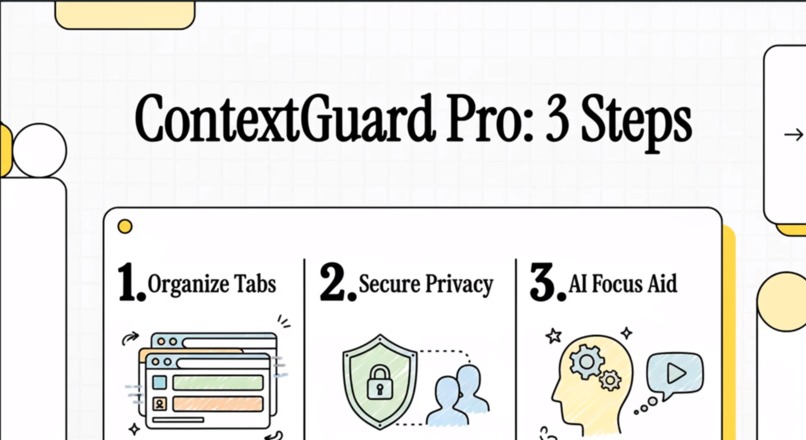
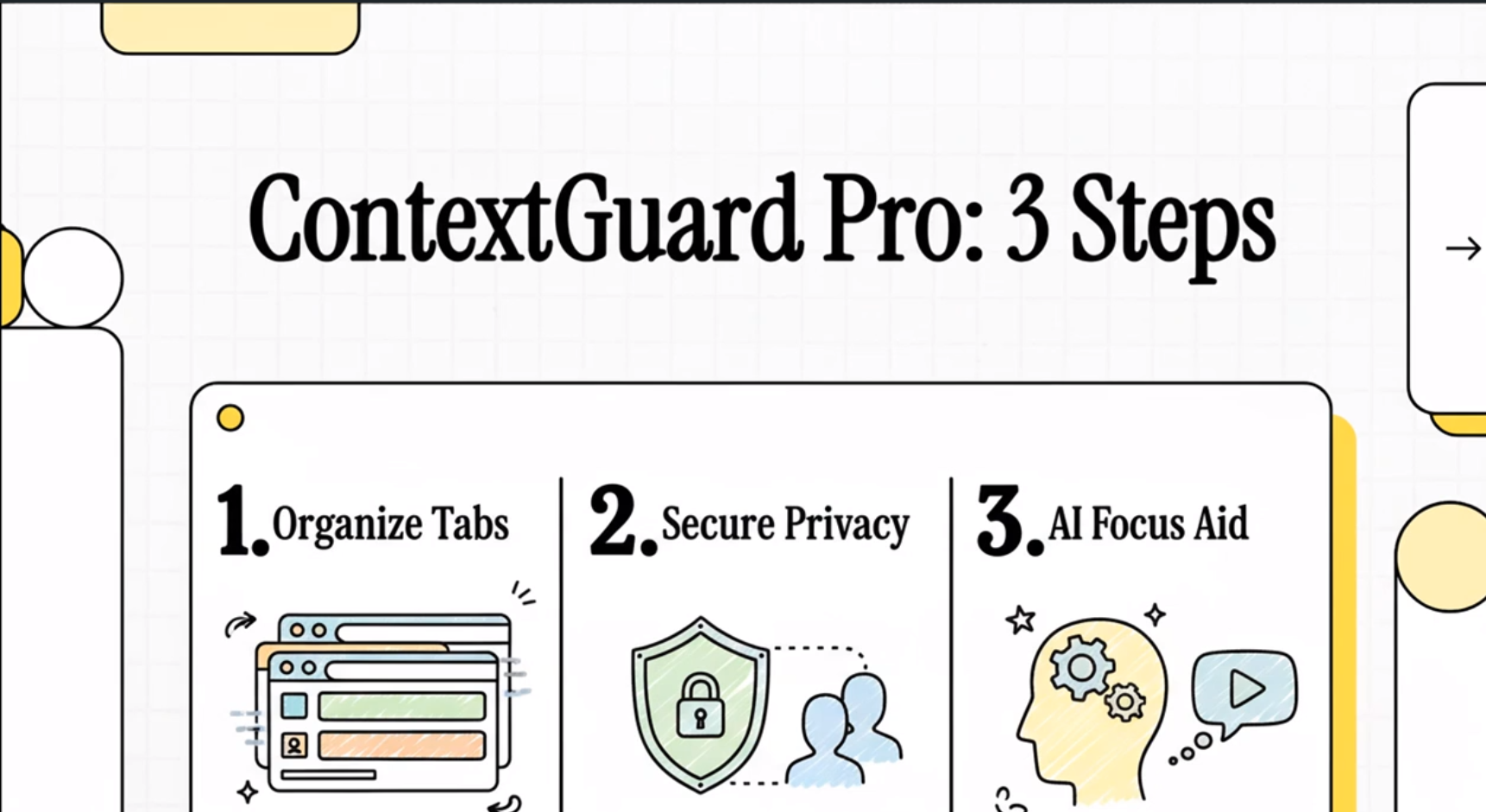
Organize Tabs, Secure Privacy and AI Focus Aid
-
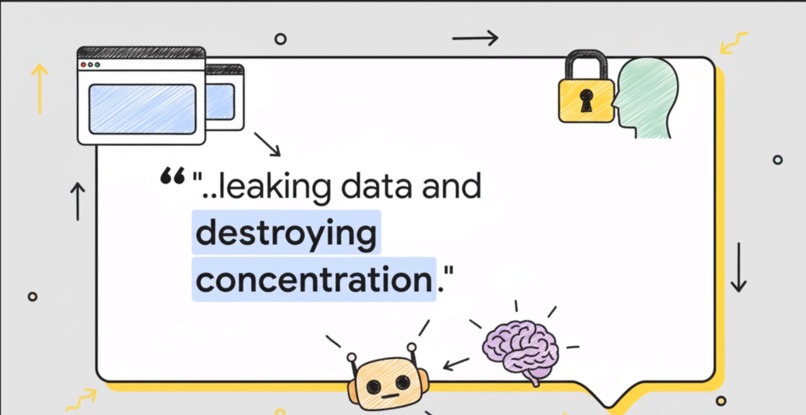
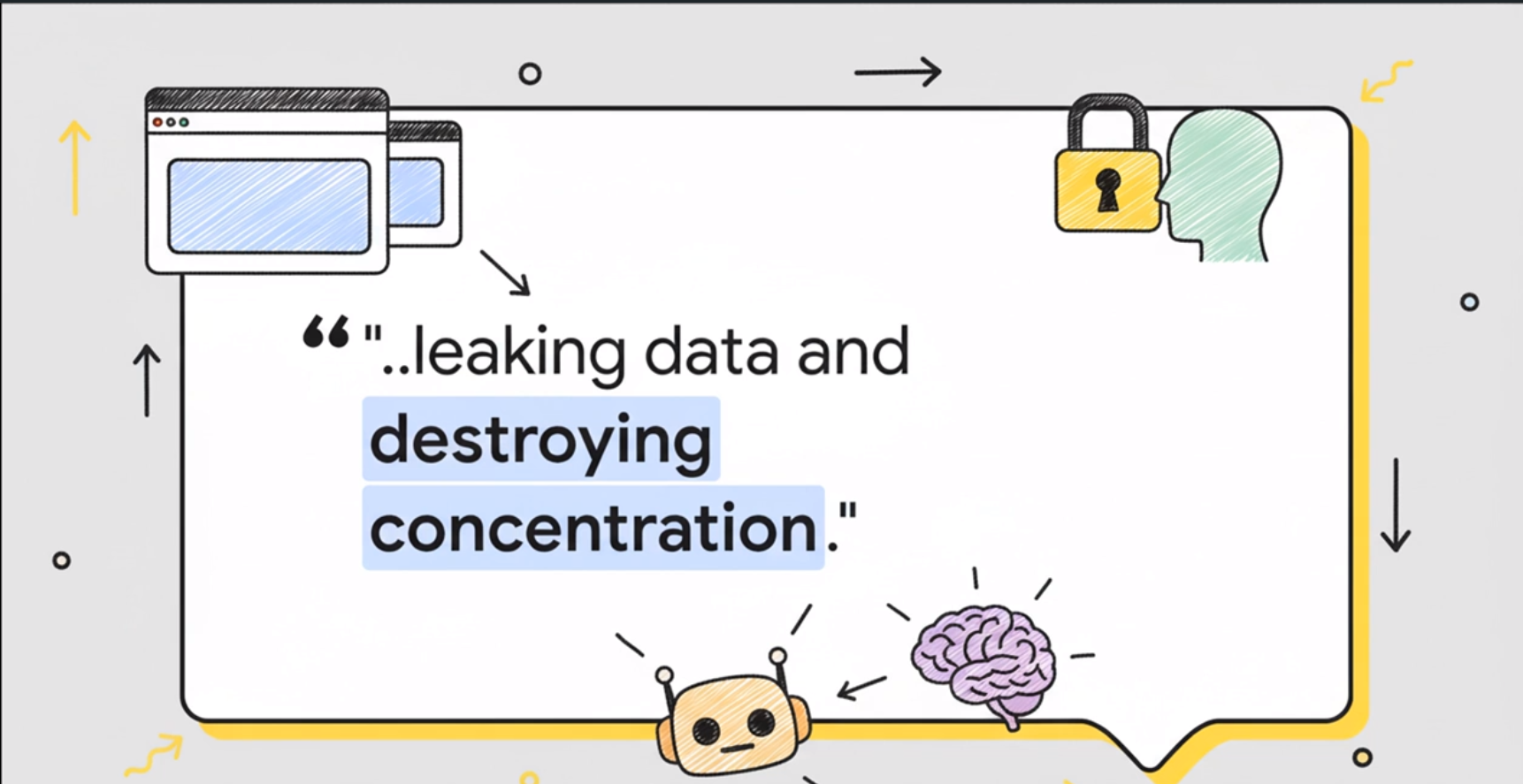
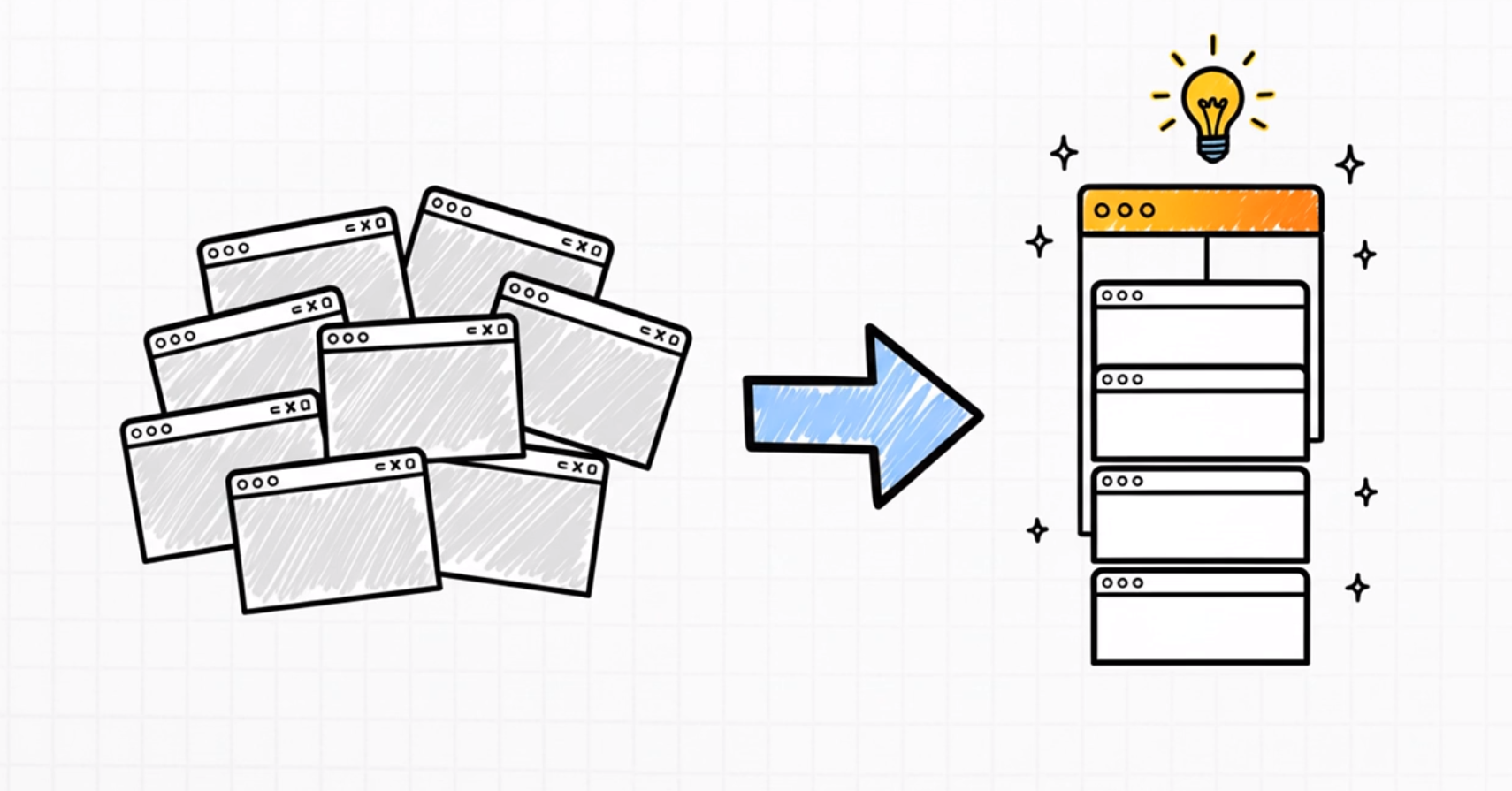
The Modern Web Is Chaotic. We Mix Work, Shopping, And Personal Tabs, Leading To Data Leaks And Destroying Focus.
-
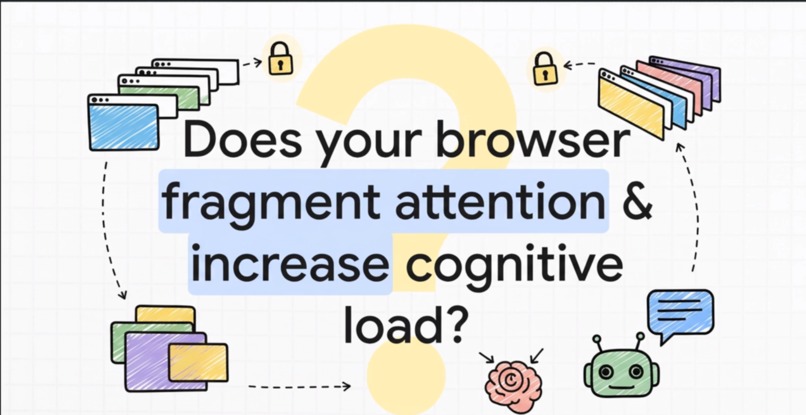
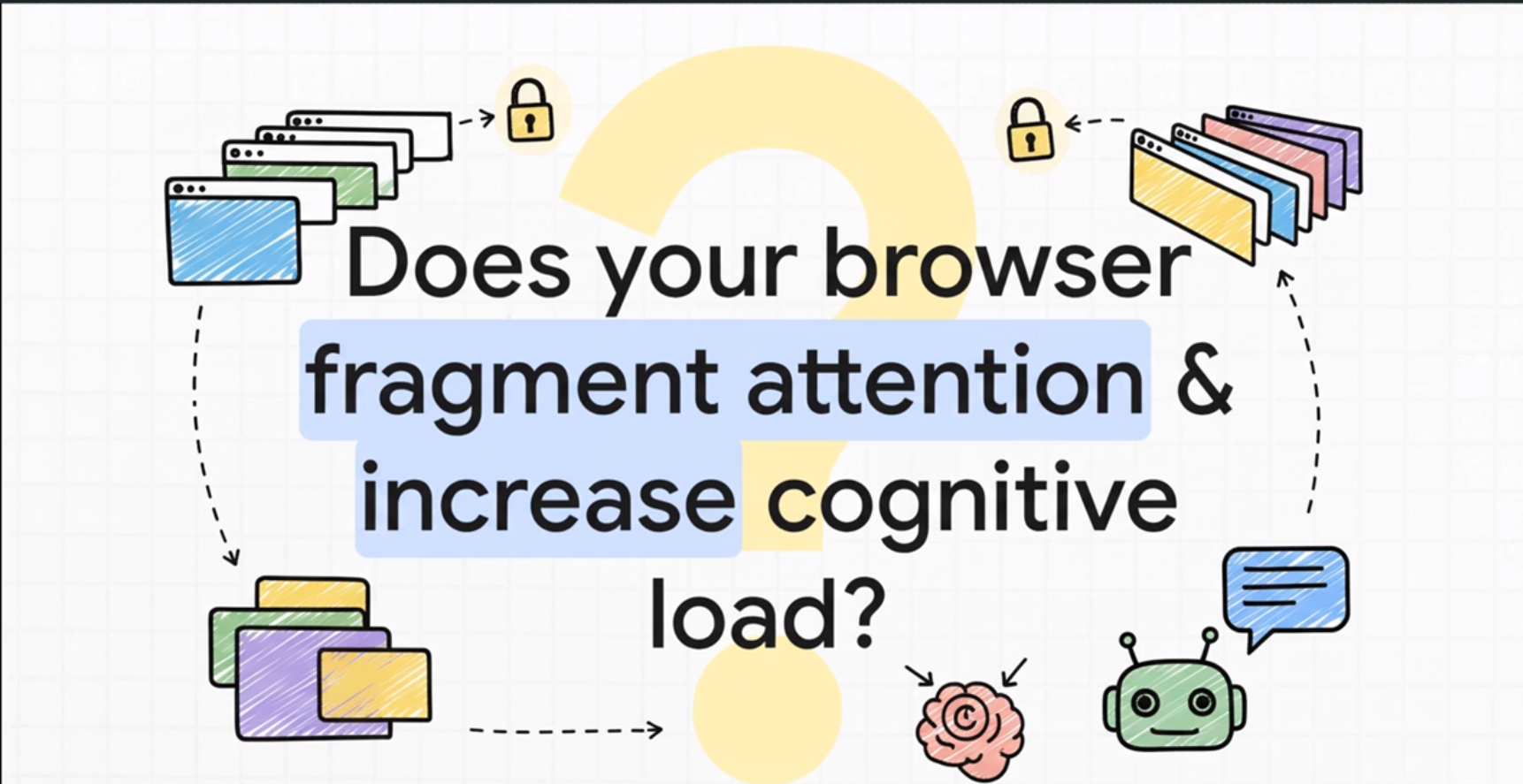
The Digital Chaos Problem
-
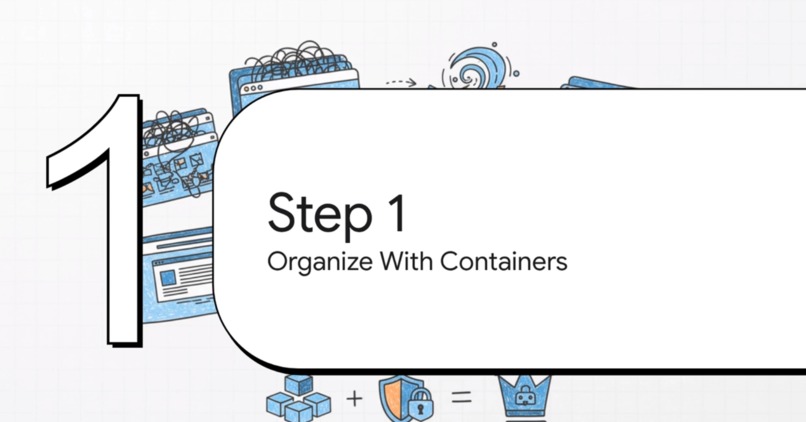
Organize With Container
-
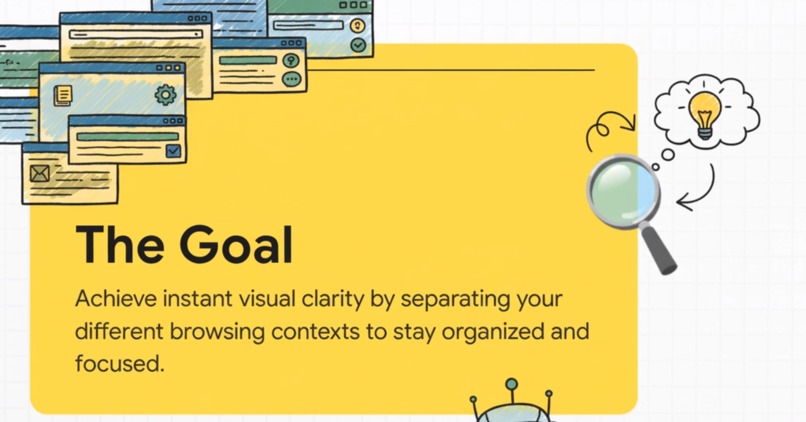
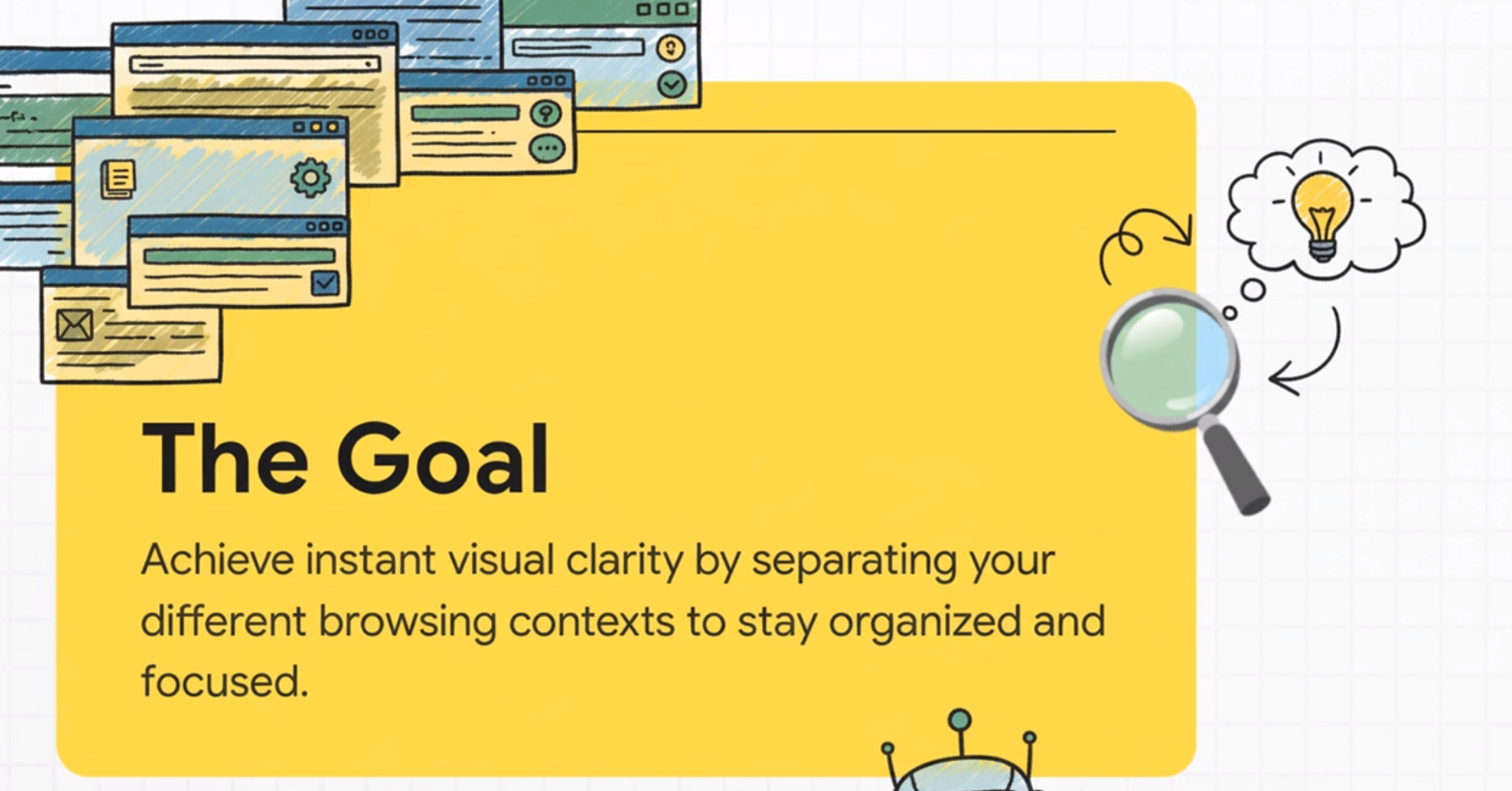
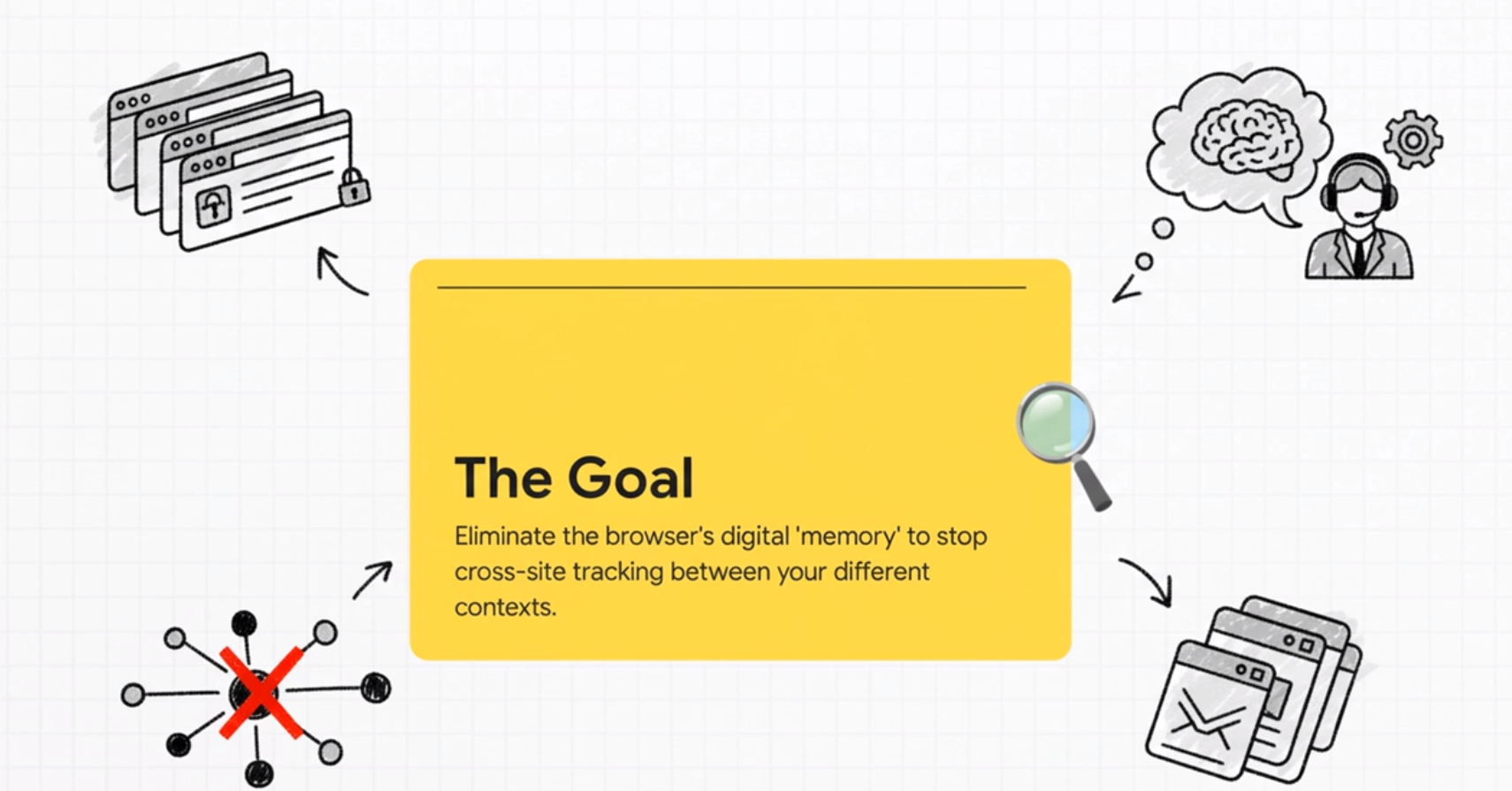
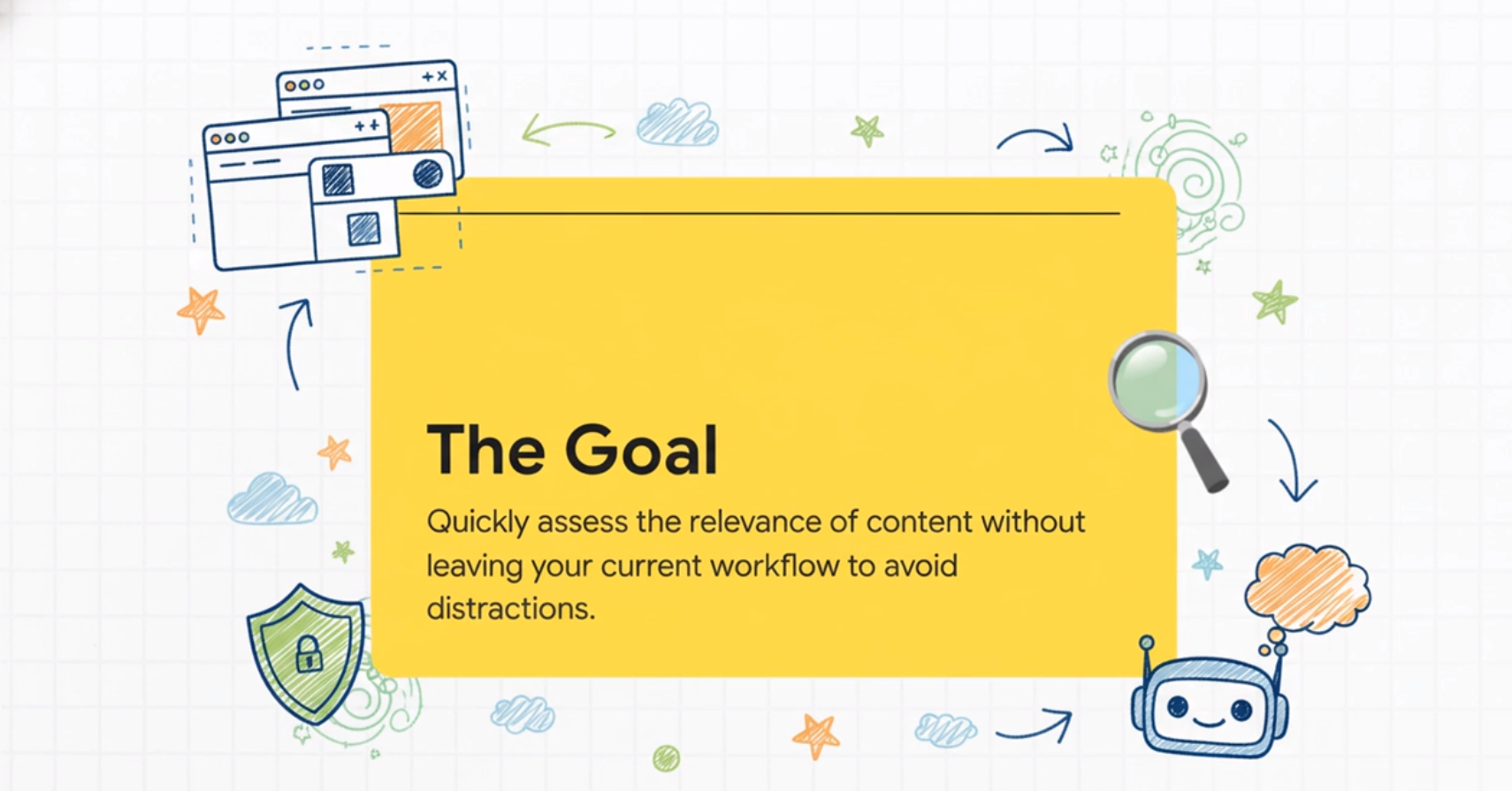
The Goal
-
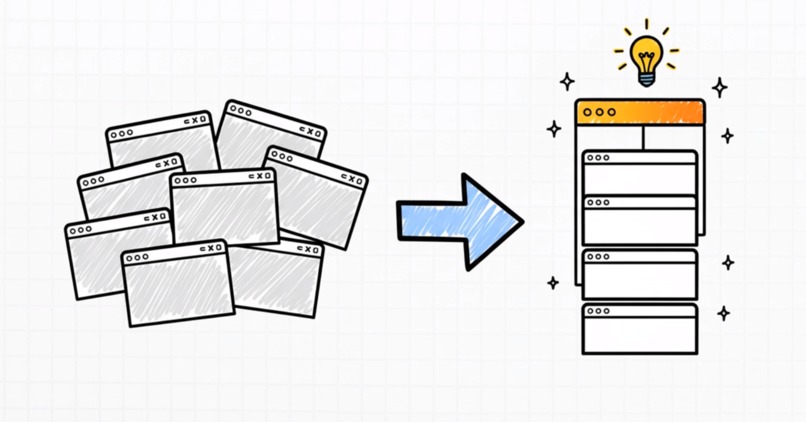
Achieve Instant Visual Clarity
-
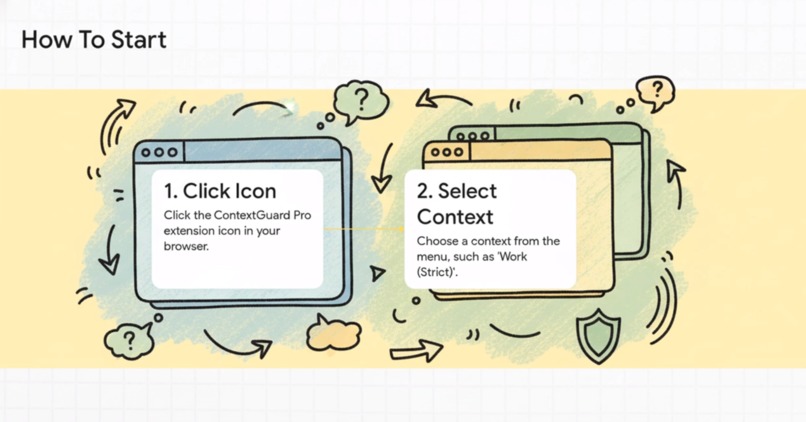
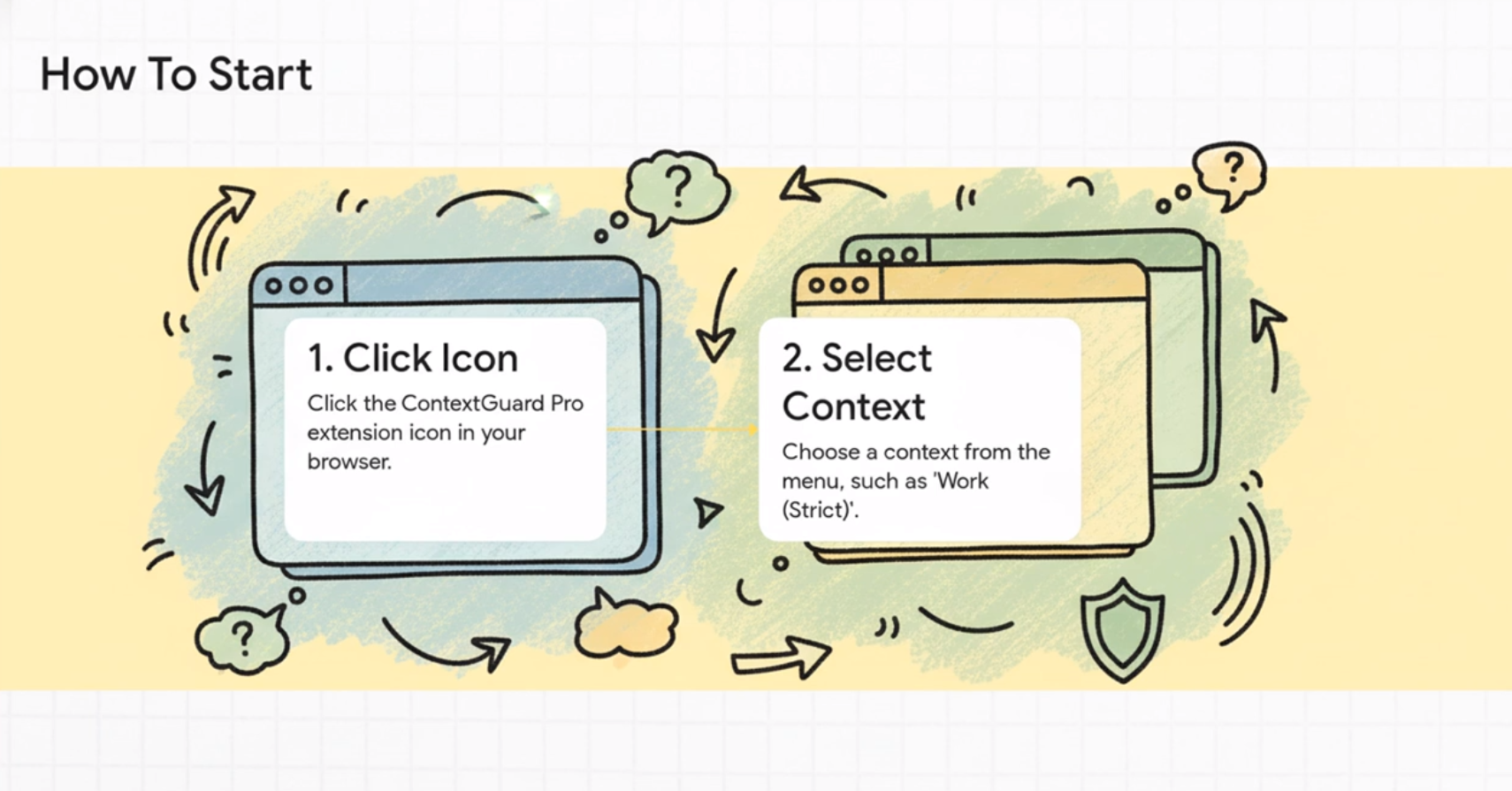
How To Start
-
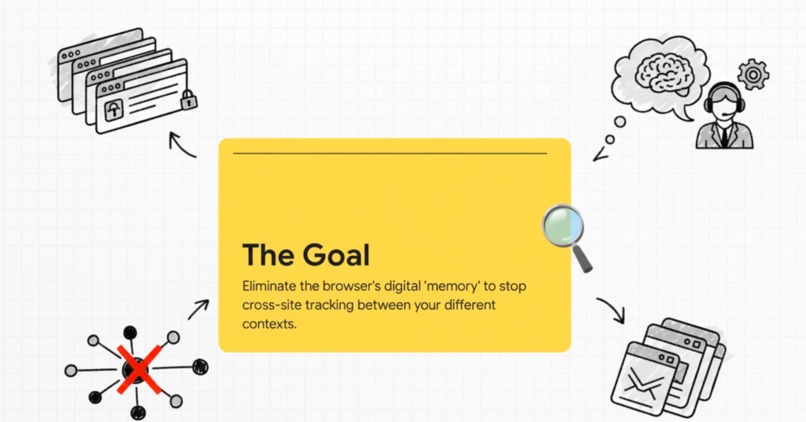
Eliminate The Browser's Digital Memory
-

Protect Your Privacy
-
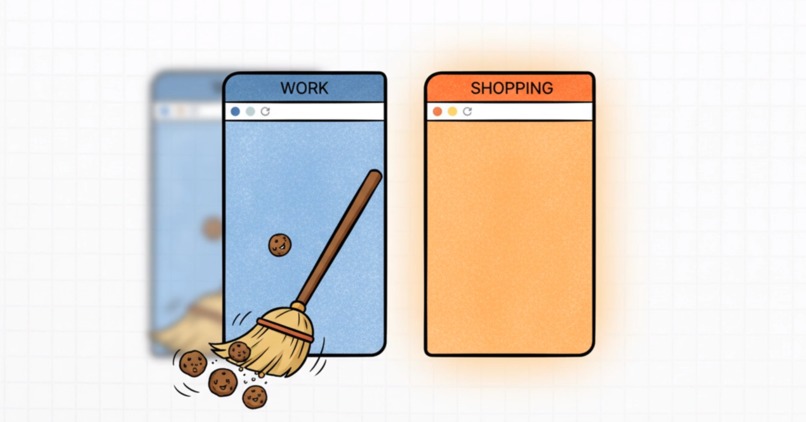
Erase Your Own Trace From Unwanted Tracking
-
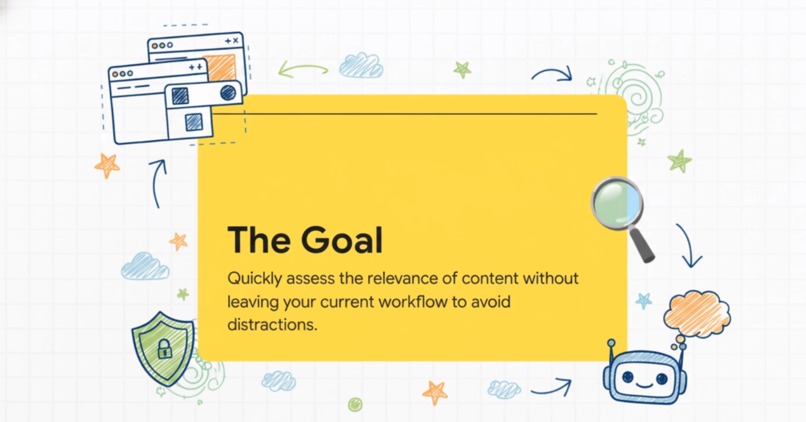
Quick Assess The Relevance of Context
-
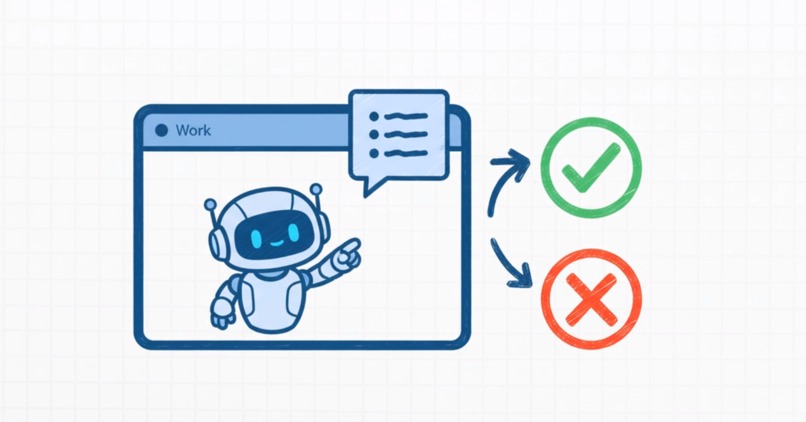
Focus with AI
-
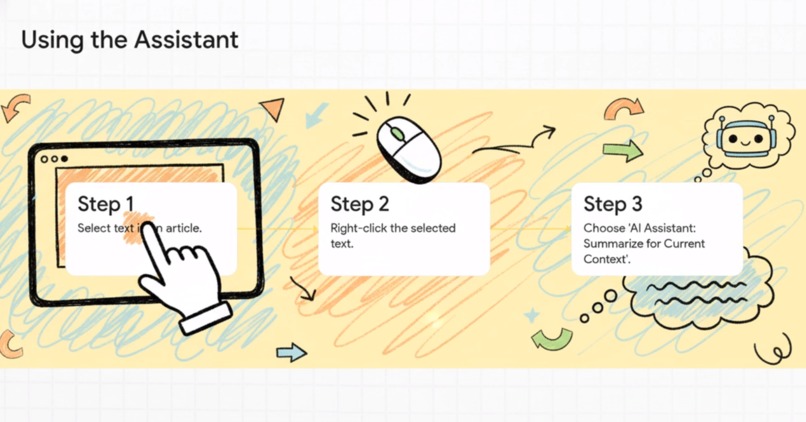
Using The Assistant
-

Behind The Scenes
-
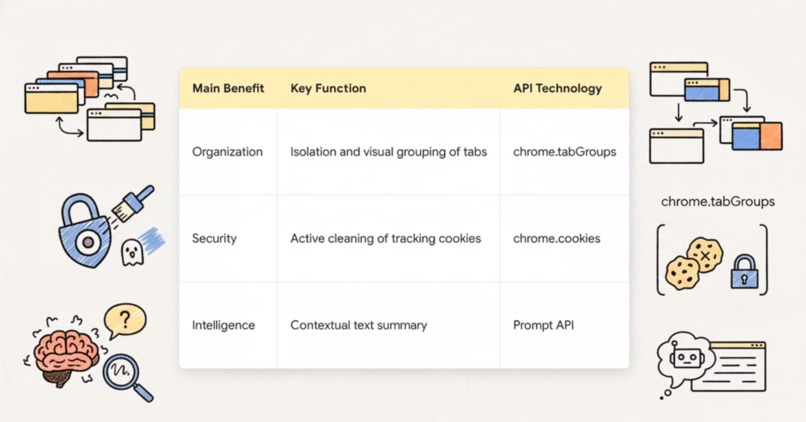
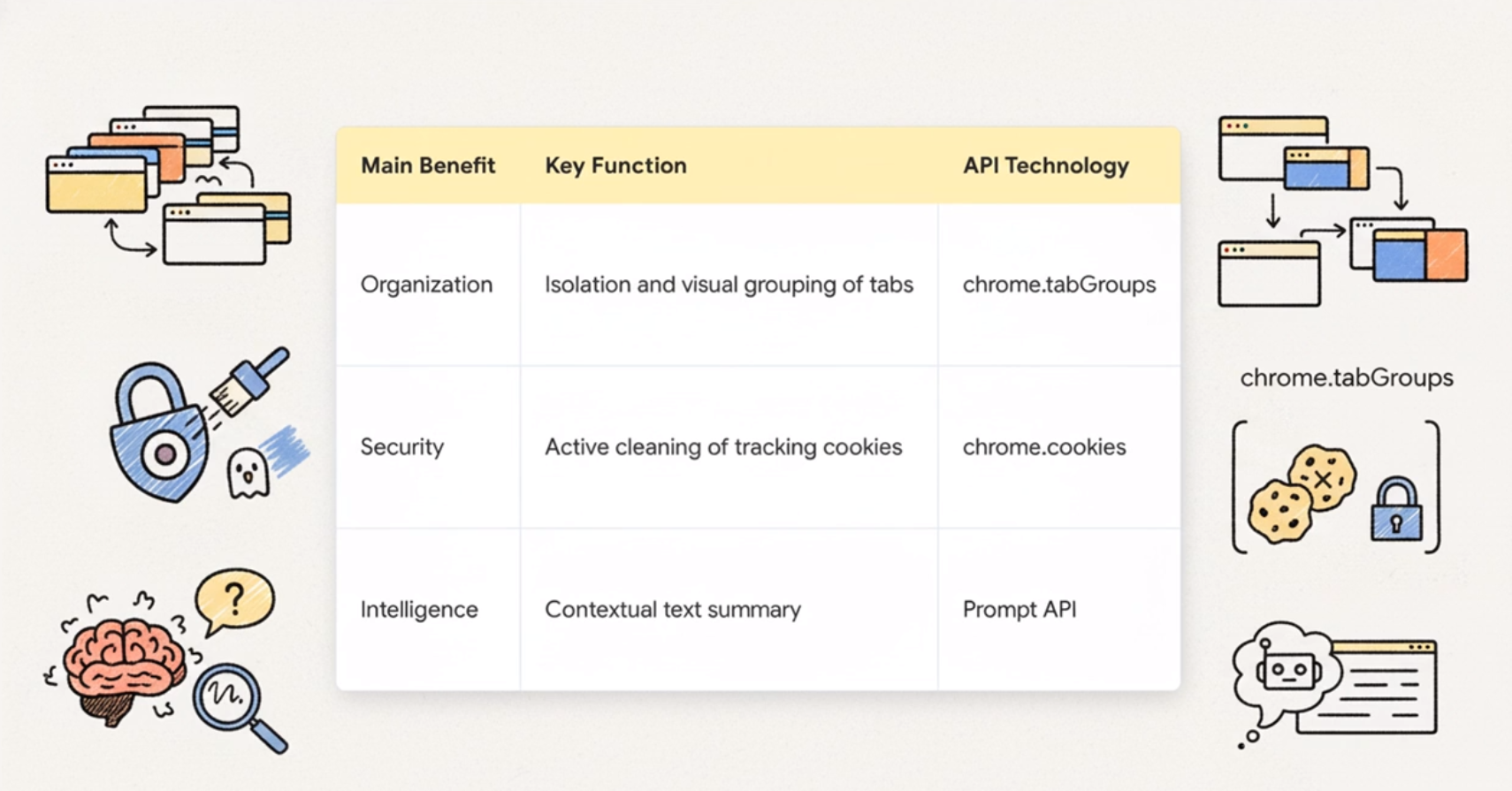
Main Benefit, Key Function, API Technology
-
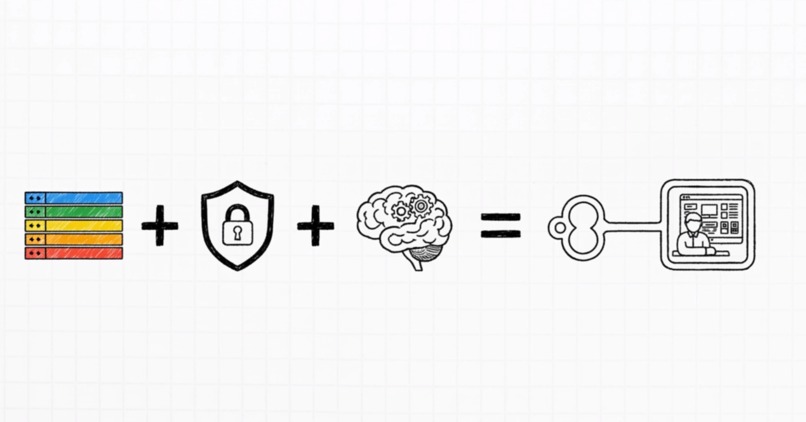
Organization, Security and Intelligenge
-

ContextGuard Pro Is The Ally That Protects And Works For You
-
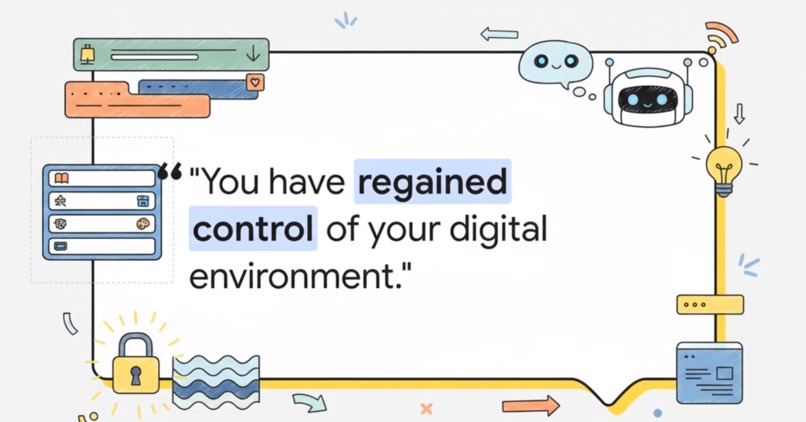
Congratulations!
-

Material Generated With NotebookLM. THANK YOU, GOOGLE!


Project Story & Purpose
The fundamental problem that ContextGuard Pro solves relates to the inherent chaos of the modern web browsing environment. This chaos is characterized by users habitually mixing different types of activities, such as work, shopping, and personal browsing, within the same session.
This mixing of contexts leads to two primary negative consequences that ContextGuard Pro seeks to address:
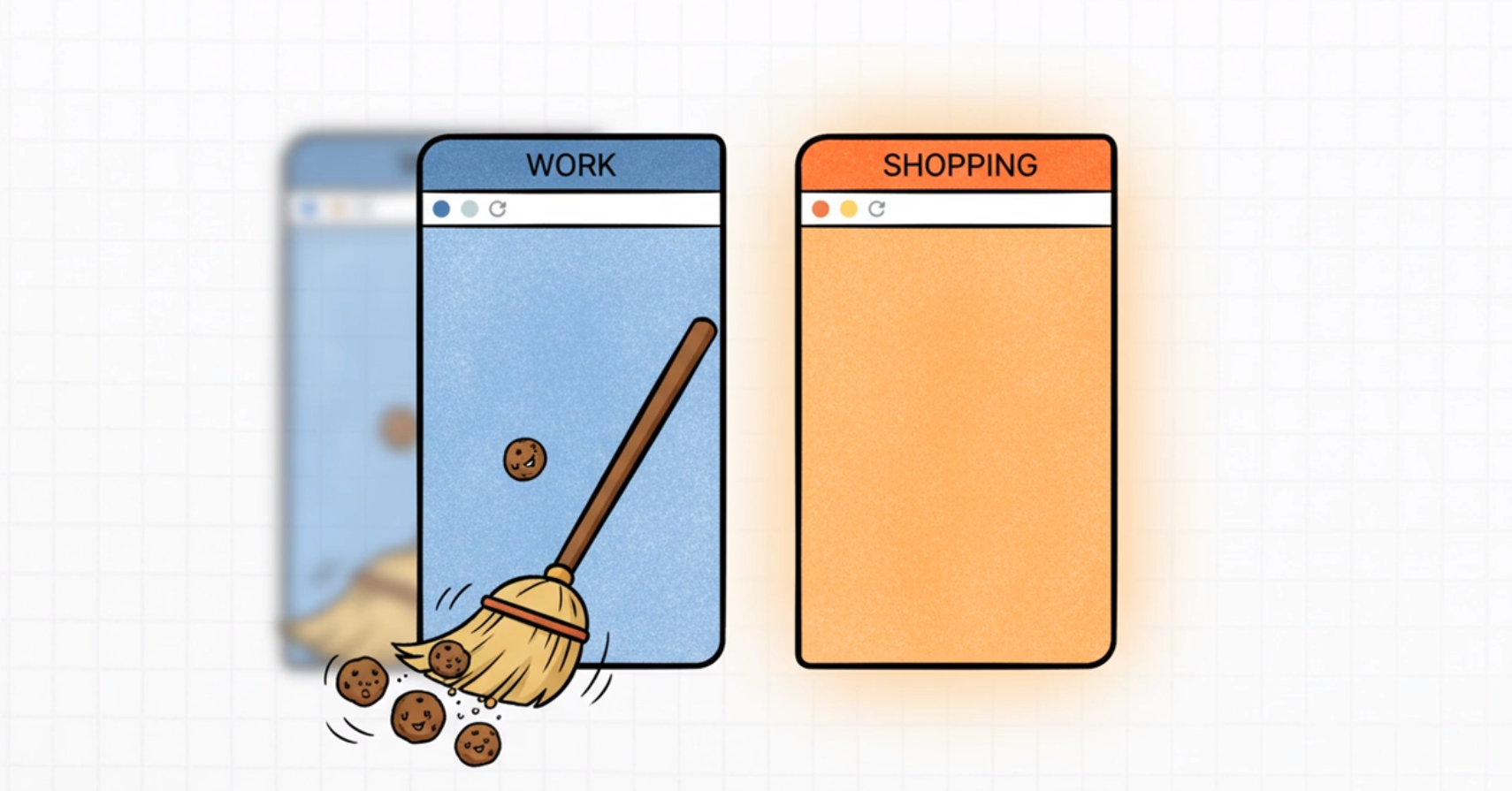
Data Leaks: Mixing activities increases the risk of "data leaks". ContextGuard Pro mitigates this by enforcing privacy across contexts, using the
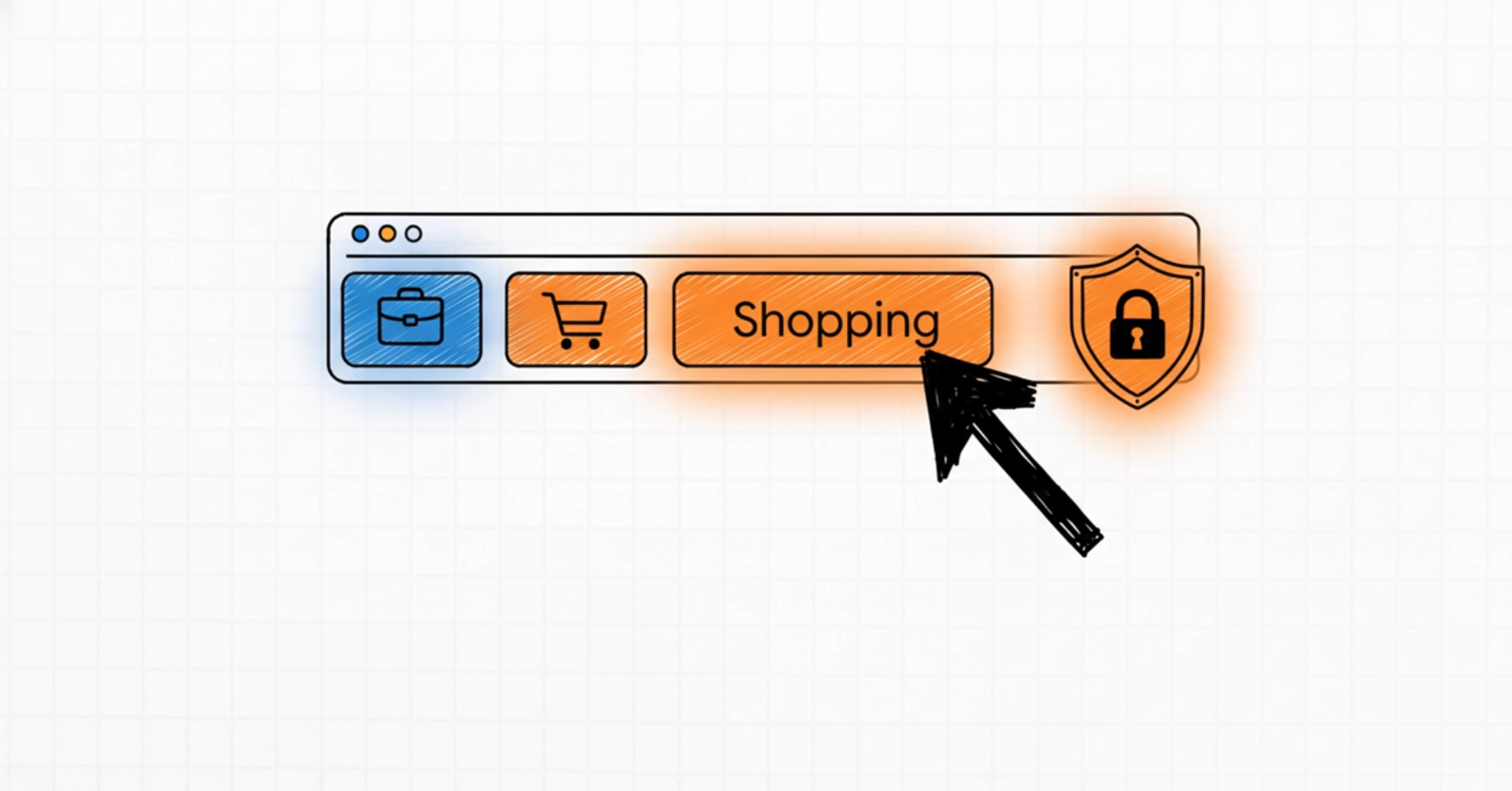
chrome.cookiesAPI to perform an "Active Sweep" and clear tracking cookies when switching between containers (e.g., from "Work" to "Shopping").Destroying Focus: The lack of organization "destroys focus". The solution uses the
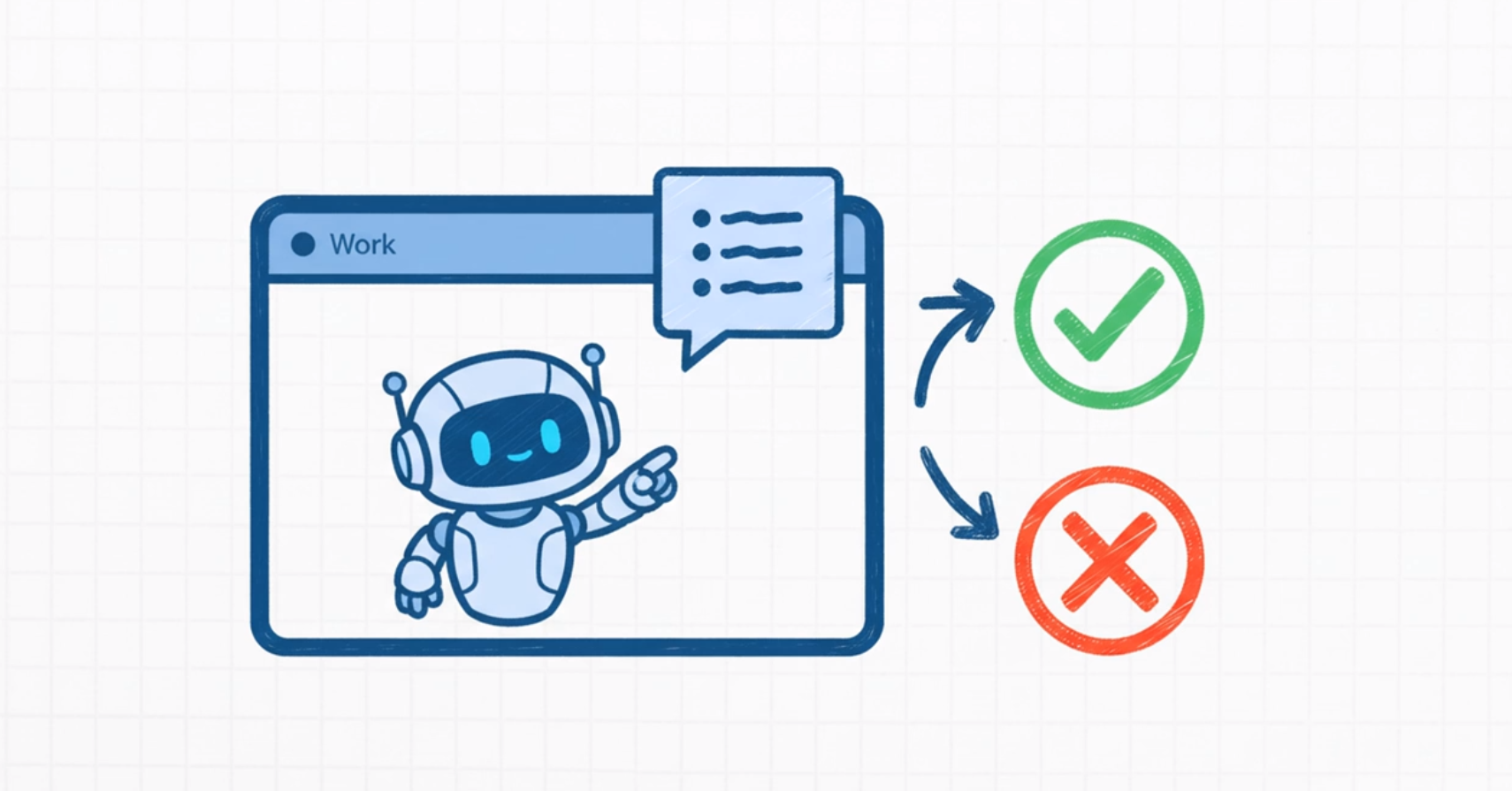
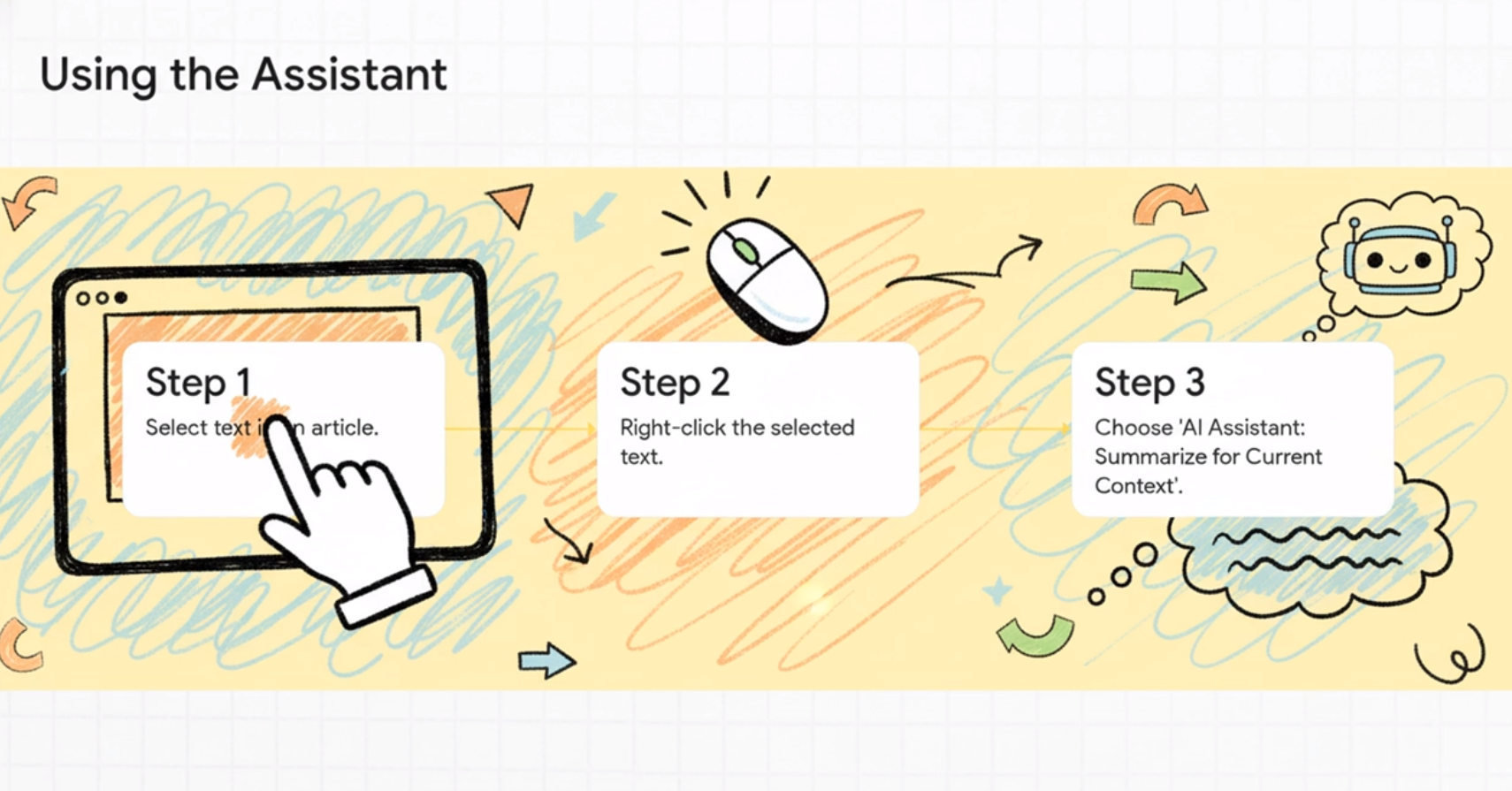
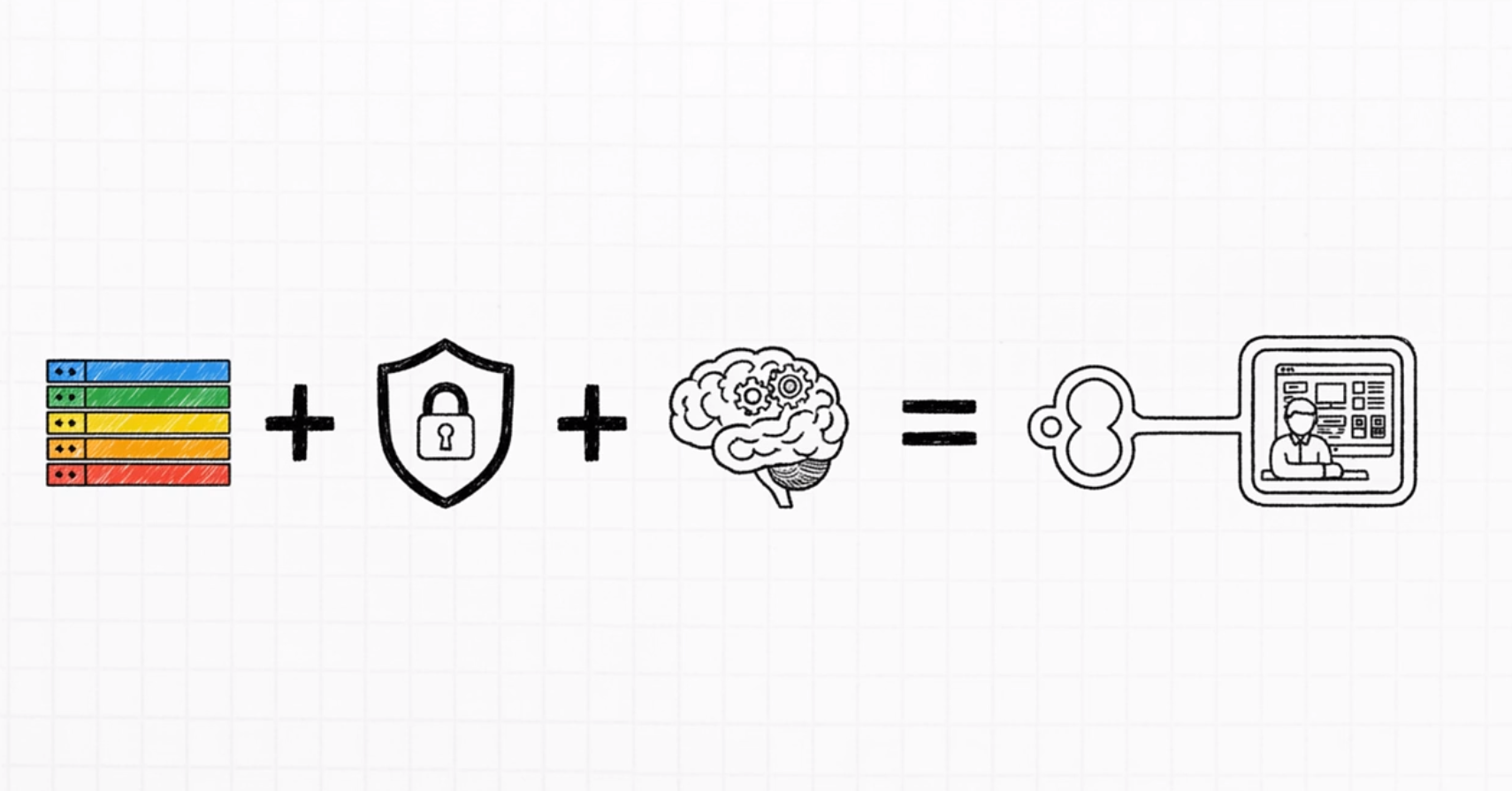
chrome.tabGroupsAPI to visually separate tabs into dedicated containers (like "Work," "Shopping," or "Personal") for organization. Furthermore, it integrates the Prompt API for intelligence, such as an AI Assistant that summarizes text based specifically on the current context, helping to maintain focus.
In essence, the program aims to provide a complete solution for users to take back control of their digital environment by eliminating the risks associated with mixing distinct professional and personal browsing activities.
Built With
- chrome.contextmenus-api
- chrome.cookies-api
- chrome.notifications-api
- chrome.tabgroups-api
- css3
- gemini-2.5-pro-(for-development-support)
- gemini-2.5-pro-preview-tts
- gimp
- github
- google-chrome-extensions-(manifest-v3)
- html5
- javascript(es6+)
- notebook-lm-(for-video-scripting)
- prompt-api-(gemini-nano-placeholder)
- vs-code

Log in or sign up for Devpost to join the conversation.