Inspiration
Every time we asked an AI assistant to help us with a work document, the same uncomfortable thought surfaced: that file just left our machine.
We looked at the tools people were using — Google Drive with Gemini, enterprise RAG pipelines, knowledge-base products — and they all shared the same architecture: your documents travel to a cloud server, get embedded there, get queried there, and the answers come back. You don't control what gets stored, who can access the index, or how long your data lingers. And you certainly can't say "share this paragraph but not that one."
For individuals that's a privacy inconvenience. For enterprises dealing with legal documents, financial data, or pre-publication research, it's a genuine blocker. The data simply can't leave the building — which means AI assistants become unusable for the most valuable information.
We wanted to build the version of this that should exist: one where the context never leaves your device unless you explicitly decide to share it, and where "sharing" means something fine-grained — not "send the whole file" but "share these sections, redact those keywords, deny anything that matches this pattern."
What We Built
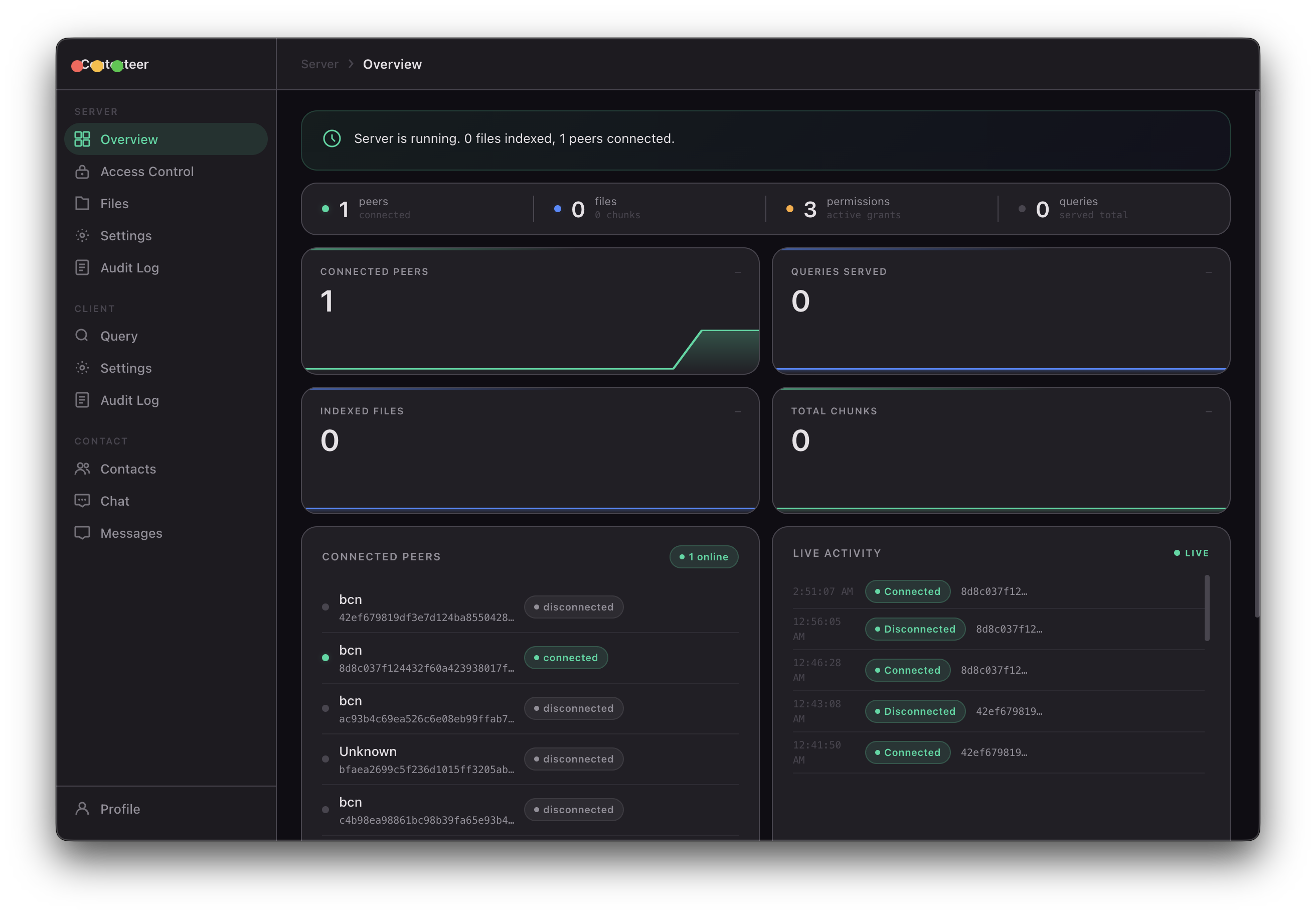
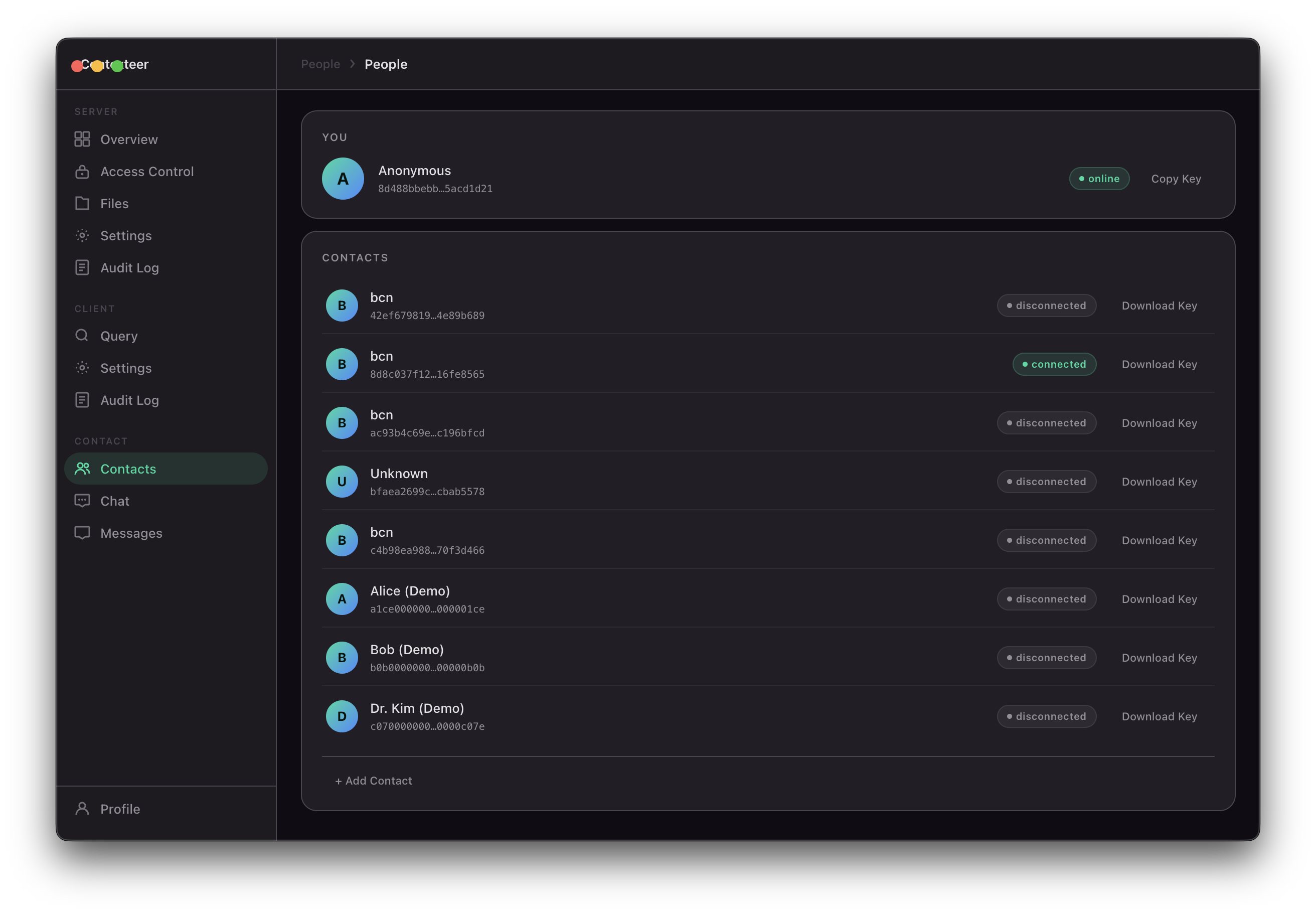
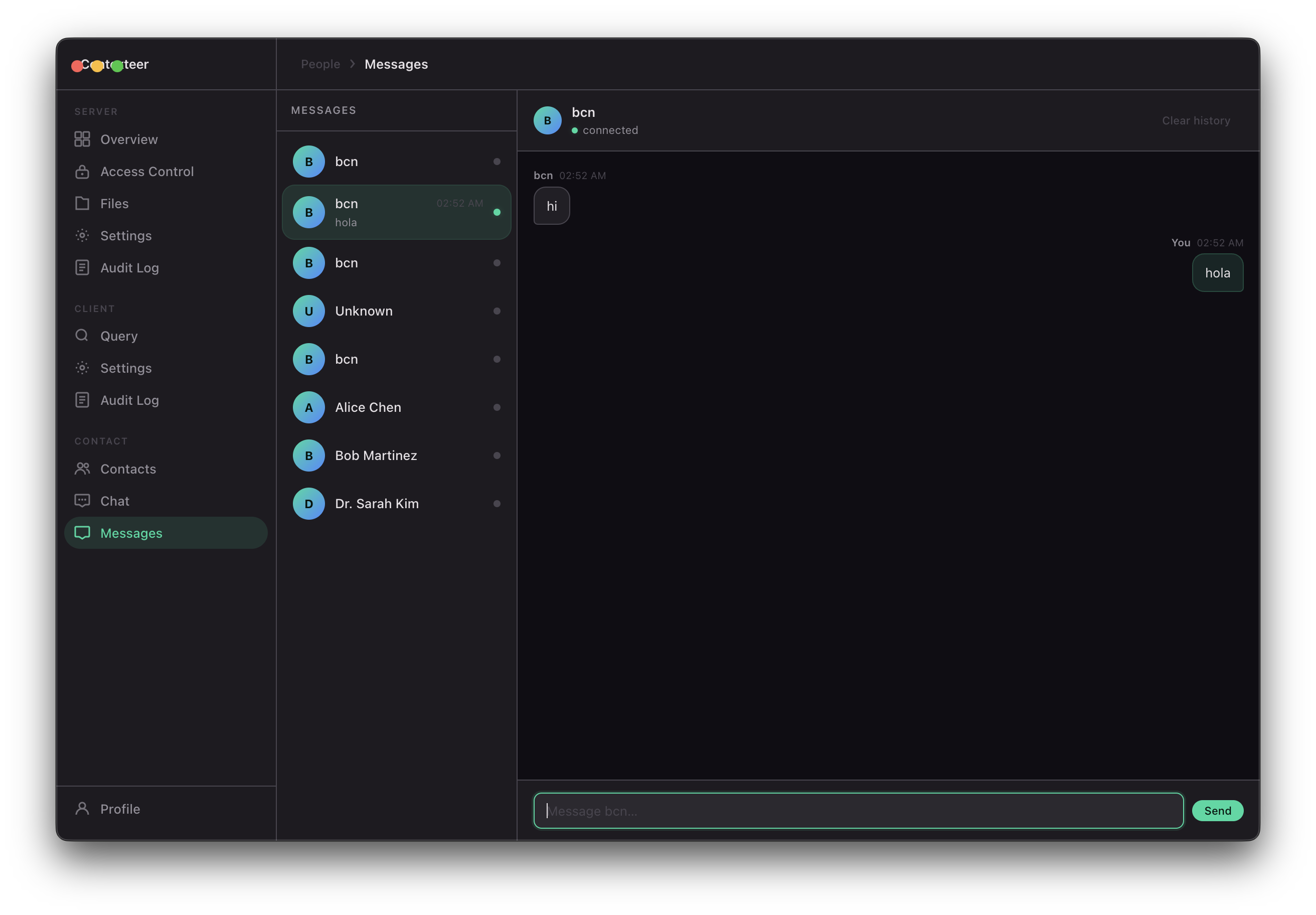
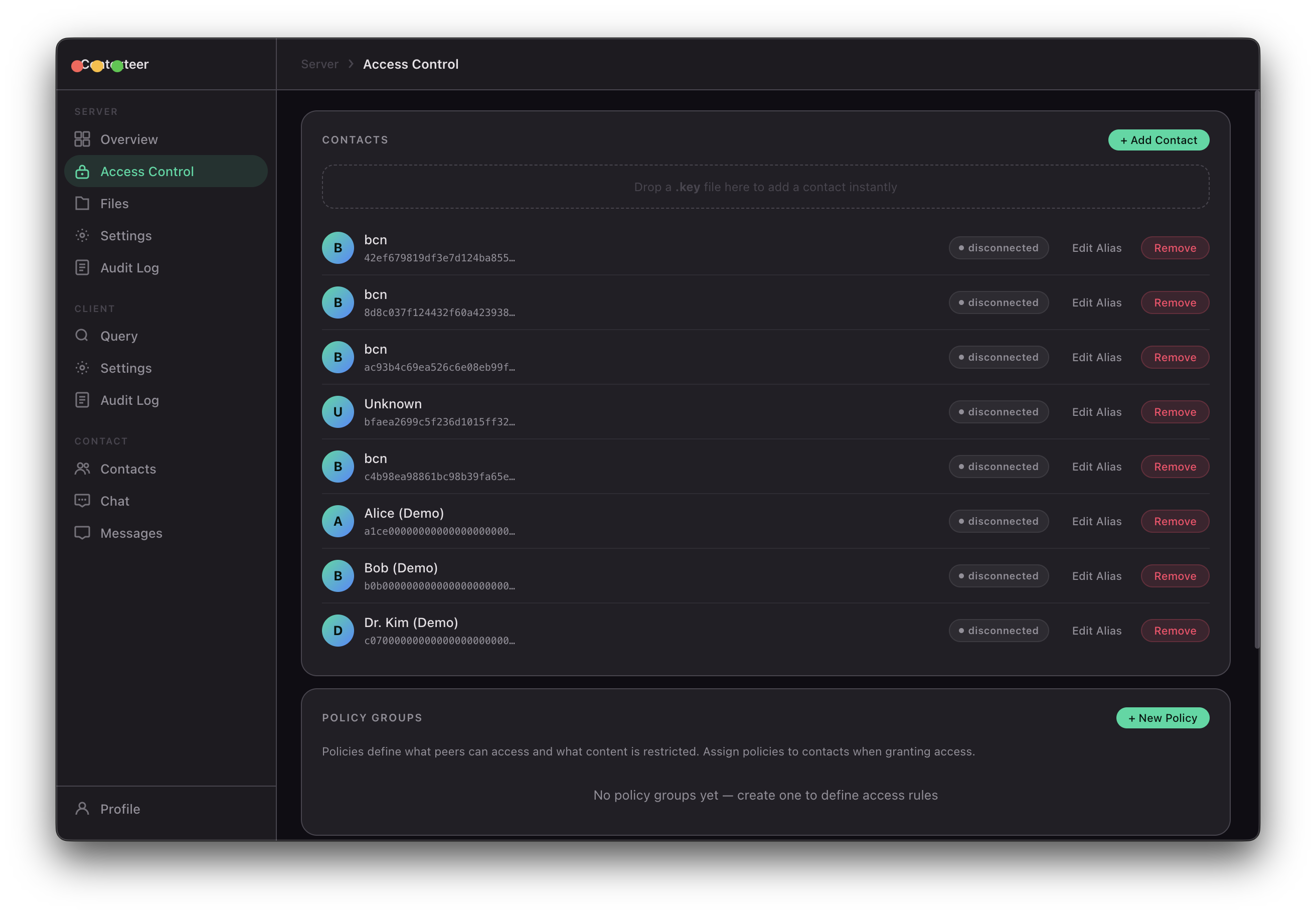
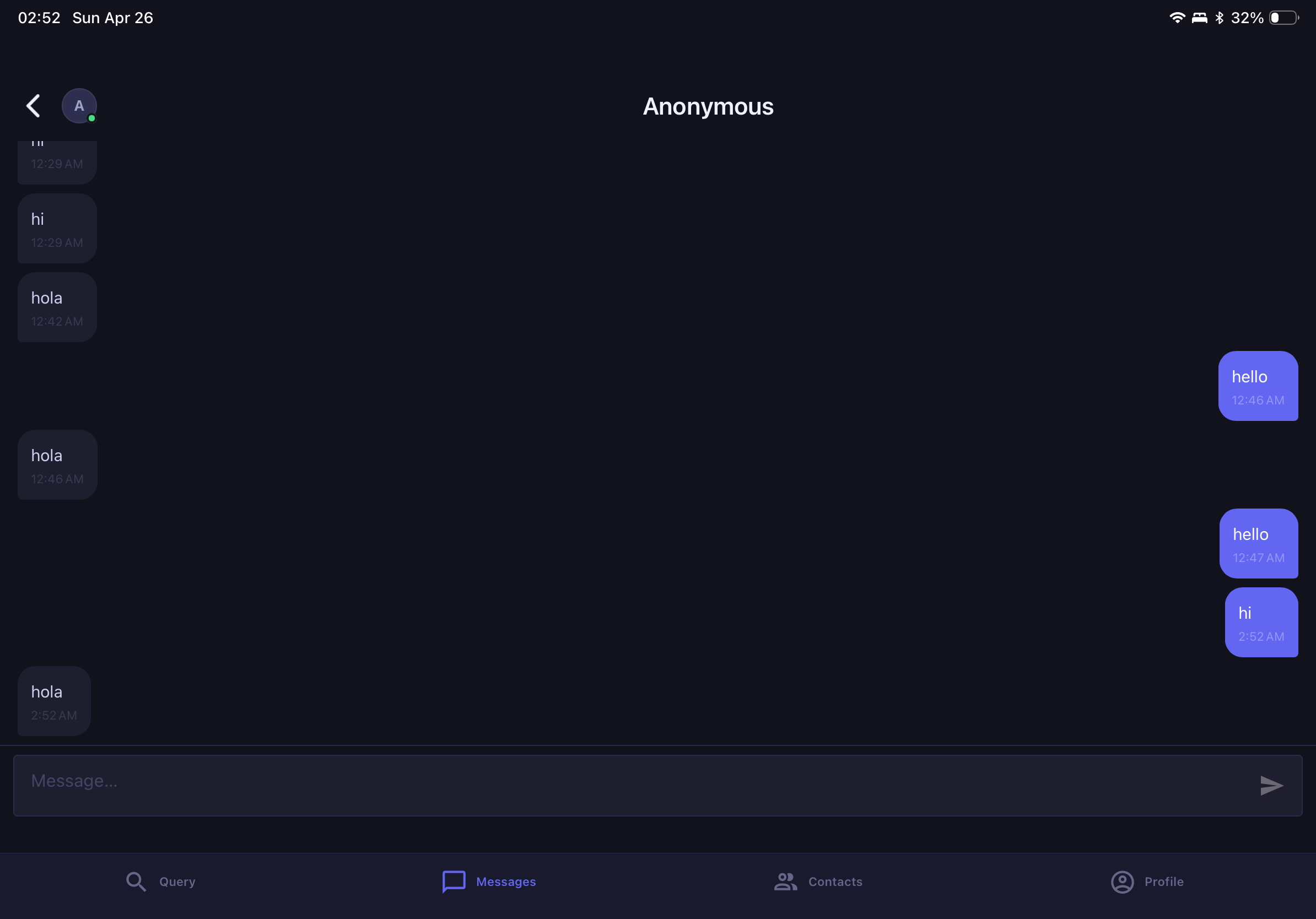
Contexteer is a peer-to-peer AI context-sharing platform. It lets you:
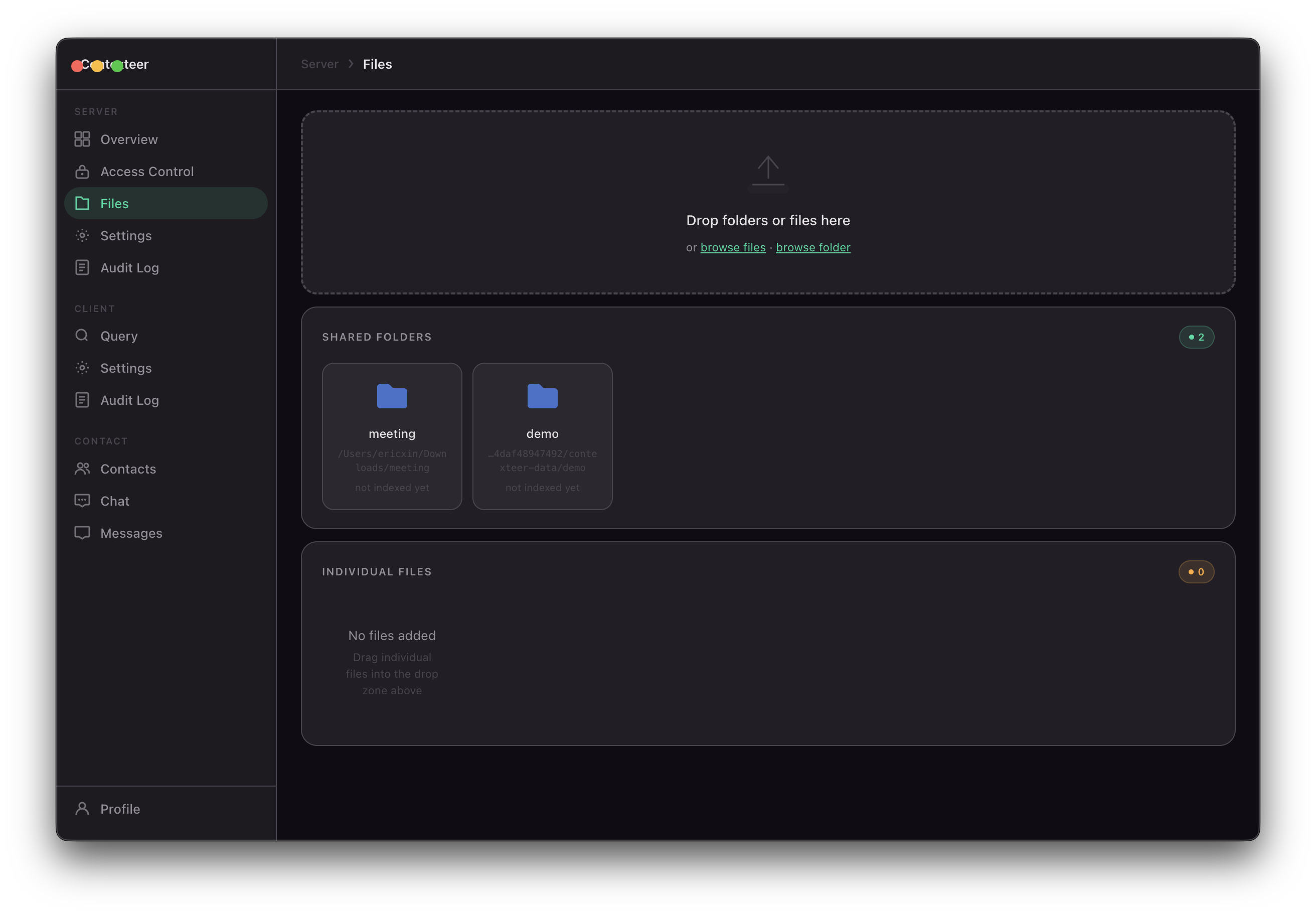
- Index your local files — PDFs, Word documents, spreadsheets, Markdown, code, archives — into an on-device vector database
- Share context directly with peers over an encrypted P2P connection, with no relay server in the middle
- Control what gets shared at the content level: redact keywords, apply regex patterns, or write natural-language policies like "don't share anything about salary figures"
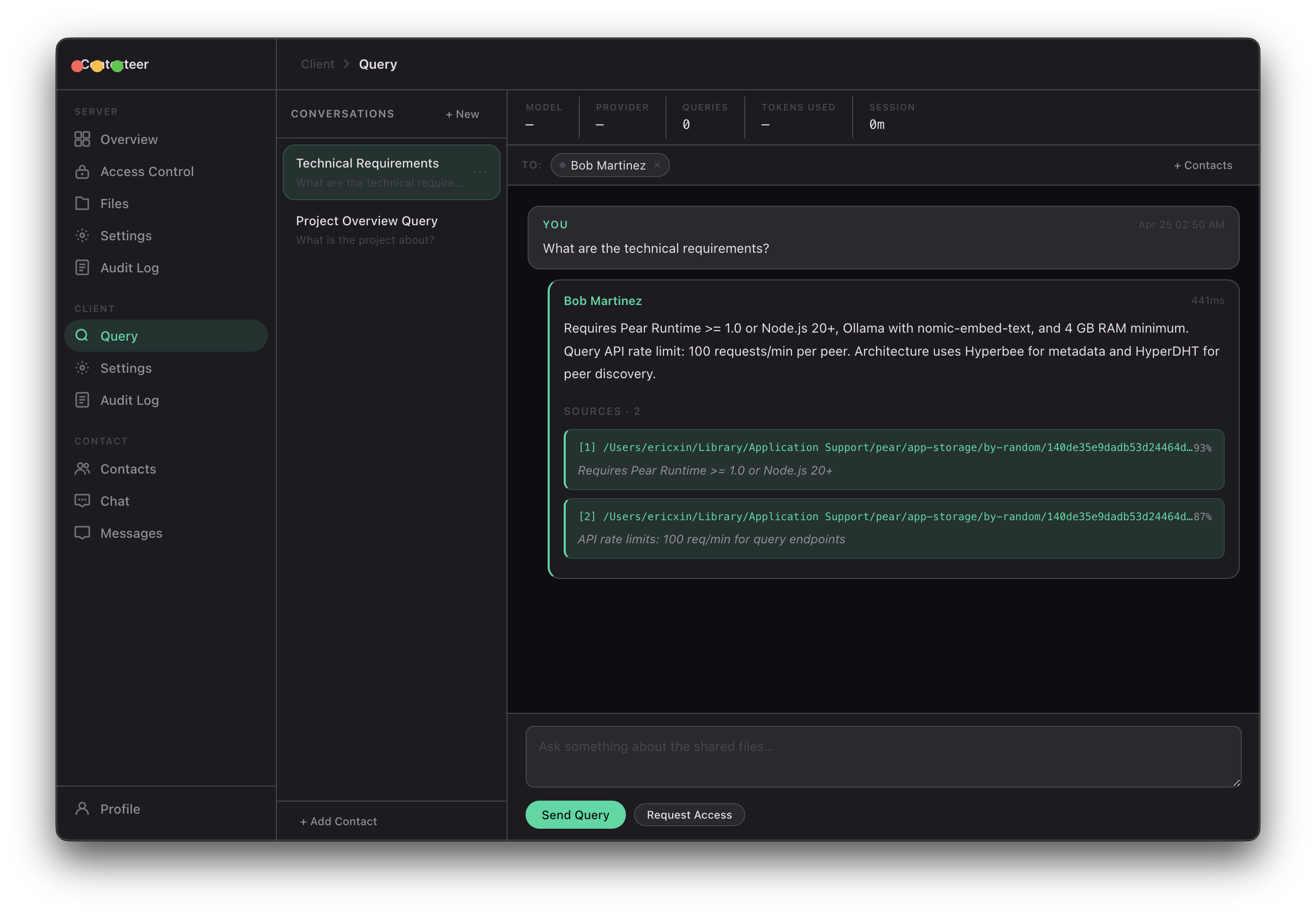
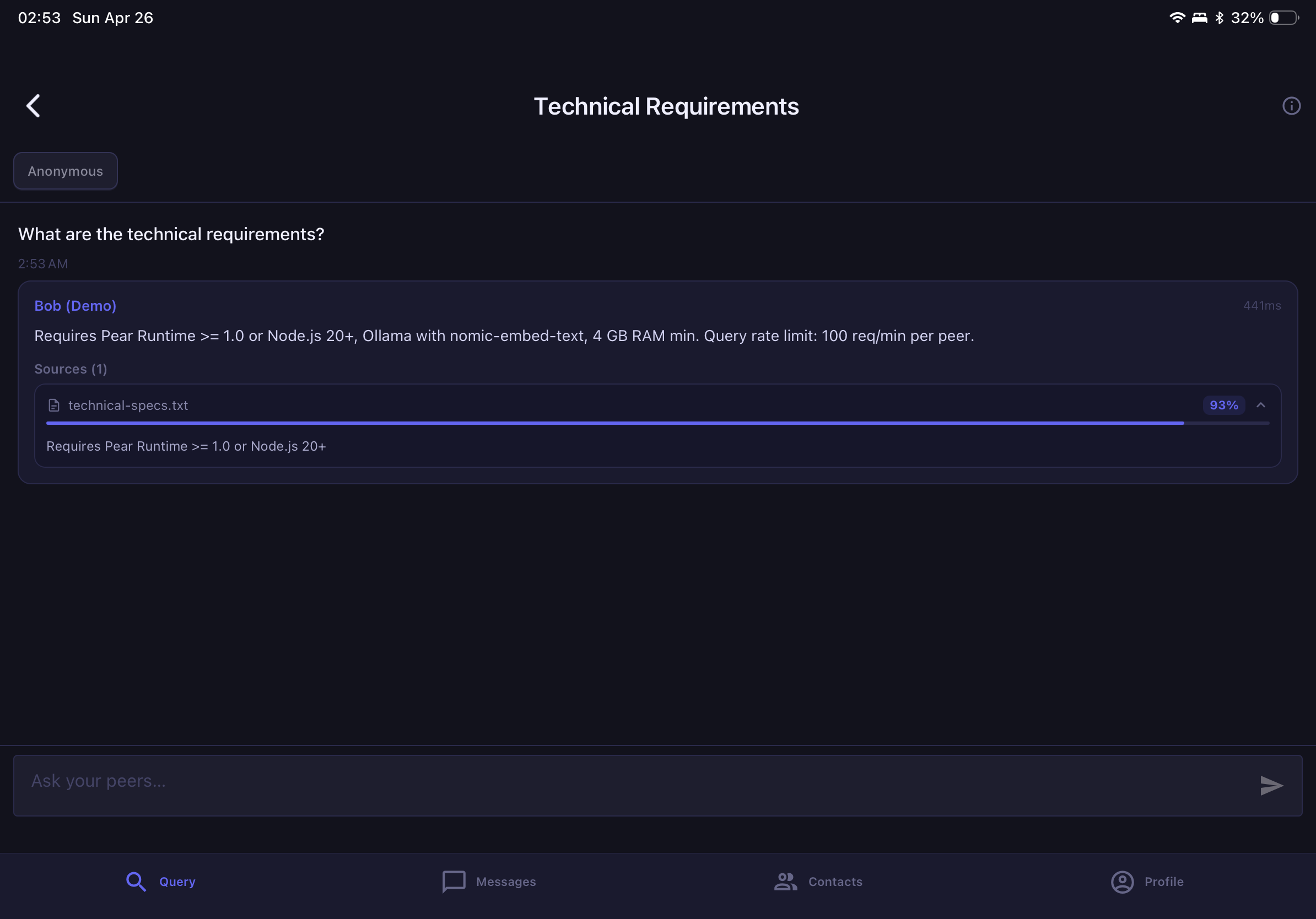
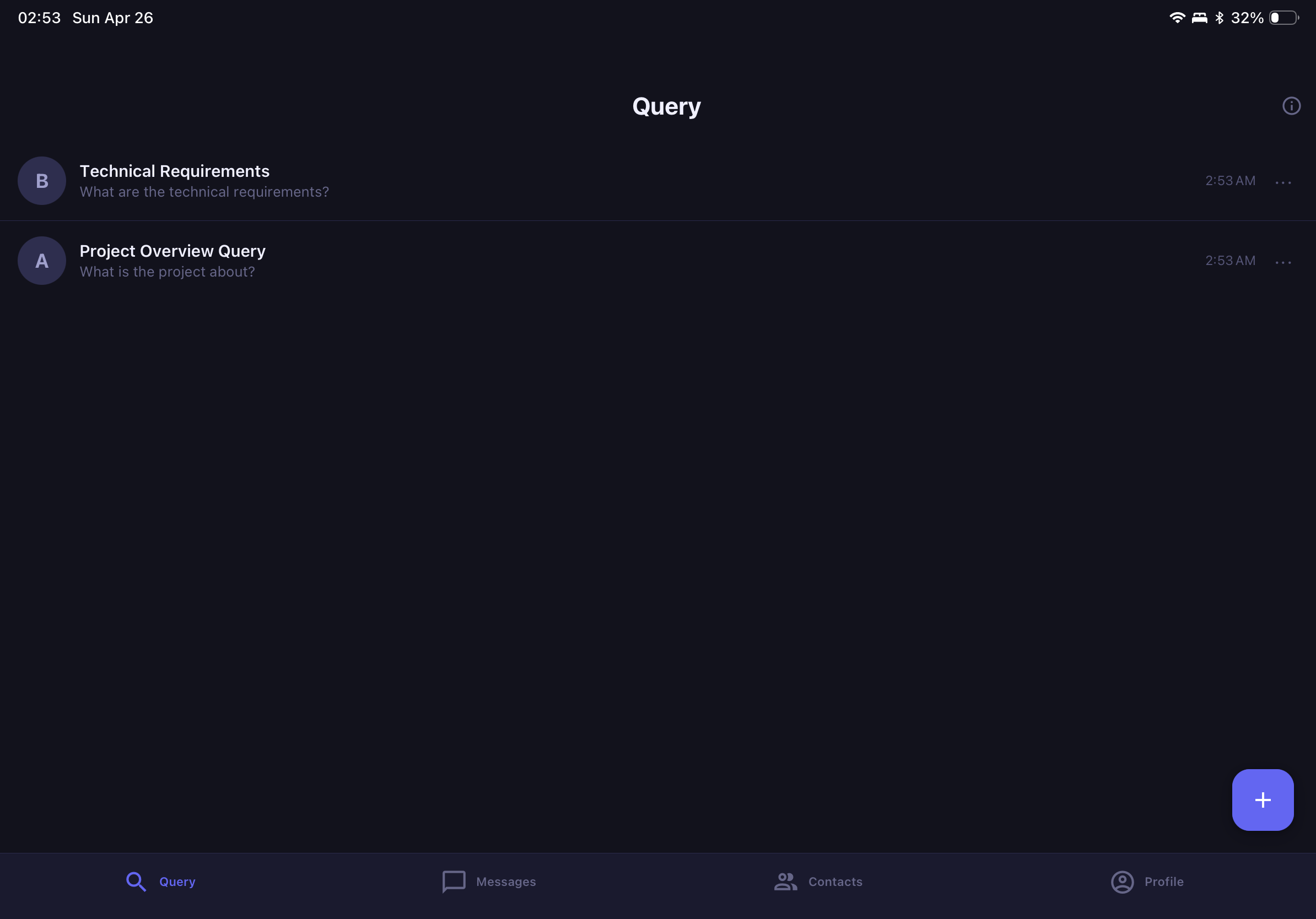
- Query and be queried using any AI model — local (Ollama) or API-based (Claude, GPT, Gemini) — with AI answers grounded only in what you've permitted
- Write back — peers with write access can create, append, or overwrite files on your machine, under the same access control guarantees
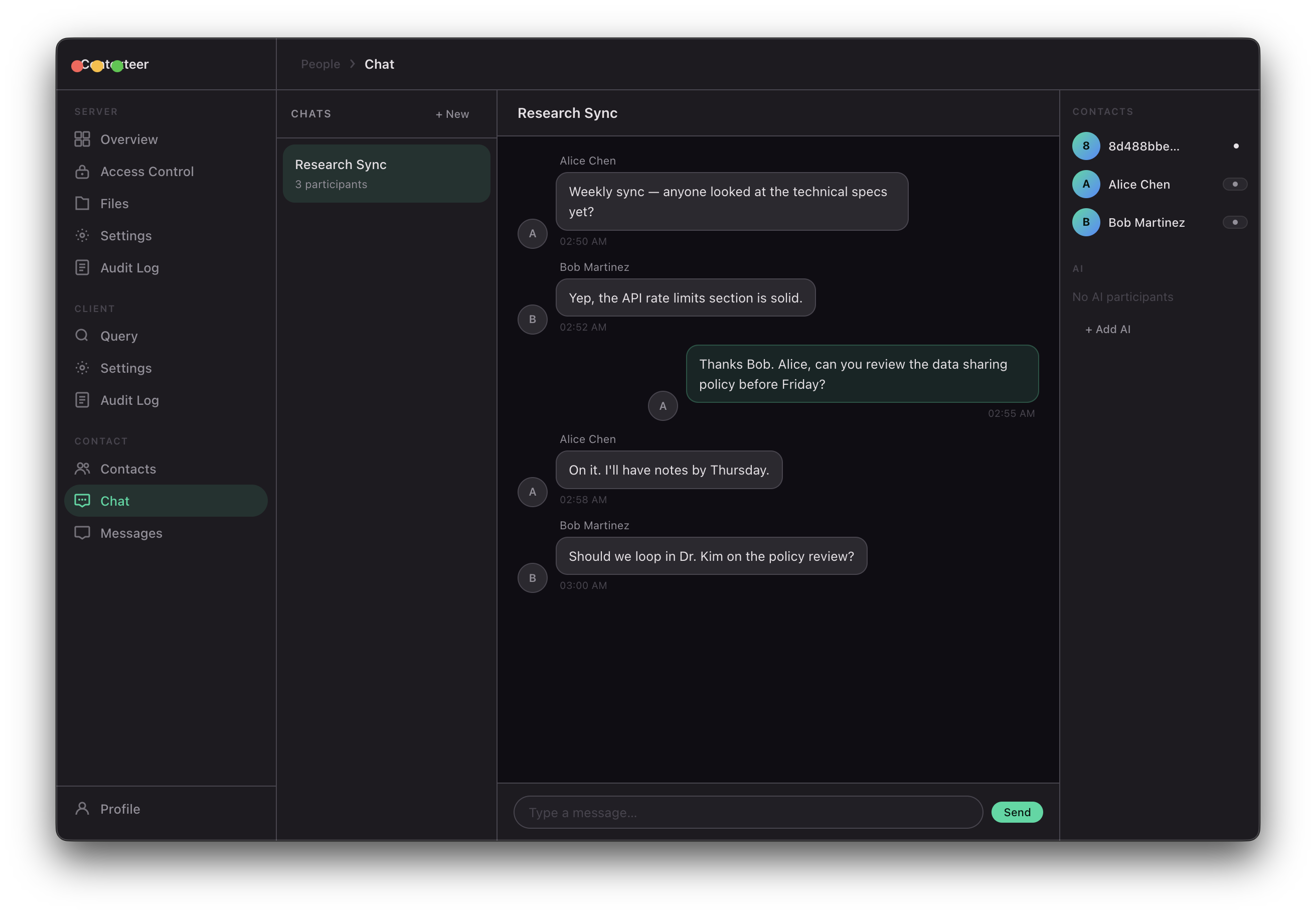
The same protocol works for human-to-human context sharing and for AI agent-to-AI agent workflows. An autonomous agent on one machine can query a context server on another machine with the same fine-grained policy enforcement that applies to humans.
How We Built It
The P2P layer
We built on the Hypercore protocol stack — a suite of open, cryptographically-verified distributed primitives. Specifically:
- Hyperswarm for DHT-based peer discovery. Peers find each other by public key across NAT boundaries without any central registry. The discovery topic is derived from a SHA-256 hash of
"contexteer-v1". - Protomux for multiplexing multiple typed channels (query, write, access control, chat) over a single encrypted socket.
- Hyperbee for persistent storage of permissions, peer lists, conversation history, and audit logs. Backed by a cryptographic append-only log — tamper-evident by construction.
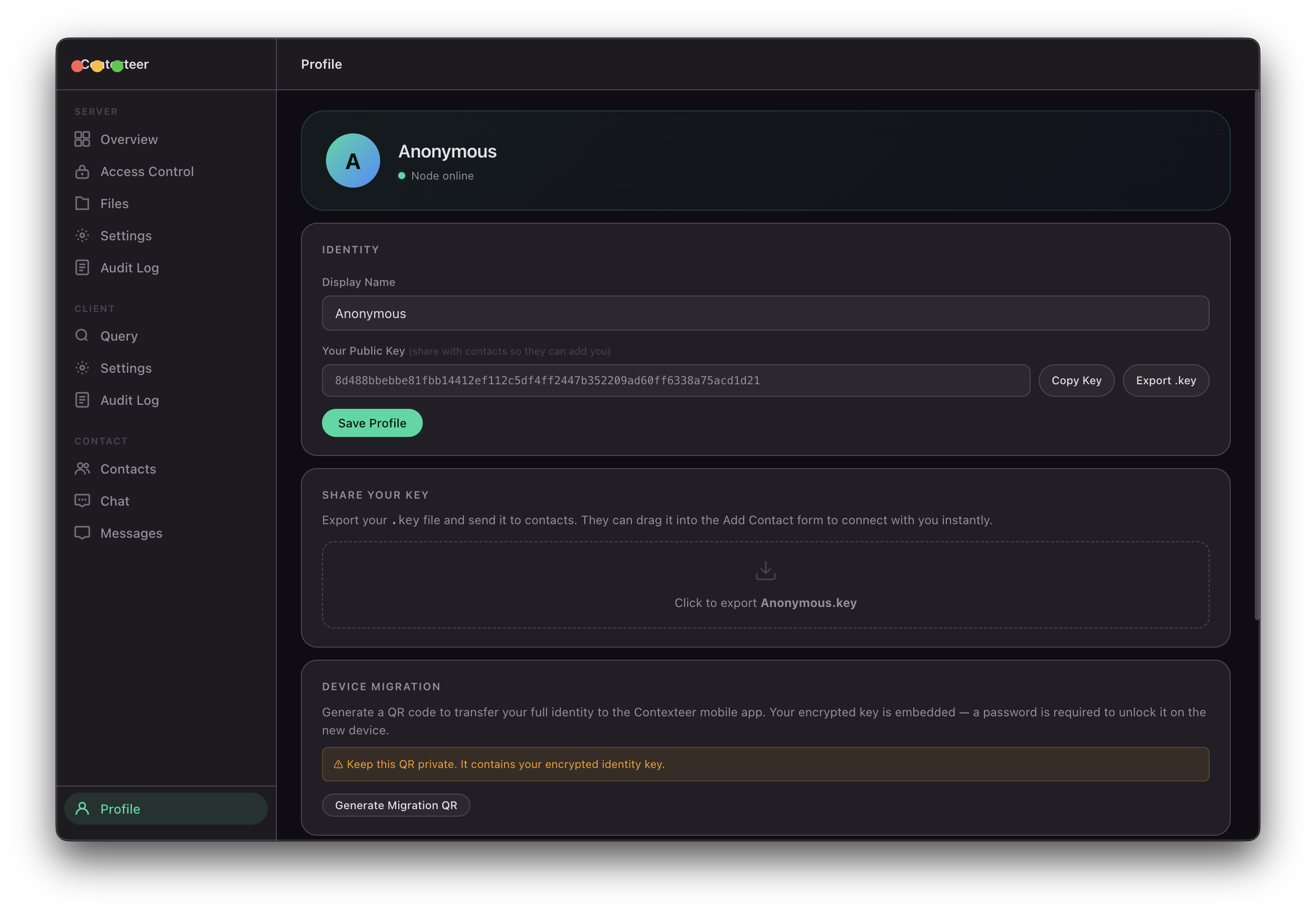
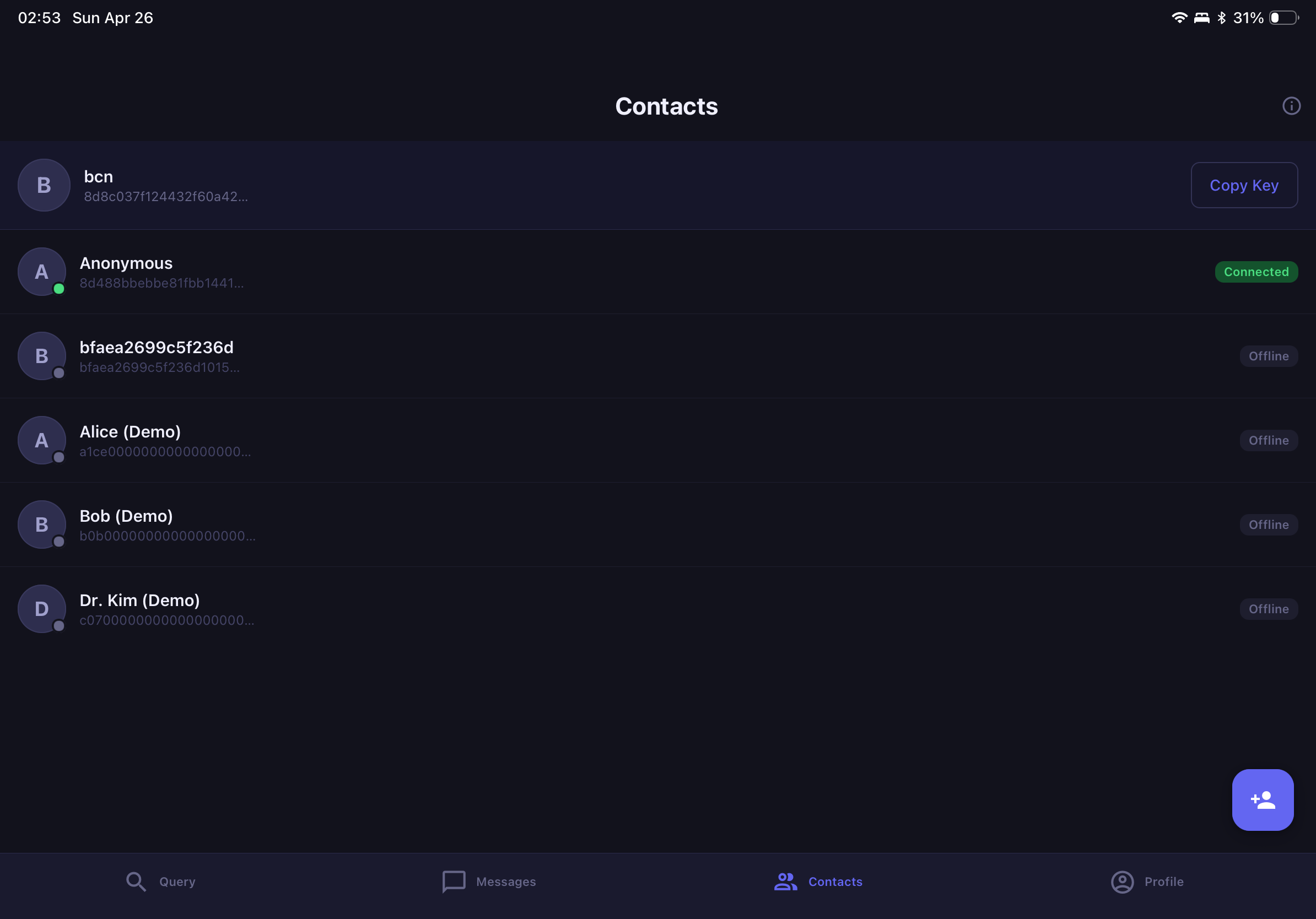
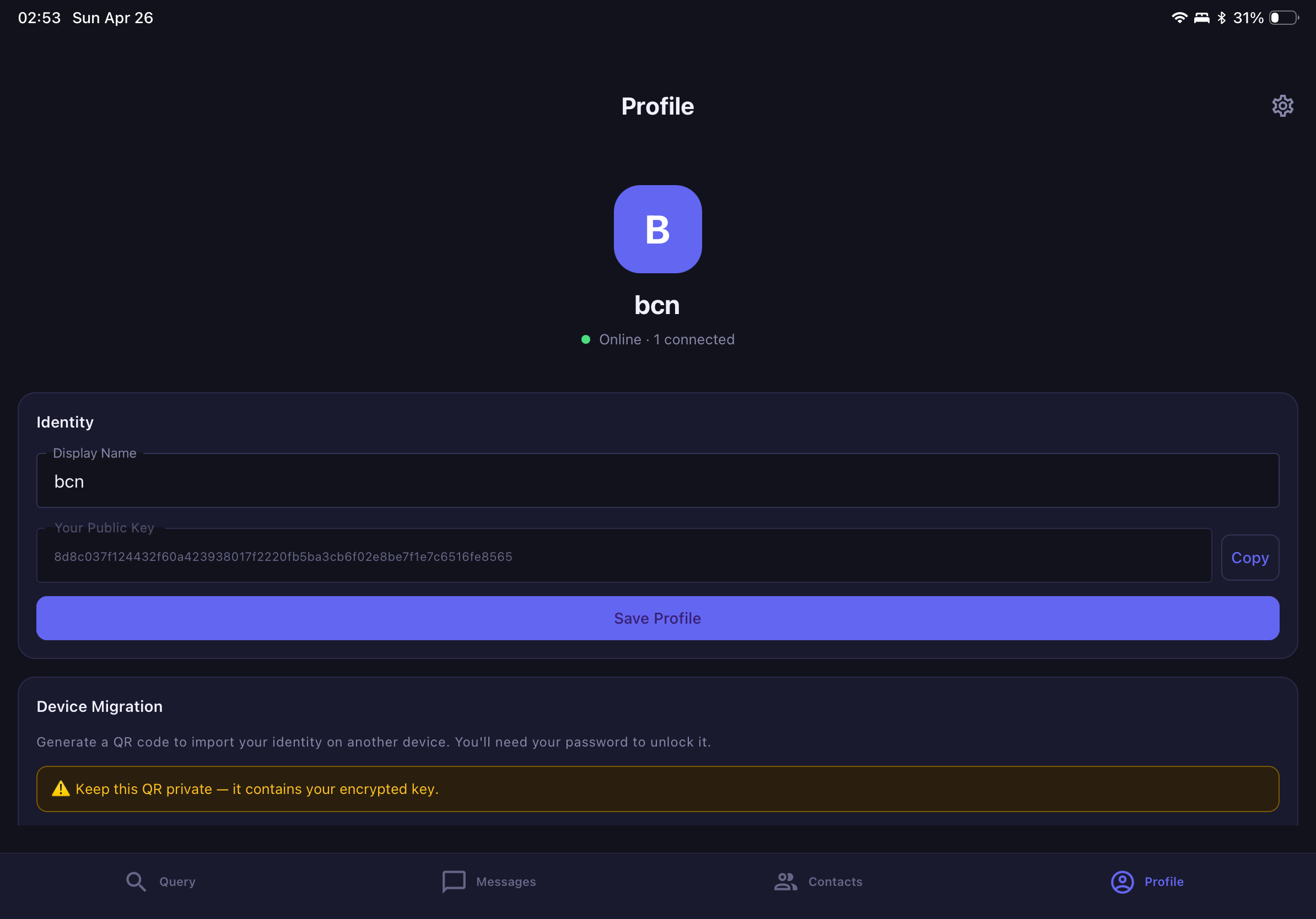
- Corestore for identity management. Each user's identity is a key pair derived from a BIP-39 mnemonic seed phrase.
The connection protocol is line-delimited JSON with message IDs for request/response correlation. Rate limiting (30 req/60s per peer) and exponential-backoff reconnection are handled at the protocol level.
Semantic search
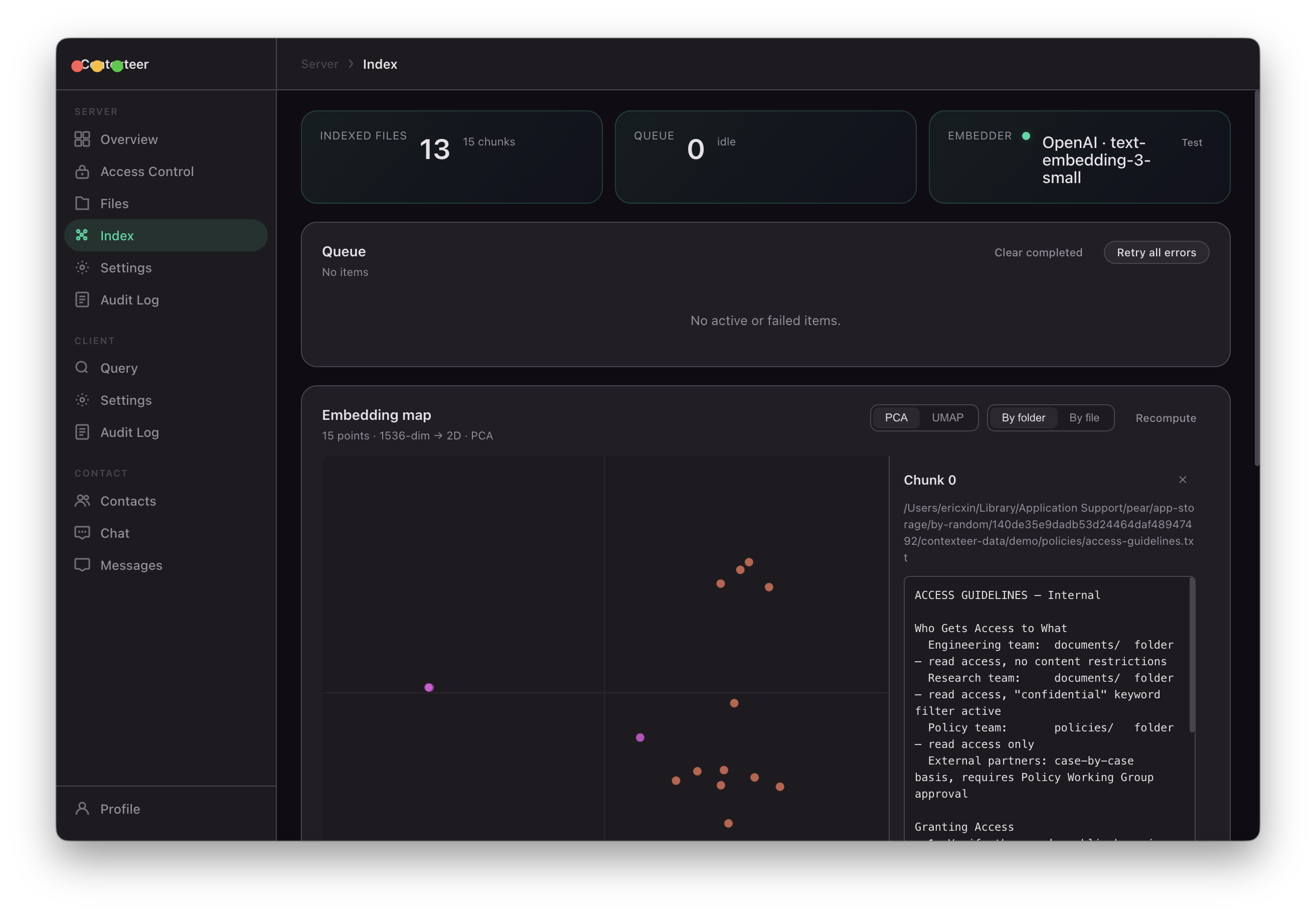
Document indexing follows a streaming pipeline:
$$\text{File} \xrightarrow{\text{parse}} \text{Text chunks} \xrightarrow{\text{embed}} \mathbb{R}^d \xrightarrow{\text{store}} \text{Vector DB}$$
- Files are parsed into text using pdf-parse (PDF), mammoth (DOCX), and native readers for Markdown, code, and archives
- Text is chunked at 2048 characters with 128-character overlap, respecting paragraph boundaries
- Chunks are embedded using Ollama (local, default) or the OpenAI embeddings API
- Retrieval uses cosine similarity search over an in-memory store (with sqlite-vec as a persistent backend)
$$\text{score}(q, c) = \frac{\mathbf{q} \cdot \mathbf{c}}{|\mathbf{q}| |\mathbf{c}|}$$
Only chunks with access-control clearance are passed to the AI model for generation.
Access control engine
Permissions operate at three levels: path (folder or file), action (read / write / read-write), and content (what within a permitted file can be seen).
Content restrictions:
redact-keyword— replace matching terms with[REDACTED]redact-regex— same for regex patternsdeny-if-contains— block the entire response if a pattern appearsnl-policy— natural language: the AI evaluates whether a response violates the policy before sending
An optional safety gate runs a second AI pass on high-sensitivity data. All decisions are logged to an immutable audit trail with cryptographic hashing.
Application layer
The desktop application is built on Pear Runtime with a TypeScript backend and a vanilla TypeScript + DOM frontend (Material Design 3 dark theme, no framework). IPC messaging bridges the UI and the backend process.
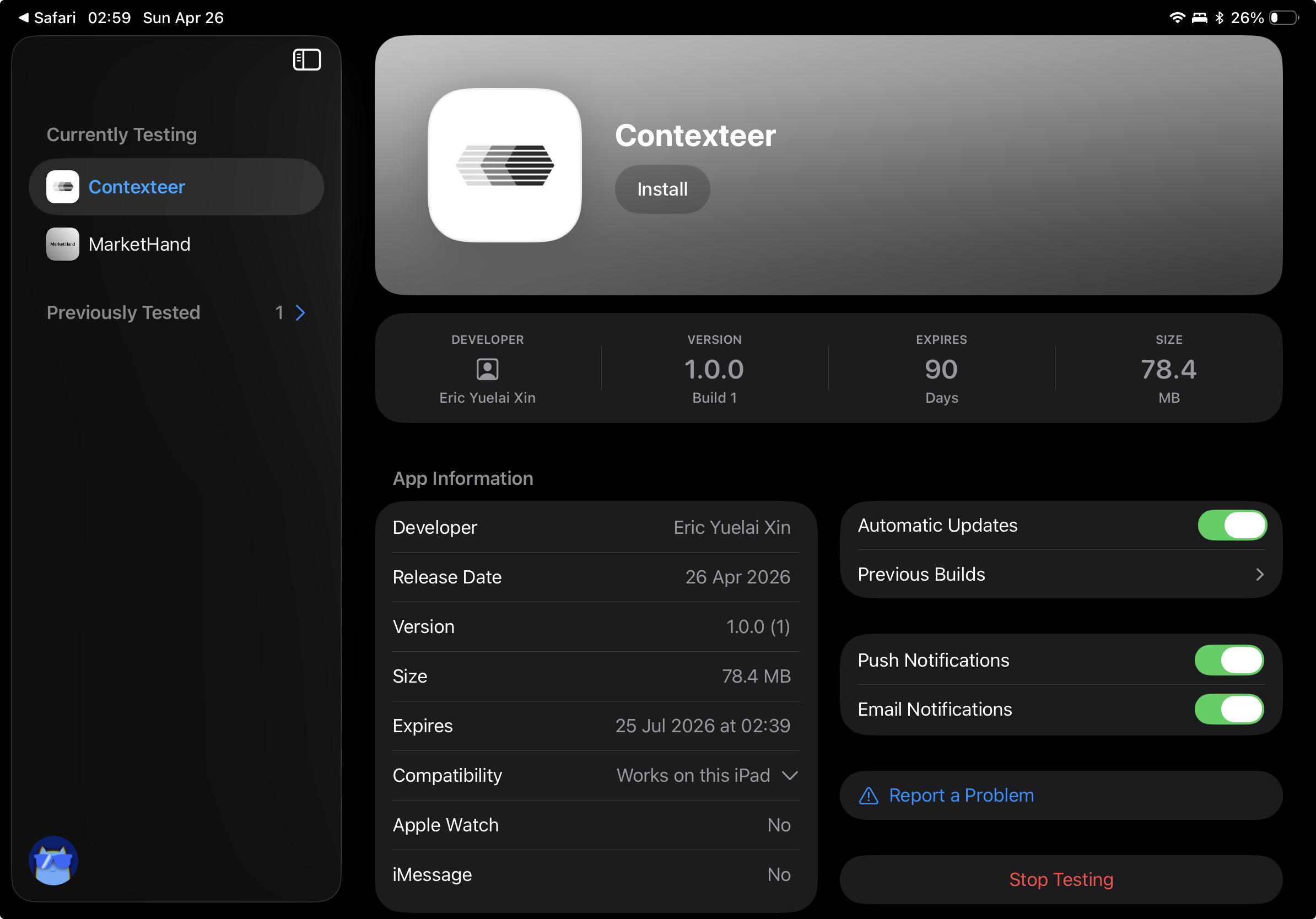
The mobile application is built on React Native with Expo, using TypeScript throughout. A Bare runtime thread runs embedded in the native process via react-native-bare-kit, bridging the Holepunch P2P stack (Hyperswarm, HyperDHT) into mobile. The UI is built with React Native Paper (Material Design 3) and navigated via Expo Router. State is managed with Zustand, and fast key-value persistence is handled by MMKV.
The landing page is a separate Next.js 14 project with Framer Motion animations and the same design system.
Challenges
Making access control actually enforceable, not just advisory
The naive approach is to check permissions before sending a file. But we're doing semantic search — we're sending chunks, not files, and a single chunk might contain both permitted and restricted content. We had to build the content filter to operate at the chunk level, applying redaction before any text reaches the AI model.
Natural language policies were especially tricky: evaluating "don't share anything about sales targets" against a retrieved chunk requires running another AI inference, which adds latency and cost. We made this opt-in per permission, with caching to avoid redundant evaluations.
NAT traversal without a relay server
We wanted truly direct connections — no TURN-style relay that would add latency and a third party. Hyperswarm's DHT handles most cases, but there are network configurations where hole-punching fails. We spent significant time on the reconnection and fallback logic, including exponential backoff and peer state persistence across sessions.
Streaming large documents without blowing memory
Early versions tried to parse and embed entire files before chunking. On a 200-page PDF this meant holding 10MB+ of text in memory. The streaming pipeline — async generator chains from parser → chunker → embedder — keeps memory usage constant at O(chunk size) regardless of file size. Getting the chunk boundary logic right (splitting at paragraph and line boundaries rather than arbitrary character counts) required several iterations.
Identity without accounts
Designing an identity system that's cryptographically strong, recoverable (seed phrases), and simple enough for non-technical users — while also handling the UX of key rotation and multi-device setup — took longer than expected. The PBKDF2-HMAC-SHA512 (210k iterations) + AES-256-GCM at-rest encryption for the seed phrase was straightforward; the UX of not losing it was not.
What We Learned
Building on decentralized primitives forces you to think differently about state. In a traditional client-server app, the server is the source of truth. Here, every peer is sovereign — which means conflicts, eventual consistency, and "what does a peer know?" become real design questions at every layer.
We also learned that "fine-grained control" is much harder to explain than to implement. The engineering took weeks. Explaining it to a non-technical investor in 30 seconds is an ongoing project.
The most important insight: the context layer is the leverage point. Whoever controls what information an AI model sees controls the quality, safety, and trust of every interaction that model has. Building that control layer in a way that's decentralized, private, and expressive is, we think, the right problem to be working on.

Log in or sign up for Devpost to join the conversation.