ContextBridge — AI Continuity Tool
Export, save, and port your AI conversations across platforms — instantly, with no login.
Inspiration
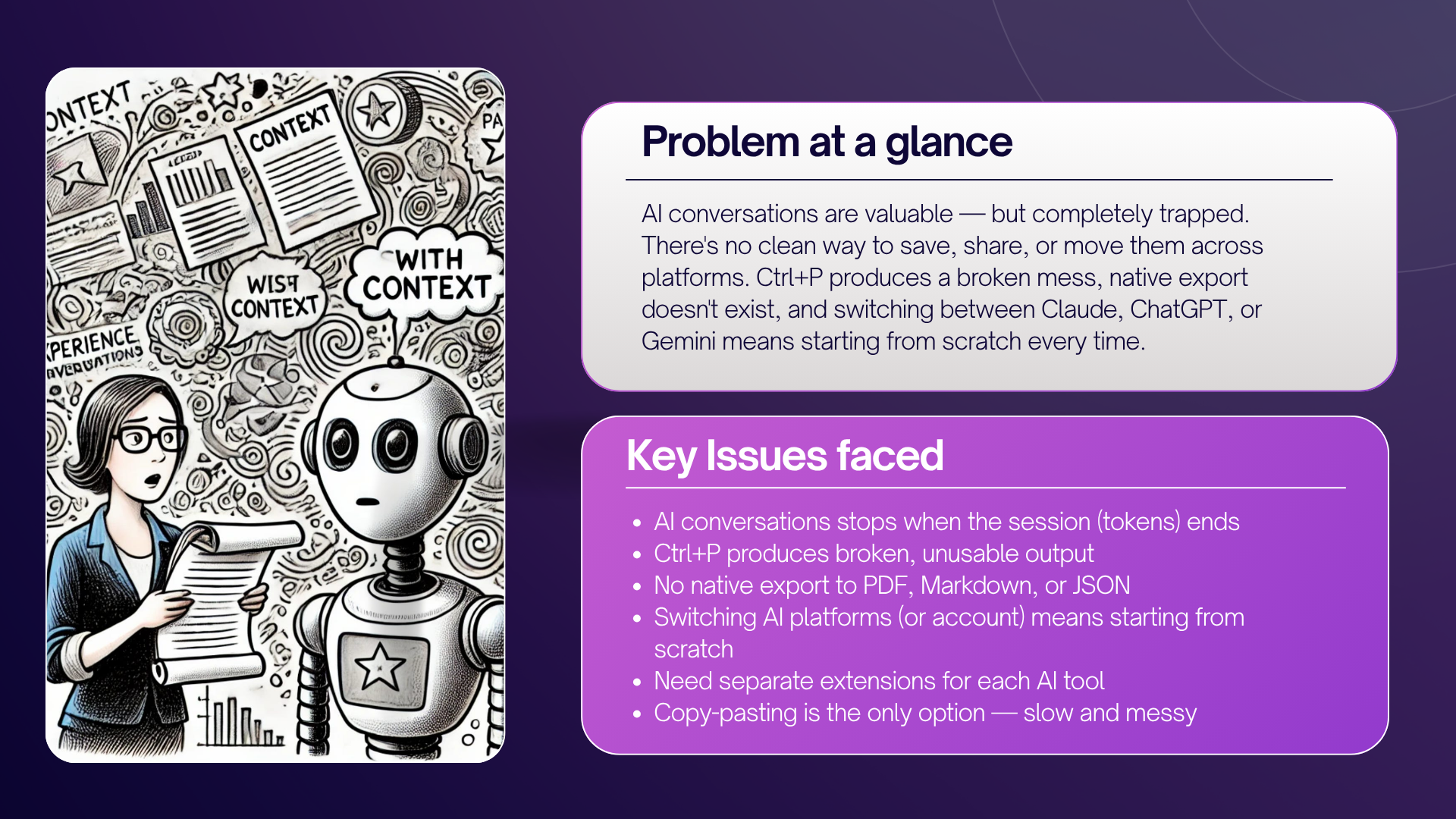
As AI becomes a core part of daily work, conversations hold real intellectual value — decisions, code, research, drafts. Yet every major AI platform traps that value inside a single session. There's no clean way to save, share, or continue a conversation elsewhere.
We built ContextBridge to solve exactly that — making AI conversations permanent, portable, and productive.
What It Does
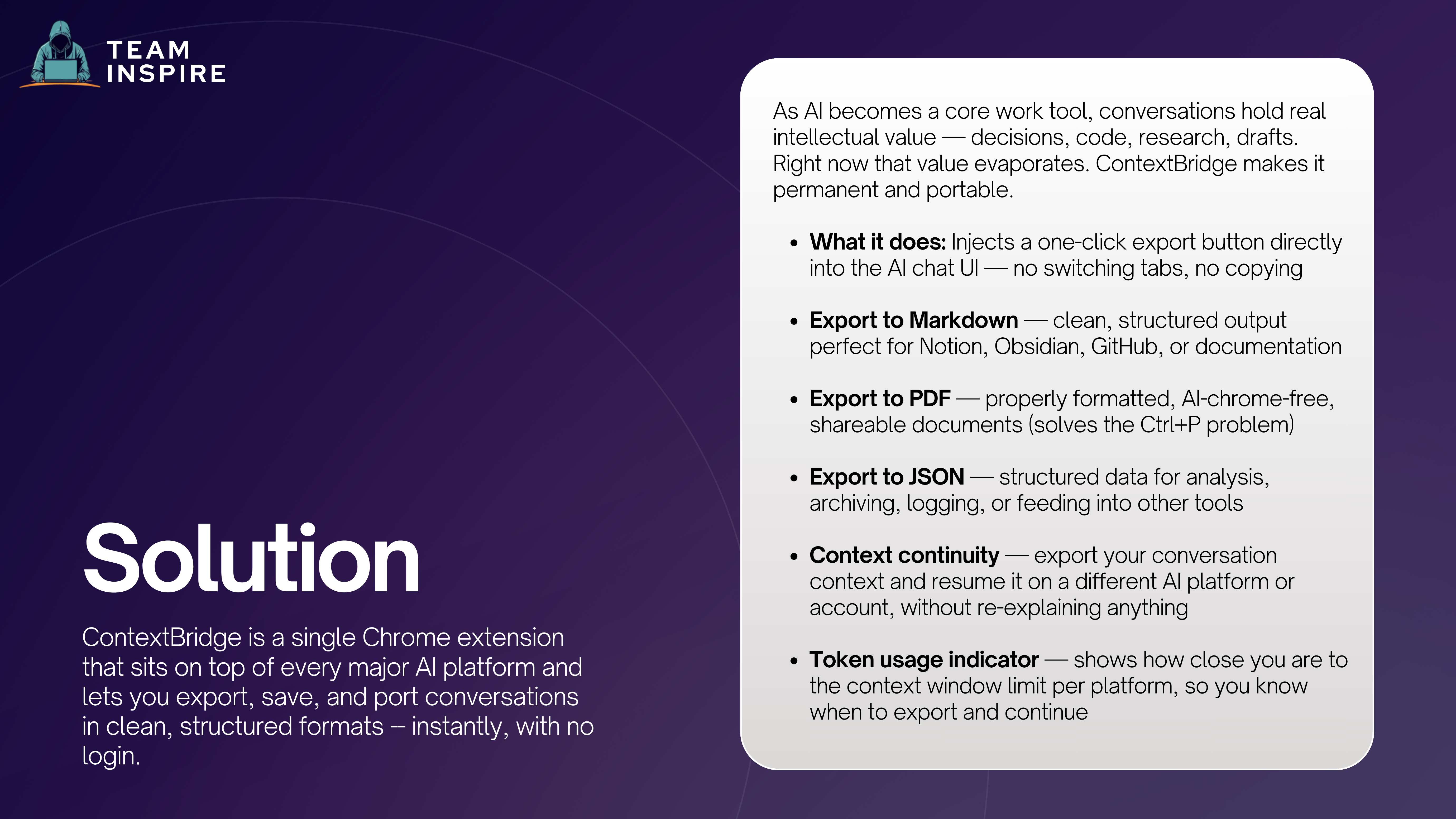
ContextBridge is a Chrome extension that sits on top of every major AI platform and lets you export, save, and port conversations in clean, structured formats — instantly, with no login.
It supports 8 AI platforms:
- Claude
- ChatGPT
- Gemini
- Grok
- DeepSeek
- Mistral
- (and more)
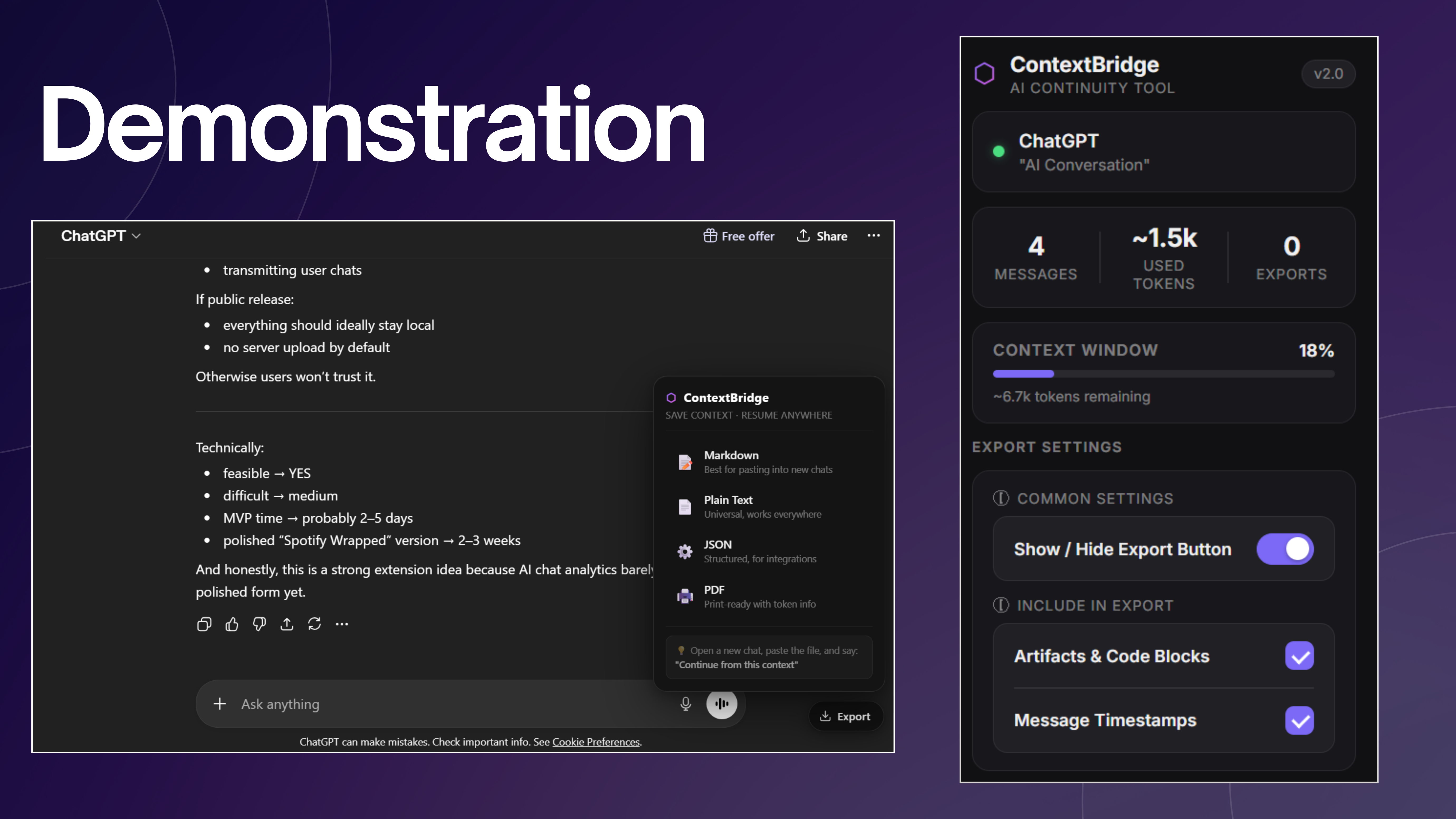
The extension injects a one-click export button directly into the AI chat UI and outputs:
| Output | Description |
|---|---|
| Clean, properly formatted — solves the Ctrl+P problem | |
| Markdown | Structured output for Notion, Obsidian, GitHub, docs |
| JSON | Structured data for analysis, archiving, integrations |
| Plain Text | Universal, works everywhere |
Additional features:
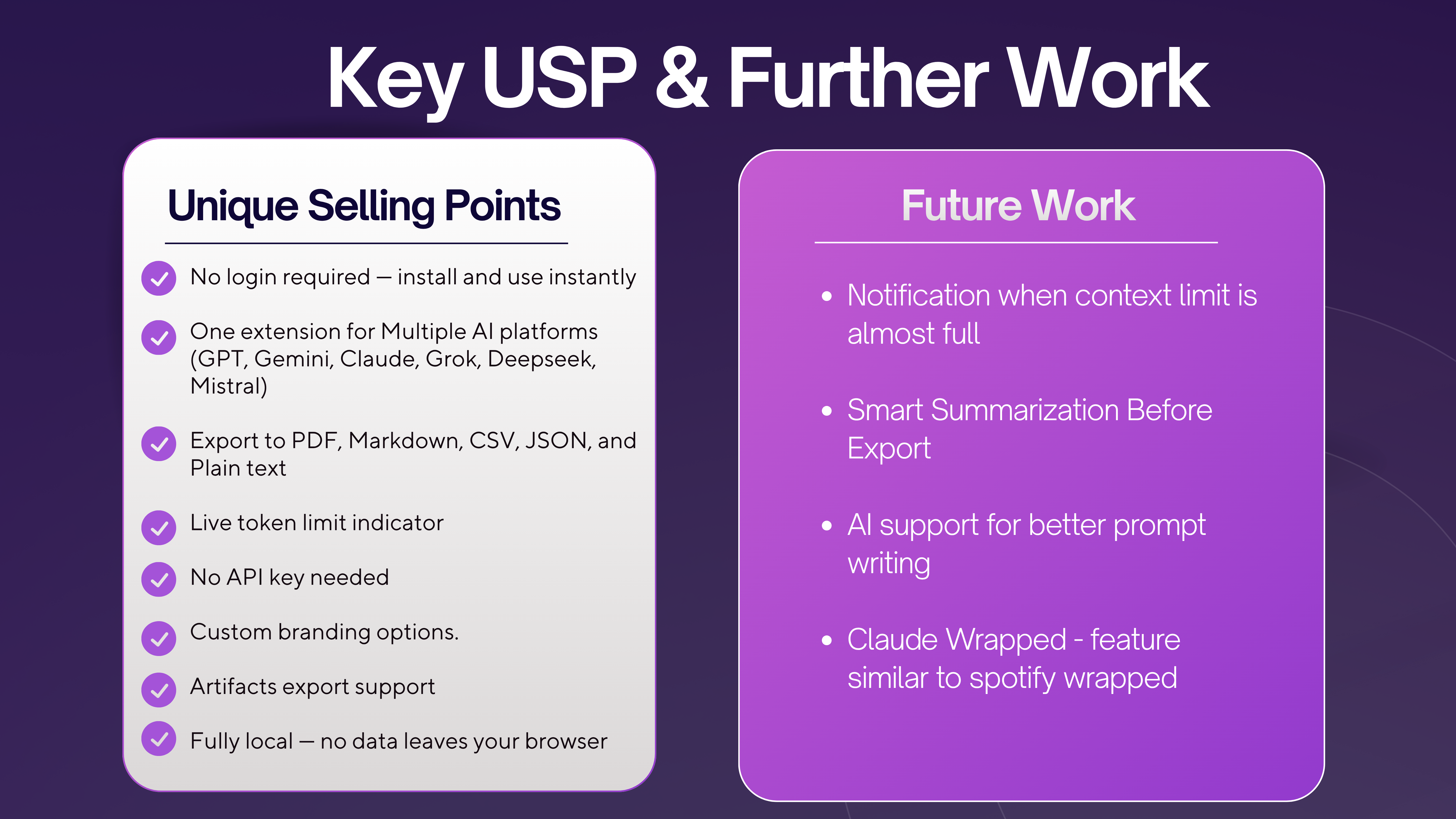
- Context Continuity — export context and resume on a different AI platform without re-explaining anything
- Live Token Indicator — shows how much context window remains per platform
- Artifacts Export — exports Claude artifacts (code, documents) alongside the conversation
- Configurable Settings — toggle timestamps, artifacts, and floating button visibility
How We Built It
ContextBridge is a lightweight, privacy-first Chrome extension built entirely on client-side technologies.
Architecture
| Layer | Technology |
|---|---|
| Extension Framework | Chrome Manifest V3 |
| Content Scripts | Vanilla JavaScript — injected into each AI platform |
| Popup UI | HTML + CSS + JavaScript |
| Background Worker | Chrome Service Worker |
| Storage | Chrome Local Storage (no server, no backend) |
Platform Support
Each AI platform has a dedicated extraction function that handles its unique DOM structure:
claude.ai          → extractClaude()
chatgpt.com        → extractChatGPT()
gemini.google.com  → extractGemini()
grok.com           → extractGrok()
chat.deepseek.com  → extractDeepSeek()
chat.mistral.ai    → extractMistral()
Export Pipeline
User clicks Export
  → Content script extracts conversation from DOM
  → Messages deduplicated and sorted by DOM order
  → Token count estimated per platform
  → Output formatted (MD / JSON / PDF / CSV / TXT / Image)
  → Background service worker triggers download
Challenges We Ran Into
- Each AI platform has a completely different DOM structure — extraction logic had to be built and maintained per platform
- PDF generation without a backend — had to solve clean, chrome-free PDF rendering entirely client-side
- Token estimation varies across platforms — had to reverse-engineer approximate context window sizes per model
- Ensuring the floating export button doesn't conflict with each platform's existing UI
- Handling dynamic content loading where messages render asynchronously
Accomplishments We Are Proud Of
- Built a single extension that works across 8 AI platforms — no separate tools needed
- Solved the Ctrl+P problem — generating clean, properly formatted PDFs from any AI chat
- Achieved true cross-platform context portability — take a Claude conversation and continue it on ChatGPT
- Zero backend, zero login, zero data collection — everything runs locally in the browser
- Live token usage awareness across all supported platforms
- Clean export of Claude artifacts alongside conversation text
What We Learned
- Browser extension development requires deep DOM knowledge — no two platforms render the same way
- Privacy-first architecture is a feature, not a constraint — users trust local-first tools more
- The Ctrl+P problem is bigger than it looks — it affects everyone using AI for professional work
- A good UX default (floating button, one-click export) drives adoption more than feature depth
- Token limits are invisible to most users — surfacing them creates immediate, tangible value
Revenue Model
Month 1: Fully Free (No Credit Card Required)
- All features unlocked for 30 days
- Goal: build habit, drive word-of-mouth, remove adoption friction
Freemium Tiers (Post Month 1)
| Tier | Price | Key Limits |
|---|---|---|
| Free | $0/month | 3 PDFs/day, branding on exports |
| Starter | ~$1.98/mo (yearly) | 30 PDFs/day, no branding, Mute Export, multi-device |
| Standard | ~$2.98/mo (yearly) | 100 PDFs/day, all features, developer support |
What's Next for ContextBridge
- [ ] Notification when context limit is almost full — alert before you lose mid-conversation context
- [ ] Smart Summarization Before Export — auto TL;DR at the top of every export
- [ ] AI Support for Better Prompt Writing — real-time prompt suggestions as you type
- [ ] ContextBridge Wrapped — monthly/yearly visual report of your AI usage (Spotify Wrapped for AI)
Tech Stack
Extension Framework  → Chrome Manifest V3
Content Layer        → Vanilla JavaScript (per-platform extraction)
Popup UI             → HTML + CSS + JavaScript
Background Worker    → Chrome Service Worker
Data Storage         → Chrome Local Storage (fully client-side)
PDF Generation       → Client-side rendering (no backend)
Platforms Supported  → Claude, ChatGPT, Gemini, Grok, DeepSeek, Mistral
Built for everyone who uses AI seriously — and deserves to own their conversations.


Log in or sign up for Devpost to join the conversation.