-
-
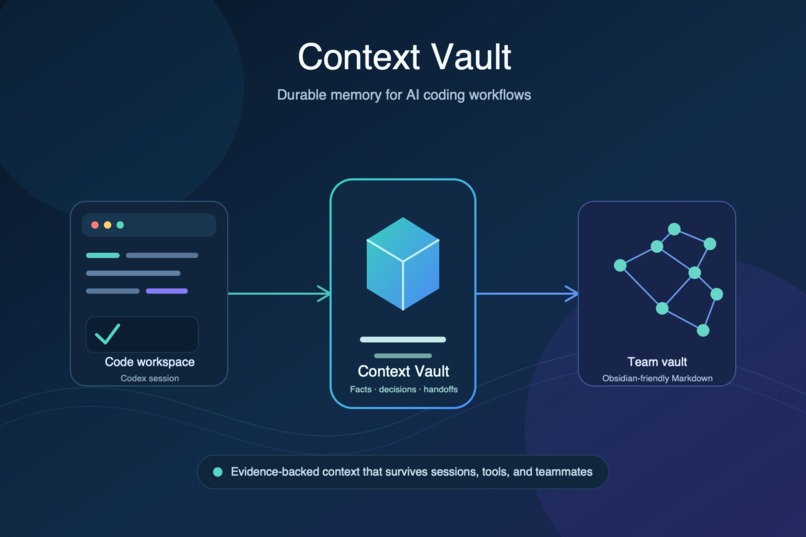
A generic architecture on how the context vault works
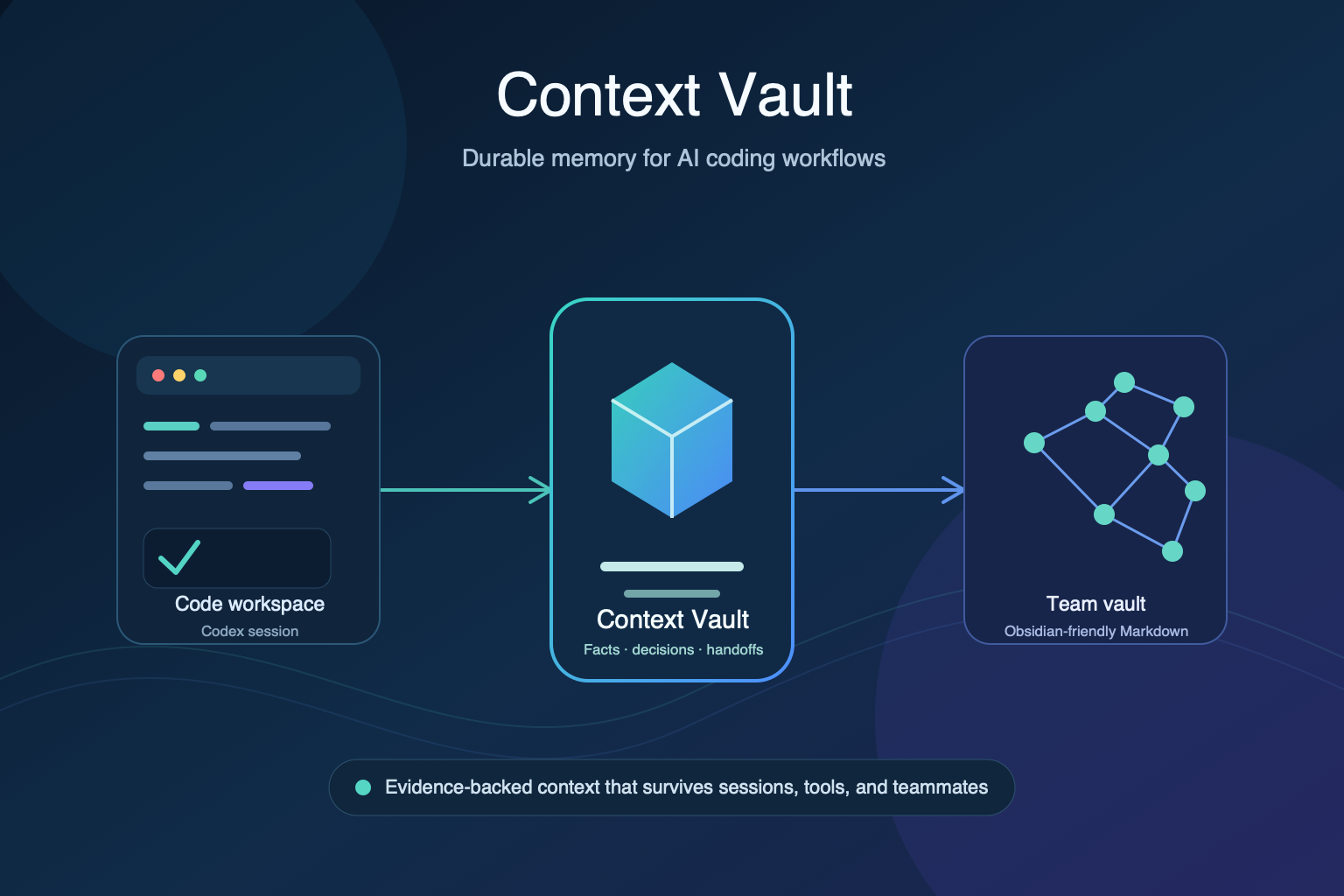
Context Vault
I built Context Vault at an OpenAI Codex event after running into a familiar problem: AI coding sessions are useful, but they forget the project as soon as the session ends.
Every new session can mean re-explaining the architecture, past decisions, current blockers, and what has already been tried. That gets worse when several developers and agents are working on the same project.
Context Vault gives Codex a durable, human-readable memory layer. It stores facts, decisions, evidence, and session handoffs as Markdown in an Obsidian-friendly vault, so developers and teams can continue work with context instead of starting over.
What it does
Context Vault helps teams capture and retrieve:
- Project facts, with evidence and time-aware validity
- Decisions, alternatives, and rationale
- Session handoffs: completed work, blockers, and next steps
- Branch and PR context for work that has not yet merged
- Shared team knowledge that can be explored in Obsidian
At the start of a Codex task, the plugin can load a focused brief for the current workspace. During work, developers can save important facts or decisions manually, or opt into automatic milestone checkpoints.
The goal is simple: less time repeating context to an AI agent, and more time building.
What inspired me
Chat history is not a reliable project memory system. It is temporary, hard to inspect, and not naturally shared with a team.
I wanted project memory to be:
- Visible to humans, not hidden inside a model
- Easy to version and review
- Useful with or without an AI agent
- Owned by the developer or team
That is why Context Vault uses plain Markdown as its canonical format. Obsidian makes the context easy to browse as a graph of linked projects, decisions, people, and notes. Git provides history and team sharing.
How I built it
Context Vault is a standard-library Python CLI packaged as a Codex plugin.
The vault is organized into Markdown records for projects, facts, decisions, sessions, people, withdrawals, and conflicts. Each record has structured frontmatter, allowing the CLI to create focused briefs, historical queries, and provenance views.
For team usage, I added Git-backed vault syncing, append-only validation, conflict quarantine, author attribution, and support for dedicated vault branches and linked Git worktrees. I also added experimental Obsidian Sync transport for teams that already use shared Obsidian vaults.
The plugin supports two workflows:
- Manual mode: every new record requires explicit developer approval.
- Auto mode: developers can give standing consent for Codex to create evidence-stamped checkpoints at meaningful milestones.
Challenges I faced
The hardest problem was not saving notes. It was making saved context trustworthy.
A memory tool that writes too much becomes noise. A tool that asks for approval too often becomes annoying and gets ignored. I addressed that with clear manual and auto modes, explicit consent metadata, evidence requirements, and a distinction between observed facts, inferences, and user-stated information.
Team synchronization was another major challenge. Context should never silently overwrite someone else’s work or accidentally commit unrelated files. I added scoped Git commits, dirty-index protection, append-only history validation, visible conflict handling, and regression tests for concurrent writes.
Time was also important. If a record was withdrawn later, historical queries still need to answer what the team knew at an earlier point—without leaking information from the future. This led to bitemporal records with both validity time and recorded time.
What I learned
The biggest lesson was that durable AI memory is mainly a trust and workflow problem.
Developers need to know where context came from, who recorded it, whether it is current, and how to correct it without erasing history. Keeping the data in Markdown makes the system inspectable, portable, and useful to humans first.
Codex becomes a better collaborator when it can work from context the team can actually see, review, and own.

Log in or sign up for Devpost to join the conversation.