## Inspiration
Every day, I lose hours to context switching. I counted once — over 1,200 app switches in a single workday. Each one costs 23 seconds of mental recovery. That's 5 weeks per year lost to just getting back to where you were.
When I discovered the Logitech Actions SDK, I saw the missing piece: a physical button dedicated to freezing and restoring your entire digital state. Not a macro. Not a launcher. Workflow teleportation.
## What It Does
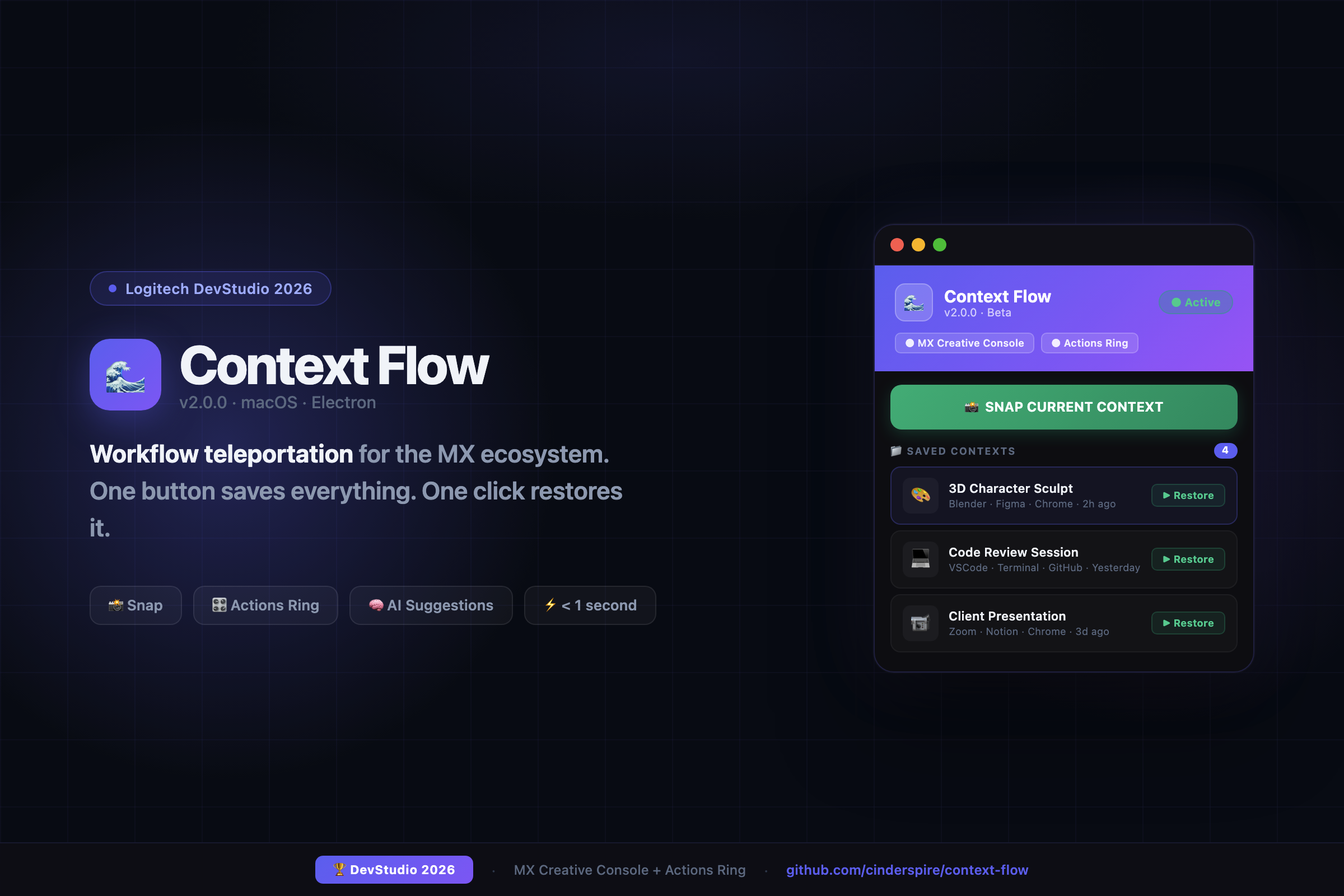
Context Flow transforms your MX Creative Console and MX Master Actions Ring into a workspace teleportation device:
- Press SNAP on your MX Creative Console → your entire workspace is captured in under 1 second
- Twist the Actions Ring → browse your saved contexts (3D Sculpt, Code Review, Client Call…)
- Click → instantly restored. Every app, every file, every window position. One second.
Unlike macro tools, Context Flow captures semantic state:
- Not just "VSCode is open" — but which workspace, which files, which branch
- Not just "Blender is running" — but which scene, which viewport, which mode
- An AI engine learns your patterns and suggests the right context before you think about it
## How We Built It
Desktop App: Electron 34 on macOS
- Main process manages window state via OS accessibility APIs
- Dark UI with animated snap/restore teleportation overlay
- Local JSON storage — no server, no cloud required
Context Engine:
- App-specific adapters for deep state capture (VSCode, Chrome, Terminal, Figma)
- Generic window bounds adapter as fallback for any app
- Staggered launch orchestration for reliable, ordered restoration
AI Prediction:
- Time-based pattern matching (9am → coding session, 2pm → meetings)
- Context sequence analysis from local event log
- 100% local — zero cloud dependency
Hardware Integration:
- Logitech Actions SDK bridge for MX Creative Console SNAP key
- Actions Ring mapped to context browser with haptic tick navigation
## Challenges We Ran Into
macOS SIGSEGV crashes — Electron GPU conflicts on Apple Silicon caused hard crashes. Fixed by disabling hardware acceleration in the main process.
App state heterogeneity — Every app stores internal state differently. Built a 3-tier adapter architecture: deep (VSCode, Chrome), medium (Figma, Terminal), generic (any app via window bounds).
Restore timing — Apps launch at different speeds. Built staggered orchestration with animated progress feedback so users see exactly what's happening.
## Accomplishments
- ⚡ Sub-1-second snap, even with 5+ apps open
- 🚀 Teleportation overlay that makes restore feel magical
- 🧠 Local AI that learns your daily patterns privately
- 🎛️ Physical hardware deeply integrated — the Console becomes the save button
- 📦 Ships with 4 realistic demo contexts so the experience is instant on first launch
## What We Learned
- Window management is far harder than it looks — every app is a special case
- Users want suggestions, not automation — they prefer a nudge over auto-execution
- The hardware-software metaphor matters: a physical SNAP button is emotionally different from a keyboard shortcut
- Electron can do serious system-level work with the right native approach
## What's Next
| Timeline | Milestone | |----------|-----------| | 2026 Q2 | Cloud sync, more app adapters (Blender, Photoshop) | | 2027 | Team shared contexts, productivity analytics | | 2028 | Enterprise suite, plugin marketplace | | 2029 | VR bridge — seamless 2D ↔ Meta Quest context switching |
The long-term vision: every Logitech device becomes a node in your context network. The MX Console saves. The Actions Ring navigates. A future MX headset immerses. One physical ecosystem, one digital layer.
"Stop switching apps. Start switching contexts."
Built With
- accessibility-api
- artificial-intelligence
- electron
- javascript
- json
- local-machine-learning
- logitech-actions-sdk
- macos
- node.js

Log in or sign up for Devpost to join the conversation.