-
-
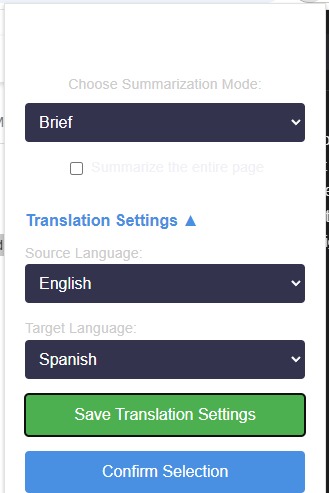
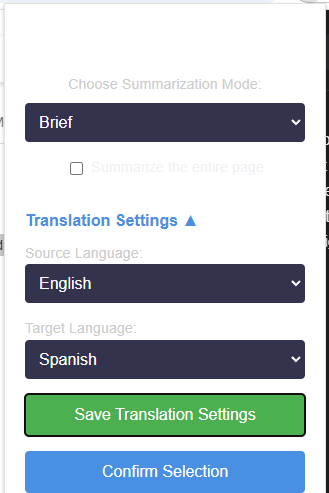
Translation options
-
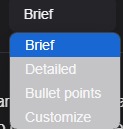
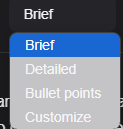
Summarized mode selection
-
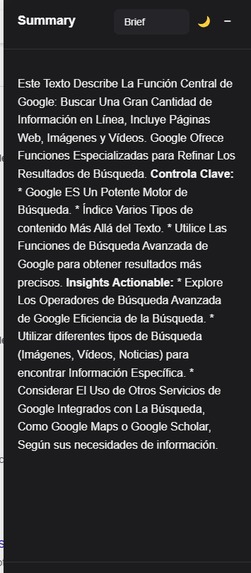
The output of the summarized content
-
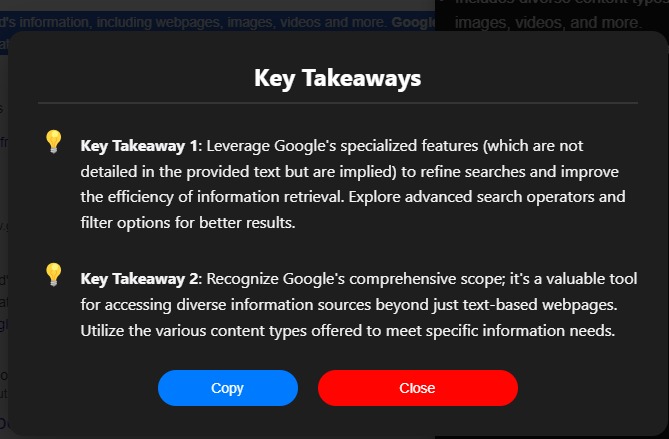
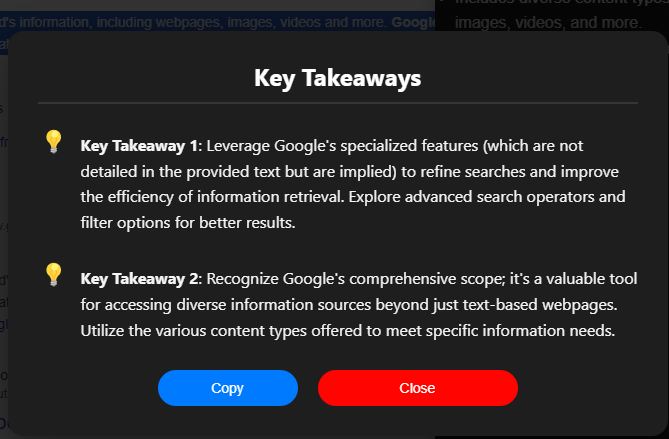
Key Takeaways pop-up window
-
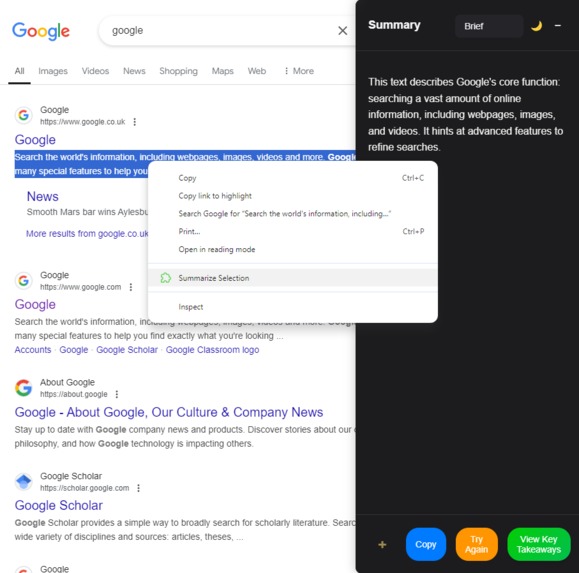
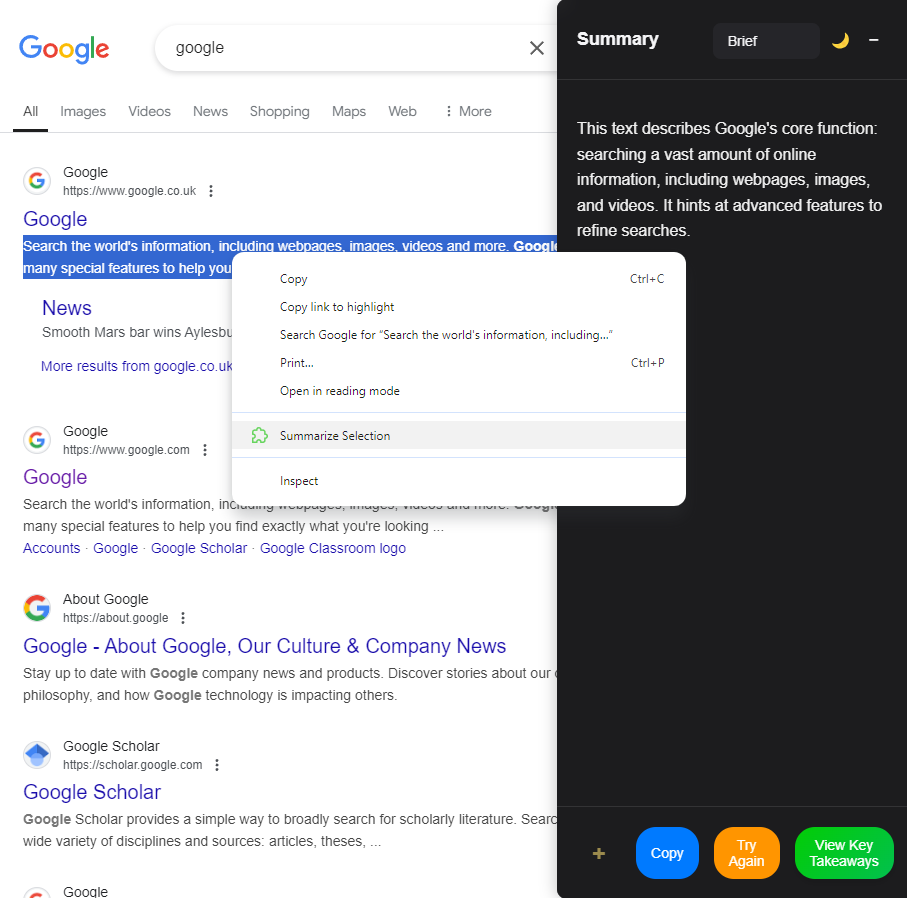
Summarized highlighted text
-
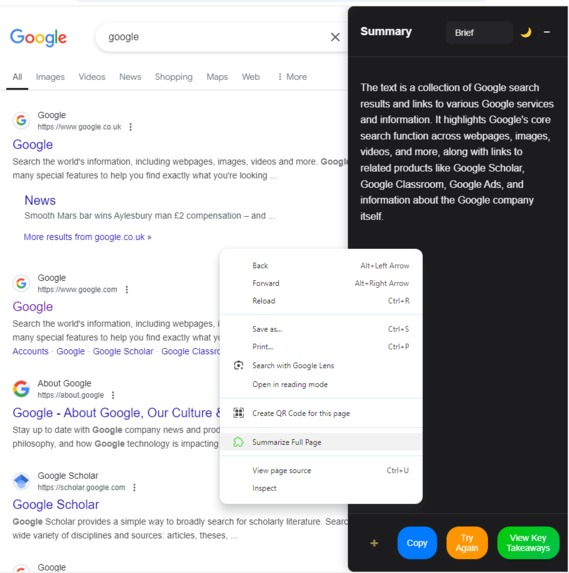
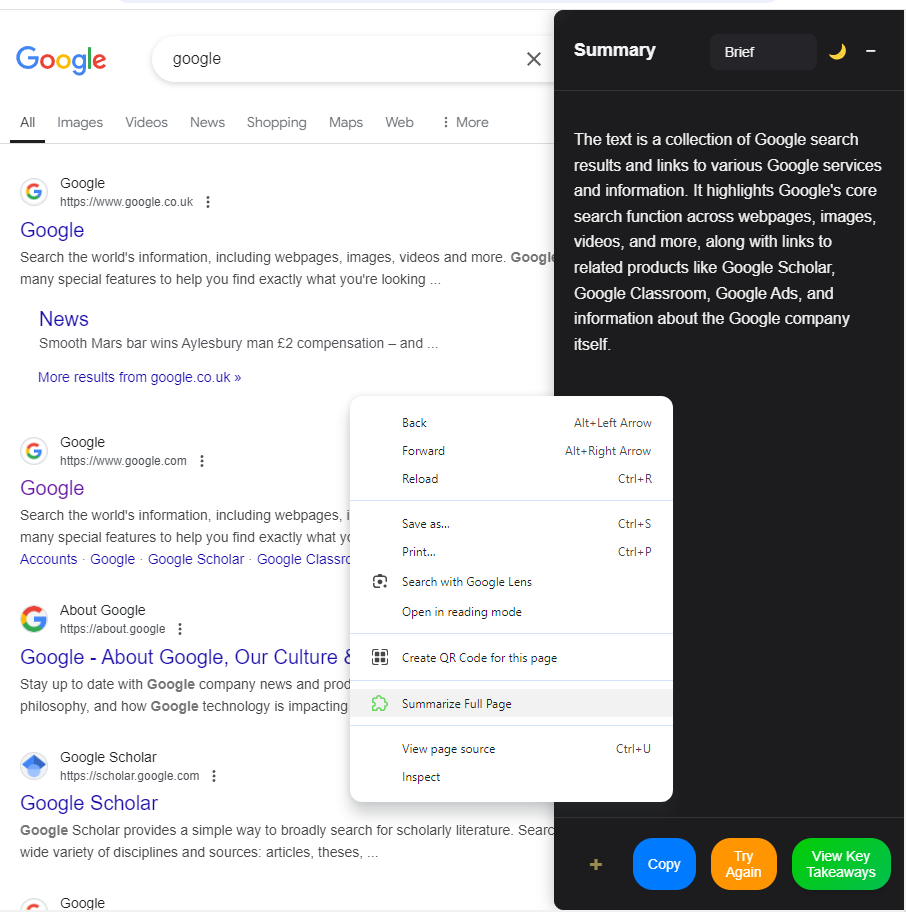
Summarized in full page

Inspiration
The inspiration for Content Summarizer came from the overwhelming amount of information users face daily. Whether it's articles, research papers, or reports, distilling key insights can be time-consuming. We wanted to build an intuitive tool to help users save time and focus on the most important information effortlessly.
What it does
Content Summarizer is a Chrome extension that provides AI-powered summarization capabilities. It can:
- Generate concise summaries of selected text or entire webpages.
- Extract key takeaways to highlight essential points.
- Summarize uploaded documents like PDFs, .txt, or .docx files.
- Translate summaries into different languages based on user preferences.
- Offer customizable modes such as Brief, Detailed, Bullet Points, and Custom.
How we built it
We built Content Summarizer using:
- Frontend: React, WXT Framework for a user-friendly interface.
- Backend: Google's Gemini model API for AI-powered summarization and key point extraction.
- Translation: Leveraging Chrome's built-in Translation API for seamless multilingual support.
- Storage: Chrome Storage API for saving user preferences, translation settings, and last-highlighted text.
The extension dynamically integrates with web pages and adapts to different use cases like selected text or full-page summarization.
Challenges we ran into
- Translation API Integration: Ensuring smooth compatibility with Chrome's built-in Translation API was tricky, especially when managing fallback scenarios.
- Cross-Page Compatibility: Making the extension work seamlessly across various websites with different DOM structures.
- UI Responsiveness: Designing an intuitive yet compact interface that dynamically adjusts based on user actions.
- Handling Edge Cases: Managing errors such as failed API requests or unsupported languages in translations.
Accomplishments that we're proud of
- Successfully integrating AI-powered summarization with translation capabilities.
- Creating a lightweight, responsive, and user-friendly extension.
- Ensuring robust error handling for smoother user experiences.
What we learned
- The importance of user-centric design in developing browser extensions.
- Techniques for optimizing API calls to ensure quick response times.
- Effective error handling and fallback mechanisms for reliable performance.
- Insights into Chrome's Storage and Chrome Built-in APIs.
What's next for Content Summarizer
- Offline Summarization: Allow users to generate summaries even without an active internet connection.
- Voice Summarization: Add support for converting summaries into audio for better accessibility.
- Video Summarization: Add support for summarizing video with multi-language translation support with time-stamp.
- Integration with Other Tools: Sync summaries with tools like Notion, Evernote, or Google Docs.

Log in or sign up for Devpost to join the conversation.