-
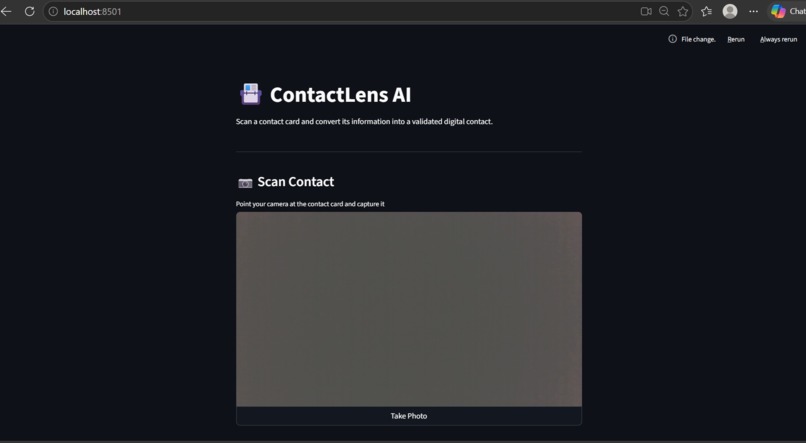
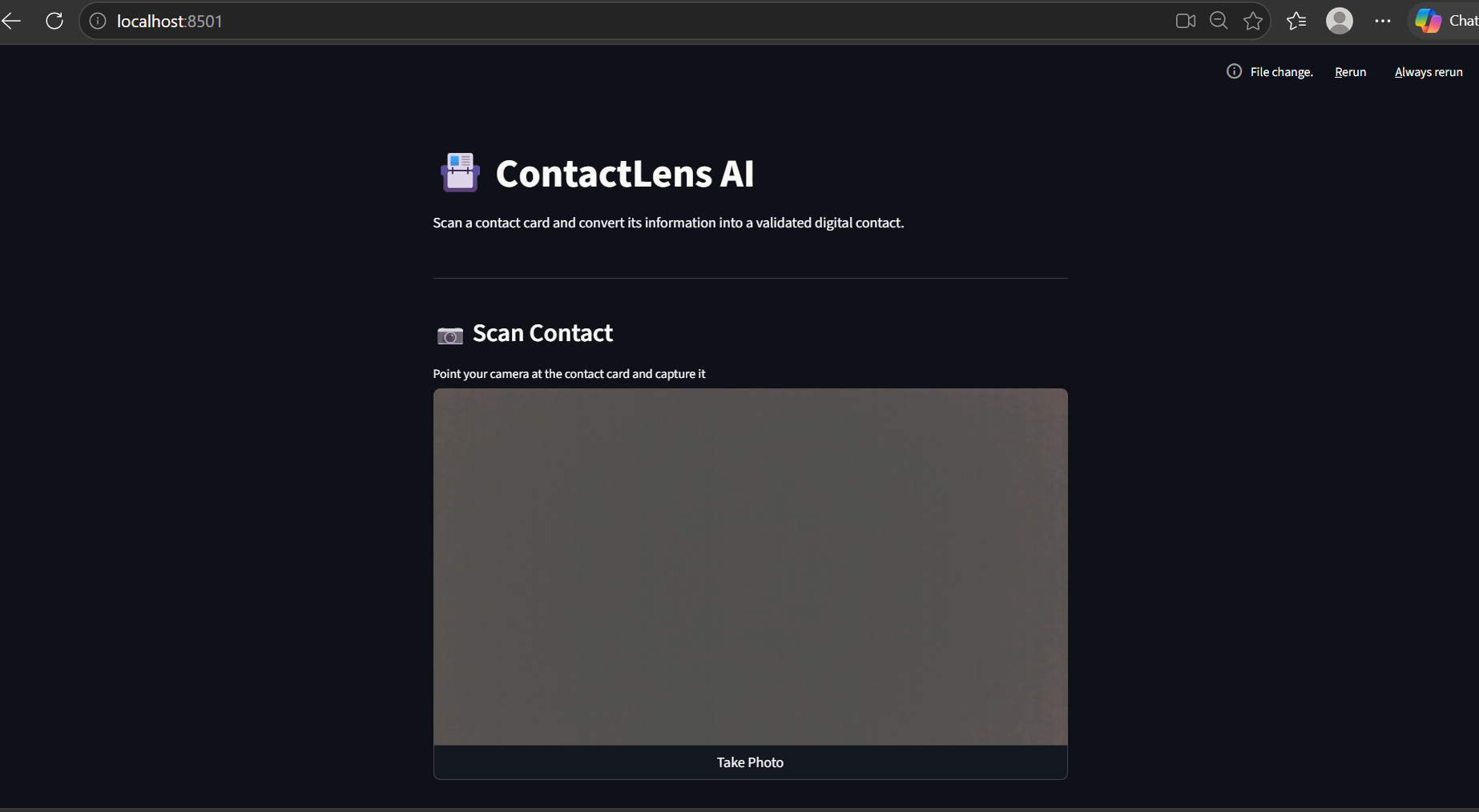
the landing page
-
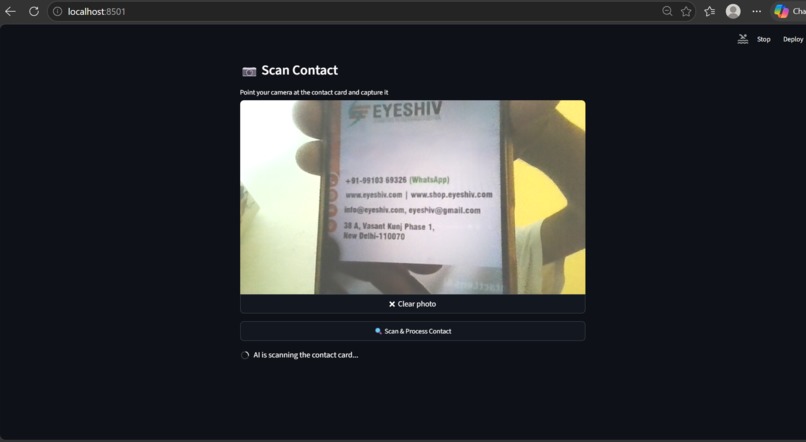
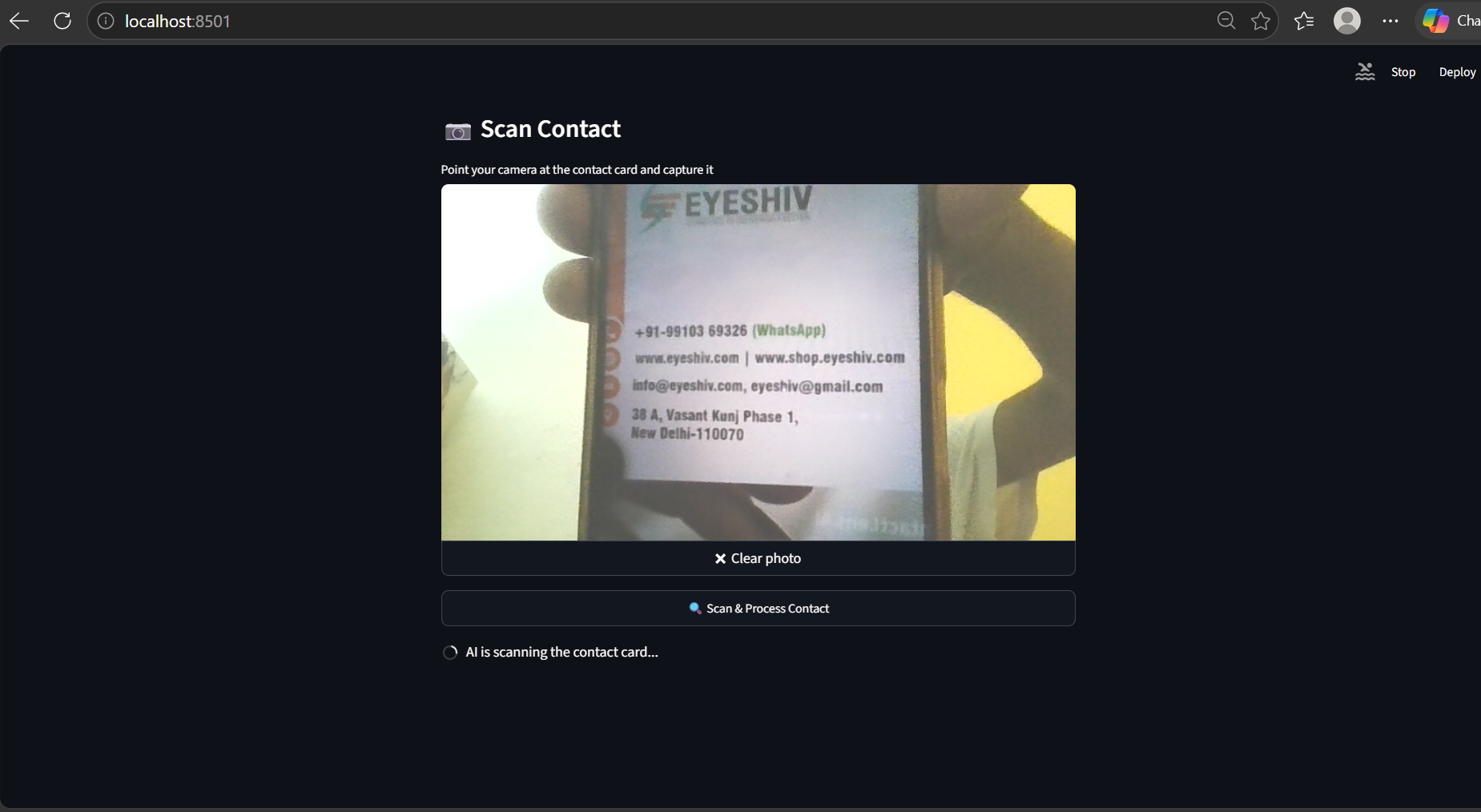
capturing the picture of the card
-
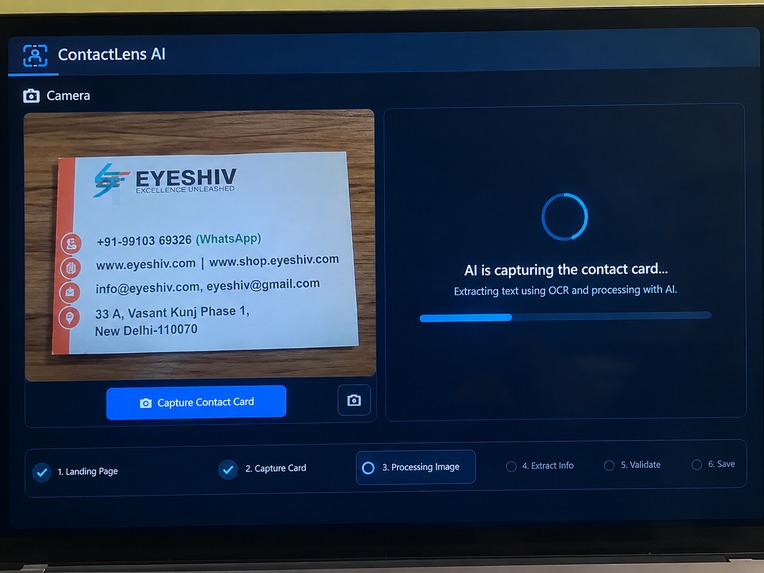
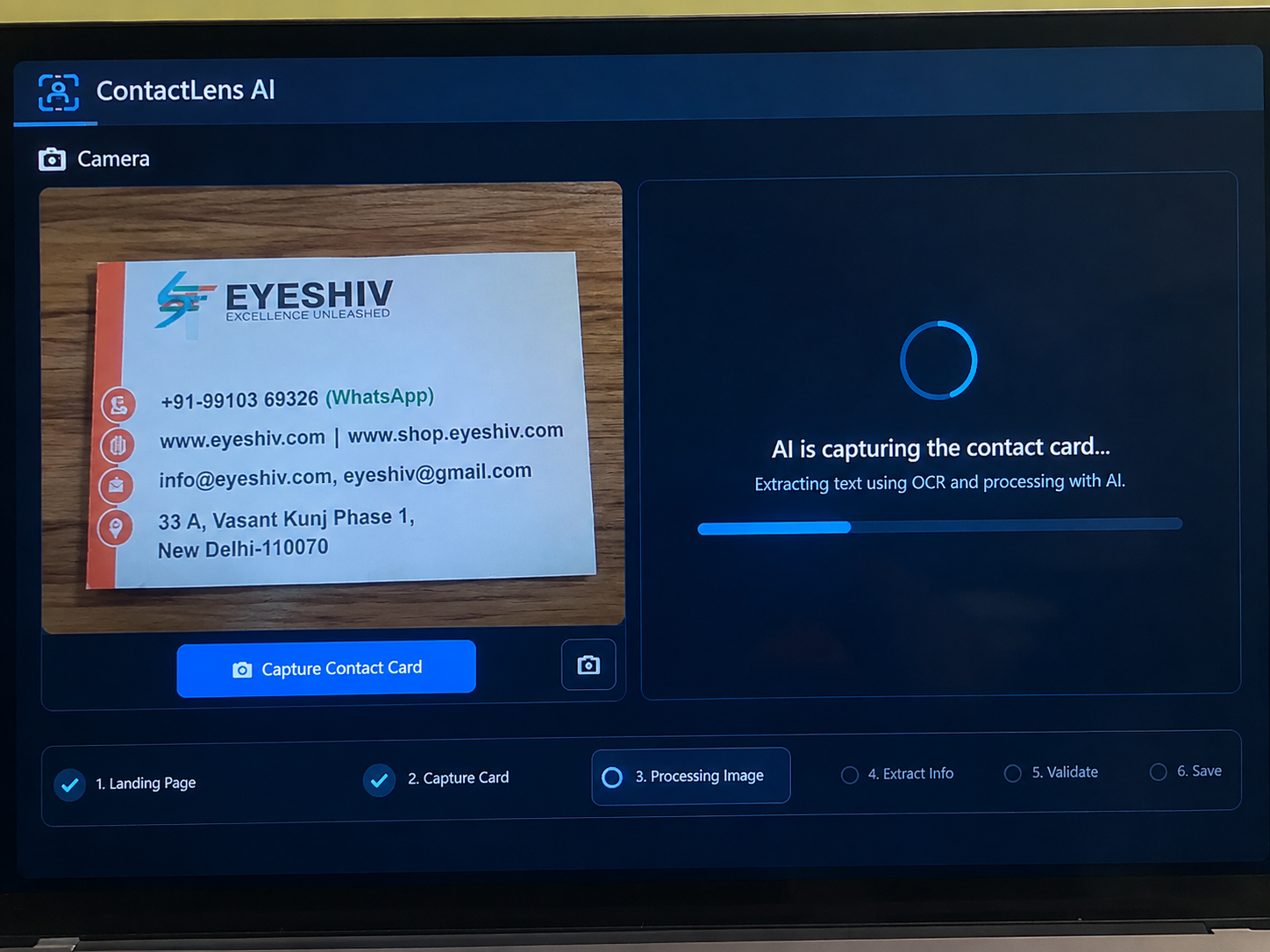
processing the captured image using OCR
-
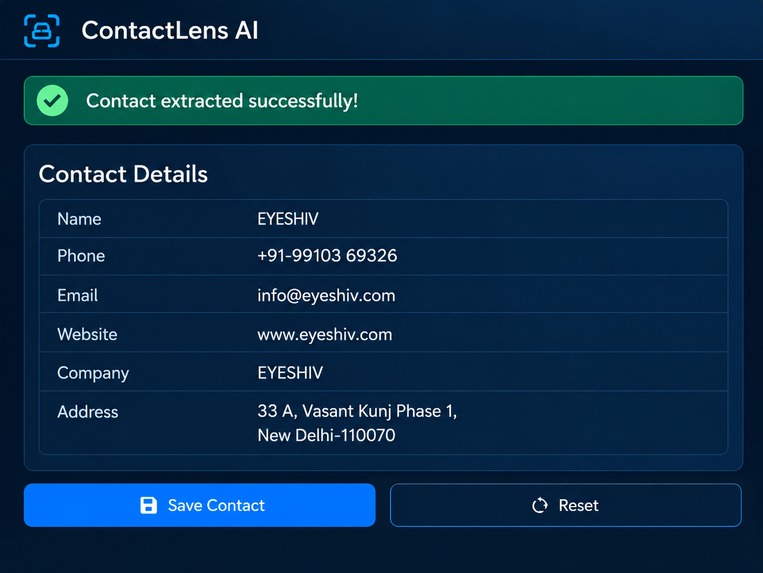
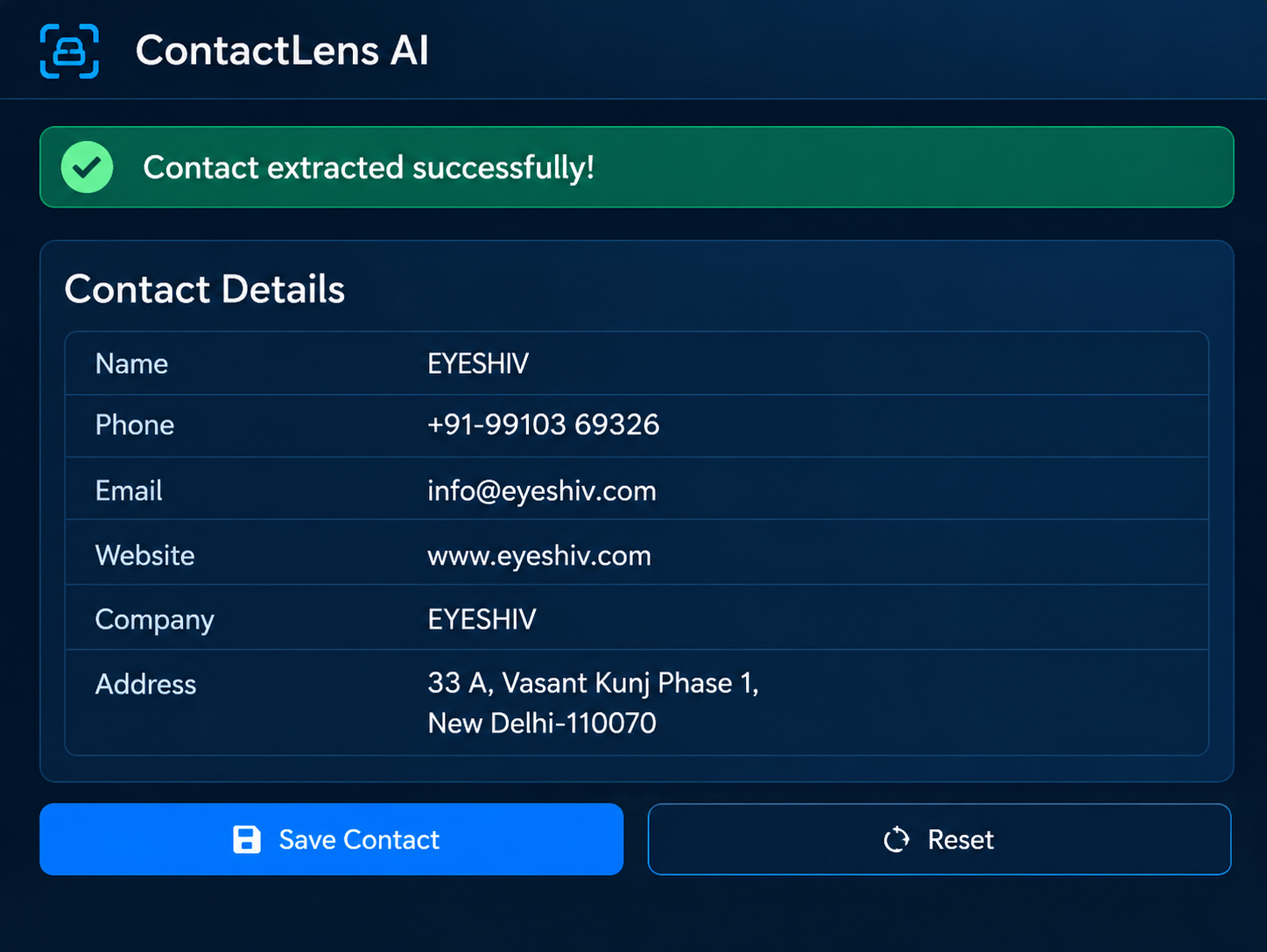
extracted contact information
-
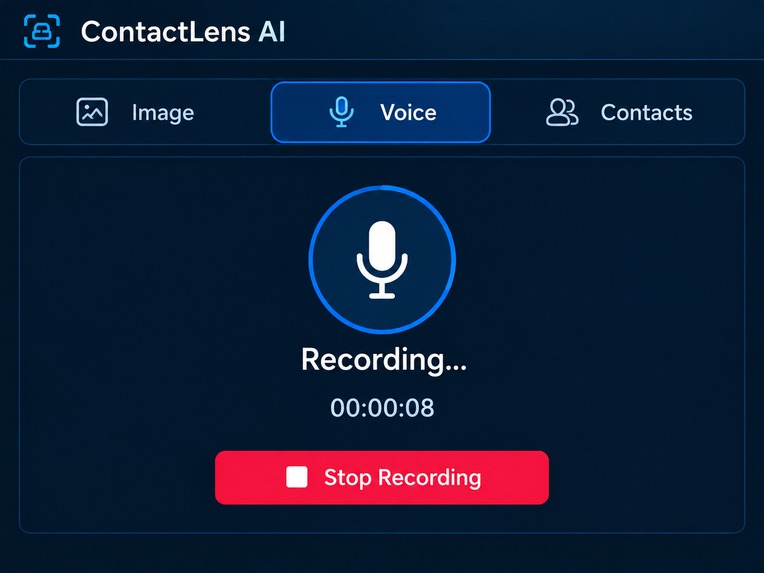
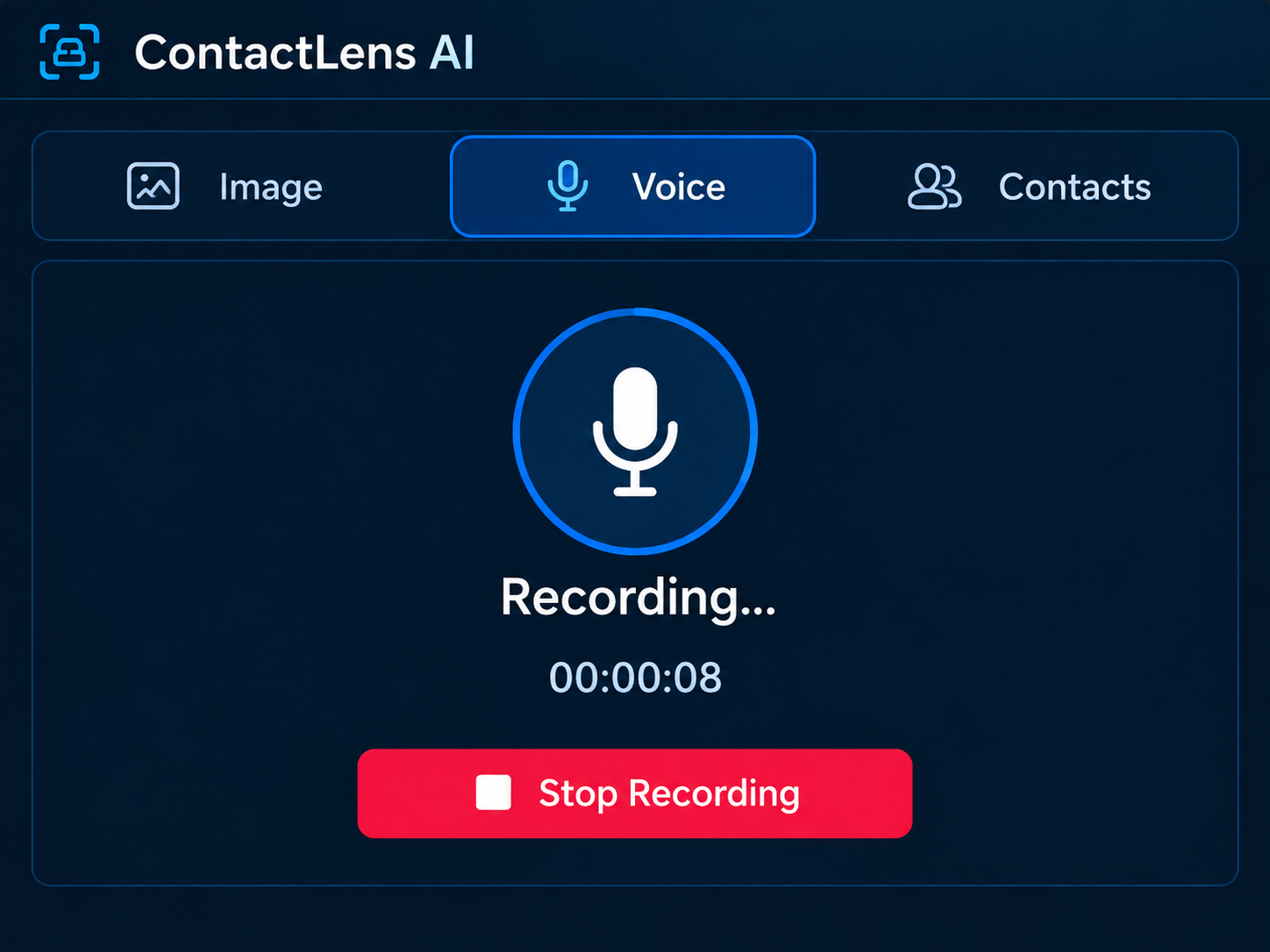
recording voice for contact extraction
-
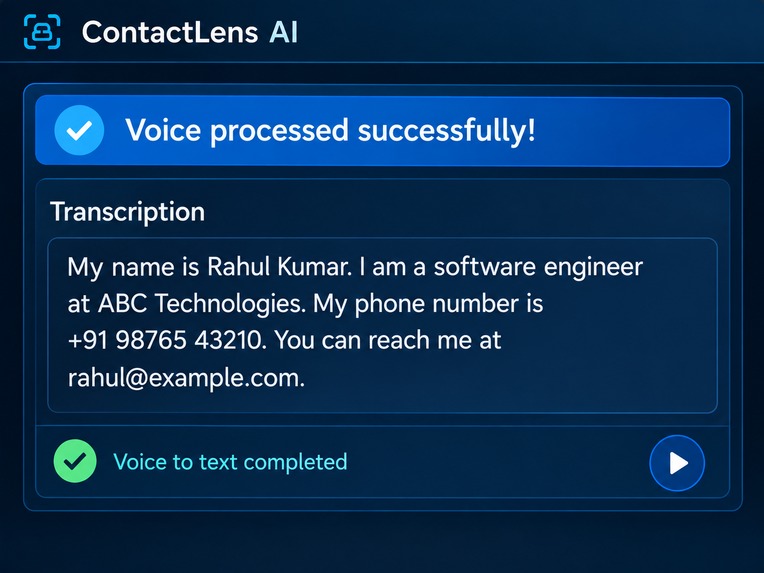
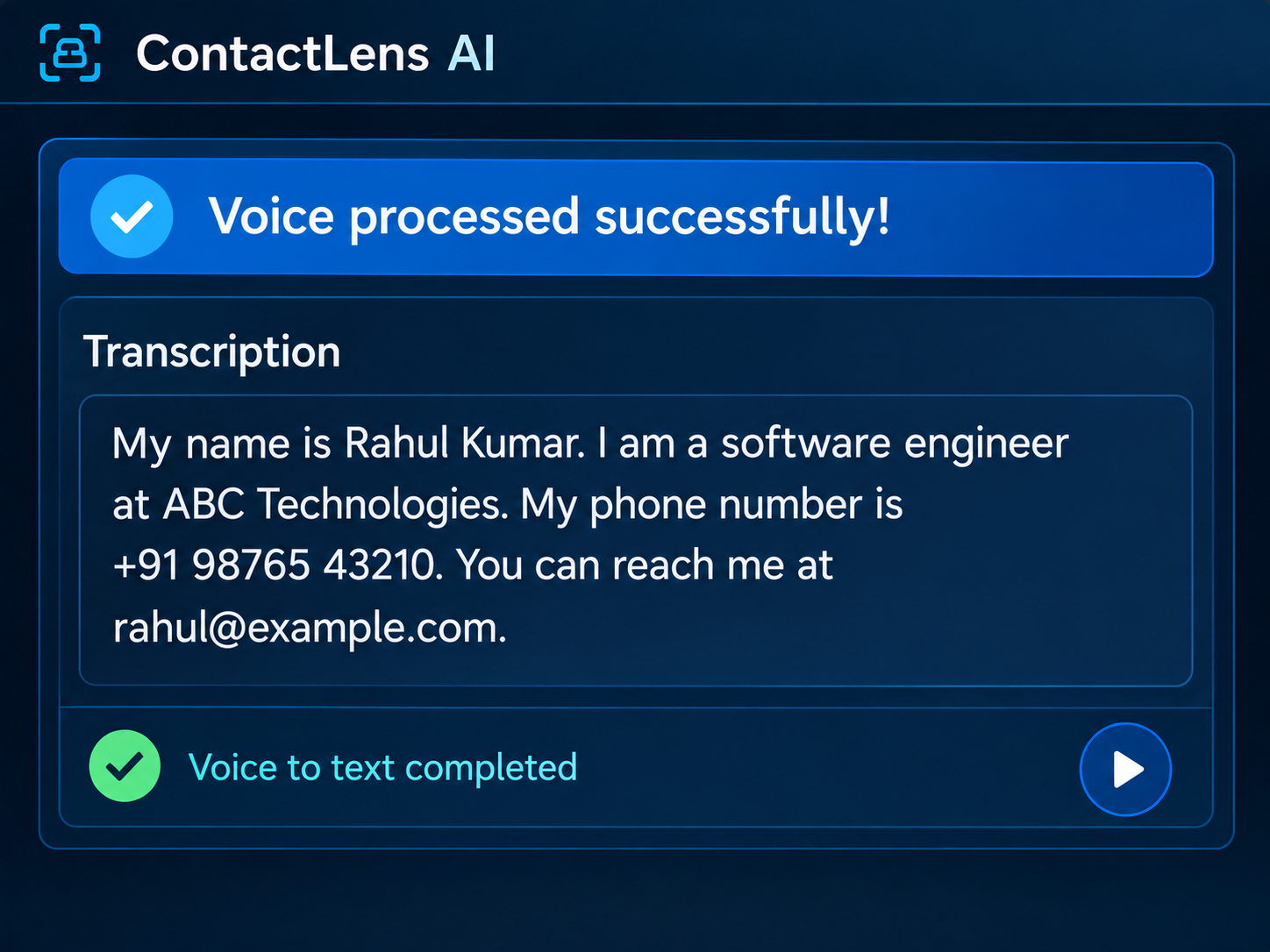
voice converted to text
-
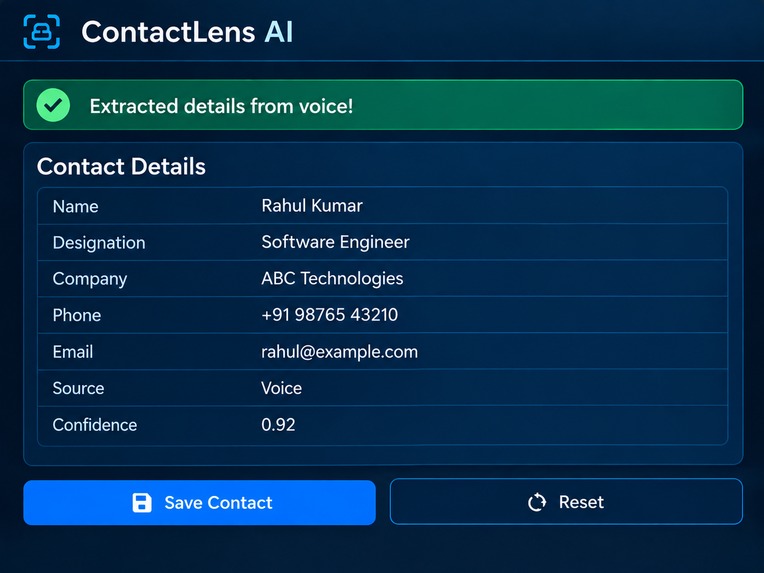
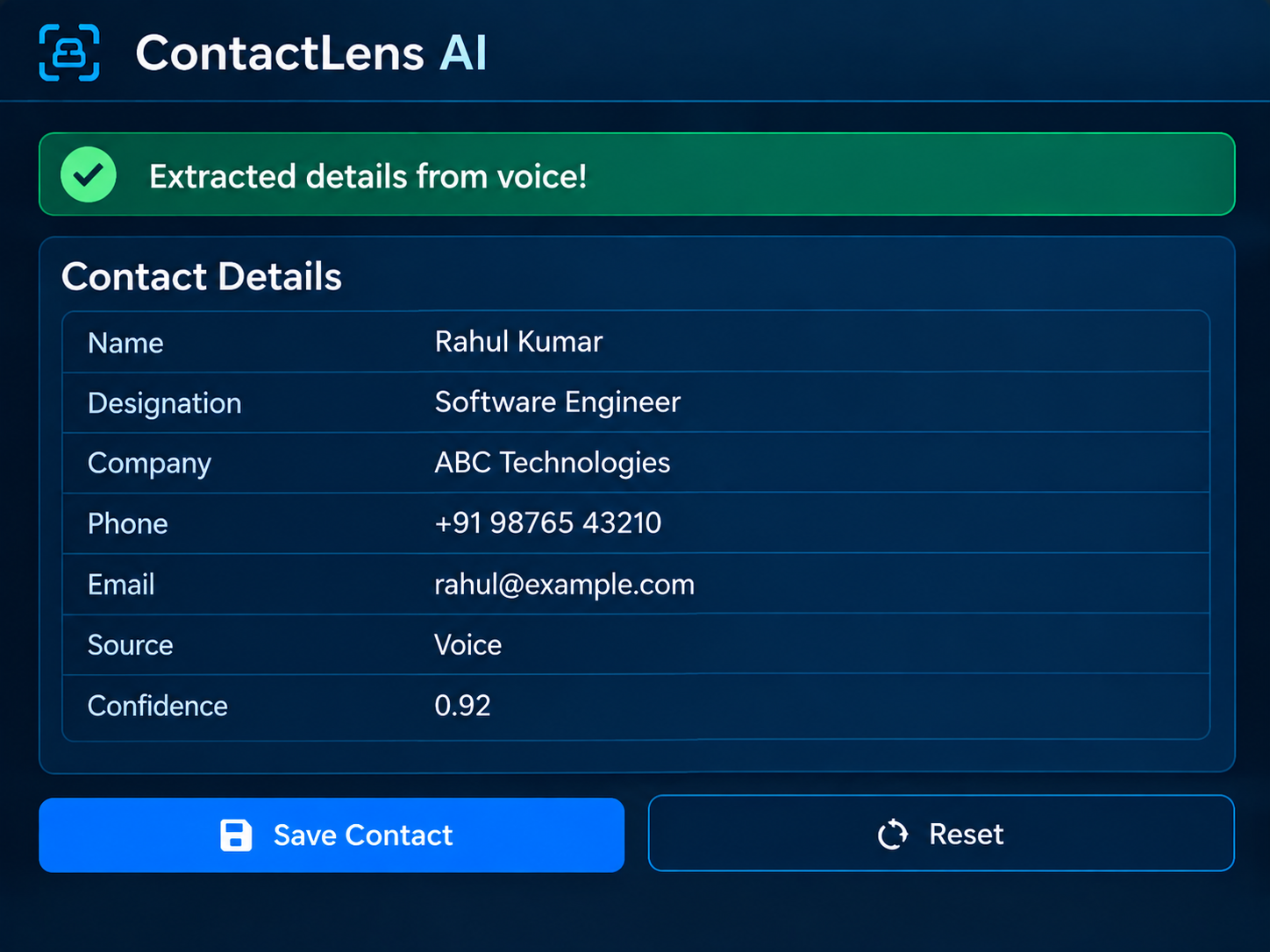
extracted details from voice input
-
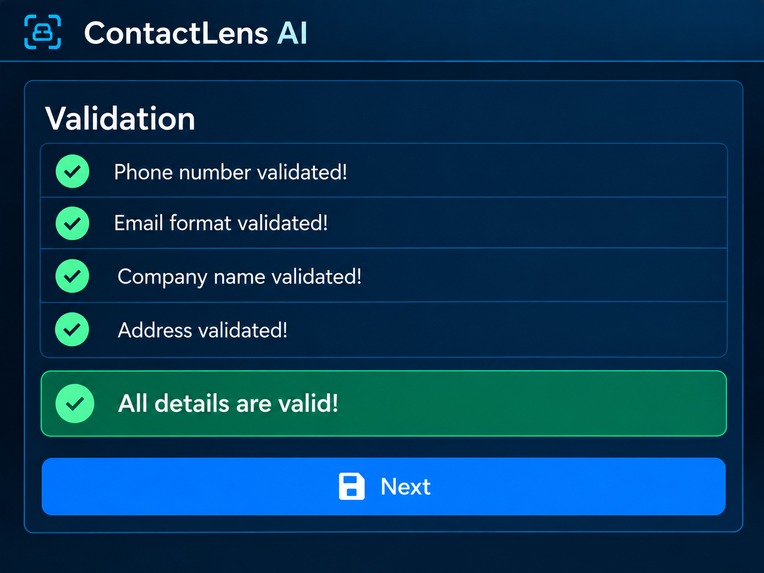
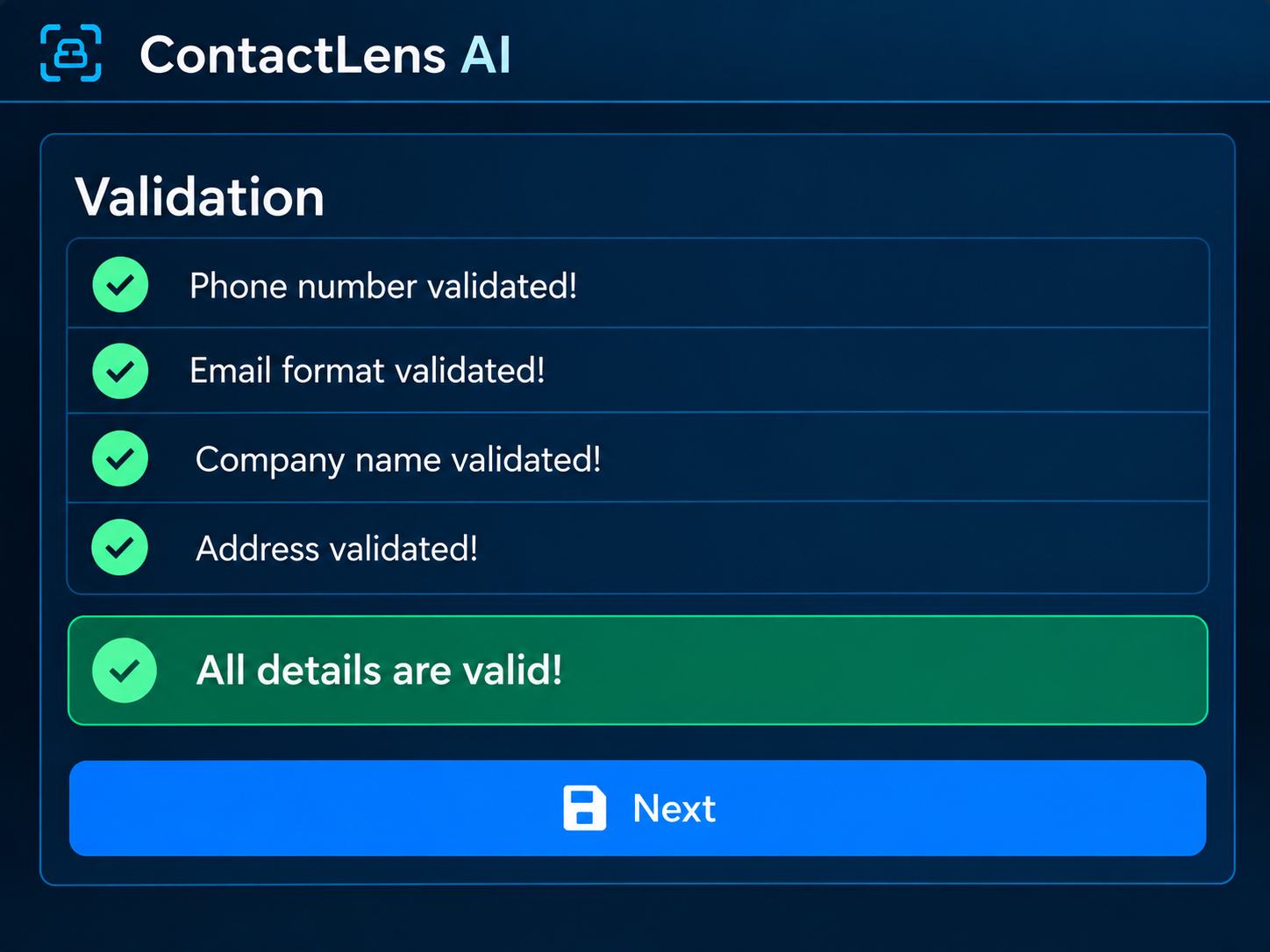
validation of extracted details
-
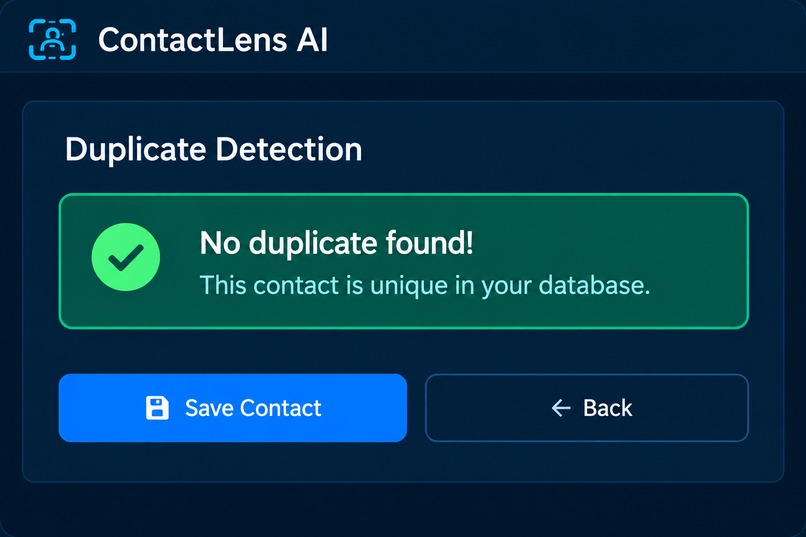
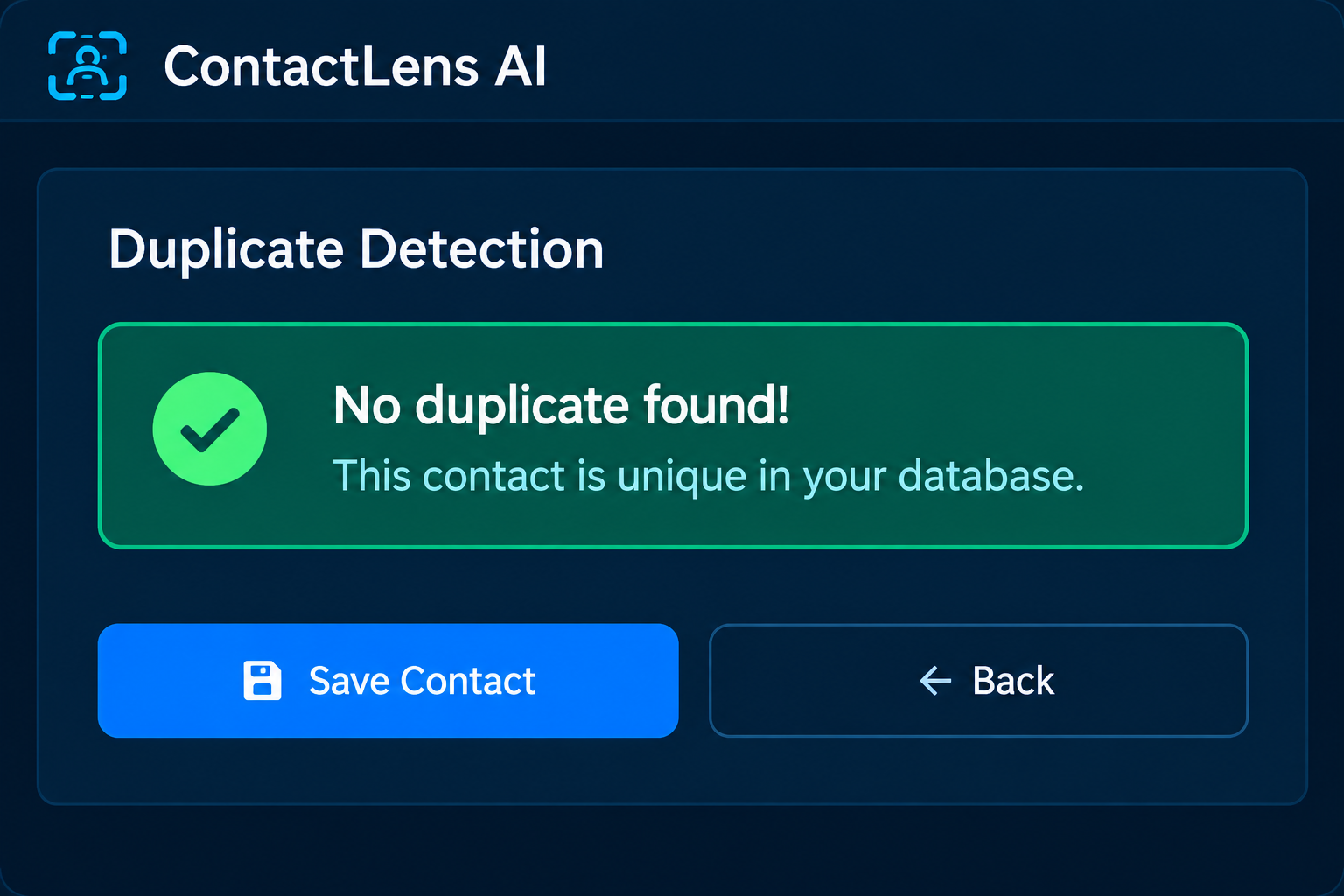
checking for duplicate contacts
-
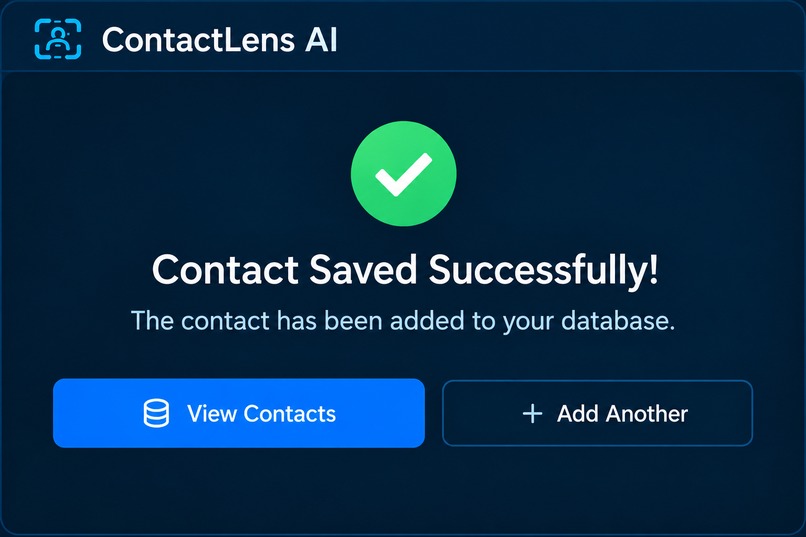
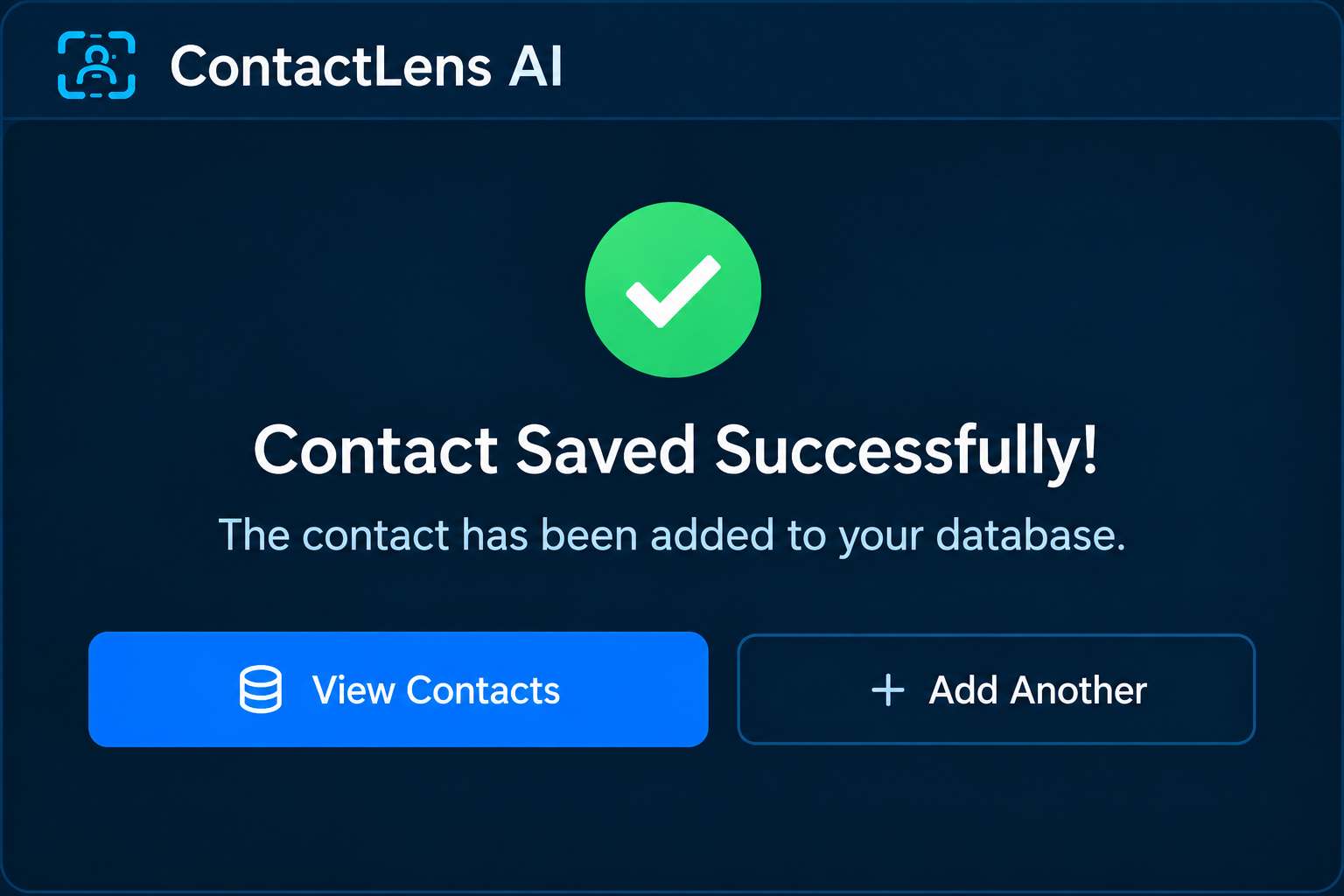
contact saved to database
-
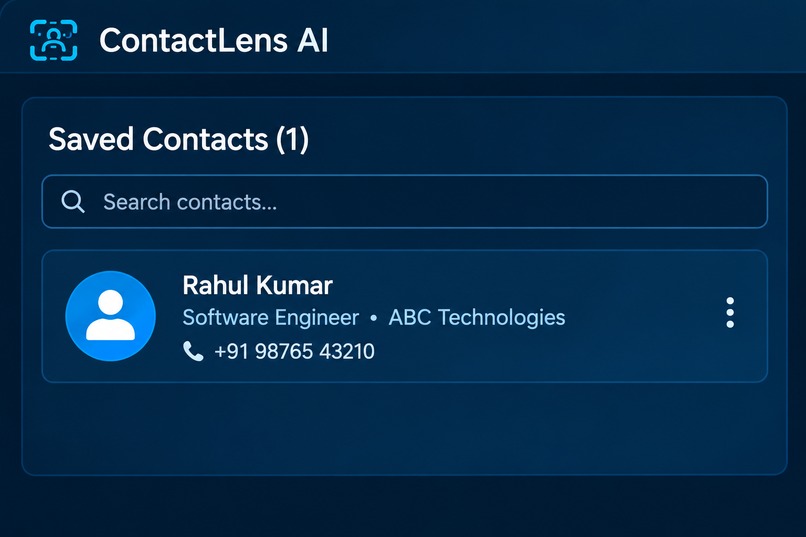
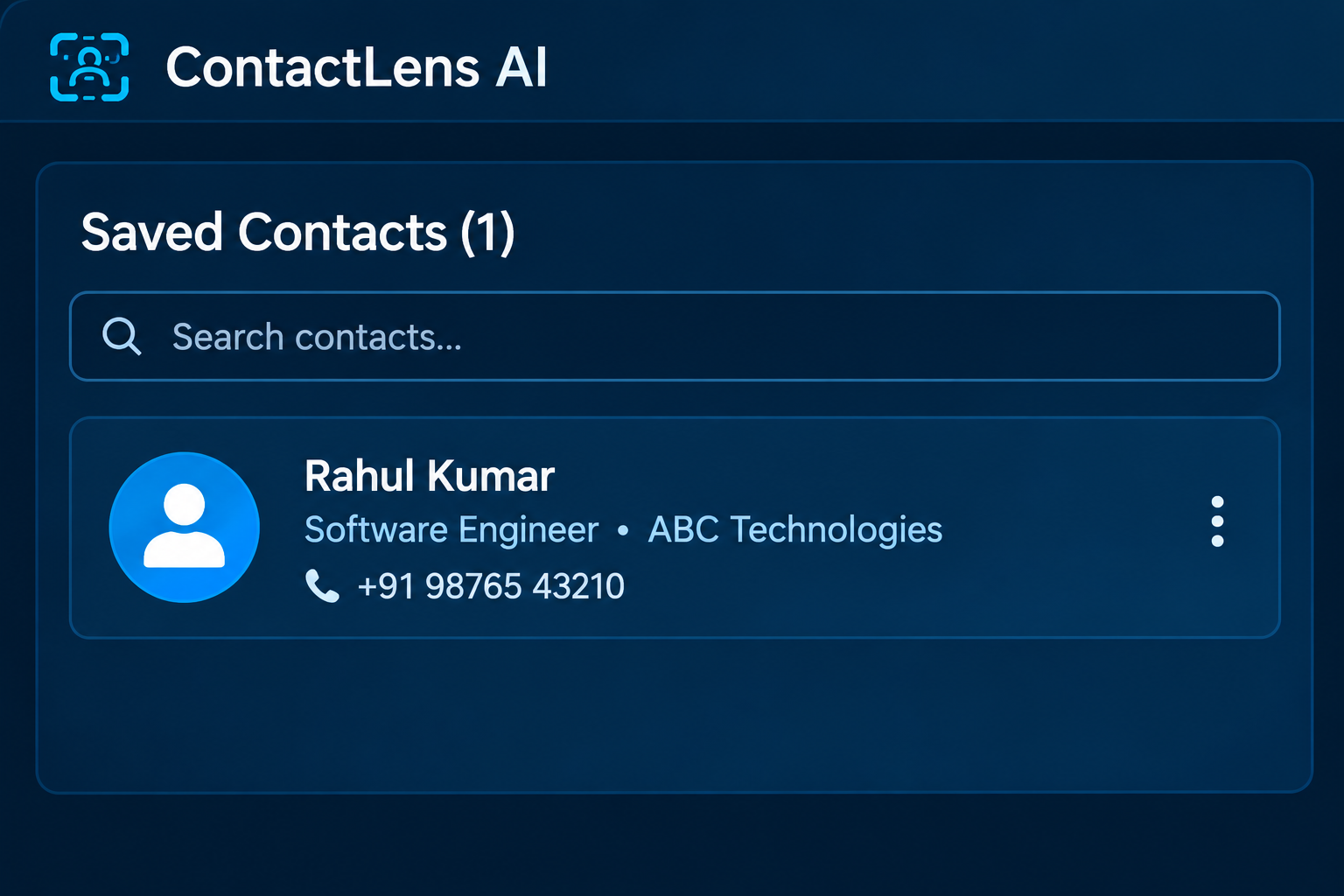
viewing the saved contacts
-
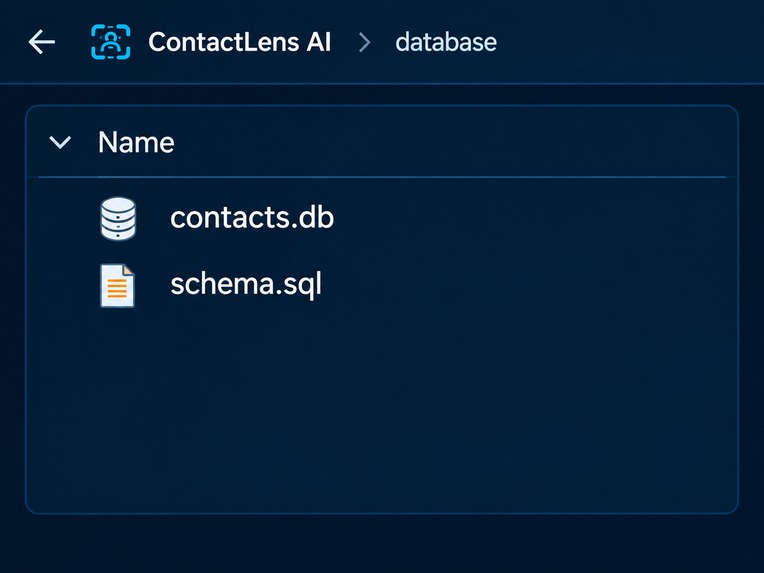
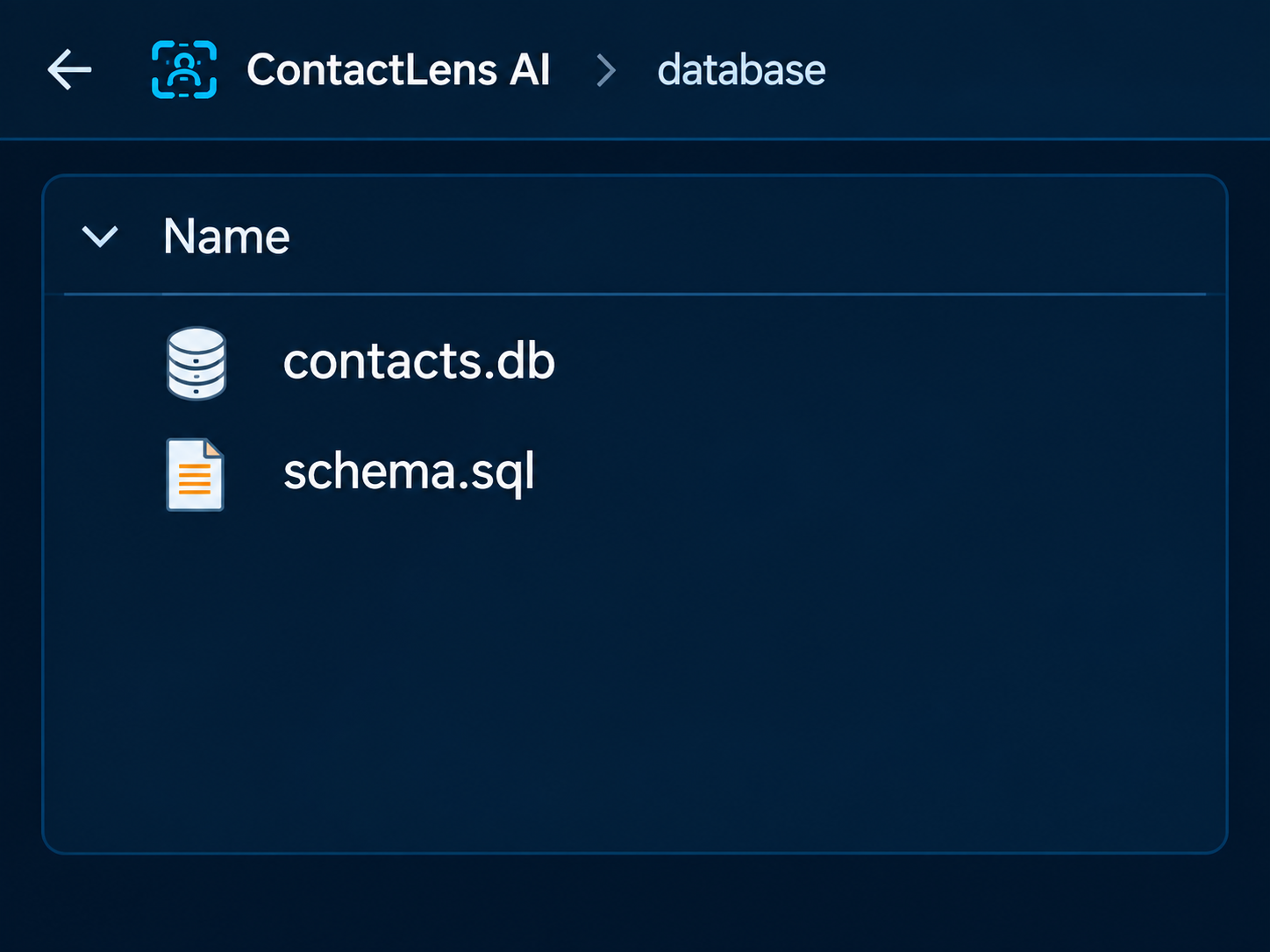
database file in project
ContactLens AI – Smart Contact Extraction & Management
Inspiration
Contact information is often trapped in business cards, posters, screenshots, and other unstructured formats. Manually typing these details into a phone is time-consuming and can introduce errors or duplicate contacts.
We were inspired to build ContactLens AI as a simple way to turn these scattered contact details into clean, usable digital contacts. We also wanted the system to be more accessible by allowing users to provide the contact name through voice instead of relying only on typing.
What We Built
ContactLens AI is a multimodal AI-powered contact management system that can scan a contact card or image and extract useful information such as organization, phone numbers, email, website, and address.
The extracted information is then validated, classified based on context, and checked against existing contacts to identify potential duplicates. Instead of blindly creating another contact, the system can update an existing record when a duplicate is detected.
Users can review the extracted information and choose how they want to save the contact, including entering the contact name manually or using voice input. The system can also generate a VCF file that can be imported into a phone's contacts.
How We Built It
We built the application using Python and Streamlit. PaddleOCR and OpenCV are used for image-based text extraction and image processing. Faster-Whisper is used for speech-to-text, allowing users to provide contact information through voice.
The extracted information is converted into a unified contact structure and passed through validation, context classification, duplicate detection, database storage, and VCF generation modules.
We organized the project into separate modules so that image processing, voice processing, extraction, validation, database operations, and contact generation can be developed and improved independently.
Challenges
One of our biggest challenges was handling contact cards with different orientations, layouts, and image quality. OCR does not always recognize text correctly, especially when text is rotated or arranged in unusual positions. We experimented with preprocessing, cropping, rotation, and targeted OCR to improve extraction.
Another challenge was integrating voice input with the contact workflow while keeping the system simple for users. We also had to design duplicate detection carefully so that contacts could be compared using multiple attributes such as phone numbers, email, organization, name, and address.
What We Learned
Through this project, we learned how different AI components can work together in a single application. We gained practical experience with OCR, speech recognition, image preprocessing, data validation, similarity-based duplicate detection, database integration, and Streamlit application development.
Most importantly, we learned that building a useful AI system is not only about extracting information—it is also about validating the output, handling imperfect real-world data, and creating an accessible user experience.
Outcome
ContactLens AI brings contact extraction, validation, contextual understanding, duplicate detection, voice interaction, and digital contact generation into one workflow.
Our goal is to make the process of converting unstructured contact information into organized digital contacts faster, smarter, and more accessible.


Log in or sign up for Devpost to join the conversation.