-
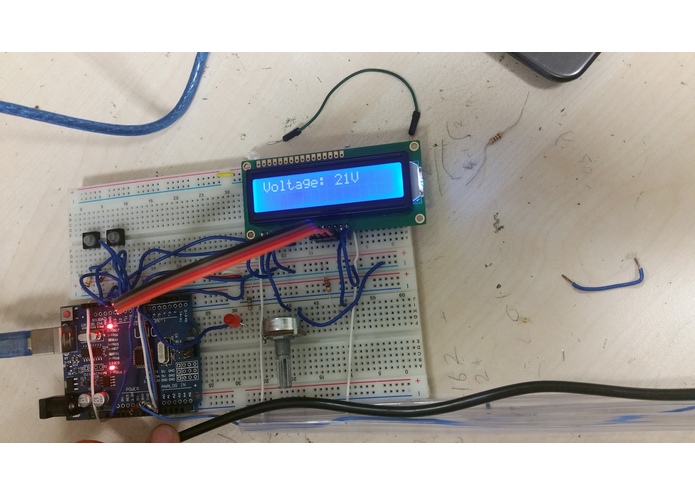
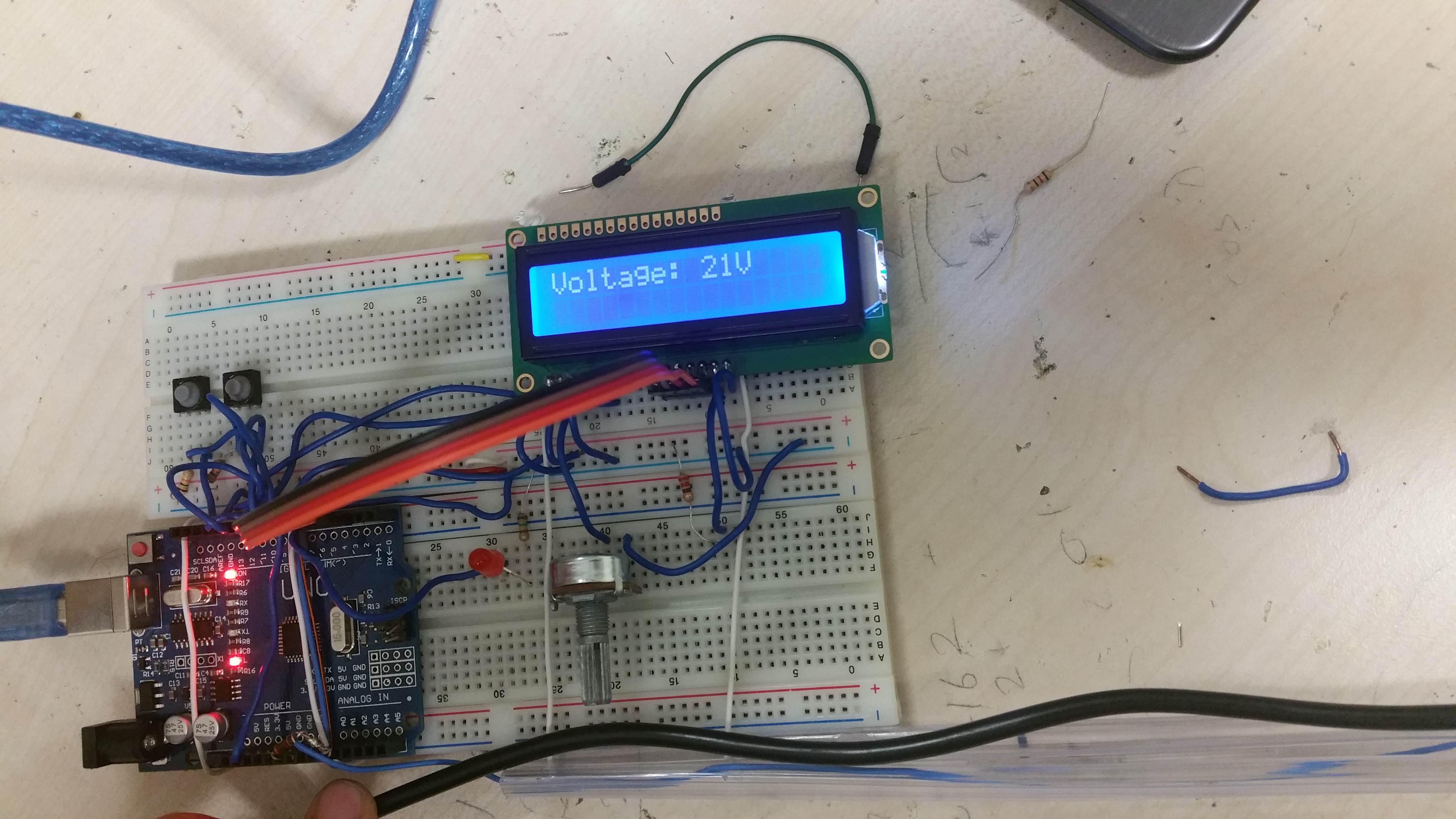
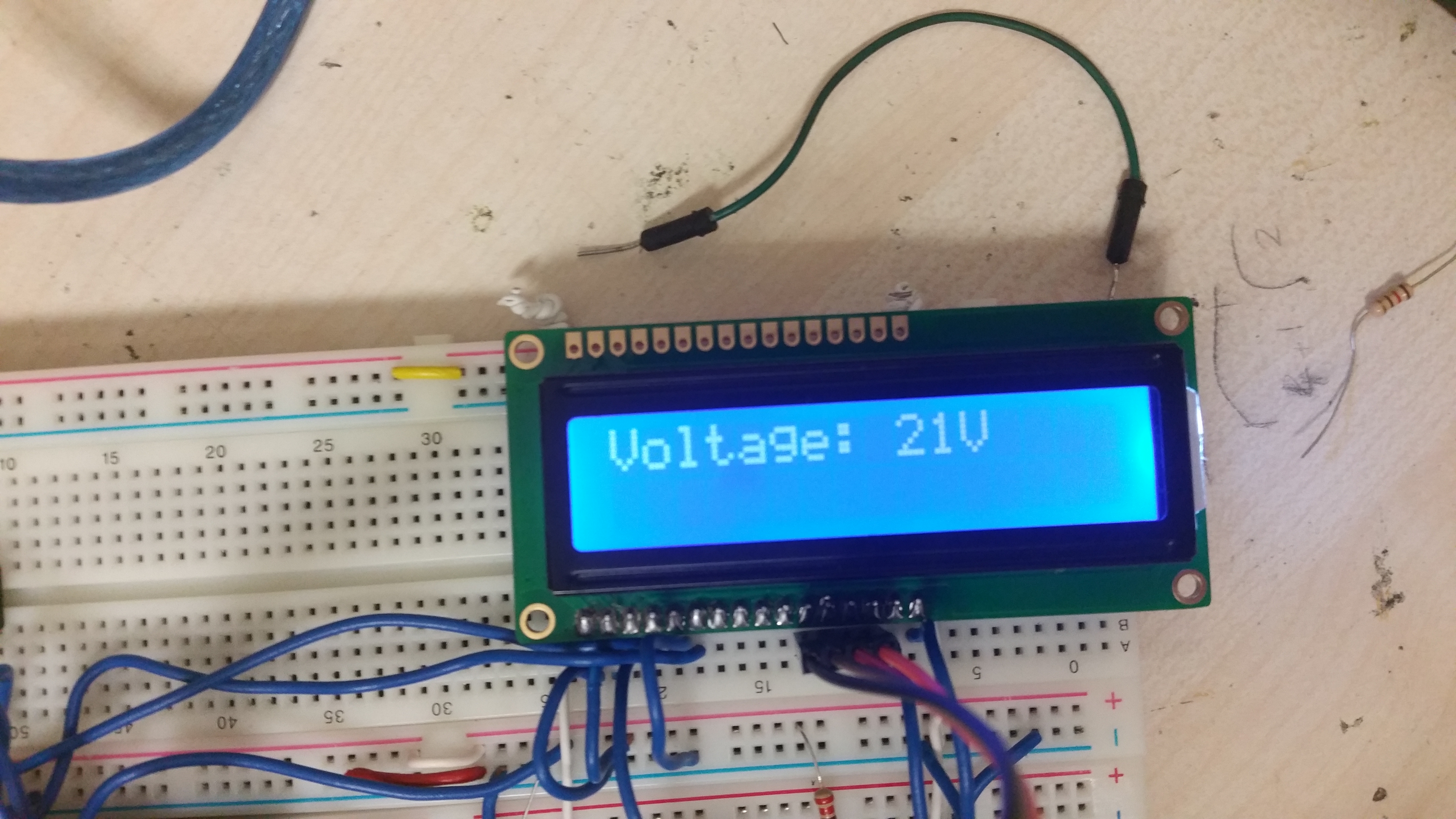
Measuring Voltage on a 20V DC cable of laptop adapter.
-
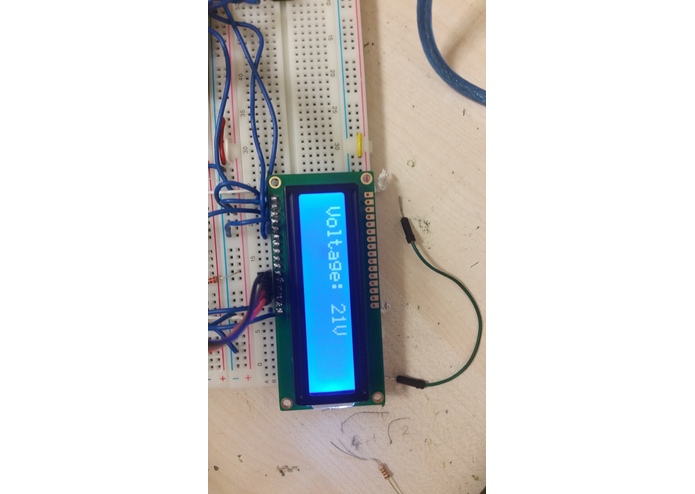
A close-up
-
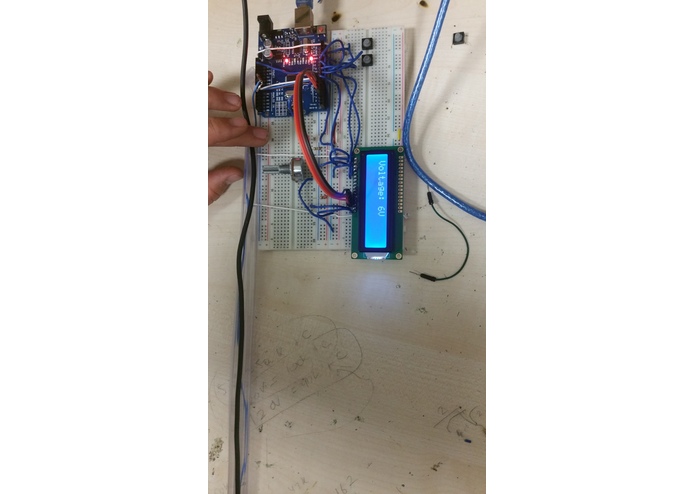
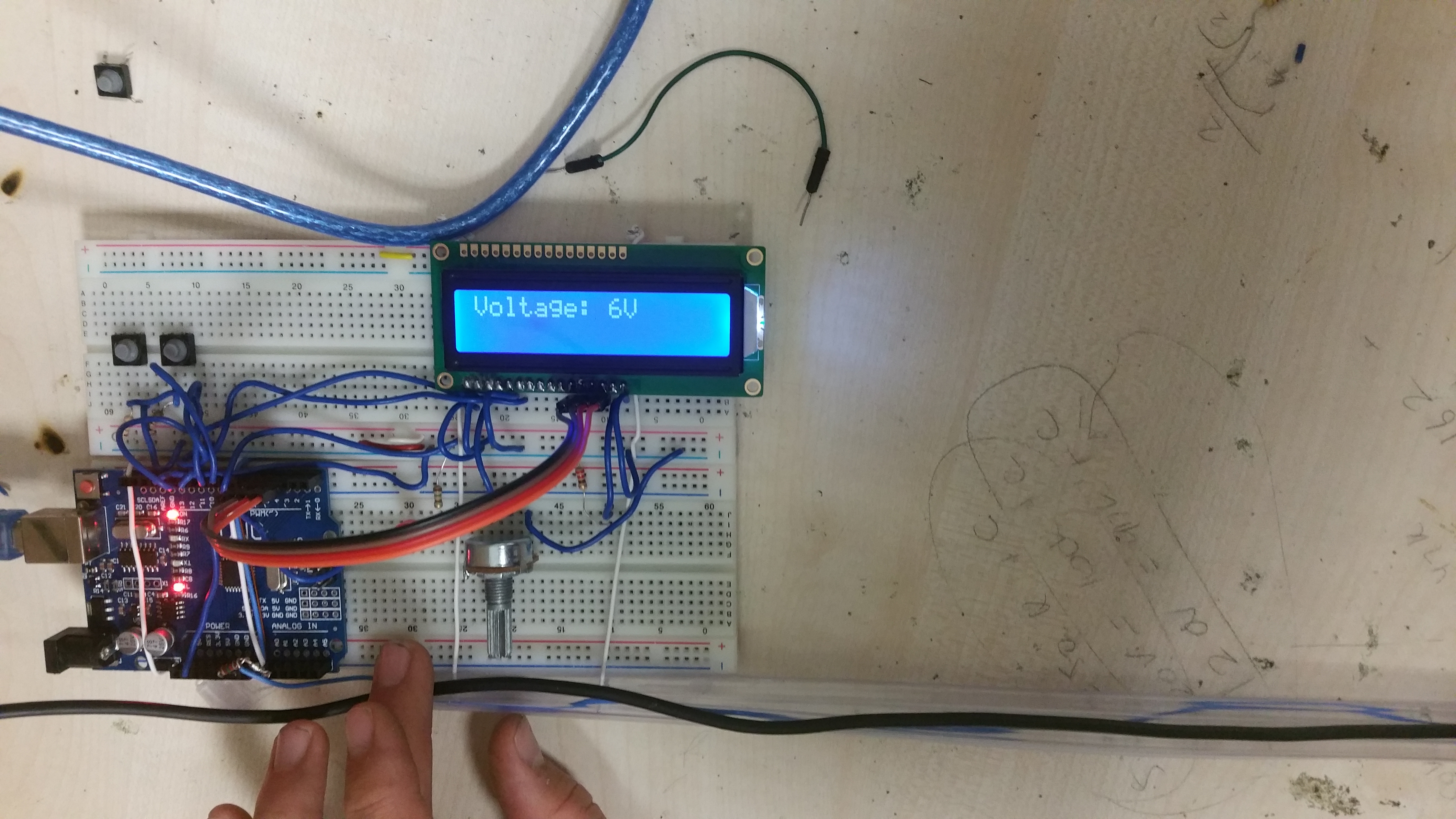
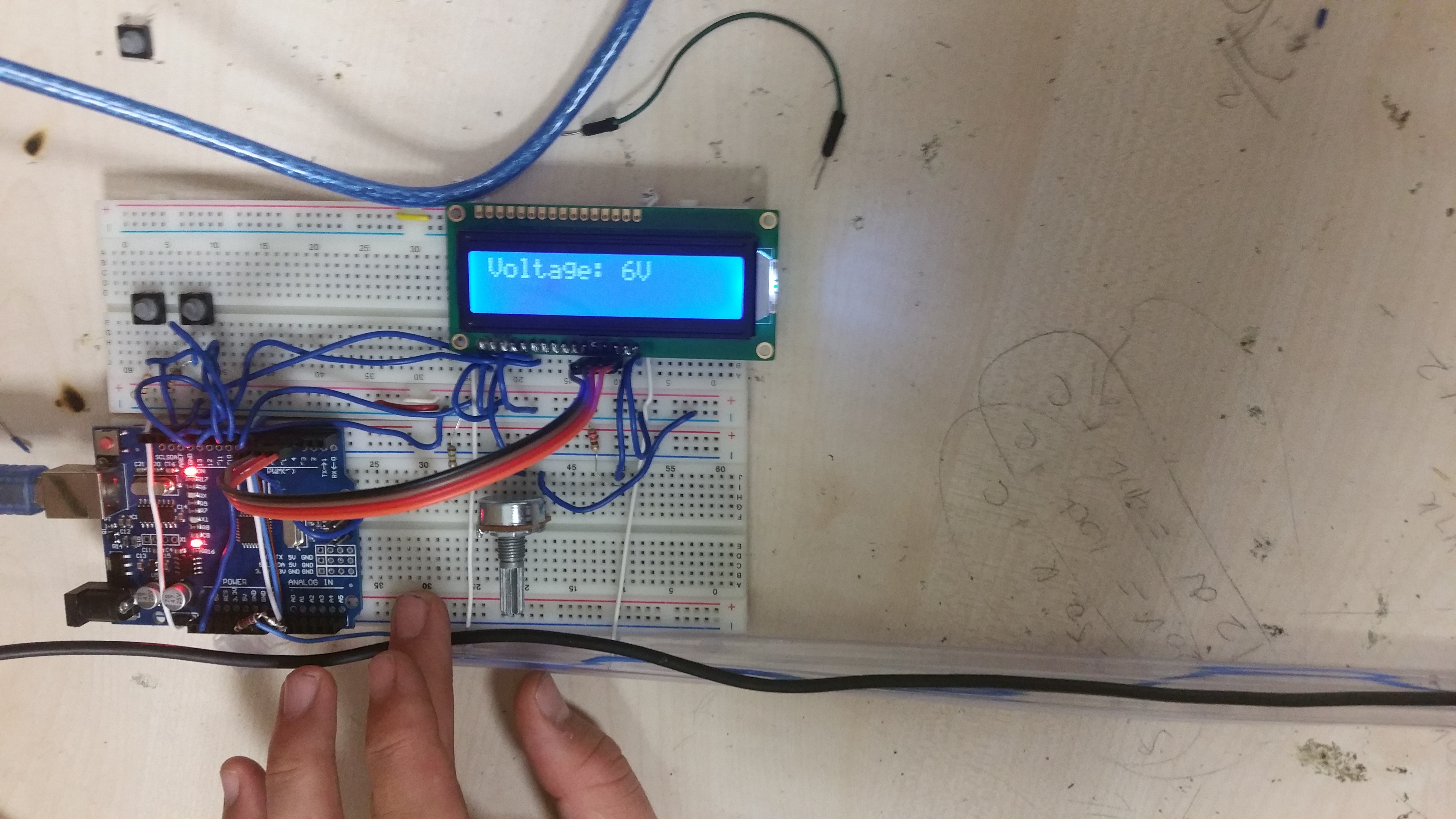
Measuring Voltage on a 5V DC cable of smart phone charger adapter.
-
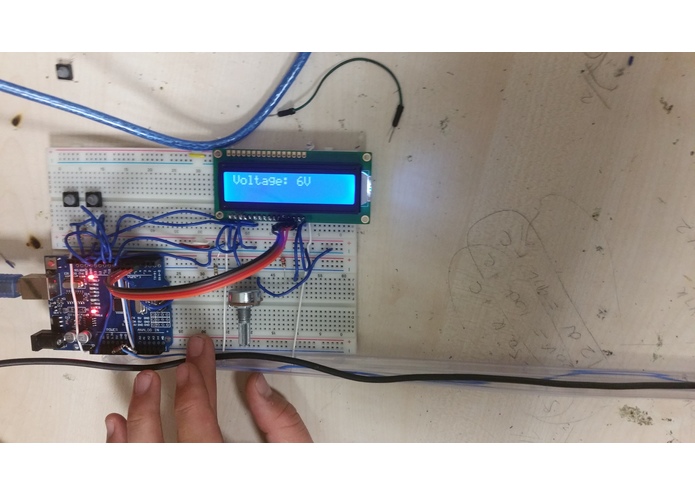
A close-up
-
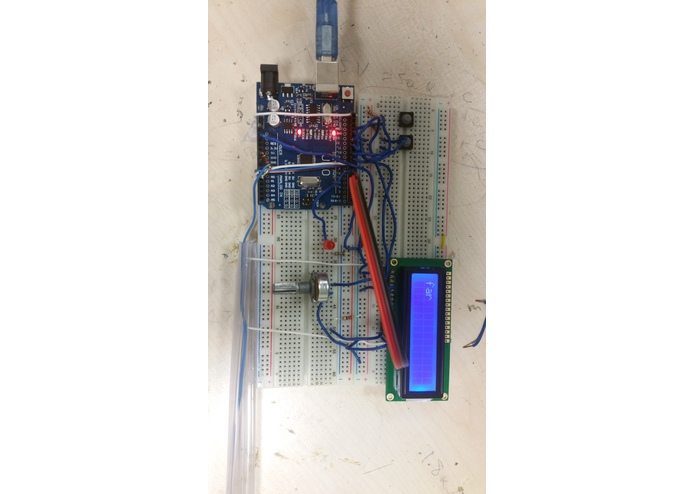
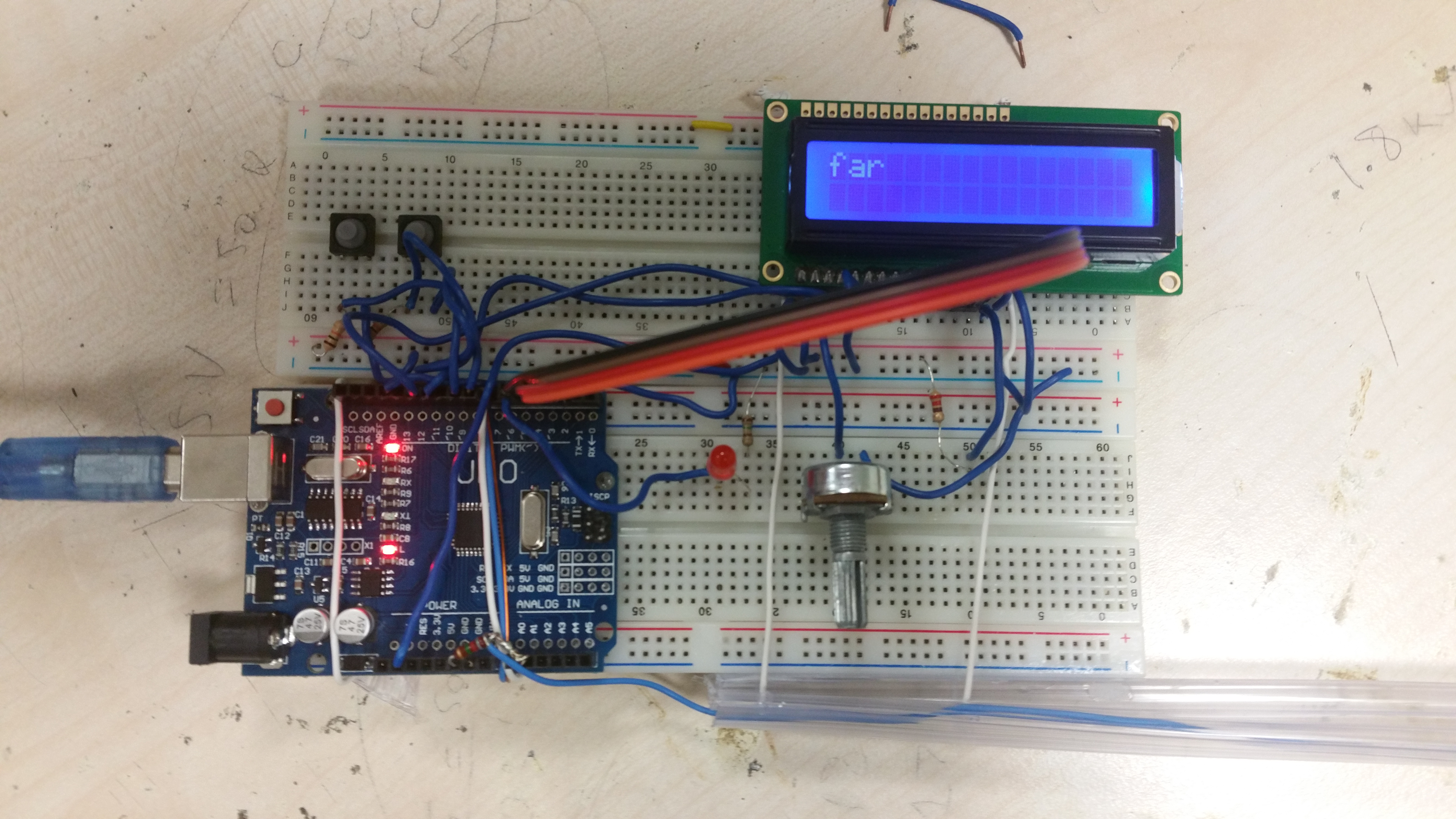
Mode 2: Giving the proximity of a live wire. In this case, the live wire is far.
-
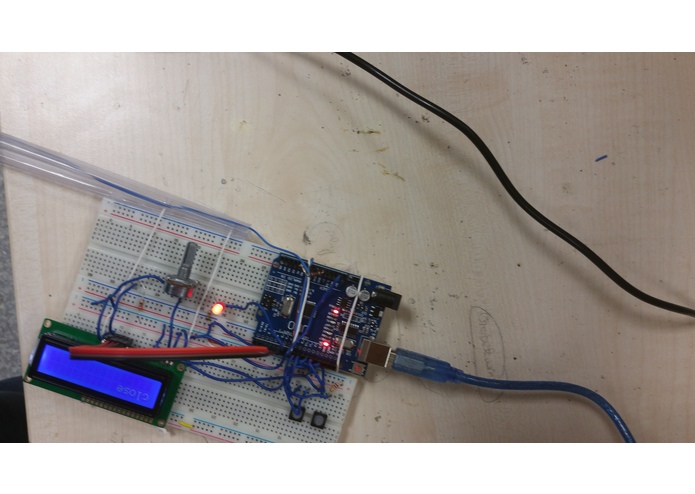
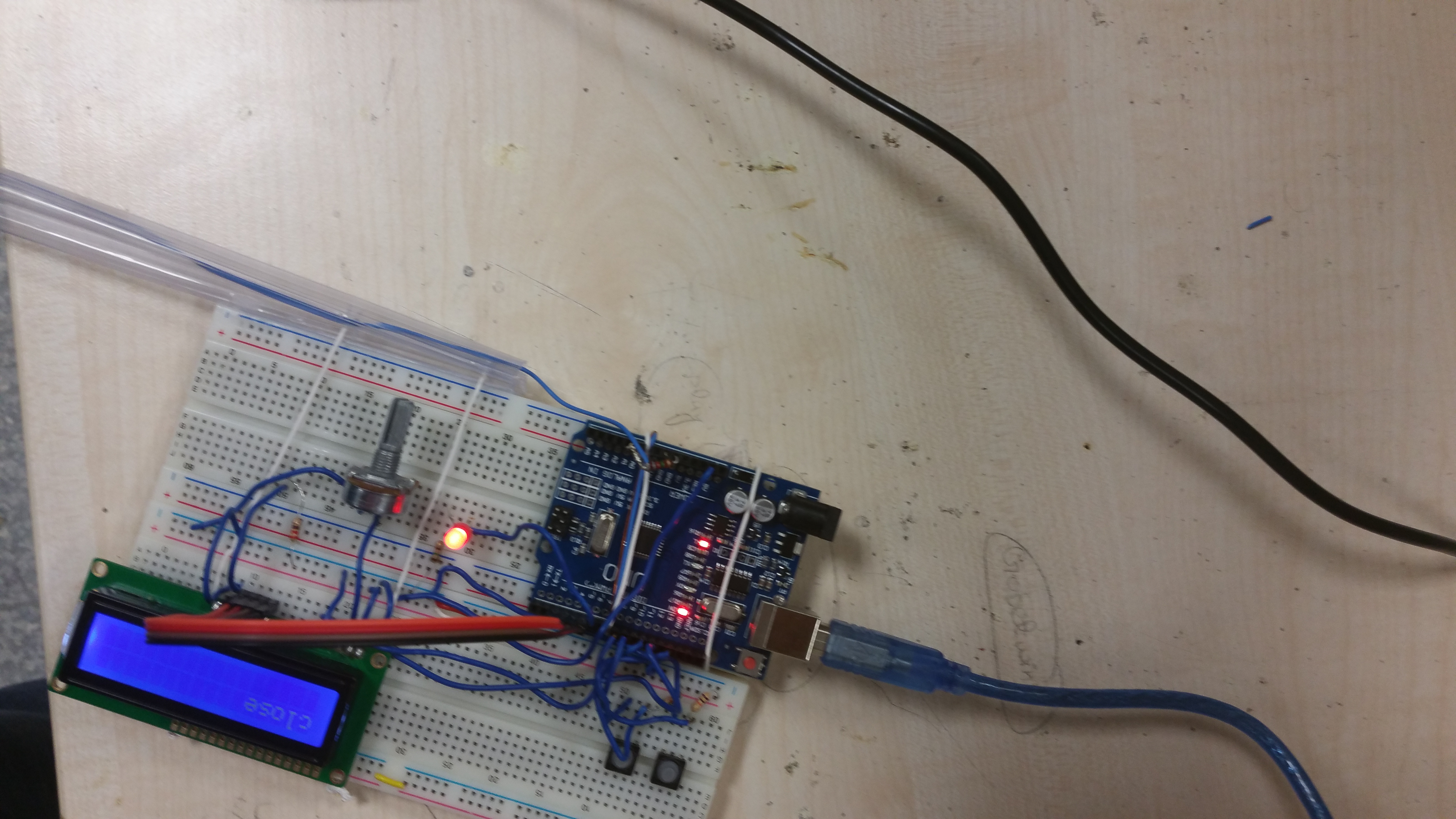
In this case, the live wire is close.
-
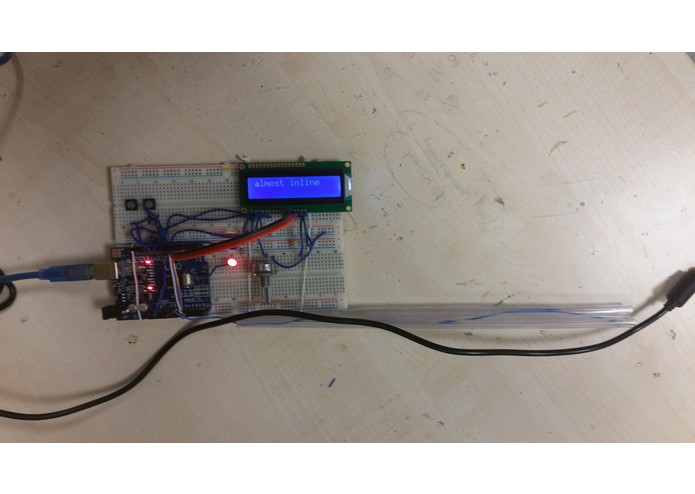
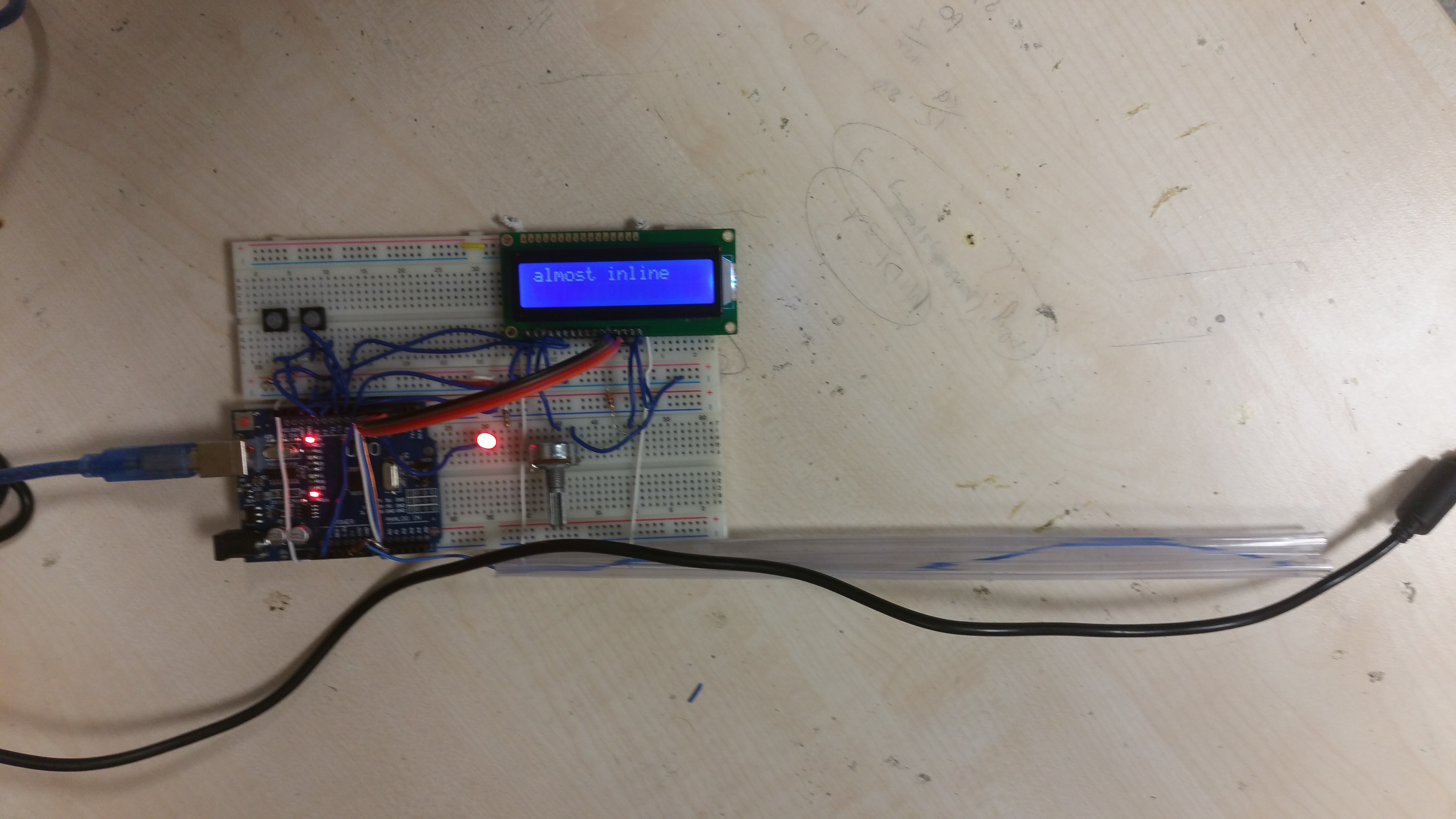
In this case, the live wire is very close and almost inline with the device.
Inspiration
The Market available electric field intensity sensing devices looked interesting and hence I decided to build one of my own.
What it does
I measure the electric field intensity. It sets the red LED brightness according to the intensity. There are various such market available devices used by workers,electricians and field men to locate and at times avoid the electric fields. In addition, it can measure voltage in DC coaxial cables from laptop/smart-phone charger adapters and other such types of cables.
How I built it
ADC on arduino is sensitive upto 5mV. Electric Field causes the charge imbalance on a conducting wire. One end of the wire is left open. The other end connected to ADC. The ADC end is also connected to a large (around 10M ohms) resistance and then grounded. A strong electric field causes a stronger charge imbalance and higher potential measured on ADC. I analyzed the differences in different wires and then wrote a program.
Challenges I ran into
The sensing set-up is highly prone to foreign voltages. The set-up needed an independent a DC power source to work and display results accurately. I spent a long time figuring out the problems and variations. Supplying +5V to arduino using USB ports on a plugged-in laptop caused malfunction in voltage measurement. Also suppling power from a +5V wall adapter caused erroneous results. Therefore, a power bank or an unplugged laptop was required for supplying power to set-up for proper results. This was primarily because of interferences flowing in to the circuit from AC power lines. Also the laptop's body may be acting as an antenna and passing it onto my set-up.
In addition, temperature variations caused varying results which was mainly because of changing resistance of the sensing wire element used. In order to overcome such problems, the code needed to be updated.
Accomplishments that I'm proud of
I was able to complete the project on time despite high density of workload for that week. Once, I had the sketch in my mind, completing the entire set-up and debugging it took less than 10 hours. In fact, the entire project seemed to take less than 20 hours.

Log in or sign up for Devpost to join the conversation.