-
-
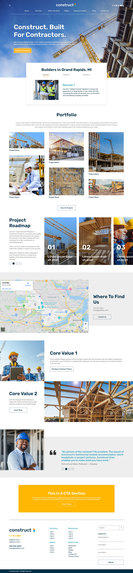
Home
-
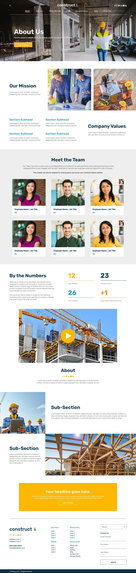
About
-
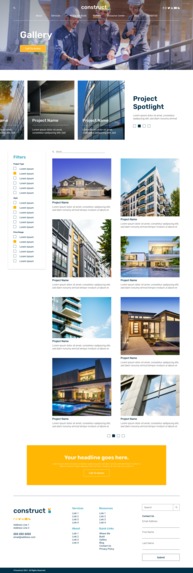
Gallery
-
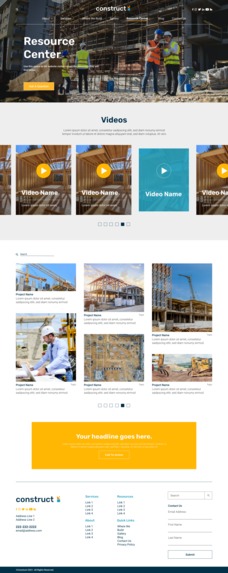
Resource Center
-
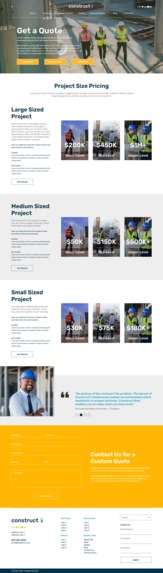
Pricing
-
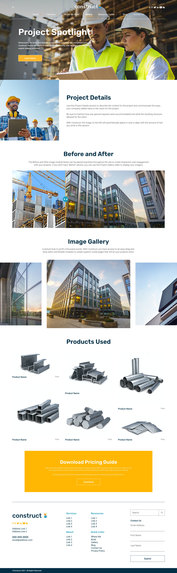
Project Spotlight
-
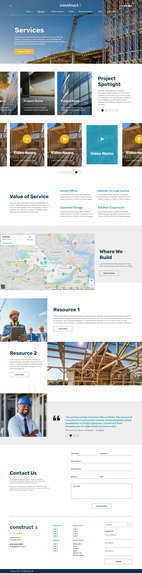
Services
-
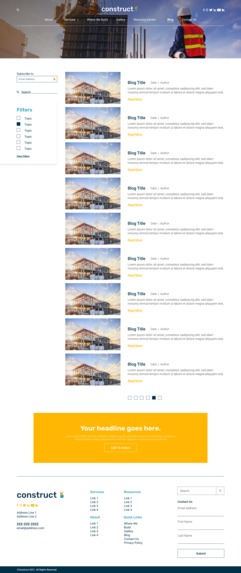
Blog
-
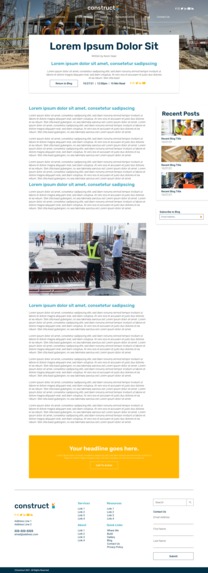
Blog-Inside Page
-
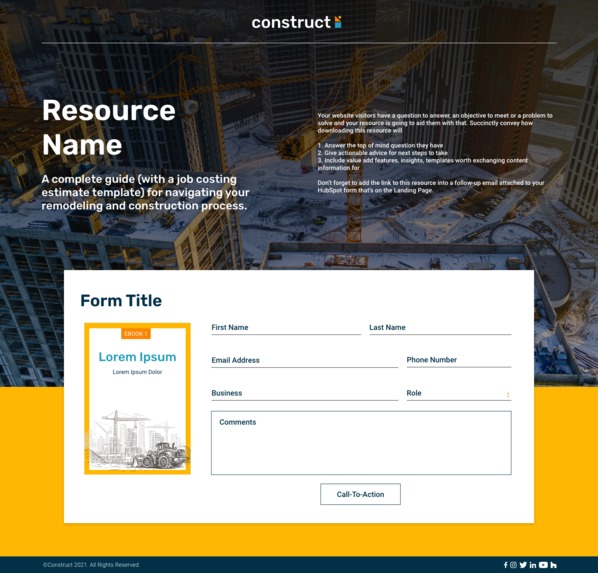
Landing Page
-
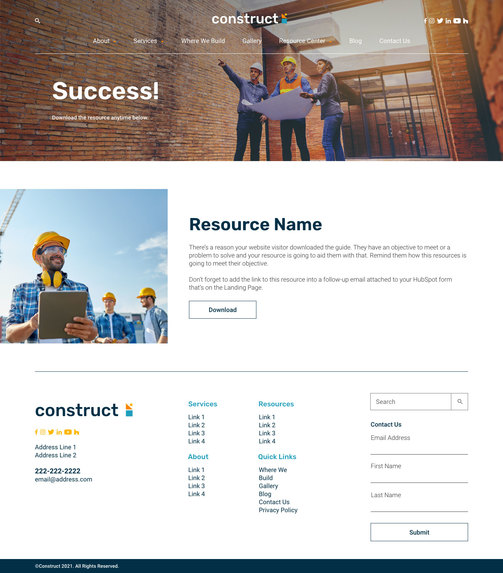
Thank You
-

Header-Logo in Center
-

Header-Logo on Left
-
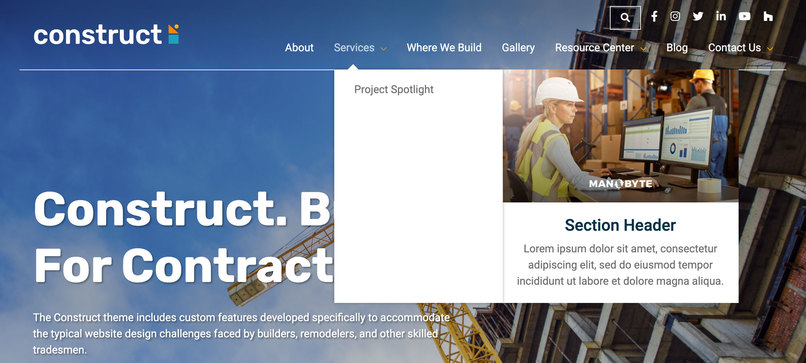
Header-Mega Menu
-
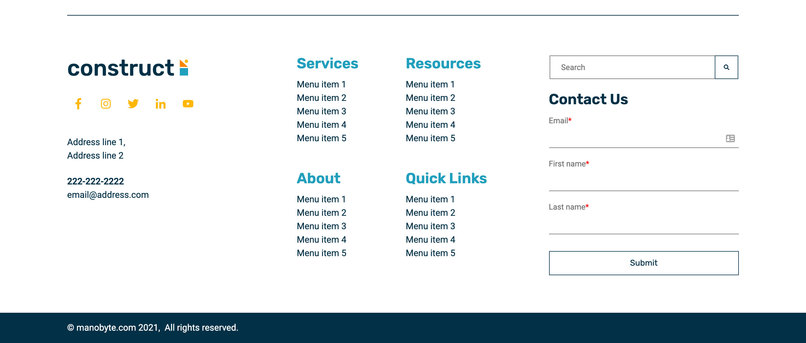
Footer Option 1
-
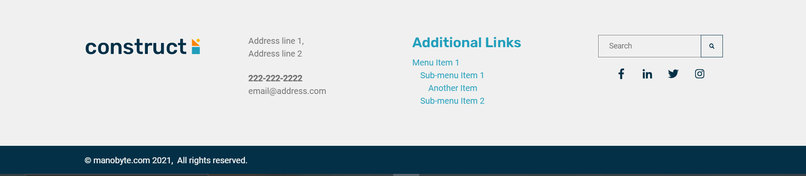
Footer Option 2
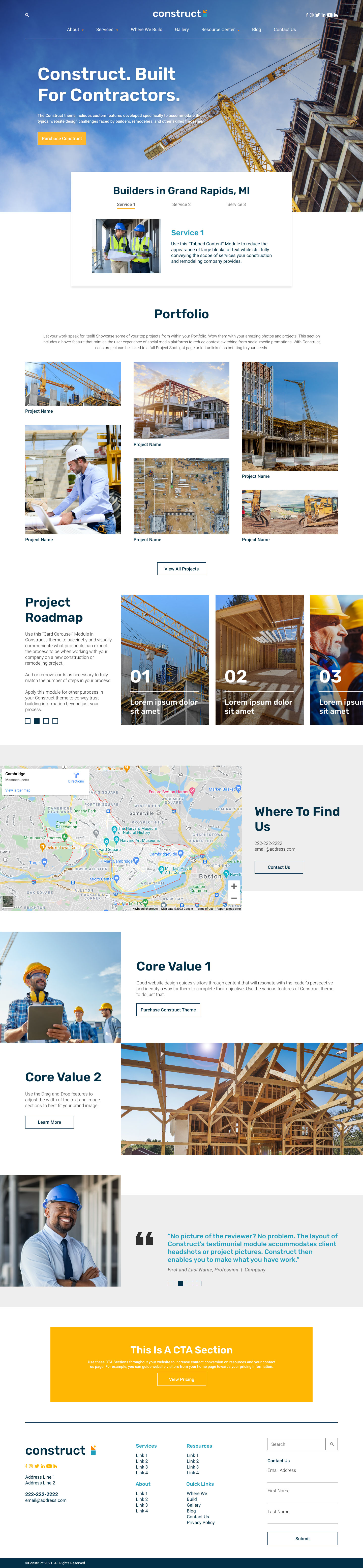
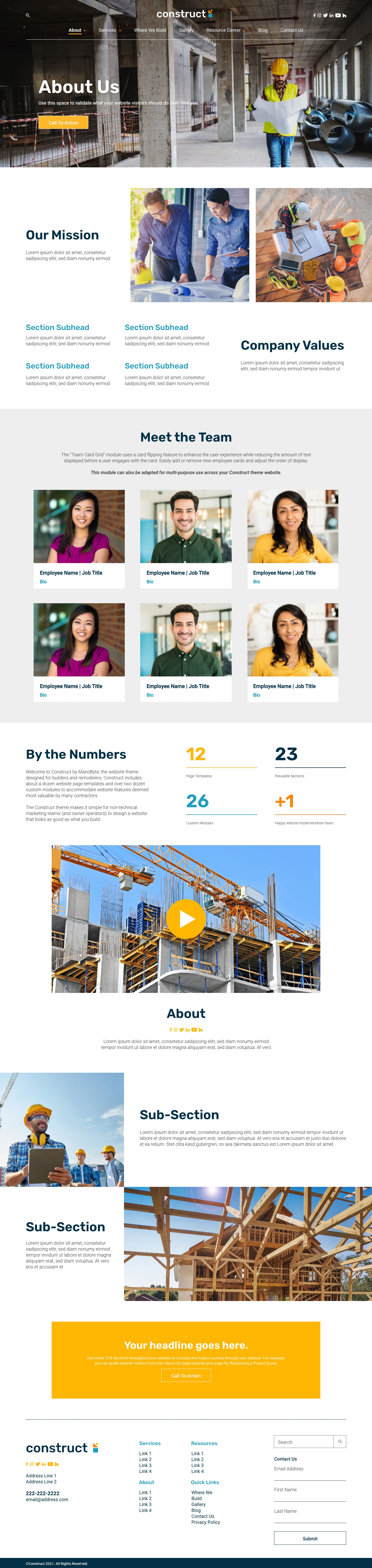
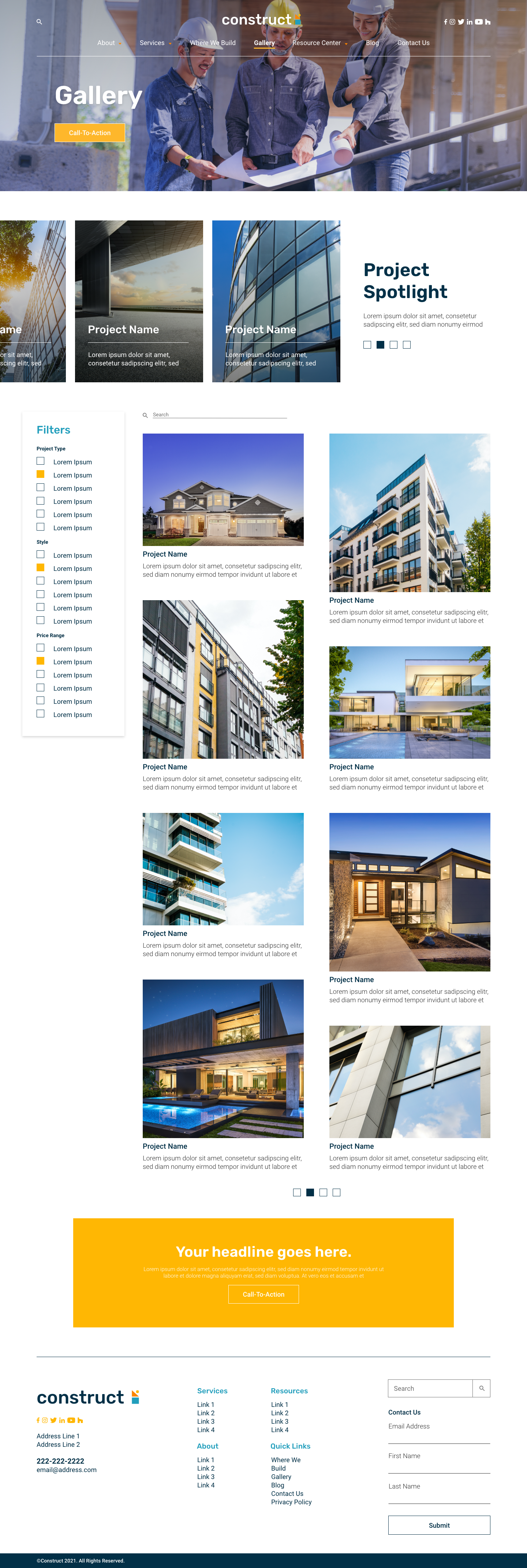
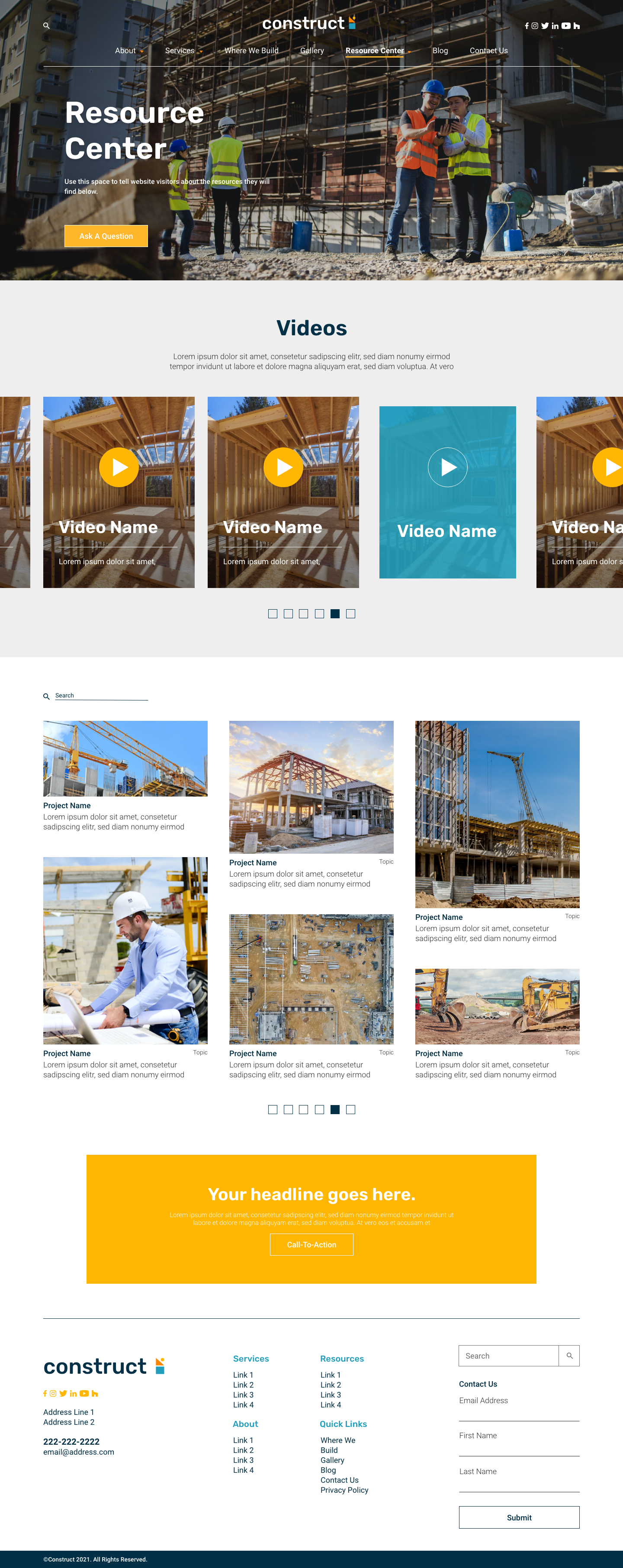
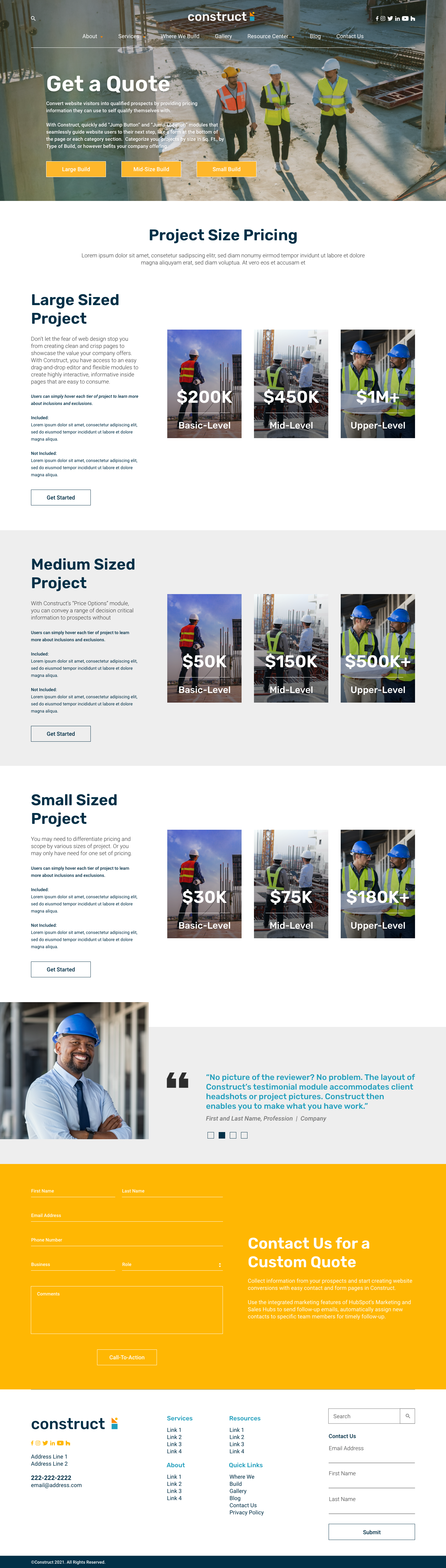
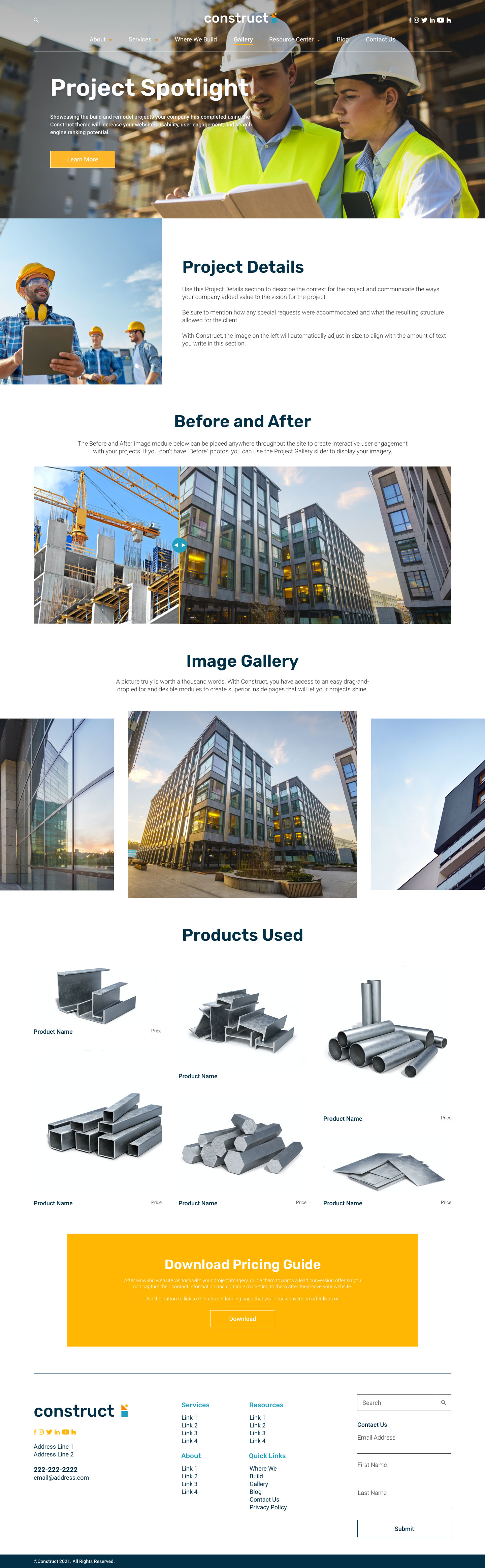
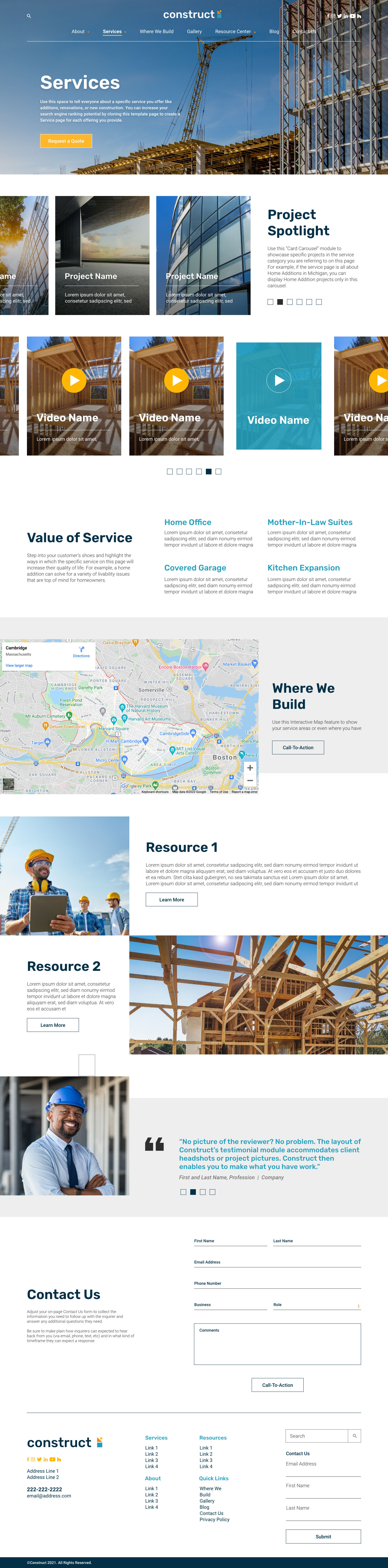
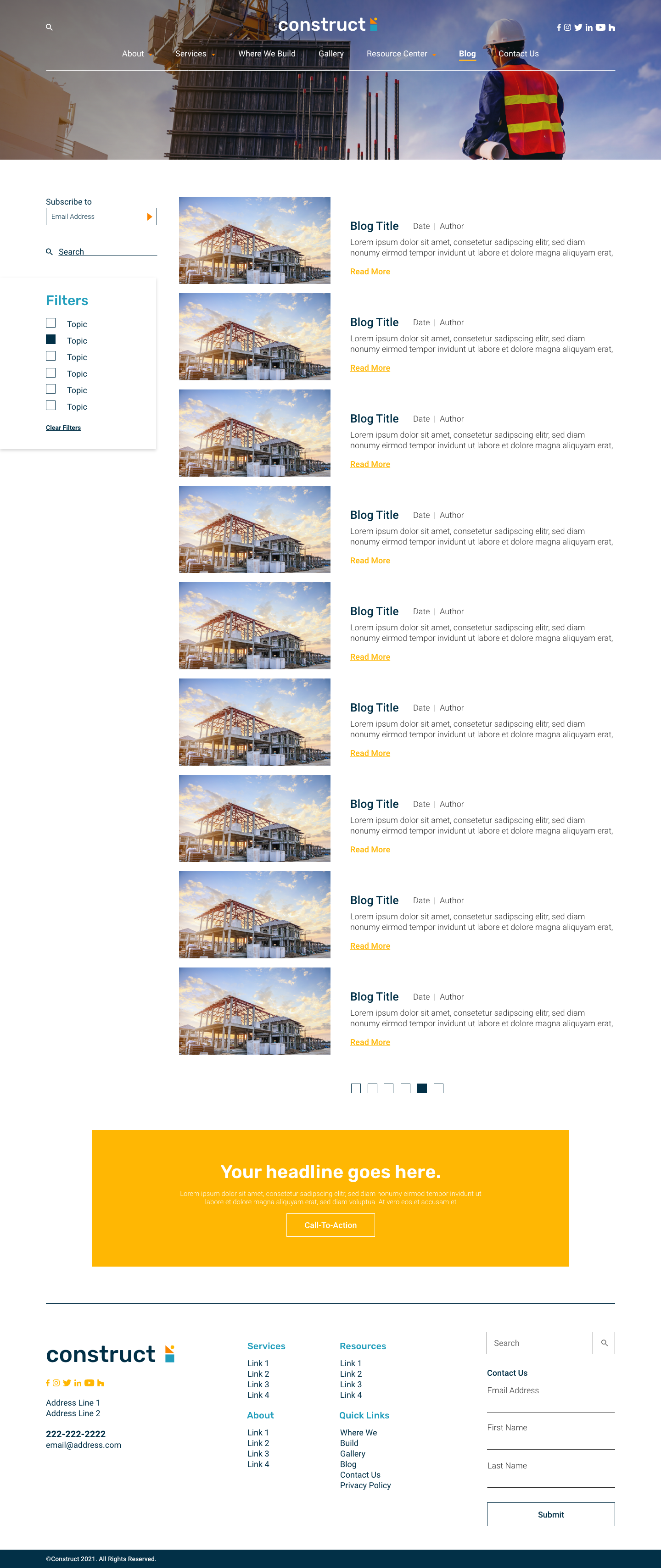
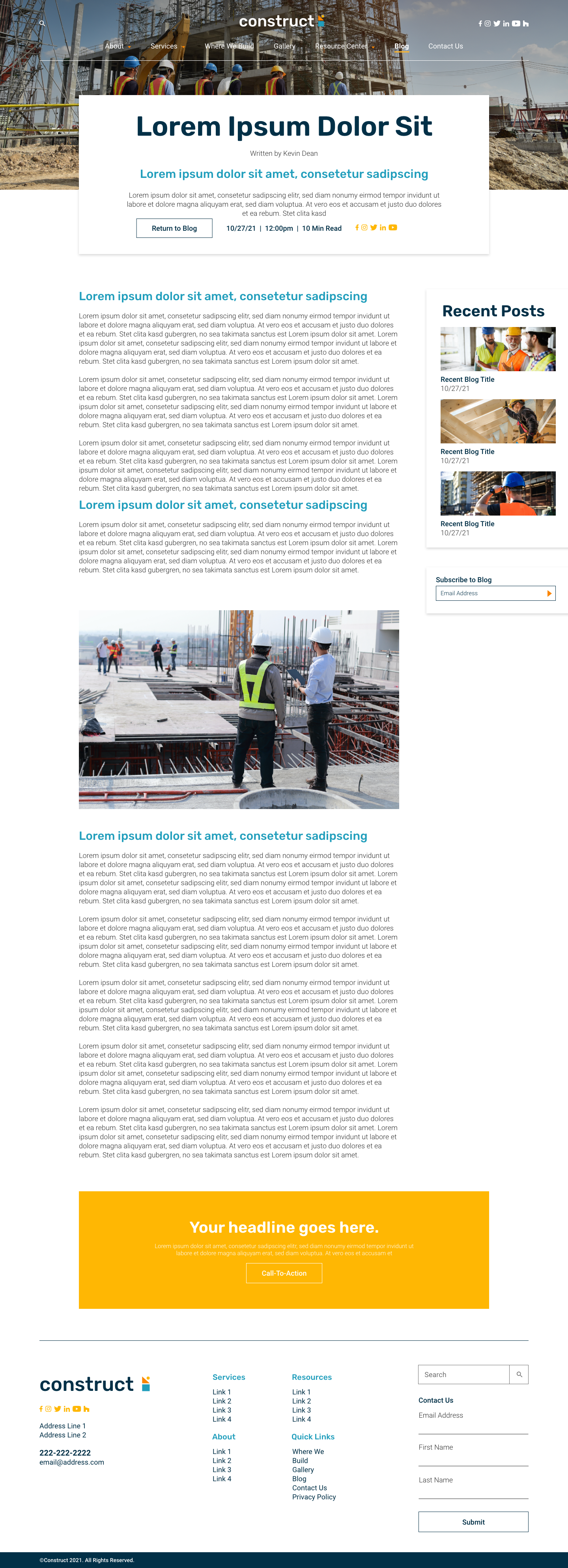
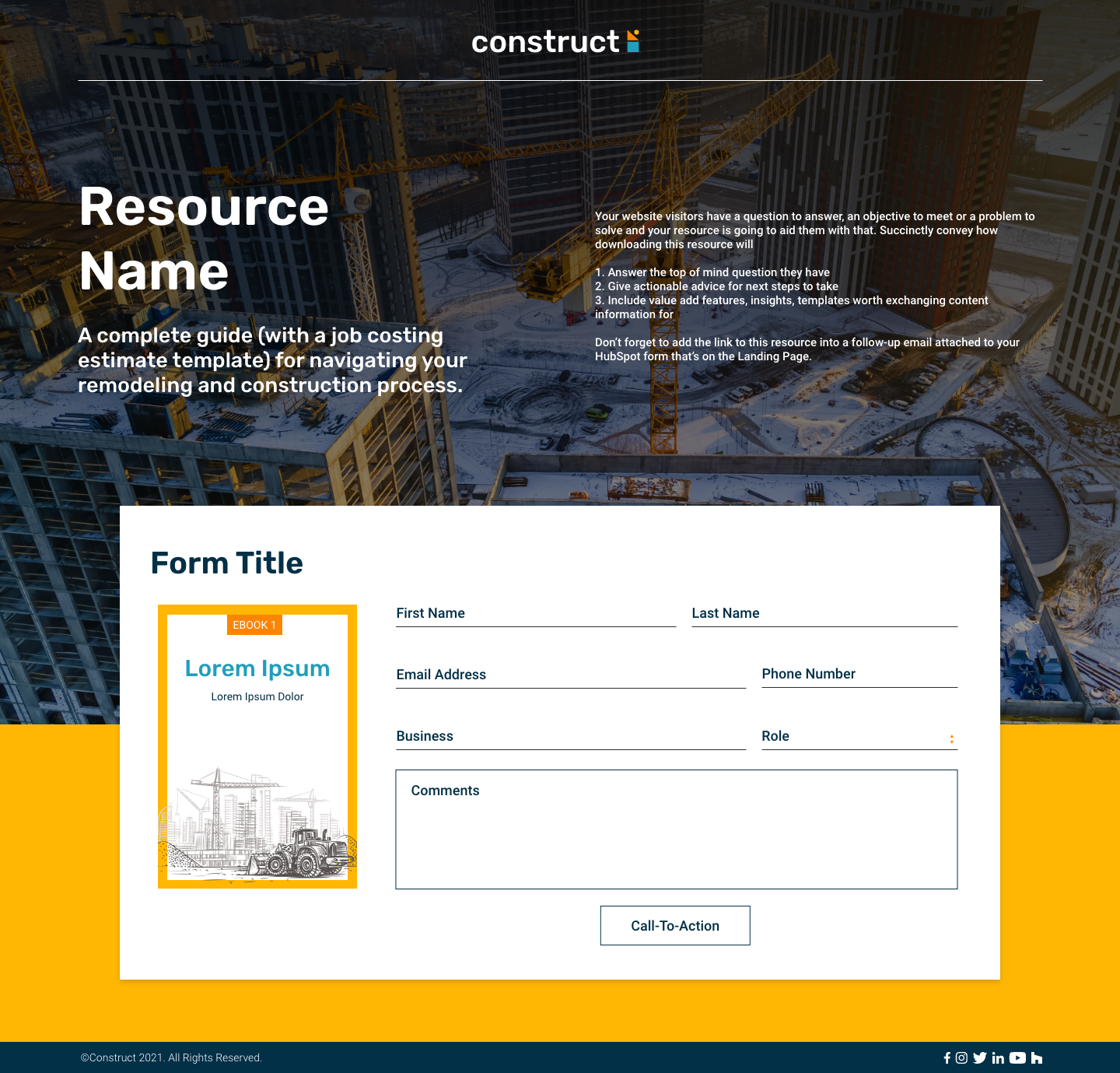
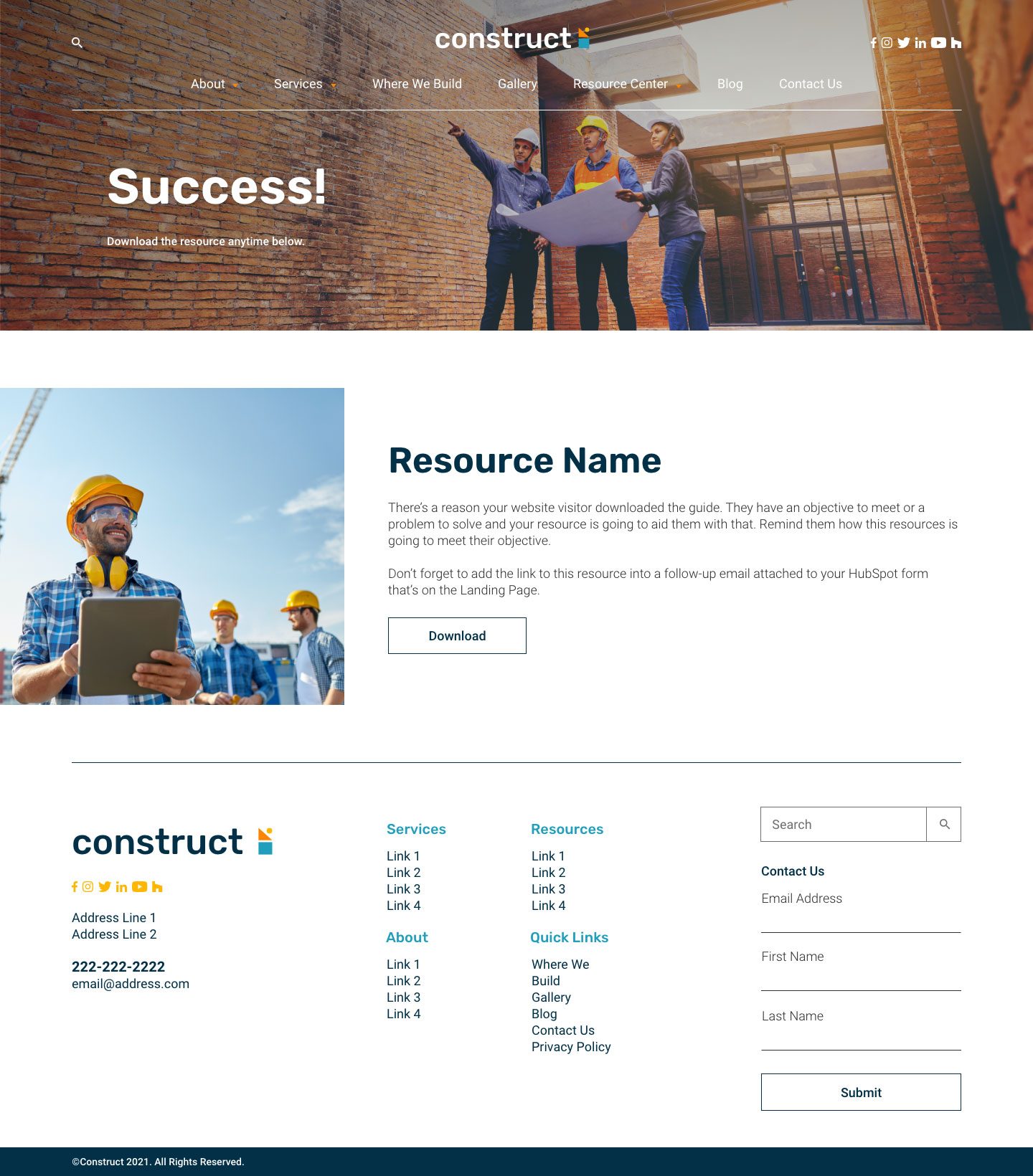


Welcome to Construct by ManoByte, the website theme designed for builders and remodelers.
Construct includes about a dozen website page templates and over two dozen custom modules to accommodate website features deemed most valuable by many contractors, like before-and-after image sliders, a slick pricing module, flippable card grids, element carousels, and other advanced features, custom developed with contractors’ marketing needs in mind.
The Construct theme makes it simple for non-technical marketing teams (and owner-operators) to design a website that looks as good as what you build.
Want to learn more? Read our documentation page.
How we built it, What it does
The Construct theme is built on the HubSpot platform utilizing all the latest features. Update your brand colors and the theme defaults will update with them. Don't like the defaults? Change the colors and fonts to match your brand. Update button defaults, form and spacing to really make the site your own.
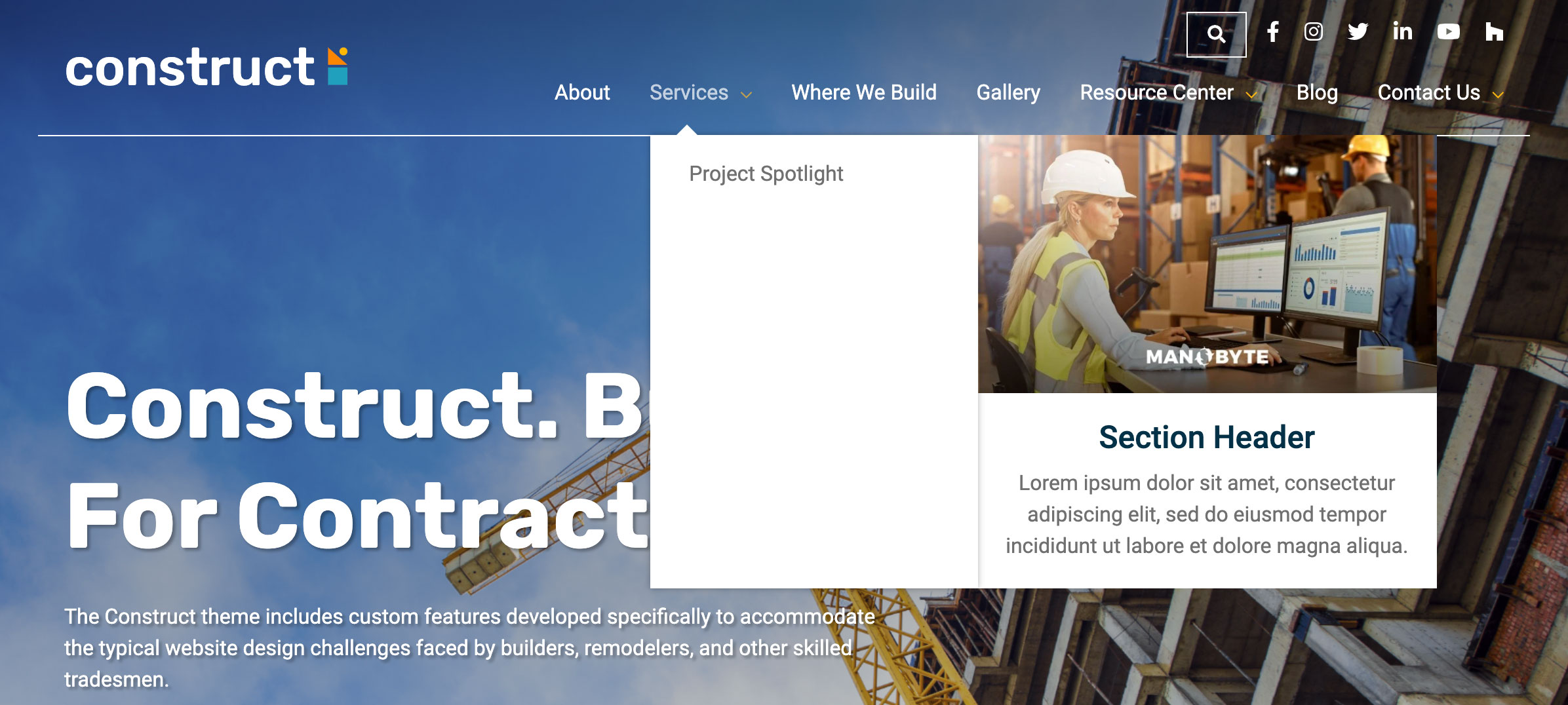
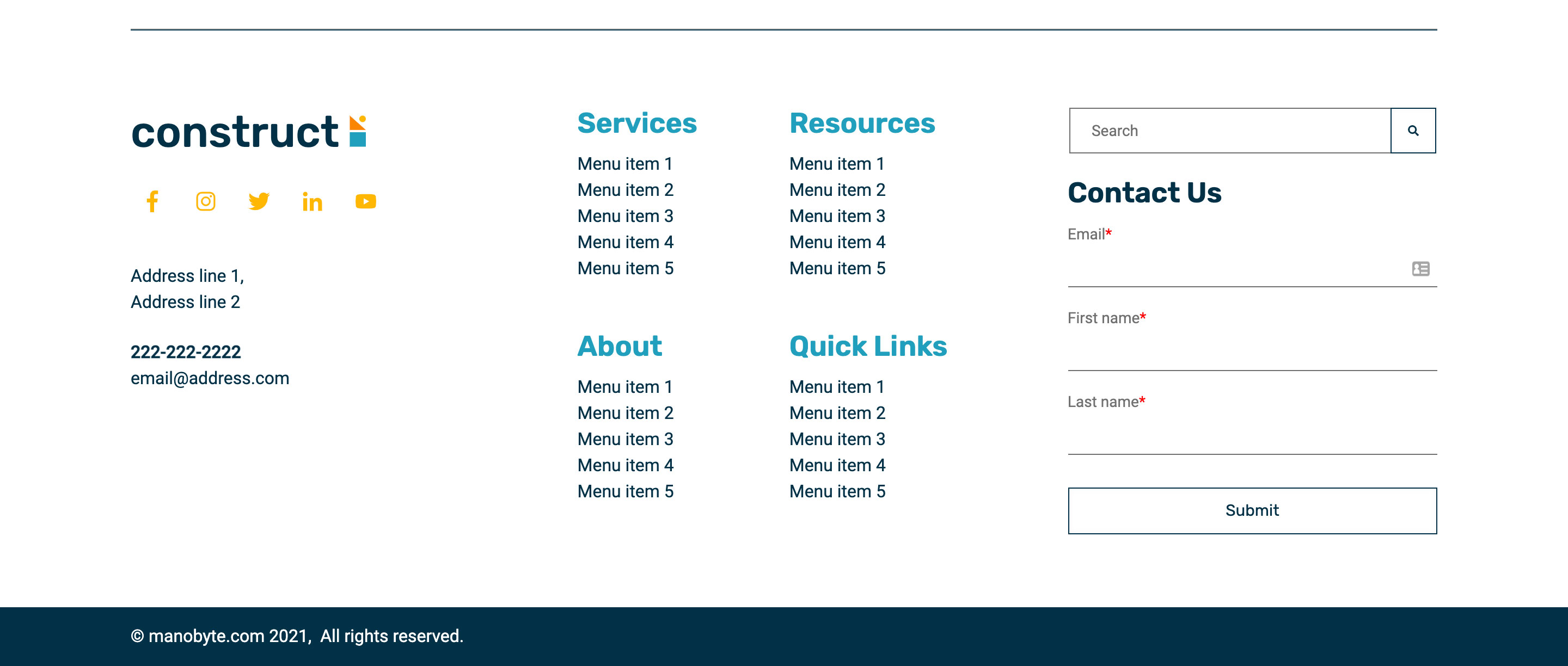
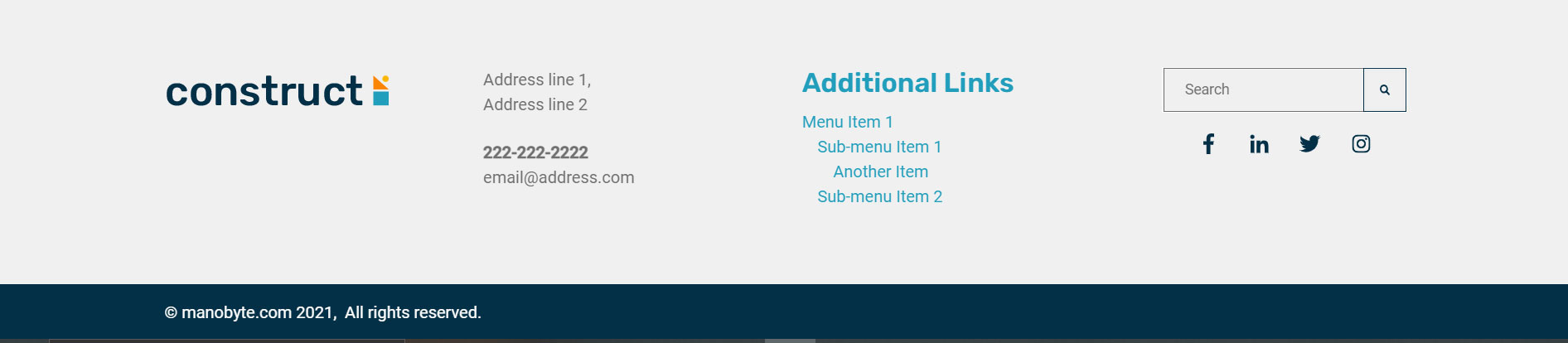
Edit the global nav and pick between 2 layouts, with the logo on top or to the left. Select a color for the background of your header, adding a semi transparent gradient, or turn up the opacity to 100% for a solid color background. You get full control over all the colors for your menu, But no drag and drop was added to prevent the possibility of breaking your site on mobile. With the footer however you can select in the theme setting 2 different premade layouts, built with drag and drop capabilities so that you can really customize for your needs.
Construct uses HubSpots drag and drop features in its templates to make it easy to move, remove or add new content. Check out the mobile styling options as you create to make sure your site looks as good on mobile as on desktop. Need to add more content to a page? No problem, Simply choose from the plethora of premade sections to get you creating faster and more effectively. Construct is built using many custom modules with style options designed to give you the freedom to customize, without the hassle of designing from scratch.
The blog also comes with some layout options if you have the listing page edit available. Update the hero, or select from a few options how you would like your blog posts to be displayed.
You don't need a developer to set up Construct. The theme uses jQuery to function, as well as drag features from jQueryUI, but all files are included So that you don't need to set up anything yourself.
What we learned, Challenges we ran into
During this development process, we learned to better utilize brand colors and default colors in sections. Adding colors from the theme settings into the premade sections was something I figured out how to do. However, although this worked initially something changed during this process that made it so the colors only show up when creating new pages with the template, dragging the sections in while in edit mode would cause the section background color to just be white (until we added a fallback color), which was not the case during early development. Adding some kind of standard way to do this would be appreciated, since the default output for |convert_rgb is not the same format as what is required for section background colors, and some cleanup was required to make it work.

Log in or sign up for Devpost to join the conversation.