-
-
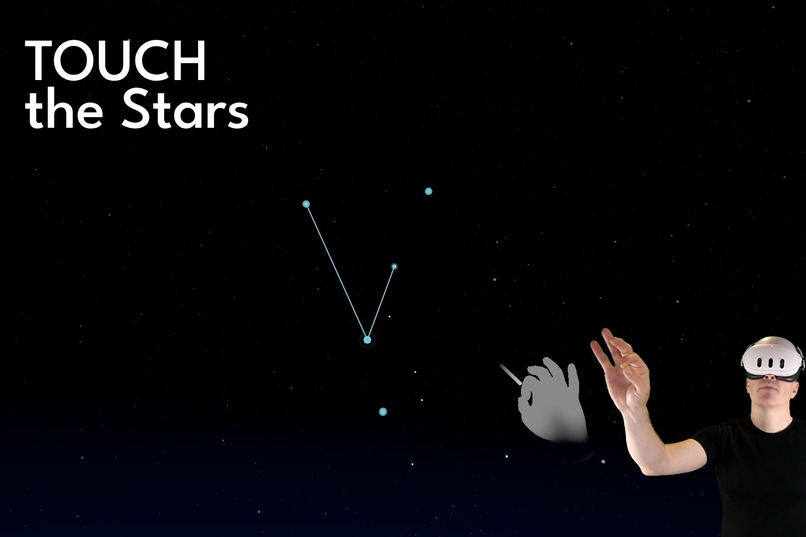
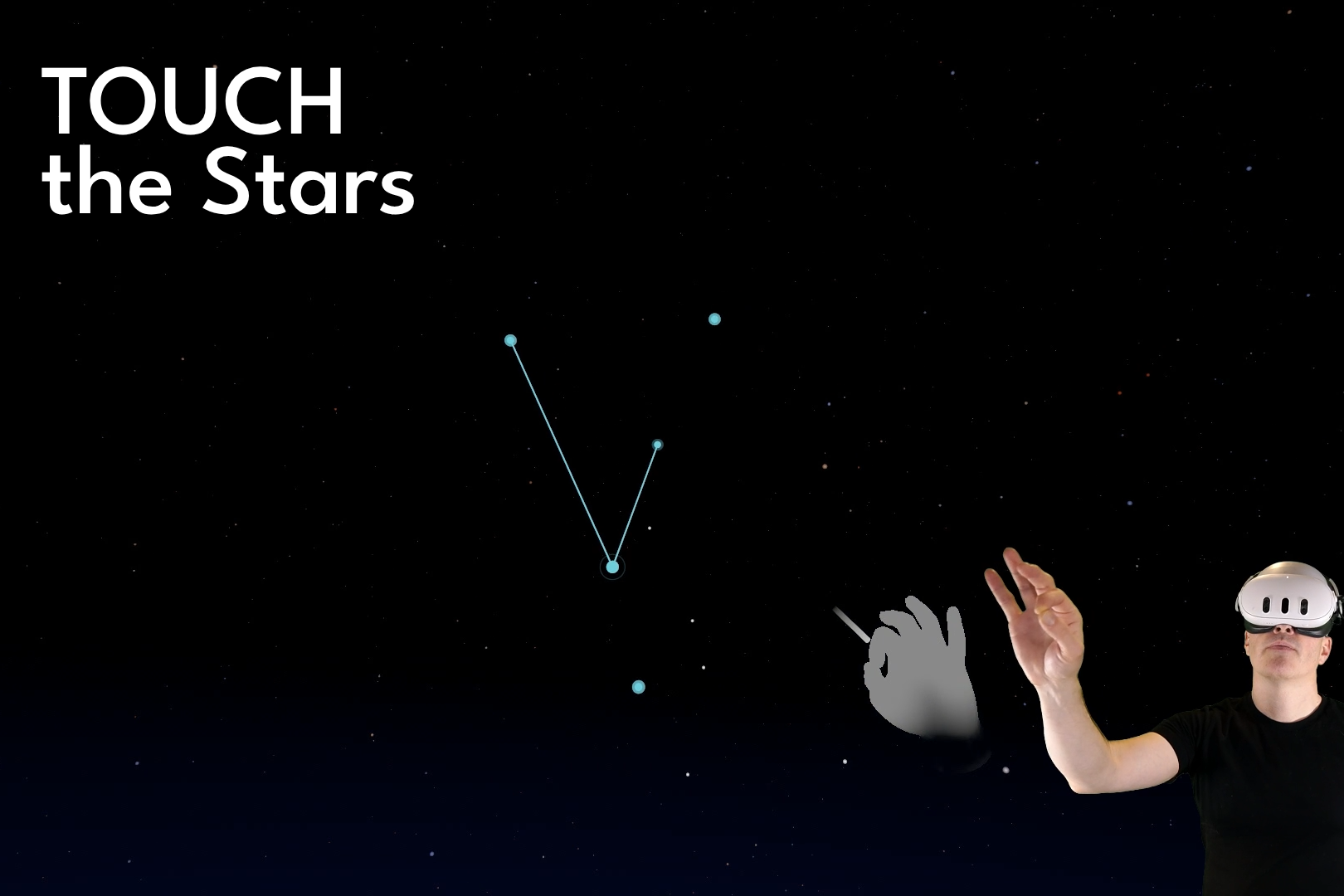
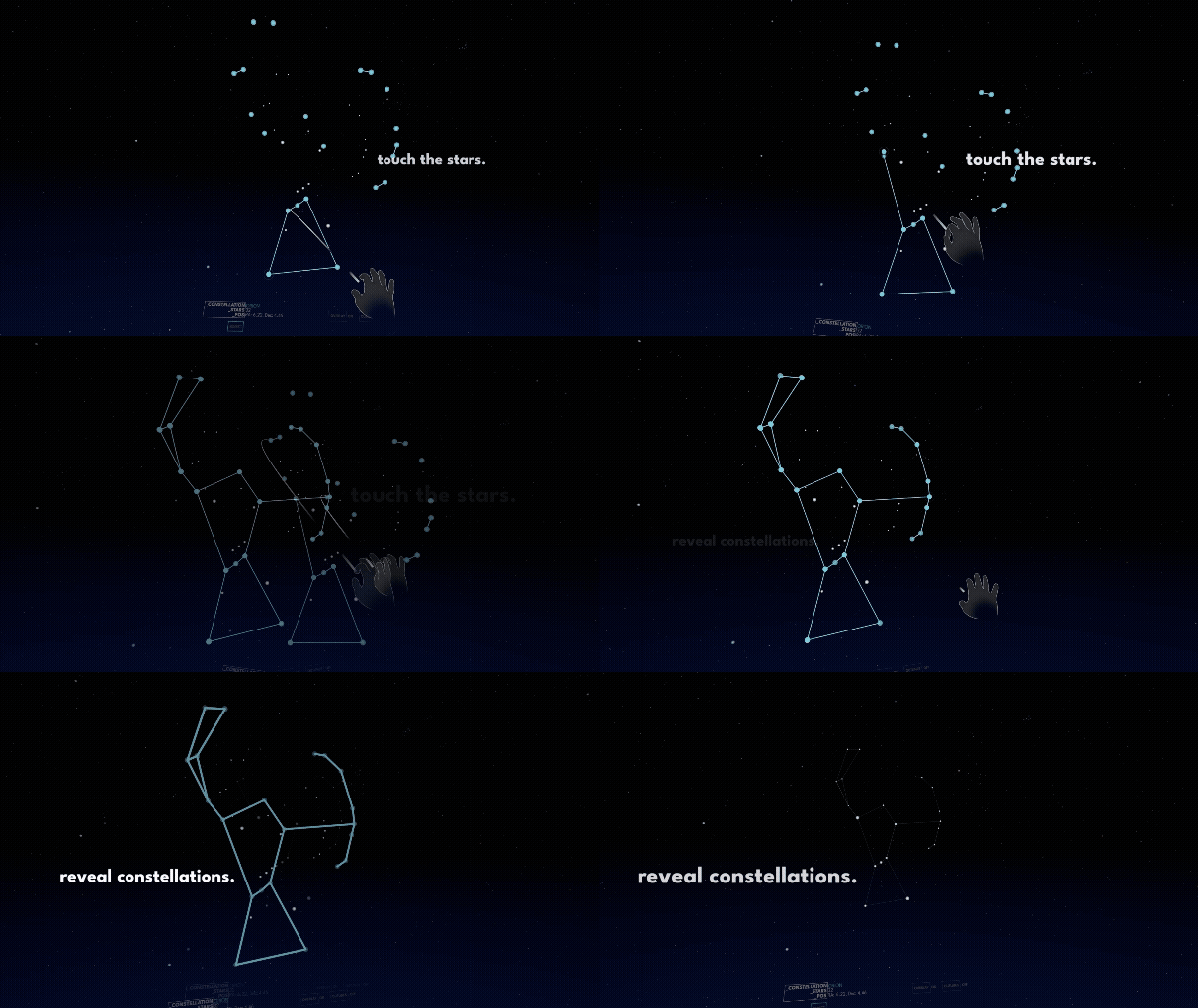
Touch the stars and complete constellation patterns
-
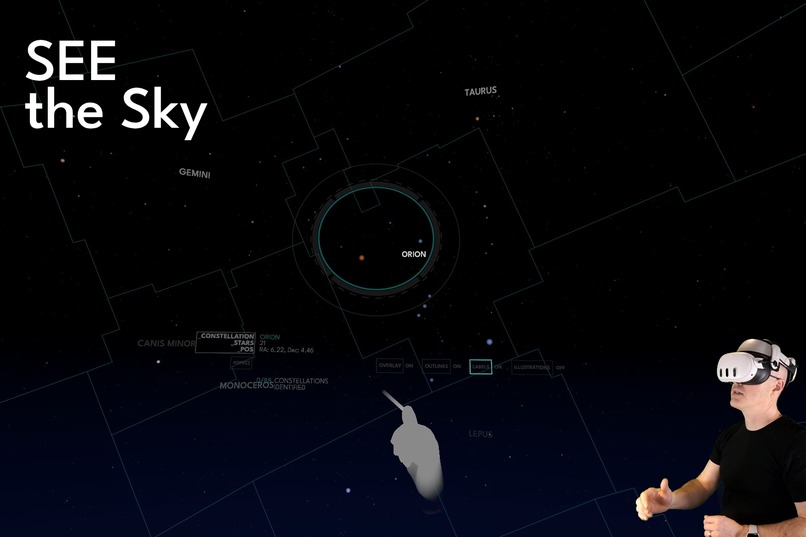
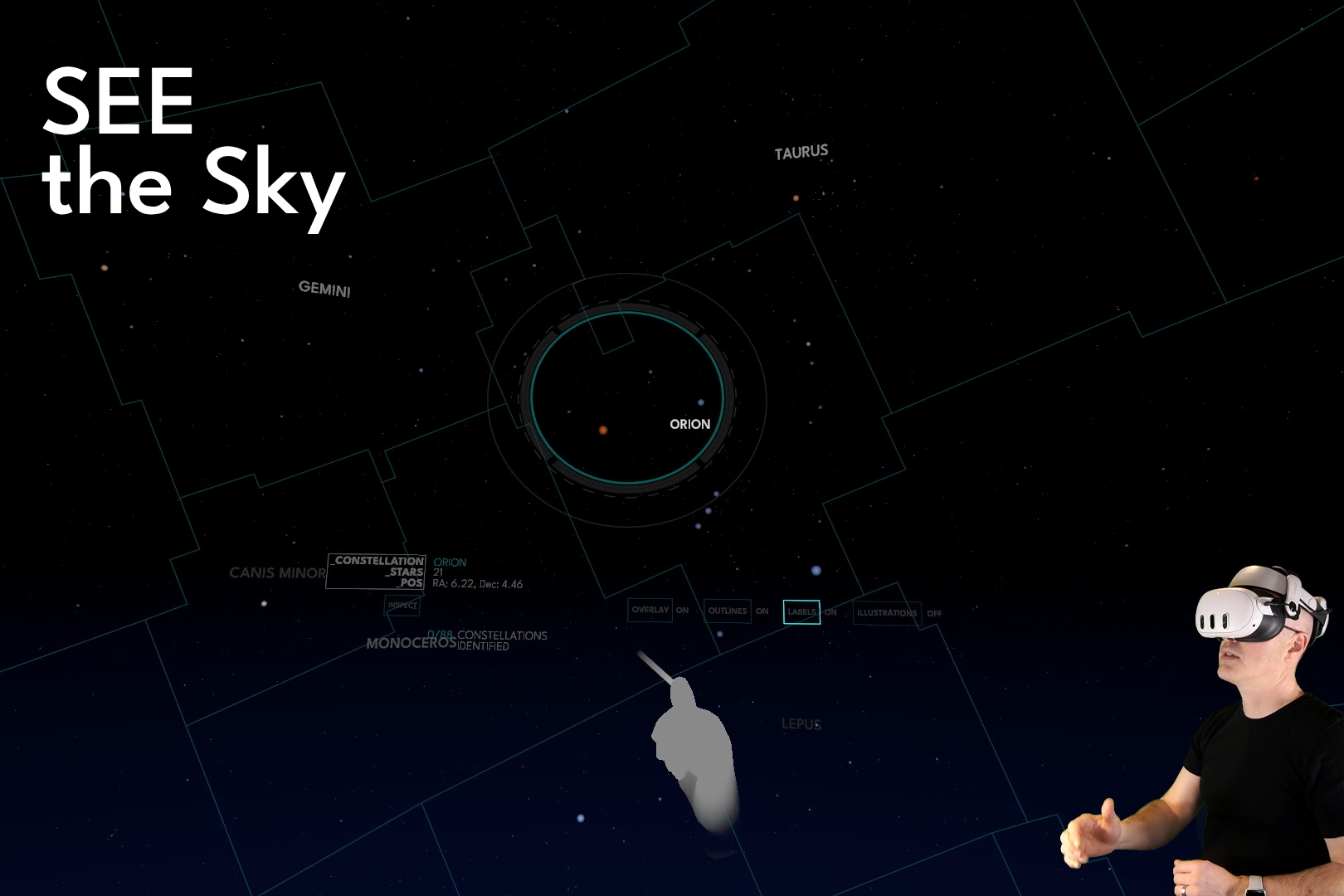
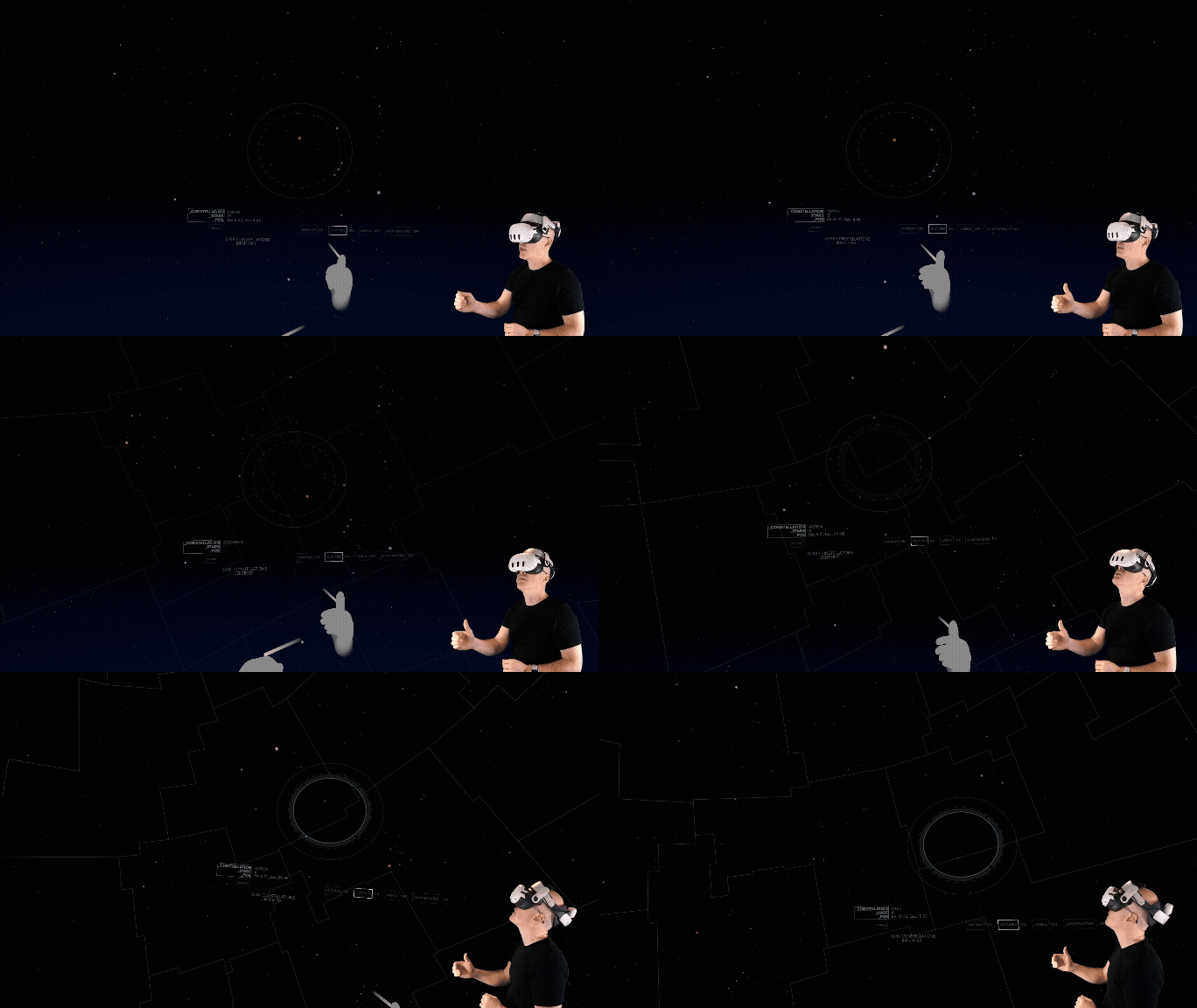
Customize your view with constellation boundaries and labels
-
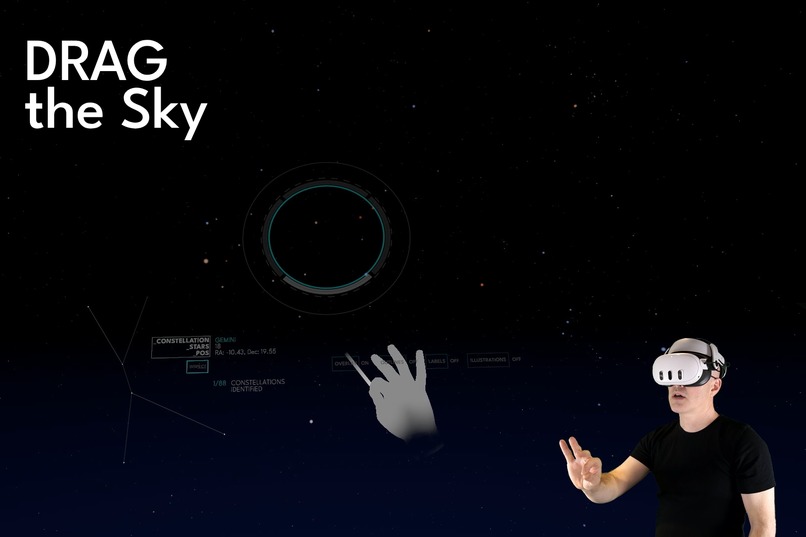
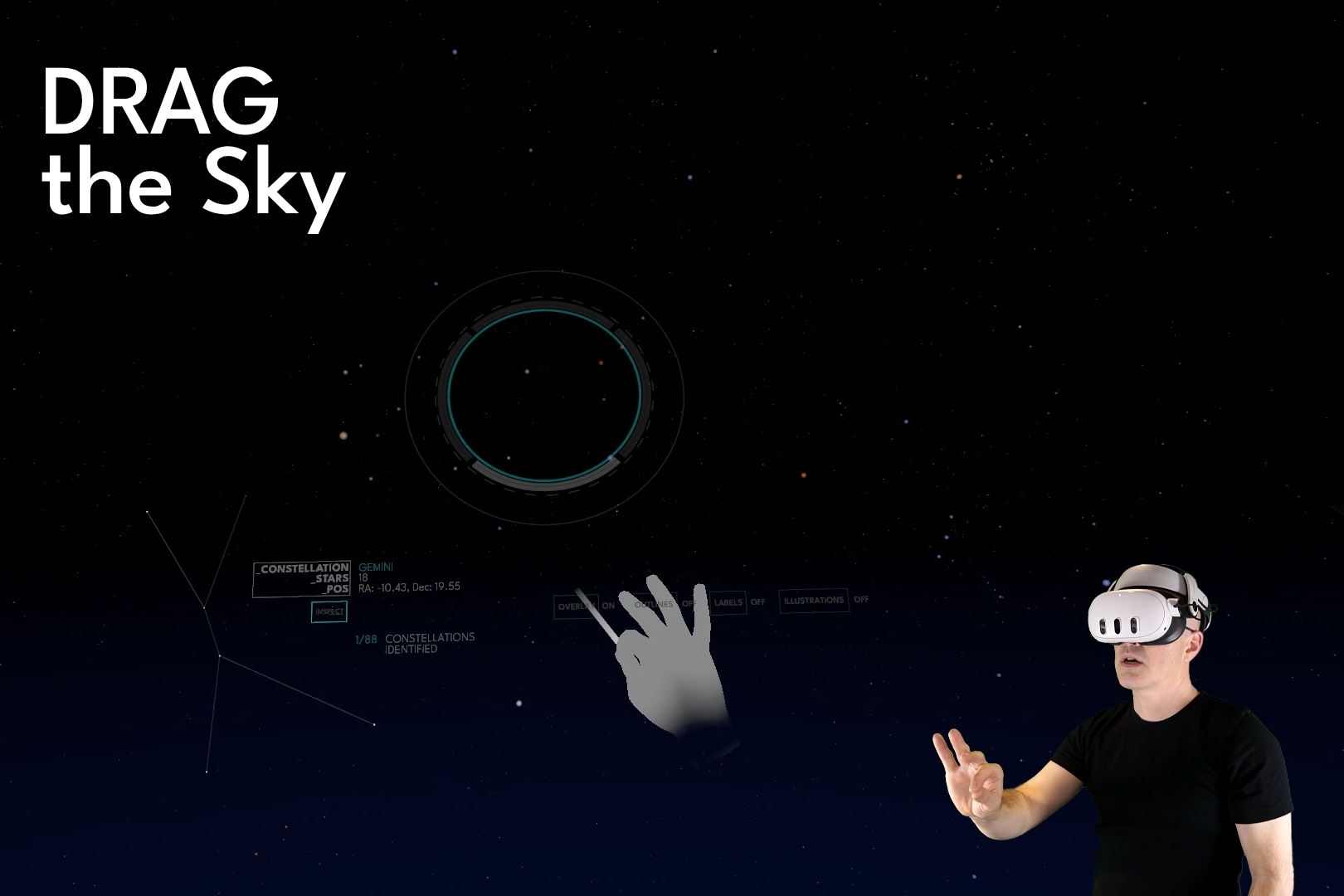
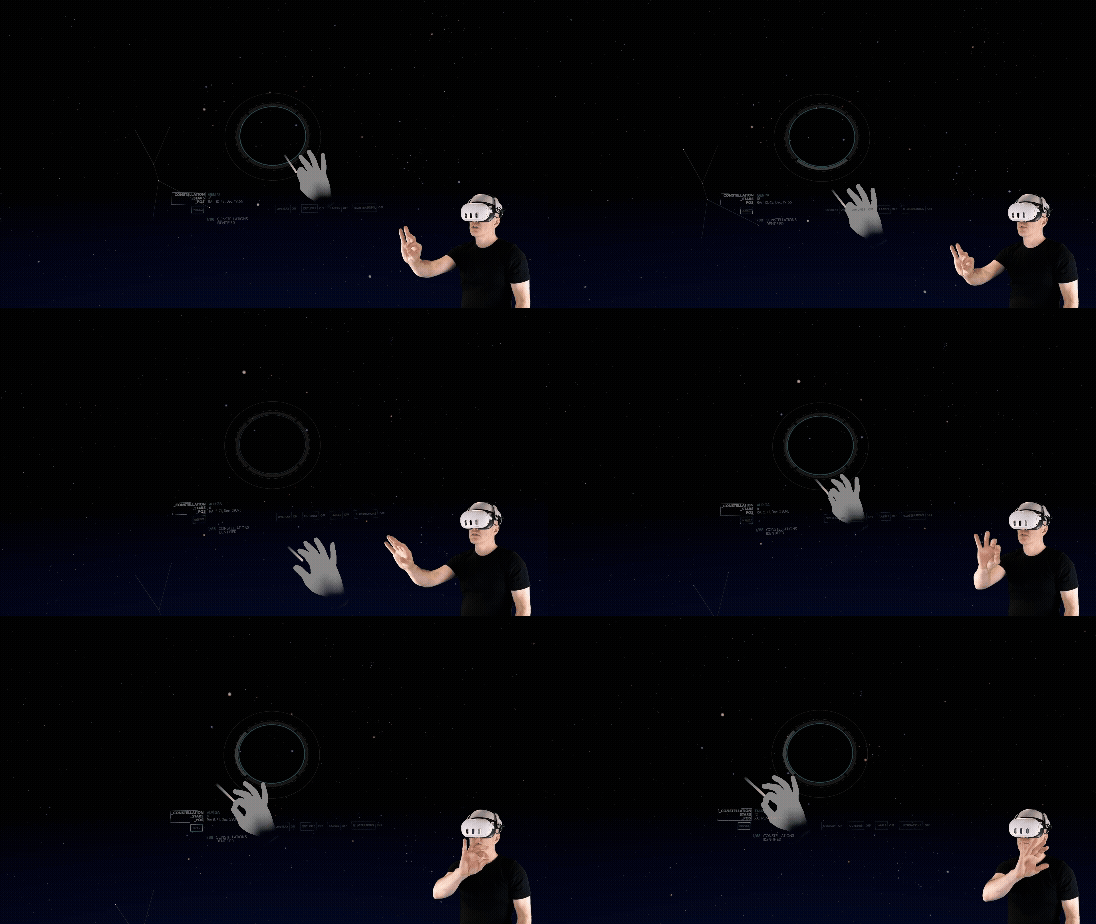
Reach out and drag the sky with a pinch-to-grab gesture
-
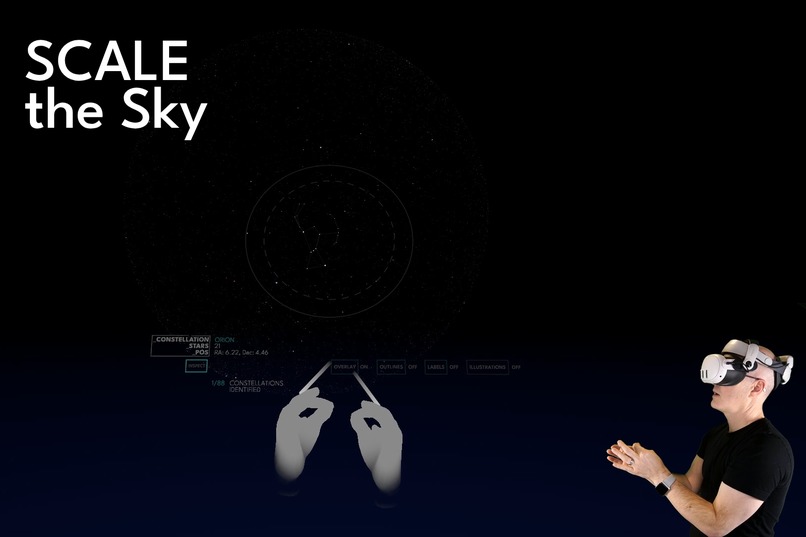
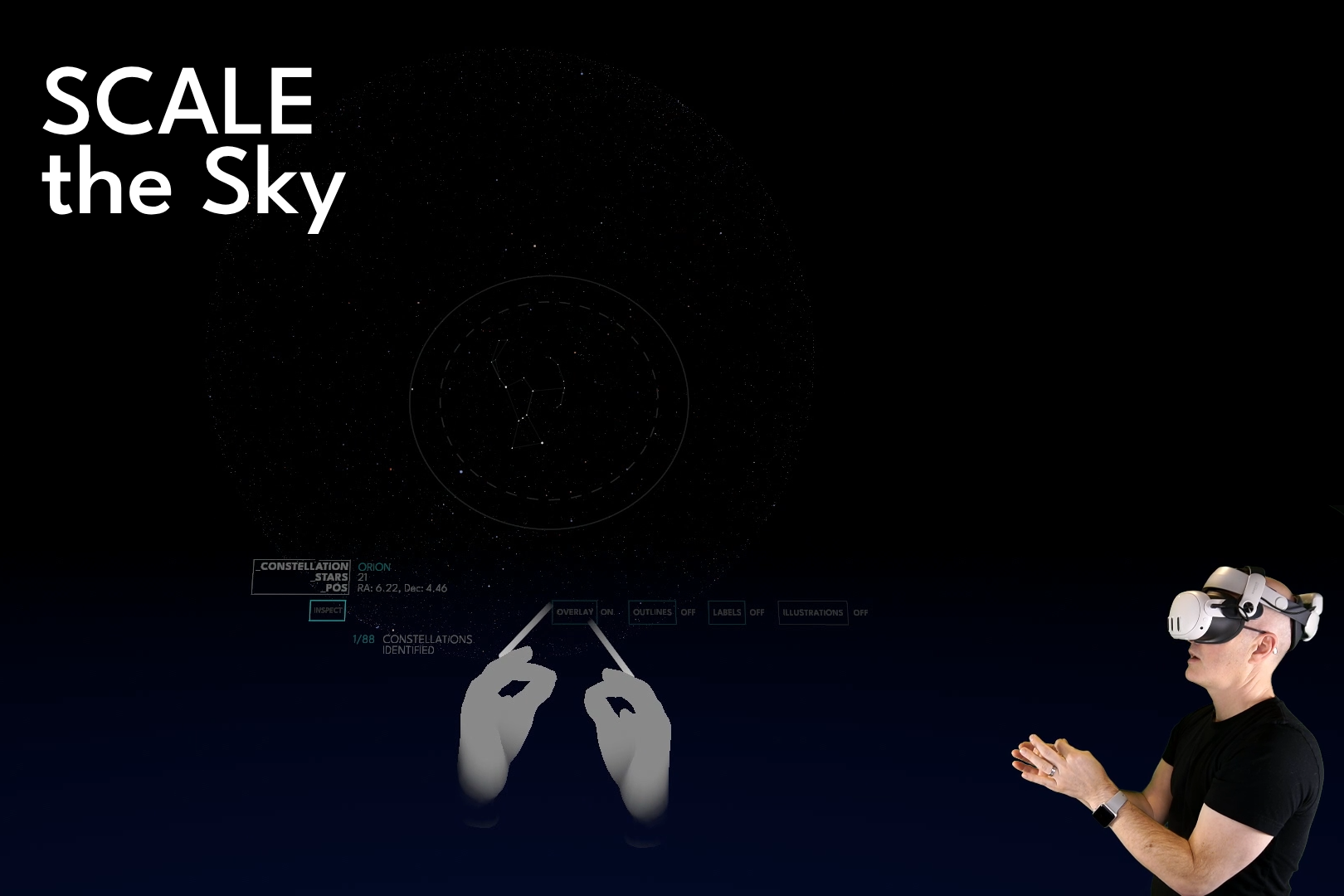
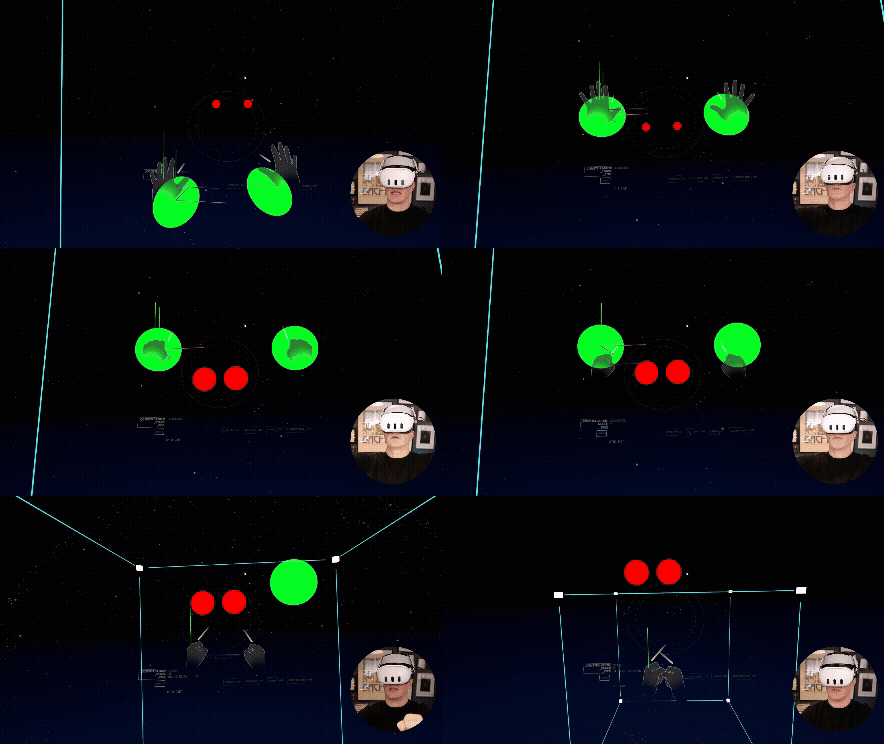
Resize the sky to a globe in front of you by pinching and dragging with both hands
-
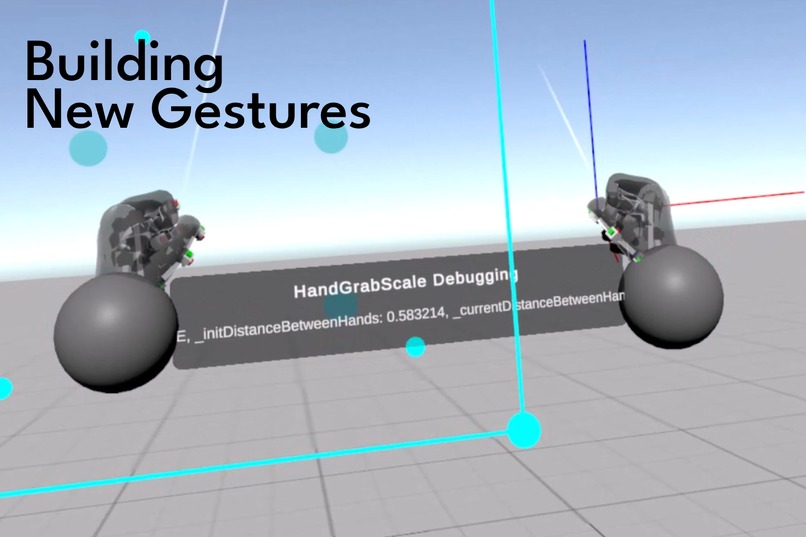
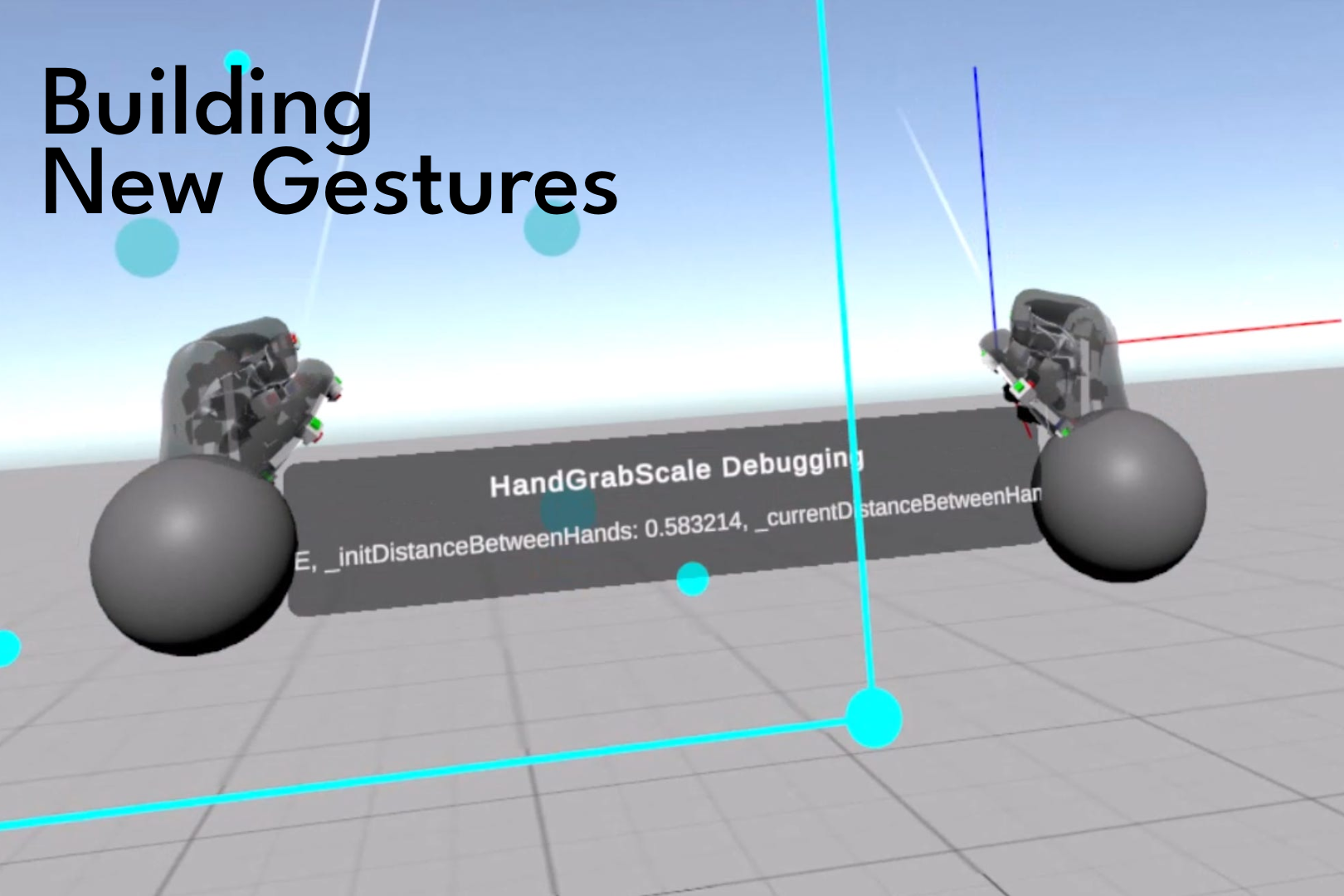
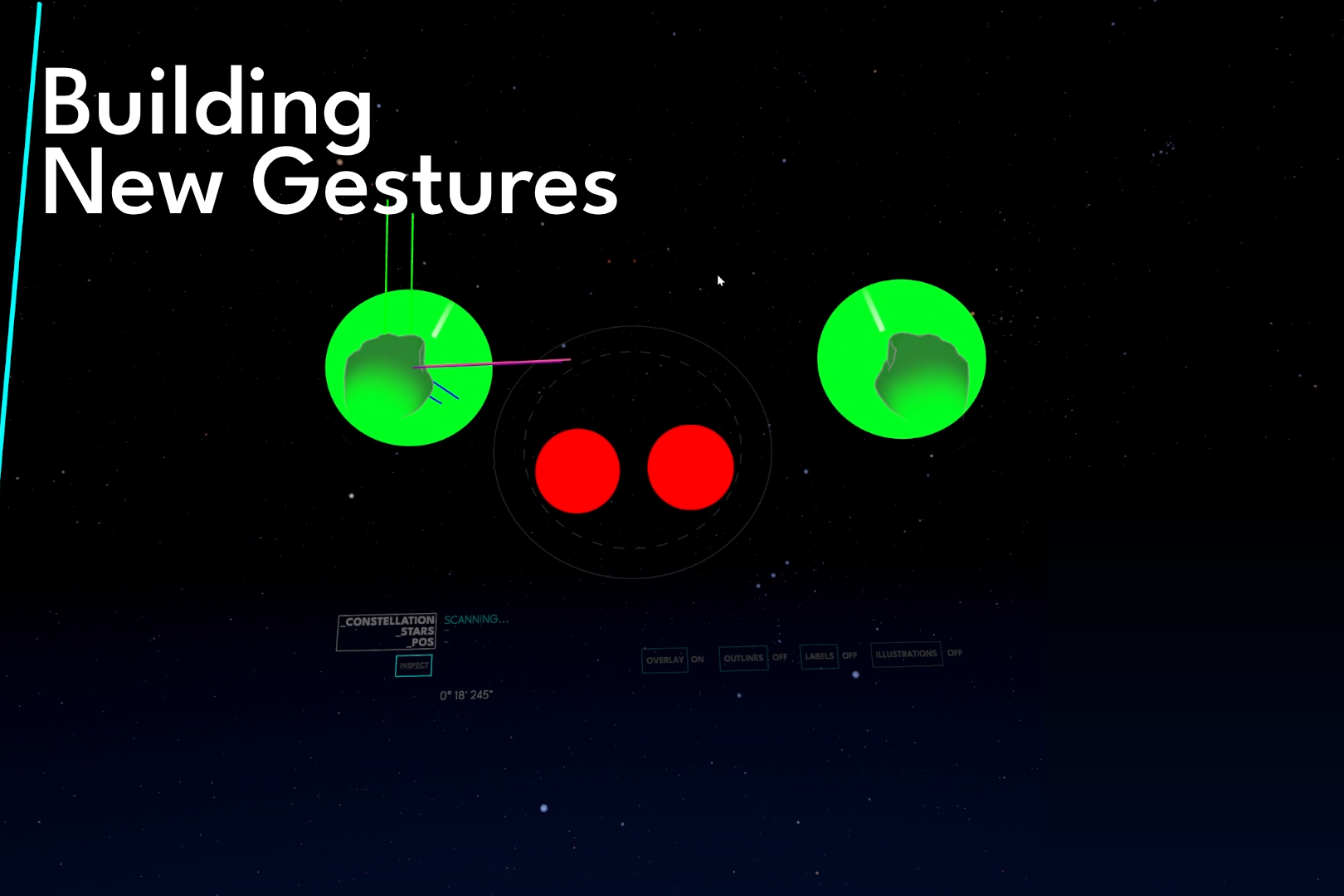
Custom gestures were built for CONSTELLATIONS
-
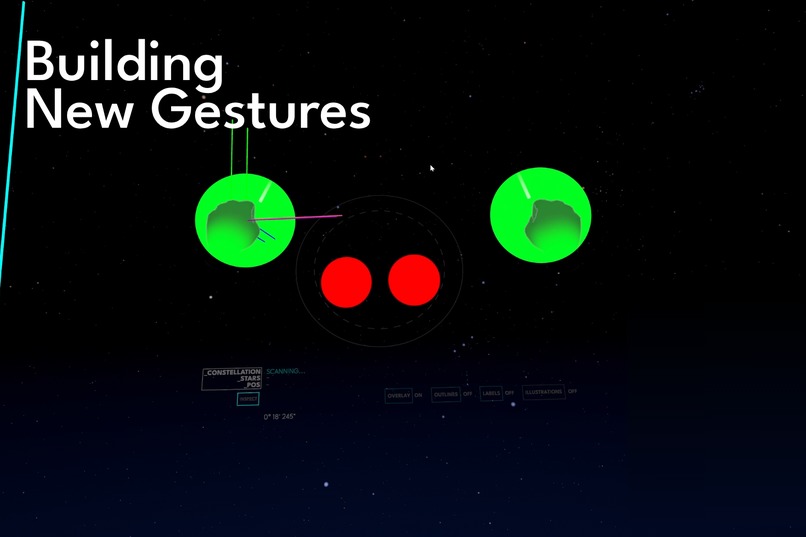
Custom gestures bring familiar mobile concepts to VR
Inspiration
 CONSTELLATIONS: Touch the Stars brings the "connect-the-dots" style interaction model introduced in my first published title, CONNECTOME, to the night sky. The calm, meditative movements of connecting dots felt like a perfect match for patterns in the heavens we've been exposed to since childhood.
What it does
CONSTELLATIONS places the player at the center of the starfield surrounding earth based on the Yale Bright Star Catalog. As the player shifts their gaze, the stars of constellations within view grow in brightness and scale. A heads-up-style display reveals the most prominent constellation's name. A thumb tap "opens" the constellation in the foreground, the points of which are connected using pinch-to-drag hand gestures. Once the connections of the constellation are completed, the pattern is persisted in the sky, allowing you to resume your star-gazing or constellation-connecting.
Simple thumb-taps allow you to toggle constellation borders and names, providing additional context as you explore.
"Pan" the sky with a familiar pinch-to-drag implementation that allows you to rotate the entire star dome around you. "Pinch and grab" the sky with both hands to scale the entire star dome down to globe size directly in front you and see the stars in a completely new way - similar to pinch-to-zoom on a mobile device!
How I built it
CONSTELLATIONS is built on the connect-the-dots foundation of CONNECTOME and extended with new custom gesture interactions built using the Meta ISDK. The core connect-the-dots interaction is built using DistanceHandGrabInteractables with custom position tuning to make dragging objects at a distance feel natural and smooth. New gestures (pinch-to-drag, grab-to-scale) combine custom hand tracking and object manipulation, gated by the use of ISDK-provided features such as TransformRecognizerActiveState and ShapeRecognizerActiveState .
Challenges I ran into
Refining the interaction of rotating a dome from the inside out that represents the entire sky required significant iteration. The direct manipulation-style panning behavior was expected to feel as familiar as a touch screen, while timed and oriented to convey scale. The transition from inside-out of the dome through scaling required additional control logic to ensure direct manipulation of the sphere felt natural.
Accomplishments that I'm proud of
CONSTELLATIONS is a hands-only experience. I set out to build new hands-forward interactions that would feel natural and familiar, extensions of patterns we take for granted on mobile devices. I'm proud that these new patterns enhance the experience and feel almost expected and not in your face, like they would have always existed. Building new, reusable direct manipulation hands-based capabilities is also something I'm proud of.
What I learned
In order to bring this concept to life, I had to build my own object manipulation behaviors based on hand-shape detection rather than rely on off-the-shelf Interactables provided by the ISDK. This required going deeper on state detection lifecycle and tracking, coordination of the lifecycle events, as well as positional geometry manipulation (based on Vector3 and Quaternions). Doing so gave me deeper insights into the philosophy of Interactables as I considered how to build new reusable patterns.
What's next for CONSTELLATIONS: Touch the Stars
I plan to launch CONSTELLATIONS: Touch the Stars into Early Access on the Meta Quest store before the end of 2025.
Following Early Access, the following features are on the roadmap:
- Mixed Reality Star Gazing – Look up in Camera Passthrough mode and see the stars overlaid against their real positions. See constellation names and additional data using the Heads Up overlay feature seen in immersive view
- Create your own Constellation – create patterns using the same points of light as your distant ancestors. Give your patterns names. Share them with your friends!
- Social Stargazing – See the sky with your friends. Connect the constellations. Create new ones together.
- Lie-back mode - Look up at the stars while lying down


Log in or sign up for Devpost to join the conversation.