-
-
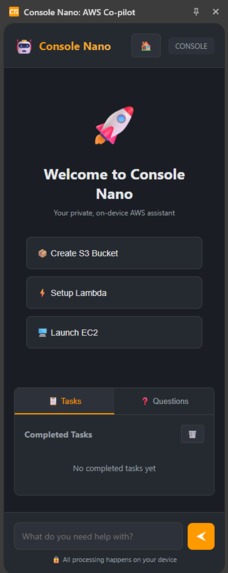
Console Nano Extension
-
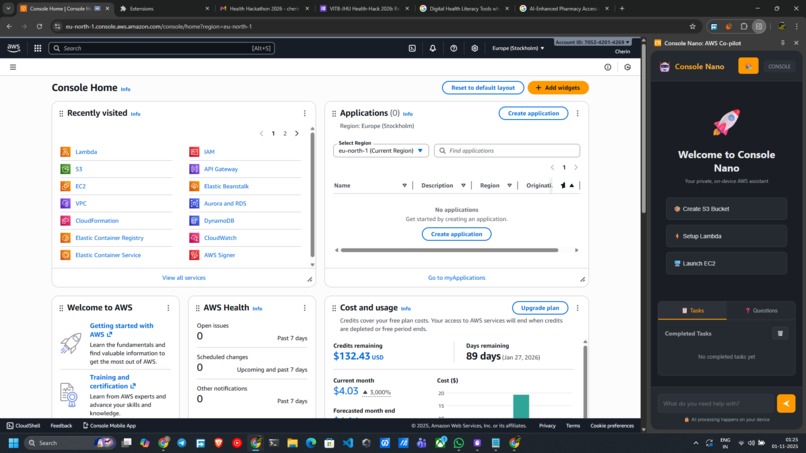
Extension with the AWS Console
Inspiration
What it does
How we built it
Inspiration
My inspiration came directly from my own frustrations using the AWS Console. I constantly found myself stuck, piecing together the correct steps from multiple LLMs, forums, and documentation pages just to complete a single task. It was fragmented and slow. Furthermore, I was deeply uncomfortable using any existing AI assistants that would require sending my screen context—and potentially sensitive credentials or data—to a third-party server.
I wanted a single, simplified tool that could guide me from start to finish, right inside the console. An expert co-pilot I could ask for help, knowing my data was 100% private because it was running locally on my own machine.
What it does
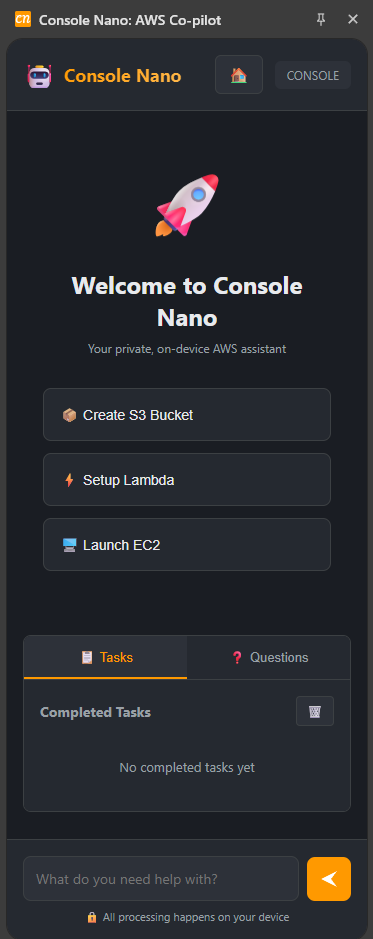
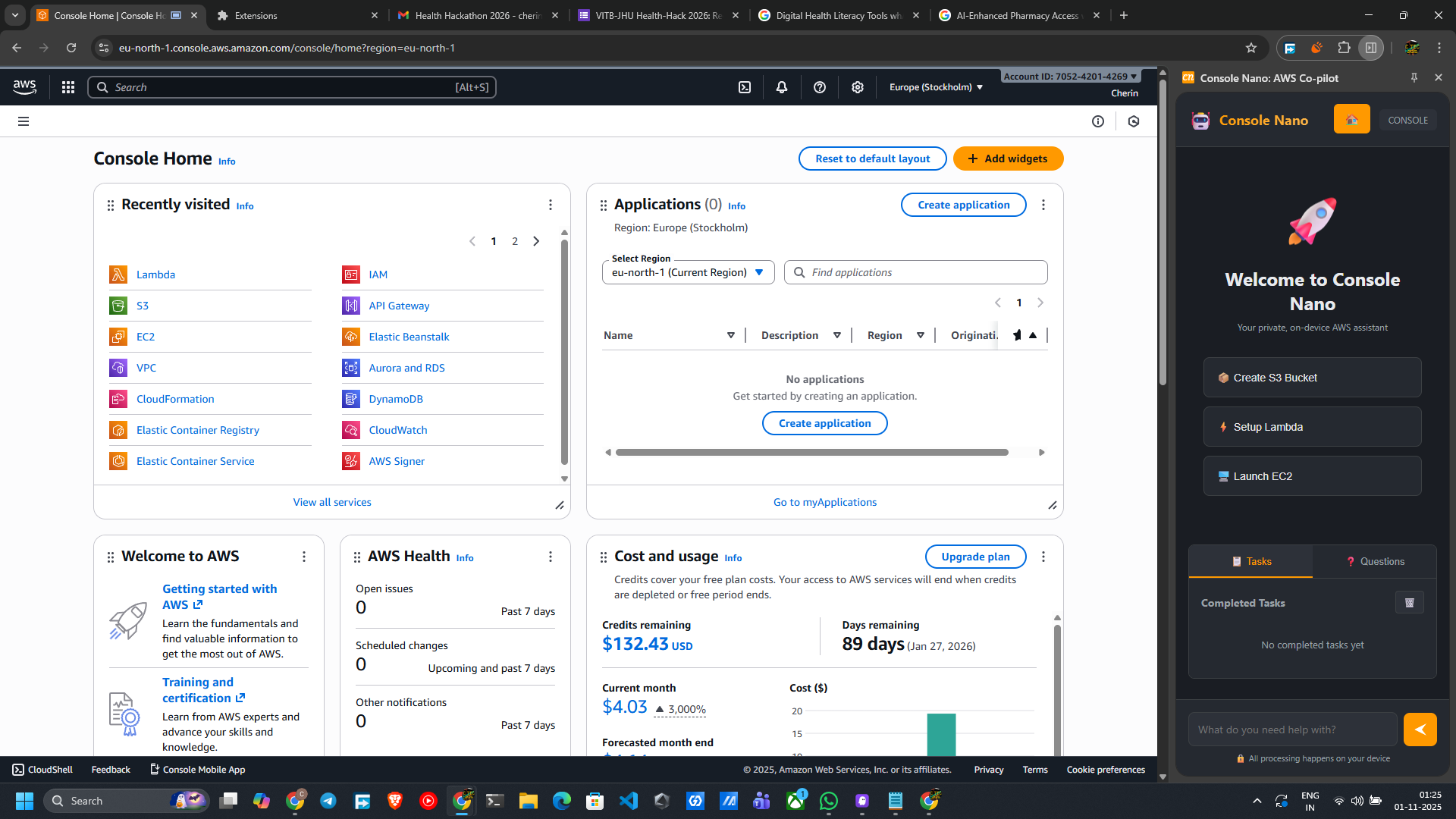
Console Nano is a privacy-first, on-device AI co-pilot for the AWS Console, built as a Chrome Extension.
Generates Step-by-Step Guidance: A user can ask for any task (e.g., "Launch an EC2 instance" or "Create an S3 bucket"), and the extension will generate a complete, end-to-end plan.
Provides Interactive Highlighting: It doesn't just tell you what to do; it shows you. The extension's content script highlights the exact button or form field you need to interact with for each step, guiding you through the complex AWS UI.
Answers Questions Privately: You can ask follow-up questions about your task (e.g., "What is a Lambda execution role?") and get an answer generated 100% on-device by the built-in AI model.
Detects Page Context: The extension is context-aware. Its content script intelligently scans the current AWS page to understand what service you're on and what UI elements are available, allowing the AI to generate highly relevant, adaptive plans.
How we built it
Console Nano is a Manifest V3 Chrome Extension built with a clean, three-part architecture:
The Brain (
service-worker.js): This is the background "engine." It runs ourConsoleNanoAIclass, which interfaces directly with Google's built-inLanguageModelAPI (Gemini Nano). It takes requests from the UI, queries the on-device AI for a JSON-based plan, and manages the user's current task state usingchrome.storage.session.The Eyes & Hands (
content-script.js): This script runs securely on the AWS Console pages. It contains two key modules:
AWSContextDetector: This "sees" the page, scanning the DOM to identify the current service, page title, and all available buttons, forms, and inputs.ElementHighlighter: This "points" to the correct element, receiving commands from the side panel to apply a visual highlight to the specific element the user needs to interact with.
- The Face (
sidepanel/): This is the entire user interface, built with standard HTML, CSS, and JavaScript, and loaded into the ChromesidePanel. It's a clean UI that renders the steps from the AI, manages task history, and communicates all user actions to the service worker.
These three parts are fully decoupled and communicate using Chrome's messaging APIs (chrome.runtime.sendMessage and chrome.tabs.sendMessage).
Challenges we ran into
We faced two major challenges:
Navigating the New API: The documentation for the new
chrome.languageModelAPI was minimal, so we had to figure out how to properly check for model availability, create a session, and handle its output through trial and error. This was most evident in parsing the AI's JSON output, which sometimes contained invisible whitespace (\u00A0) or slight syntax errors. We had to build robust JSON cleaning functions (fixCommonJSONErrors,aggressiveJSONRepair) to make the parsing resilient.The "Code vs. Prompt" Balance: Our biggest architectural challenge was deciding how much the AI should do. Should we hardcode logic for every AWS service? That would be brittle and unscalable. Should we just feed the raw page HTML to the AI? That would be slow and unreliable. We found a balance by creating a "code-first context" approach.
Accomplishments that we're proud of
Our biggest accomplishment is the solution to that "Code vs. Prompt" challenge. We built the AWSContextDetector to use code for what it's good at: reliably scanning the DOM and extracting a clean, simple JSON object of the available page elements.
We then feed this structured JSON context into the AI prompt. The AI doesn't have to guess what's on the page; it's told in a language it understands. This hybrid approach gives us the flexibility of AI with the reliability of code.
We are also incredibly proud of building a genuinely useful AI tool that is 100% private. In an environment as sensitive as AWS, providing a powerful assistant that provably keeps all user data on-device is a massive win.
What we learned
Hybrid AI is the Future: The real power of on-device AI isn't just the model itself, but how it's integrated. The best approach is a hybrid one: use programmatic code (like our
AWSContextDetector) to gather and structure high-quality data, then use the AI for what it's best at: reasoning, planning, and understanding natural language based on that data.Defensive Programming is Key for AI: AI outputs are not as predictable as a traditional API. We learned to treat the AI's response as "untrusted" and to build robust sanitization and parsing layers to handle unexpected formatting or errors gracefully.
What's next for Console Nano: Your Private AI Co-pilot for AWS
We've only scratched the surface. The next steps are focused on making the assistant smarter and more comprehensive:
Expand Service Coverage: Systematically enhance the
AWSContextDetectorto recognize the unique UIs of more AWS services (like RDS, VPC, and IAM) for even more accurate, context-specific guidance.Persistent History: Move task and question history from
chrome.storage.sessiontochrome.storage.localso users can access their past conversations across browser sessions.Advanced Error Handling: Use the
ErrorMonitorin the content script to not just detect AWS errors, but to automatically feed them to the AI to generate solutions (e.g., "I see a 'permission denied' error. Here is the IAM policy you need to add.")."Show Me" Mode: Implement a "show me" button that uses the
ElementHighlighterto pulse the relevant element without advancing the step, helping users find things on the page.
Built With
- chrome.languagemodel
- chrome.storage
- css3
- dom
- html5
- javascript
- manifestv3


Log in or sign up for Devpost to join the conversation.