How to run it
You can run it in visual studio using the main function in main.py.
Inspiration
I wanted to do it to learn some Python, but I also found the graphics library, so I thought it might be fun to play around with something a bit different.
What it does
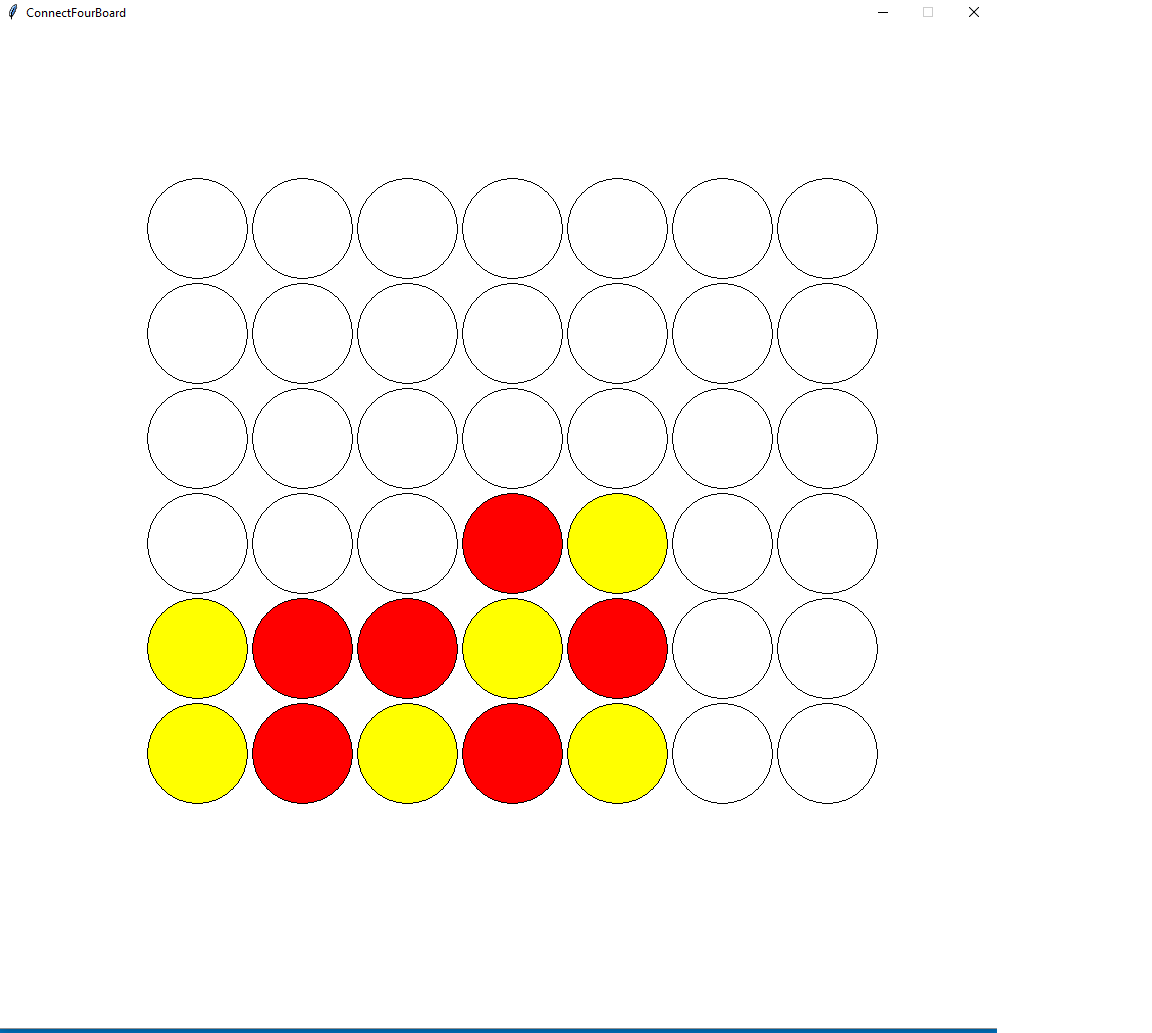
Currently, it's Connect Four, but it only checks for the wins vertically and horizontally.
How I built it
I built it with Python and a graphics library used by a Python book. It was really fun to use the library, and I found it rewarding and easy to learn Python.
Challenges I ran into
The win condition became a bit more of a hassle than I thought. I could have finished it, but I had too much to do over the weekend. So, I didn't finish the diagonal wins. I could have grinded it out, I suppose, but it would have taken a long time, and I couldn't think of a simple solution to it like vertical and horizontal, since there are so many possibilities.
Accomplishments that I'm proud of
Honestly, I learned how far that I've come and how easy it is to adapt to a new language.
What I learned
I learned Python syntax and how to modify an existing library. I had to read through the code to find out how to check the color of an object, since that isn't built in. It was a bit tougher than I thought, because it's also something that is abstracted out, so I had to find the dictionary containing the code and then figure out how to get that to return the color of an object.
What's next for Connect4
I'll probably finish the win condtion and also make it so that if the user only clicks on the circle that it highlights it. I could also clean up a lot, like changing the screen when you win, or getting player names. It also currently doesn't find stalemates. I should probably do that.

Log in or sign up for Devpost to join the conversation.