-
-
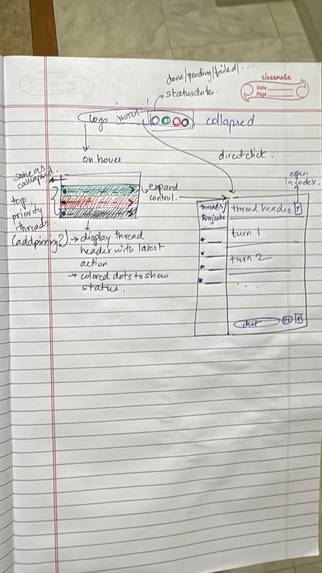
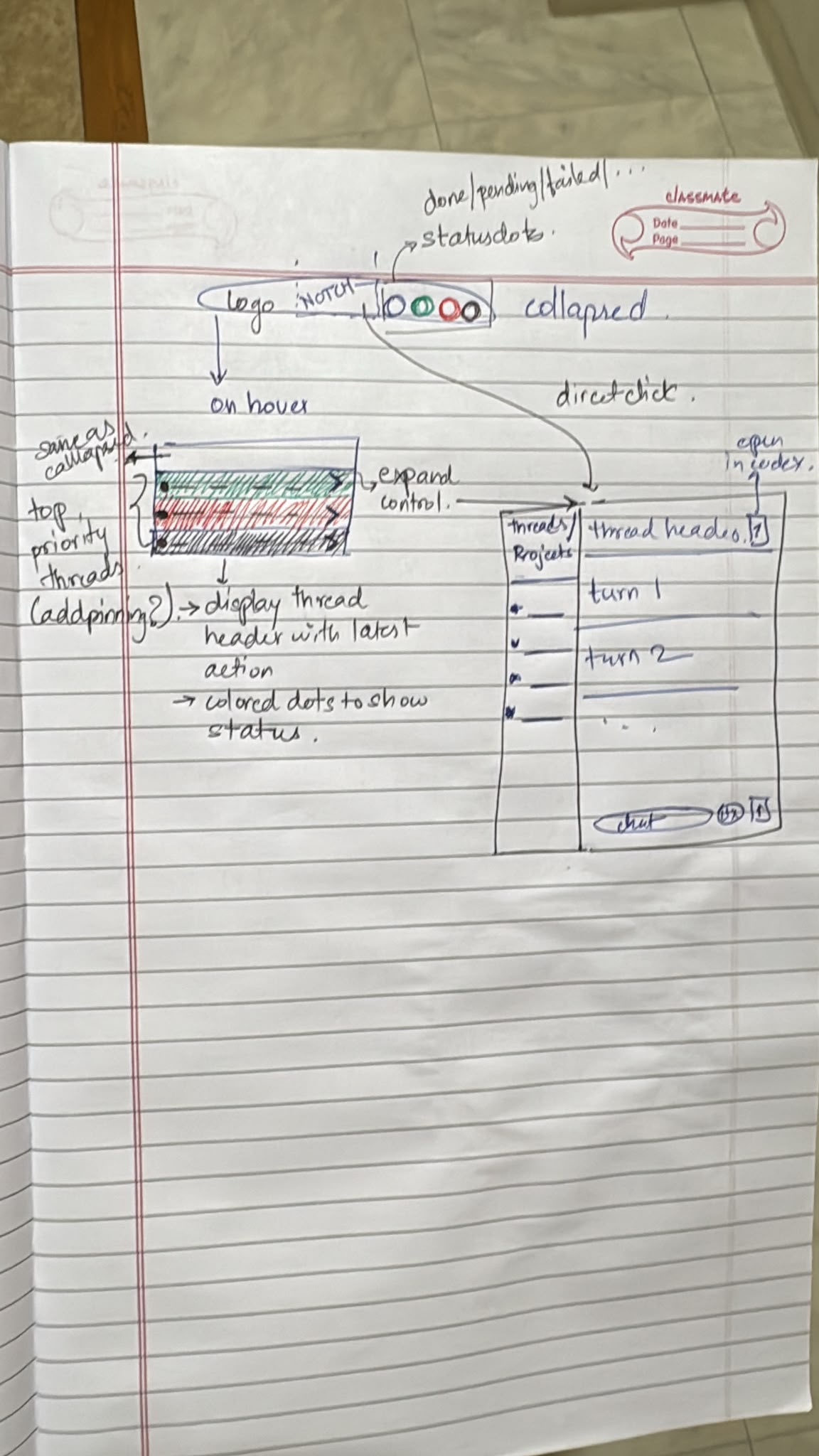
Initial brainstorming and design notes
-
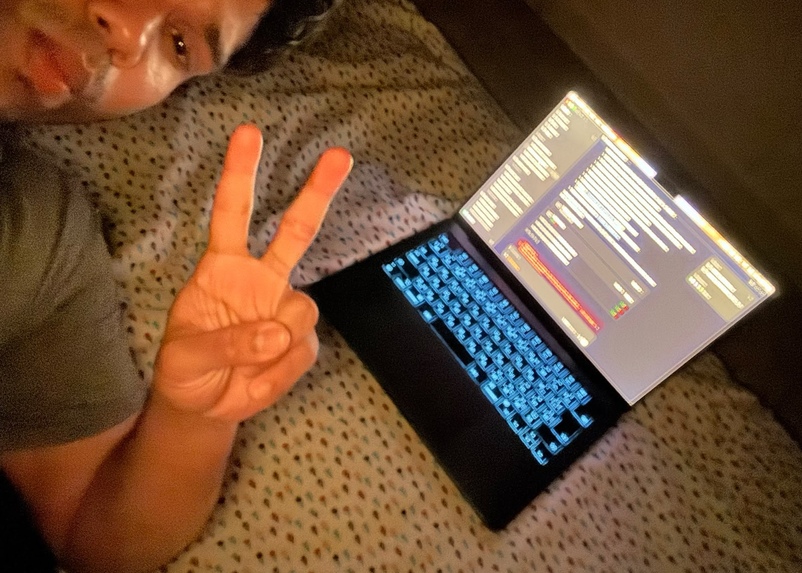
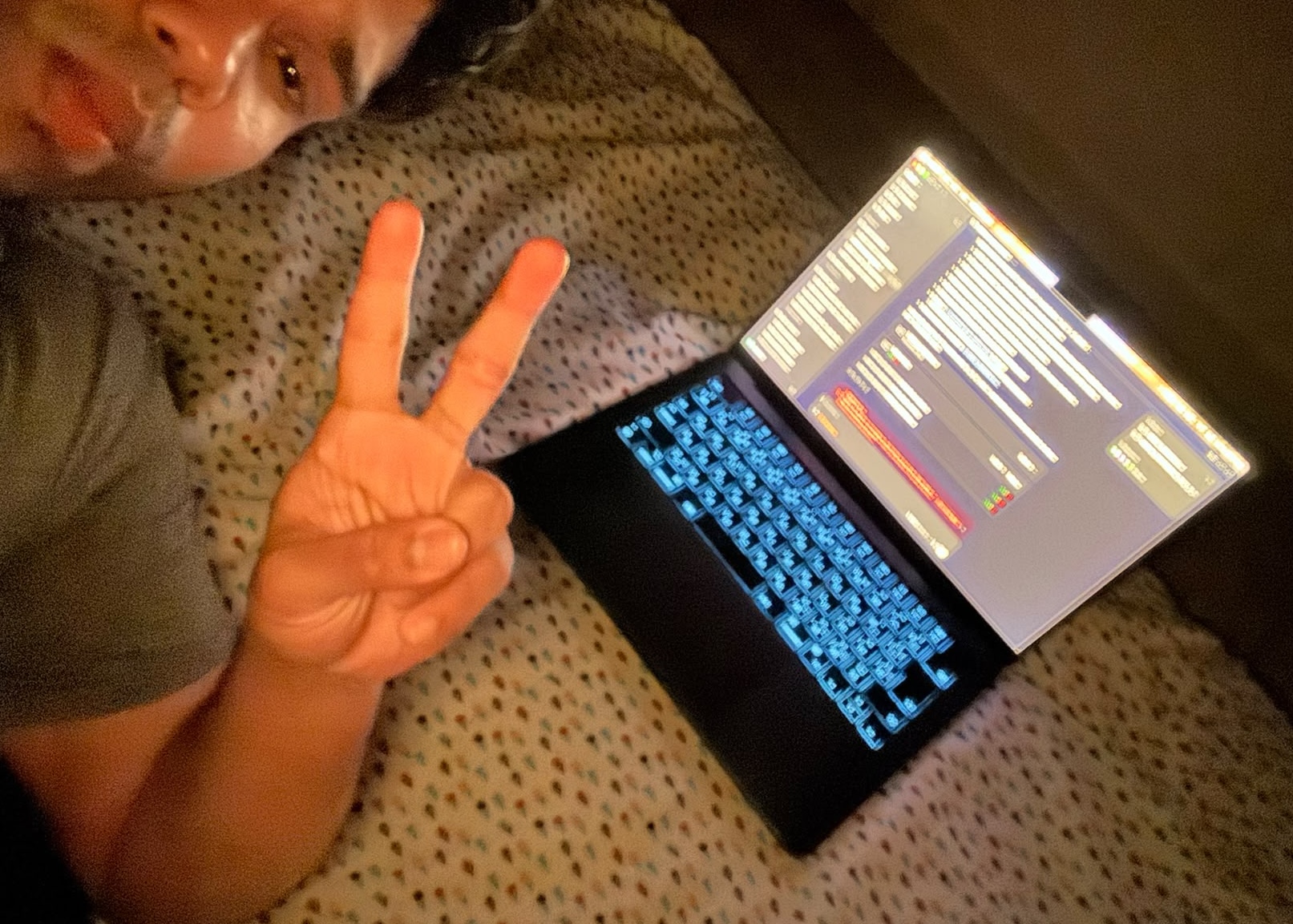
Friday Night building the initial scaffolding until daybreak
Inspiration
I came into this hackathon wanting to build something with Codex that I would actually use every day, not a demo I would archive the following week.
My first idea was not this app. I work with spatial data, so I spent Tuesday through Friday night building a GIS analyst plugin for Codex: a Python engine with a temporary PostGIS setup, MCP wiring, hooks, the works. By Friday night I had to realized that a full analysis engine was not happening in a one-week hackathon squeezed around a day job. I briefly considered dropping out entirely.
Then I remembered the friction I kept hitting while building that very plugin. With GPT 5.6 Sol, the models have gotten genuinely capable of long autonomous runs. At one point I asked Codex to refactor the plugin's temporary PostGIS connection onto a different library, and it reasoned and grep-ed for a solid 15 minutes before producing any code.I tabbed away, started doomscrolling, missed the completion notification, and came back two hours later to find the finished task sitting there waiting for me.
I have also loved the Dynamic Island since it was released on the iPhone 14 Pro. That interaction layer is perfect for exactly this problem: offload a task to a small piece of otherwise inert screen, get ambient updates, and jump back in the moment something needs you.
At 11pm Saturday I came to me what if I create a dynamic island but for codex and Conn was born. A native macOS notch app for supervising Codex. The name comes from the naval term describing the act of controlling a ship and Conn does the same but for agents.
What It Does
Conn turns the area around the macOs notch into a supervision surface for Codex. It connects as a client to your Codex-managed App Server daemon so Codex keeps owning the threads and the work, Conn watches and lets you act quickly while you are not in the app.
While Collapsed it is a slim black island with status pins for your threads: teal = running amber = waiting for permission red = failed grey = idle When something meaningful happens, a small shelf slides out with what the thread is doing. When Codex asks for permission, Approve and Deny appear right in the notch.
Expanded, you get a compact chat workspace to switch threads, read the transcript, answer questions, steer a running turn, send follow-ups, stop a turn, or start a new chat. When something needs your full attention, Open in Codex hands you back to the real thing.
How I Built It
Conn was a last-minute decision, but building alone meant I was free to pivot.
I started in ChatGPT voice chat, bouncing ideas and probing implementation paths. I had already gone through the T3 Code codebase, which is how I knew the Codex App Server existed. Once the direction felt real, I had ChatGPT write a clean handover document for Codex.
With that handover document and Matt Pocock's grill-with-docs skill, I spun up an initialization and scaffolding thread and spent about two hours being interviewed by GPT 5.6 Sol: answering questions, steering, and letting it produce an implementation plan and a set of ADRs (which would prove useful in a minute). The MVP goal was deliberately tiny "monitor threads and approve or deny permissions". No chat, no app-owned threads. The first implementation used a plugin approach built on hooks.
Around phase 4 it was clear the hooks were holding me back. I spun up a pivot thread, weighed the pros and cons with GPT 5.6 Sol, ran a small focused spike to verify that the App Server route would actually work, and rewrote the plan. It was Sunday morning already.
From there I used GPT 5.6 Sol to implement the app through and through. In parallel I built an HTML mock of the look, feel, and interaction modes I wanted. By the time the mock was ready, Sol was done with the App Server integration, so I swiftly (pun intended) moved to the UI. Codex building against the mock as reference while I carefully shaped the interactions and dogfooded them as they landed.
Challenges I Ran Into
The biggest challenge was that this was my first macOS app. I have written Swift before, but macOS has its own tooling, permission quirks, and accessibility and Reduce Motion requirements. It stayed manageable because in my limited experience GPT 5.6 Sol writes better Swift than any model I had tried before it.
The second was self-inflicted. Hooks were the wrong approach for what Conn needed to do, a design flaw born of thin planning and not understanding their limitations. That is what forced the mid-build pivot to the Codex App Server.
The pivot was not a smooth ride either. The first hurdle: the Codex desktop app on macOS talks to the App Server over stdio rather than a websocket, which made it impossible for Conn to listen to the same events and chats as the desktop app. A setting turned out to flip this, and once the app-to-App-Server integration was solved, the UI work was fairly smooth.
Accomplishments That I'm Proud Of
I am proud that instead of abandoning the project on Friday night, I kept building and released a functioning macOS notch app over a weekend, all thanks to GPT 5.6 Sol and Codex. I am equally sure that an app of this breadth was impossible to ship in a weekend before models like these existed.
What I Learned
Research the implementation path thoroughly before jumping in just because an idea sounds cool. Well-specced, well-defined contracts before handing work to an agent pay for themselves many times over. Prompting agents in loops works and GPT 5.6 Sol is a great orchestrator. Computer Use is genuinely effective for verifying UI before manual verification and catches a lot of the simple bugs.
What's Next for Conn
I am releasing Conn as an open source project. From there, the plan is to keep refining the UI and UX as I dogfood it daily, then add features like voice dictation and support for other agent harnesses.
Built With
- appkit
- codex-app-server
- codex-cli
- json-rpc
- macos
- swift
- swift-concurrency
- swift-package-manager
- swiftui
- unix-sockets
- websocket

Log in or sign up for Devpost to join the conversation.