-
Conjure: a webcam mouse that learns your hand. Pinch, hold still, or cast a gesture you record yourself.
-
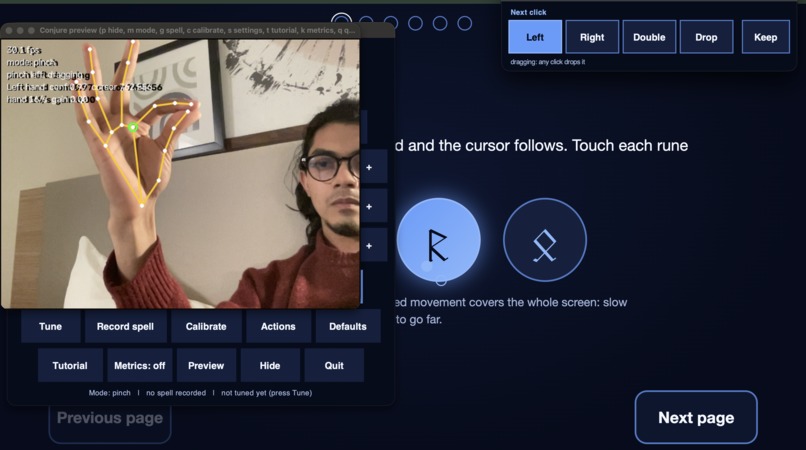
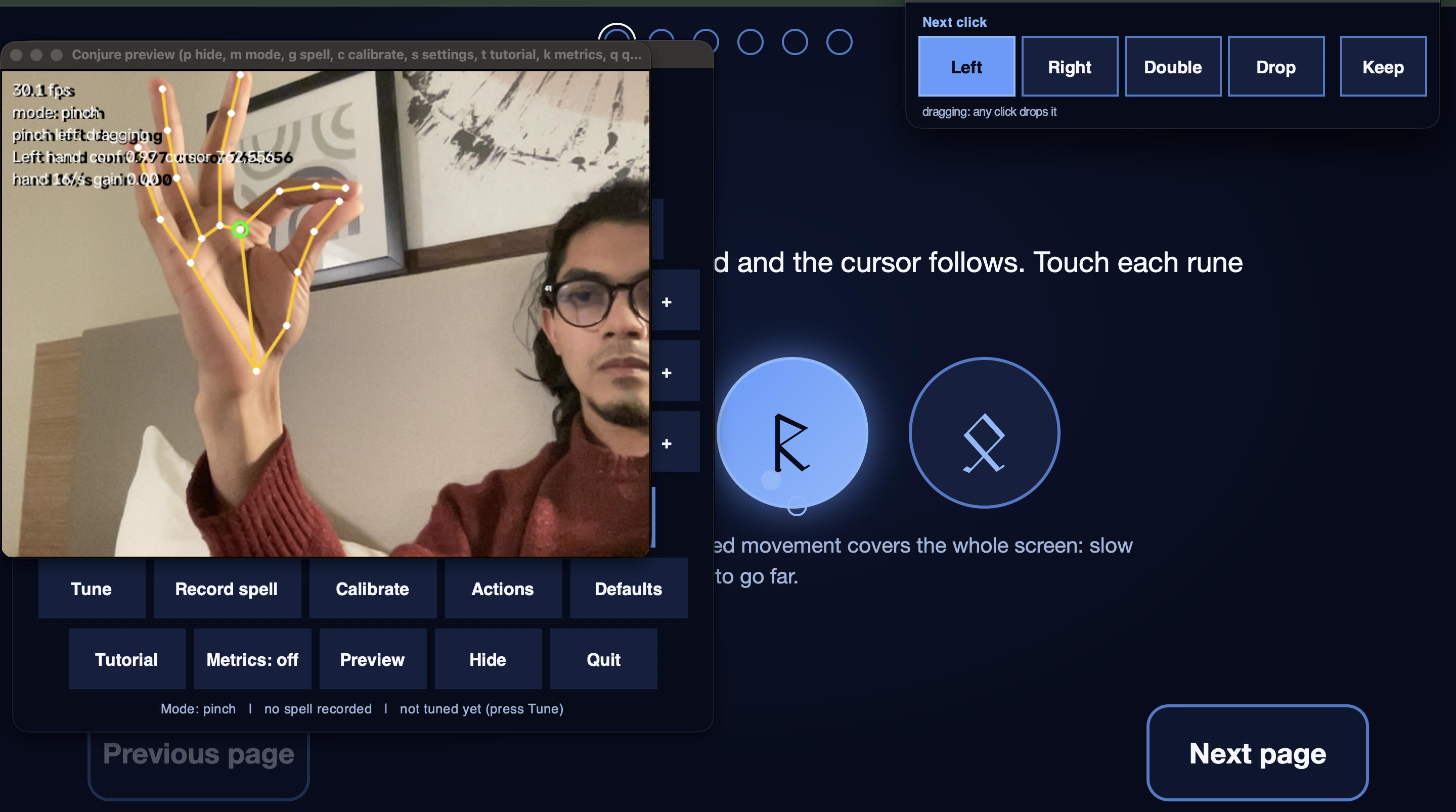
Controlling mouse and clicking with a pinch.
-
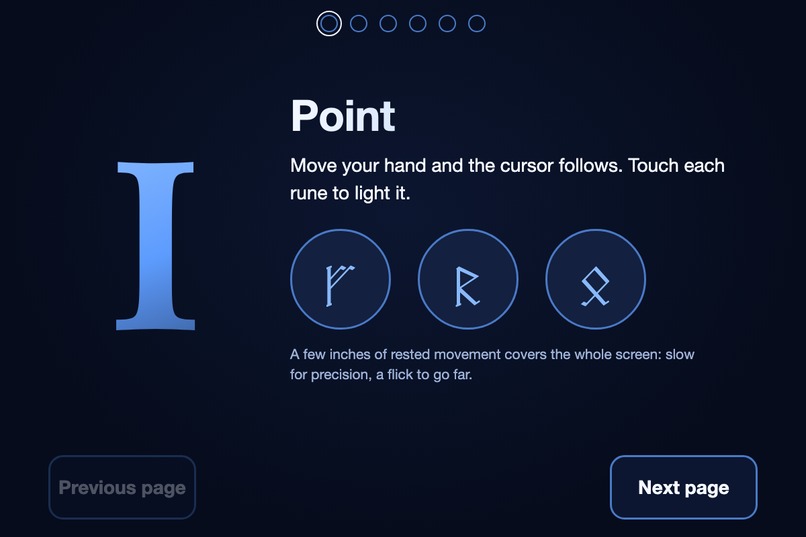
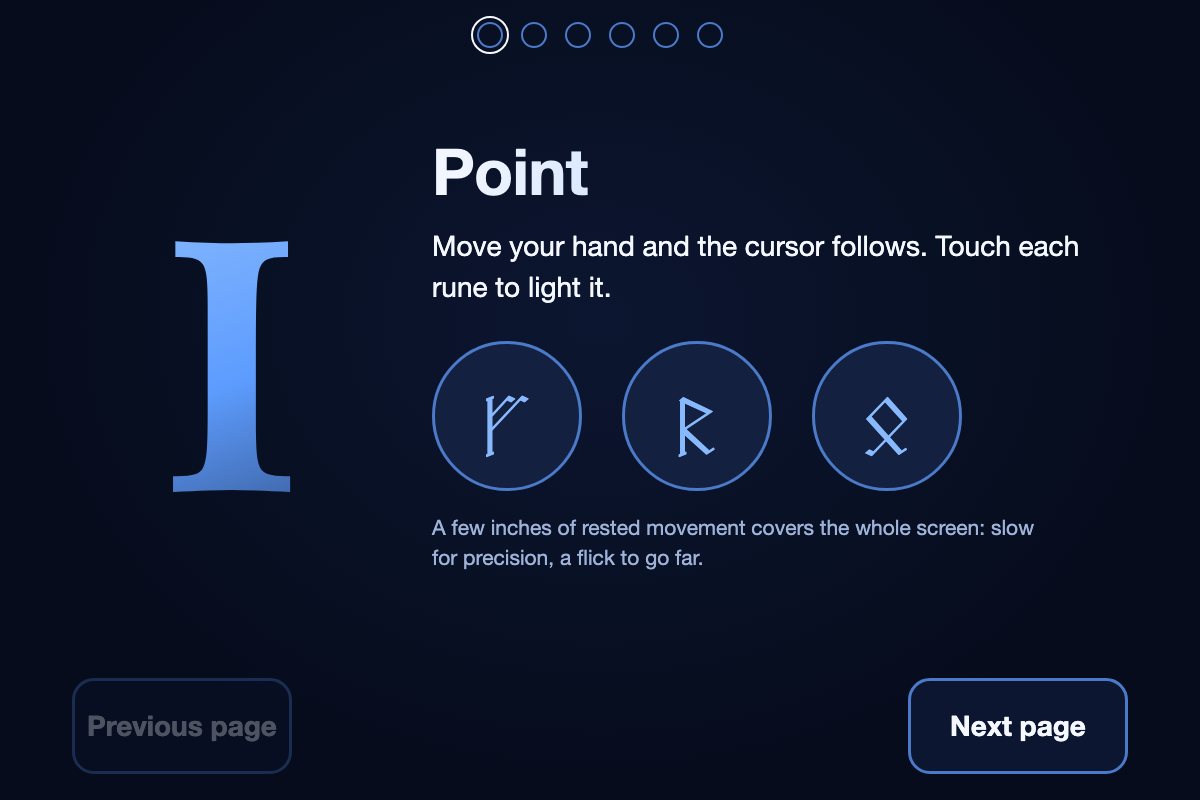
Point: a few inches of rested hand movement covers the whole screen, slow for precision, a flick to go far.
-
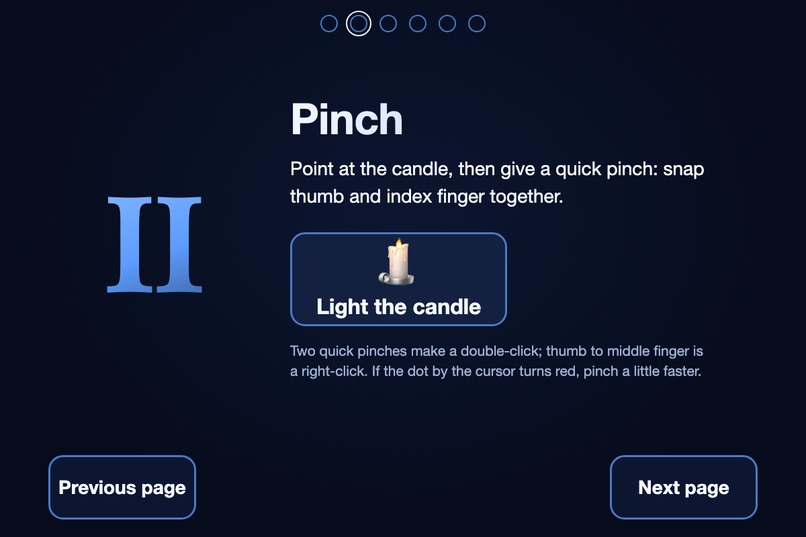
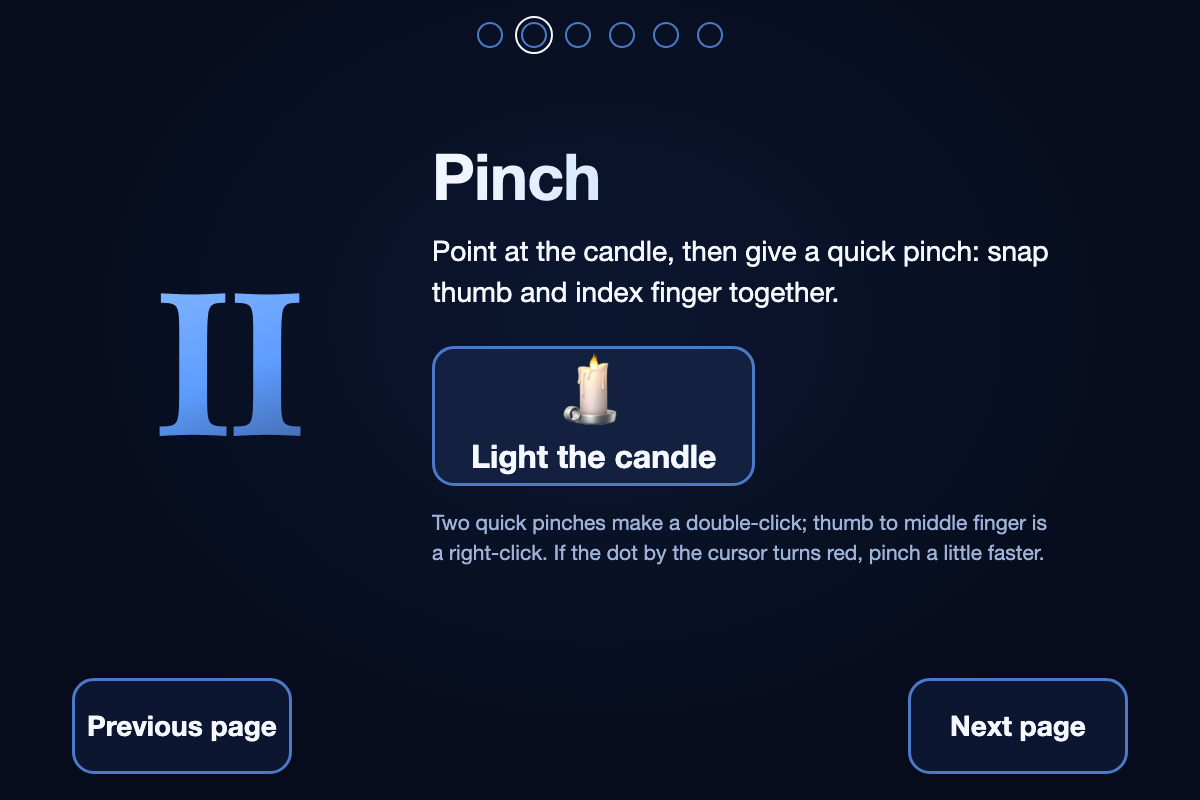
Pinch to click. A pinch counts only when it snaps shut; accidental contacts drift and are ignored.
-
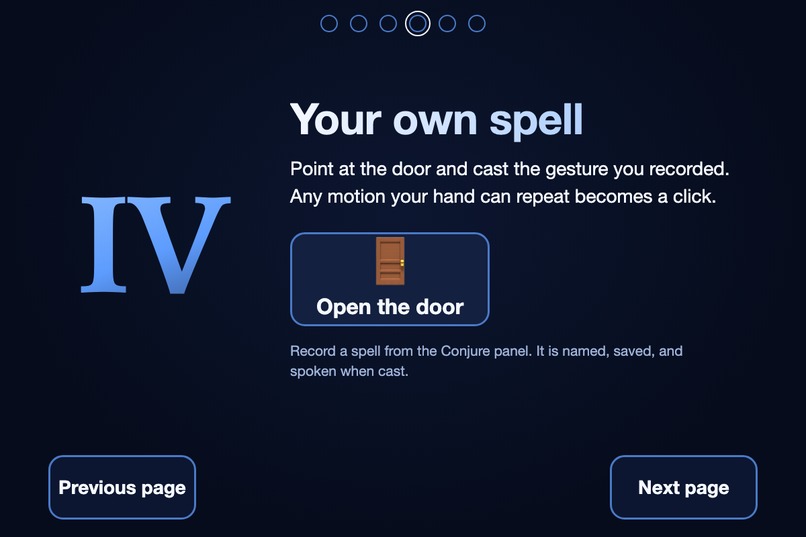
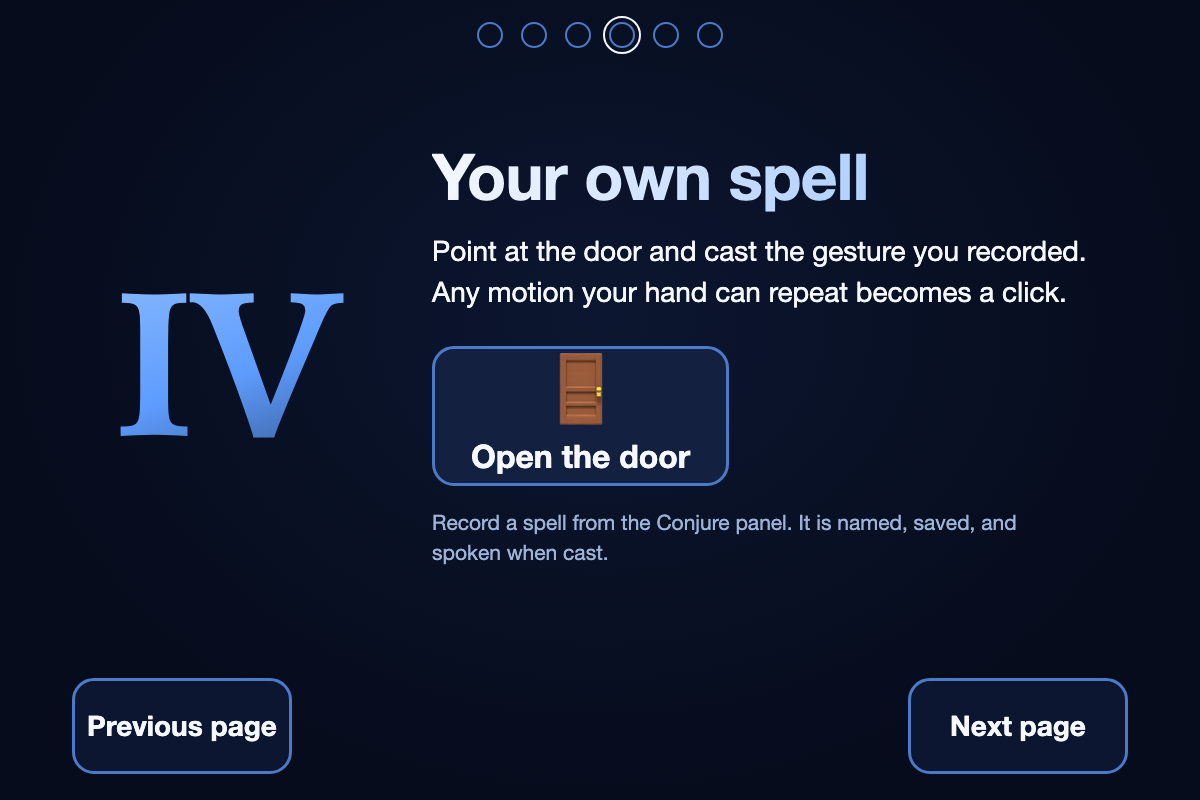
Your own spell: record any motion three times, name it, and it becomes your click, anywhere in the frame.
-
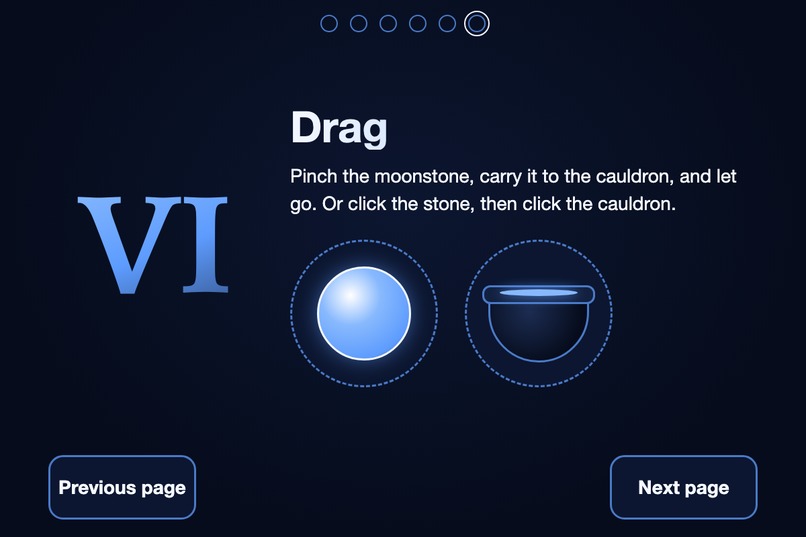
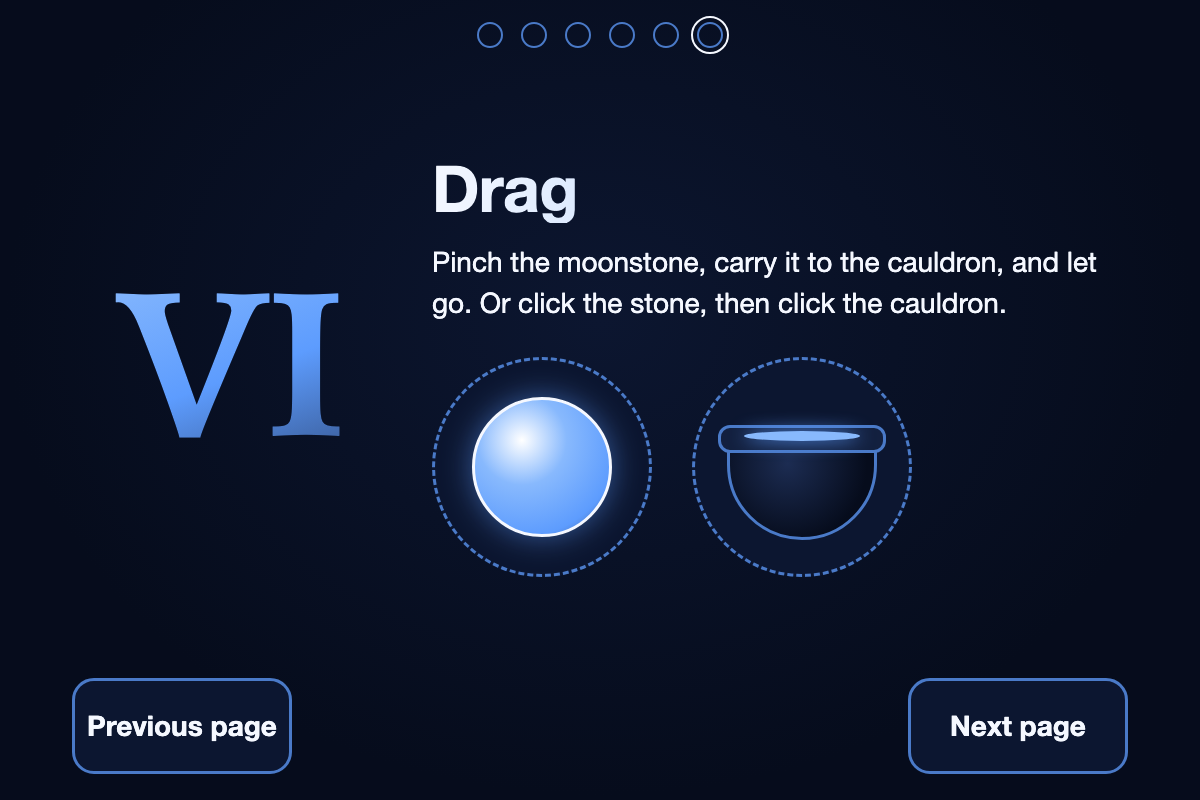
Drag the moonstone into the cauldron, or click it then click the cauldron, so the whole demo works by dwell alone.
-
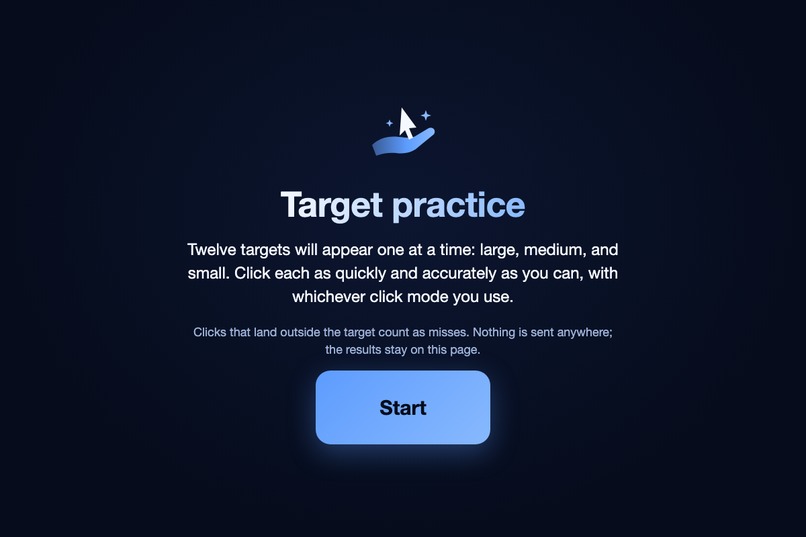
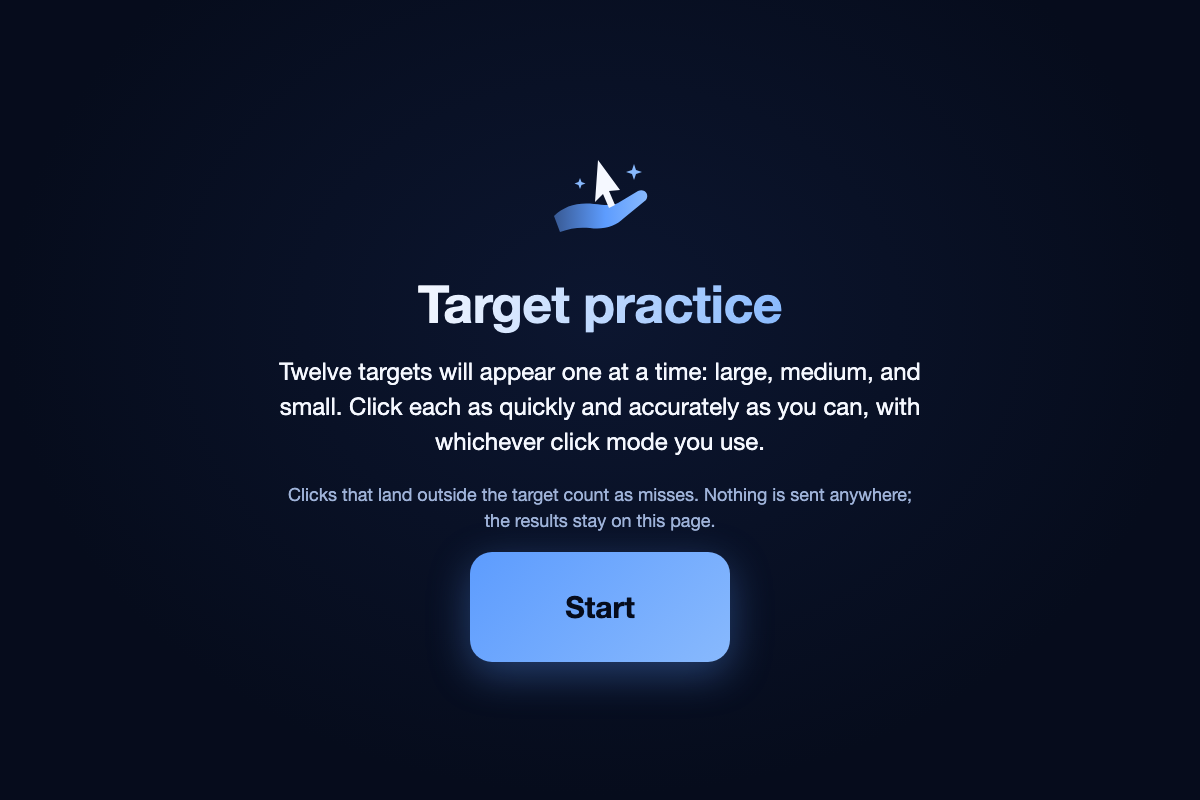
Measure yourself: a 12-target test that reports hit time, misses, and throughput in bits per second.
Inspiration
Hand-tracking cursor demos are everywhere on GitHub, and every single one makes the same assumption: a hand that can pinch, hold steady, and wave in mid-air. For people with tremor, arthritis, or partial paralysis, that assumption is exactly the problem. Apple ships a head-tracking pointer, Google's Project Gameface tracks your face, and nothing built in works from a plain webcam on Windows. Nothing out there asks the obvious question: what motions can this person make?
The theme "Conjure Reality" sealed it. Most conjuring puts something on a screen. We wanted a wave of the hand to change something real: a real computer, doing real work, for someone who lost the use of a mouse.
What it does
Conjure turns a standard webcam into an alternative pointer for people who can lift one hand. Your hand moves the cursor like a mouse on a small pad: slow, careful movement for precision, a quick flick to cross the screen, and tremor-speed motion ignored entirely. Clicking works three ways, and you choose:
- Pinch: the classic, with false-click protection learned from real recordings
- Dwell: hold still to click, for people who can't form a pinch at all
- Cast a spell: record any motion you can make reliably, three times, name it, and it becomes your click
For everything else a pinch usually does, a big-button action bar sets the next click to right-click, double-click, or a locked drag, so nobody has to hold anything. Press Tune and Conjure measures your resting tremor and your own pinch speed and sets its thresholds from your hand. When your hand drops out of view, everything pauses within half a second. And Conjure talks: ElevenLabs speaks your spell's name when you cast it, announces mode switches and pauses, and reads out results like "Tuned to your hand", because for someone who cannot watch the cursor or feel a button, the voice is the confirmation. No mouse, no trackpad, no extra hardware, and all video processing stays on your device.
How we built it
A single-process Python pipeline: OpenCV grabs frames, MediaPipe extracts 21 hand landmarks, a One Euro filter and mouse-style pointer acceleration turn the knuckle's motion into cursor motion, and a gesture engine runs pinch detection, the dwell timer, and template matching against your recorded gesture side by side. Matched actions become synthetic macOS mouse events via pynput and Quartz. A click-through Tk overlay shows the dwell ring, a pinch progress dot, and the spell's name.
The details that mattered most:
- The cursor follows your knuckle, not your fingertip, so forming a pinch doesn't drag the cursor off target
- A pinch counts only when it snaps shut from open in under 200 ms: deliberate pinches snap, accidental contacts drift. Tune sets that window from your own hand
- Custom gestures are normalized for position and scale, so your spell works anywhere in the frame, and a three-cast check proves it works before it's trusted
- Every stage after tracking also runs from recorded hand sessions, so the acceptance tests run headless against real data: 308 tests, including "zero false clicks" on every recorded no-click session
- ElevenLabs is the voice: Flash v2.5 for low latency, every phrase cached after first use, the stock phrases pre-generated and shipped, and a hard one-second deadline with an offline fallback so the demo never waits on the network
How we used ElevenLabs
Conjure is an accessibility tool, and audio is the one feedback channel that works when you cannot look closely or feel a click. ElevenLabs text to speech gives Conjure a voice that sounds like a person, not a beep:
- Your spell, in your words. You record a gesture and name it. The name is synthesized by ElevenLabs the first time you cast it and cached, so "Illuminate" or whatever you typed is spoken within a second of the cast, anywhere in the frame.
- State you can hear. "Pinch mode", "Dwell mode", "Paused", "Resumed", "Right click next": every mode switch and pause is announced, so the user always knows what the next gesture will do.
- Results read aloud. "Tuned to your hand", "Lumos recognized 3 of 3", "Calibrated": the guided flows speak their outcome instead of only showing it.
- Built for a stage, not a demo video. Flash v2.5 for latency; a one-second hard deadline on every live request; clips cached on disk; the fixed phrases and six stock spell names pre-generated so a venue without Wi-Fi still speaks; the macOS voice as the last fallback. The ElevenLabs module is the only code in the project that touches the network, enforced by a test, and the API key never enters the repository.
Challenges we ran into
Jitter is the whole game. Raw landmarks shake, and a relaxed hand drifts the thumb onto the index finger constantly, which fires clicks you never intended. We spent more time on the filter, the pinch rule, and the pointer's feel than on any feature, because one false click on stage undoes every claim about usability. Absolute mapping of a small hand area onto the whole screen magnified every tremor; relative motion with acceleration fixed precision and reach at once.
macOS permissions are a silent trap. Synthetic clicks fail quietly until the exact terminal running the script has Accessibility access. We burned this in at hour zero instead of discovering it at 3am.
Gesture matching is a tightrope. Too strict and your spell won't cast on stage; too loose and ordinary cursor movement fires it. Thresholds derived from the recorded samples, one well-chosen gesture, a refractory period, and a check that refuses three casts that don't look alike got us there.
Accomplishments that we're proud of
Measured, not claimed: a tutorial-style detector fires 17 false clicks on 2.4 minutes of our recorded ordinary movement; Conjure fires 0 on the same frames. 98 of 111 real pinches recognized. A resting hand that leaves the cursor still in 94% of frames. Every spellbook step completable by dwell alone, for someone who can't pinch at all. And a built-in 12-target test that reports throughput in bits per second, so judges get a number instead of a promise.
What we learned
Accessibility flips your defaults. Every tutorial optimizes for the standard hand; designing for the non-standard one forced better engineering everywhere (smoothing, fatigue, feedback) that makes the tool nicer for every hand. Tune on real recordings, never on guesses: every threshold we set by intuition was wrong for a real hand. And signal filtering theory earns its keep the moment your input device is a human body.
What's next for Conjure
An on-screen keyboard driven by dwell, multiple spells with macros, Windows support (the stack is cross-platform Python), and most importantly: testing sessions with our campus accessibility office, measured on the same 12-target task, because the people this is for should shape what it becomes.

Log in or sign up for Devpost to join the conversation.