-
Makendran First Quest
✨ About the Project
🧠 Inspiration
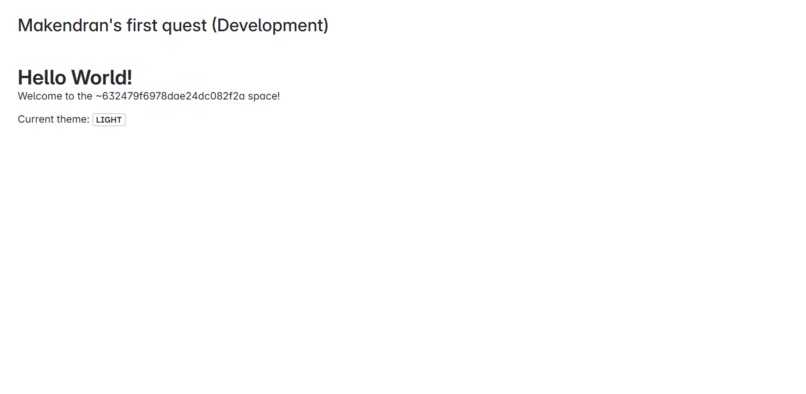
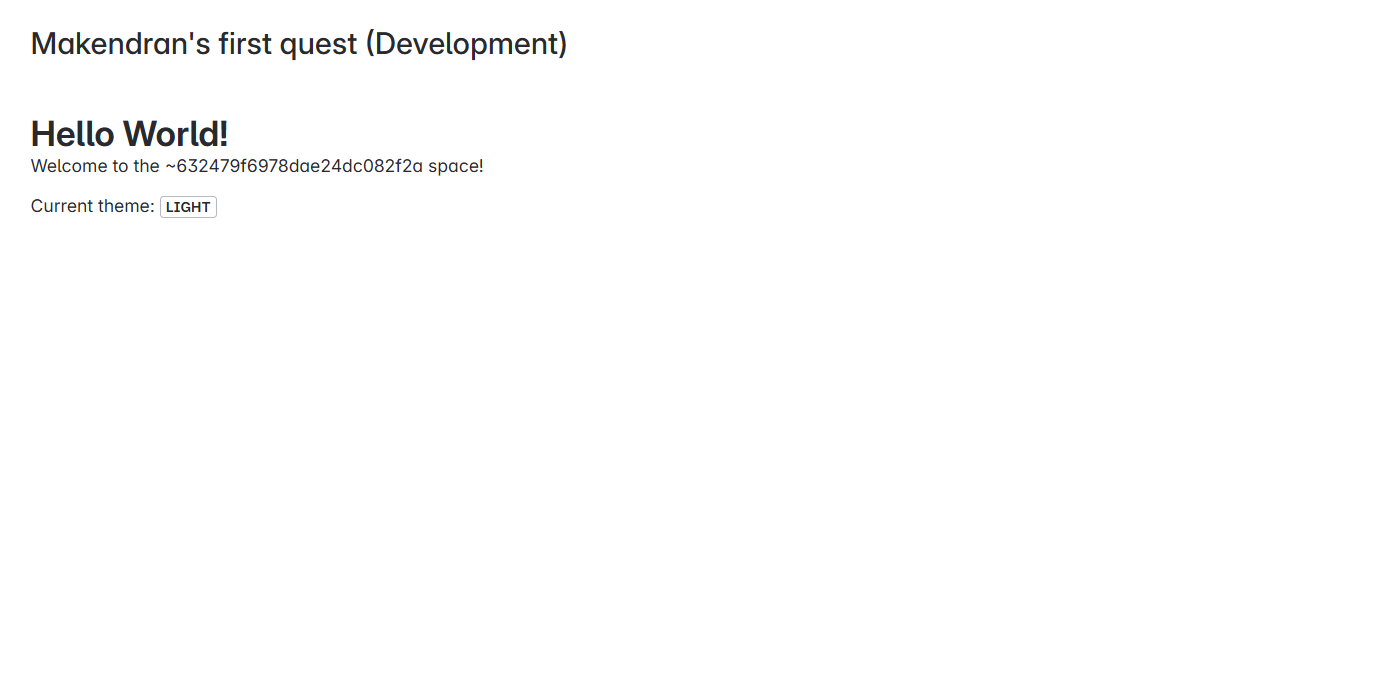
As a new Atlassian Forge developer, I wanted to build something simple yet meaningful that interacts with real user data. The idea of a personalized welcome message on every Confluence space page felt like a great starting point. It not only taught me how to structure Forge apps but also how to access contextual information and render custom UI using Forge’s tools.
📚 What I Learned
- How to create and configure Forge apps using the Forge CLI
- The basics of Forge UI Kit and building interfaces that feel native to Confluence
- Using
requestConfluenceto access Confluence REST APIs from the backend - Handling frontend–backend interaction via Forge Bridge (
invoke) - How to declare app permissions and troubleshoot using logs and
forge tunnel
🛠️ How I Built It
- I used the Forge CLI to create a new app with the
confluence-space-pagemodule. - I added a UI Kit component with
Text,Heading, andLozenge. - I used
requestConfluence('/wiki/rest/api/user/current')to get the user's name. - I called this backend function from the frontend using
invoke. - I deployed and installed the app to my Confluence developer site.
🧗♂️ Challenges I Faced
- Understanding how
invokeworks to connect front-end and back-end logic - Figuring out which permissions were required to access user data
- Managing the event flow between UI rendering and API response timing
- Keeping the app lightweight and functional under Forge’s secure runtime
🧰 Built With
- JavaScript
- Forge CLI (Atlassian’s development toolkit)
- Forge UI Kit (Text, Heading, Lozenge)
- Confluence REST API
- Forge Bridge (
invoke) - Serverless architecture via Atlassian Forge
Built With
- confluence
- forge
- forge-cli
- javascript
- serverless


Log in or sign up for Devpost to join the conversation.