-
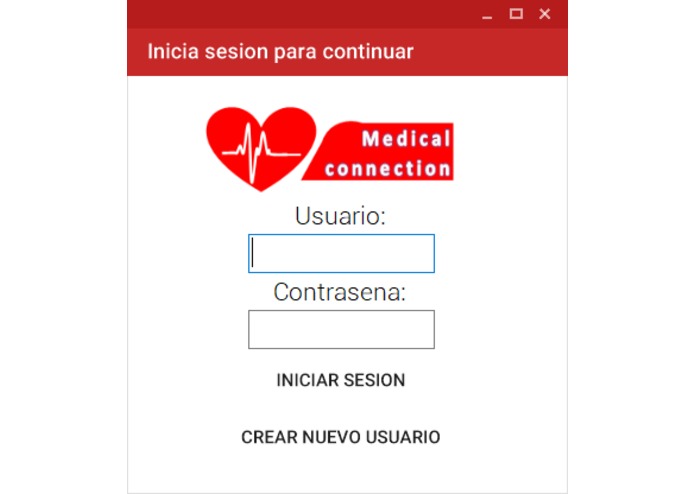
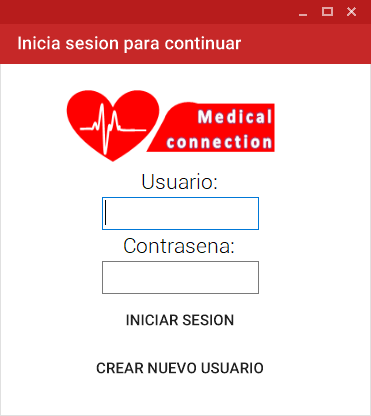
Pantalla de inicio de sesion del programa
-
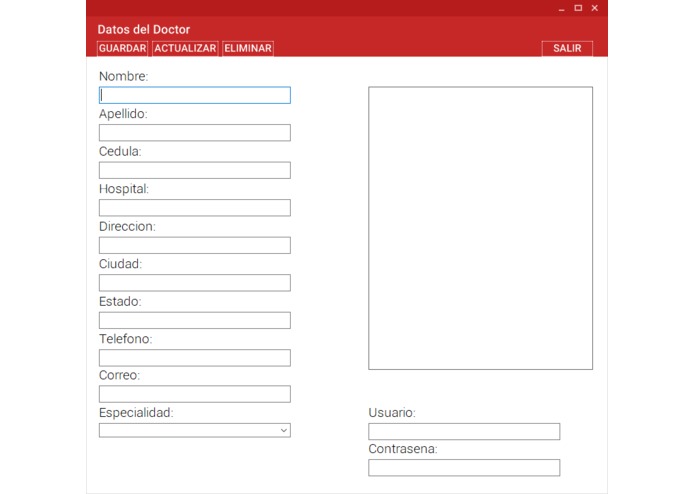
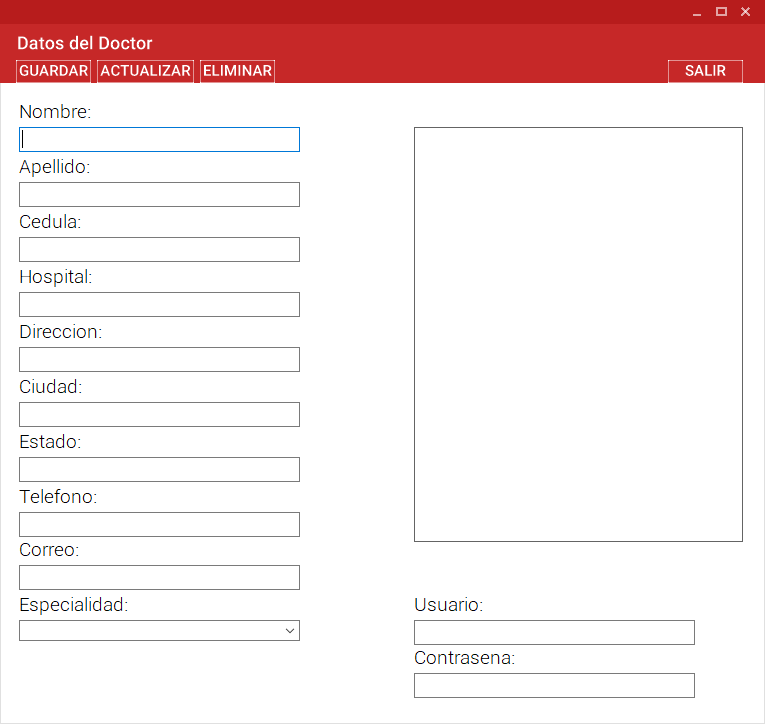
Pantalla del programa donde el doctor puede ver sus datos de usuario
-
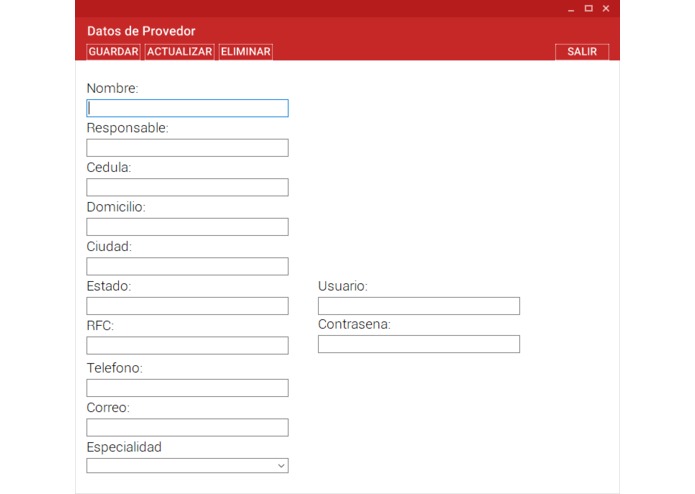
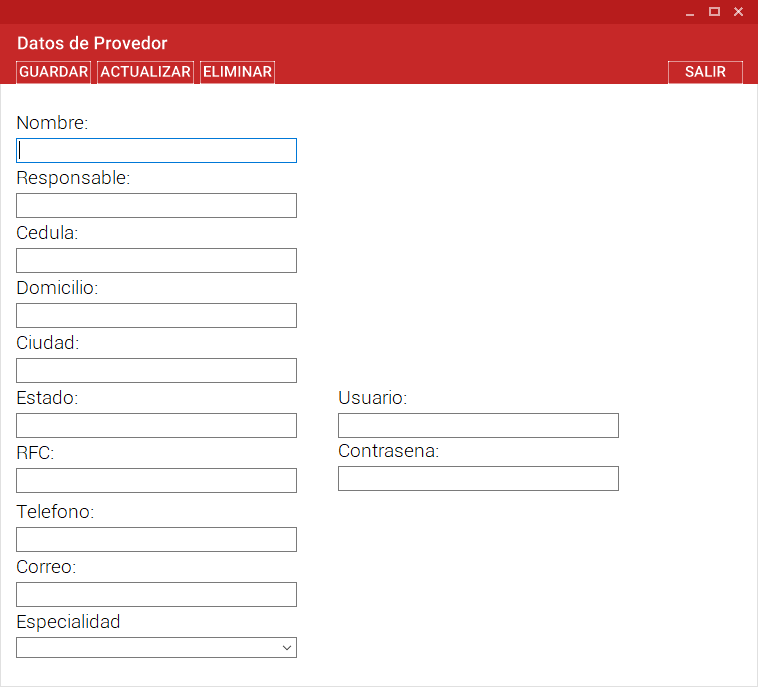
Pantalla del programa donde el provedor de equipo puede ver sus datos de usuario
-
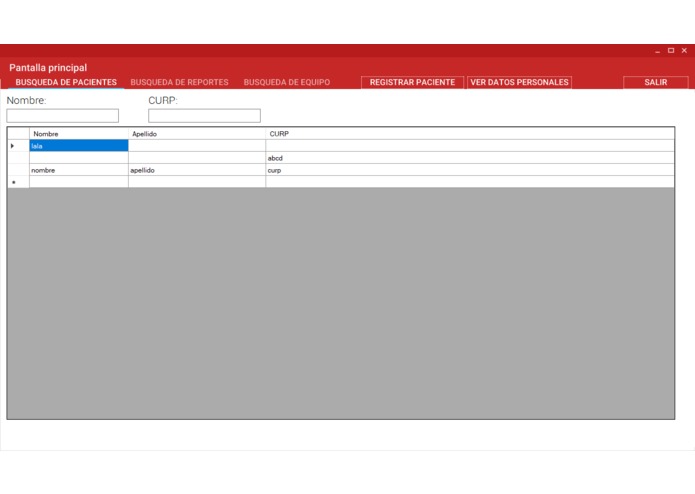
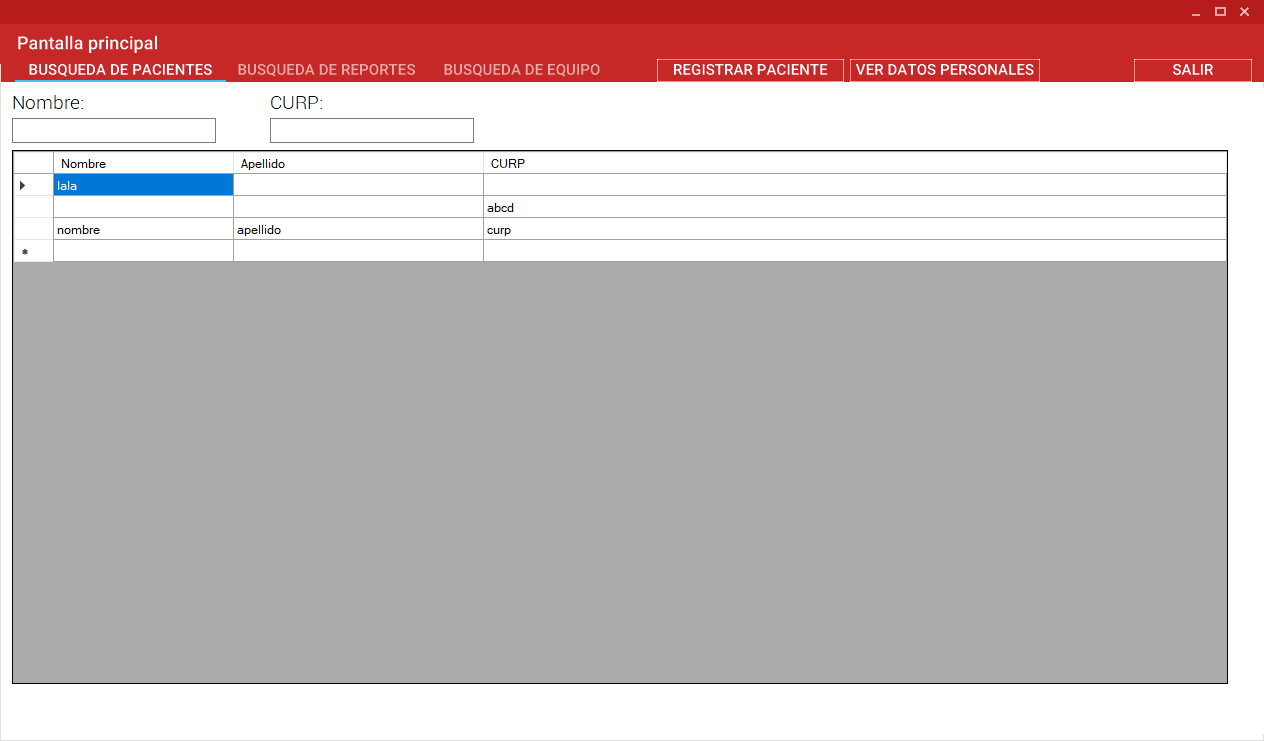
Pantalla principal del doctor, donde puede ver sus pacientes en lista
-
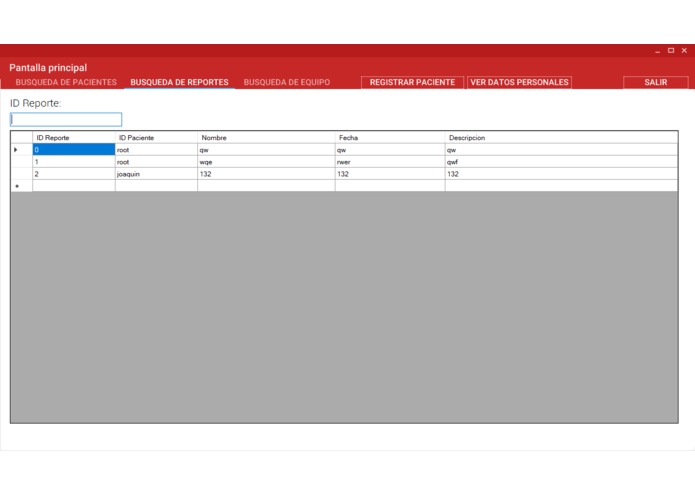
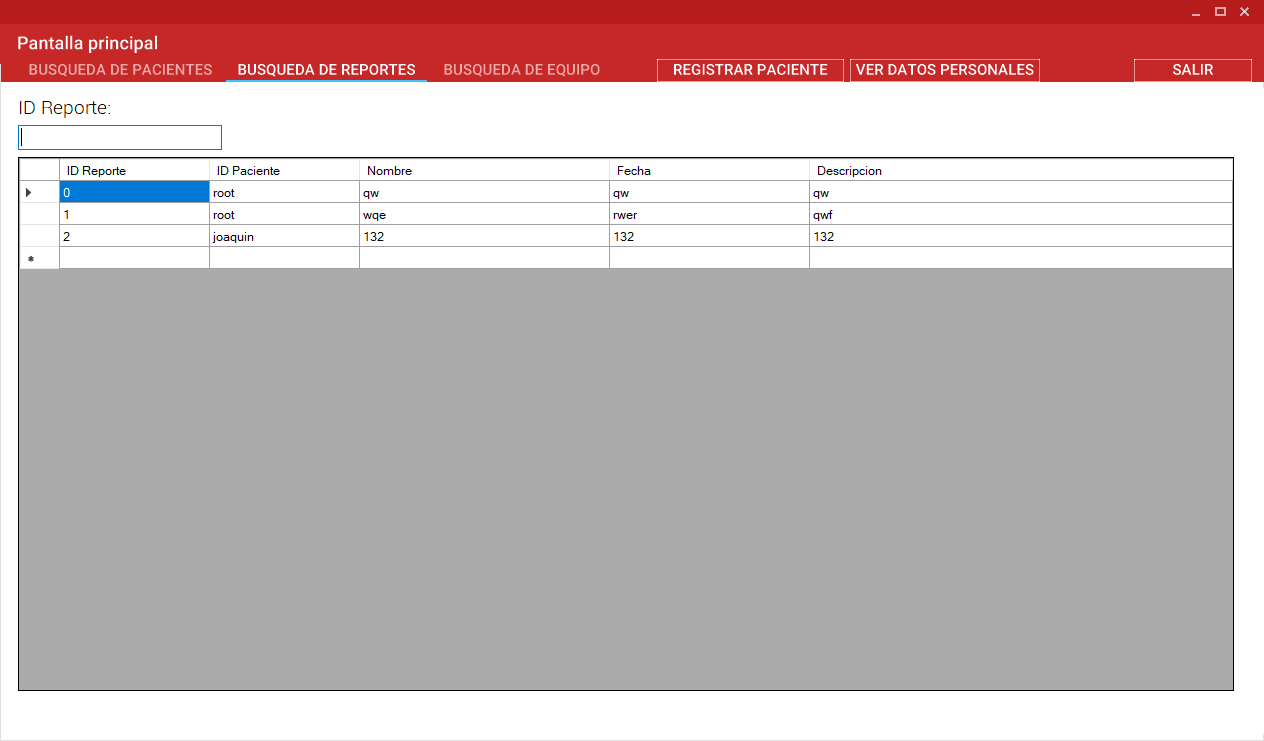
Pantalla donde el doctor puede ver reportes o analisis que ha registrado en la nube
-
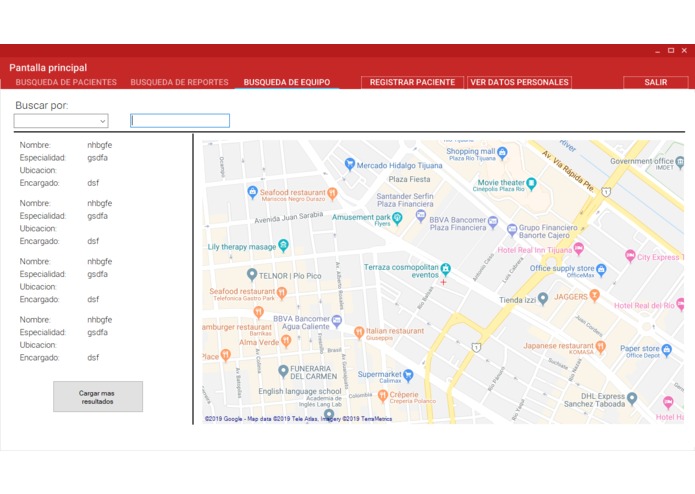
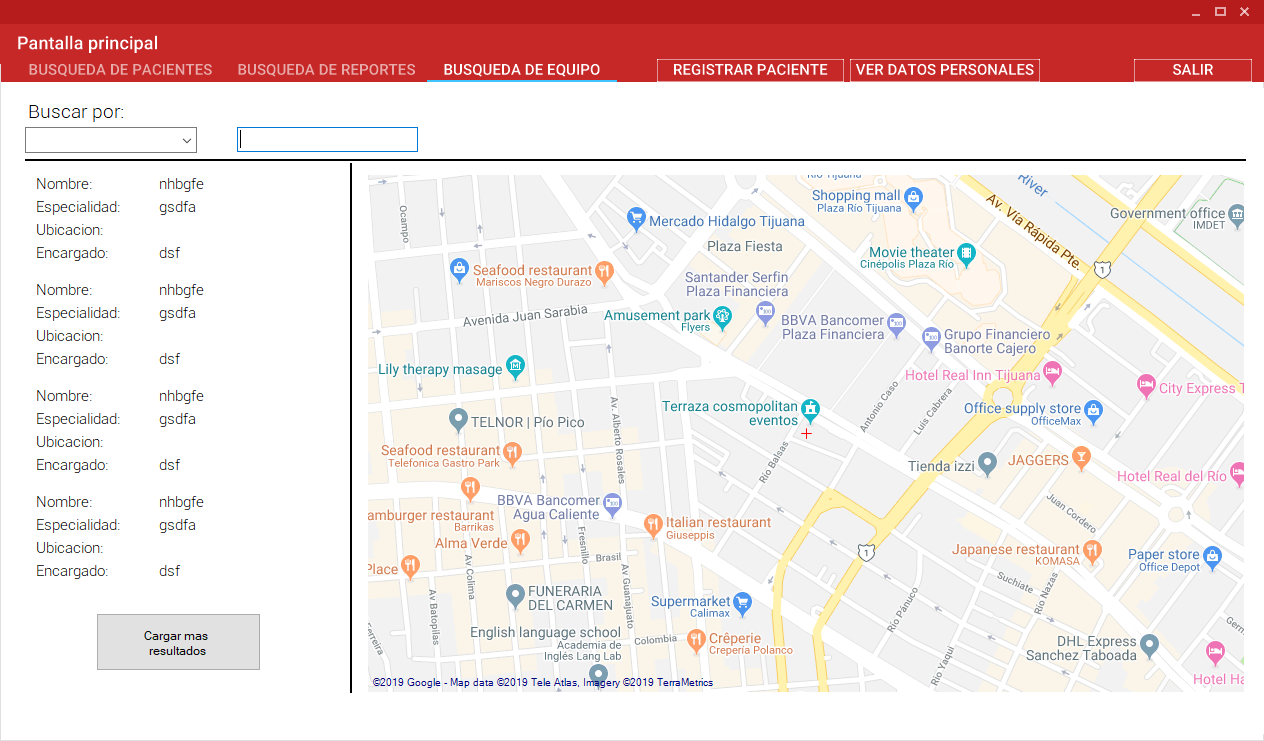
Pantalla donde el doctor puede buscar un equipo o a un especialista para algo que el no tenga a la mano
-
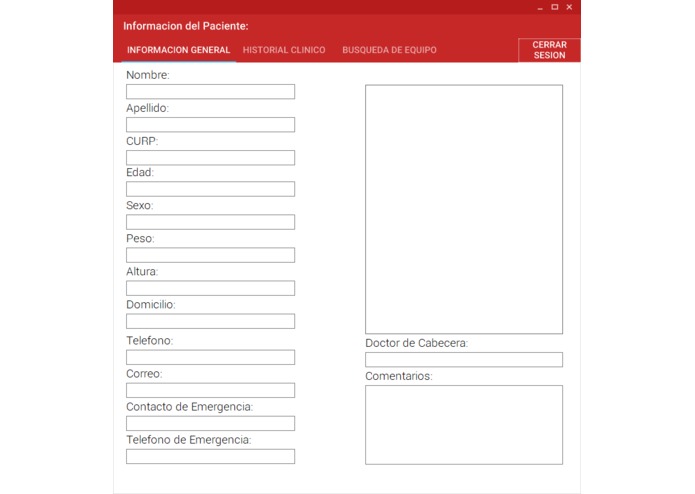
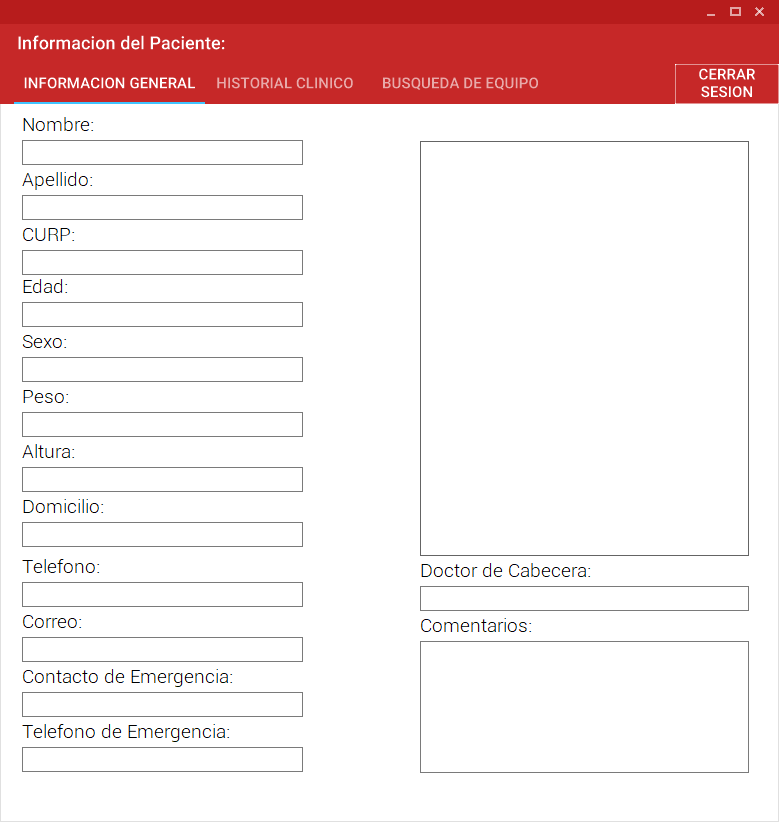
Pantalla principal del paciente, en donde puede ver sus datos
-
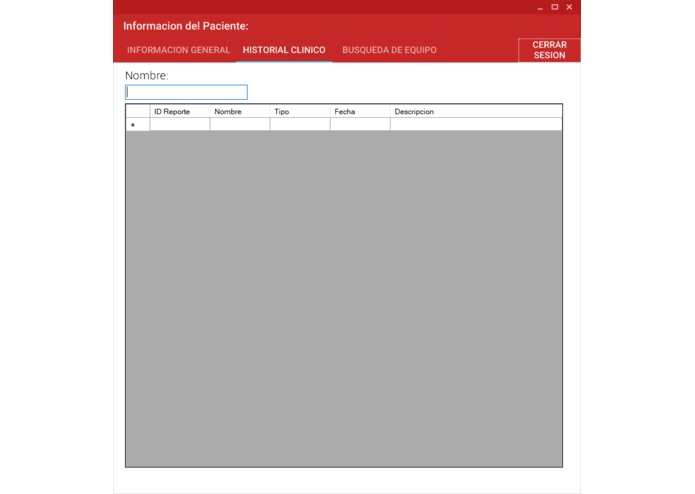
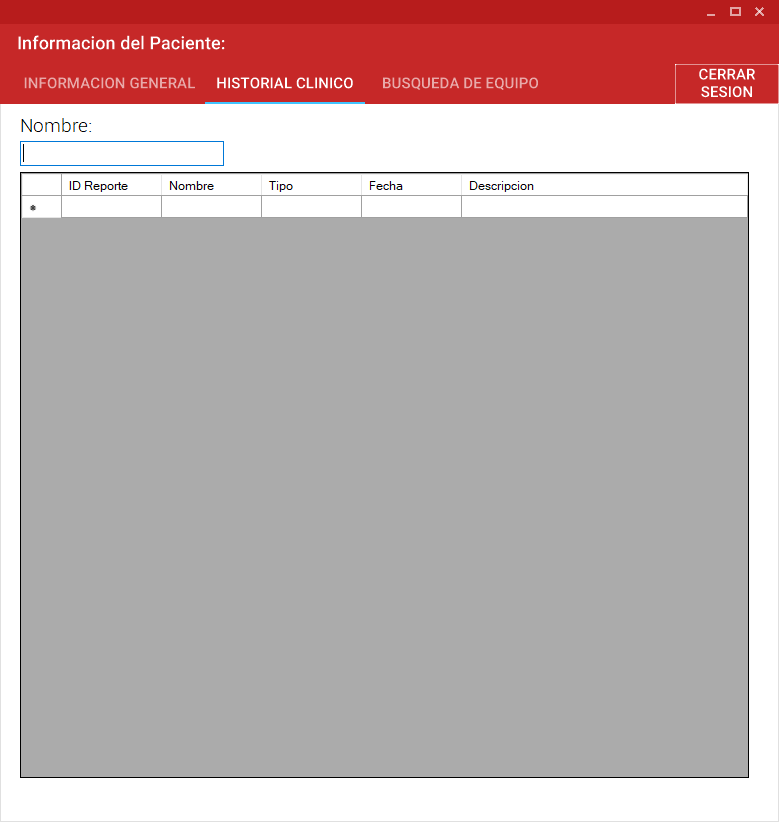
Pantalla del paciente donde puede ver todo su historial clinico que se encuentra en la nube
-
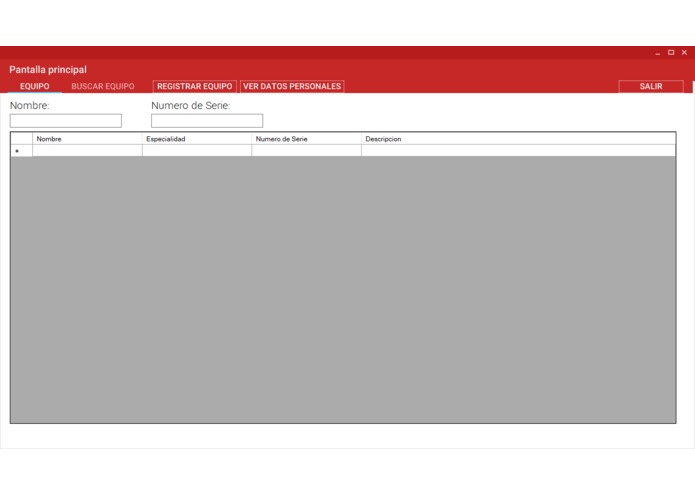
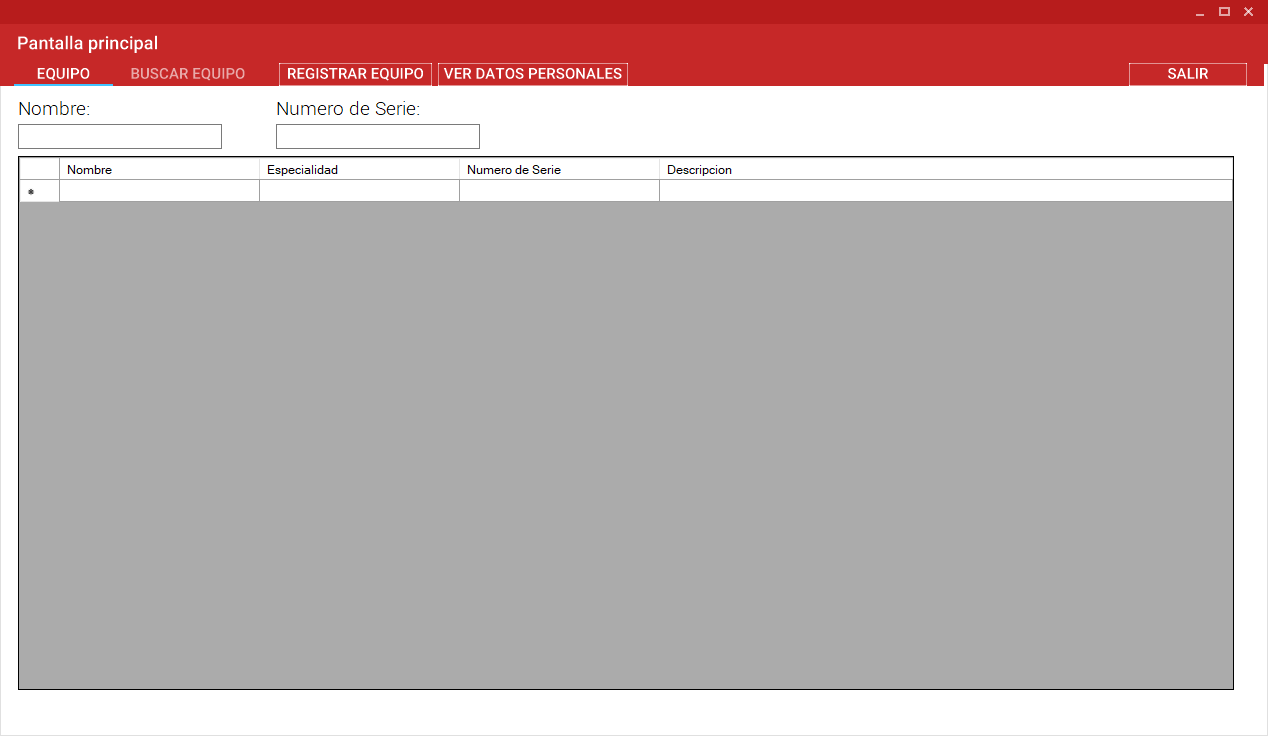
Pantalla principal de provedor, puede ver todo su equipo en stock
-
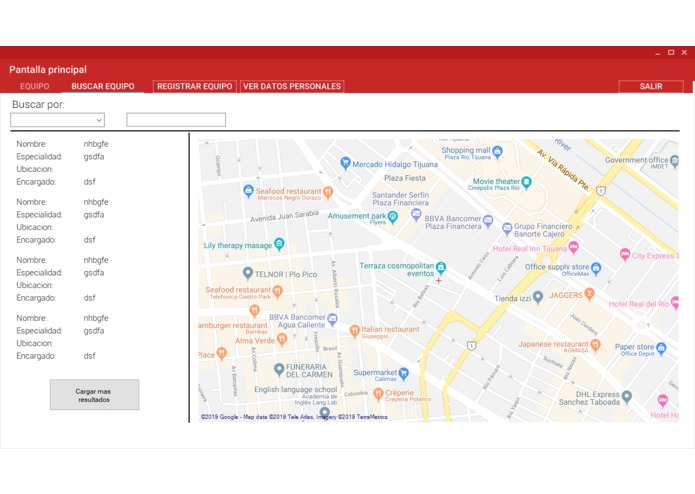
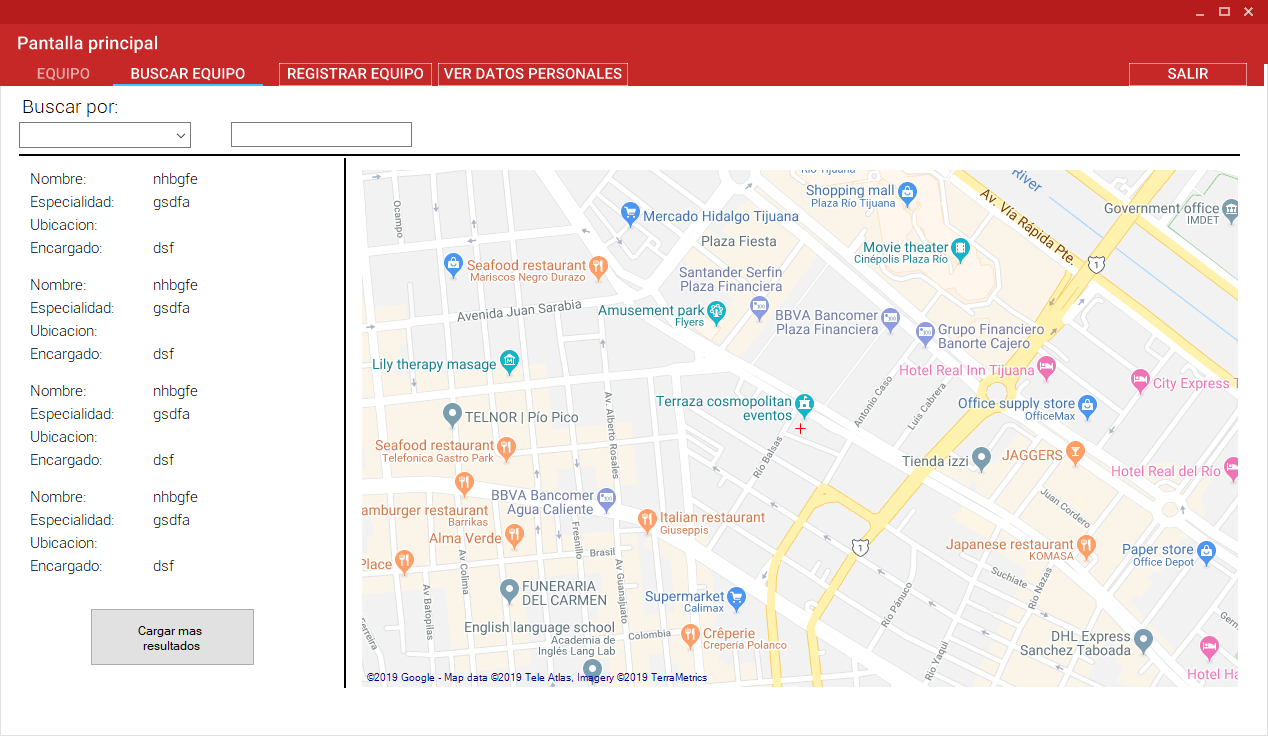
Provedor puede buscar equipo con otros provedores
-
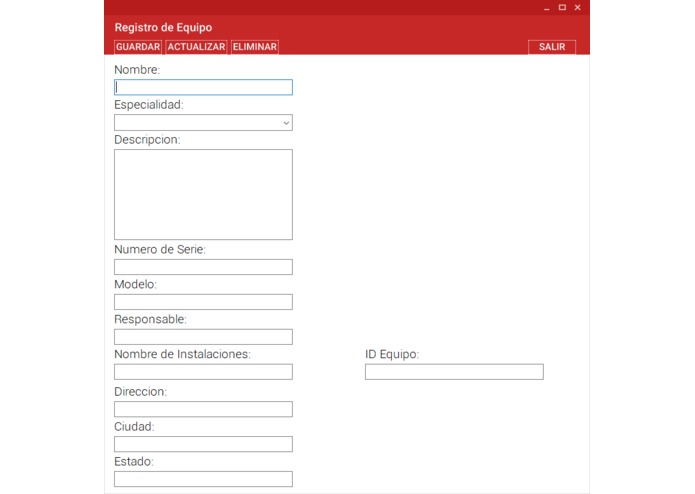
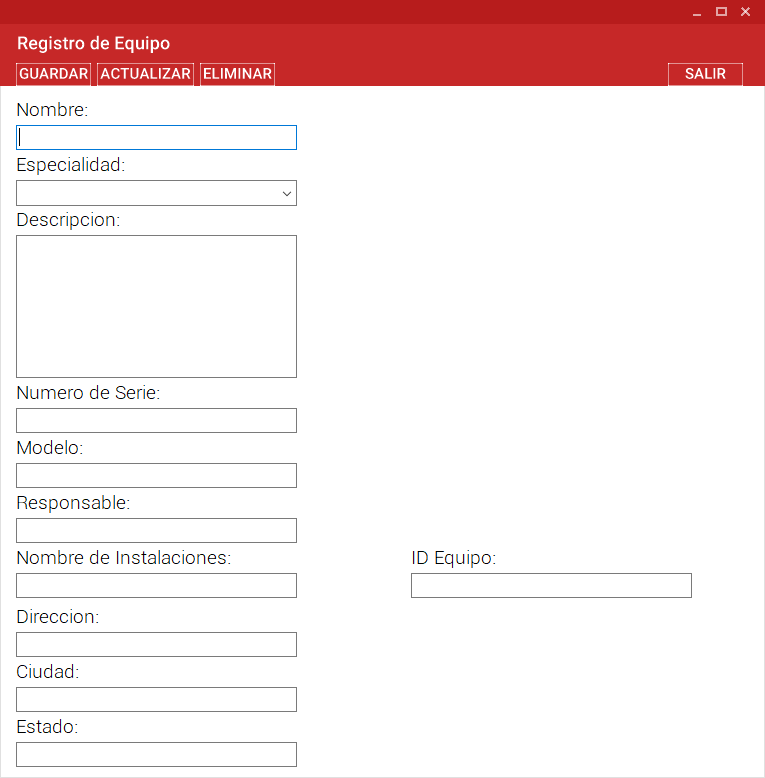
Pantalla de registro de equipo
-
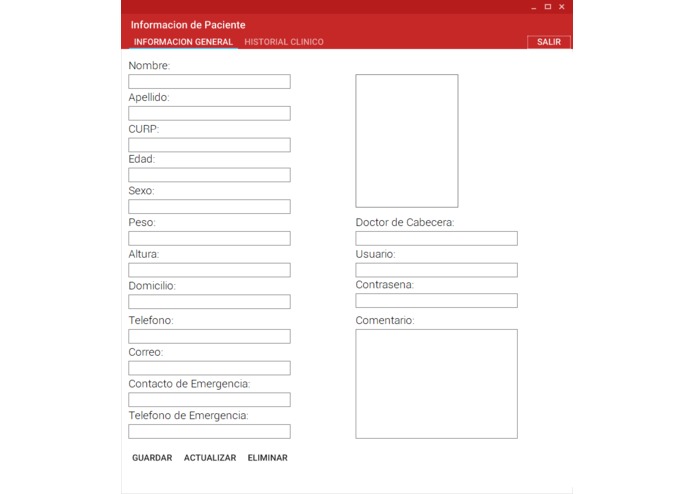
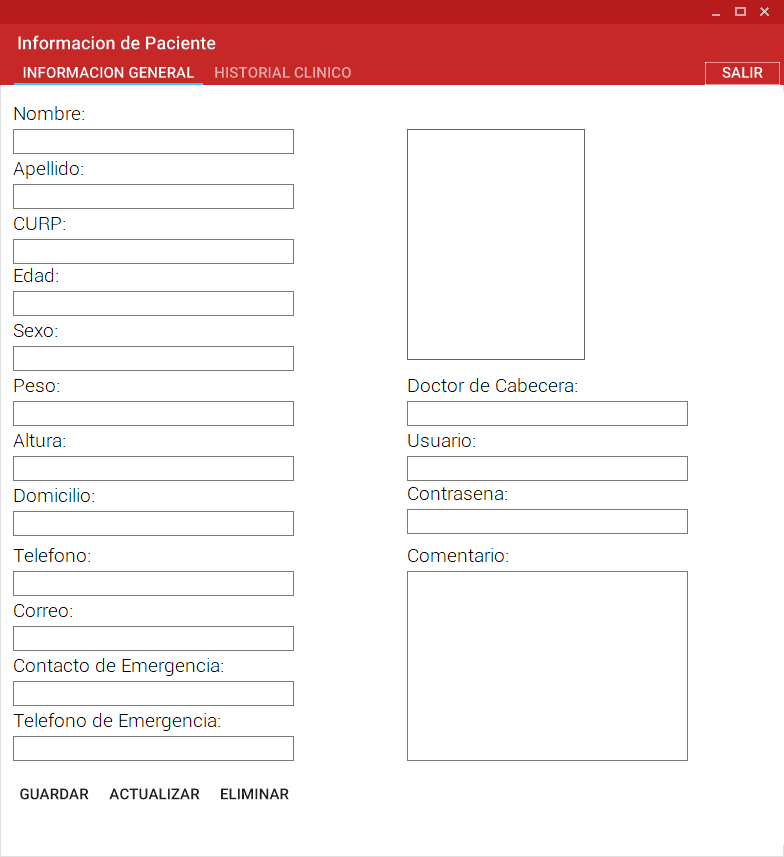
Pantalla de registro de pacientes
-
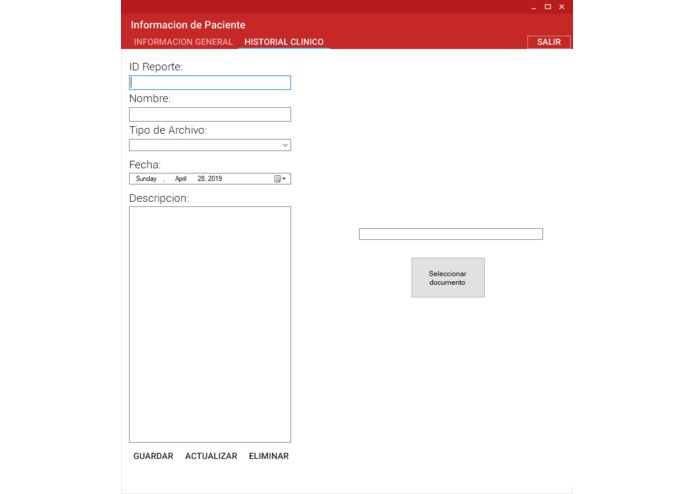
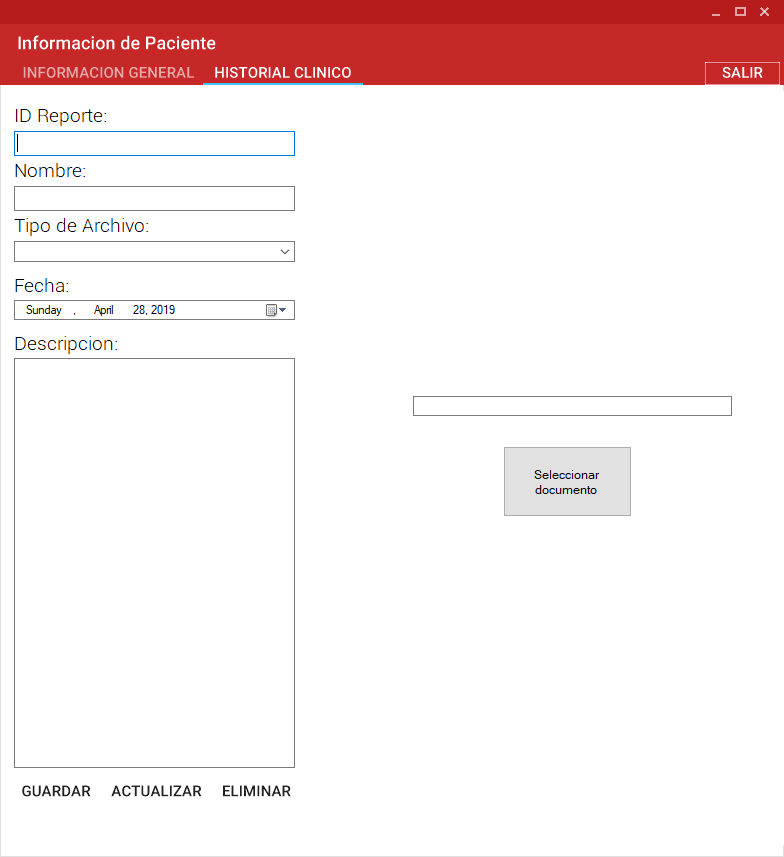
Pantalla de registro de reportes para paciente, con un sistema para subir archivos a la nuve
General objective Create an online interface that allows a fast interaction and multiple connections between patients, doctors, clinical laboratories and all medical institutions.
Specific objectives Design and create an interface with the following main characteristics:
1 Database to add specialist doctors’ professional information.
2 Database where doctors can keep a medical history record of patients online.
3 Database with medical devices information to identify their location.
This program catalogues 3 different types of users, each one with a different purpose and different modification authorization. The characteristics individually are the followings:
• Doctor user: This type of user can be created from main window, clicking sign up button and introducing all information required as shown in figure 2. This should be only created with an official professional license number. You cannot sign up a user more than one time using the same professional license number. Once created this type of profile, user can upload professional certificates and diplomas to profile, to assure patients they are licensed doctors. Doctor user, is the only type of user who has permission of creating a patient user, without a doctor, patients cannot sign up or modify their medical history record by themselves. This user has access to the list of their own active patient users and search for patients signed up by other doctors as shown in figure 3.
• Patient user: This type of user can be created only by a signed up doctor, this profile purpose is to record all clinical history of patient and this must be filled by its assigned doctor. The information required to sign up this type of user as shown in figure 4. This should be only created with an official Unique Population Registry Code (CURP by its acronym in Spanish). You cannot sign up a user more than one time using the CURP. The patient cannot delete, modify or upload any information included in their medical history record. These users can consult their own information, doctor’s information catalogued by specialty and medical devices characteristics and location. They cannot modify any information, just consult.
• Medical device supplier user: This type of user can sign up by itself clicking sign up button and introducing all information required as shown in figure 5. This should be only created with an official RFC number (is a tax I.D. number for Mexico). You cannot sign up a user more than one time using the same RFC number. However, one user can be responsible of more than one medical device. This user can delete, modify or update documents of their own info only.
CONCLUSIONS
This contest was our first hackaton and it was a great experience; we learnt how to work as a team and the importance of brainstorming before starting the programming part. One of our biggest challenges was to understand the kind of solution we needed to propose, since the problem statement was open to a lot of possibilities. This application has a lot of improvement opportunities, but also it is a great first version. Other challenge we confront was the low limited online memory we are able to save on the cloud.


Log in or sign up for Devpost to join the conversation.