Inspiration
As a lifelong music fan, I’d repeatedly overspent at concerts—juggling ticket prices, flights, and late-night merch splurges left me stressed. I wanted a tool that made budget planning intuitive, not tedious, and turned spreadsheets into something visual, fun, and tailored to live music lovers like me.
What it does
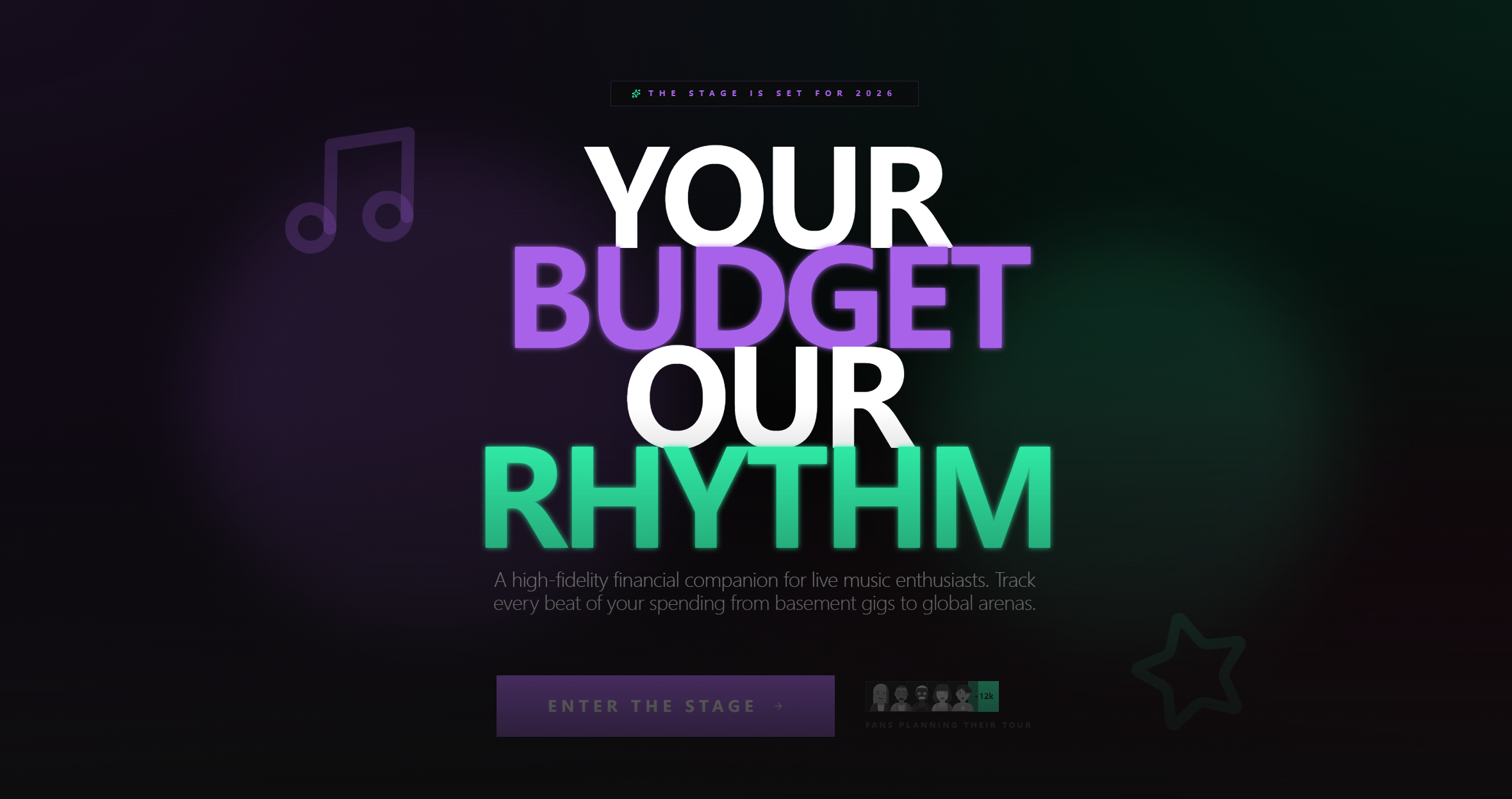
ConcertBudget Planner lets users map every concert expense: tickets (VIP/floor/GA), transportation (flights/trains/driving costs), accommodation (nights × price), and misc costs (food/merch). It compares group vs solo trip costs, tracks budget limits with color-coded alerts, and visualizes spending via animated charts.
How we built it
I started with wireframing in Figma, focusing on concert-themed visuals and smooth animations. I built the frontend with React + TailwindCSS for responsive, card-based layouts, used Chart.js for pie/bar charts, and wrote custom logic for real-time calculations (e.g., Accommodation Cost = Nights × Price Per Night). I prioritized animations for number updates and hover states to keep the tool engaging.
Challenges we ran into
Getting real-time animation to sync with calculations was tricky—number transitions would lag or misalign with input changes. I also struggled to balance visual flair (gradients, hover effects) with performance, especially on lower-end devices. Budget status color transitions took multiple iterations to feel smooth, not jarring.
Accomplishments that we're proud of
The tool is 100% no-signup, instant, and intuitive—no confusing menus. The group vs solo comparison feature is a fan favorite, and the color-coded budget gauge (green/yellow/red for under/approaching/over budget) makes spending limits easy to scan at a glance. It’s fast, responsive, and feels tailored to music fans, not just generic budgeters.
What we learned
I mastered balancing UX with performance—animations enhance, not hinder, usability when done right. I also learned to prioritize core features (real-time calculations) over "nice-to-haves," and how to translate complex budget logic into simple, visual UI elements that non-technical users understand instantly.
What's next for this project
I want to add regional cost estimates (e.g., average concert merch prices by city), a save/export feature (even just PDF), and mobile optimization for on-the-go planning. I also plan to test with festival-goers to refine the driving cost calculator and add a "split costs with friends" feature for group trips.

Log in or sign up for Devpost to join the conversation.