-
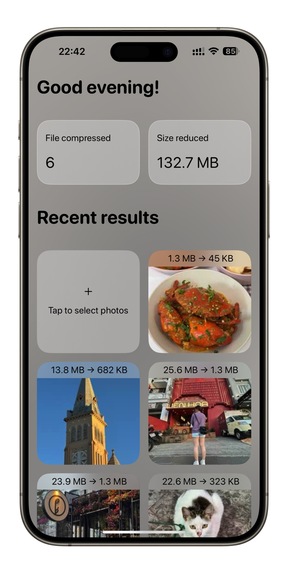
App screenshot 1
-
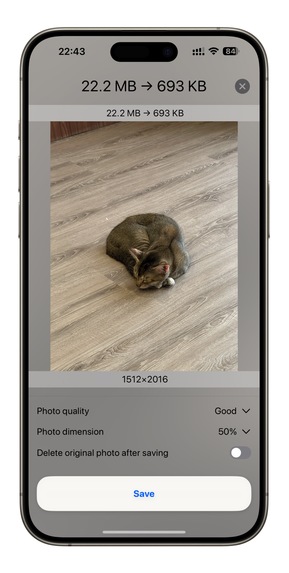
App screenshot 2
Inspiration
The problem started with Gitlab's limitation of 10 MB video upload. Even though we have many solutions to compress a video to under 10 MB, they are still having some trade-offs, such as low quality or privacy concerns or complex user interface. That's why CompressX was built to solve only one problem: a simple app with clean interface that compresses video and maintains high quality. The app received a lot of compliments and good reviews after launching in early 2024. Since then, many features was added into the app such as image compression, gif compression and conversion, and other advanced features while still keeping the core value: clean, fast, and privacy focused. Many people asked to bring CompressX to iOS but I haven't had time and motivation to do it because compressing media on iOS requires different perspectives and solutions. So I took this chance to finally bring CompressX to iOS.
What it does
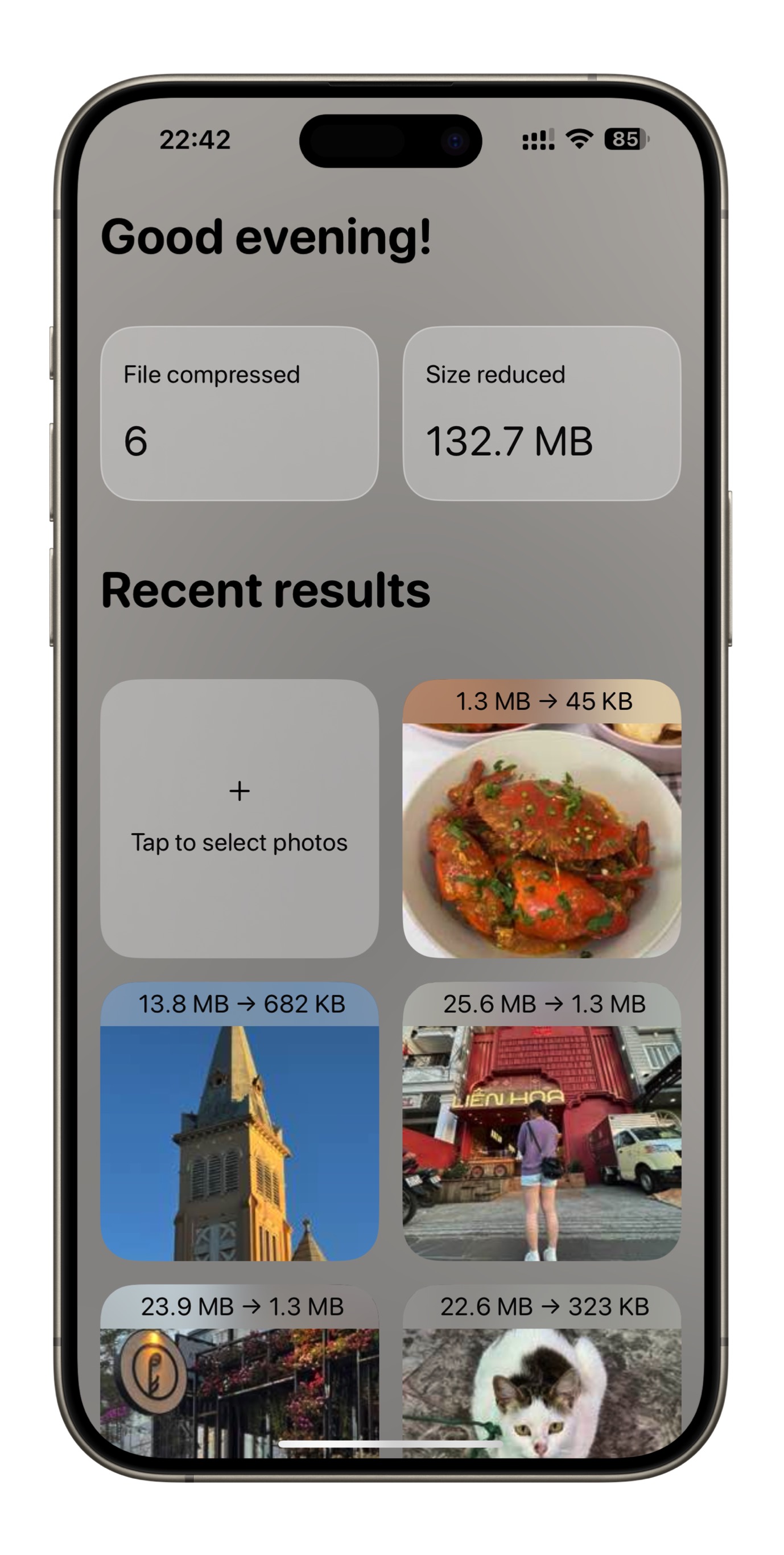
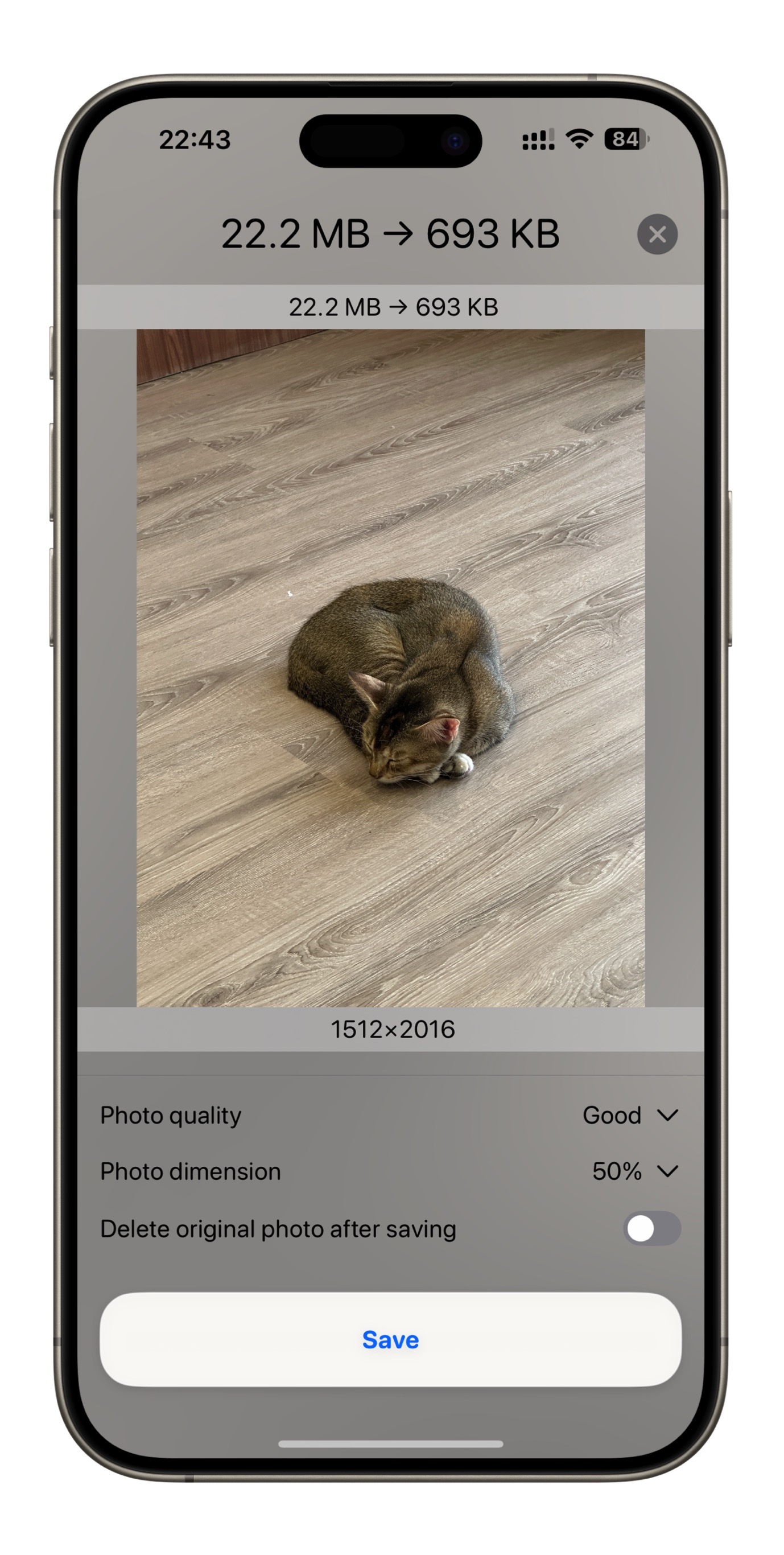
CompressX for iOS currently offers a single feature: photo compression. Users can select photos from their Photo Library and compress them using CompressX, choosing from different quality levels. Additionally, users can resize images directly within CompressX to further reduce file size. The app also provides an option to delete the original photos after compression.
How we built it
SwiftUI enabled me to swiftly prototype and build the app from scratch.
Challenges we ran into
Many existing photo compression apps on the App Store seem outdated, with user interfaces that do not adhere to Apple's Human Interface Guidelines (HIG), a lack of optimization for iPhones, and an overabundance of ads. While researching these existing apps to develop CompressX for iOS, I encountered several design challenges. I needed to strike a balance between functionality and user experience—ensuring the app didn't overwhelm users but also wasn't overly simplistic.
Accomplishments that we're proud of
We successfully built and submitted the app within a few weeks
What we learned
I had previously integrated RevenueCat into another app, so I was familiar with the SDK, though I had not yet tried the Paywall feature. For CompressX, I decided to implement the Paywall feature and was pleasantly surprised by how seamlessly it integrated into the app.
What's next for CompressX
I plan to bring the most popular features from the macOS version of CompressX to iOS, transforming it into the go-to media compression app for users on the move.

Log in or sign up for Devpost to join the conversation.