-
-
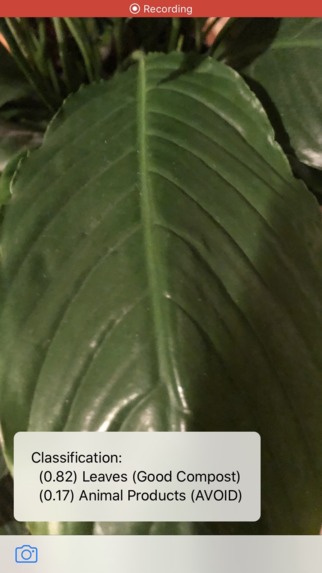
Identifying Properties Of Leaf
-
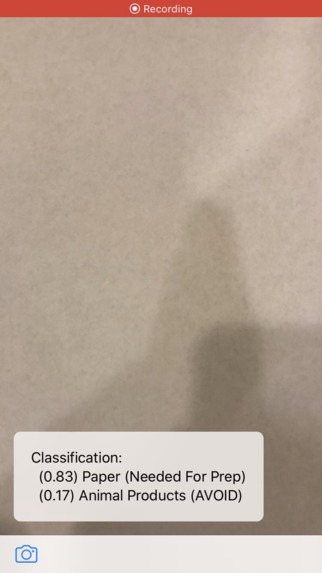
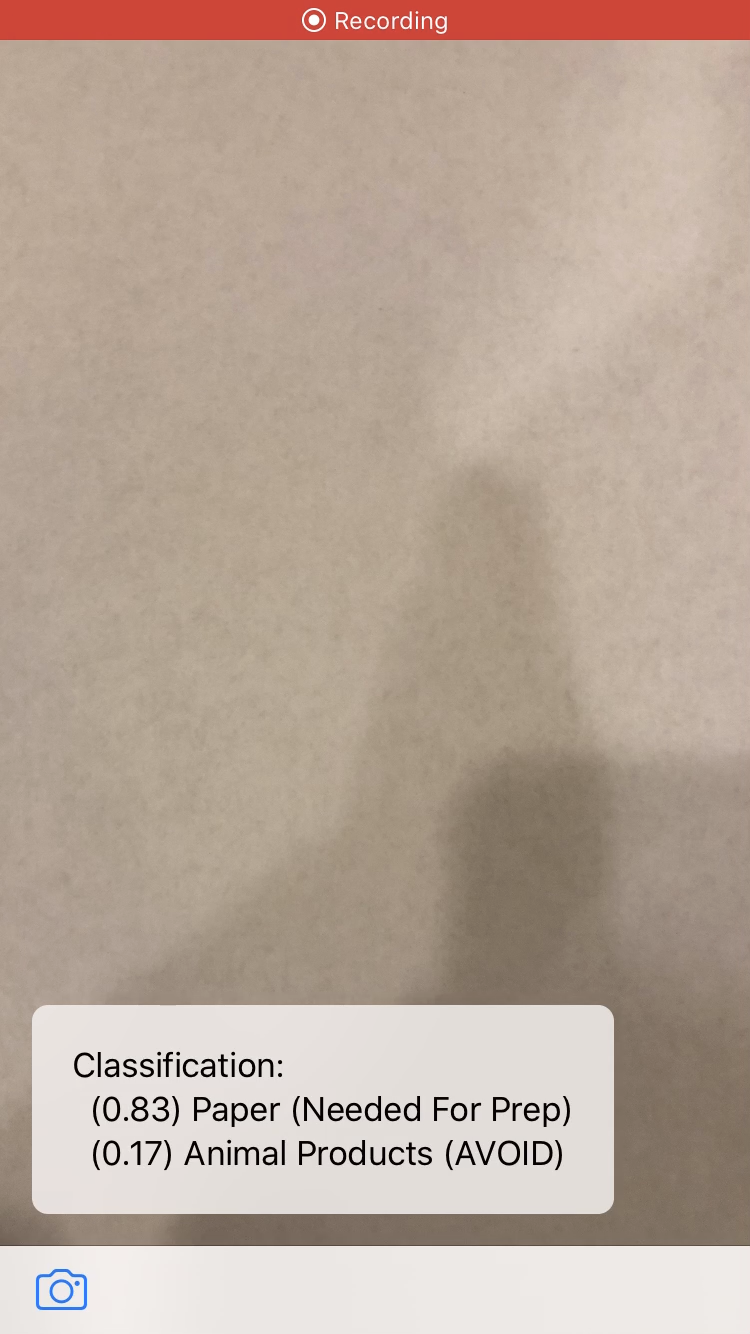
Identifying Properties Of Paper
-
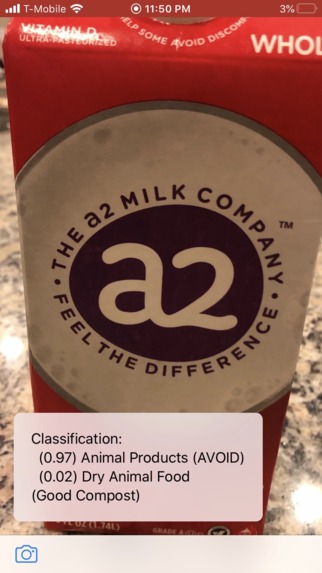
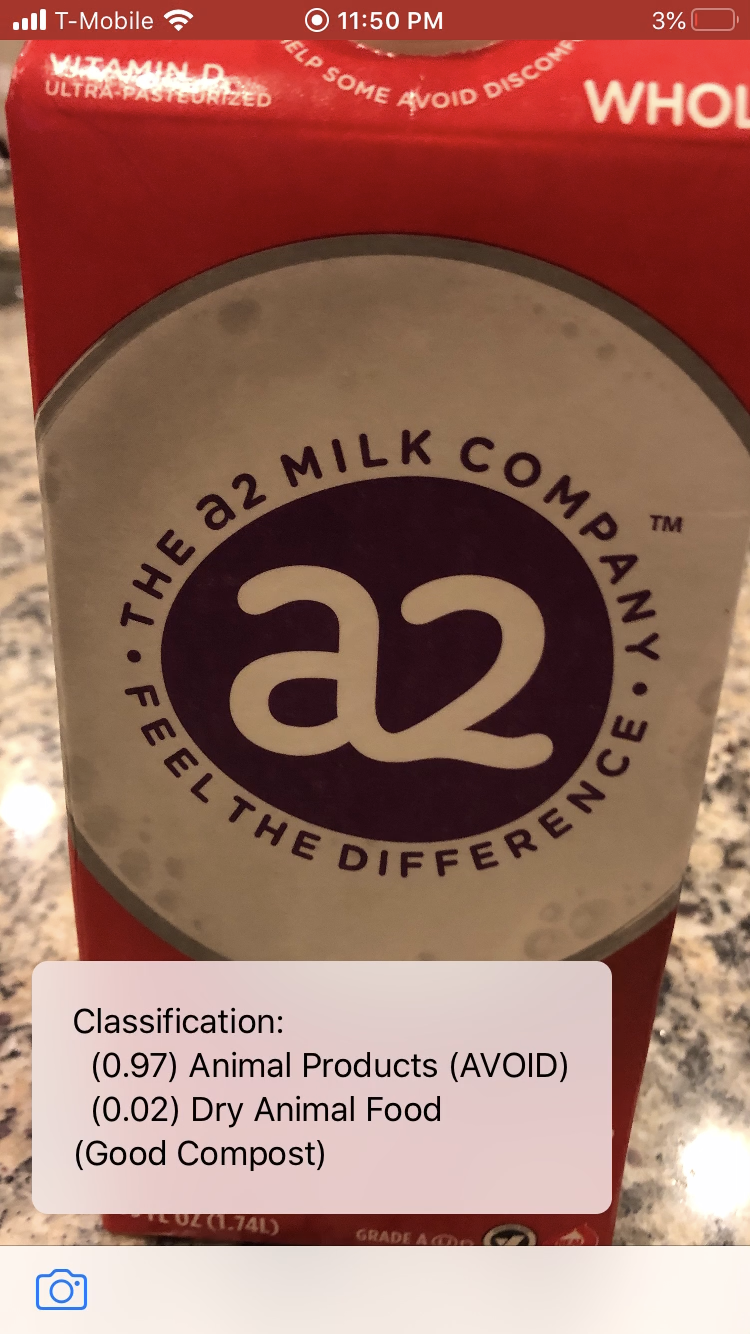
Identifying Properties Of Dairy
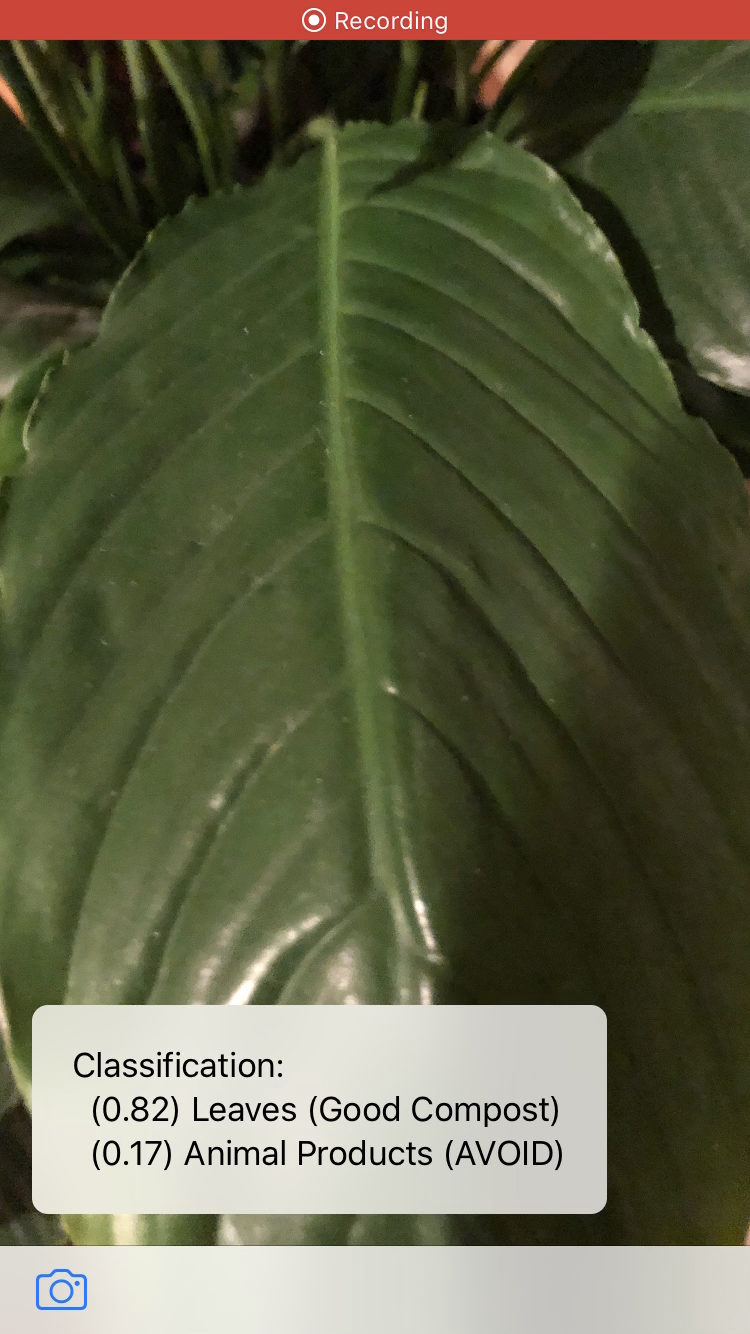
Inspiration
One day I was doing some research and then I came across composting. The idea of using old food and other ideas intrigued me, and then next thing I knew a composter was on its way. Once it came I had no idea where to begin. There was no guide or on information on how to start. After that I started learning about composting and started doing it. I found that when people want to start they should not have to do research every time they want to compost something. That was when I came up with the idea Compostly, an app that uses machine learning to give you the best items to compost.
What it does
Compostly uses Apples CreateML machine learning software, to give suggestions on what to compost, and what not to compost bases on your items. All you have to do is scan the item with your phone and then it gives you instructions on if you should compost it or if you should not.
How I built it
I built this using CreateML, Apples machine learning software. Using pictures I manually collected, I created a dataset which I used to make my machine learning model. After that I programmed and designed the app using swift, then I imported my model into the app.
Challenges I ran into
I ran into a lot of problems, but I was luckily able to fix them in time. Some of these problems included my machine learning model not importing. I had to debug this by changing the app version. Figuring out these problems took me some time.
What I learned
I learned a lot about machine learning in total. There was not much information on the internet on how to implement this into an app, so I had to learn it from scratch. I also learned about the programming language swift, as I had never done anything related to machine learning with it.
What's next for Compostly
I want to add more functions to it so users can have an even better time. I am also looking to help add more data to the machine learning model so I can get even better results.
Built With
- ai
- coreml
- createml
- machine-learning
- swift
- xcode


Log in or sign up for Devpost to join the conversation.