Compose GIF Recorder
Inspiration
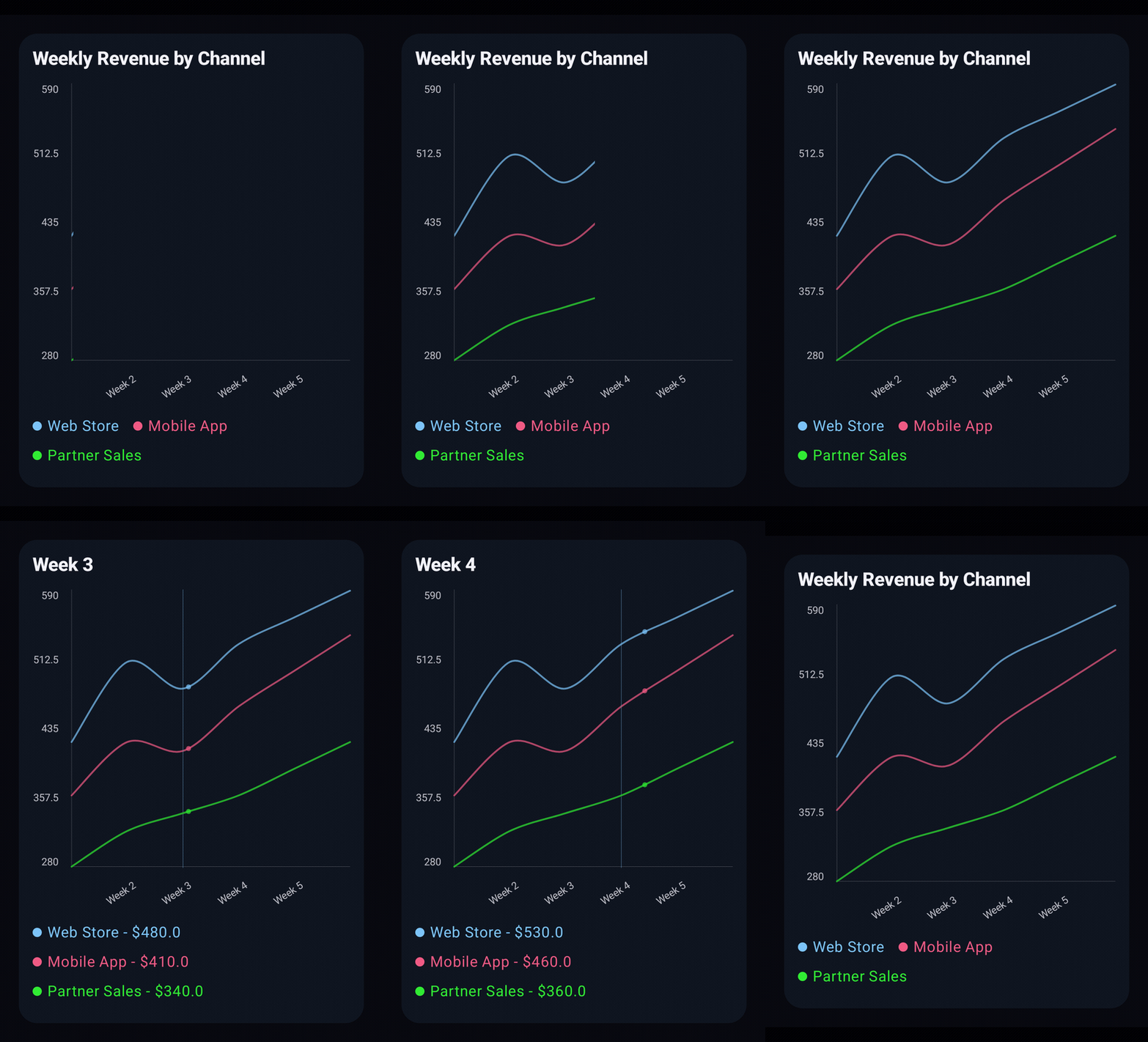
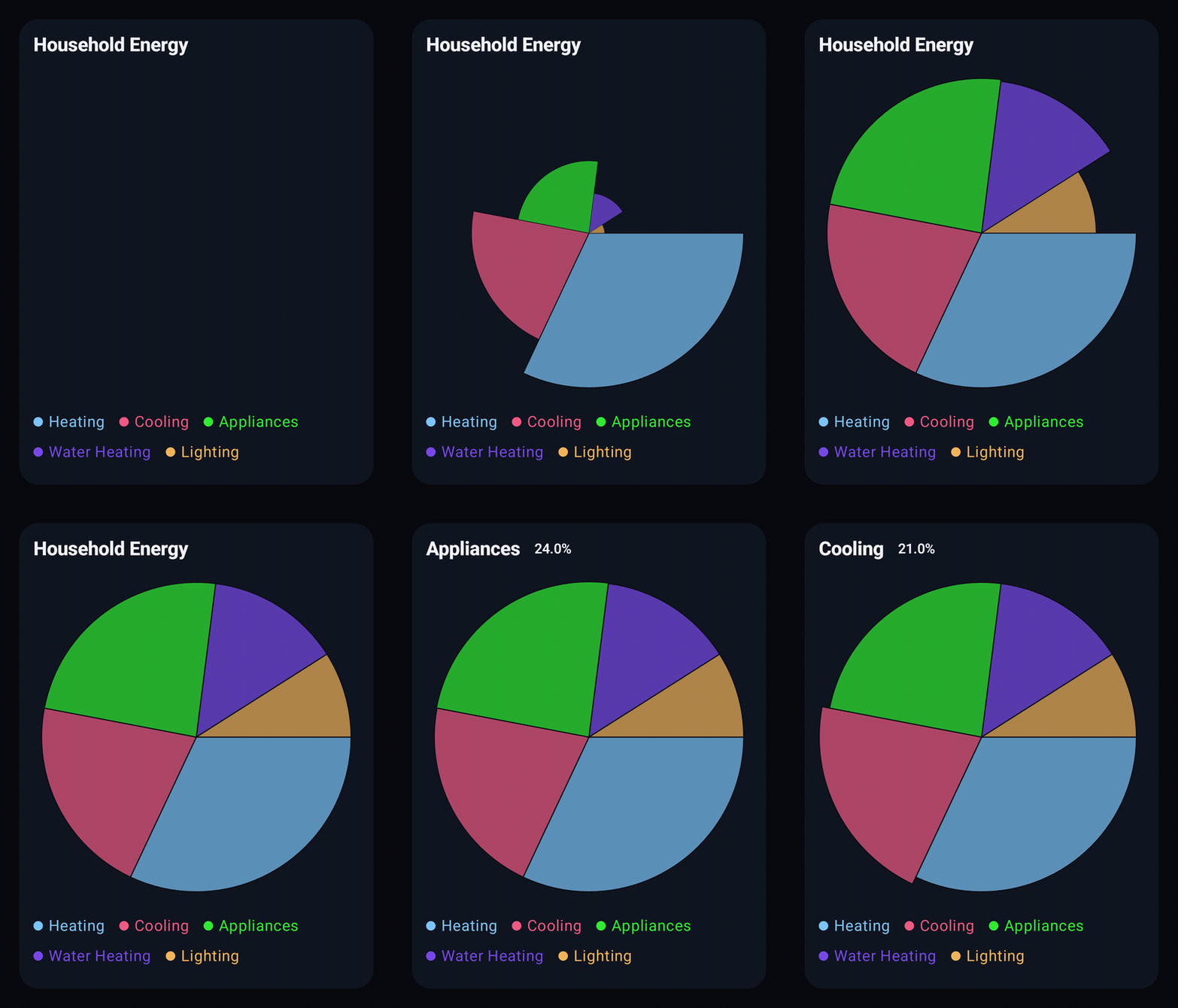
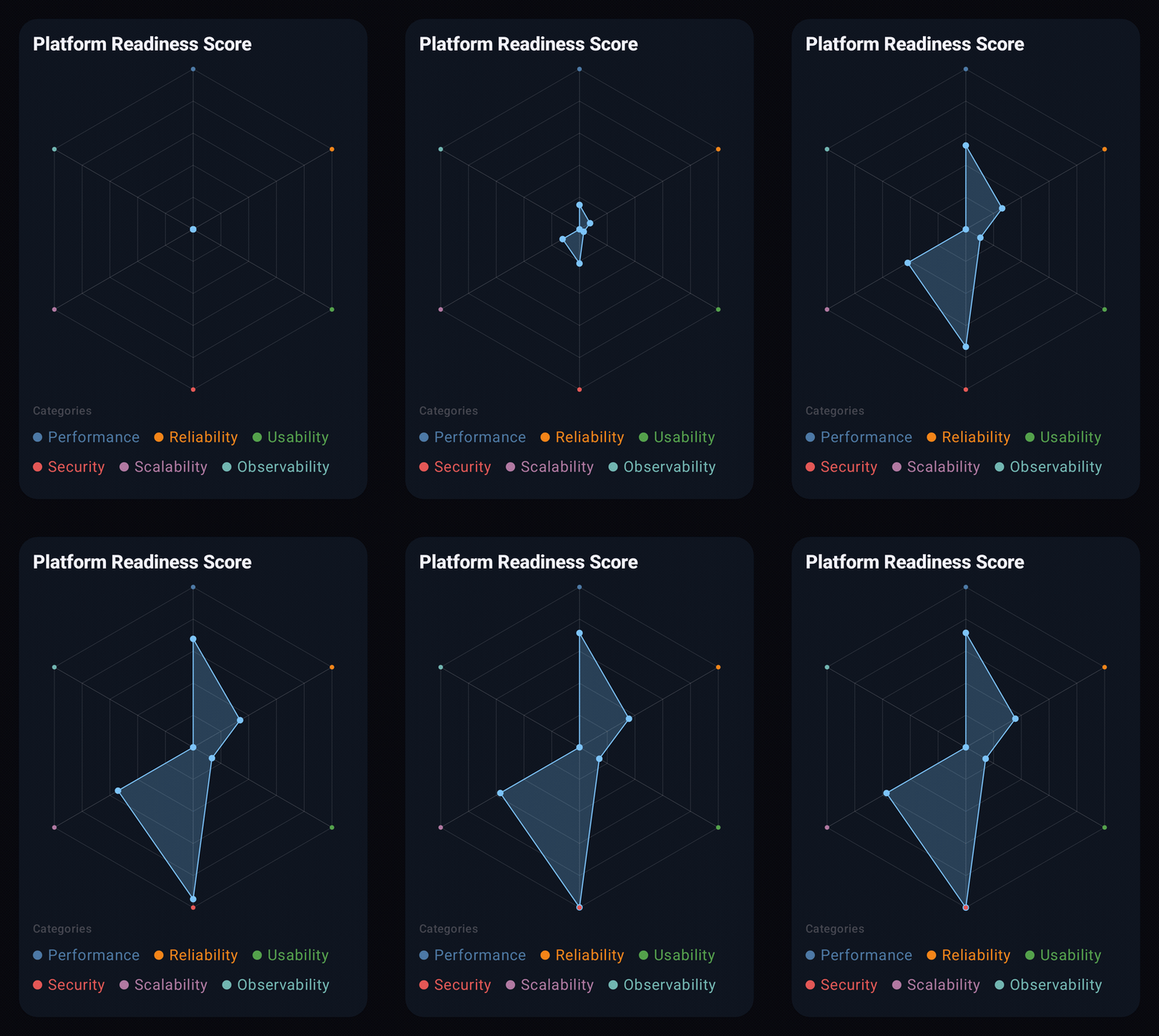
While working on my Charts library, I needed a reliable and automated way to generate GIFs from Jetpack Compose UI.
Every time I changed styling, themes, or APIs, I had to manually recreate demo GIFs for documentation. It was repetitive, time-consuming, and honestly frustrating.
You can explore the Charts documentation examples here: https://charts.harisdautovic.com/2.2.0/wiki/examples
I wanted something deterministic and automation-friendly, something that could generate GIFs directly from Composables without manual screen recording.
What it does
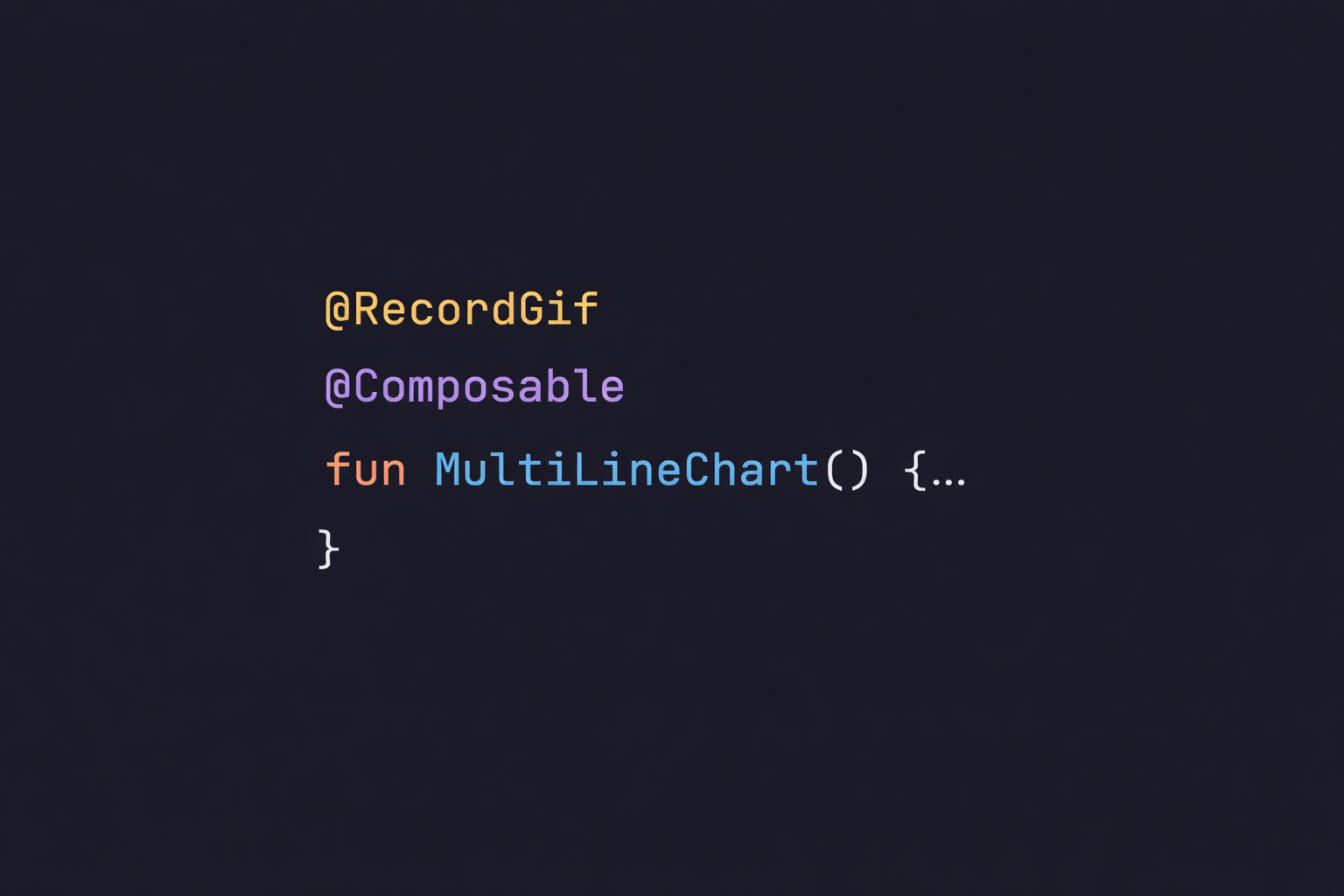
Compose GIF Recorder allows developers to generate GIFs directly from Jetpack Compose components using a simple annotation.
With just:
@RecordGif
@Composable
fun MyComponent() {
    // UI here
}
You can automatically generate optimized GIFs of your UI.
It’s designed for:
- Documentation
- Visual regression
- Demo previews
- CI pipelines
- Open-source libraries
How we built it
Compose GIF Recorder is built as a Gradle plugin combined with annotations.
The system:
- Detects Composables marked with
@RecordGif - Launches them in a controlled environment
- Handles multi-process communication
- Coordinates rendering and recording
- Captures frames programmatically
- Assembles optimized GIF files ready for publishing
The main focus was keeping the developer experience extremely simple while hiding the complex internals behind the scenes.
Challenges we ran into
One of the biggest challenges was multi-process communication.
The recording logic and the Compose rendering environment don’t operate in exactly the same context. Figuring out precisely when to start and stop recording turned out to be much harder than expected.
We couldn’t rely on simple lifecycle callbacks or fixed delays. That approach caused inconsistent results, especially when animations were involved. Sometimes we captured extra frames. Sometimes we missed important ones.
To solve this, we designed a more atomic-style frame capture approach.
Instead of recording a long continuous session and trimming it later, we capture frames in a controlled and synchronized way. Each frame is intentionally triggered and captured, making the process predictable and reproducible.
This allowed us to:
- Precisely control when recording starts
- Avoid capturing unwanted UI states (like app launch screens)
- Ensure deterministic outputs across runs
- Improve GIF size and optimization
Balancing automation, precision, and simplicity in the public API required multiple architectural iterations.
Accomplishments that we're proud of
- Turning an internal tooling problem into a reusable open-source solution
- Designing a very simple API (
@RecordGif) that hides complex internals - Making GIF generation automation-friendly and CI-compatible
- Eliminating manual screen recording from our documentation workflow
- Building something that other Compose developers can immediately use
What we learned
We learned that small developer frustrations can turn into powerful tools when properly abstracted.
We also learned:
- Simplicity in API design is harder than it looks
- Multi-process synchronization requires careful architectural thinking
- Deterministic automation is incredibly valuable for documentation and CI
- Tooling around a product can be just as impactful as the product itself
What's next for Compose GIF Recorder
- More configuration options (frame rate, duration, resolution)
- Advanced animation control
- Deeper CI integration
- Visual regression testing support
- Compose Multiplatform exploration
The long-term goal is simple: make GIF generation for Compose effortless and fully automated.


Log in or sign up for Devpost to join the conversation.