-
-
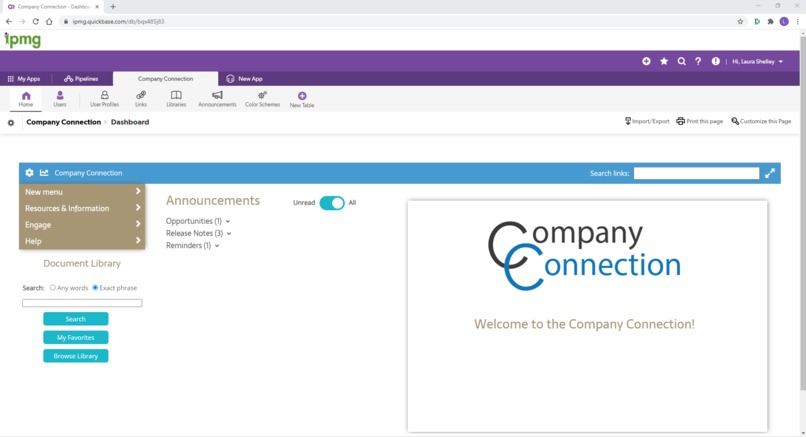
Company Connection Dashboard
Inspiration
I was inspired to develop Company Connection as I thought about challenges companies are currently facing with working remotely during the pandemic. I wanted to create a fully adaptable system that would improve upon the native functionality of Quick Base, that companies could use to streamline their communication and connection with their employees, whether they are working remotely or in an office.
What it does
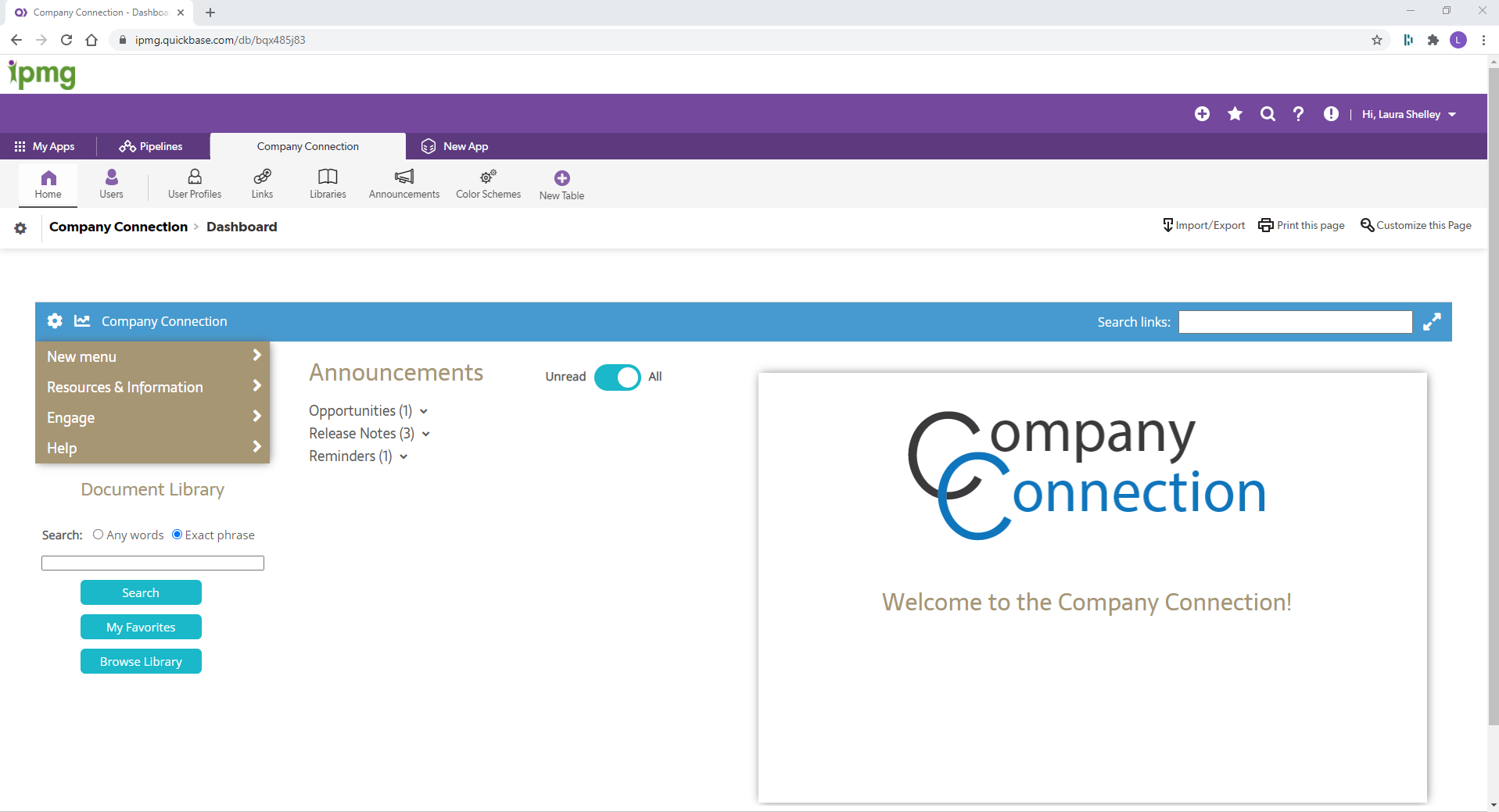
Company Connection was designed to be a one stop shop for company announcements, frequently accessed links, and a smart document library that adapts search results to become more relevant the more it is used.
Frequently Accessed Links The menu structure and menu items are easily customizable by users via the native Quick Base interface, and the menu links are searchable and can be favorited for easy access.
Smart Document Library The "smart" document library is browsable and searchable, and it "learns" from usage data to provide better search results over time. Relevant documents that have been downloaded or favorited more frequently will be prioritized toward the top of the search results. The system tracks whether searches were successful or unsuccessful (i.e. if the user either downloaded or favorited a document from the search results, the search is considered successful) and provides that data to app managers. This can help to identify which tags/keywords may need to be added to certain documents to further improve search results.
Announcements The announcements are categorized to help users easily determine which announcements are of most interest to them at the time. Categories are completely customizable by users in the Participants role via the Announcements table. Participants can also add new announcements and manage existing announcements in the same location. The Unread/All toggle switch allows users to see at a glance which announcements they have not read yet, while being able to reread announcements later if needed. Informative icons make it easy to see which announcements have been labeled Urgent, and which announcements have been modified since the last time they were read.
Color Schemes A variety of color schemes are provided with the app, but new color schemes can easily be added via the Color Schemes table. Users can change their color scheme preference by clicking the gear icon in the upper left corner of the dashboard interface. Color scheme preference and tour status are stored in the User Profiles table.
Reports Users in the Participants role have access to a variety of reports, which provide valuable data on how the app is being used. The reports icon does not appear for users in the Viewer role. Participant users can determine which documents users are downloading or favoriting the most frequently, which links app users are marking as favorites, the rate at which the announcements are being read, and the success of searches.
How I built it
I built a custom user interface using HTML, CSS, Javascript, and JQuery. I extensively used Quick Base's new RESTful API, as well as some minor usage of the old Quick Base API. I also incorporated some use of automations, primarily to manage what happens with the announcements.
Challenges I ran into
Initially, I designed the app to pull the dbids into a Javascript object using the RESTful API, but I learned through trial and error that this only works if the user is in the Admin role, or possibly if they have permission to edit app structure. Regardless, I ended up hard coding the dbids into my Javascript to enable the rest of the API calls to work.
Accomplishments that I'm proud of
This is the most complex system I have built to date, and I am quite proud of having designed and built it from the ground up.
What I learned
I became quite familiar and comfortable with Quick Base's new RESTful API while developing this app. I also learned how to use CSS variables for the color schemes, which I had never done before, and became more familiar with using Javascript objects.
What's next for Company Connection
My company is launching this dashboard on our main app for our employees, and we are also considering making it available to third parties.


Log in or sign up for Devpost to join the conversation.