-
-
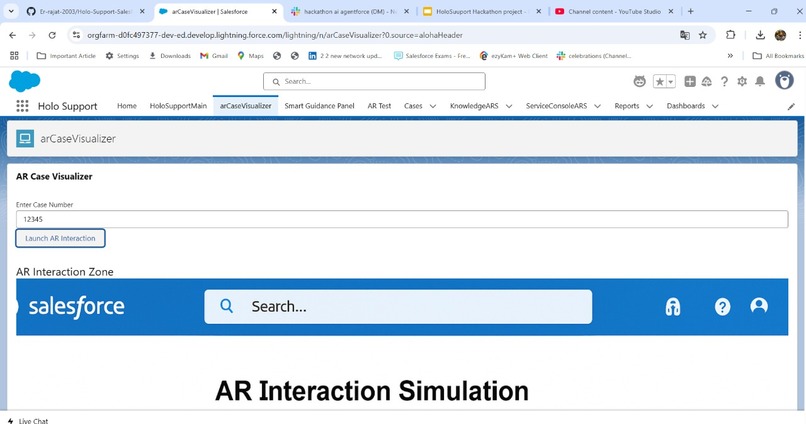
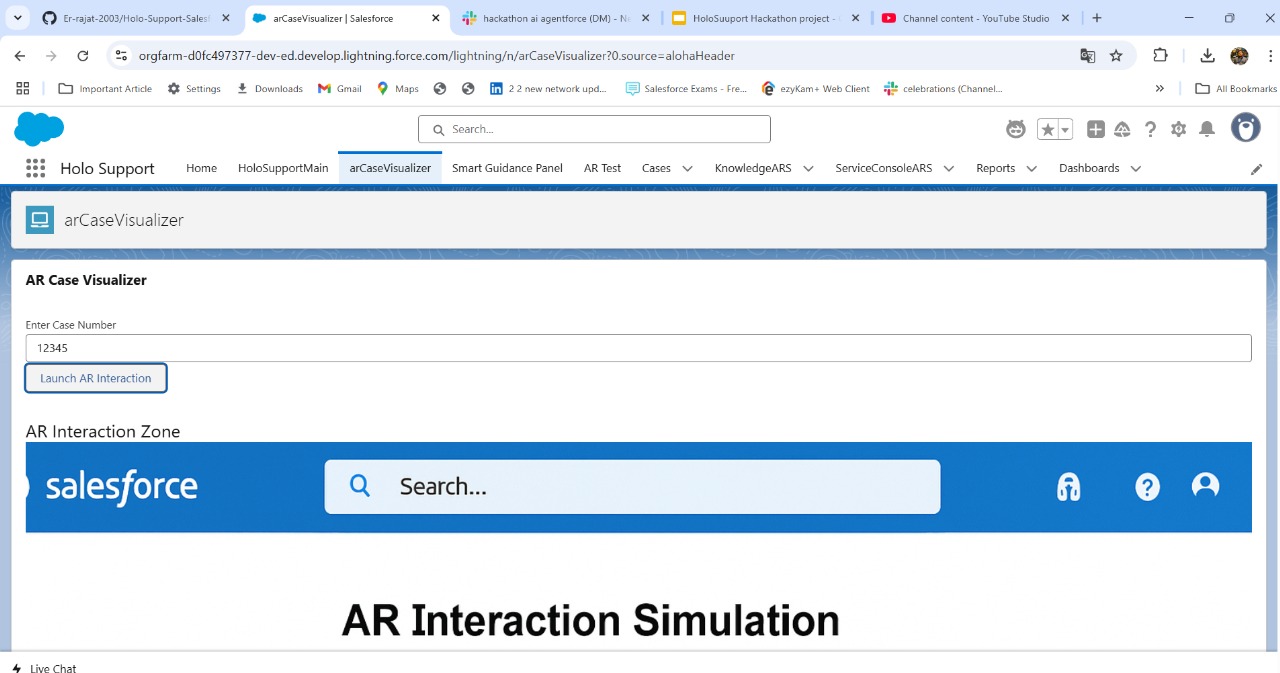
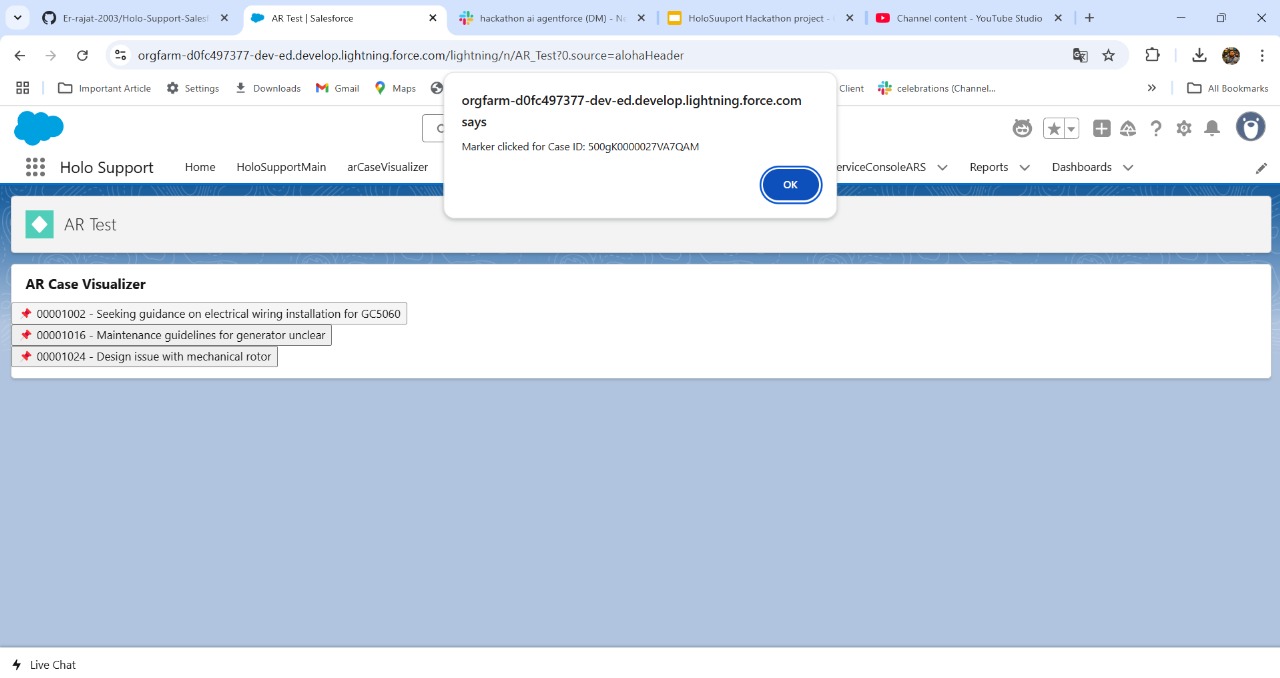
arCaseVisaulizer
-
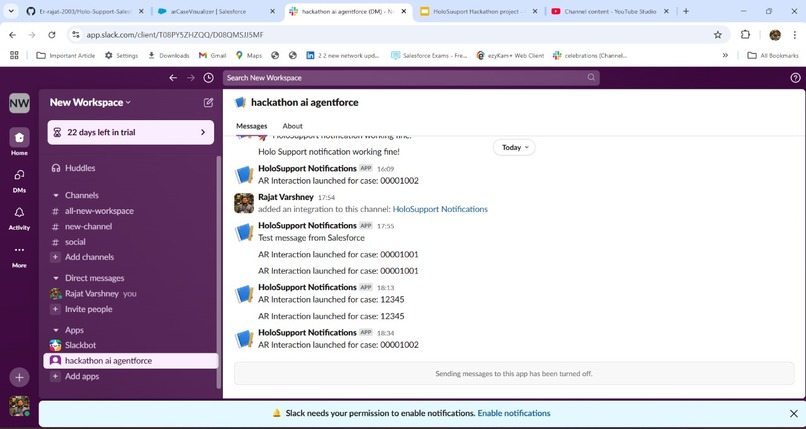
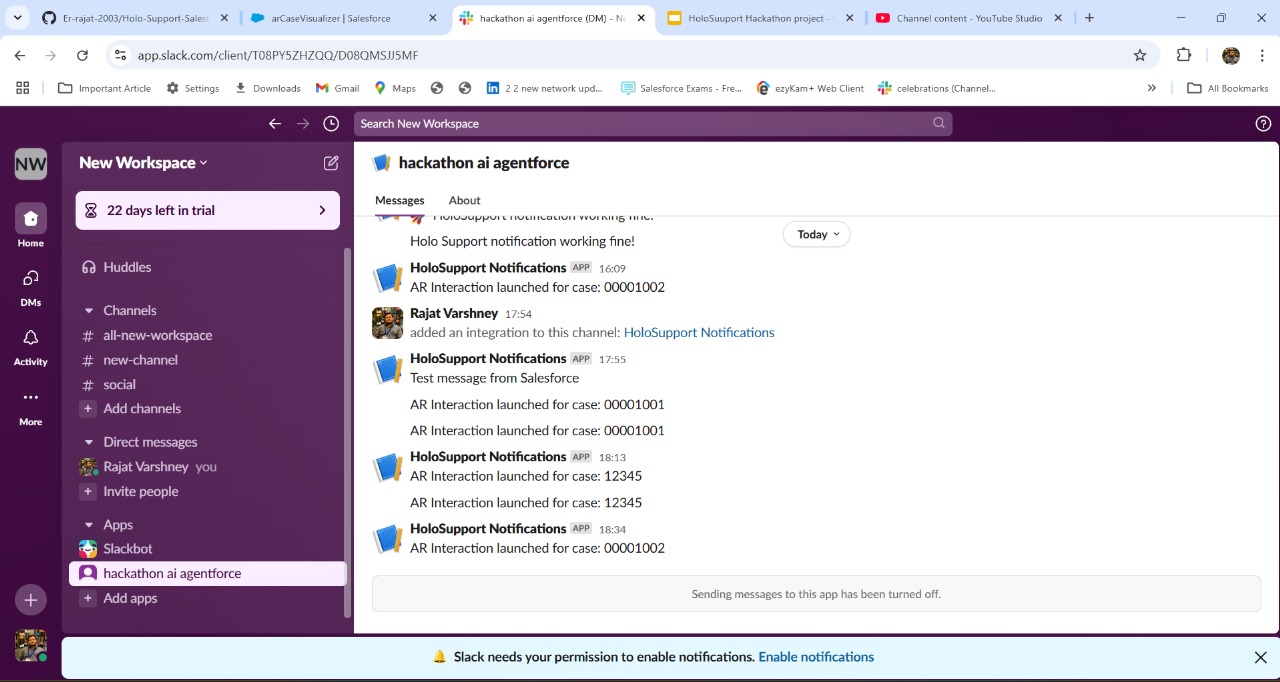
Slack Integration
-
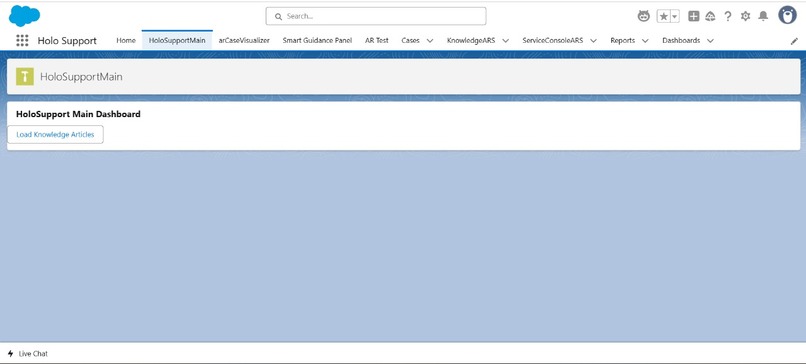
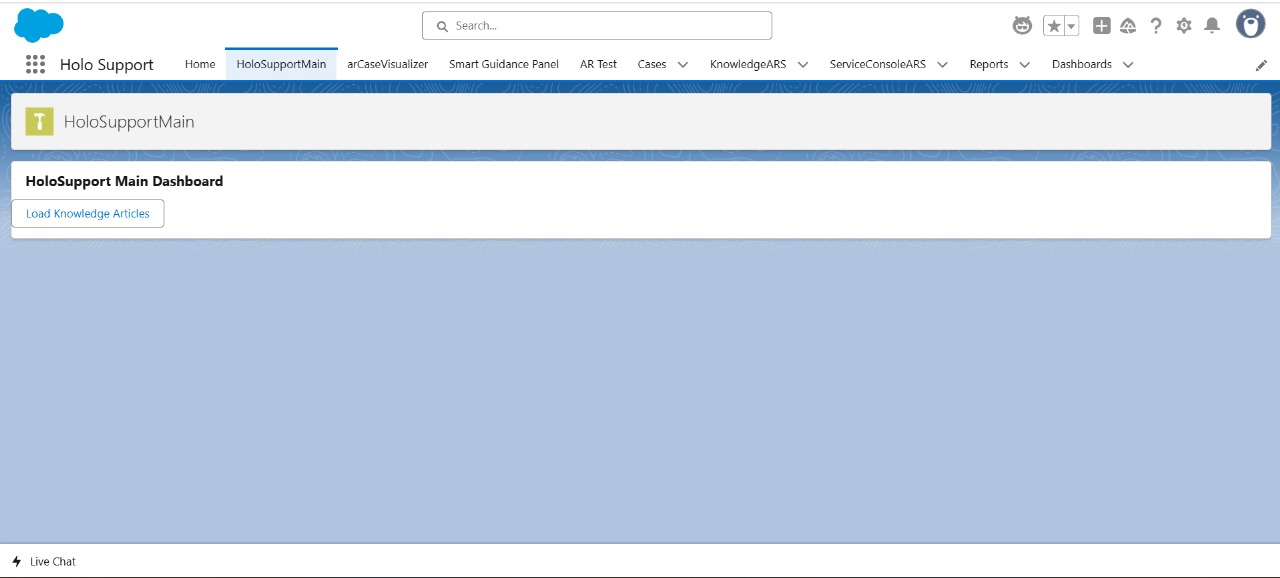
HoloSupport Main
-
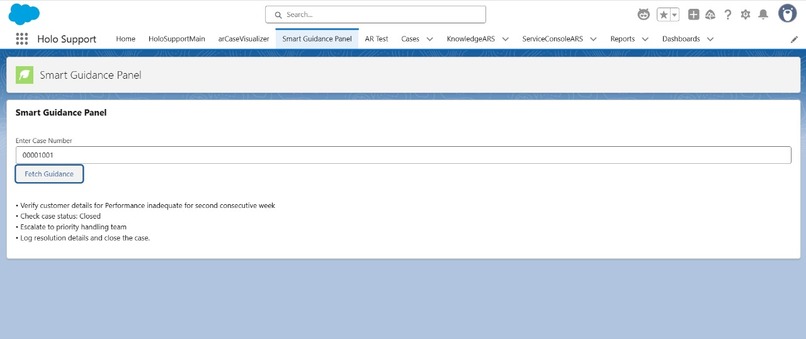
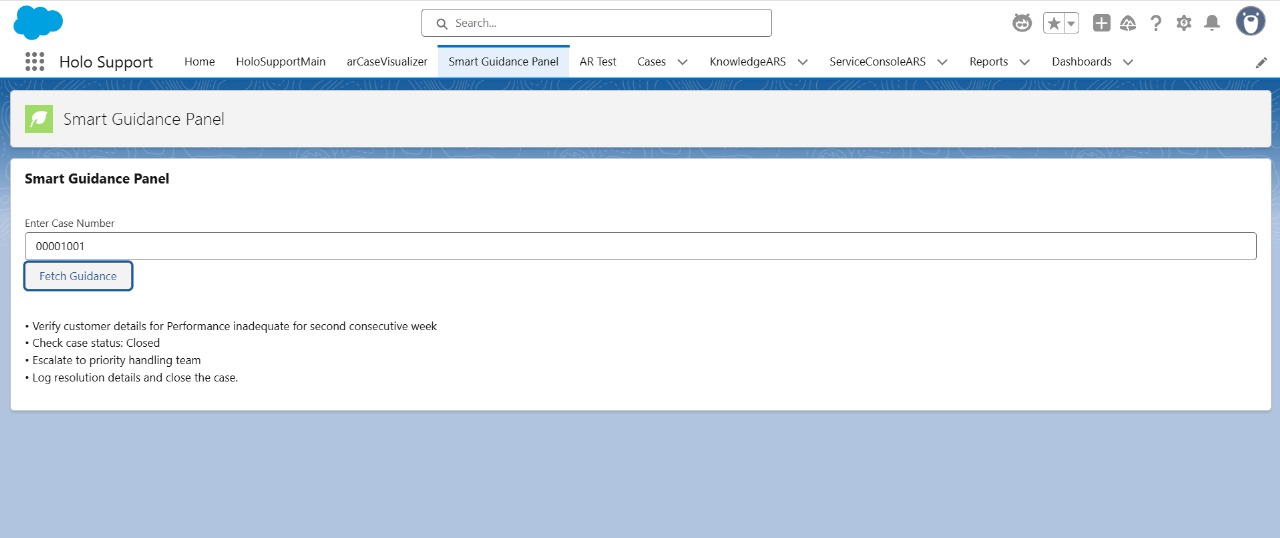
SmartGuidancePannel
-
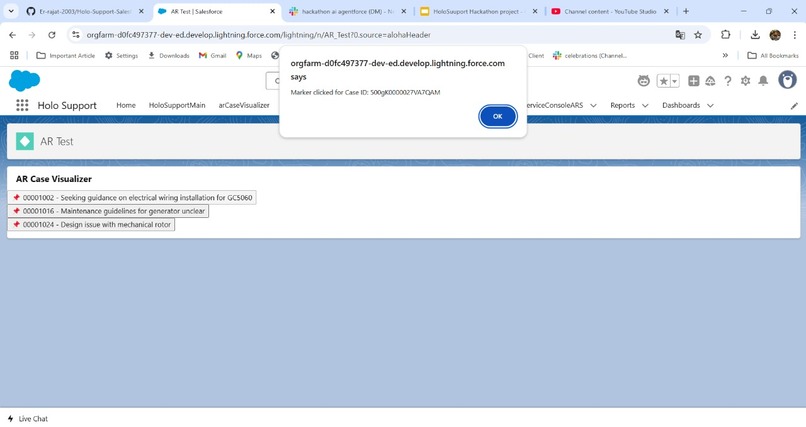
ARTest
Inspiration
The inspiration for HoloSupport: AR Assistance for Salesforce Agents came from observing how Salesforce agents often struggle to navigate complex data, systems, and customer processes. Text-based guides and traditional UI can overwhelm agents, leading to inefficiencies and a suboptimal customer experience. With the rise of Augmented Reality (AR) in various industries, I realized that AR could be a game-changer for Salesforce agents. It could provide hands-free, interactive, and real-time assistance, transforming how agents work and deliver customer support.
What it does
HoloSupport integrates AR technology to provide Salesforce agents with an interactive, visual layer over their Salesforce interface. Using AR, agents can see visual guides, step-by-step instructions, and dynamic information overlays while interacting with customer data. This approach minimizes cognitive overload and enables agents to quickly resolve issues and deliver solutions in real time. Whether it’s guiding them through complex workflows or offering contextual assistance, HoloSupport aims to boost agent productivity and enhance customer experience.
How we built it
We built HoloSupport using a combination of Salesforce’s Lightning Web Components (LWC) and AR frameworks. Here's a brief overview of the tech stack:
Salesforce Platform: Used for integration with the agent’s interface.
Augmented Reality: We integrated an AR SDK to visualize Salesforce data and provide a hands-free interface for agents.
Visual Overlay: Leveraged AR to create contextual visual aids that overlay on top of Salesforce data, offering real-time guidance and tutorials.
User Interface: Designed a lightweight, intuitive UI that integrates seamlessly with Salesforce’s existing environment.
Challenges we ran into
Technical Integration: Integrating AR with Salesforce’s existing UI presented significant challenges, especially when ensuring compatibility with Lightning Web Components and ensuring real-time data accuracy.
UI/UX Design: Creating an intuitive and non-disruptive AR interface that enhances the agent experience rather than overwhelming them was tricky.
Performance Optimization: Balancing the performance of AR rendering with the speed of Salesforce data retrieval was a key challenge.
Accomplishments that we're proud of
Innovative Integration: We successfully integrated AR with Salesforce, a first-of-its-kind solution for assisting agents in real-time.
Improved Efficiency: Preliminary tests show that AR guidance helps agents reduce decision-making time and improve resolution times.
User-Centric Design: The interface is designed with Salesforce agents in mind, ensuring ease of use and minimal disruption to their workflow.
What we learned
AR for Enterprise: We learned how to effectively leverage AR to solve real-world enterprise problems. AR isn’t just for consumer applications; it has huge potential in the enterprise sector.
Salesforce Ecosystem: We gained deeper insights into Salesforce’s capabilities, especially in terms of custom components, integrations, and the power of the platform for building custom solutions.
What's next for HoloSupport: AR Assistance for Salesforce Agents
The next steps for HoloSupport include:
User Testing: Conducting extensive testing with Salesforce agents to refine the experience and ensure the solution is intuitive and useful.
Feature Expansion: Adding more complex AR features, such as predictive insights and AI-driven recommendations, to help agents make more informed decisions.
Wider Adoption: Exploring opportunities to roll out HoloSupport across different Salesforce clouds (Sales Cloud, Service Cloud, etc.) to benefit a larger group of agents.
Partnerships: Collaborating with Salesforce and AR tech providers to integrate and scale HoloSupport across industries.
Built With
- a-frame
- ar.js
- database
- git
- google-cloud
- heroku
- html/css
- javascript
- lwc
- platform
- salesforce
- three.js

Log in or sign up for Devpost to join the conversation.