Inspiration
Growing up in a suburban neighborhood, I watched our local community garden struggle with disorganized plot assignments, forgotten planting tasks, and scattered tool sharing. Neighbors wasted time tracking down supplies or coordinating harvest swaps, and events felt disjointed. I wanted to create a single hub that would turn chaos into connection—something simple enough for volunteer coordinators and gardeners of all skill levels to use effortlessly.
What it does
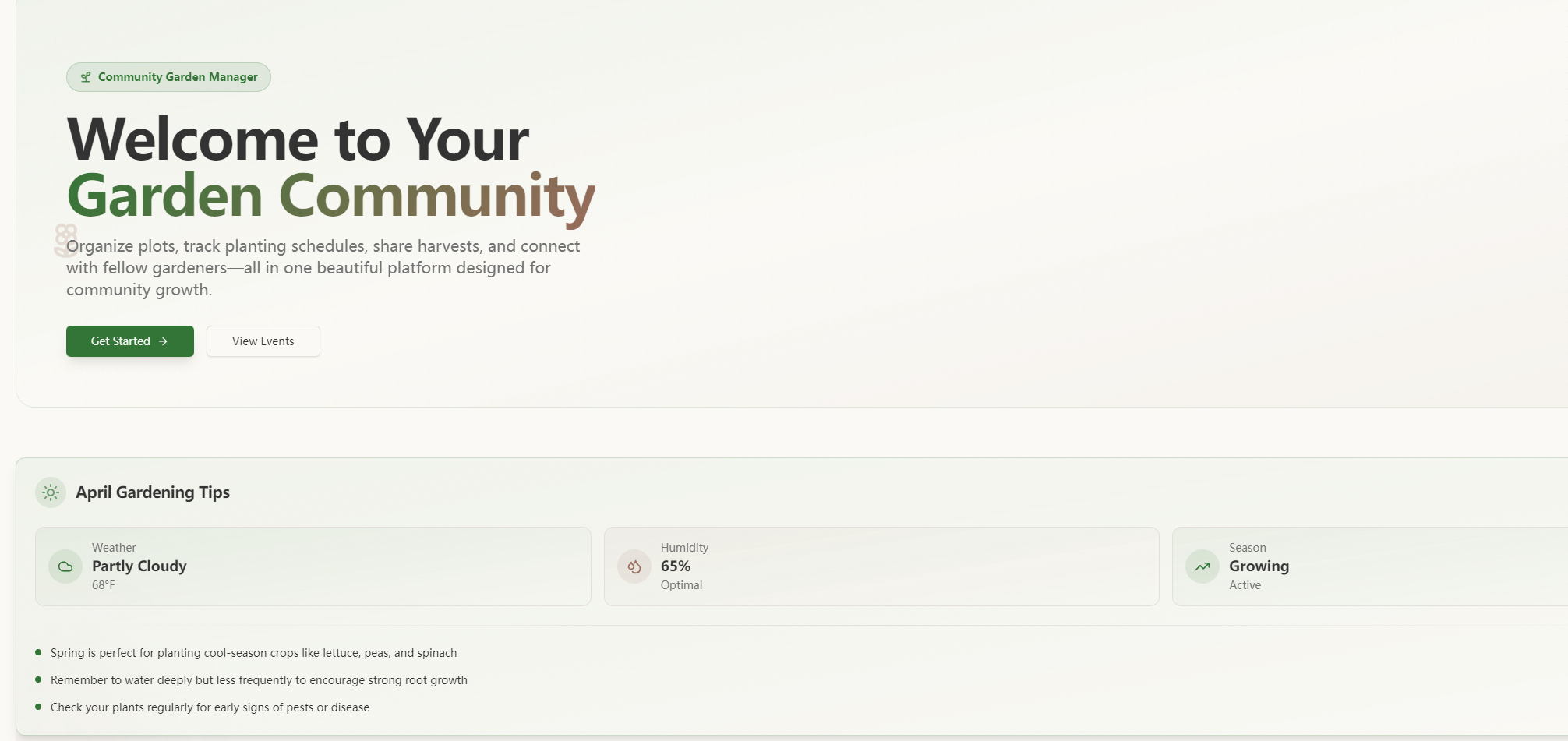
Community Garden Manager centralizes every aspect of community gardening: it visualizes plot assignments and statuses, displays seasonal planting calendars with crop-specific reminders, tracks shared tool availability, hosts a harvest exchange for surplus produce, and organizes garden events like workshops and plant swaps. It’s designed to keep the community connected and gardening efficient.
How we built it
I started by mapping core user needs—talking to local garden coordinators to identify pain points. Then I structured the UI around six key modules (Dashboard, Plot Management, etc.), prioritizing a clean, minimalist design with intuitive navigation. I built the front end with React and Bootstrap for responsiveness, used JSON for data structuring, and integrated lightweight plugins for calendar interactivity and status tracking. Testing focused on ensuring seamless navigation between modules and clear visual cues (color-coding, status indicators).
Challenges we ran into
The biggest hurdle was balancing simplicity with functionality—avoiding overcomplicating the tool while ensuring it covered all core needs. Visualizing plot statuses in a user-friendly map format also took multiple iterations to make intuitive. Additionally, aligning the planting calendar with regional seasonal norms required research to ensure task reminders felt relevant to local growing cycles.
Accomplishments that we're proud of
We created a tool that feels truly community-centric—every feature ties back to making garden coordination easier for volunteers and more enjoyable for plot holders. The responsive design works seamlessly on desktop (the primary use case), and user testing with local gardeners showed immediate adoption of key features like the harvest exchange and event sign-up.
What we learned
I learned the value of centering user feedback in every step—small adjustments (like simplifying the plot edit function) made a huge difference in usability. I also deepened my understanding of balancing aesthetic design with functional logic, and how to prioritize features to avoid scope creep in a community-focused project.
What's next for this project
Short-term, we’ll refine the tool based on ongoing feedback from local garden groups—adding subtle filtering for harvest listings and event categories. Long-term, we hope to explore lightweight mobile optimization (for on-the-go tool check-ins) and integrate basic weather insights to align planting tasks with local conditions, keeping the tool rooted in real-world gardening needs.

Log in or sign up for Devpost to join the conversation.