Inspiration
Every developer has typed git log and watched a wall of text scroll past. It tells you what happened, but not where the big changes were, who made them, or what kind of work each one was. We wanted to see a project's history instead of reading it.
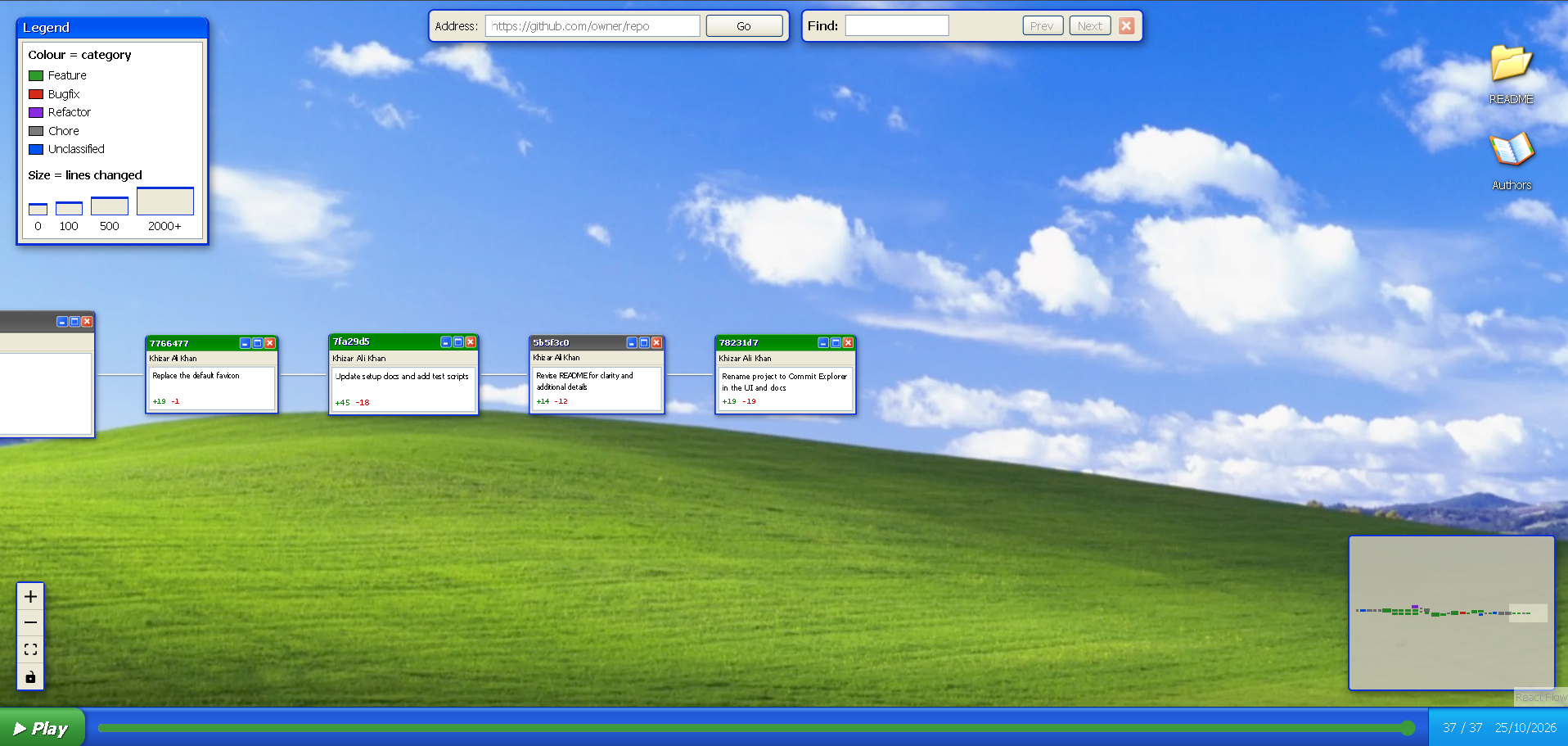
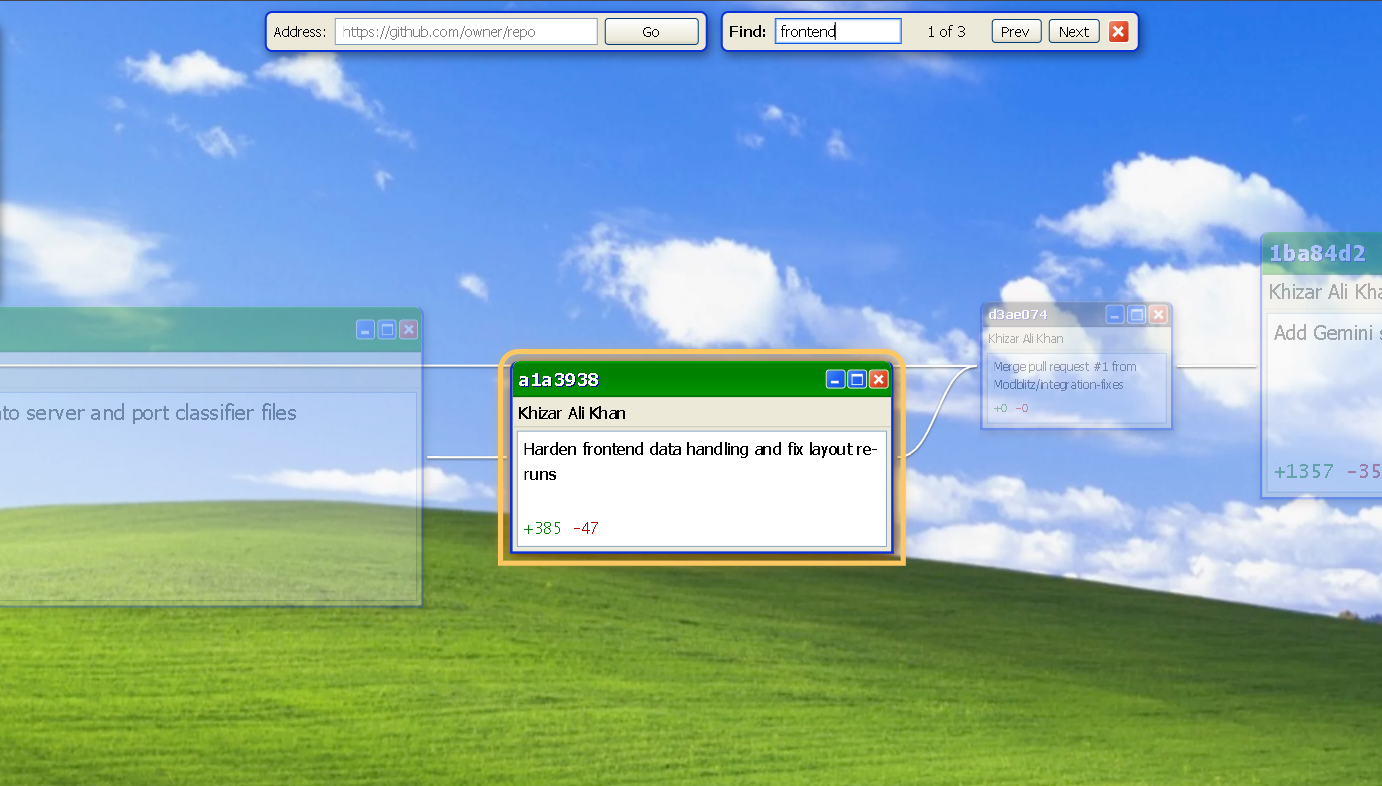
The Windows XP look came from going for the theme track Y2K and also because a commit already looks like a window. It has a title bar (the short hash), a body (the message) and a status line (lines added and removed). So we drew every commit as an XP window, which means the theme carries information instead of just decorating the page.
What it does
Commit Explorer turns any public GitHub repo's history into a graph you can pan, zoom, search and play back.
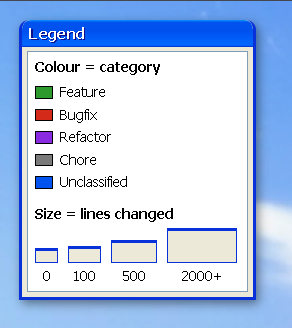
- The size of the window shows how much changed. Big refactors and code dumps are big windows, one-line fixes are small ones.
- Colour shows what kind of change it was. Every commit is tagged Feature, Bugfix, Refactor or Chore by a model that runs in the browser, with no account or API key.
- When you press play the project draws itself commit by commit while the screen follows the newest one.
- Paste any
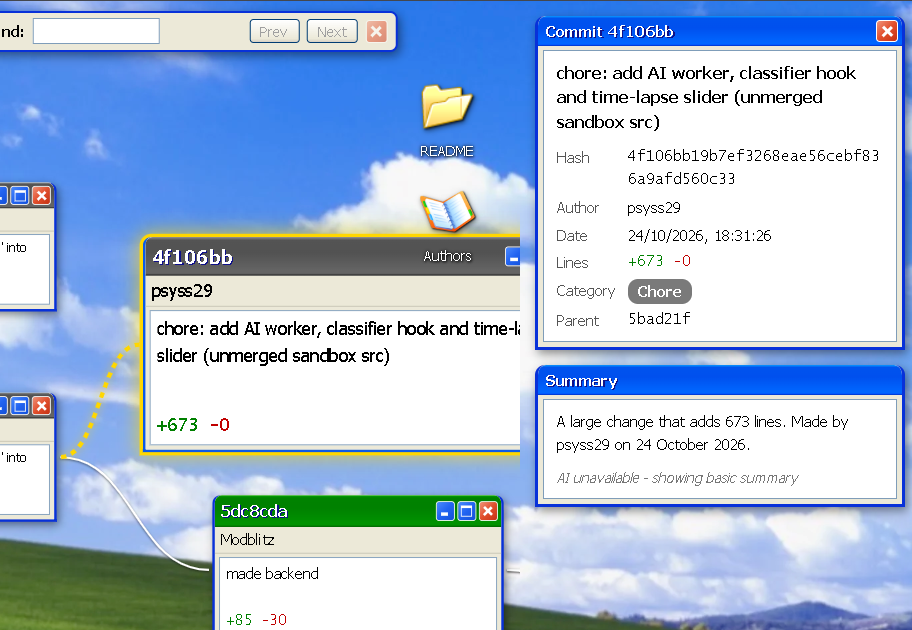
https://github.com/owner/repointo the address bar and it loads that repo's history. - You can find commits by message, author or hash, click a node for the full details, and open the README and Authors windows from the desktop icons.
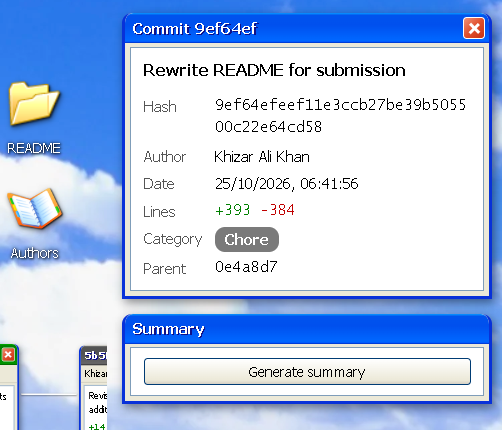
- Optional summaries. A Generate summary button describes a commit in plain English. It works with or without a Gemini key.
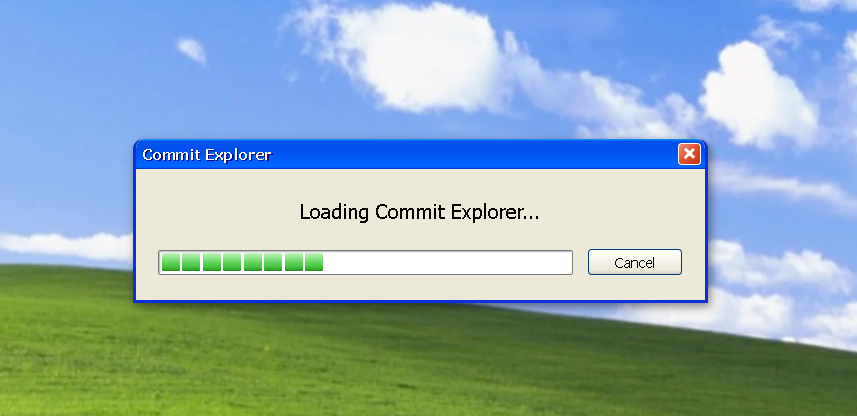
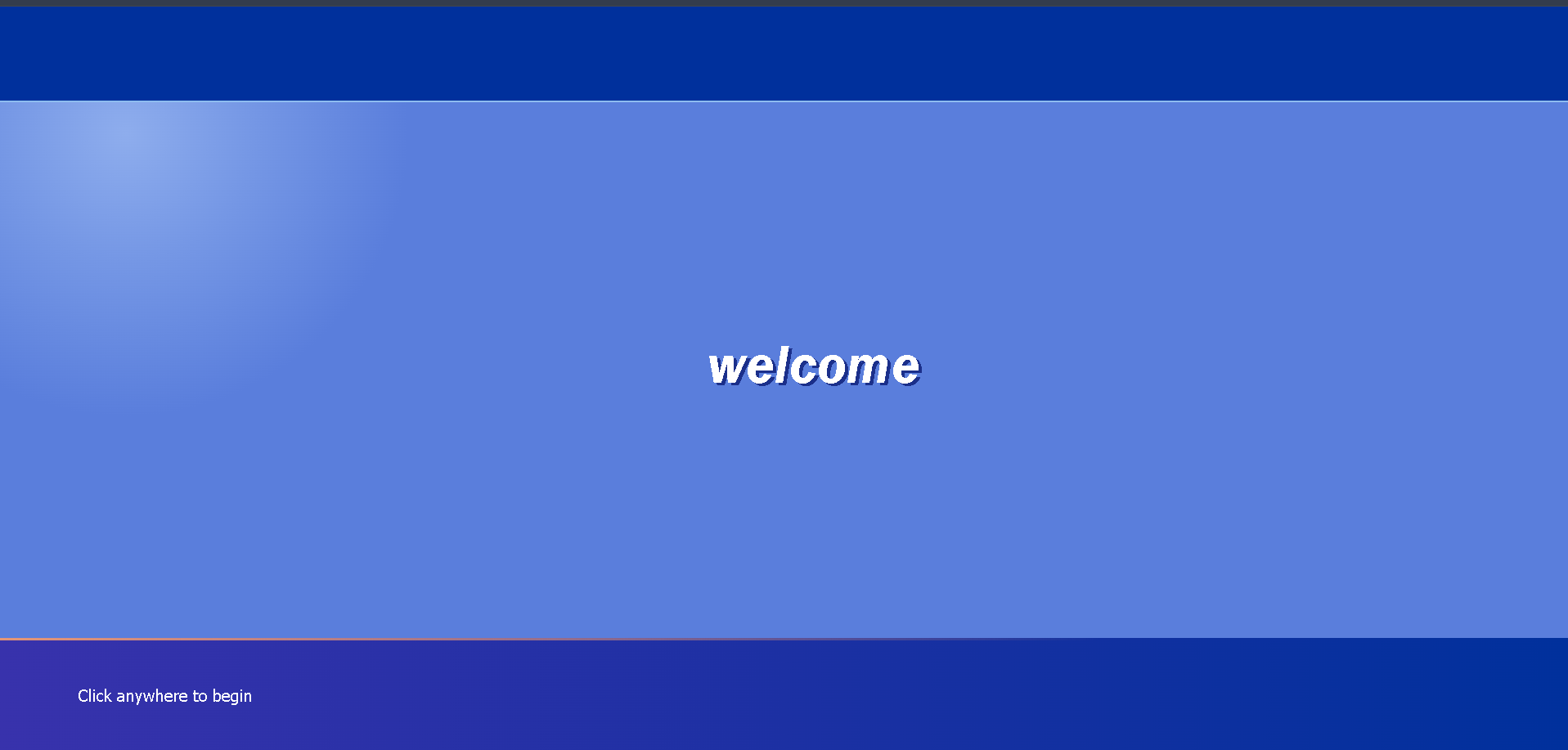
- A full XP boot screen with the startup sound, because it follows the Y2K theme.
How we built it
- Front end: React and Vite, with React Flow to draw the commit graph and dagre to lay it out left to right. The whole interface is styled as Windows XP using plain CSS and Tailwind.
- Back end: Node and Express run the real
gitcommands on the repo and send the history to the browser as JSON. For GitHub links, it clones the repo first. - Local AI: a small pre-trained model (
mobilebert-uncased-mnli) runs in the browser through Transformers.js and a Web Worker. It reads each commit message and sorts it into Feature, Bugfix, Refactor or Chore. Nothing is sent to a server for this. - Uses Zero-Shot classification to weight each commit message to a specific category and automatically chooses the highest weighting category. Also incorporates fallbacks in case there is no strong weighting, preventing inaccurate category selection.
- Optional summaries: Google Gemini 3.5 flash api writes a short description of a commit. It is off by default, and the app falls back to a basic summary when it is off or unavailable.
Challenges we ran into
- Getting used to React, Vite and Node. We were learning the tools while building with them, which made a lot of the work confusing
- Getting all the pieces working together. The server, the graph and the AI model each worked on their own before they worked together. Connecting them through the Vite proxy, the shared data shape and the worker's messages took a lot of fixing.
- Parsing real git output. Messages contain pipes, quotes, emoji and Windows line endings. Splitting on a control character instead of a pipe, fixed it.
- Making size mean something without hiding the text. Our smallest commits became too short to show their own message, so node height now comes from the text size.
- Three people working in parallel. multiple features were relying on each others work so we had a few merge conflicts trying to resolve them was challenging.
- Honest limits for a small local model. Judging intent from a short message is hard, so low-confidence commits stay uncoloured rather than wrong.
Accomplishments that we're proud of
- Classification runs entirely in the browser. Commit messages never leave your machine for it.
- It works on any public GitHub repo, not just the one we are demoing it with.
- The time-lapse never makes the layout jump.
- The whole thing can run with no API key at all.
What we learned
- How zero-shot classification works: a model trained on "does sentence A support sentence B" can sort commits into categories we choose, with no training of our own.
- How to run a model off the main thread with Web Workers.
- How to read git's output reliably, and why you agree on a data contract before you split up the work.
What's next for Commit Explorer
- Smarter classification using commit prefixes like
fix:andfeat:and the files that changed, not just the message. - Merging authors who commit under more than one name.
- Filters by category, author and date range, and labels for branches and tags.
- Showing the diff in the side panel and linking each node to GitHub.
- Loading big repos in pages, private repos with a token, and other hosts such as GitLab.
- Exporting the time-lapse as a GIF or video.
Built With
- css3
- dagre
- express.js
- git
- github
- google-gemini
- html5
- hugging-face
- javascript
- node.js
- react
- react-flow
- tailwindcss
- transformers.js
- vite
- web-workers


Log in or sign up for Devpost to join the conversation.