MX CommerceOps — A Tactile Commerce Cockpit
DevStudio Logitech 2026 Hackathon Pitch
The Problem
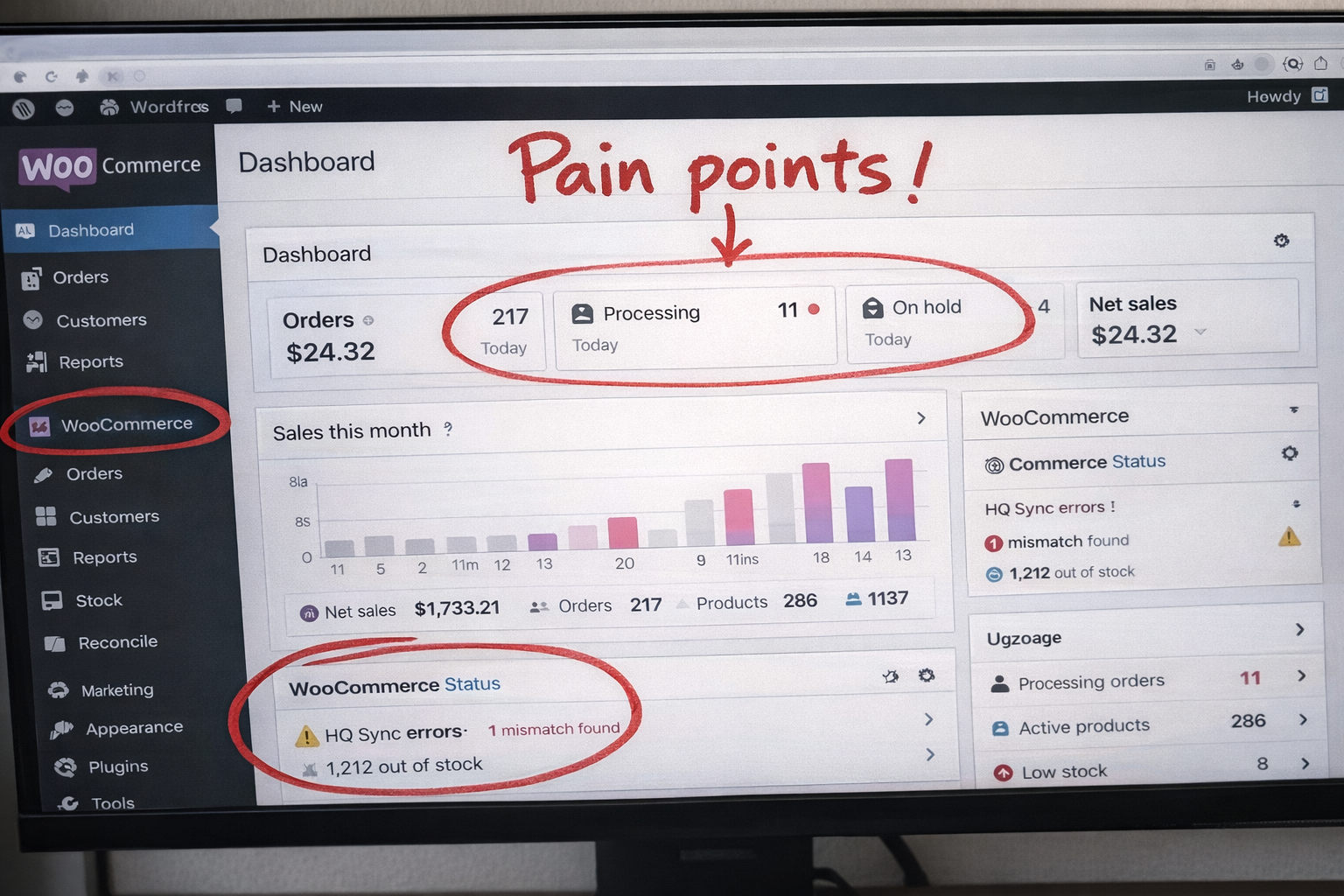
E-commerce operators live in browser tabs. Managing a WooCommerce store across multiple channels (Shopify, TikTok Shop) means constantly switching between dashboards to sync catalogs, fix pricing mismatches, triage orders, and chase inventory discrepancies.
This is slow, error-prone, and exhausting:
- Repetitive workflows executed manually, every single day
- Mismatches between platforms go unnoticed until a customer complains
- No single view of what's wrong and what needs fixing
- High cognitive load from juggling multiple admin panels
The result: missed revenue, out-of-sync listings, delayed fulfillment, and operator burnout.
The Solution
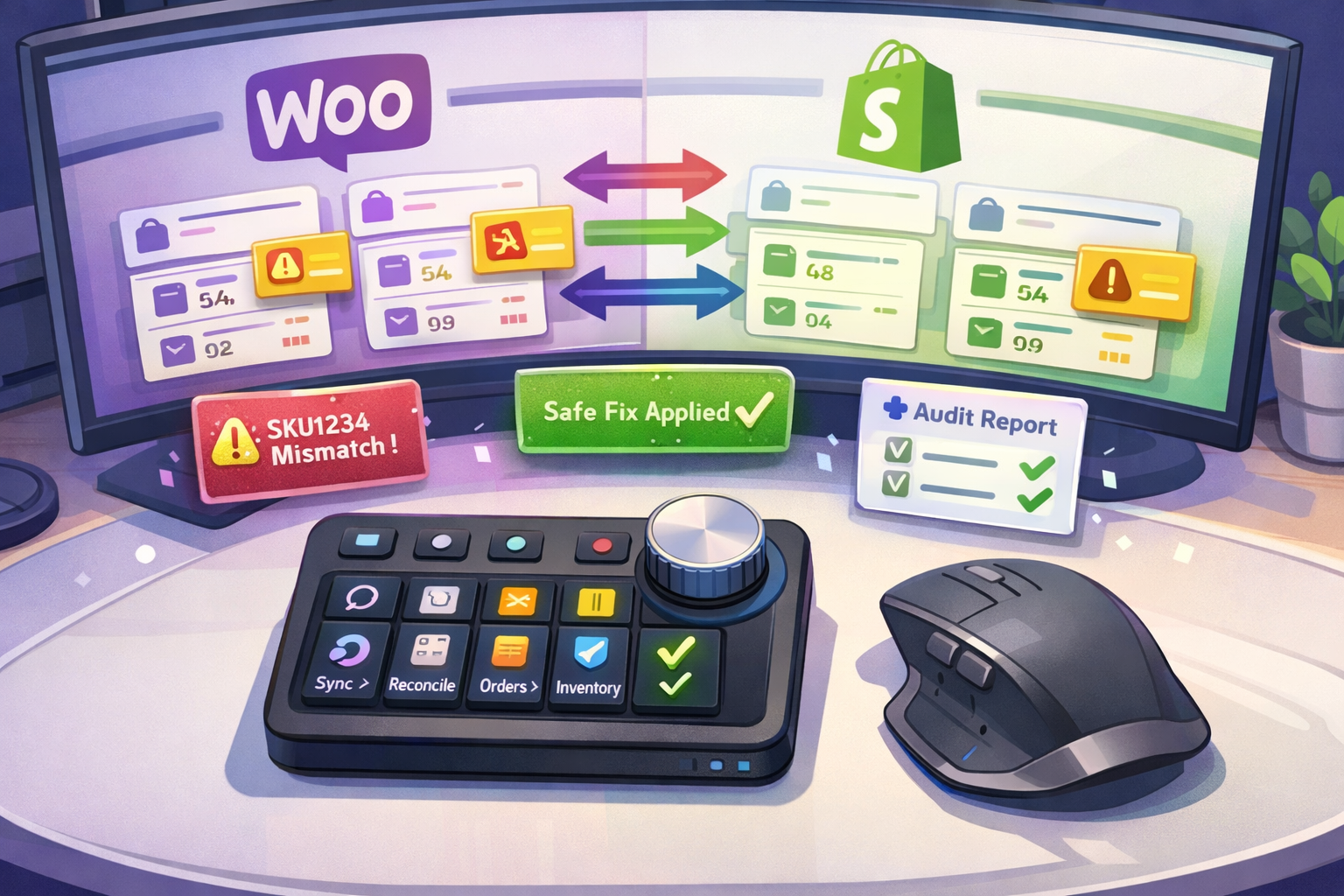
MX CommerceOps turns the Logitech MX Creative Console, MX Master 4, and Actions Ring into a physical operations cockpit for WooCommerce.
MX CommerceOps makes Ops people and store owners lazier and richer!
Instead of clicking through dashboards, operators press a button to run a workflow, turn a dial to review mismatches, and confirm a fix with a single tap — all without leaving their desk or opening a browser.
The system pairs two technologies:
- Claude Code Skills — reusable AI-powered workflow playbooks (structured prompts + scripts) that handle the heavy lifting: fetching data, computing diffs, generating reports, and applying guardrailed updates.
- Logitech Actions SDK — a plugin that maps MX hardware controls to those workflows, providing instant triggers, browsable results, and status at a glance.
Everything runs locally. No new web app. No WordPress plugin. The operator's machine calls WooCommerce and Shopify REST APIs directly, stores reports and state locally, and surfaces everything through hardware controls.
Features
Skill-based Automations (the brains)
| Skill | What it does | Trigger |
|---|---|---|
woo-delta-sync |
Pulls products changed since last run, computes a sync plan, optionally applies safe updates (price/stock only) | Every 12h or manual |
woo-daily-reconcile |
Compares WooCommerce vs Shopify vs TikTok Shop, produces a mismatch report with SKU-level detail | Daily or manual |
woo-order-triage |
Classifies last 24h orders by risk/blockers, generates a priority queue | Daily or manual |
woo-enrichment-draft |
Generates SEO titles, bullets, meta descriptions, alt text as patch files for human review | Manual only |
woo-apply-safe-fix |
Applies a guardrailed fix for a single SKU (price/stock), logs every change | Manual per SKU |
Every skill defaults to dry-run mode — it produces a plan and diff before touching anything. A "safe mode" toggle restricts unattended writes to price and stock fields only. Every run generates an audit report.
Hardware Controls (the hands)
| MX Control | Action |
|---|---|
| Actions Ring slice | Trigger any skill: "Daily Reconcile", "Delta Sync", "Order Triage" |
| Creative Console dial | Scroll through mismatch cards (SKU by SKU) |
| Creative Console button | Confirm "Apply Safe Fix" for the selected SKU |
| Creative Console soft keys | Jump between sections: Inventory / Pricing / Content / Orders |
| MX Master 4 gesture button | Open the CommerceOps Actions Ring profile |
| Status overlay (HUD) | Last run time, mismatch count, error count, safe mode on/off |
Architecture at a Glance
flowchart TD
  OP[Operator<br/>MX Master 4 / Creative Console / Actions Ring]

  OP -->|triggers workflow| SKILL_PATH
  OP -->|instant UX action| REG_PATH

  subgraph SKILL_PATH[Skill-based Automations]
    direction TB
    S1[woo-delta-sync]
    S2[woo-daily-reconcile]
    S3[woo-order-triage]
    S4[woo-enrichment-draft]
    S5[woo-apply-safe-fix]
  end

  subgraph REG_PATH[Regular Automations - Actions SDK]
    direction TB
    R1[Open Latest Report]
    R2[Browse Mismatch Cards]
    R3[Toggle Safe Mode]
    R4[Status Overlay HUD]
  end

  subgraph EXEC[Skill Execution Layer - Claude Code]
    direction LR
    CC[Claude Code<br/>SKILL.md + scripts] --> DIFF[Diff engine<br/>plan + guardrails]
  end

  subgraph APIS[External APIs]
    direction LR
    WC[WooCommerce REST API]
    SH[Shopify Admin API]
    TK[TikTok Shop API]
  end

  ART[Local artifacts<br/>reports / state.json / config.json]

  S1 & S2 & S3 & S4 & S5 --> EXEC
  EXEC <-->|read/write| APIS
  EXEC -->|generates| ART

  R1 & R2 & R4 -->|reads| ART
  R3 -->|toggles| ART
Why Logitech MX Creative + Skills Makes Sense
1. Hardware solves the interface problem
E-commerce automation already exists — but it lives behind dashboards and browser tabs. The MX Creative Console and Actions Ring bring those workflows to the operator's fingertips. A dial to scroll mismatches, a button to approve a fix, a ring slice to trigger a reconciliation. No context switching. No tab hunting.
2. Skills solve the reliability problem
Ad-hoc scripts break. Manual processes drift. Claude Code Skills package each workflow as a structured, versioned playbook with built-in guardrails (dry-run defaults, safe mode, audit trails). They're repeatable, schedulable, and reviewable.
3. Together they create a new interaction pattern
No existing tool combines physical hardware controls with AI-powered commerce workflows. This isn't "AI in a browser" or "a better dashboard." It's a tactile operations surface where the operator stays in flow — reviewing, approving, and acting through muscle memory instead of mouse clicks across admin panels.
4. Local-first means zero deployment friction
Everything runs on the operator's machine. No SaaS subscription. No server to maintain. No WordPress plugin to install. Just API keys, a Claude Code, and MX hardware. This makes it accessible to solo operators and small teams who can't afford enterprise tooling.
5. The market gap is real
AI tools for e-commerce are booming — but they're all plugin-centric or dashboard-centric. Nobody has built a hardware-native commerce operations layer. MX CommerceOps positions Logitech MX devices as the physical interface for AI-powered business operations, not just creative workflows.
Demo Flow (Hackathon MVP)
- Press Actions Ring → "Daily Reconcile" → skill runs, generates mismatch report
- Turn Creative Console dial → browse mismatches SKU by SKU
- Press "Apply Safe Fix" → updates Shopify price/stock from WooCommerce (guardrailed)
- Press "Open Latest Report" → audit trail shows exactly what changed
Time from trigger to actionable plan: under 10 seconds.
Build Plan
| Day | Deliverable |
|---|---|
| Day 1 | Implement core skills + scripts (WooCommerce REST API, Shopify Admin API), local report generation |
| Day 2 | Actions SDK plugin: map device controls to skill triggers, dial browsing, report opening |
| Stretch | TikTok Shop integration (price/stock updates) once API permissions are confirmed |
Platform Note
The Logi Actions SDK (Node.js) currently runs on Windows only; macOS support is coming soon. Claude Code runs natively on Windows, making it a natural fit for the Actions SDK today. All skills and API scripts are cross-platform — once macOS Actions SDK support ships, the stack works there too with zero changes.
References
Built With
- woocommerce

Log in or sign up for Devpost to join the conversation.