ComicTutor Devpost project details
About the project
Inspiration
When GPT Image 2 arrived in ChatGPT, I started experimenting with image reasoning and generation to turn real experiences into illustrated comic stories. I shared those comics with friends, and they genuinely enjoyed both the stories and the idea behind them.
That reaction led to a bigger question: what if difficult lessons could feel as engaging and memorable as those stories?
Most learning tools still present complex ideas as dense paragraphs, static slides, or disconnected multiple-choice questions. Even when AI explains something correctly, the learner still has to work out what to ask, how to remember it, and how to check whether it truly clicked. We wanted to turn that fragmented process into one simple loop: source, story, recall, and feedback.
That became ComicTutor.
What it does
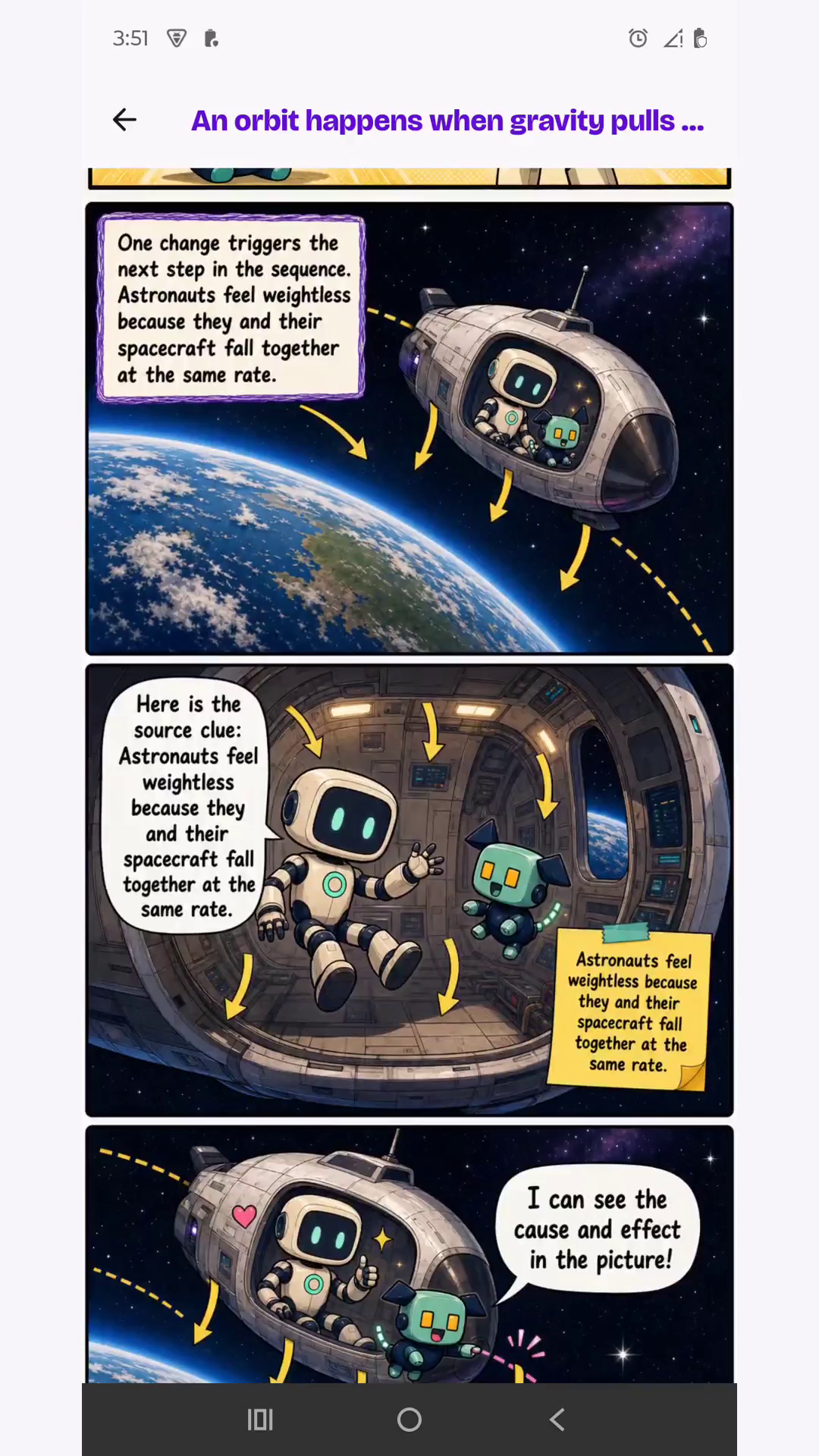
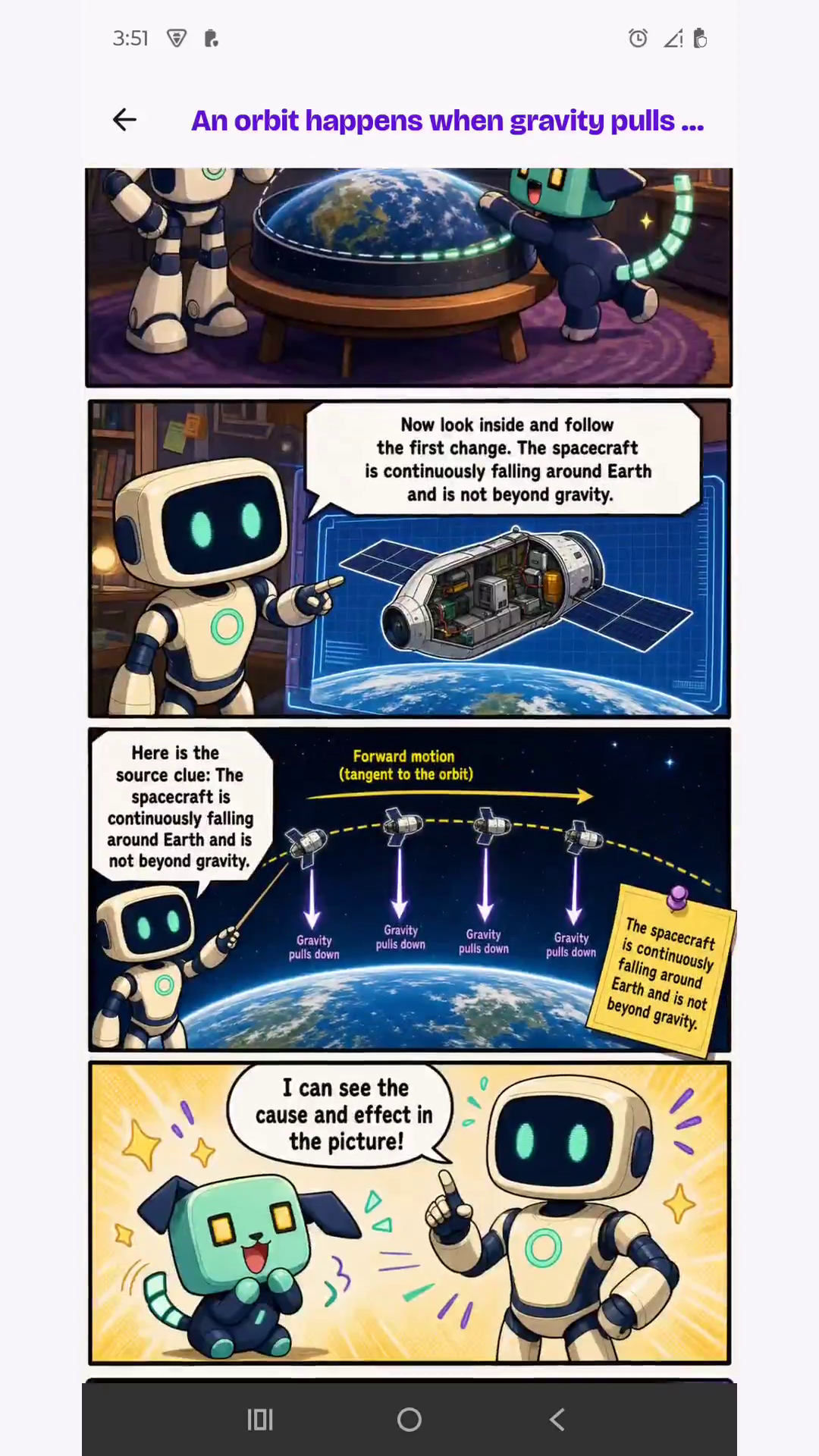
ComicTutor is a mobile learning app that turns a difficult topic, pasted text, or supported file into an illustrated vertical comic lesson.
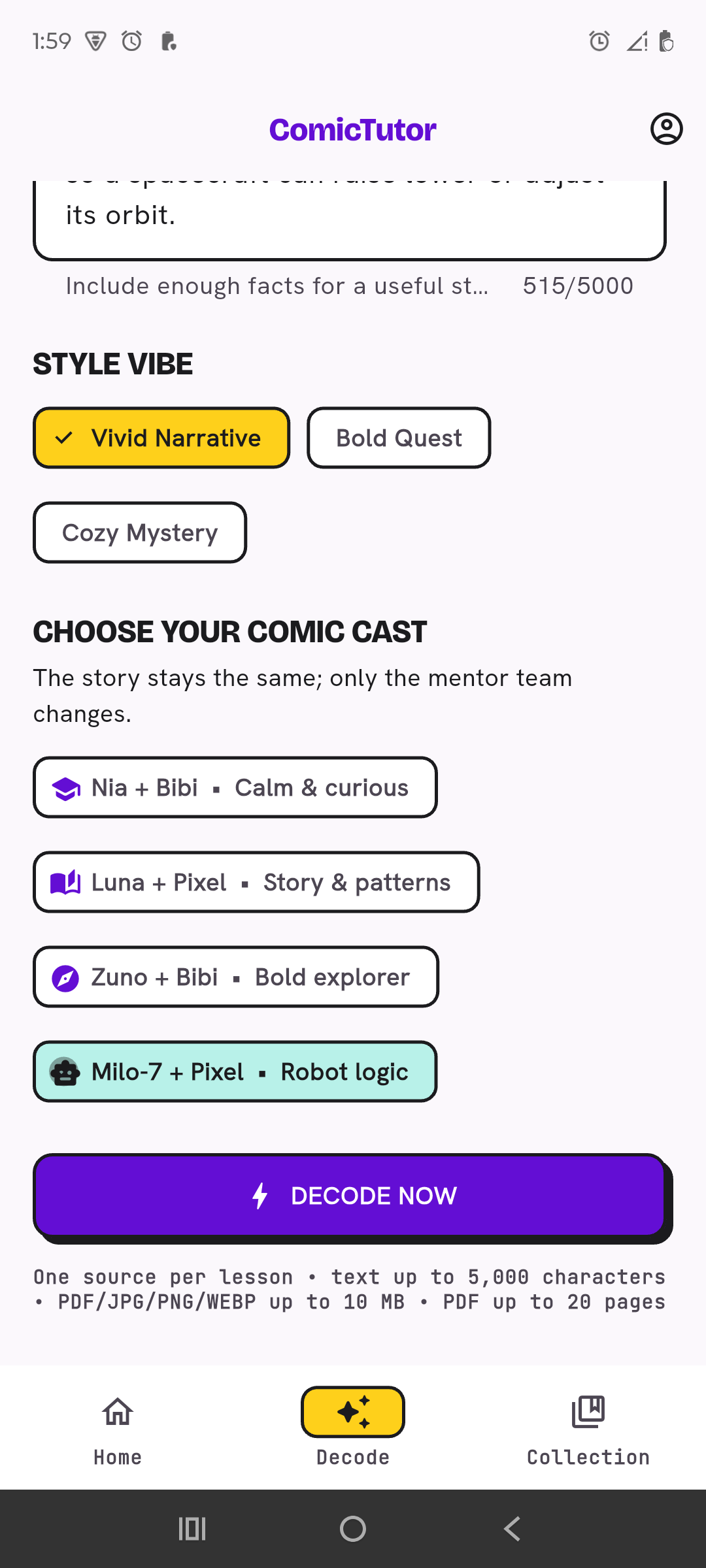
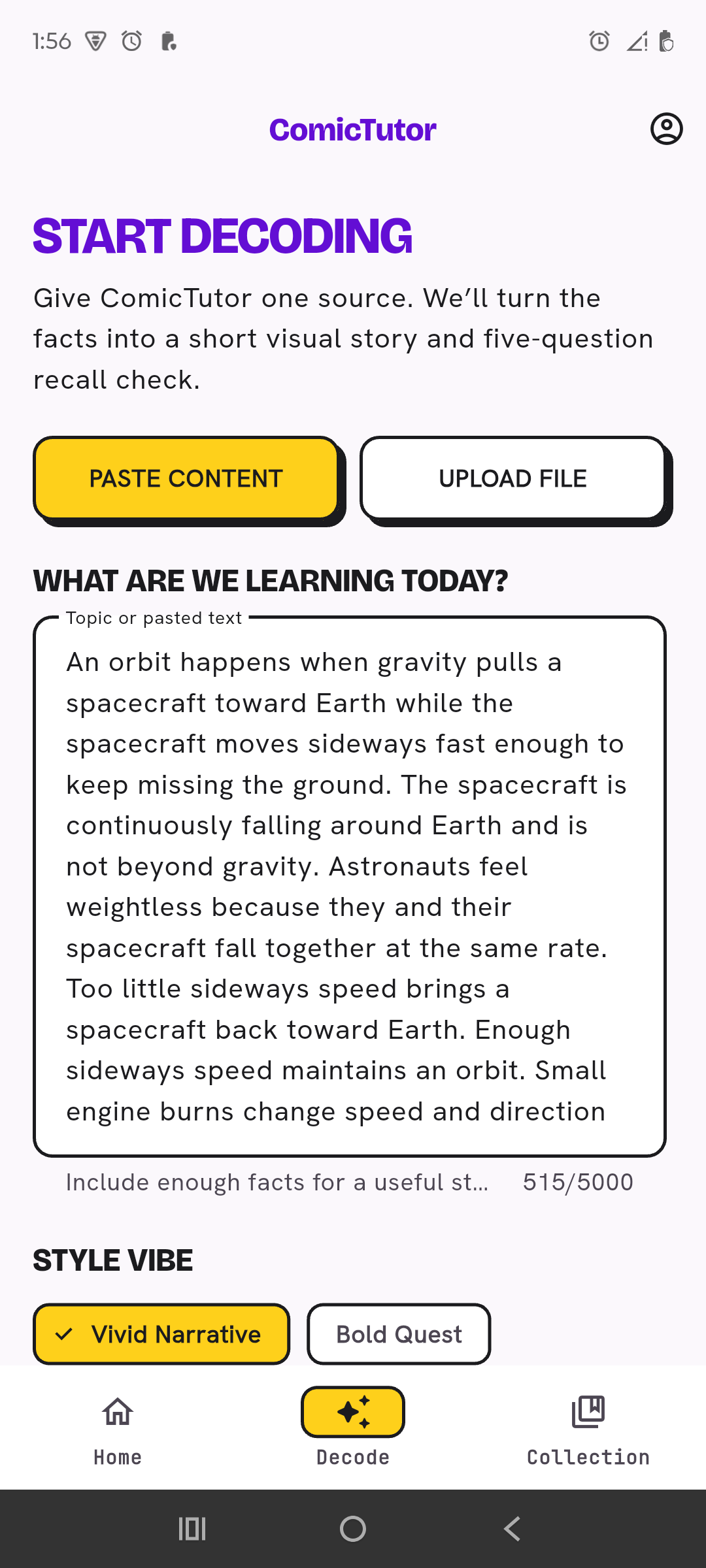
The learner opens Decode, provides one source, chooses a visual vibe and a character team, and starts the lesson build. ComicTutor extracts the important facts, plans a coherent story, and creates four to six mobile-friendly comic pages with recurring characters, dialogue, captions, diagrams, cutaways, and visual explanations.
Learning continues after the comic:
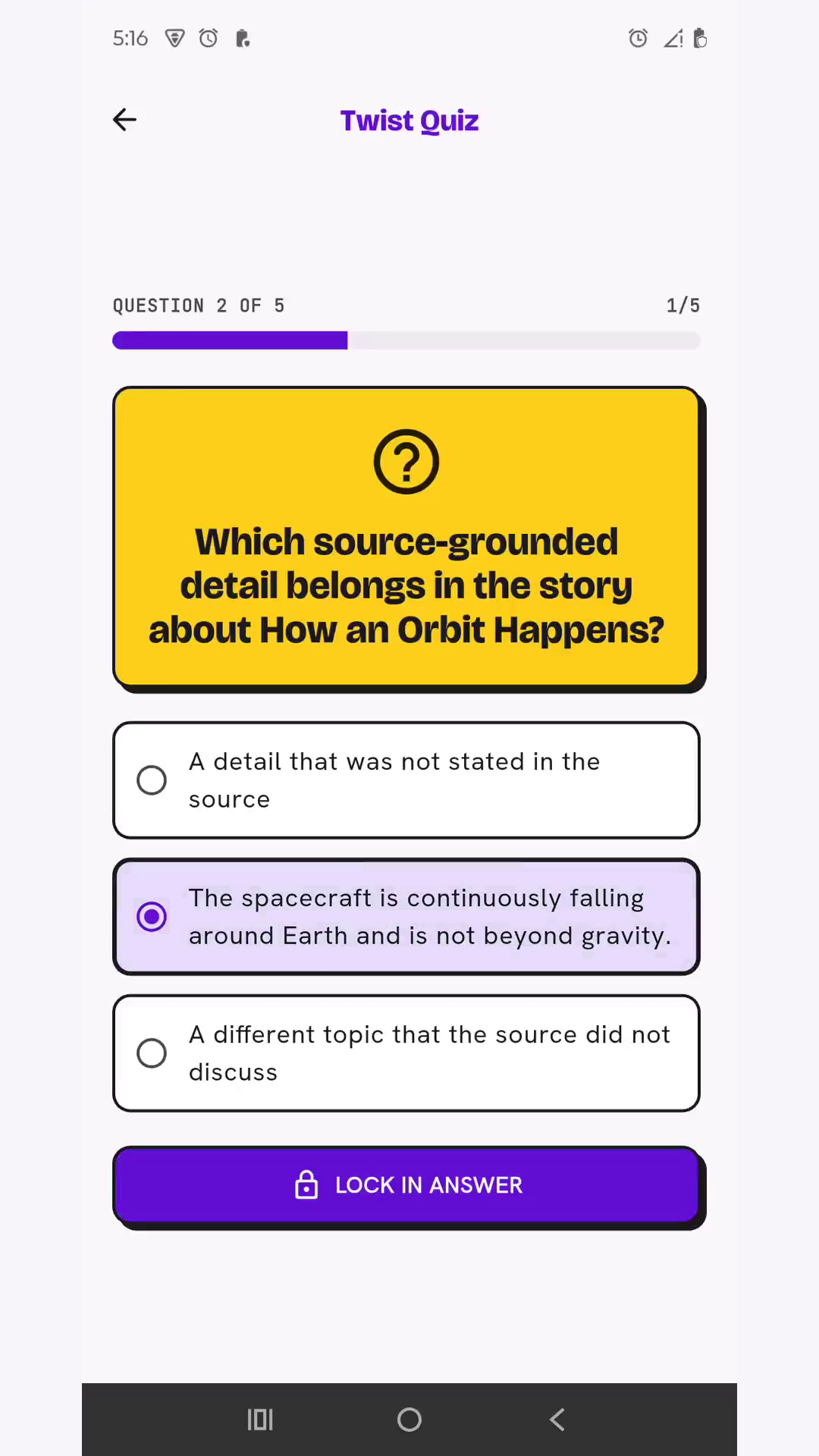
- A five-question Twist Quiz is built from the lesson's actual content.
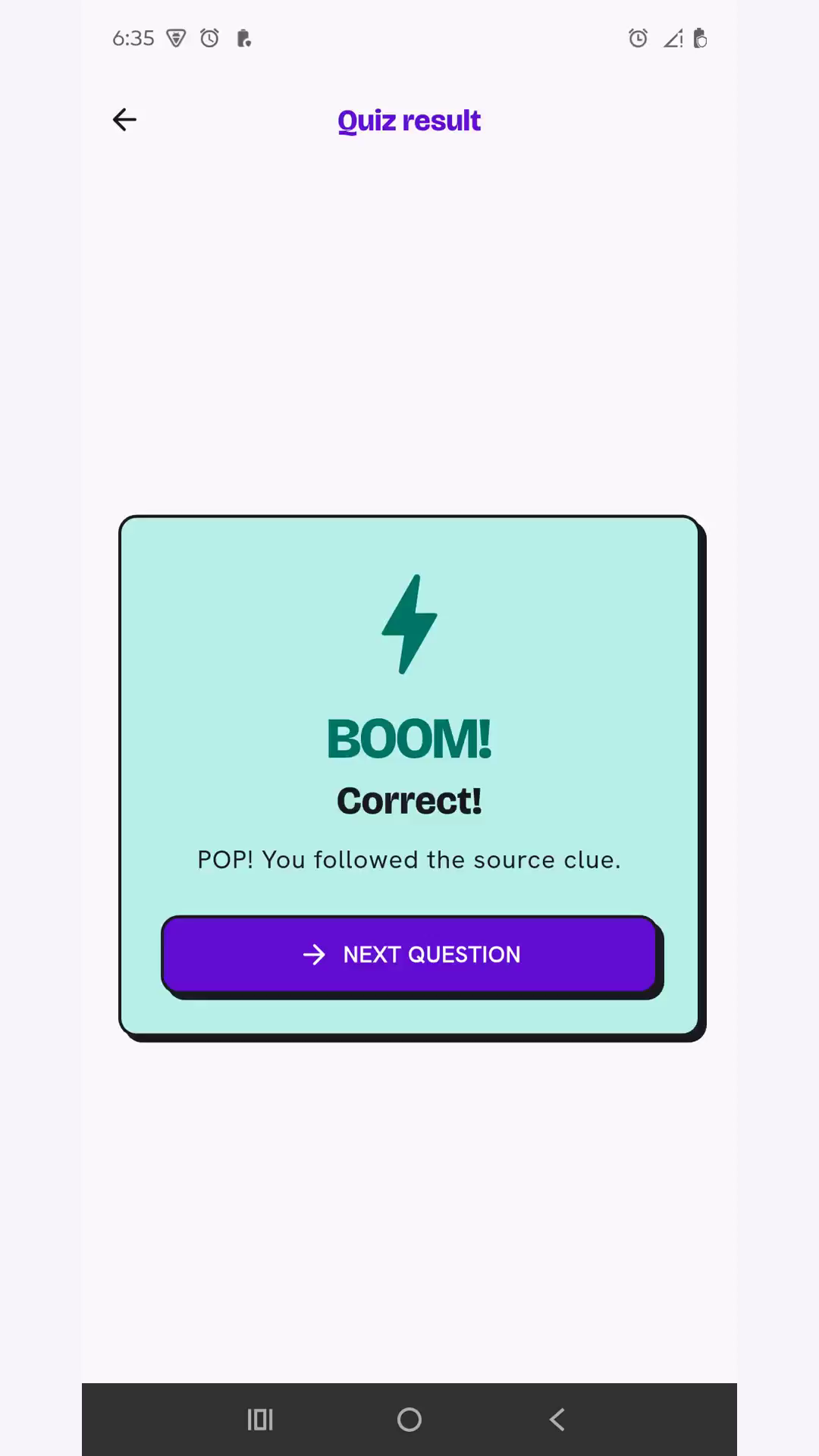
- Correct and incorrect answers receive immediate, topic-specific feedback.
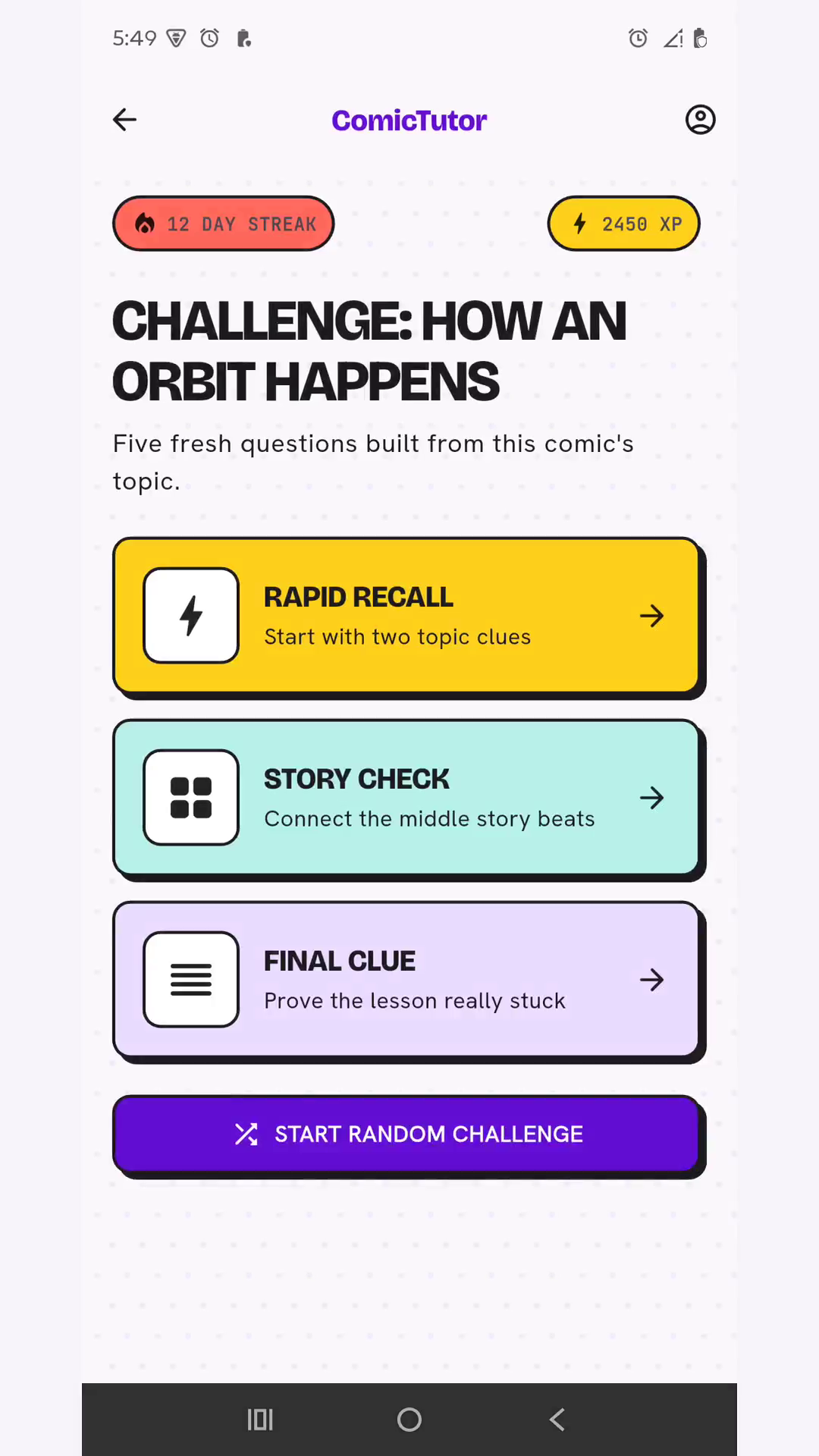
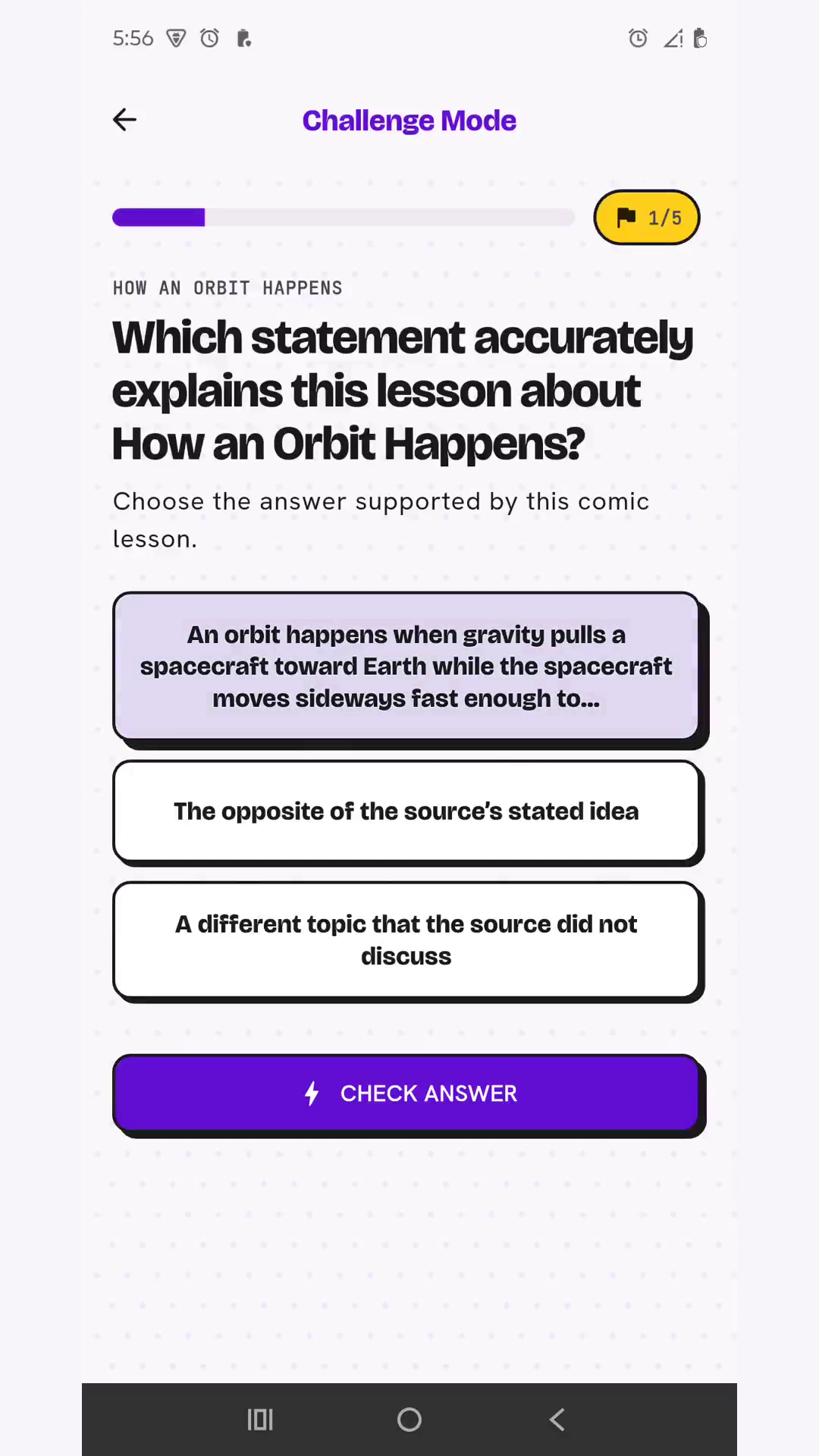
- Challenge Mode turns the same lesson facts into Rapid Recall, Story Check, and Final Clue rounds.
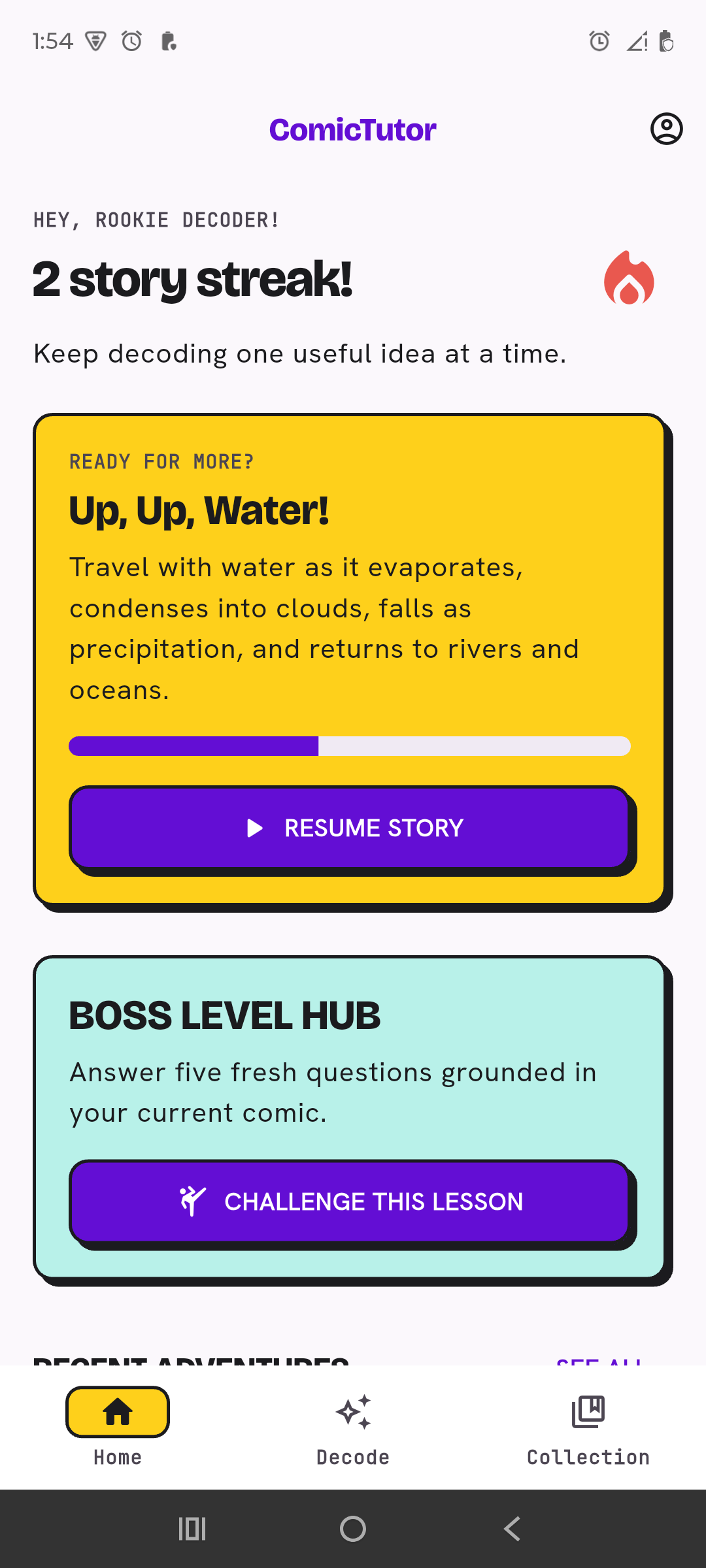
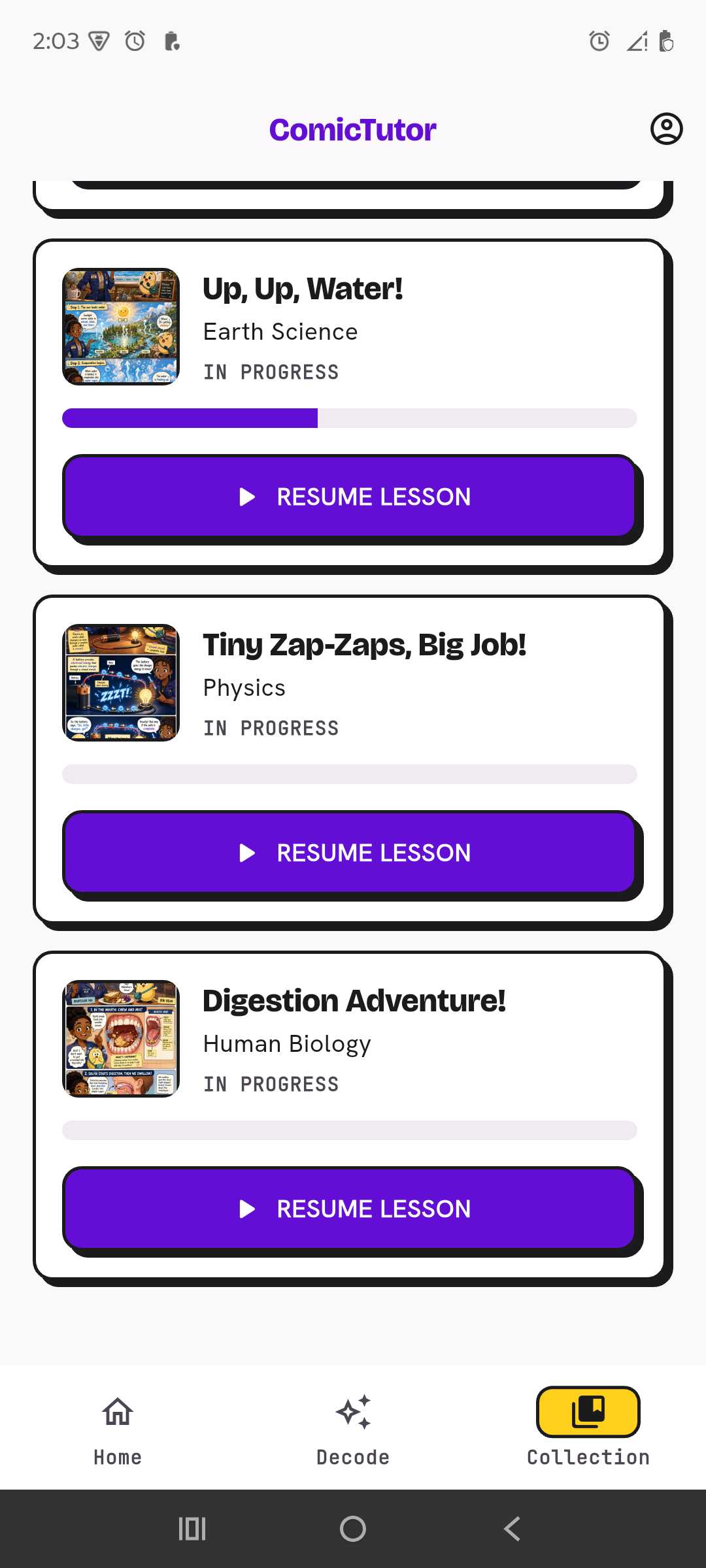
- Reading and quiz progress is saved so lessons can be resumed from Collection.
- Four original demo lessons are bundled locally, so the core experience is available immediately without credentials or generation time.
ComicTutor is not simply an image generator with a quiz attached. The source facts, story, visual teaching moments, quiz, feedback, and Challenge Mode all belong to the same grounded lesson plan.
How we built it
The mobile application is built with Flutter and Dart, with Riverpod for state management, GoRouter for navigation, and Dio for API communication. The interface is designed for vertical mobile reading and includes persistent onboarding, lesson progress, character selection, light and dark themes, and a local demo collection.
The backend is built with Python, FastAPI, Pydantic, and SQLite. It manages source validation, lesson-build jobs, structured facts, story planning, private answer keys, generated assets, progress, and client-scoped collections.
The source-to-comic pipeline follows a bounded sequence:
- Validate and understand the learner's source.
- Extract the important facts.
- Create a shared story plan and character guide.
- Generate four to six indexed comic pages.
- Build five grounded quiz questions and lesson-specific Challenge Mode rounds.
- Review the lesson structure and return the ordered result to the phone.
Codex with GPT-5.6 was our primary engineering collaborator. It helped us understand and redesign the repository, implement the Flutter and FastAPI flows, align mobile and backend contracts, repair navigation, design structured prompts and schemas, ground assessments in lesson content, configure provider adapters, and verify the experience on a physical Android device.
Codex also became part of the runtime workflow. In the local generation profile, an authenticated Codex CLI session creates multiple indexed comic pages concurrently. Every worker receives the same lesson plan and character context, while indexed filenames preserve the correct reading order when pages finish at different times.
The architecture also contains provider-neutral adapters for optional OpenAI Responses API and Image API configurations. Provider credentials remain on the backend and are never embedded in the Flutter application. The submitted demo uses the signed-in Codex CLI path; we do not claim a paid live Image API call.
Challenges we ran into
One of the hardest challenges was maintaining educational consistency across several generated outputs. A beautiful comic is not useful if its quiz asks unrelated questions, so the story, quiz, feedback, and Challenge Mode had to share one structured factual source.
Generating pages concurrently created another challenge: parallel workers are faster, but pages can finish in any order. We solved this with indexed page plans and deterministic ordering before the lesson is displayed.
Character consistency also required more than adding names to a prompt. We introduced controlled cast presets and a shared character guide so learners can change characters without changing the educational structure.
We also had to make rich comic pages readable on a narrow phone, keep text and diagrams legible, handle back navigation and saved progress correctly, support text and file-based sources, and keep the demonstration reliable without requiring a paid image API key.
Accomplishments that we're proud of
- Built a complete source-to-story-to-assessment learning loop.
- Created a working Flutter experience and verified it on a physical Android phone.
- Generated lesson-specific quizzes and Challenge Mode questions instead of relying on a static question bank.
- Added four selectable character teams while preserving the educational source.
- Implemented ordered, concurrent comic-page generation through Codex CLI.
- Bundled four original visual demo lessons for an immediate local-first experience.
- Added topic, pasted-text, text-based PDF, and captioned-image source paths.
- Built a one-command Windows launcher for the backend and connected Android application.
- Designed optional OpenAI provider compatibility without exposing API keys in the mobile client.
What we learned
The most important output is not a generated image. It is a grounded learning sequence in which the same source controls the story, visual explanation, questions, feedback, and challenge.
We also learned that mobile comics need a different structure from traditional comic pages. Two or three clear vertical panels, consistent characters, readable dialogue, and one focused teaching moment work better than compressing a large landscape comic page onto a phone.
Finally, structured schemas, bounded generation stages, and factual review are essential when AI output must support learning. Creativity attracts attention, but grounding turns that attention into evidence of understanding.
What's next for ComicTutor
Next, we want to test ComicTutor with more learners and measure how visual stories affect comprehension and long-term recall compared with conventional explanations.
We also plan to add:
- accessible narration and improved screen-reader support;
- educator-reviewed lesson collections;
- citations connecting teaching points back to uploaded sources;
- multilingual comic lessons;
- more character and visual-style choices;
- collaborative classroom and teacher progress features;
- a production job queue and cloud asset storage;
- additional provider integrations through the existing neutral adapter layer.
Our long-term goal is simple: make difficult ideas feel less intimidating by turning every lesson into a story worth finishing.
Built with tags
- Codex
- GPT-5.6
- Codex CLI
- OpenAI
- OpenAI Responses API
- gpt-image-2
- Flutter
- Dart
- Android
- Python
- FastAPI
- Pydantic
- Riverpod
- GoRouter
- SQLite
- Dio
- SymPy
- PyPDF
- OpenAPI
- JSON Schema
- Docker
- Uvicorn
- HTTPX
- GitHub Actions
- pytest
Try it out links
- Source code: https://github.com/said-yousuf/ComicTutor
- Setup guide: https://github.com/said-yousuf/ComicTutor#readme
Make the repository public before submitting these links. Do not add an APK or hosted-demo URL until one is actually public.


Log in or sign up for Devpost to join the conversation.