-
-

Managing notes accordingly
-
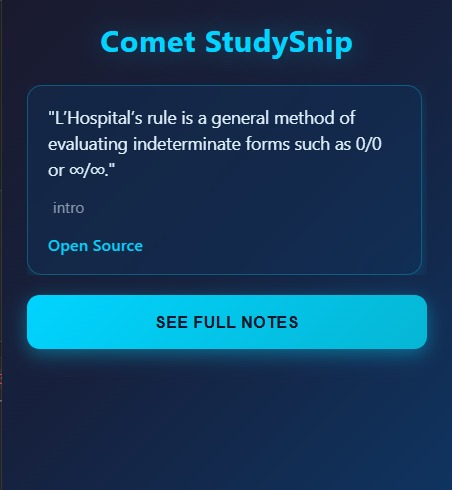
The popup extension
-
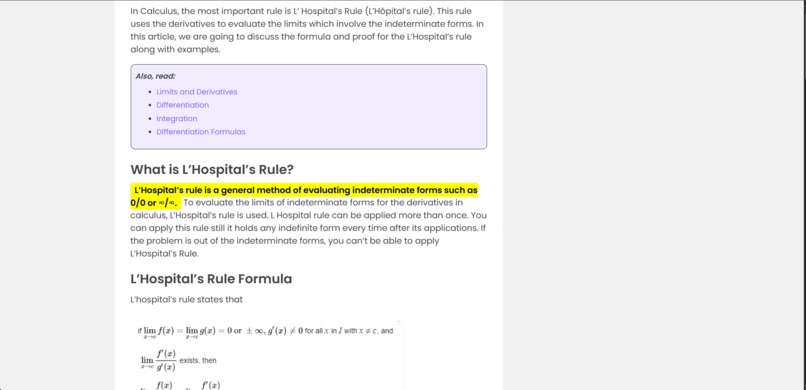
Opening the link and automatic redirection to the exact copied text
-
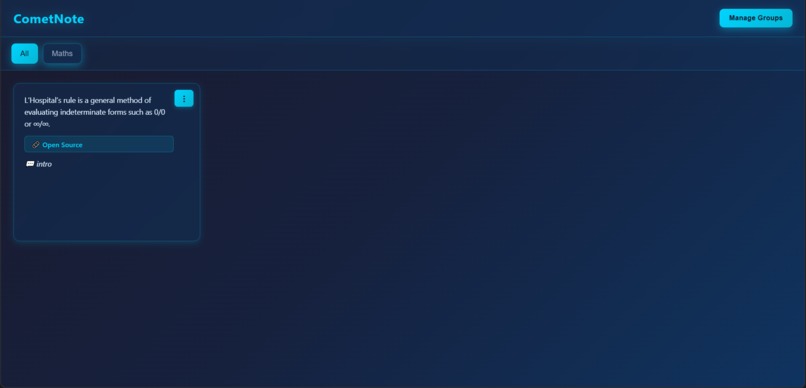
See Fullnote Page

Inspiration
I was looking for something simple and easy to use a tool that lets me save important snippets while browsing without digging through my browser history or trying to remember exactly where I saw that useful paragraph in a long page. For example, when reading a story or researching, it’s often frustrating to lose the exact spot or forget why I saved it in the first place.
What it does
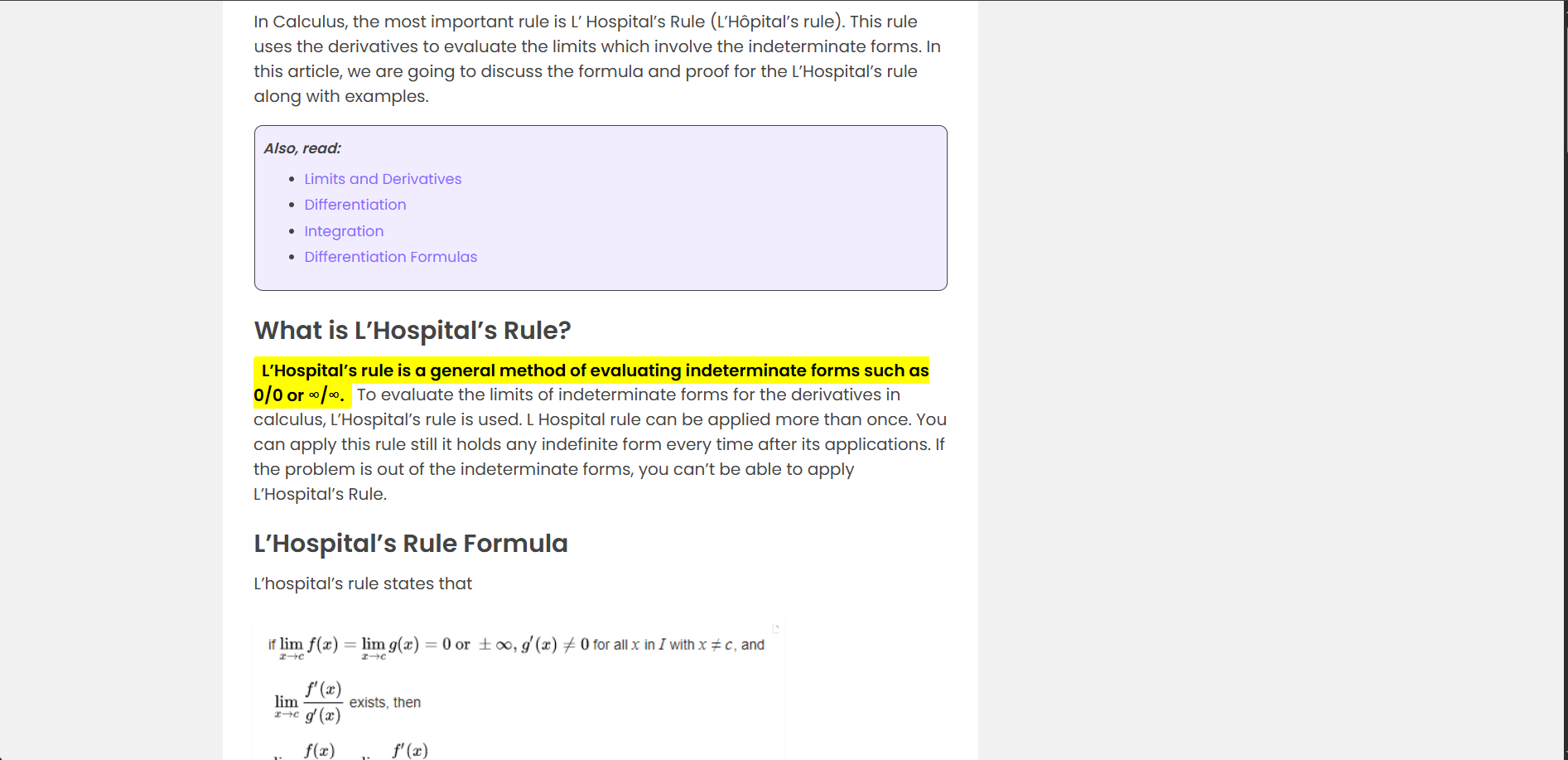
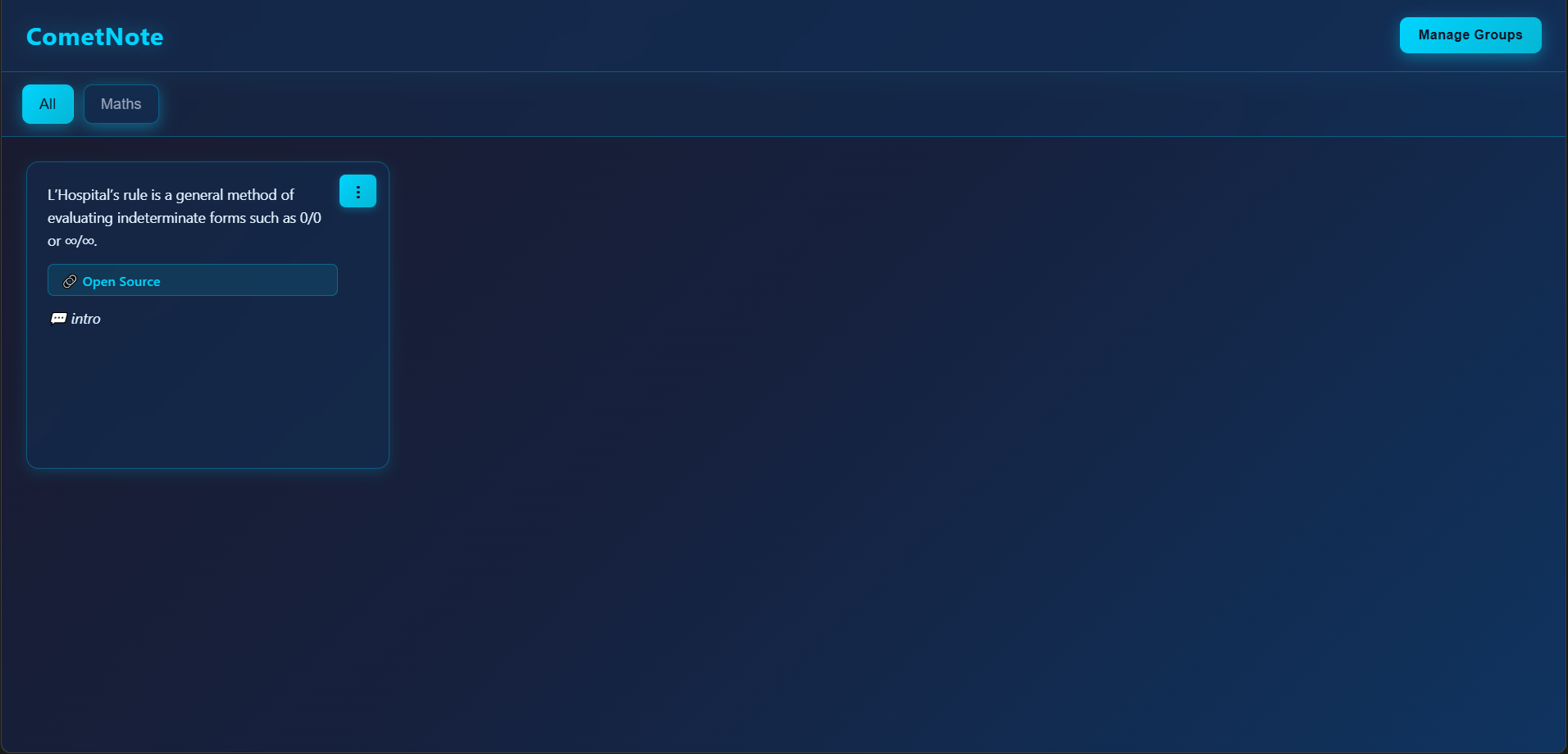
CometNote allows you to highlight any text on a webpage and save it quickly with a right-click. You can add comments to your saved snippets to remind yourself why you saved them. This helps organize important notes for future reference without hassle.
How we built it
The project is built as a browser extension using JavaScript for the frontend and a Node.js backend with SQLite for syncing notes. Local storage (chrome.storage.local) keeps notes accessible offline, and a simple REST API enables group sharing and syncing.
Challenges we ran into
Balancing simplicity and functionality was tough.
Accomplishments that we're proud of
I created a clean, user-friendly interface, enabling quick note saving and comment editing. The backend sync system with group tokens lays a solid foundation for collaboration features.
What we learned
I gained hands-on experience with browser extension APIs, local storage management, RESTful backend design, and coordinating frontend-backend communication.
What's next for CometNote
I plan to fully develop group sharing, enabling real-time collaboration among friends. Integration with AI APIs to summarize notes and smarter highlighting are also on the roadmap.

Log in or sign up for Devpost to join the conversation.