-
-

if you want you can check the remaining time
-
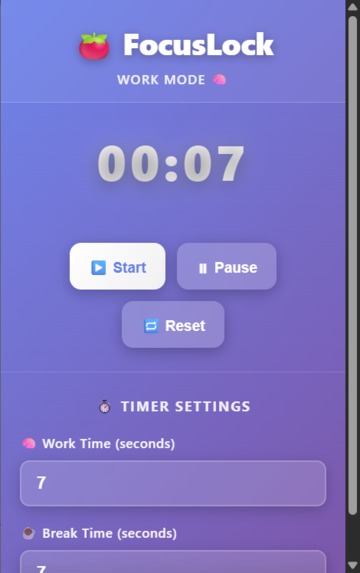
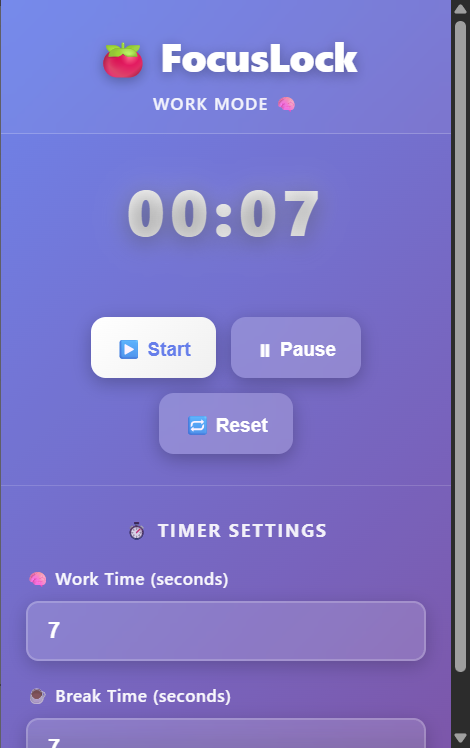
set work time and break time
-
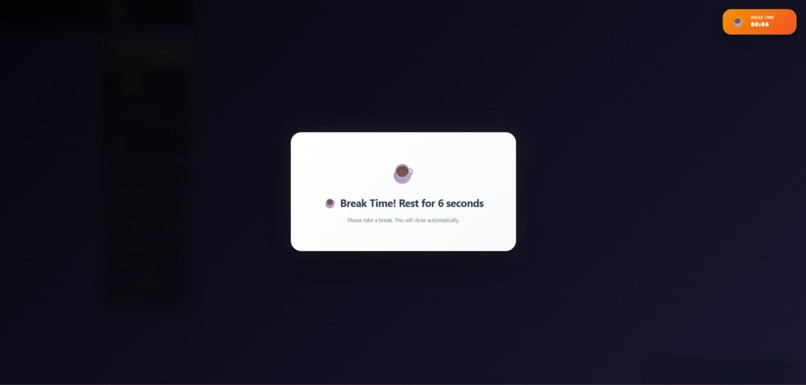
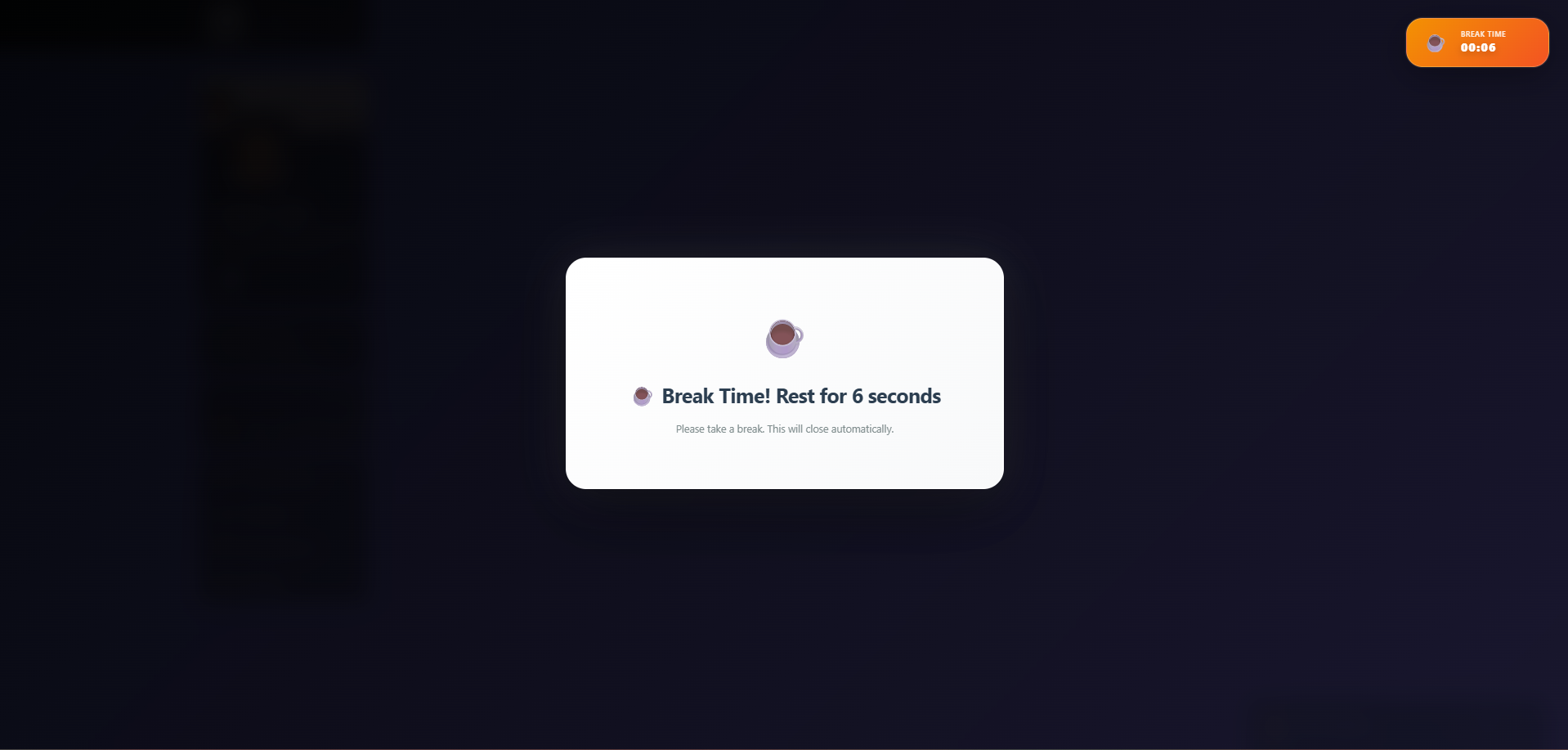
popup that cannot be closed until breaktime is over

Inspiration
Most productivity tools are either too complicated or too easy to ignore. Pomodoro apps run in separate windows, website blockers can be disabled, and timers disappear when switching tabs. I wanted a system that stayed visible during work time and enforced real breaks without letting the user override the cycle. This led to the creation of FocusLock.
What it does
FocusLock is a Comet extension that helps users maintain deep focus through an enforced work-and-break routine. During work time, it displays a small floating timer on every webpage. When work time ends, it triggers a full-screen, non-removable break overlay that blocks the entire browser. The break overlay automatically disappears once the break time is over. The cycle continues until the user manually stops it.
How we built it
FocusLock is built using Comet Extension Manifest V3. The popup collects user inputs for work and break duration. The background service worker manages timers, session transitions, notifications, and messaging. The content script injects the floating timer and the full-screen break overlay into every active tab. comet.storage is used to persist session data across tabs and reloads. comet.tabs.sendMessage keeps all pages synchronized with the active timer state. This architecture ensures the timing logic never stops, even when the popup is closed.
Challenges we ran into
Creating an overlay that users cannot remove or bypass. Maintaining a consistent timer across multiple tabs and browser windows. Ensuring the floating timer does not interfere with webpage layouts. Handling automatic reinjection of UI elements on page reloads and navigation. Designing a stable communication flow between popup, background, and content scripts.
Accomplishments that we're proud of
Delivering a simple but effective productivity tool that stays fully inside the browser. Successfully building a non-removable full-screen break mode. Creating a lightweight floating timer that works seamlessly across websites. Ensuring extension stability in multi-tab environments. Designing a clean, minimal workflow that requires no login and no server.
What we learned
How to structure a Comet Extension using Manifest V3. How to manage cross-component communication within extensions. How to use background service workers for persistent logic. Techniques for injecting UI safely and reliably into third-party websites. How user behavior affects productivity design decisions.
What's next for Comet Focus — AI-Powered Personalized Study Assistant
Integrating Perplexity API for personalized task guidance and focus suggestions. Adding sound alerts and theme customization. Providing daily and weekly productivity analytics. Introducing session streak tracking. Building a mobile companion app for cross-device synchronization.

Log in or sign up for Devpost to join the conversation.