
🧠 Inspiration
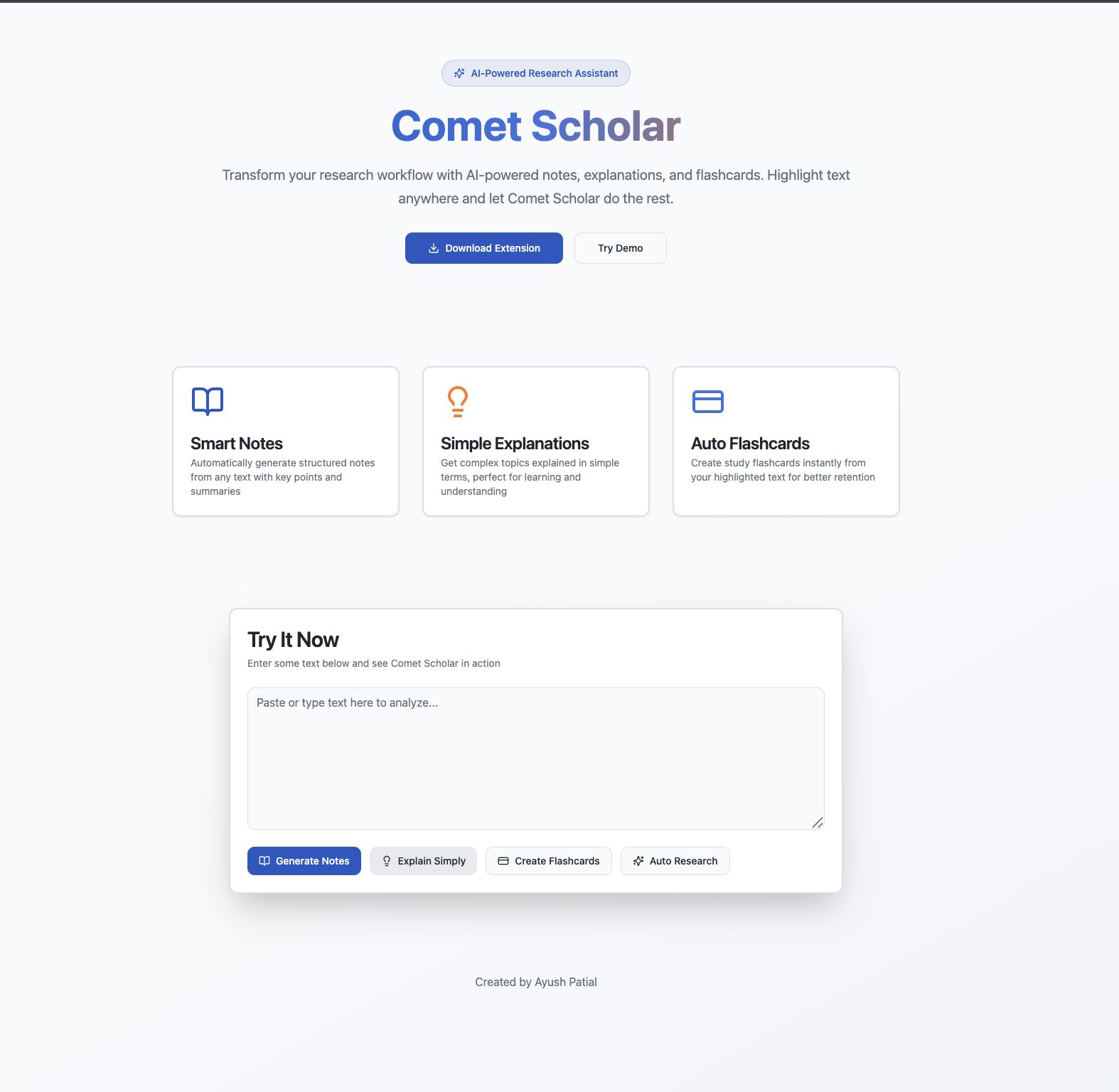
The project was inspired by the repeated cognitive load students face while studying. Every learning task—summarization, note-making, explanation, or research—requires switching between multiple tools. This creates unnecessary friction and breaks concentration.
I wanted to design a system where the learning process stays inside the browser, and every highlight becomes a meaningful output such as notes, flashcards, or simplified explanations. The Perplexity Comet Browser provided the ideal environment for this concept.
🛠️ How I Built the Project
The system was built in modular layers:
- Concept & Architecture
I first designed the idea, workflow, and component breakdown myself:
Highlight-based input
AI processing
Output classification (notes, explanation, flashcards, research)
Popup UI
Local storage
Structured response formats
- Development (Using Lovable)
Once the architecture and feature set were finalized, I used Lovable as a development assistant to accelerate implementation. The idea, logic, and behavior came from me; Lovable helped convert those ideas into working UI and backend code.
- Extension Layer
Manifest V3
Background scripts
Context menu actions
Multi-tab popup UI
- Backend (Gemini 2.5 Flash)
Created 4 AI endpoints:
Notes
ELI12 explanation
Flashcards
Smart Auto-Continue Research (SCR)
- UI
Reactive interface using:
React
TypeScript
Tailwind
shadcn components
📘 What I Learned
Throughout building this project, I gained experience in:
Browser extension communication pipelines
Structured prompt engineering
Designing multi-step AI reasoning chains
Creating predictable LLM outputs
Working with small UI environments (popup windows)
Managing async flows between extension → backend → UI
I also learned how to combine AI with a browser workflow in a practical, scalable way.
⚠️ Challenges I Faced
Some key challenges included:
- Output Stability
Ensuring the LLM always returns notes, explanations, and flashcards in a consistent structure.
- SCR Logic
The Smart Auto-Continue Research feature required:
Multi-hop reasoning
Topic extraction
Comparison tables
Research gaps
Diagram suggestions
Keeping this predictable was difficult.
- Extension Architecture
Handling the following took careful debugging:
Background → popup message passing
Triggering actions from context menu
Maintaining UI state
Local flashcard storage
- Time Constraints
Coordinating design, backend, frontend, and extension workflows under limited time was a major challenge.
🧮 LaTeX Example (As Required)
The project involved structuring research into logical components, similar to breaking a concept into subparts:
ResearchBundle
Summary + Insights + Comparisons + Gaps + Questions ResearchBundle=Summary+Insights+Comparisons+Gaps+Questions
This kind of decomposition helped design the SCR output format.
✅ Conclusion
Comet Scholar was built to reduce the repetitive overhead in learning. The concept, workflow, and design decisions were created entirely by me; Lovable was used to accelerate code generation and UI building.
The final system helps students learn faster, understand better, and research deeper — all without leaving the Comet Browser.
Built With
- 2.5
- ai
- api
- apis
- chrome
- cloud
- css
- css3
- edge
- extension
- flash
- functions
- gemini
- html5
- javascript
- json-based
- lovable
- manifest
- model)
- react
- rest
- scripts)
- shadcn-ui
- storage
- tailwind
- typescript
- v3
- vite

Log in or sign up for Devpost to join the conversation.