-
-
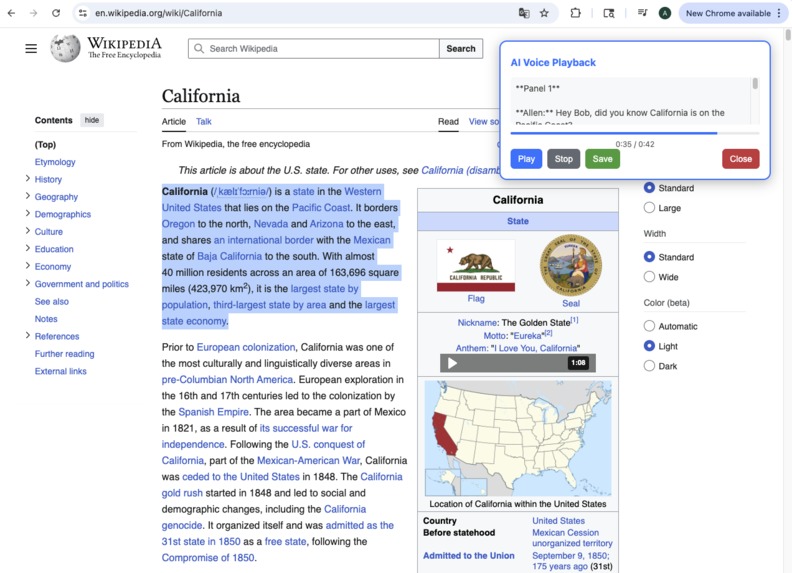
Audio plugin display and playback
-
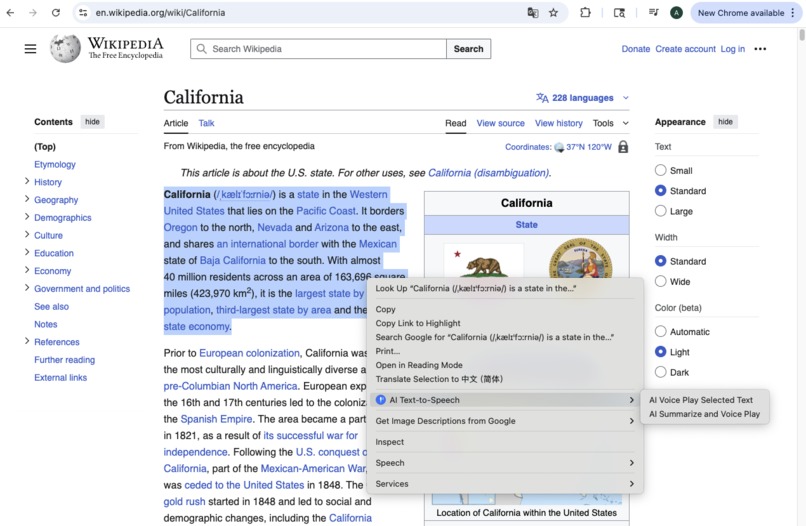
Launch the extension via right-click context menu
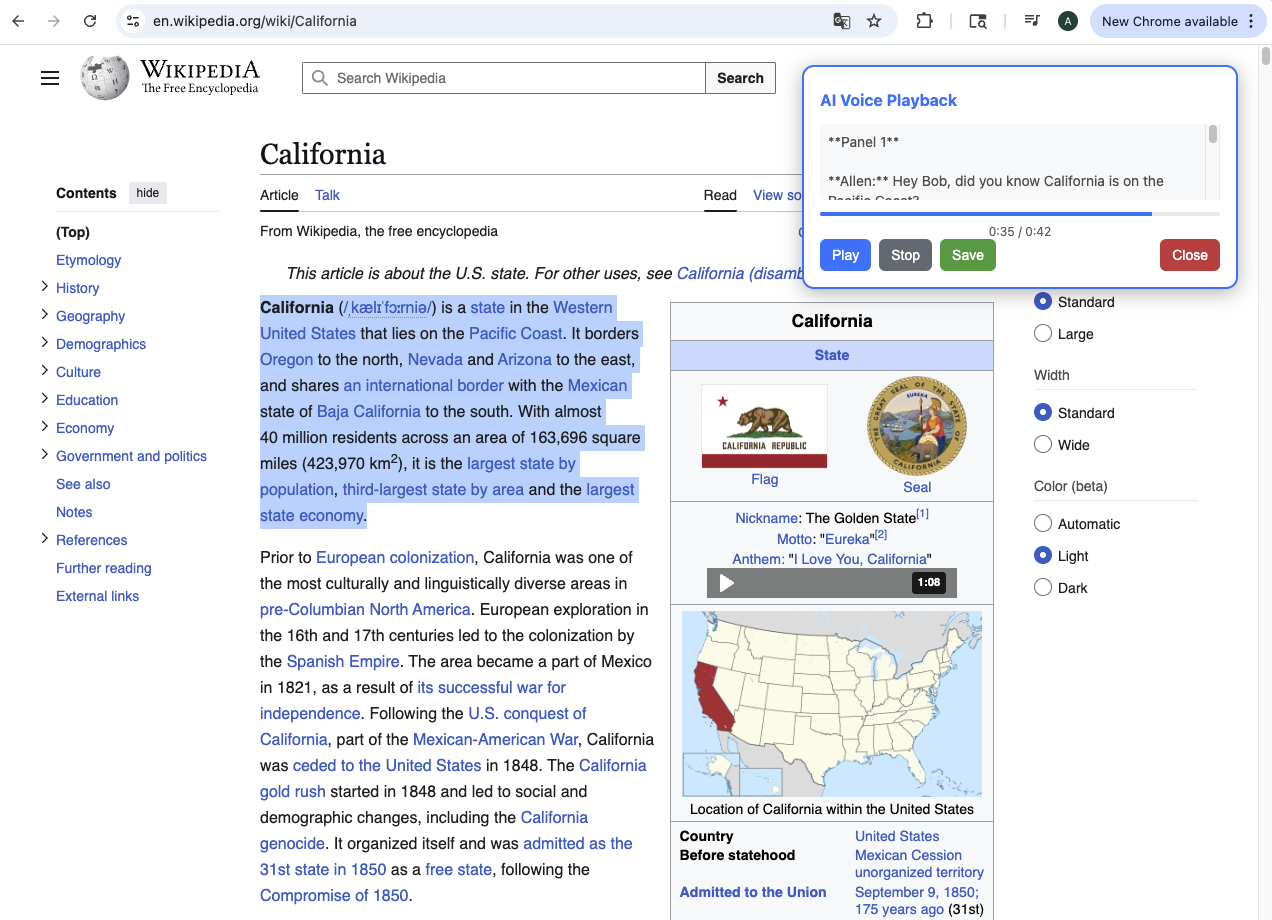
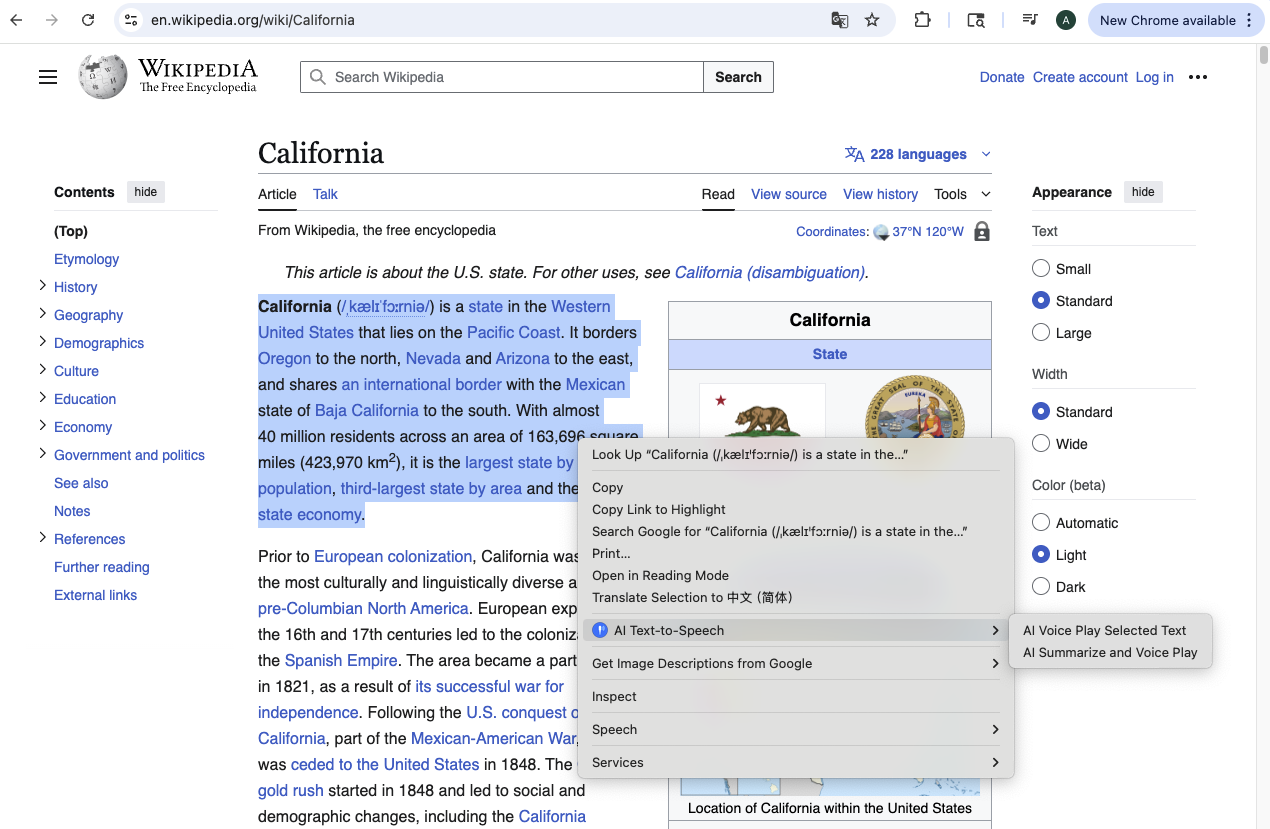
Inspiration 💡
In an age where we're bombarded with information, reading can feel like a chore. We wondered: What if every article, blog post, or documentation page could become an entertaining comedy show? Inspired by classic double act duos like Abbott and Costello, we set out to build Comedy Central—a Chrome extension that transforms any web content into a hilarious two-person dialogue. Because we believe that laughter is the best way to learn.
What We Learned 📚
Building Comedy Central taught us that creating AI-powered comedy requires more than just asking a model to "be funny." We discovered the critical importance of prompt engineering—carefully crafting instructions that balance humor with information retention while maintaining distinct character personalities. We learned to optimize API calls using intelligent chunking and caching strategies, where the cost function $\text{Cost} = \alpha \cdot T_{\text{tokens}} + \beta \cdot R_{\text{requests}}$ guided our efficiency improvements. Most surprisingly, we found that audio delivery in browser extensions presents unique challenges, from format compatibility to memory management, requiring creative solutions with HTML5 Audio APIs and progressive loading techniques.
How We Built It 🛠️
Comedy Central leverages Gemini's large language model through a three-stage pipeline:
Stage 1: Content Extraction → JavaScript content scripts extract meaningful text from web pages using DOM manipulation and readability heuristics.
Stage 2: Script Generation → We send extracted content to Gemini with specialized prompts that define two distinct characters (a knowledgeable "straight man" and an enthusiastic "comedic foil"), transforming information into natural, humorous dialogue while preserving accuracy.
Stage 3: Audio Synthesis → Generated scripts are converted to speech using TTS services with different voice profiles, processed for optimal pacing, and delivered through our custom audio player.
The extension was built with code agent assistance, using Manifest V3, background service workers for API orchestration, and React for the UI—all integrated seamlessly into the Chrome browser environment.
Challenges We Faced 🚧
Prompt Engineering Precision: Our biggest challenge was crafting prompts that consistently produced high-quality comedy. Generic prompts yielded unpredictable results—sometimes brilliant, often flat. We solved this through iterative refinement, creating a template system with character definitions, few-shot examples, and explicit constraints: "Transform content into N exchanges between [Character A: analytical expert] and [Character B: curious novice], maintaining factual accuracy while adding humor through misunderstandings and wordplay."
API Call Optimization: Naive implementation created excessive API requests, driving up costs and latency. We implemented intelligent chunking based on token limits ($\text{chunks} = \lceil \frac{L_{\text{content}}}{L_{\text{max}}} \rceil$), local caching via Chrome storage, and exponential backoff for rate limiting.
Audio Delivery Complexity: Presenting audio seamlessly in a browser extension proved tricky—format incompatibilities, memory leaks, and playback interruptions plagued early versions. We resolved this by standardizing to MP3 format, implementing progressive loading with buffering, and using Web Workers to prevent UI blocking. The audio pipeline streams data efficiently while managing memory through proper blob cleanup after playback.
Each challenge deepened our understanding that sophisticated AI applications require thoughtful engineering across multiple domains—from prompt design to system architecture to user experience optimization. 🎭

Log in or sign up for Devpost to join the conversation.