Inspiration
I really like products such as ChatGPT Canva, Claude Design and the canvas-style experiences built into AI platforms. They show how powerful it can be when an AI can work directly on the same artifact as the user instead of only talking about it.
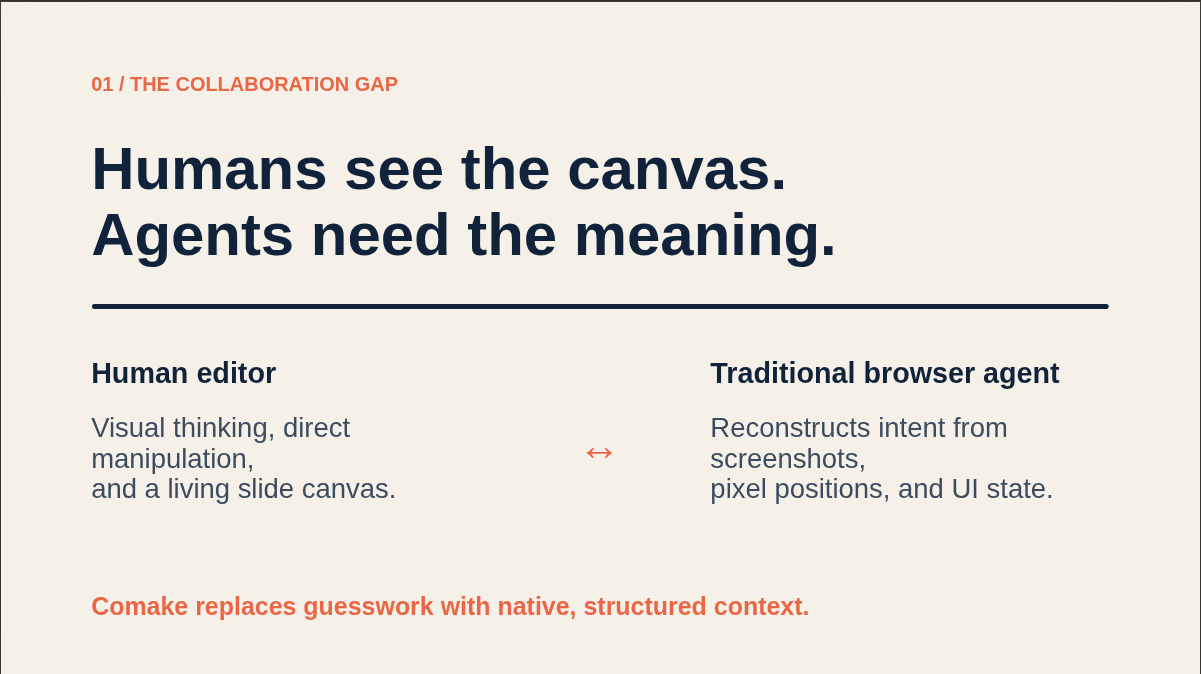
But there is one thing that bothered me: these experiences are usually tied to one platform and one agent. If the presentation tool only works with its own built-in agent, another agent cannot really participate.
When OpenAI highlighted WebMCP through the WebMCP Challenge, I thought it could be a really interesting bridge between humans and agents.
Instead of building Comake around one model, one agent SDK, or one proprietary framework, the application itself exposes what an agent can do through WebMCP. Any compatible agent can understand the same tools.
More importantly, WebMCP makes it possible for the agent to work inside the same context as the human. It can know which slide I am looking at, what I selected, and what I am currently focused on instead of trying to guess everything from screenshots or DOM elements.
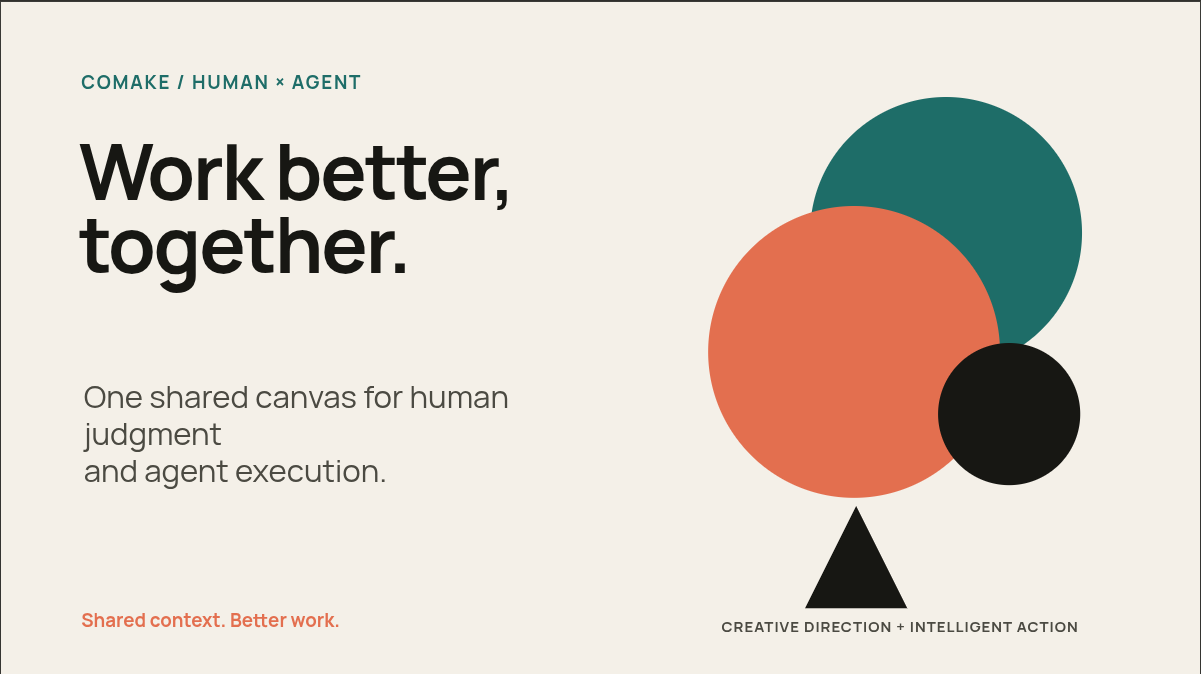
That became the idea behind Comake: a presentation workspace where humans and agents can actually work on the same thing together.
What it does
Comake is a shared presentation workspace for humans and agents.
A user can start from a template, create a blank presentation manually, or ask an agent to create one through WebMCP. From there, both the human and the agent work on the same presentation.
The human editor supports text, shapes, backgrounds, direct text editing, multi-selection, moving and resizing elements, alignment, z-order controls, keyboard shortcuts, and a command palette.
For the agent, Comake exposes structured WebMCP tools for understanding the presentation. The agent can read the active slide, the user's current selection, the presentation outline, or a structured spatial map of the canvas. It can then create slides, rewrite text, move elements, change styles, add comments, or perform multiple edits as one atomic operation.
Agent changes are also tracked in the Activity tab. If I don't like what the agent did, I can revert its ChangeSet and ask it to try something different.
Comake also supports presentation mode. An agent can start the presentation, move forward or backward, jump to another slide, or exit presentation mode. This opens up an interesting use case for voice-capable agents: the human can speak while the agent helps control the pace of the presentation.
Finally, presentations can be exported as real .pptx PowerPoint files.
How we built it
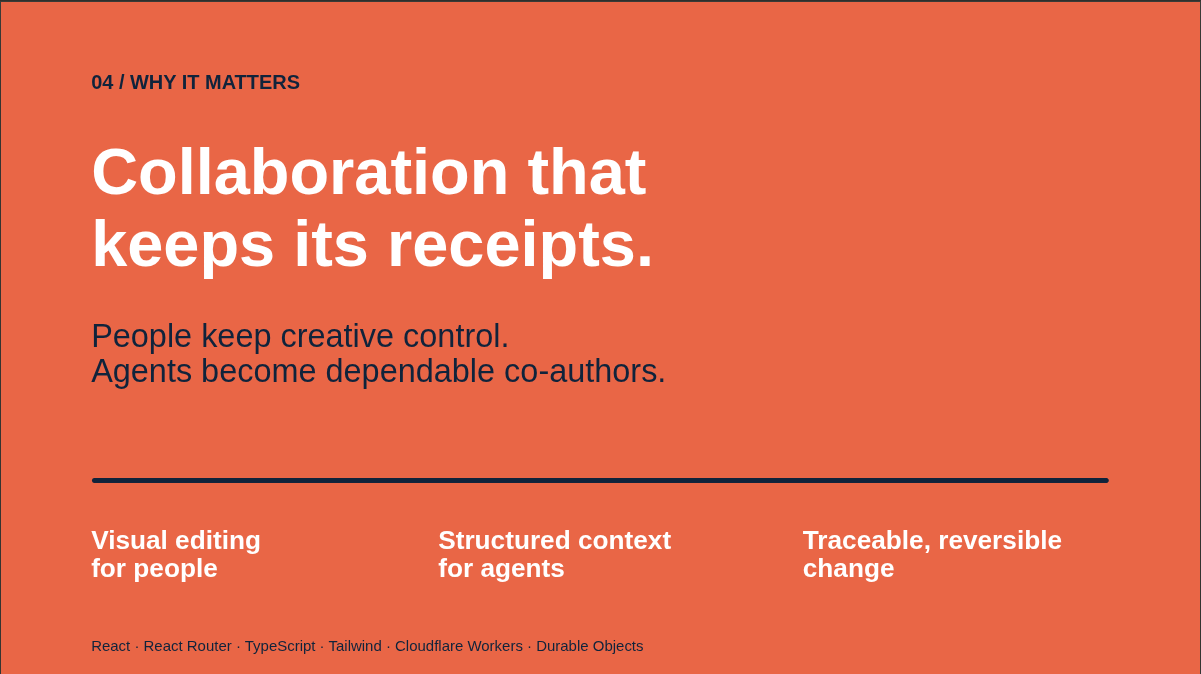
I built Comake with React, React Router, TypeScript, Tailwind CSS, Base UI, and Cloudflare.
One of the most important decisions was to not build two separate editing systems: one for humans and another for agents.
Instead, Comake has one canonical presentation model with stable IDs for slides and elements. Human actions and WebMCP agent actions eventually go through the same operation model and the same mutation kernel. This keeps the presentation consistent no matter who made the change.
The browser keeps an interactive local view of the presentation and things such as the current selection and focus. The canonical document is persisted through a Cloudflare Worker into a WorkspaceRoom Durable Object backed by SQLite.
For WebMCP, each page registers native tools through document.modelContext. The editor exposes structured read tools for context, selection, geometry, slides, and history, as well as write tools for editing the presentation. Tool registration also has its own lifecycle so tools from an old route cannot accidentally remain registered after navigation.
I also added revision checking to agent writes. If the human changes the presentation while an agent is still thinking, an operation based on an old revision is rejected instead of silently overwriting newer work.
For PowerPoint export, I ended up building the exporter directly. Comake converts its presentation model into the OOXML files used by PowerPoint and creates the .pptx ZIP archive in the browser.
Challenges we ran into
The hardest part was not making an agent click buttons. The harder problem was figuring out what collaboration between a human and an agent should actually mean.
For example, an agent needs more than the entire presentation document. It needs to know what the human is looking at right now and which elements the human selected. At the same time, that focus can change without the presentation itself changing.
That led me to separate document revisions from focus revisions and expose the current human context directly through WebMCP.
Another challenge was concurrent editing. An agent might read revision 10, spend some time planning an edit, and then submit its changes after the human has already created revision 11. I didn't want Comake to accept stale operations and accidentally destroy the user's work, so writes are revision-aware and atomic.
Reversibility was another important problem. If an agent makes ten changes to improve a slide, undoing those changes one by one would be a bad experience. Comake groups accepted agent operations into attributed ChangeSets, which can be inspected and reverted as a unit.
Building a usable slide editor itself also took a lot of work. Selection, multi-selection, resizing, element ordering, keyboard interaction, presentation mode, and translating the same visual model into a valid PowerPoint file all have a lot of small edge cases.
Accomplishments that we're proud of
I'm especially proud that Comake is not just a presentation editor with an AI chat box added beside it.
The agent is working with the actual application model. It can understand the user's current focus and exact selection, reason about the geometry of a slide using structured data, and make changes through the same canonical editing system used by the human.
I'm also proud that Comake is not bound to one specific agent. There is no proprietary agent runtime required by the application. The integration boundary is WebMCP, so the presentation workspace itself becomes agent-capable.
Another part I'm proud of is making agent actions attributable and reversible. I think being able to see what an agent changed — and undo that entire change if it was wrong — is important if humans and agents are going to work on the same artifact.
And writing the PowerPoint exporter from the underlying format was probably one of the more unexpected parts of this project. Being able to create something together with an agent and then export it as a normal PowerPoint file makes Comake useful outside of the demo itself.
What we learned
The biggest thing I learned is that designing tools for an agent is also product design.
It is not enough to expose every internal function as a tool. The agent needs a good starting point, compact ways to understand the current state, stable identifiers, clear schemas, and errors that tell it how to recover.
I also learned how important human context is.
Giving an agent the whole document is not the same as telling it, "this is what the human is working on right now." Selection and focus are a surprisingly powerful communication channel between a human and an agent.
I also started thinking differently about undo and history. When an agent can perform many operations in one task, attribution and reversibility become much more important than they are in a normal single-user editor.
Most importantly, WebMCP showed me that an application does not have to choose between being built for humans or being built for agents. The same web application can provide a visual interface for the human and a structured interface for the agent, with both working on the same underlying state.
What's next for Comake
The biggest missing piece right now is real authentication. The current demo uses an anonymous signed session, which is useful for the hackathon but is not enough for a real collaborative product.
After adding accounts and sharing, I want to make Comake truly multiplayer.
The backend is already centered around Cloudflare Durable Objects, with one WorkspaceRoom owning the canonical presentation state. I want to extend that architecture so multiple people can open the same presentation, see each other's presence and edits, and work together with agents in real time.
I also want to add richer presentation content such as images and media, as well as PowerPoint import so existing presentations can become Comake projects instead of always starting from scratch.
And I want to explore the presentation side further. If an agent can communicate through voice while also controlling presentation mode through WebMCP, the agent could become an actual presentation partner instead of only helping prepare the slides.
The bigger goal is for Comake to become a place where it doesn't really matter whether an action came from a mouse, a keyboard, a person, or an agent — everyone is working on the same presentation together.
Built With
- base-ui
- cloudflare-durable-objects
- cloudflare-workers
- html5
- ooxml
- pnpm
- powerpoint
- react
- react-router
- sqlite
- tailwind-css
- typescript
- vite
- webmcp


Log in or sign up for Devpost to join the conversation.