-
-
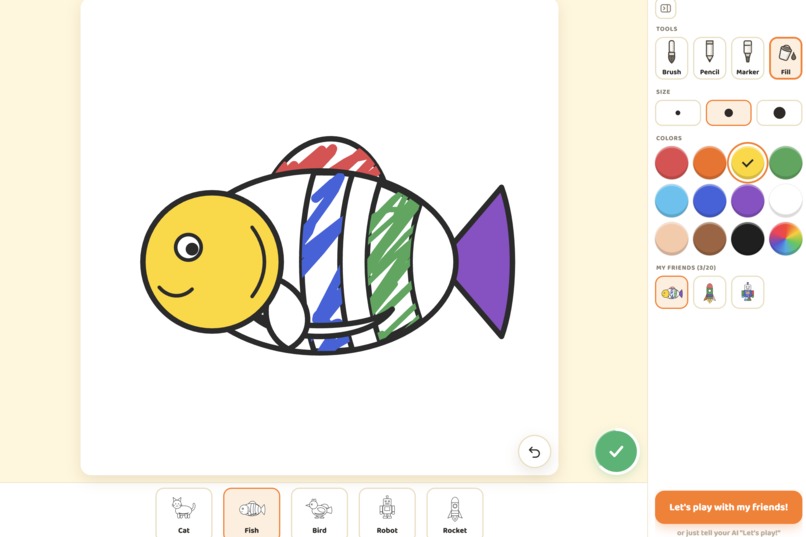
Canvas mode - select sketc
-
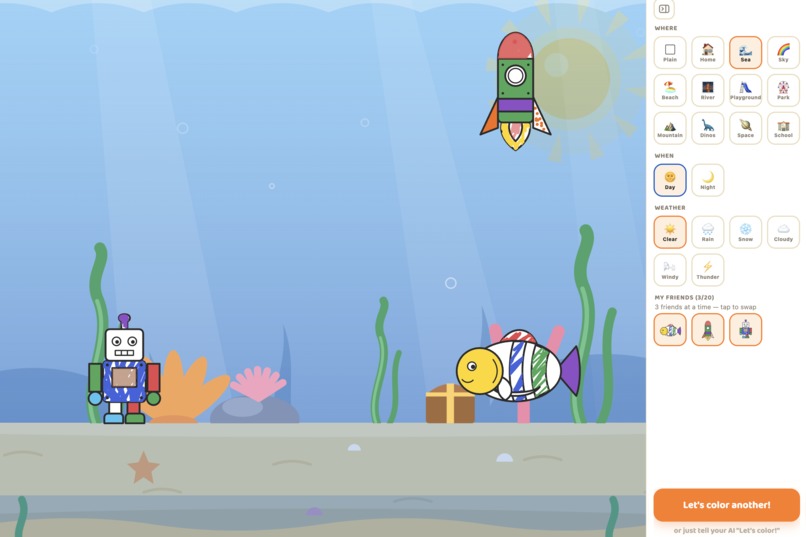
Play mode
-
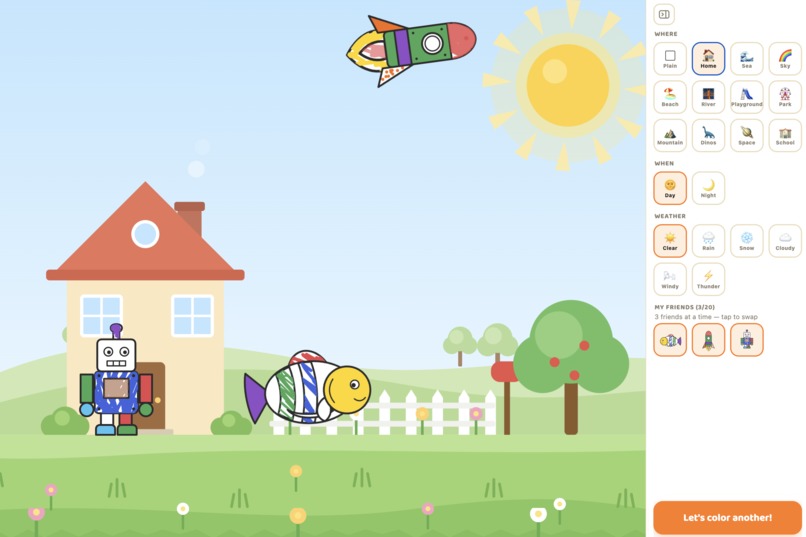
Play mode - dance, fly, swim etc.
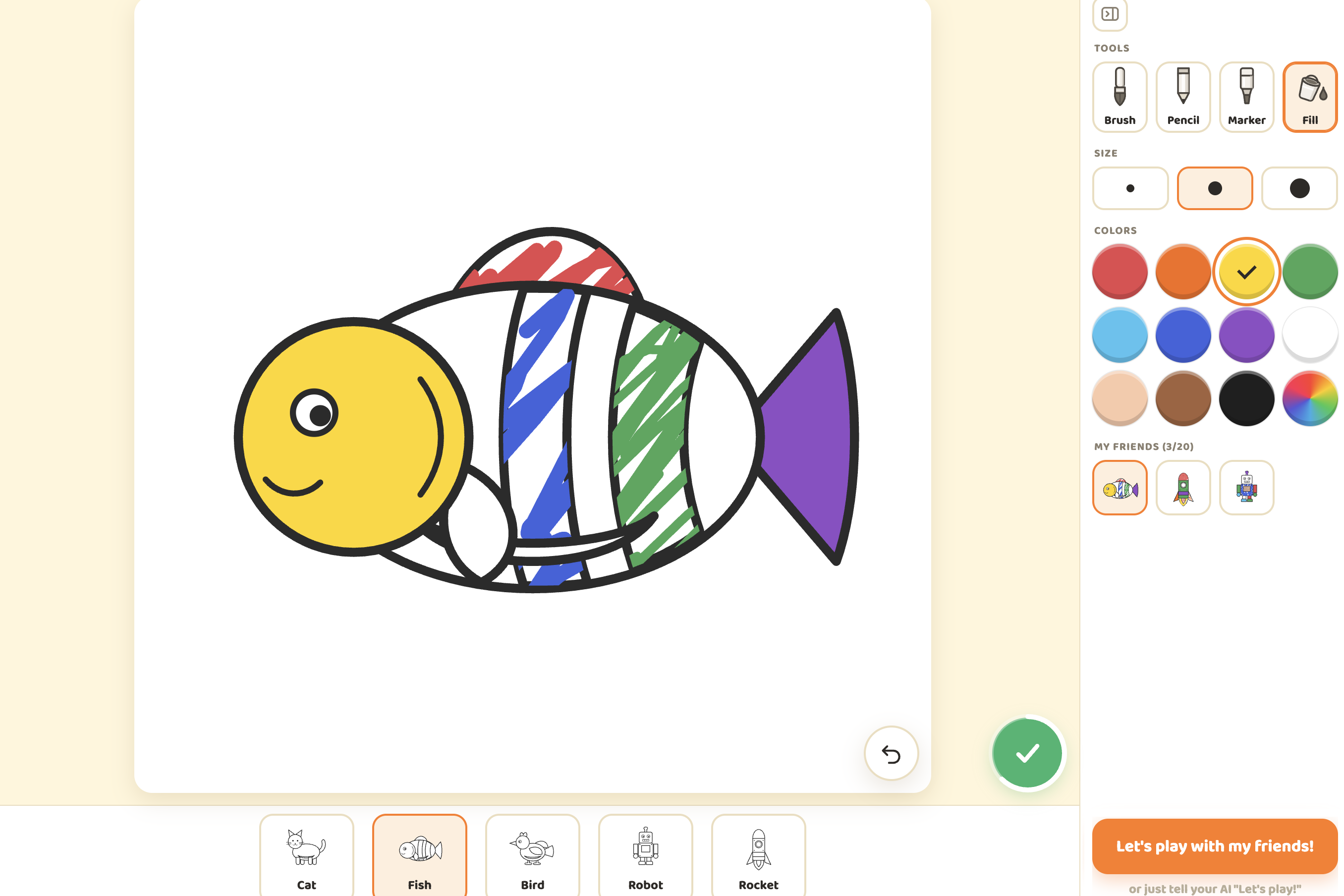
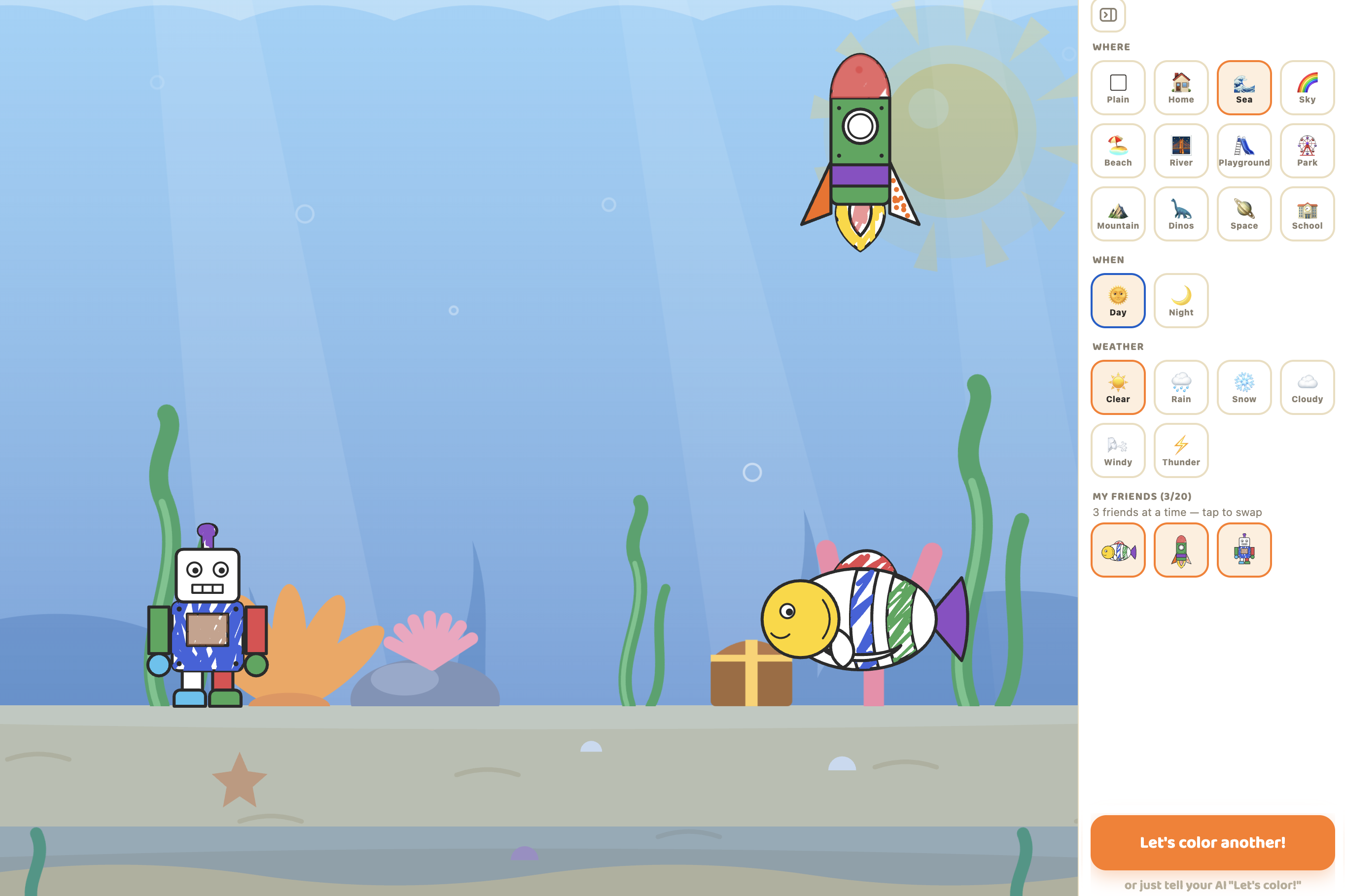
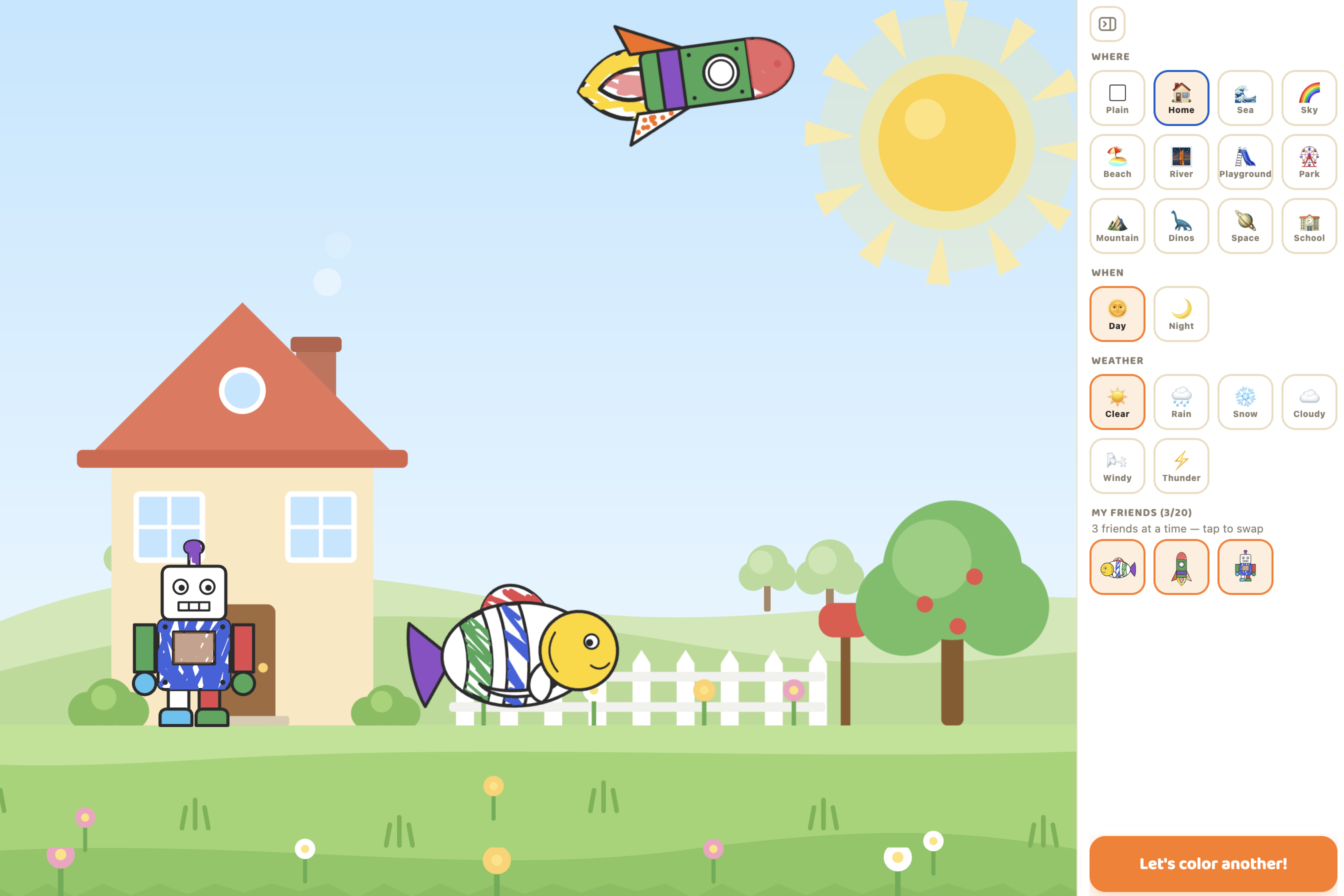
colorwake in 20 seconds
- Kids color a character, then an agent directs it over WebMCP as it acts out their story onstage.
- A read-only
get_guidetool works like a system prompt handed over by the page: an in-page playbook for guiding a child with choices, never a script. - Successful write-tool results carry fresh, action-relevant context, while
get_studio_statelets the agent resync after on-screen changes. - No app backend or accounts: raw artwork stays local, and the agent receives only a compact state summary. A parent runs the agent; the child makes the art.
- Built solo by a first-time hackathon entrant with a product background.
Inspiration
Coloring apps end when the coloring ends. But the best part comes next, when a child holds up the drawing and says, “And then the rocket flies to the moon!” No app was listening.
WebMCP changed that. The app’s state and tools live inside the page, letting a connected agent interact with the same canvas the child is touching and help the picture move as the child imagines.
What it does
- Color — choose a sketch and paint it with a finger, mouse, or stylus.
- Play — finish coloring, and the same canvas becomes a stage.
- Tell ChatGPT the story — “The rocket flies to the volcano, and the robot dances!” — and through 10 WebMCP tools, the agent casts the characters, sets the place, time, and weather, and composes their movements.
- Young children shouldn’t need to formulate commands. The agent can read the state of play and offer one simple next choice — always choices, never a script.
No artwork is generated for the child. The child makes the art; the agent plays inside it, in real time, on the same screen.
Because ChatGPT is for users 13 and older (subject to local minimum-age requirements), colorwake is co-play by design: a parent operates the agent and relays the child’s ideas, while the child stays in charge of the art.
How we built it
colorwake is a static React 19 and TypeScript SPA built with Vite. It has no app backend or accounts; artwork and state persist in localStorage. Characters are rigged SVGs across five rig families, animated with the Web Animations API. Motion parameters are clamped to safe ranges for both whole-character and part-targeted moves.
The WebMCP layer registers 10 tools through document.modelContext.registerTool, typed with webmcp-types and validated with Zod: four read tools and six write tools. Three decisions mattered most:
get_guide— an in-page playbook, delivered like a system prompt. A read-only tool can return more than app state. It can carry guidance: how the studio works, what the child can do in each state, and the house rules. An agent that reads it starts with a clear role as a playmate.- A loop designed around WebMCP. On-screen button presses are not announced to the agent. Successful write-tool results provide current, action-relevant context, while
get_studio_statelets the agent resync after manual interactions. The experience works best when the family continues through the protocol. - Parity, with one boundary the agent cannot cross. UI-equivalent tools call the same actions as the on-screen controls, while motion tools drive the same play engine. The 20-picture and 8-step caps return actionable errors; the three-spot stage predictably swaps out the friend that has been there longest. There is deliberately no painting tool — coloring belongs to the child.
Challenges I ran into
This was my first hackathon, and I came to it with a product background rather than a traditional engineering one. The hardest part was translation: turning WebMCP’s technical properties into moments a family could actually feel. get_guide emerged from asking what happens when young children cannot type commands and turning that constraint into a feature.
AI coding agents were my hands, but direction, taste, and QA were mine: round after round of on-device review, dozens of UI/UX fixes, and a 148-test verification chain. One technical lesson stood out: tool descriptions are UX writing. Agents behave only as well as the schemas and errors guiding them.
Accomplishments that I'm proud of
- The promise works end to end: a picture colored a minute ago can walk across the stage beneath the weather the child chose.
- The page teaches the agent:
get_guidegives it a playbook for becoming a good playmate. - I shipped it solo for my first hackathon, with a local-first privacy model designed for families.
What I learned
Read-only tools can carry guidance — context, norms, and a role — not just app state. Designing for agents is UX design made of words: schemas, descriptions, and error messages are the interface.
What's next for colorwake
More sketches and motion families, sound, saved and replayable shows, and more languages — so more families can color together and more compatible agents can direct.
Built With
- chatgpt
- claudecode
- cloudflare-workers
- react
- typescript
- vite
- vitest
- web-animations
- webmcp
- zod
- zustand


Log in or sign up for Devpost to join the conversation.