-
colorify_ai_01
-
colorify_ai_02
-
colorify_ai_01
Inspiration
The inception of Colorify AI can essentially be viewed as the convergence of two distinct trends: the advancement of AI generation technologies and the growing demand for personalized content. Empowering "Non-Artists to Create" Traditionally, producing a high-quality coloring page typically requires:
- Artistic drawing skills
- Design tools (such as Photoshop or Illustrator)
- A significant amount of production time Yet, many real-world needs are quite simple—for instance: a. Parents wanting to create a personalized coloring page exclusively for their child b. Teachers needing to quickly generate educational materials c. Users desiring anime-style line art but lacking the ability to draw it themselves The core inspiration behind Colorify AI lies precisely in resolving this disconnect: To enable anyone to generate a usable coloring page using nothing more than a simple text prompt or an image.
What it does
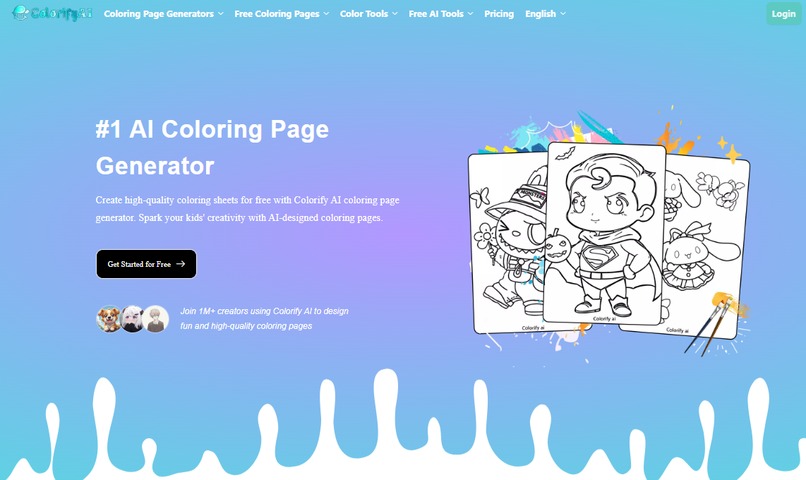
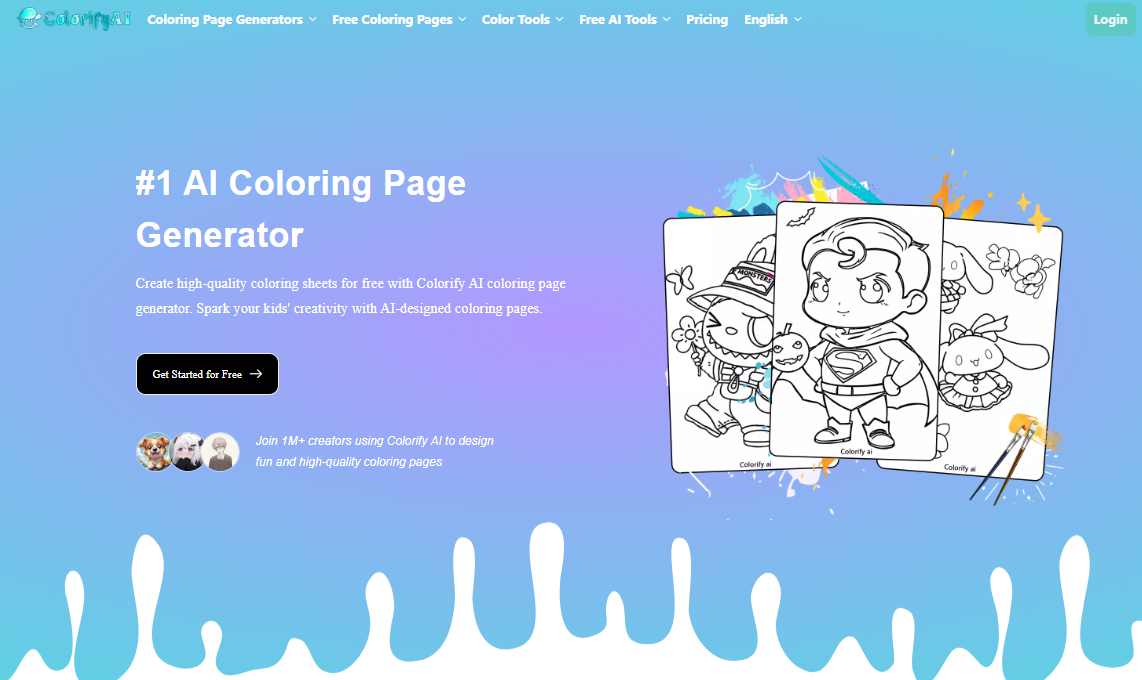
- Text-to-Coloring Page Generation (Core Feature) Users simply enter a brief description (e.g., "dinosaur," "anime girl"), and the AI generates a crisp, black-and-white line drawing within seconds—ready for immediate coloring or printing.
- Photo-to-Coloring Page Conversion Upload an image (such as a person, pet, or landscape), and the AI automatically extracts the outlines to generate a line drawing, making it easy to color.
- Line Art Coloring & Expansion Tools In addition to generating line art, the platform supports: Online coloring of line drawings Sketch-to-Image conversion Image-to-Sketch conversion, and other features.
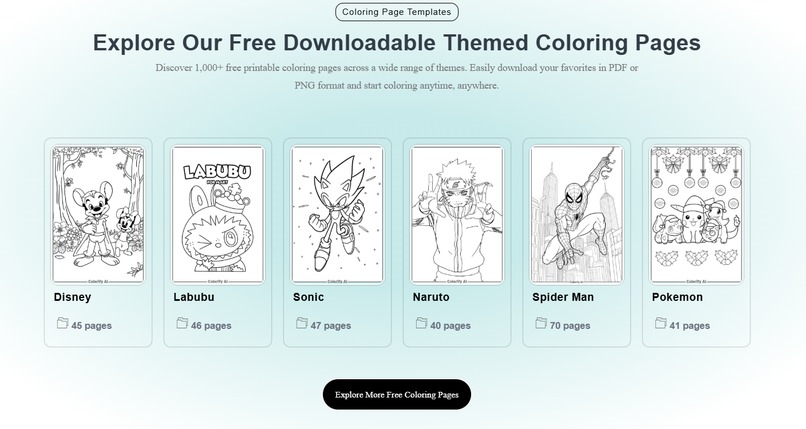
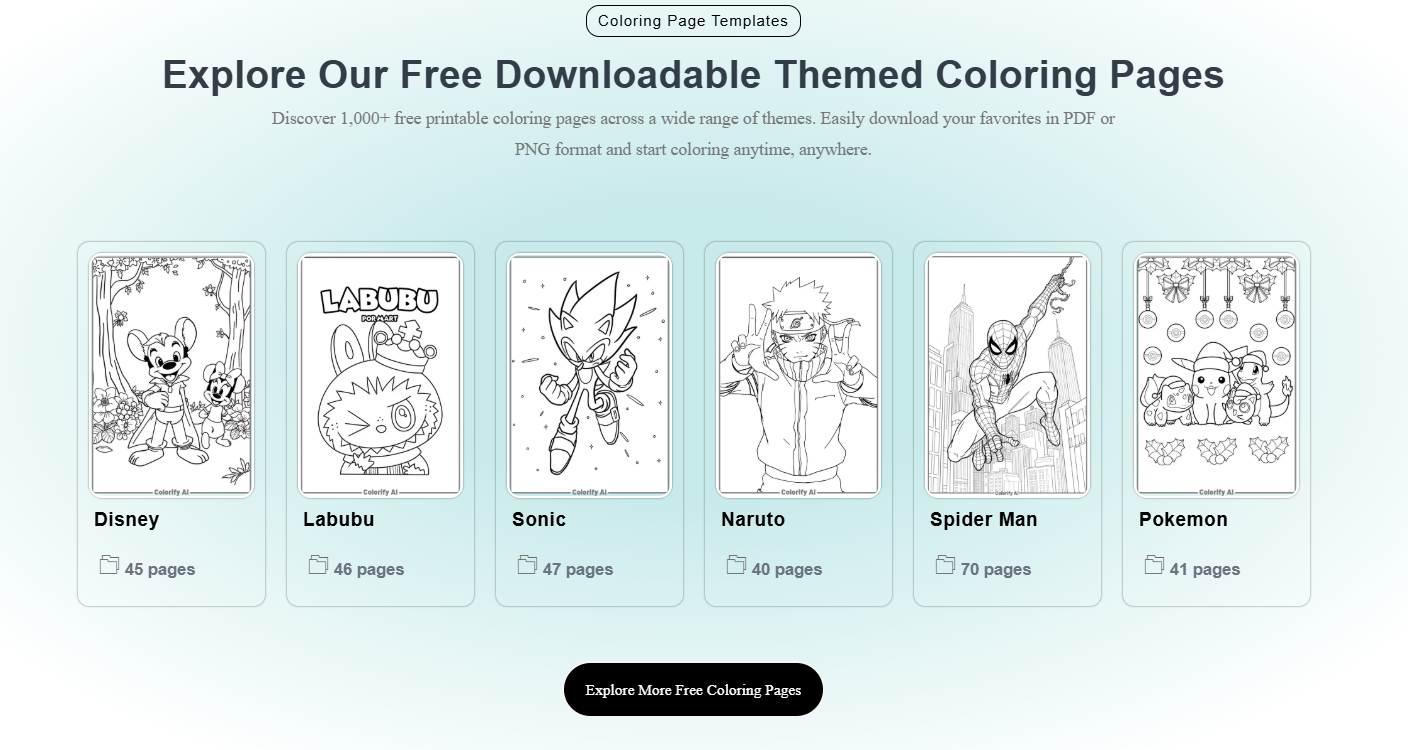
- Free Resource Library The platform offers a vast collection of ready-made coloring page templates, available for download and use without requiring a login.
- Download & Print Supports downloading in high-resolution image or PDF formats Ready for direct printing and use Ideal for home, school, or event settings.
How I built it
During the initial stages of development, projects of this nature typically focus on three core challenges: How to enable users to generate colorable line art using just a single sentence; How to ensure the output is suitable for children (clean and structurally clear); How to achieve a generation experience that takes mere seconds. Consequently, Colorify AI is, at its core, a: "Text/Image → Structured Line Art (Coloring Page)" generation system. A system similar to Colorify AI typically consists of the following modules: User Input Layer (Prompt / Image Input) This supports two input methods: Text descriptions (e.g., "cute dinosaur, cartoon style") Image uploads (converting photos into line art)
Challenges we ran into
During the development of Colorify AI, the challenges we encountered primarily centered on three key areas.
First was striking a balance between generation quality and usability. Coloring pages must not merely be "realistic"; they also require crisp lines, logical structure, and suitability for coloring. This was a process of continuous optimization—particularly when switching between styles such as children's coloring pages and anime—to ensure that we could preserve fine details while avoiding excessive complexity.
Second was navigating the trade-off between diversity and stability. User inputs are extremely open-ended, ranging from "simple animals" to "complex scenes." The AI is required to generate stable, usable line art across varying levels of difficulty—a requirement that places high demands on the model's generalization capabilities.
Another practical challenge was lowering the barrier to entry. We wanted users to be able to generate their desired results without needing to master prompt engineering techniques; consequently, we implemented extensive simplifications and adjustments to both the user interface design and the default output settings.
Accomplishments that we're proud of
Although still under continuous refinement, we have already achieved some significant milestones.
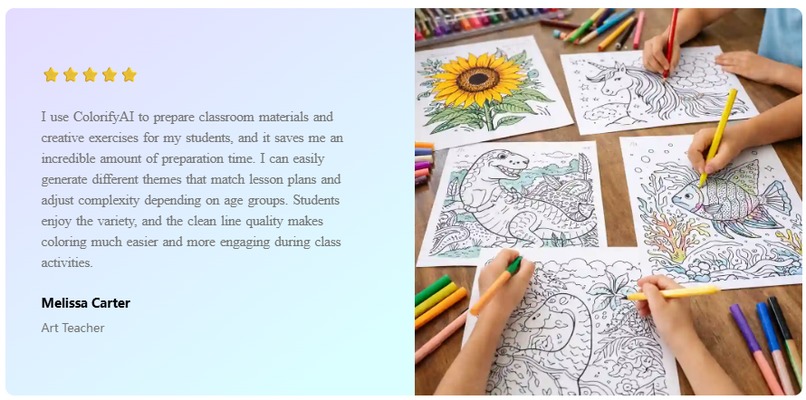
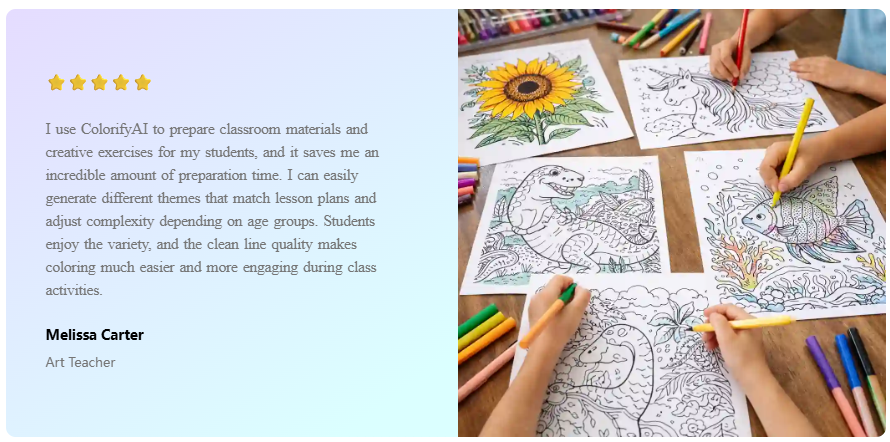
Generation Speed and User Experience: In most cases, content generation is completed within a few seconds, significantly reducing the waiting time involved in the creative process. Style Coverage: We support a wide variety of styles—including simple children's sketches and anime aesthetics—catering to the diverse needs of different user groups. Low Barrier to Entry: No prior drawing skills are required; users can generate content simply by providing a brief text description. Real-World Applications: The tool is already being utilized in various scenarios, such as parent-child interactions, educational classroom materials, and personal creative projects.
More importantly, we have observed users beginning to leverage the tool to accomplish tasks that were previously difficult to execute—such as creating personalized coloring pages for their children or rapidly generating a complete set of thematic assets for a picture book.
What I learned
When building a system similar to Colorify AI, the overall workflow generally proceeds as follows: User Input (Text / Image) Prompt Parsing and Optimization AI Image Generation (Line Art-Oriented) Post-processing Optimization (Transforming into "Colorable Line Art") Output Download (PNG / PDF) While it may seem simple, every single step requires specialized optimization. Prompt Engineering Is Absolutely Crucial Initially, I assumed that the quality of AI generation depended primarily on the underlying model; however, in reality: The design of the input prompt directly determines 70% of the result's quality. For example: Standard Prompt: a dinosaur Optimized Prompt: simple cute dinosaur, coloring book style, clean outline, white background The difference is immense.
What's next for Coloring Pages with Colorify AI (Kids & Anime Styles )
Moving forward, Colorify AI will continue to iterate with a focus on delivering a "more practical and natural creative experience." Key areas of development include:
- Enhanced Generative Control Support for adjusting line complexity (catering to different age groups) More granular style control (e.g., detailed subdivisions of various anime styles)
- Editing and Remixing Capabilities Online editing of line art (adding or removing details) Localized redrawing and adjustments
- Content Organization and Output One-click generation of complete coloring books (compiled as PDF collections) Categorization management and expansion of the template library
- Broader Application Scenarios Educational content (letters, numbers, cognitive learning materials) Suitability for commercial creative projects (e.g., publishing assets, digital products)
Built With
- multilingual

Log in or sign up for Devpost to join the conversation.