-
-

Logo
-
Website
-
Postman

Inspiration
I noticed that many digital experiences rely heavily on color, making them less accessible for people with color blindness. My goal was to create a tool that helps designers, developers, and users visualize how colors appear to those with different types of color blindness.
What it does
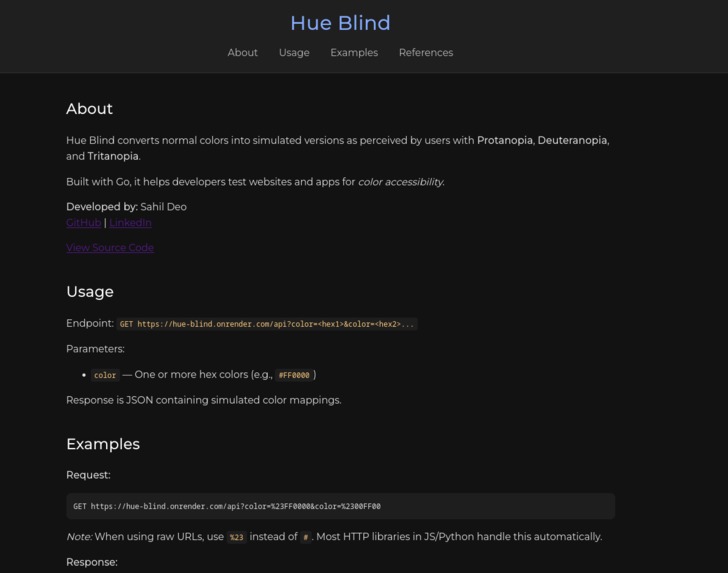
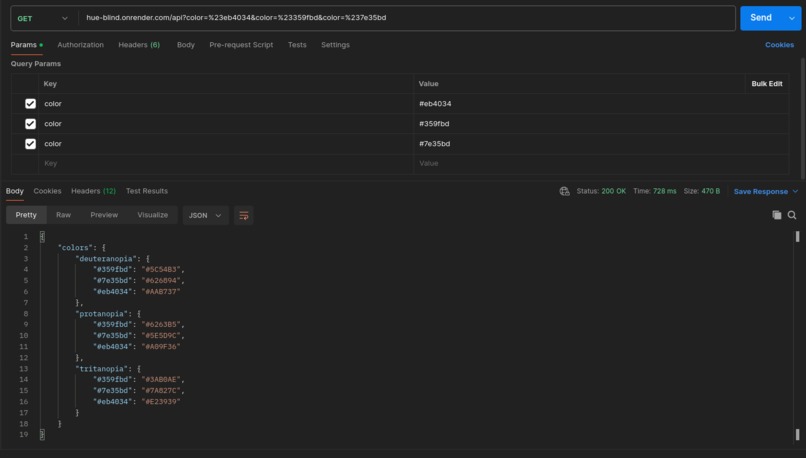
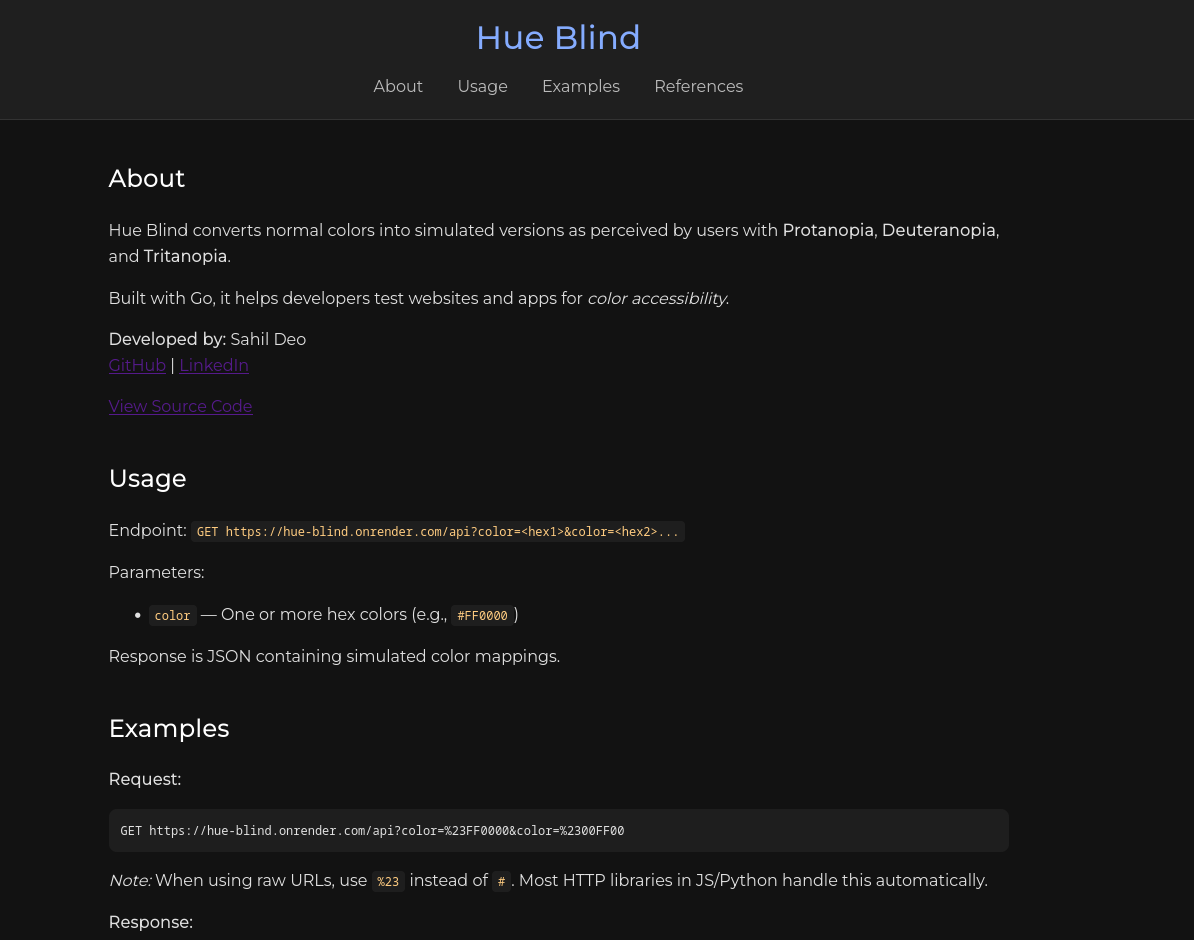
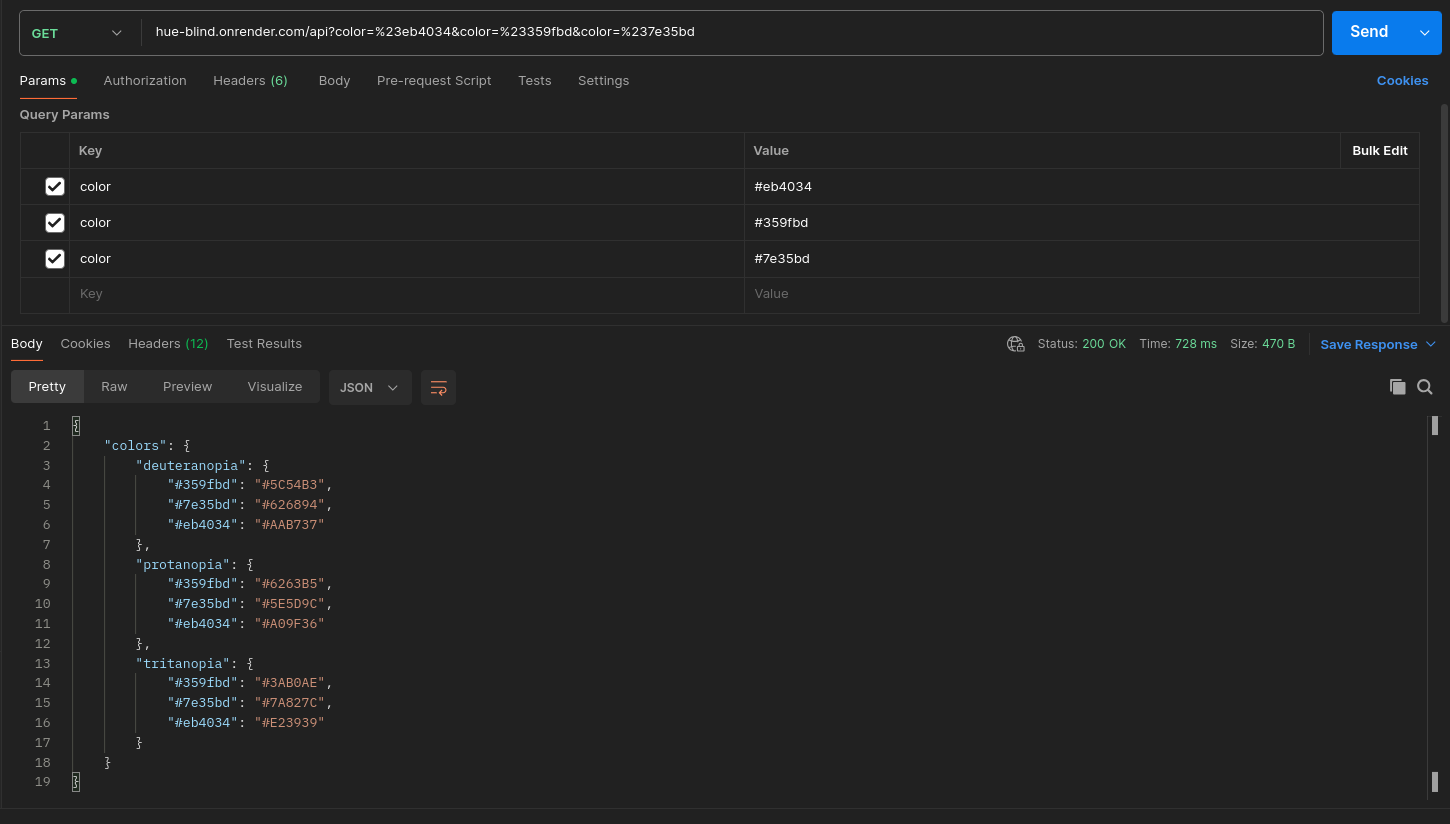
Hue Blind is an API that accepts any color input and returns how it would appear to users with Protanopia (red-blind), Deuteranopia (green-blind), or Tritanopia (blue-blind).
example usage: https://blind-hue.onrender.com/api?color=%23ff0095
refer to the documentation on the website for detailed endpoints and examples.
How I built it
I developed Hue Blind using Go for the backend. The API accepts a hex color code and outputs simulated colors for the three major types of color blindness. The system uses algorithms to transform standard colors into their color-blind equivalents while preserving as much visual distinction as possible.
Challenges I ran into
One of the main challenges was accurately simulating colors while maintaining usability and distinction. Ensuring the transformations were perceptually meaningful and not just mathematically adjusted required testing and iteration. I also worked to keep the API response fast and efficient for real-time use.
Accomplishments that I'm proud of
I successfully created a tool that can simulate multiple types of color blindness which developers can use to simulate how would their application or website look to an user with colorblindness. It’s lightweight, fast, and can be integrated into other applications or workflows to improve accessibility.
What I learned
I learned the importance of considering accessibility in design from the very beginning. On the technical side, I gained experience in color theory, hex color manipulation, and building clean APIs in Go that can process transformations efficiently.
What's next for Hue Blind
I might add a on website color converter for everyday user.
Built With
- go
- render


Log in or sign up for Devpost to join the conversation.