Inspiration
I’ve always loved those fast-paced color tile games where you race to claim the most tiles in your color. They’re simple, competitive, and perfect for quick, fun rounds, whether you play against friends or strangers. With the release of the Horizon Worlds Desktop Editor, I finally had the tools to bring my own version to life and share it with the world. My goal was to make something easy to pick up, colorful, and vibrant and I hope the final result delivers.
What it does
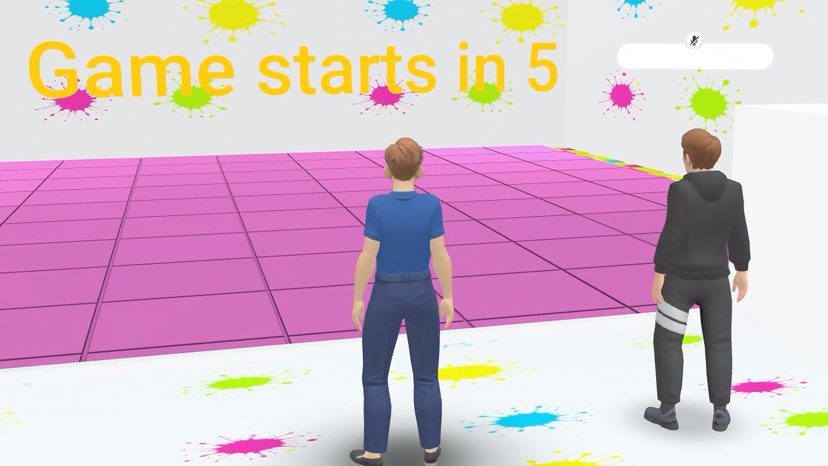
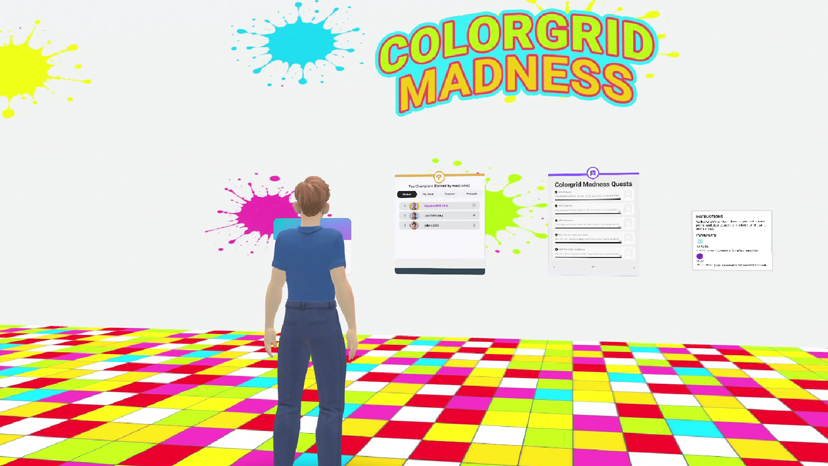
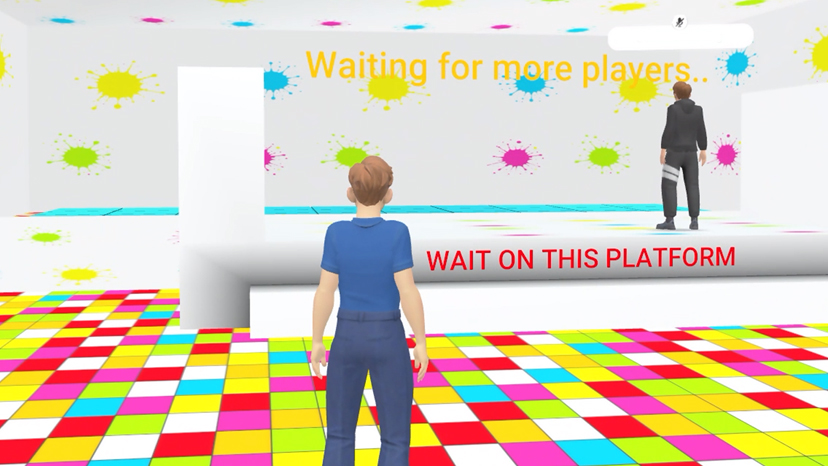
While you wait in the colorful lobby of Colorgrid Madness, quietly reading the simple game instructions, two other people enter the world. They wave and walk onto the game platform. The countdown starts, 10.. 9.. 8.., you quickly join them on the platform. And after the timer ends, you and your new opponents are transported into the game arena. The music starts and it's time to run!
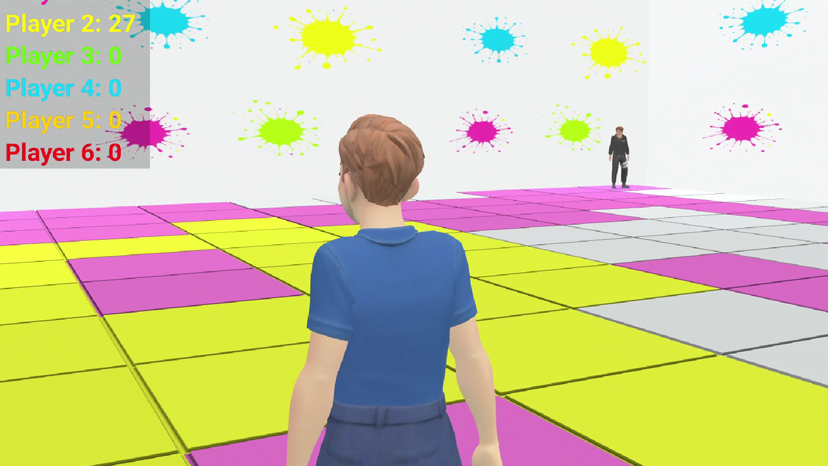
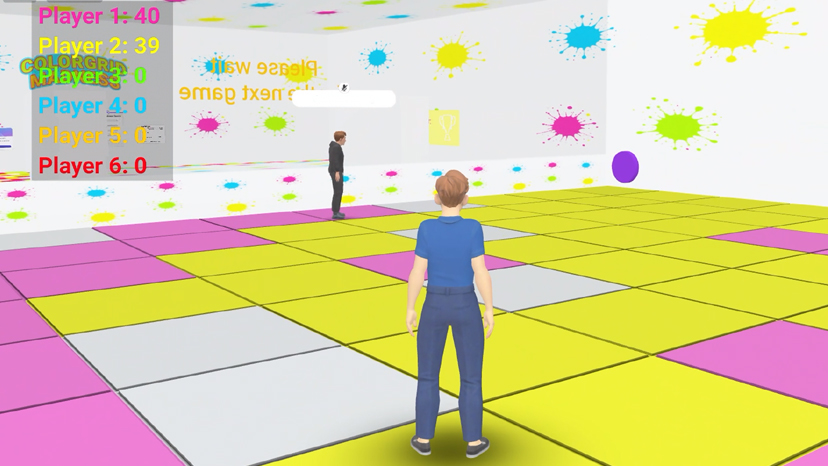
A friendly popup shows your color and everyone starts running to get as much tiles in their own color, it's madness!! An ice cube suddenly appears, let's grab it! Woooosh, all the other players are frozen giving you time to take their tiles. You quickly look at the score on the in-game heads up display and notice that you have the most points, the timer tells you there are only 20 seconds left.
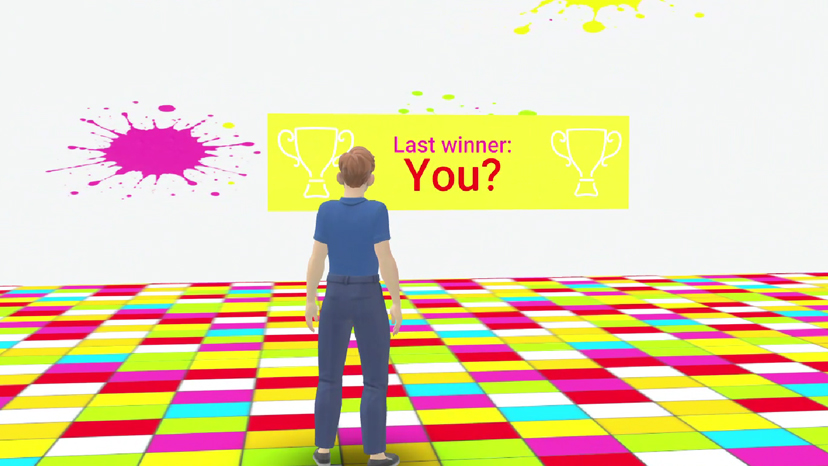
You run around to get some more points and then you hear the sound of the clock counting down the last seconds, 3.. 2.. 1, Congratulations! You have won the game, people are cheering, confetti everywhere and your name is displayed proudly on the wall.
Ready for another round?
How we built it
Colorgrid Madness was build using the Horizon Desktop Editor and with TypeScript. The building and many other objects such as the tiles are made in Blender. It is tested on Mobile, in VR and using a Web browser.
Challenges we ran into
One of the challenges was getting a fast responsive arena. At first I've used collision detection on the tile mesh models but, with having 100 tiles, sometimes a tile would not change in the player's color. After adding trigger areas for each tile and using these to detect collisions, performance greatly increased.
Also getting the game logic right took some trial and error and a lot of testing, especially with multiplayer games where people can just enter and exit a world. Using a gameState variable to keep track of the games status and Map variables for keeping track of players in the arena and lobby helped a lot.
To get a great experience for users on a Mobile phone I focused on getting the player quickly into the action. The game can be played even if there are only 2 players present and each instance of the world allows up to 6 players. There's also no need to choose a player's color since this is assigned automatically. A player only needs to enter the world and step on the game platform.
A bright color palette was used so that the world is clearly visible on a mobile screen.
Accomplishments we're proud of
To make it easy for the players to see their points and the remaining round time, I've created a Heads-Up Display (HUD) which is displayed when a game is in progress. It was created with Custom UI gizmos and using intervals together with bindings. This was my first time using this gizmo and I think the result looks simple and effective.
I'm happy with the end result of Colorgrid Madness and hopefully many people will enjoy the game!
What we learned
After having used the Desktop Editor for the past months I've learned how to build interactive 3D worlds for Meta Horizon. It was also great seeing it constantly being updated with helpful new features making live easier for creators. I've already written a list of ideas for new fun and interesting worlds, so hopefully I'll be able to continue building in the upcoming years.
What's next for Colorgrid Madness
- Adding doors to my other worlds.
- Add more powerups.
- Colorgrid Madness themed clothing as prizes.
Built With
- blender
- javascript
- meta-horizon-worlds-desktop-editor
- typescript

Log in or sign up for Devpost to join the conversation.