Inspiration
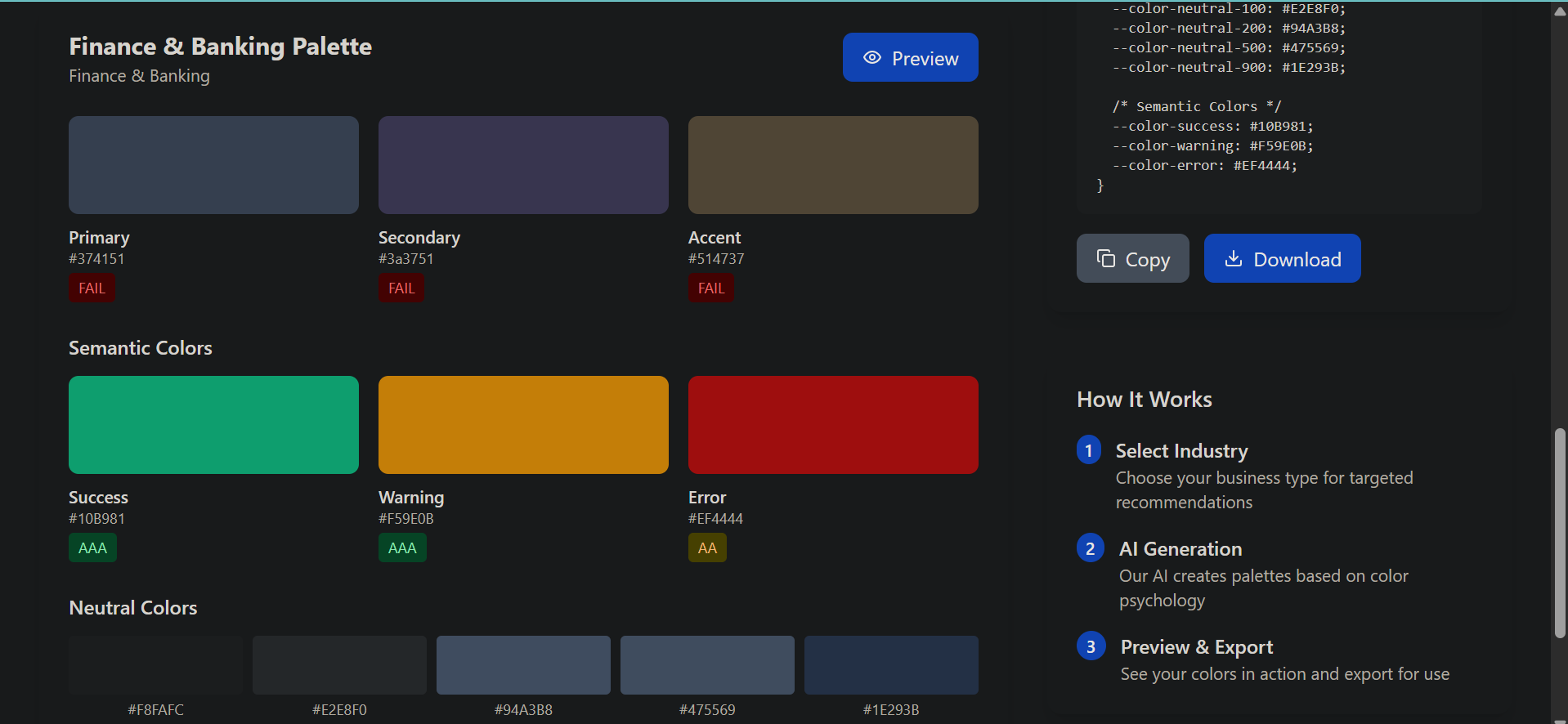
The need for an intelligent, frontend-driven color recommendation tool inspired this project. I aimed to help developers select optimal palettes based on industry, mood, and accessibility while explaining the psychology behind choices.
What I Learned
I deepened my expertise in color theory, WCAG accessibility standards, and JavaScript algorithms for color manipulation. Building this reinforced my React skills and modular frontend architecture design.
How we built it
Using TypeScript and React, I created:
Industry-specific color profiles (e-commerce, healthcare, tech, etc.) Real-time shade/tint generators Accessibility validators for WCAG compliance Color psychology mappings with emotional associations
Challenges we ran into
Balancing aesthetic appeal with strict accessibility requirements while maintaining API simplicity was complex. Ensuring cultural sensitivity in color recommendations required extensive research
What's next for ColorGenie
For ColorGenie, the future holds several exciting opportunities to expand its capabilities and reach within the web design and development community. Here’s a vision for what’s next:
Expanded Industry Profiles: Add more industry-specific color profiles, such as education, entertainment, and nonprofit, to serve a wider range of users and use cases. Advanced Accessibility Tools: Integrate more robust accessibility checks, including color blindness simulation and automated recommendations for improving contrast and readability. Custom Palette Sharing: Enable users to save, export, and share their custom color palettes with others, fostering collaboration and inspiration. Integration with Design Tools: Develop plugins or APIs for popular design platforms (like Figma, Adobe XD, or Sketch) so designers can use ColorGenie directly within their workflow. User Feedback Loop: Collect and analyze user feedback to continuously refine recommendations, add new features, and adapt to emerging design trends.

Log in or sign up for Devpost to join the conversation.