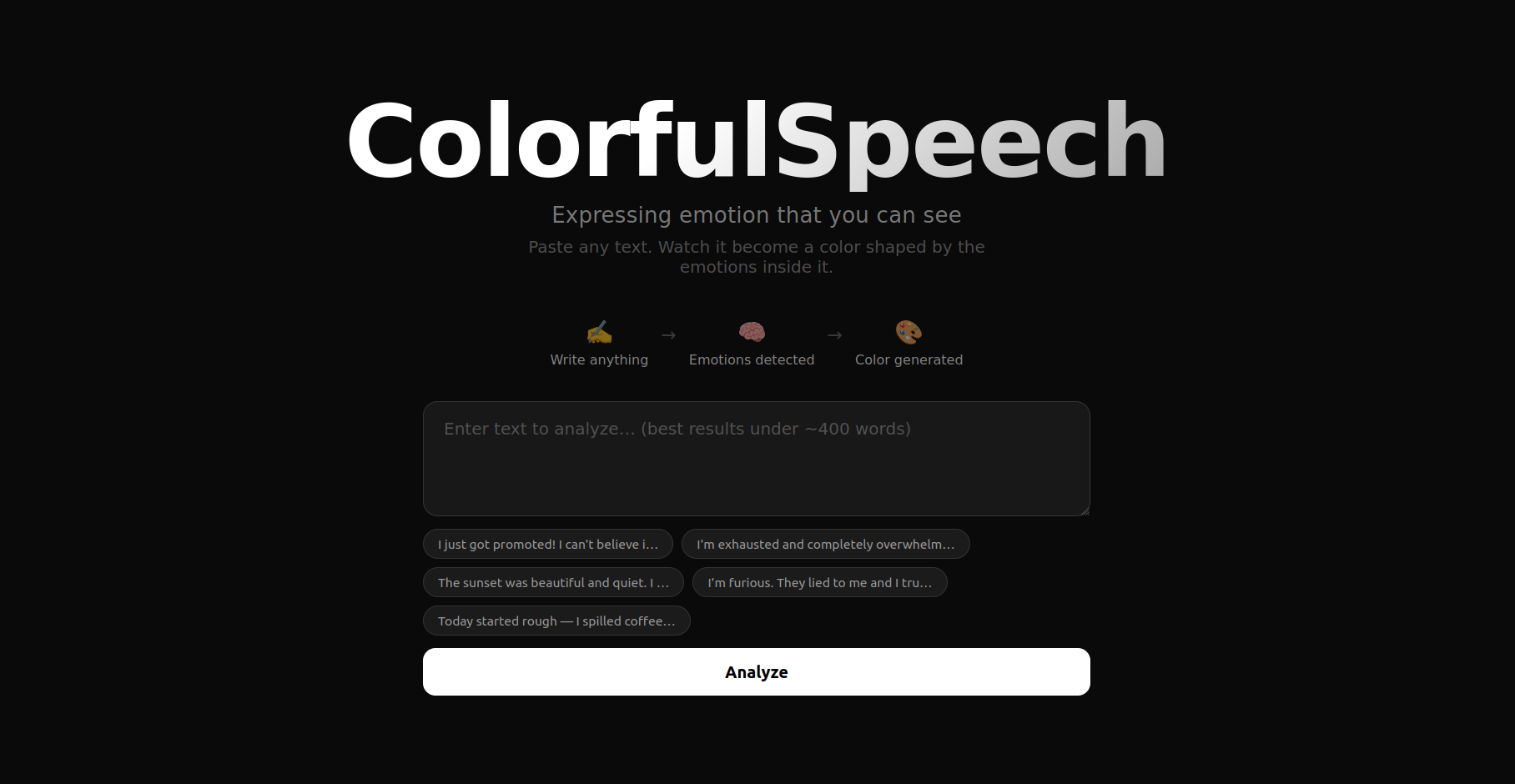
ColorfulSpeech
Expressing emotion that you can see.
🌐 Live demo: colorfulspeech.vercel.app
Inspiration
I've always been fascinated by how emotion is just as nuanced as different shades of color. Since sentiment analysis is possible with modern AI, I wanted to explore what kind of color is expressed from speech — mapping the journey from text → emotion → color. Not just "happy = yellow," but a continuous, research-backed translation through emotional geometry.
It also just looks really cool.
What it does
ColorfulSpeech takes any text input and:
- Classifies it into a probability distribution across 7 emotions (joy, sadness, anger, fear, surprise, disgust, neutral)
- Maps those emotions to a continuous Valence-Arousal-Dominance (VAD) affect space
- Translates the VAD coordinates into an HSL color — hue from the emotional blend, saturation from arousal, brightness from valence
- Renders the result as an animated full-page color experience with emotion charts and a VAD scatter plot
How we built it
- Backend: FastAPI + HuggingFace Transformers (
j-hartmann/emotion-english-distilroberta-base). A singlePOST /analyzeendpoint runs inference, computes weighted VAD averages, and returns the HSL color alongside emotion probabilities and an explanation. - Frontend: React + Vite + Chart.js. A full-viewport hero with example prompts, a results section with animated background color, emotion bar chart, and VAD scatter plot with quadrant labels.
- Deployment: HuggingFace Spaces (Docker, backend) + Vercel (frontend)
- Built with: Kiro CLI for AI-assisted development
Challenges we ran into
- Broken PyTorch install —
torch._Cmodule error on first run required a full reinstall with the CPU-only wheel - Hue wrapping — naively averaging hue angles breaks at the 0°/360° boundary. Solved using circular mean via
atan2(sin, cos) - Color ambiguity — red means both love and anger. Resolved by using all three VAD dimensions: valence sets brightness, so anger (negative) produces dark red and love (positive) produces bright red
Accomplishments that we're proud of
- A genuinely novel visualization: language → emotional geometry → perceptual color space
- Research-backed VAD mappings grounded in Russell & Mehrabian's affect model
- The living color effect — title glow, card border tints, and radial gradient all driven by a single set of CSS custom properties
- Clean, Apple-inspired UI that explains the concept without requiring any prior knowledge of affective computing
What we learned
- The VAD model is a powerful intermediate representation — it bridges discrete emotion labels and continuous perceptual outputs like color
- Circular mean is the correct way to average angles (hues), not arithmetic mean
- HuggingFace Spaces with Docker is an excellent free option for deploying heavy ML models permanently
- Color-emotion associations are culturally variable and should be treated as approximations, not ground truth
What's next for ColorfulSpeech
- Audio input — transcribe speech via Whisper, then analyze → color in real time
- Temporal tracking — analyze a paragraph sentence by sentence and animate the color shifting as the emotional arc evolves
- Cultural mappings — let users select region-informed color palettes
- Calibration — align VAD vectors against human-rated datasets (NRC-VAD, ANEW) for higher accuracy
- Share — generate a shareable image or URL of any analysis result
Setup
Requirements
- Python 3.10+
- Node.js 18+
Backend
cd backend
pip install -r requirements.txt
uvicorn main:app --reload --port 8000
Frontend
cd frontend
npm install
npm run dev
Create frontend/.env:
VITE_API_URL=http://localhost:8000
Deployment
- Backend: HuggingFace Spaces (Docker SDK) — push contents of
backend/to your Space - Frontend: Vercel — set root directory to
frontend/, addVITE_API_URLenvironment variable pointing to your HF Space URL
License
MIT — see LICENSE

Log in or sign up for Devpost to join the conversation.