-
-
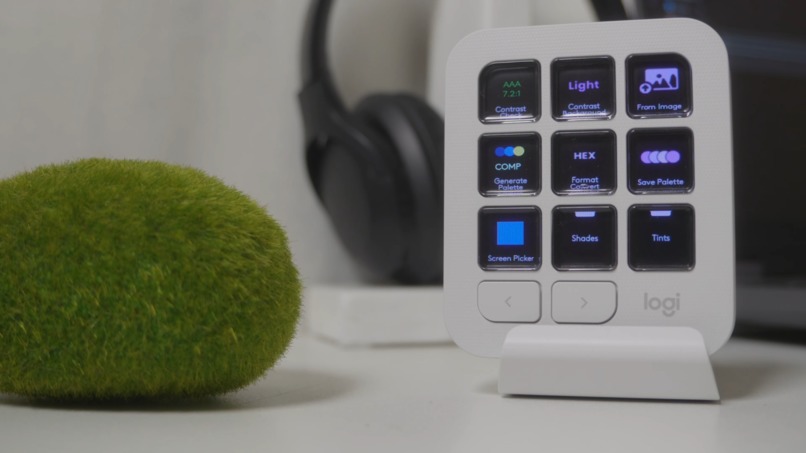
ColorBridge Plugin
-
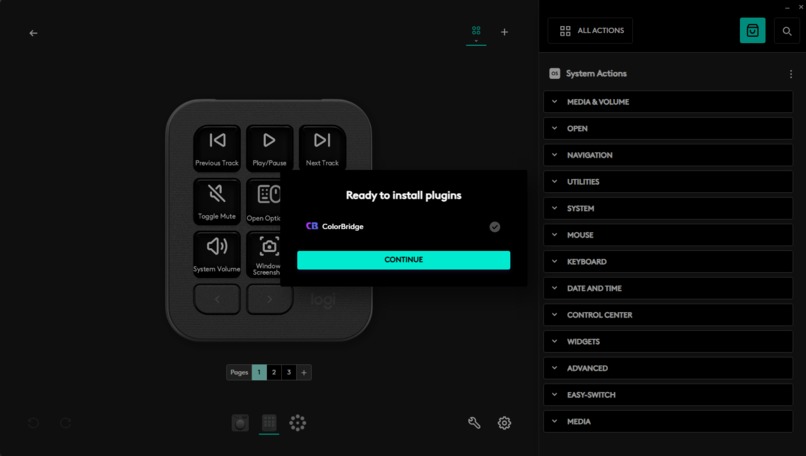
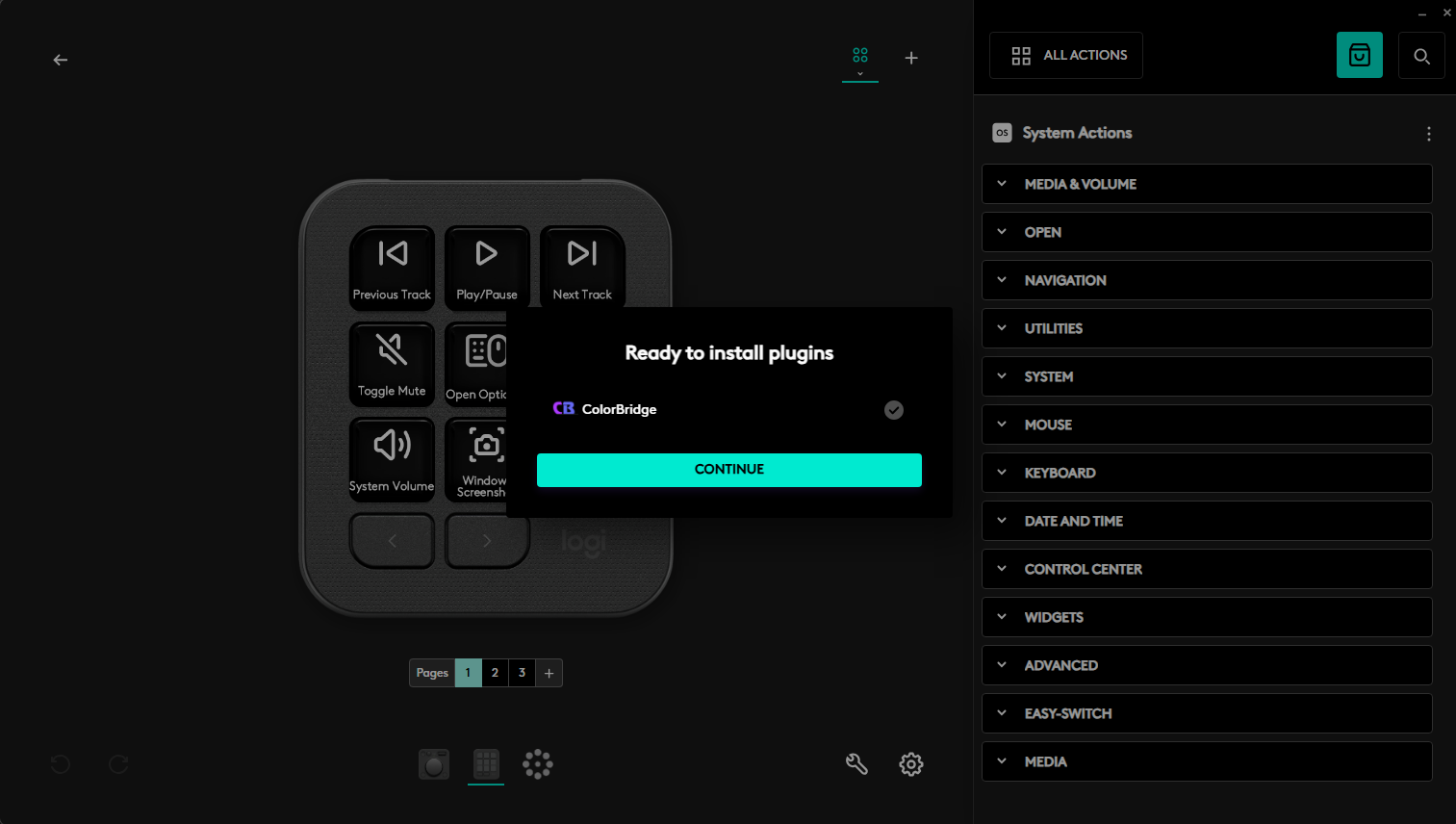
Installation Screen
-
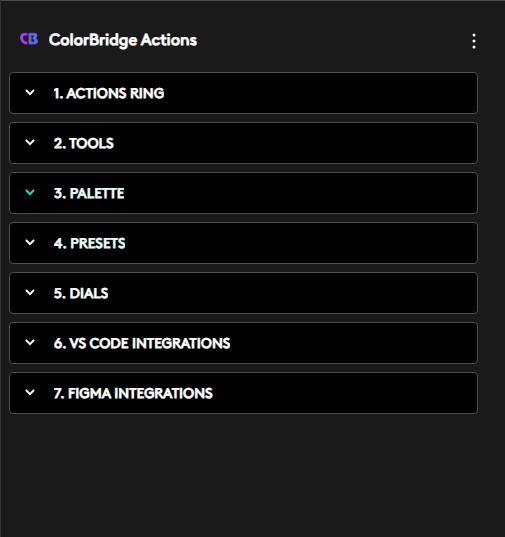
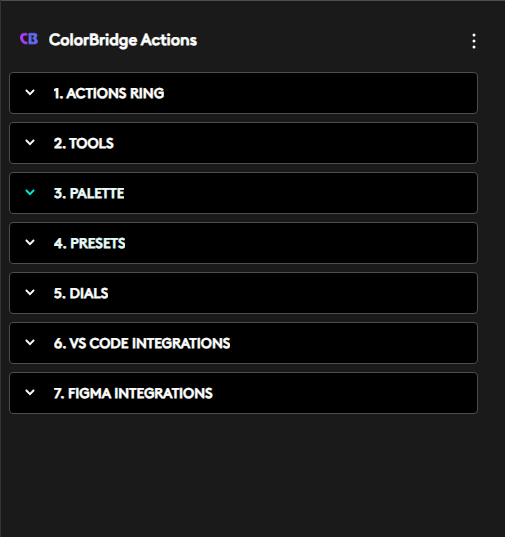
ColorBridge Actions
-
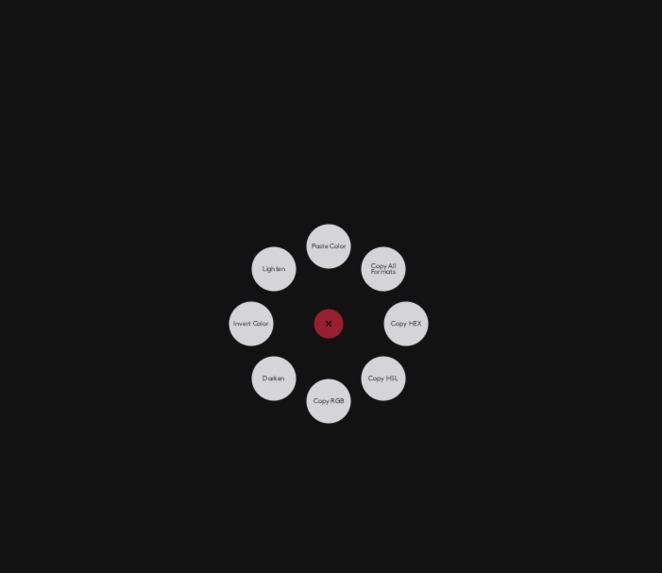
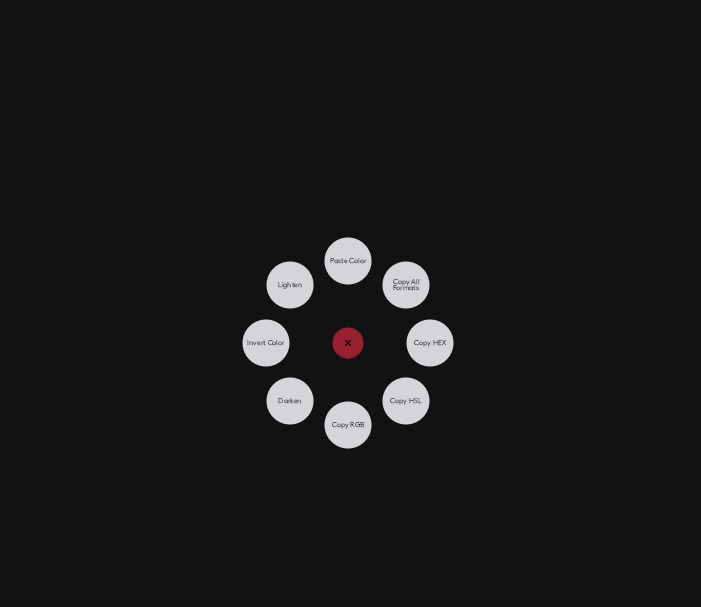
Actions Ring
Overview
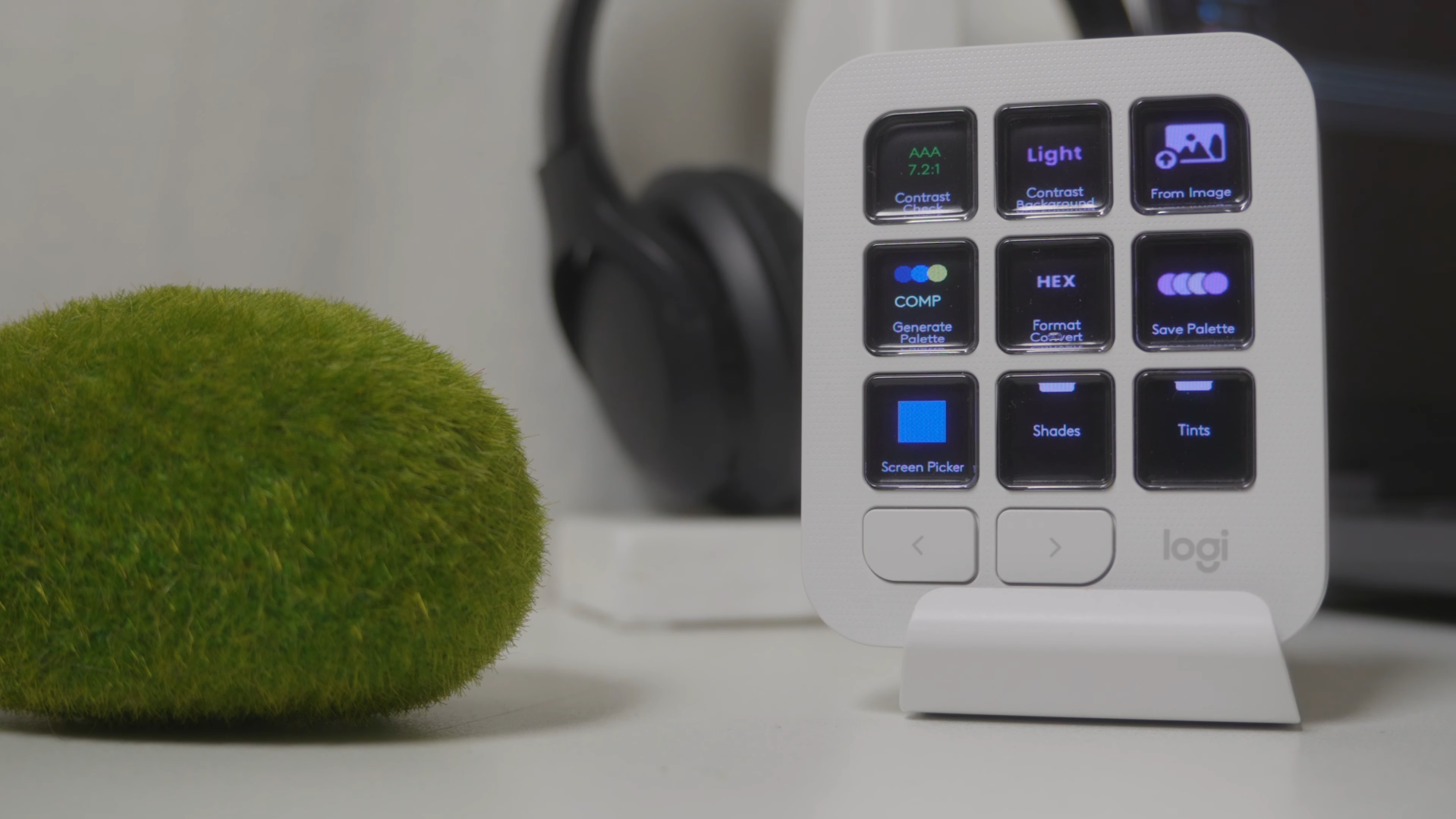
A plugin for the MX Creative Console that brings complete color workflow control to a single physical device.
The Problem
Designers, developers, and brand managers constantly switch between apps just to work with colors picking, converting, checking contrast, and copying formats manually. It breaks focus and slows down creative work.
The Solution
ColorBridge brings all of that onto one physical device. Turn a dial to adjust hue. Tap a button to pick a color from your screen. Check contrast instantly. Copy in any format. Everything happens on the console without touching your mouse or leaving your app.
ColorBridge can do all these things and reduce the need for multiple apps and plugins even suggesting to the user which things look better.
Features
- Hue, Saturation & Lightness Control
- Screen Color Picker
- Auto Palette Generation
- WCAG Contrast Checker
- Clipboard Format Converter
- Slots & Presets
- VS Code Export
- Figma Integration
Supported Apps
ColorBridge works with Figma, Visual Studio Code, and a variety of other apps, making the MX Creative Console a standard choice for the creative and design community.
Future Integrations
ColorBridge is designed to grow with creative workflows. Upcoming app integrations include Adobe Photoshop, Adobe Illustrator, Blender etc.
Planned features include:
- Texture Picker
- Shadow and Light Picker
- Color Harmony Suggestions
- Material Preview Tool
- Art Style Picker
- Quick Sketch
- Color Filler & Much More...
Built With
- actionssdk
- csharp
- devstudio2026
- mxcreativeconsole

Log in or sign up for Devpost to join the conversation.