💡Inspiration
Oh dear, color theory.
Mixing a few colors on a physical palette is not an ordeal, but since the surge in popularity of mobile drawing apps, introducing the younger generations to accessible artistic creation, color picking by hand on palm-sized screens has been a universal struggle.
Targeting teenagers and young adults, for whom Snapchat has a high penetration, Color Mixer turns the relatable hassle into an entertaining challenge that allows users to train their color-picking abilities while having fun.
🎨What it does
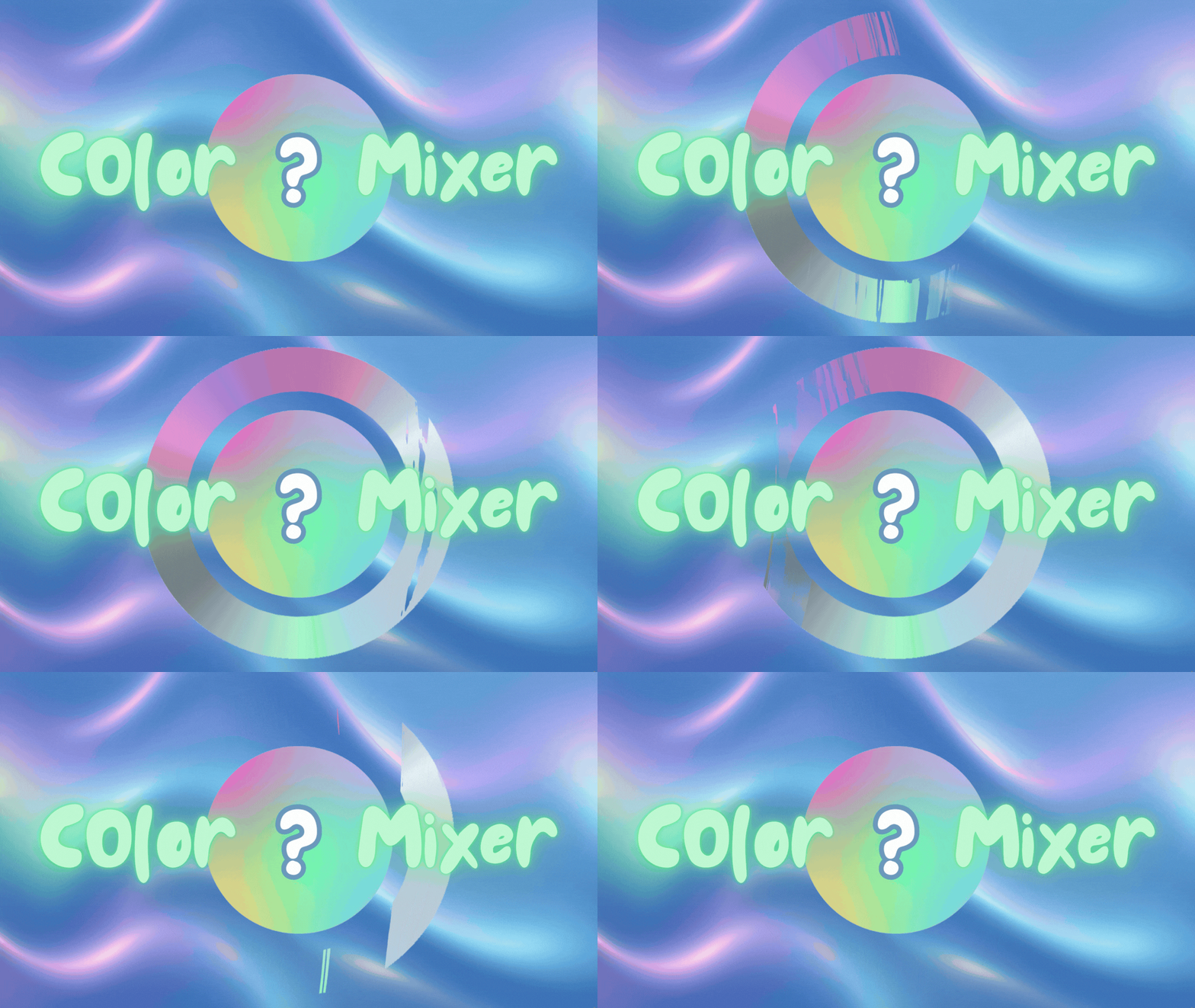
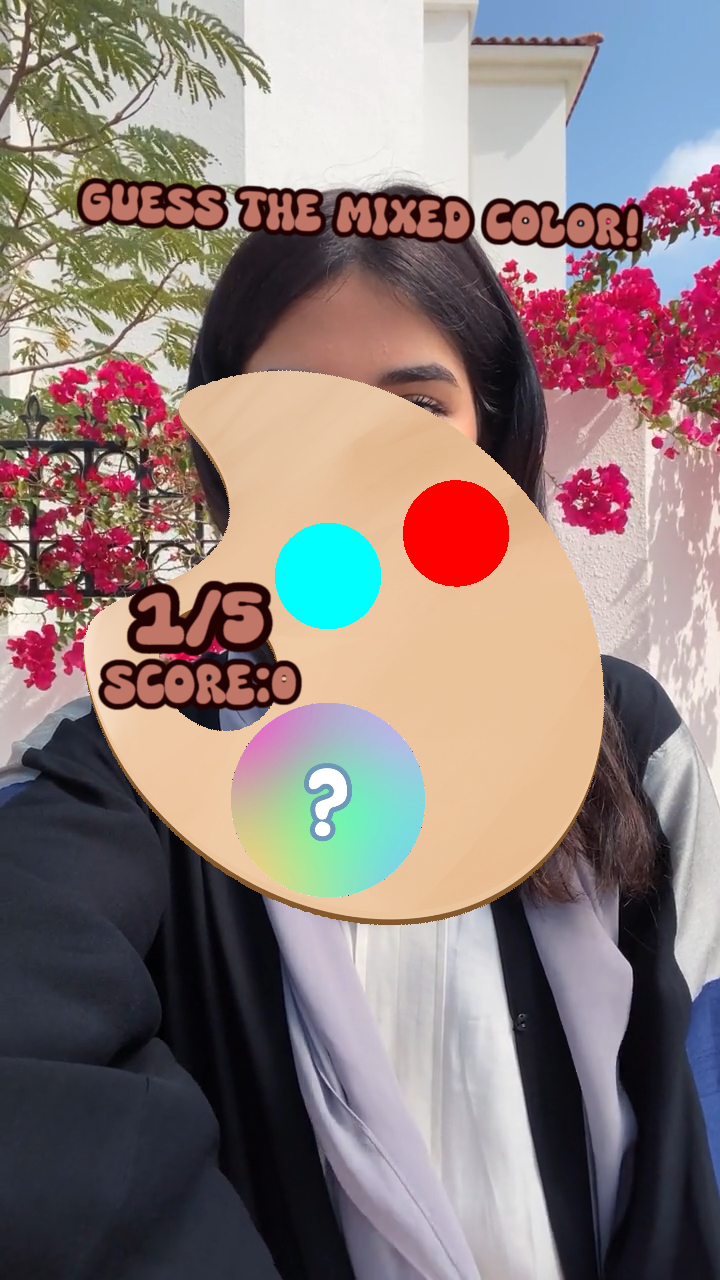
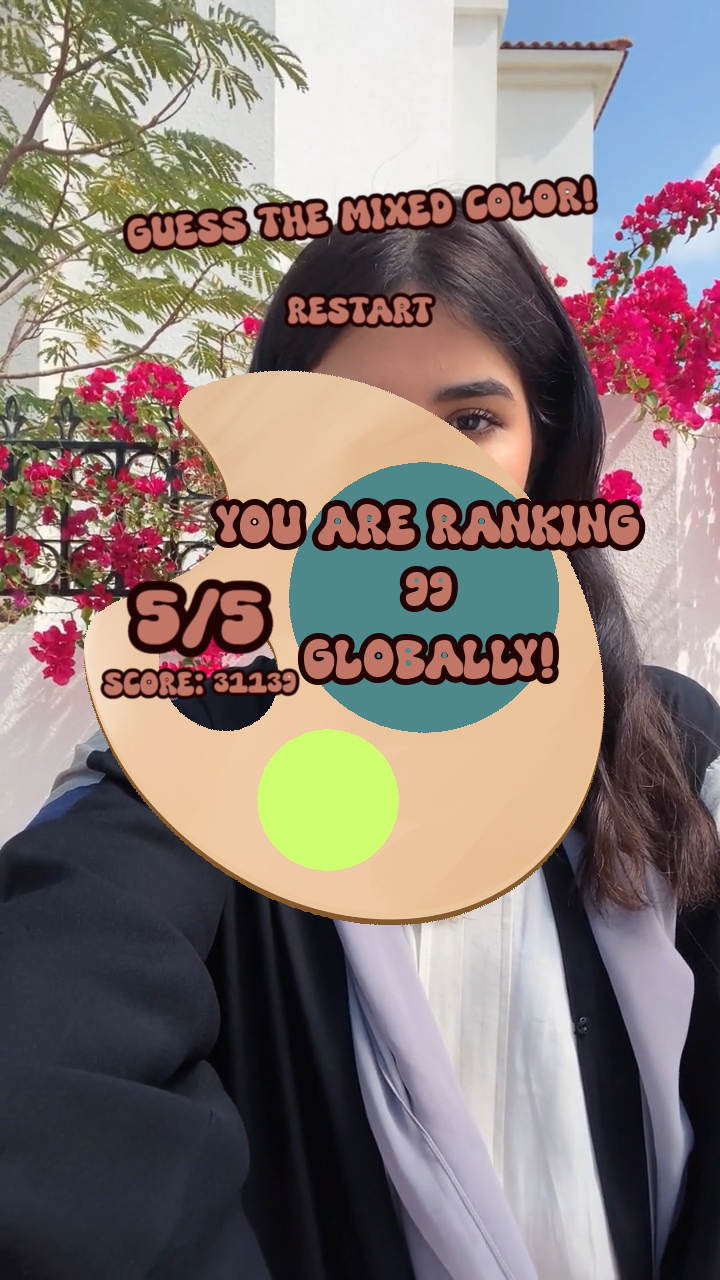
Color Mixer is a Snapchat lens game that allows the user to guess the outcome of mixing several given colors using a simplistic button-based interface and a color picker component. It offers a fluid interface that encourages player intuition rather than overwhelming text to guide the user.
The game runs as follows:
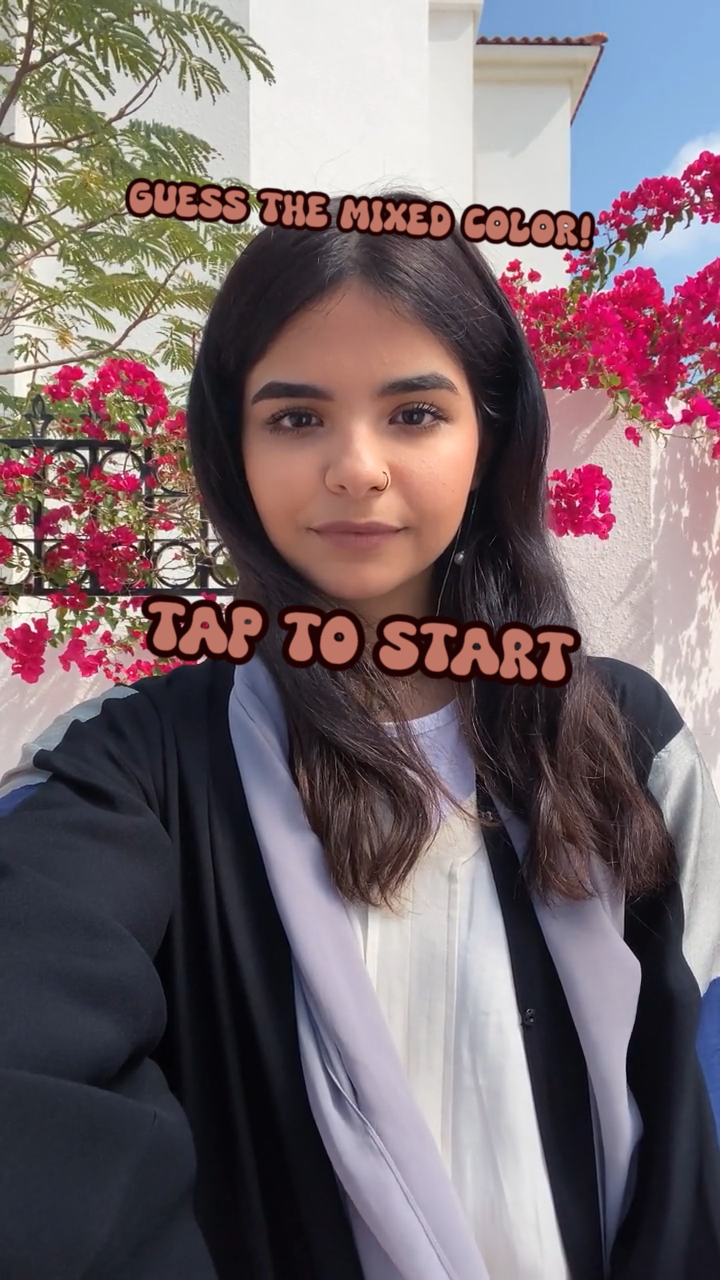
1. The user taps anywhere to start the game.
2. The main interface and random colors that increase in complexity
   in each stage are generated.
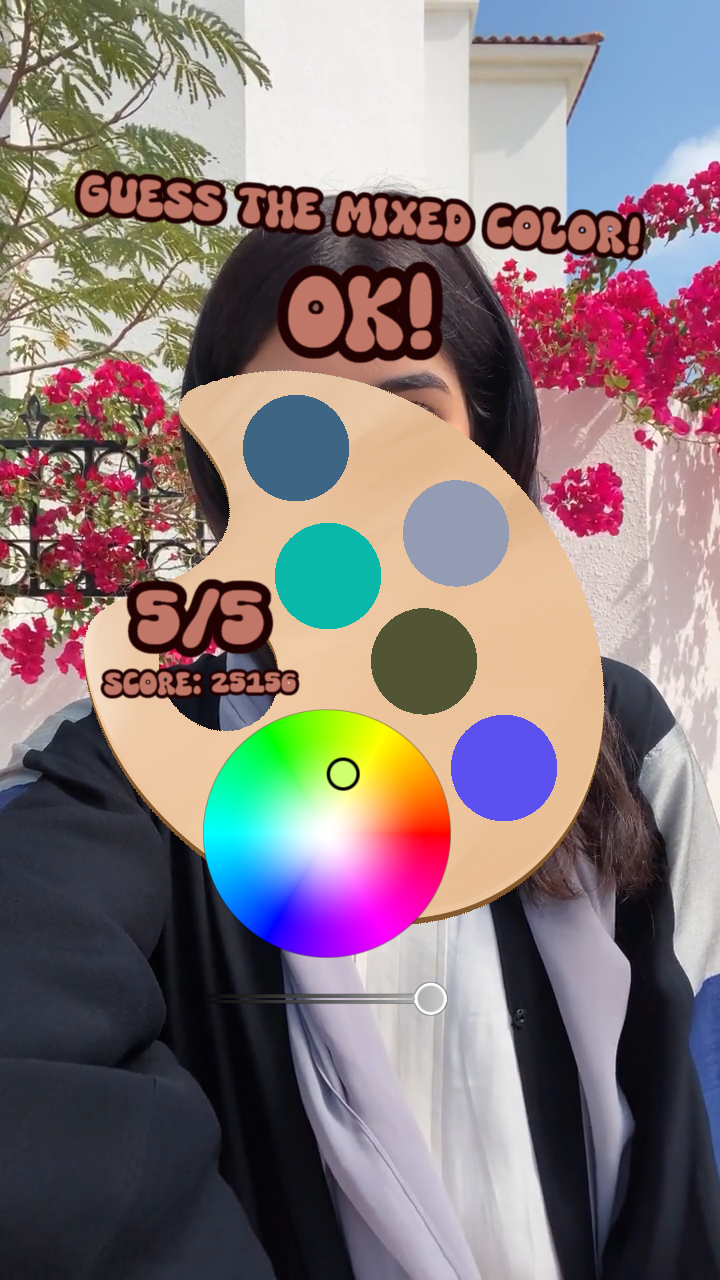
3. The user taps on the input component to activate the color picker
   and selects a color based on hue, saturation, and value.
4. The user confirms their choice using the OK button.
5. The correct final color is given along with the percentage difference
   between the user input and the correct color, contributing to the final
   score.
6. After 5 stages, the final score is calculated and submitted to the
   leaderboard. Ranking is shown in simple text.
7. A restart button can be used to start another round of the game.
🖌️How we built it
Canva and ibisPaint were used to produce image assets for the 2D components of the game.
The entire game development process was carried out in Lens Studio.
- Both the default and the orthographic cameras were used, accompanied by Screen Transform to ensure consistency in the interface's sizing, including text and image components.
- The game utilized a Color Picker Wheel module and the LeaderboardInfo component from the asset library to shorten development time and increase user experience.
- Lens Studio was also the platform on which the game was tested.
JavaScript was used for scripting the transformation and timed animations of the visual components and the player-game interactions. Some features include:
- Code for receiving the user's input from the color picker component, translating it into vec4 format, and using it to calculate a score that is pushed to the leaderboard
A function to smoothly animate the visibility and size of the image components on the screen.
💬Challenges we ran into
This project is the first one I built with Lens Studio, as well as the first one I built using solely javascript as the main scripting language, which means that I encountered countless unfamiliar errors in the development process.
Unfamiliarity with the Lens Studio interface and professional design elements caused some initial hardship when setting up the visuals. I grappled the concept of the orthographic camera and its impact especially late into the development process.
Complexity of the game structure was also an concern. The game was initially designed to be a full-fledged drawing simulator. However, the quick-play format requires the game to entertain the user in a short span of time with as little logical complexity as possible. The game was massively simplified during development.
JavaScript syntax was another source of confusion. Its difference from Java - a language I am familiar with - encouraged me to read more about Lens Studio's specific documentation to utilize the script as efficiently as possible.
🎉Accomplishments that we're proud of
The animations that add completeness to the game and guide the user were a great success. I am proud of being able to use sinusoidal functions and timed delays in the script to enhance the visuals, linking mathematics and art in my code.
The color code conversion from RSV to RGB format, as well as the functions employed to compare the dimensional difference between two colors to calculate the score, are impressive to me. I did extensive research on the nature of color presentation in a digital format to complete the above tasks.
🧐What we learned
Other than the technical knowledge around Lens Studio setup and JavaScript syntax, I caught a glimpse of what it was like to be an actual software developer, though it was for something as simple as a single-player game. I cherish the opportunity this hackathon has given me to step out of my comfort zone and dabble in something new.
Moreover, I learned the importance of perseverance and time management, which are important soft skills to have in a professional setting. This event has pushed me to finish a project in a given span of time, deepening my understanding of the software development life cycle and preparing me for projects on a bigger scale.
❤️What's next for Color Mixer
- Visual and functional consistency enhancement of the leaderboard and color picker components
- Implementation of the full leaderboard custom component, including visualized ranking
- Improvement in the image components for better visuals, such as outlines around the color assets
- Smoother animation and the addition of transitions between game stages

Log in or sign up for Devpost to join the conversation.