
Inspiration
Original inspiration was being frustrated with making schedules before registration day. The inspiration for today was caused by me wanted the app to be more user friendly as well as a lot faster.
What it does
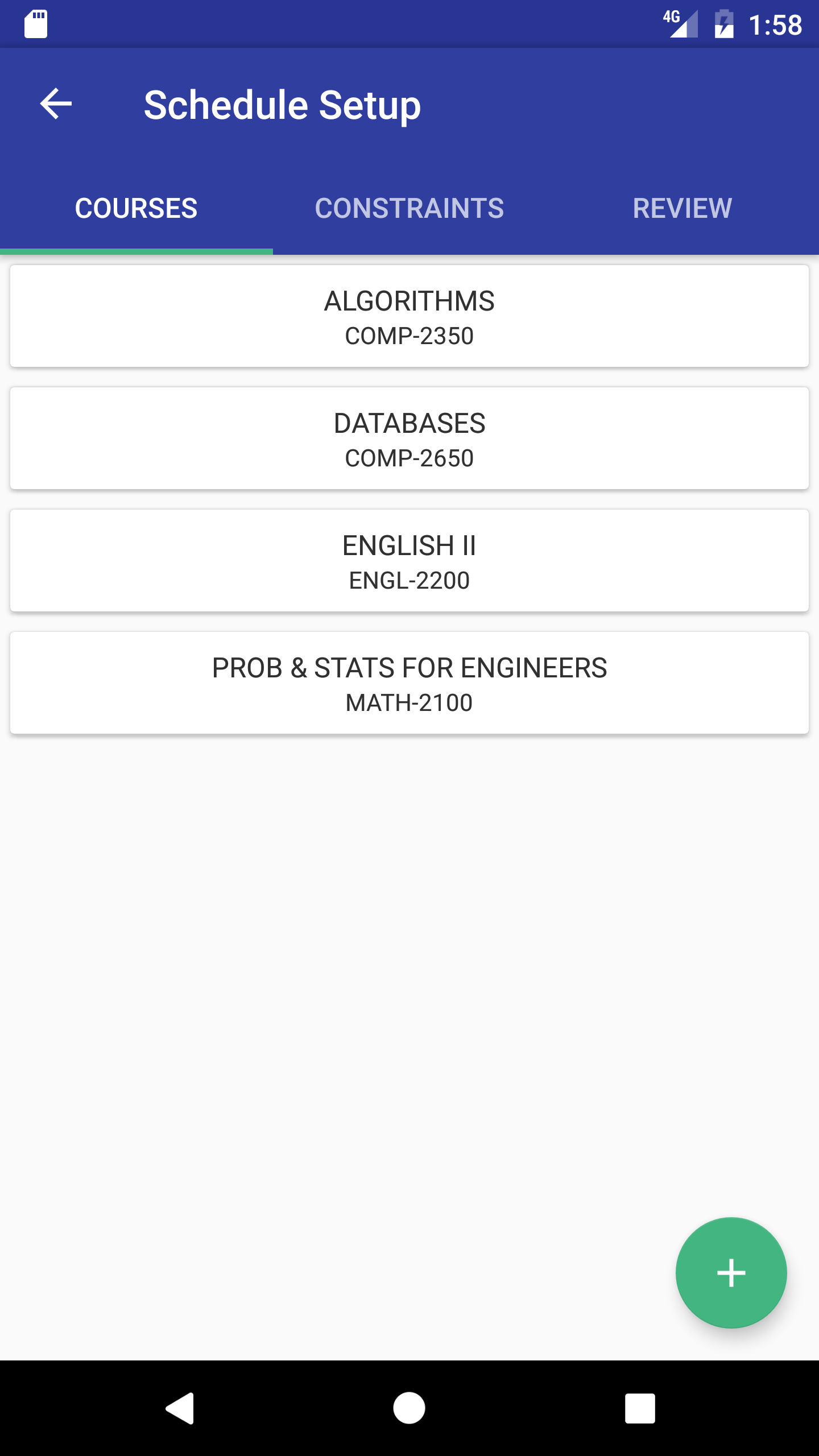
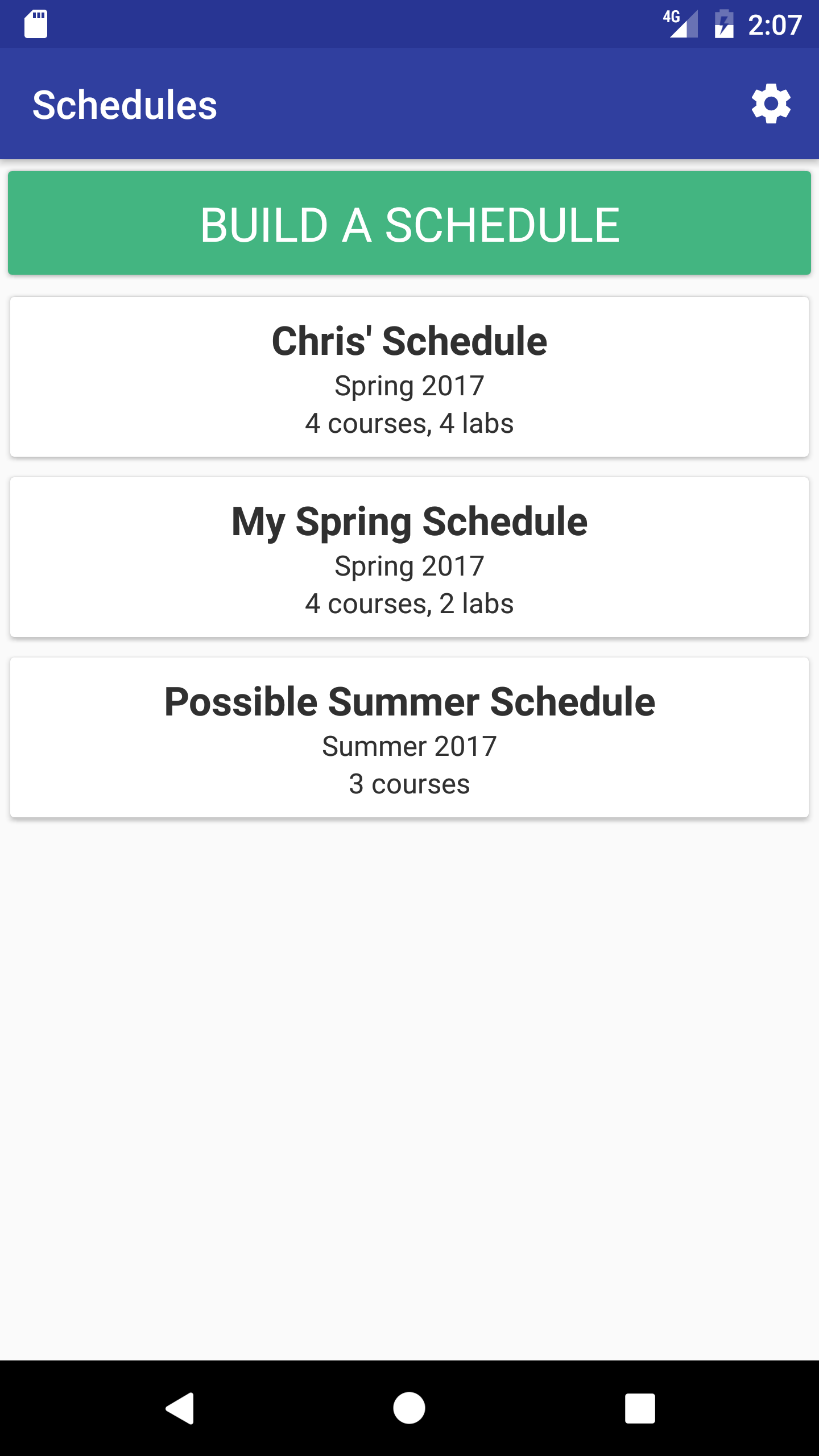
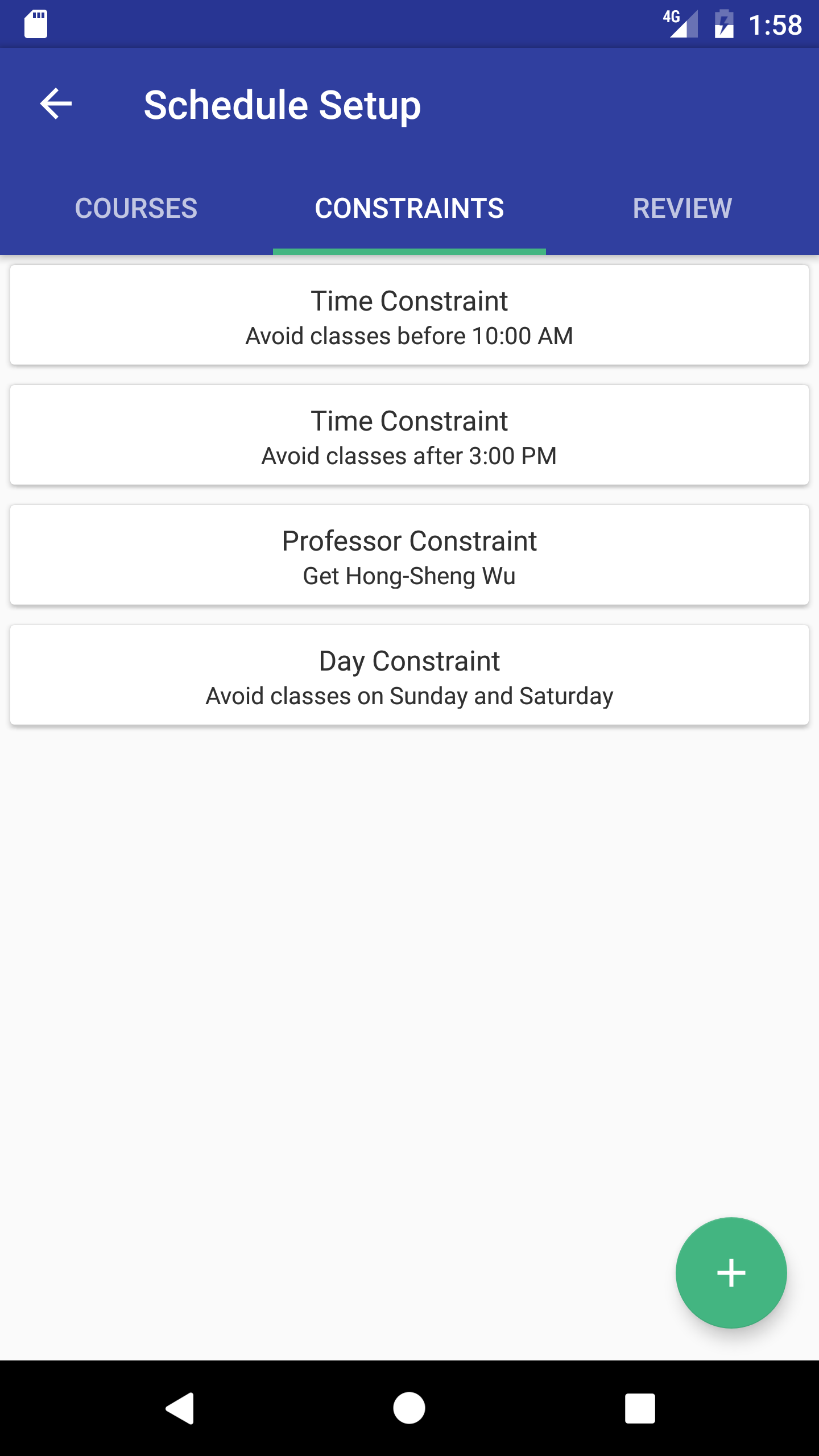
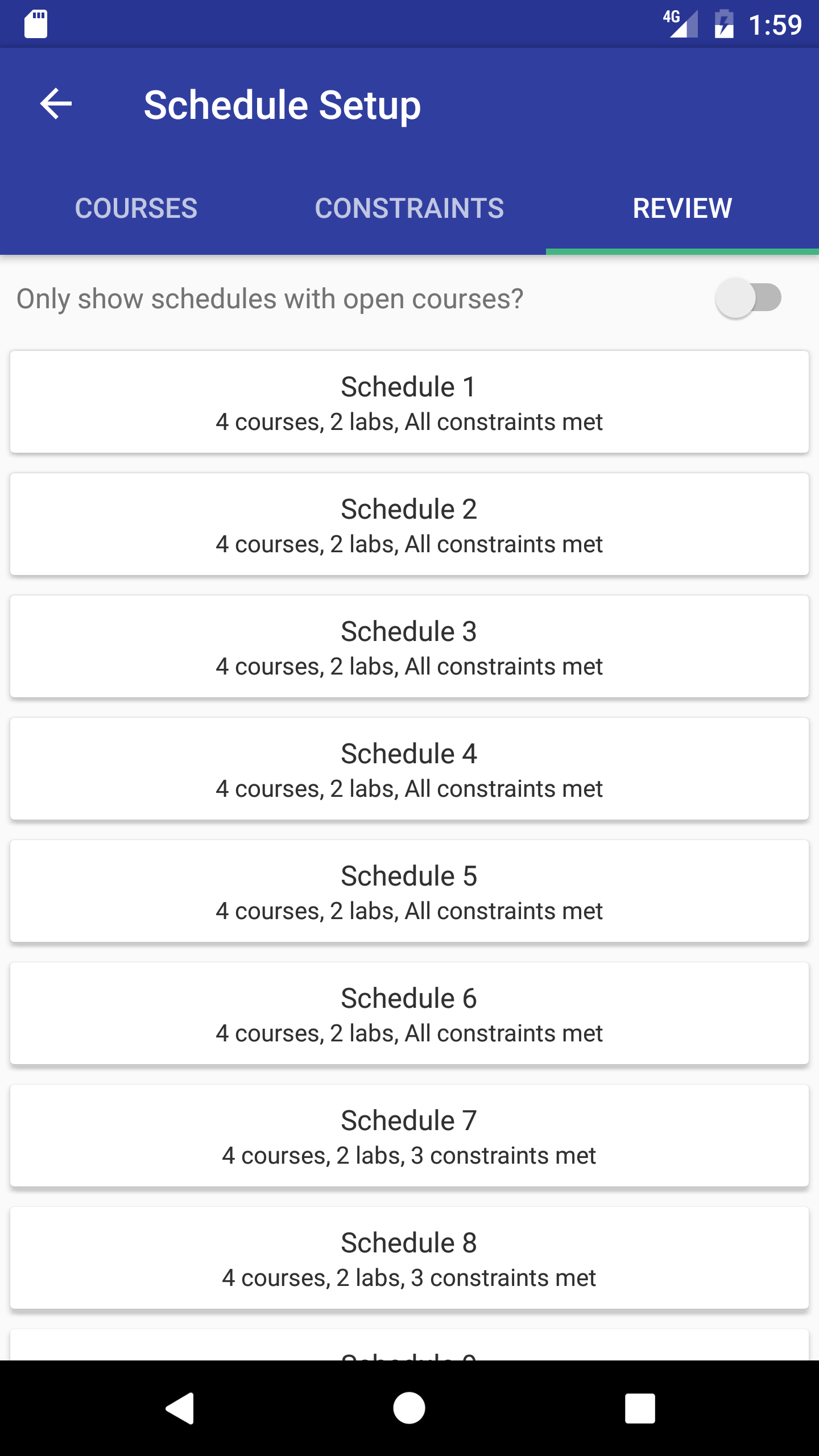
Helps students generate schedules easily before registration. They can select their courses, some constraints (like what times they want courses, what professors they want, etc), and then they will be given all the possible schedules they can take.
How I built it
I started out by learning the basics of both iOS and Android mutlithreading. After getting this down, I started adapting the two algorithm implementations to use it. Once I had them "working", I started testing them and trying to figure out if they worked as they should. Once that was verified, it became a task of learning to make it more robust (no crashes) and more optimized. Finally, I benchmarked the results against the single threaded version to see if it was worth it. I also added search functionality to the school selection page although this was a fairly easy task of just filtering results.
Challenges I ran into
Multithreading on iOS was giving very strange results. The multithreaded code was performing considerably slower than the single threaded version. I believe this was a problem with Apple's power management not letting my code take full advantage of the device.
Accomplishments that I'm proud of
The Android algorithm's speed now scales linearly with the amount of cores in the phone. A phone with 8 cores will generate thousands of schedules in second while even a dual core shows considerable improvements over the old algorithm.
What I learned
I learned how to write multithreaded code on both iOS and Android as well as the ins and outs of both of them.
What's next for College Schedule Builder
More usability enhancements and possibly bring multithreading to iOS.


Log in or sign up for Devpost to join the conversation.