-
-
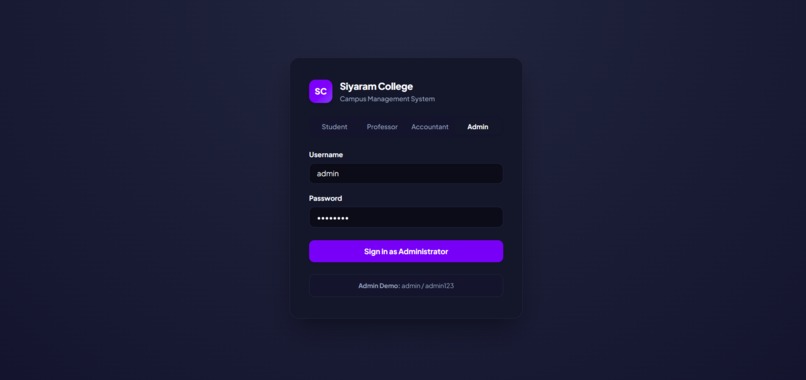
multiple login
-
-
-
-
-
-
-
-
-
-
-
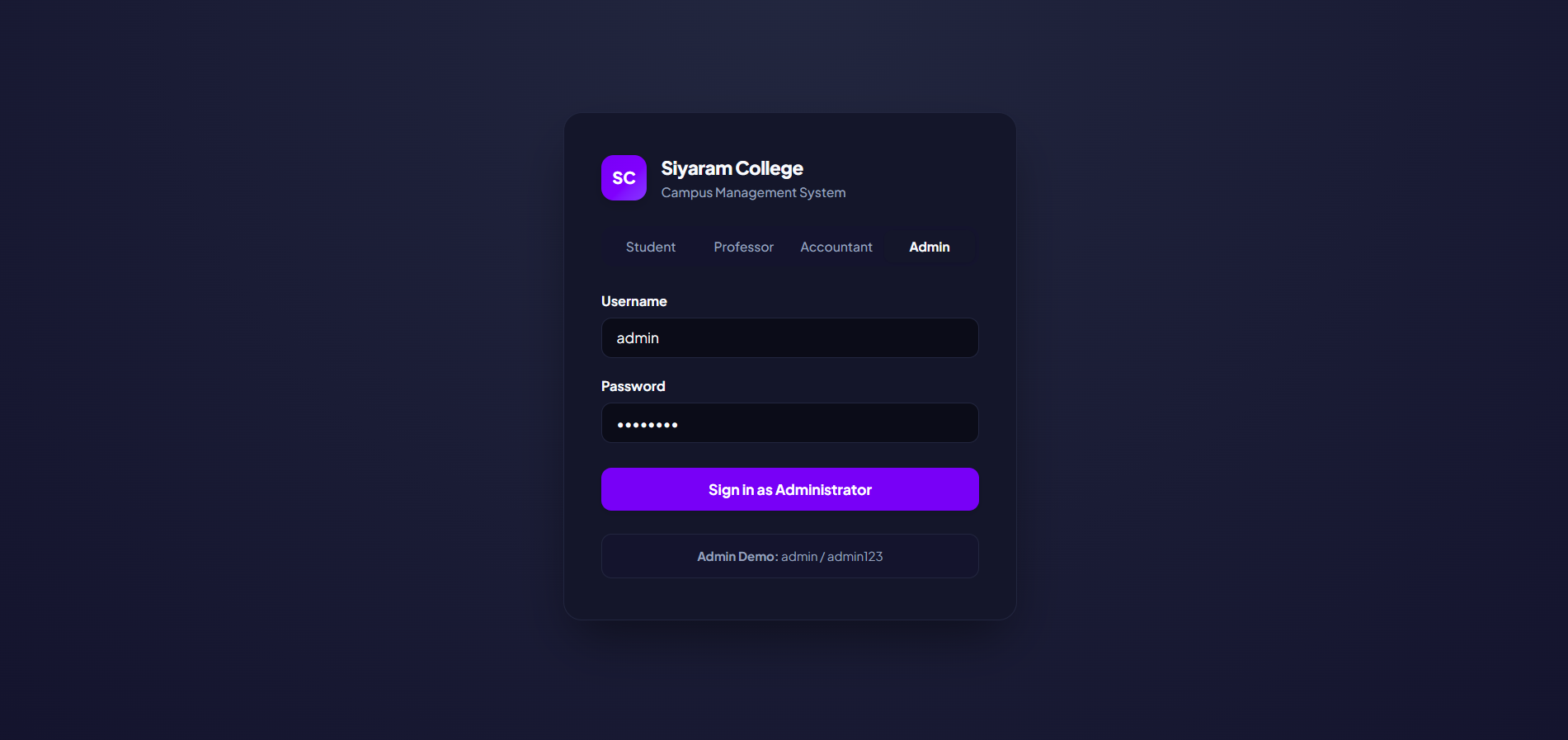
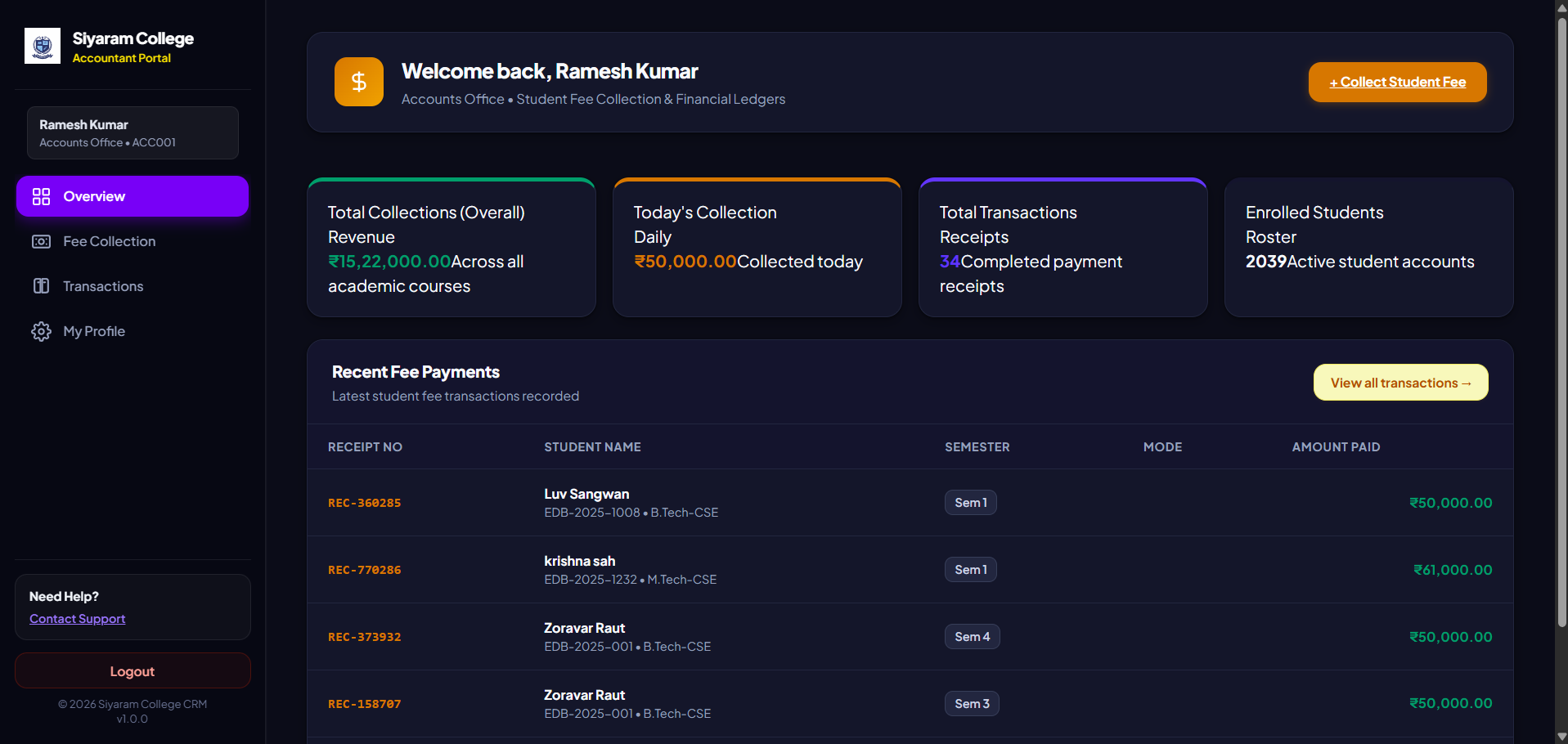
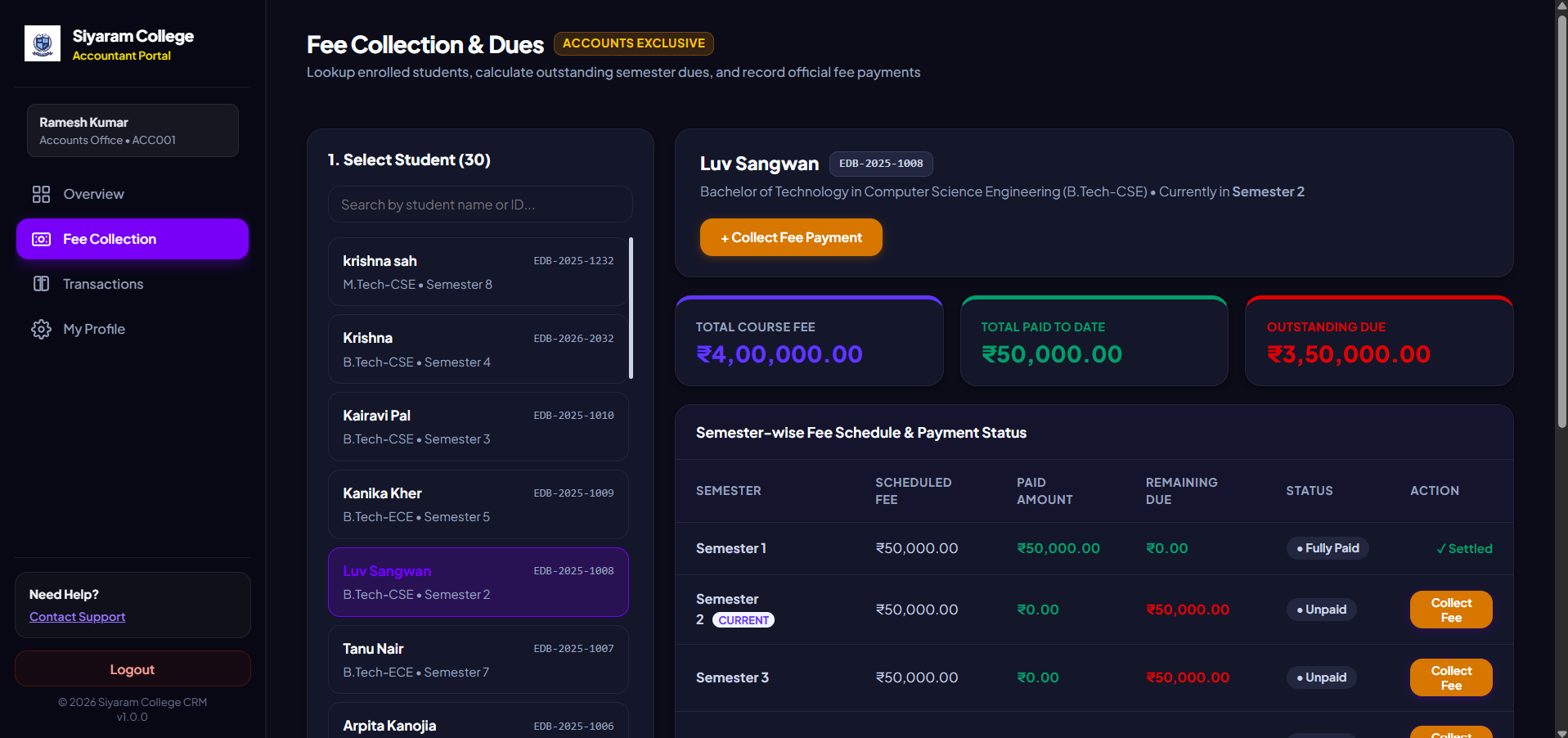
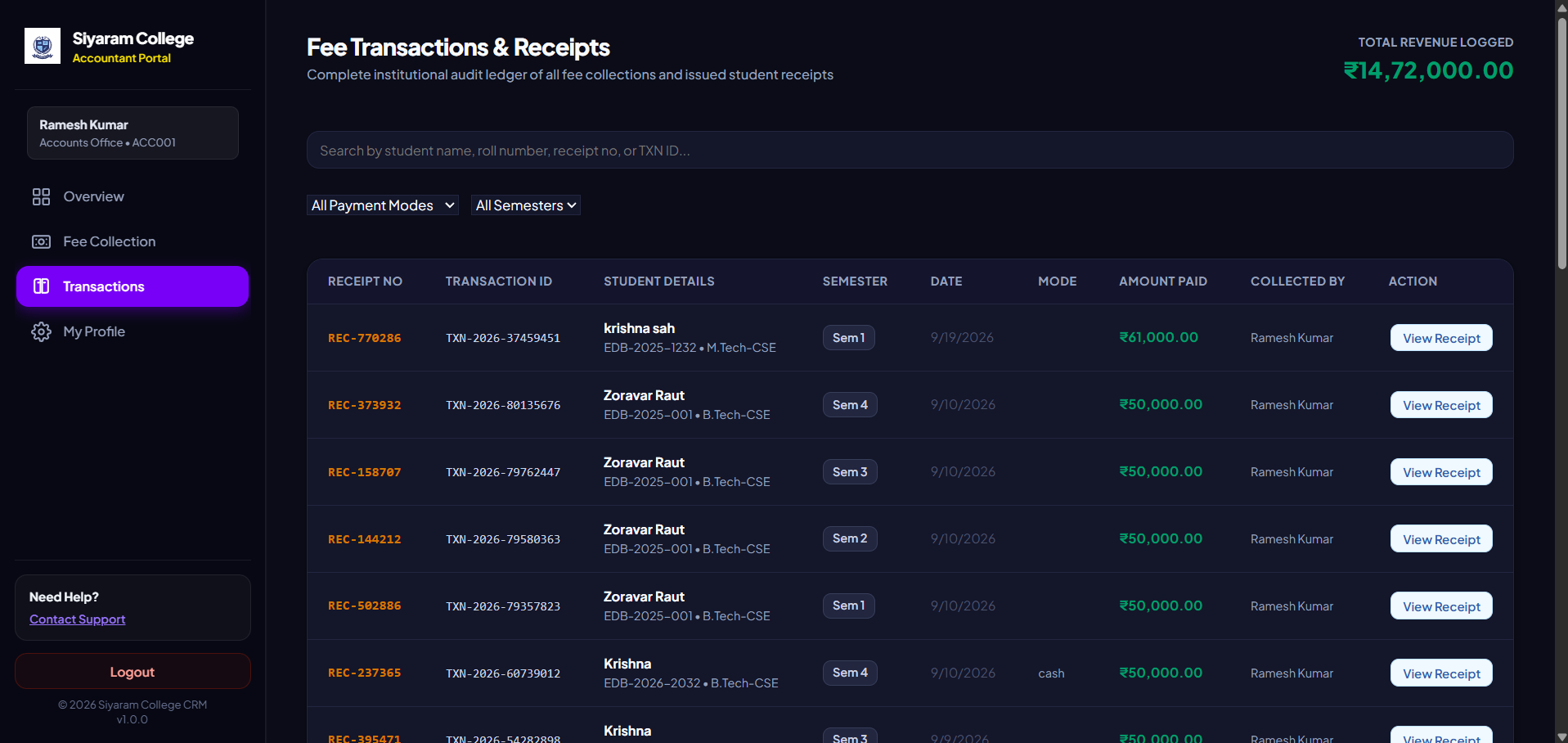
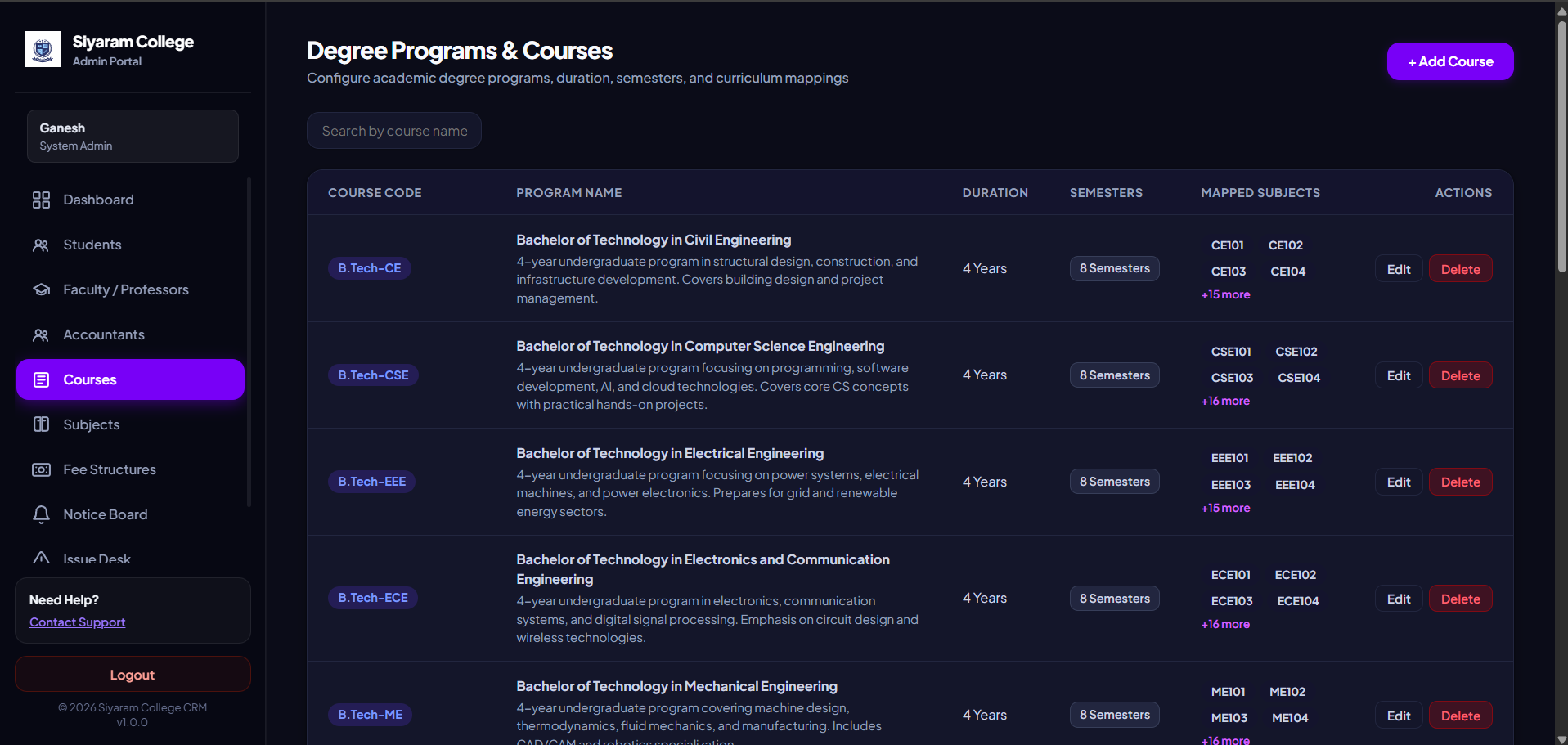
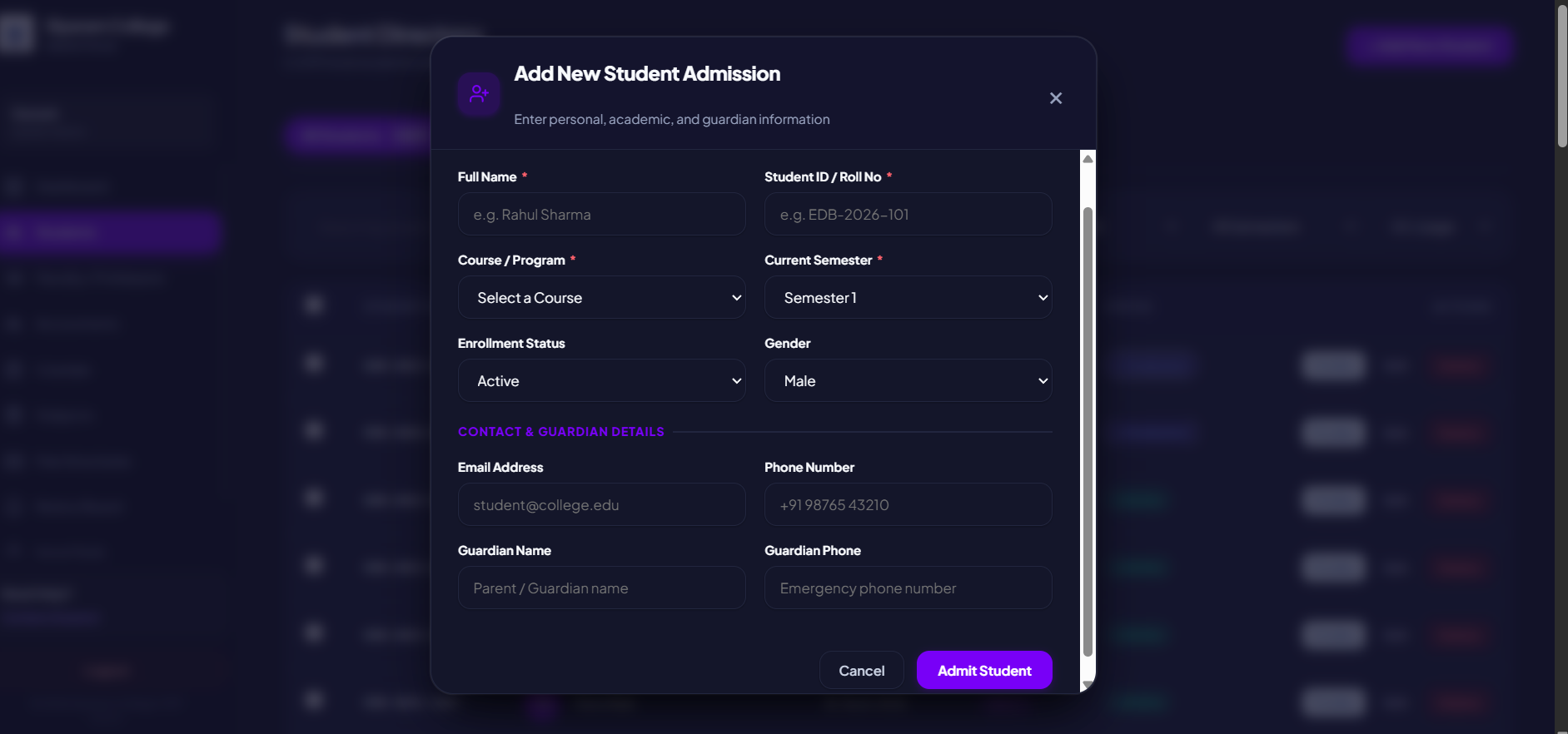
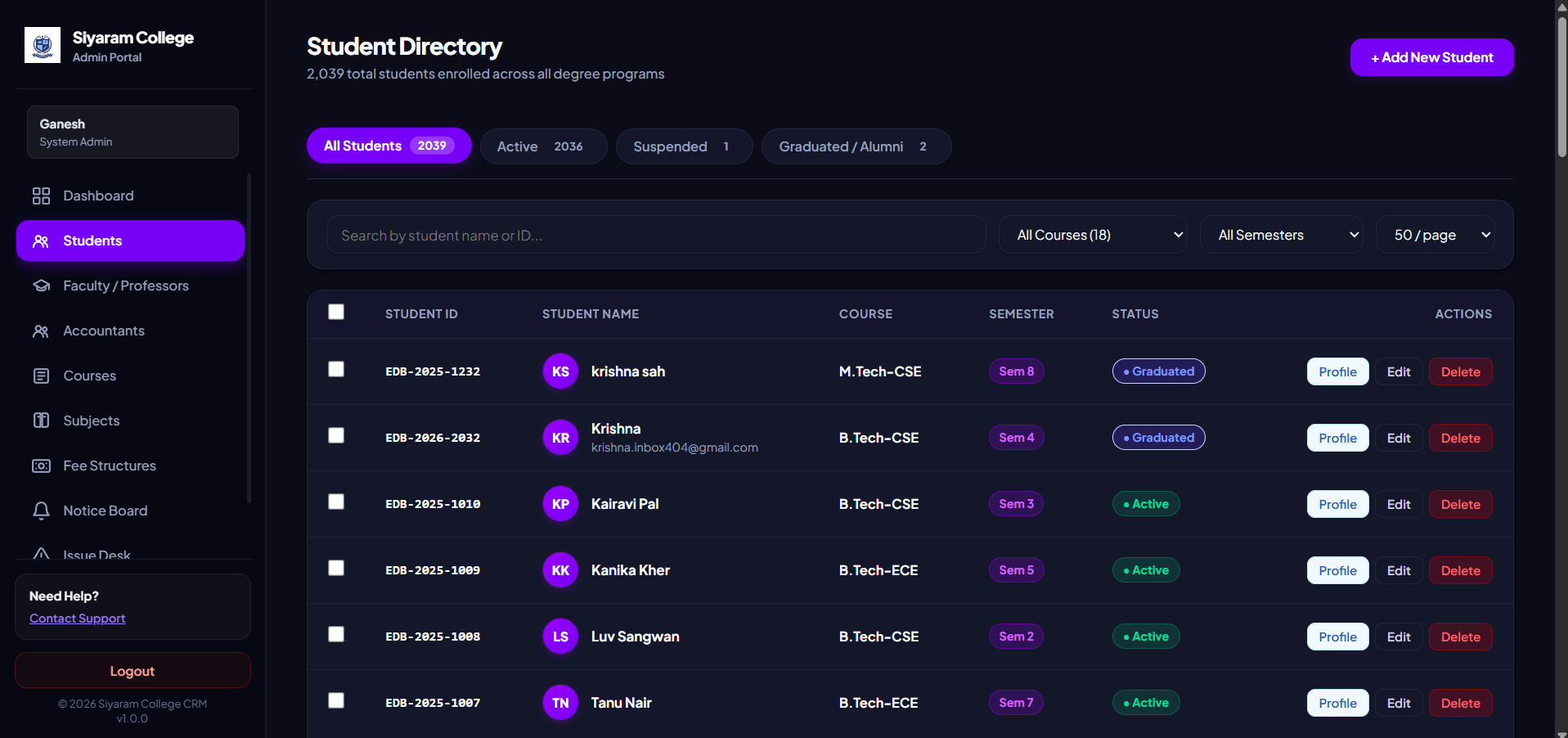
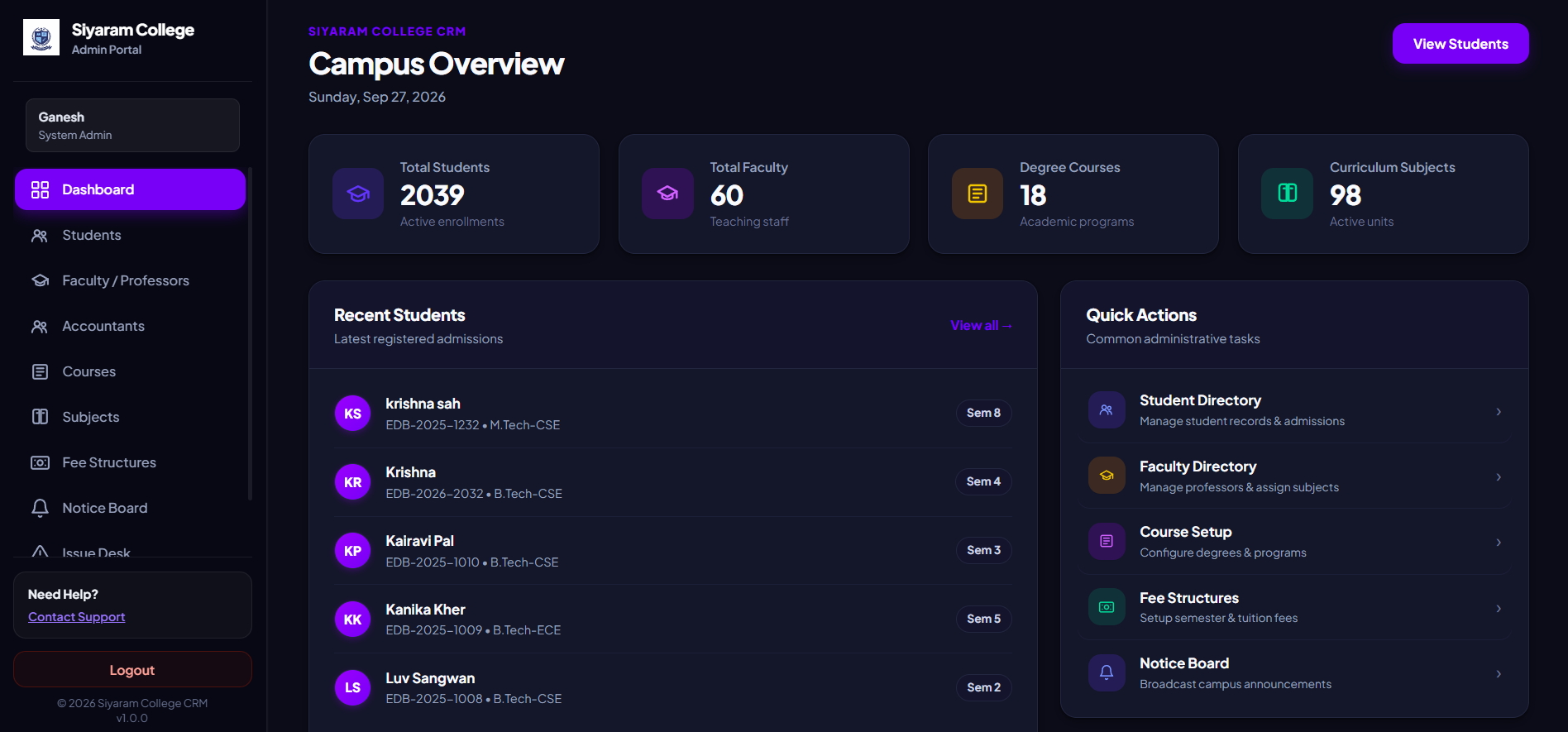
Siyaram College Relationship Management
An enterprise-grade, full-stack College Relationship Management System designed to streamline academic administration, multi-role communication, and fee collection across all institutional departments.
Architecture Resources
Understand Architecture of Project Through Video:
Understand Architecture of Project Through Documentation (understand_the_project/):
What is Siyaram College CRM?
Siyaram College CRM is a centralized web platform built with a modern decoupled monorepo architecture (Node.js/Express/MySQL API + React 18 Single Page Application). It eliminates fragmented campus workflows by providing dedicated, role-tailored portals with strict Role-Based Access Control (RBAC):
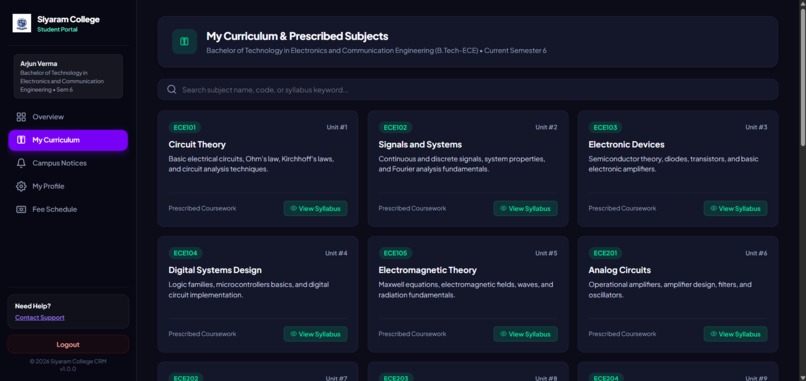
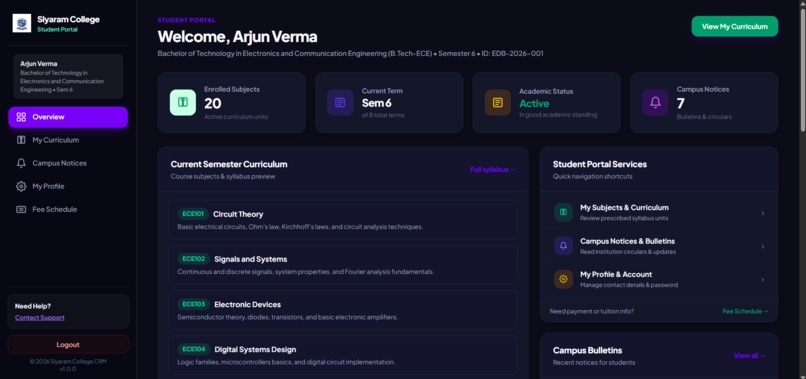
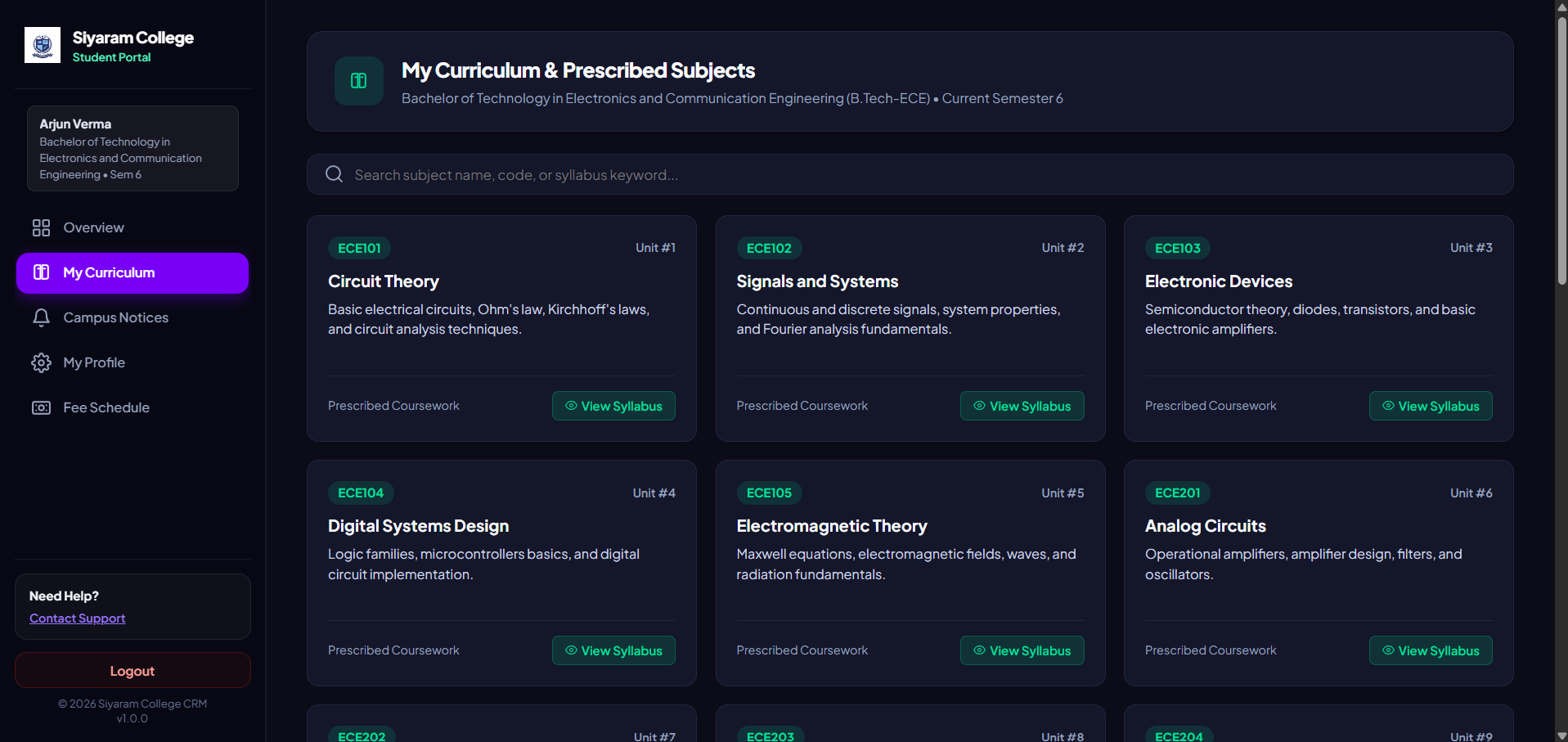
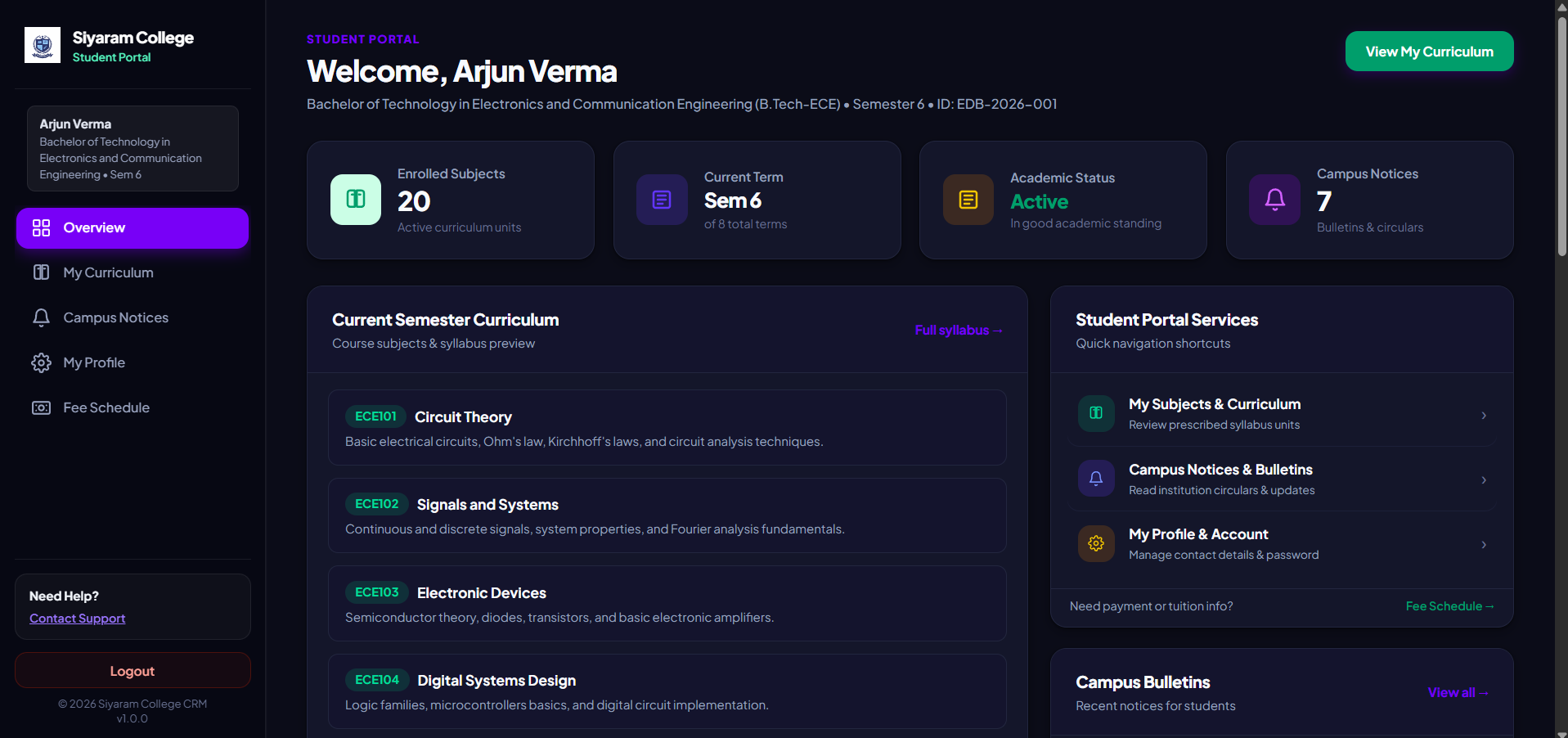
- Student Portal: Self-service student dashboard to view enrolled courses, academic curriculum, semester fee structures & outstanding balances, campus circulars, and manage personal profiles.
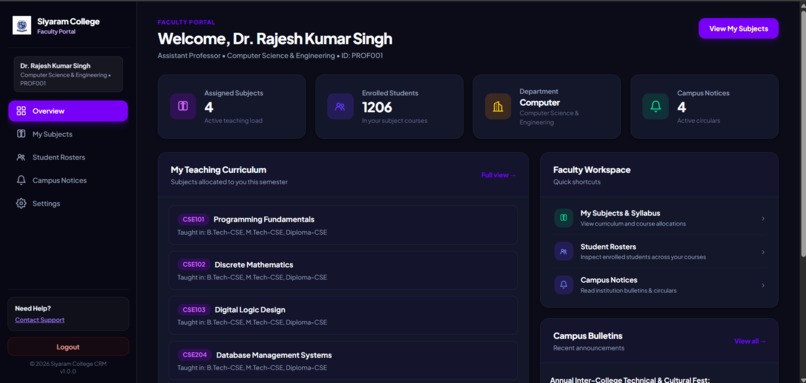
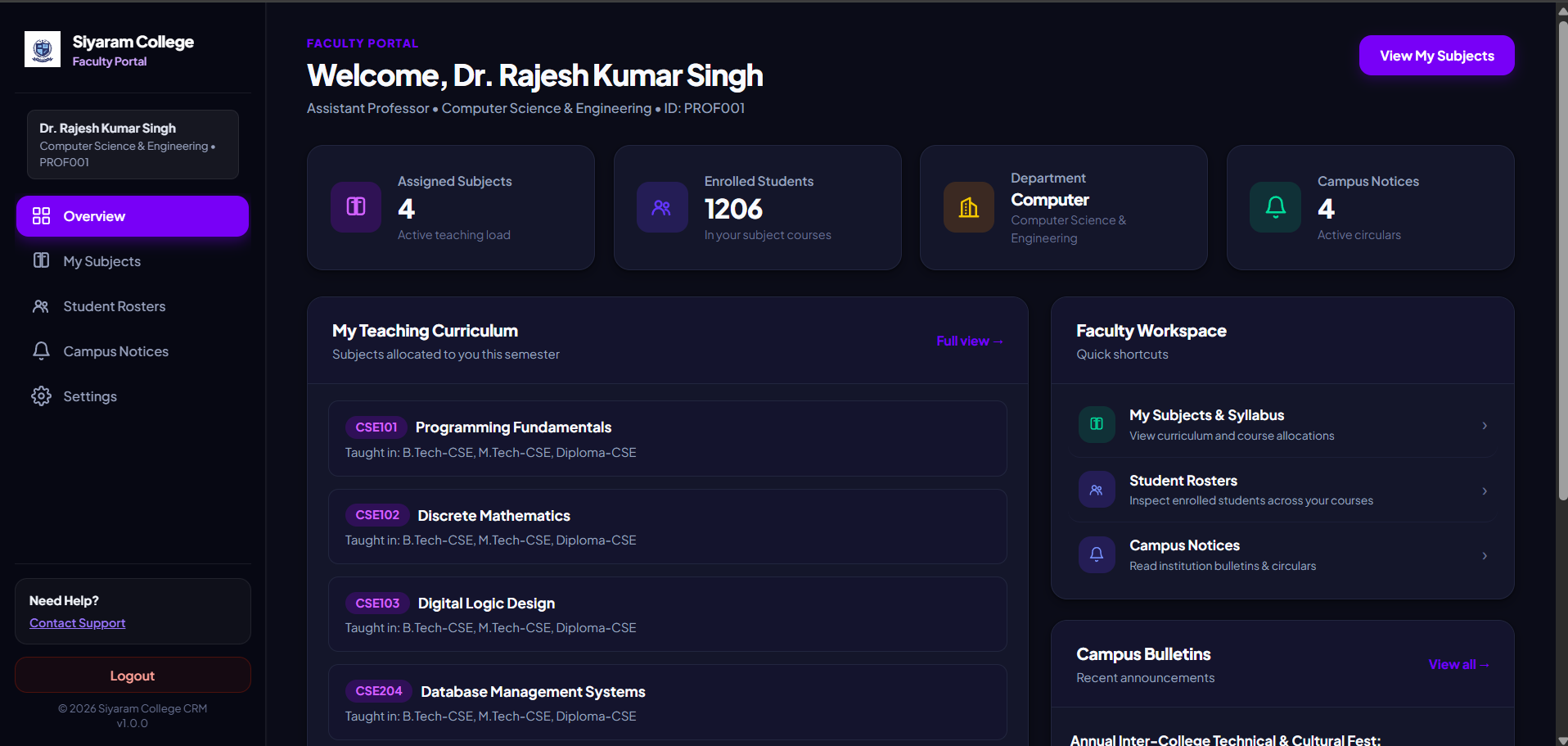
- Faculty / Professor Portal: Dedicated academic workstation to review assigned subjects, inspect course curriculum, access student rosters with semester filters, and publish/track campus notices.
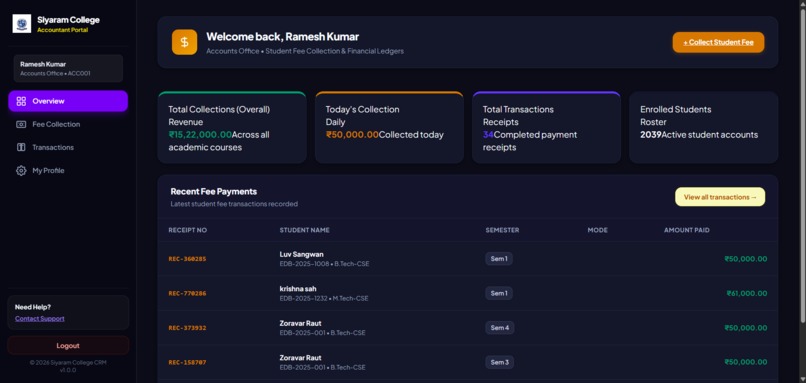
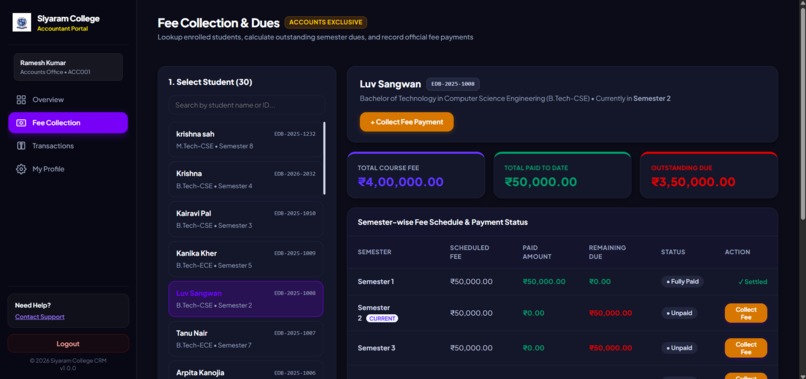
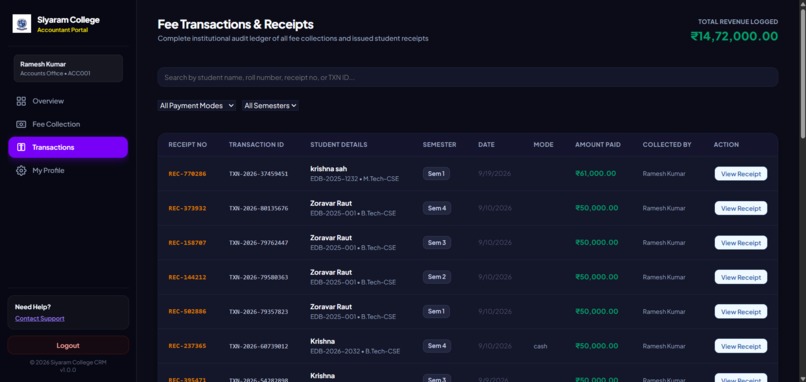
- Accounts / Accountant Portal: Secure financial desk for collecting student tuition & semester fees, real-time overpayment protection guards, automated remaining balance calculation, receipt printing (@media print), and audit ledgers.
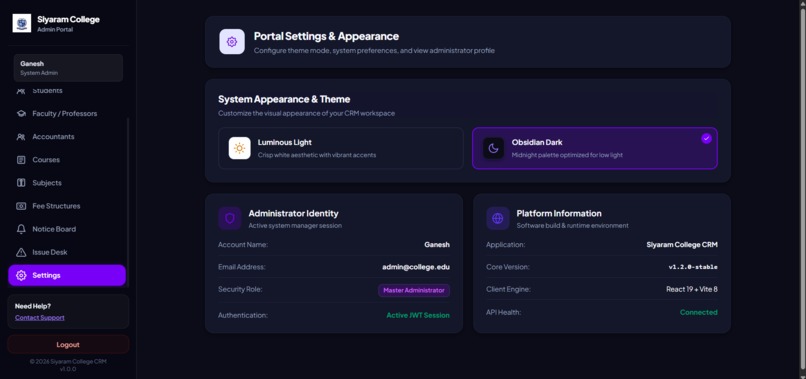
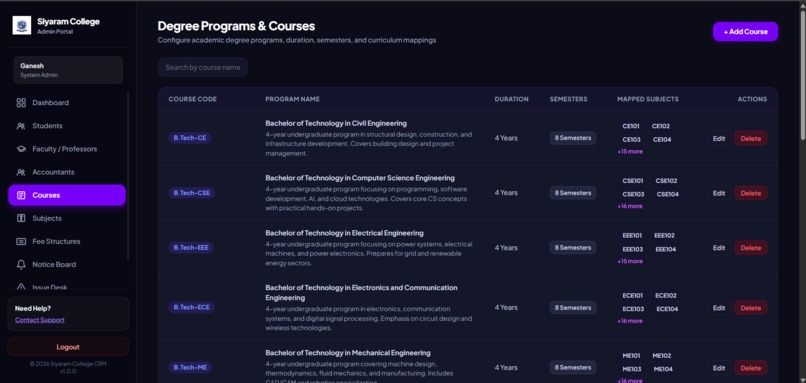
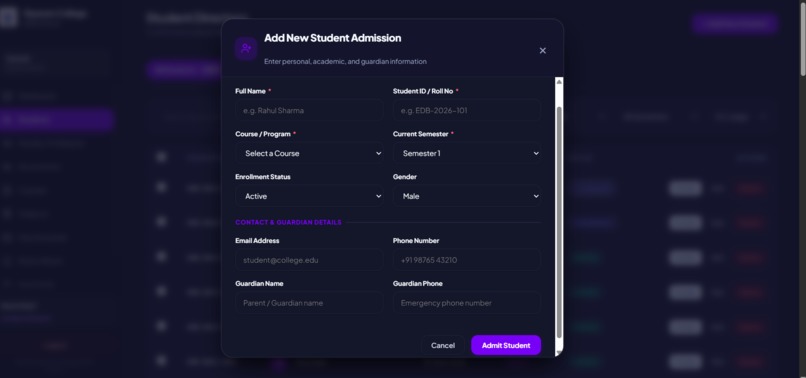
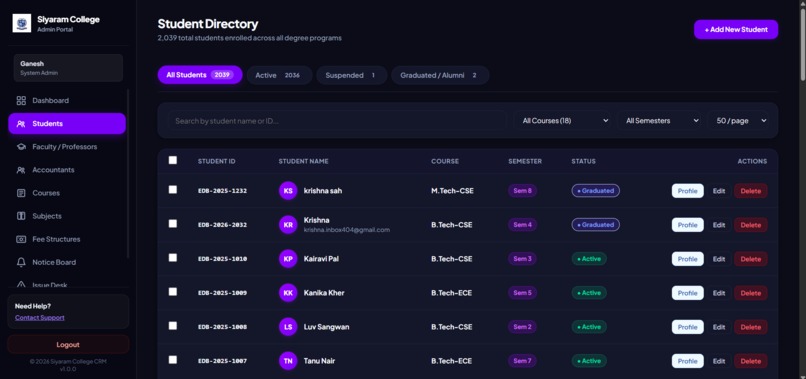
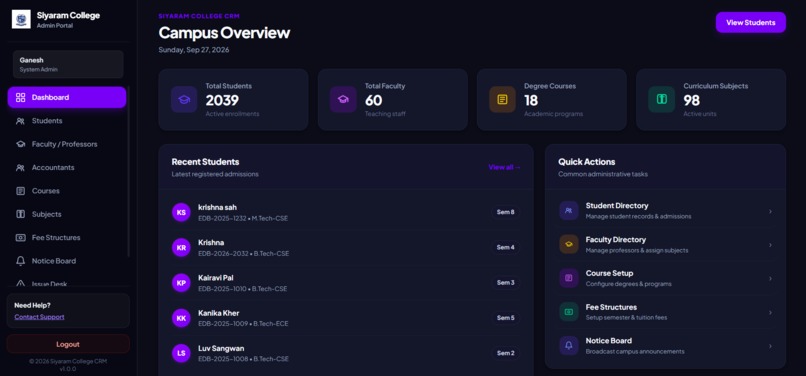
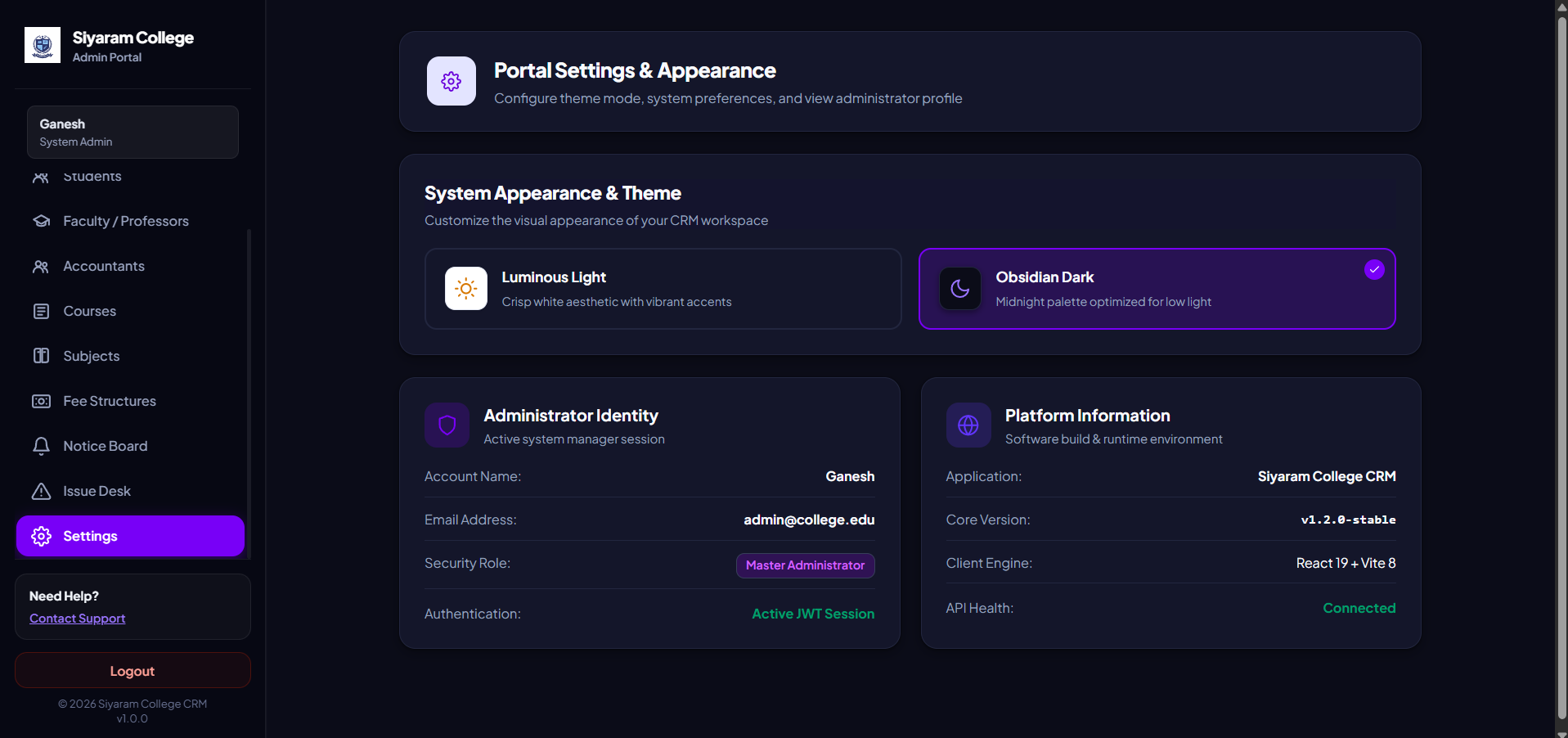
- Administrator Control Center: Master authority suite for managing students, faculty, accounts staff, degree programs, subject allocations, financial fee structures, broadcast bulletins, and grievance tickets.
Repository Structure
siyaram_college/
├── node/                     # Backend REST API Server (Node.js, Express, Sequelize, MySQL)
│   ├── controllers/          # Business logic for all 8 core modules
│   ├── models/               # Sequelize ORM schema definitions & relationships
│   ├── routes/               # Express route handlers with JWT RBAC middleware
│   └── index.js              # Application entry point & database sync
│
├── react/                    # Frontend SPA Client (React 18, Vite, React Router v7)
│   ├── src/
│   │   ├── pages/            # Role-specific dashboards & management views
│   │   ├── layouts/          # Dynamic dashboard layout engine with dark/light themes
│   │   ├── components/       # Reusable UI controls, modal dialogs, and SVG icons
│   │   └── utils/            # Axios API client with automatic token interceptors
│   └── package.json
│
├── understand_the_project/   # Complete 6-chapter technical engineering handbook
│   ├── 01_project_overview_and_architecture.md
│   ├── 02_database_schema_and_models.md
│   ├── 03_backend_apis_and_controllers.md
│   ├── 04_frontend_architecture_and_routing.md
│   ├── 05_user_roles_and_portal_walkthroughs.md
│   ├── 06_code_patterns_and_best_practices.md
│   └── README.md
│
└── README.md                 # Root project overview (this file)
Demo Logins & Access Credentials
The platform features a unified login gateway (POST /login) with automatic role detection and deterministic default credentials:
| Role | Tab Order | Login Identifier | Default Password | Dashboard Route |
|---|---|---|---|---|
| Student | 1st | EDB-2026-001 (or student email) |
arjun@123 |
/student/dashboard |
| Professor | 2nd | PROF001 (or faculty email) |
rajesh@123 |
/professor/dashboard |
| Accountant | 3rd | ACC001 (or accountant email) |
ramesh@123 |
/accountant/dashboard |
| Administrator | 4th | admin |
admin123 |
/dashboard |
Password Formula: Default passwords are generated dynamically as
firstname@123(e.g., Dr. Rajesh Sharma ->rajesh@123).
Quick Start Guide
1. Backend Setup (node/)
# Navigate to the backend directory
cd node

# Install dependencies
npm install

# Configure environment variables in node/.env
# DB_HOST=127.0.0.1, DB_USER=root, DB_PASSWORD=, DB_NAME=edigibrands_crm_app, PORT=4001

# Start the API server (runs on http://localhost:4001)
node index.js
# Or with auto-reload:
node --watch index.js
2. Frontend Setup (react/)
# Open a second terminal and navigate to the frontend directory
cd react

# Install dependencies
npm install

# Start Vite development server (runs on http://localhost:5173)
npm run dev
Technology Stack
- Backend: Node.js (ESM), Express.js, Sequelize ORM, MySQL Server, JWT (
jsonwebtoken),bcrypt. - Frontend: React 18, Vite, React Router v7, Axios, Pure CSS Design System with Obsidian Dark Theme & Dynamic Light Mode.
- Printing: High-contrast, paper-optimized CSS print stylesheets (
@media print) for official fee receipts.
Component Documentation Links
- Backend API Manual: node/README.md
- Frontend Client Manual: react/README.md
- Complete Master Engineering Handbook: understand_the_project/README.md

Log in or sign up for Devpost to join the conversation.