-
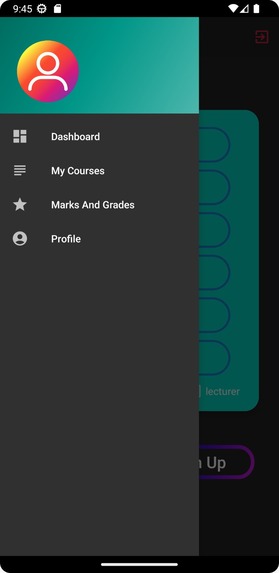
dashboard
-
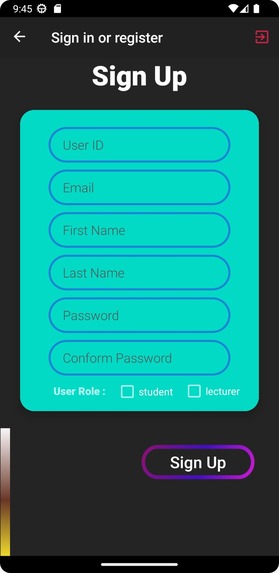
sign up
-
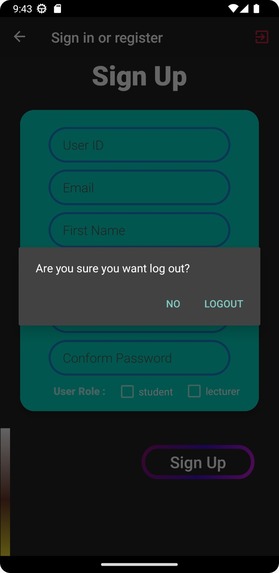
logout
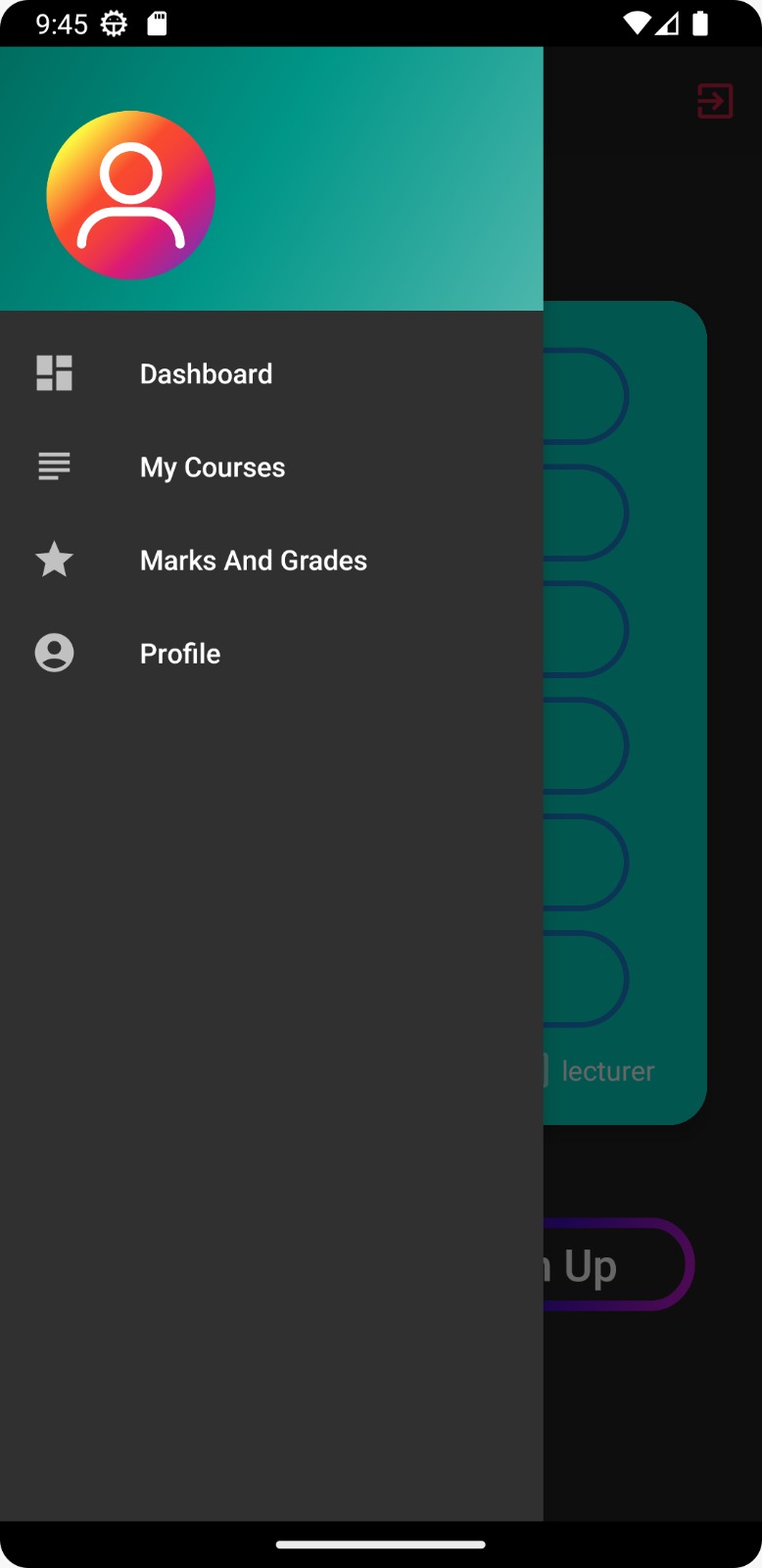
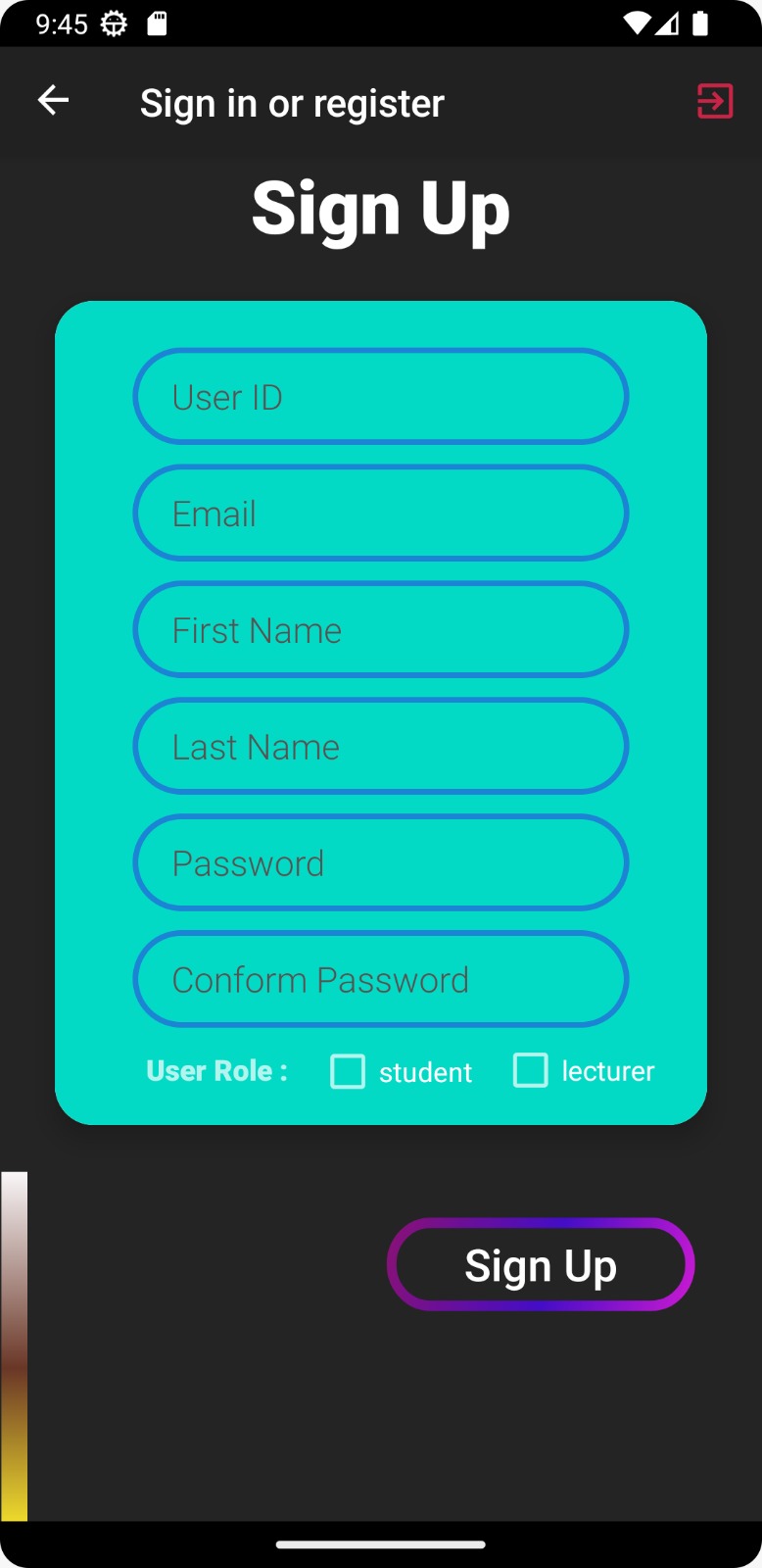
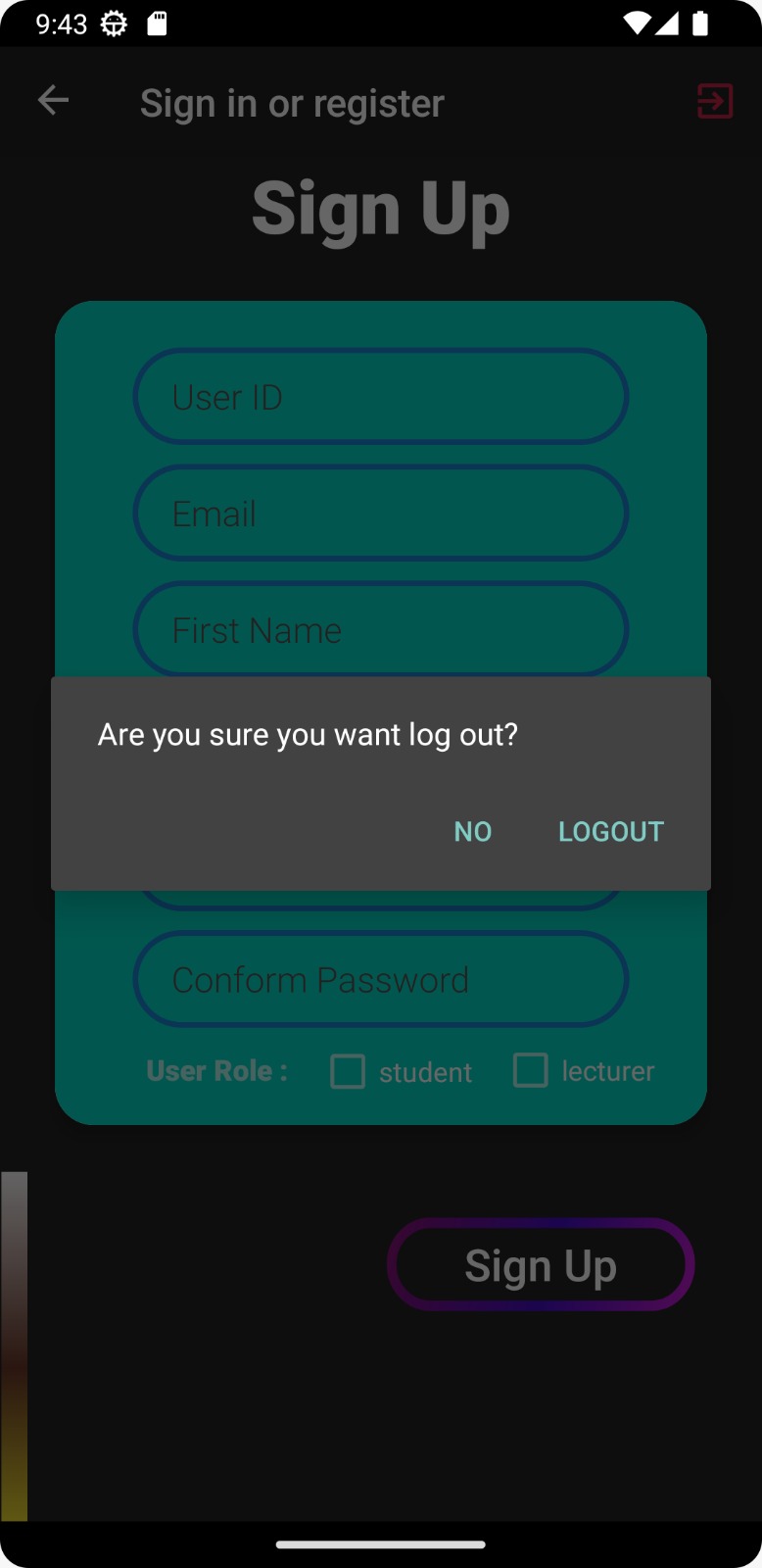
Inspiration
Introduction: This Student Management System is a full stack application. It is the Academic Portal with an aim to provide a holistic solution to all student needs.
Problems faced: In this era of digitalization, our college is not utilizing Technology to itsfullest. we are not having a common education platform for all oureducational resources. We face this problem of arranging notes, asking others for previous year papers wastes our’s and their’s time while still being confused. This will save the time of both students and faculty. everything will be available to everyone helping each and every student.
What it does
OBJECTIVE: This is a web-oriented application allows us to access the whole information about the college, staffs, students, facilities etc. This application provides a virtual tour of Campus. Here we will get the latest information about the students and staffs. This generic application designed for assisting the students at an institute regarding information on the courses, subjects, classes, assignments, grades and timetable. It also provides support that. a faculty can also check about his daily schedule, can upload assignments, and notices to the students. Here administrator will manage the accounts of the student and faculties, makes the timetable and upload the latest information about the campus.
How we built it
Challenges we ran into
Proposed Solutions:
Solution # 1 All notes, previous years, schedule, topics, and events
Solution # 2 everything sorted by topics, users, date, Sem, branch, keywords with google custom search.
Solution # 3 The system makes the overall project management much easier and flexible.
Accomplishments that we're proud of
System analysis & planning v/s user requirements User requirements: The following requirements are raised during the analysis of the needs of the users: A Person Should be able to login to the system through the first page of the Application. The Administrator can create users as per user requirement. Admin can upload the data for a particular Student. On successful completion of upload, user (Student/Parent/Faculty) can view reports. A general user will have access to see the status of particular Student id number. Student (user) can use all the facilities, same as which are provided to him in the college. Student can see attendance, notices, grades, report and other facilities in updated manner. There will be a separate page for every student as his account in which he can get notices, attendance, grades, assignments etc. Faculty can give the attendances and notices for the students. The administrator verifies all these reports and generates them for users to view them.
What we learned
Methodology Adopted, System Implementation & Details of Hardware & Software Used Methodology adopted and System implementation:
- Apache tomcat is used as a web server to host the application.
- All the environment variables are set.
- The application is pasted in the webapps folder.
- Web server is started now.
- Application is run using the web browser by typing http:// localhost/cis
- Web.xml file is used to control the flow and user actions.
What's next for College Management App
SECTIONS:
HomePage - interactive UI to all all sections Doubts - ask or answer to other's doubts Notes - Open collection of notes sorted by subjects and Topics Enquiry_Us - have questions then ask here Maps - Needy college campus maps with all floors and labelled classes Previous_Year's - all question papers sorted for practice Quiz - attempt designed quizzes in time for practice Schedule - Reminder for assignments, exams, and submissions Events - Get notified and stay aware of all events and competitions being organized Topics - see resources by topics Google_Custom_Search - search everything by just a keyword Database - a large collection of all the resources on the website

Log in or sign up for Devpost to join the conversation.