-
-
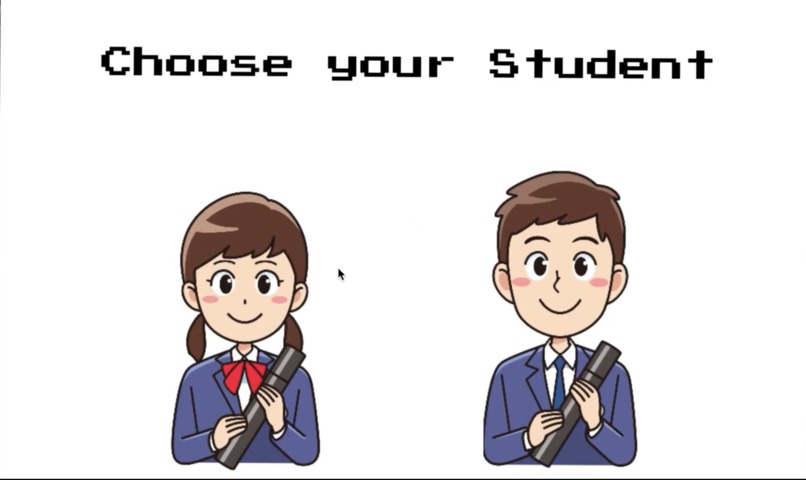
Starting Screen
-
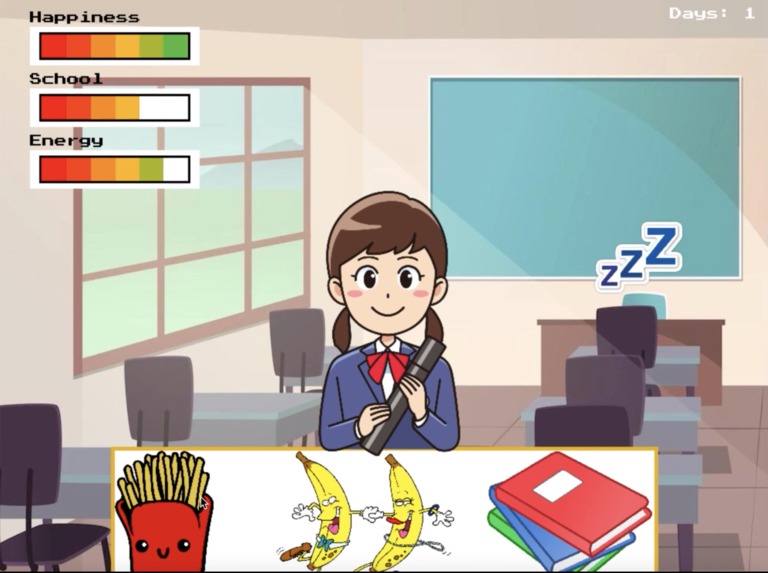
Gameplay Example
-
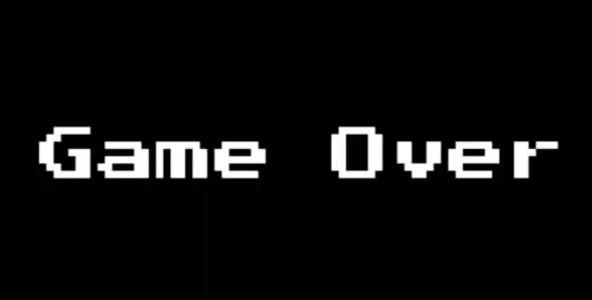
Failure Example

Inspiration
As college students, we understand how difficult it is to balance multiple aspects of life. From school to sleep to hanging out with friends, students can struggle to find a balance between these and other responsibilities. So, our goal was to create a game that could simulate the life of a college student.
Additionally, we looked at games we were familiar with to take inspiration, particularly Cookie Clicker and Adventure Capitalist. We considered key features of these games as we worked to develop our own game.
What it does
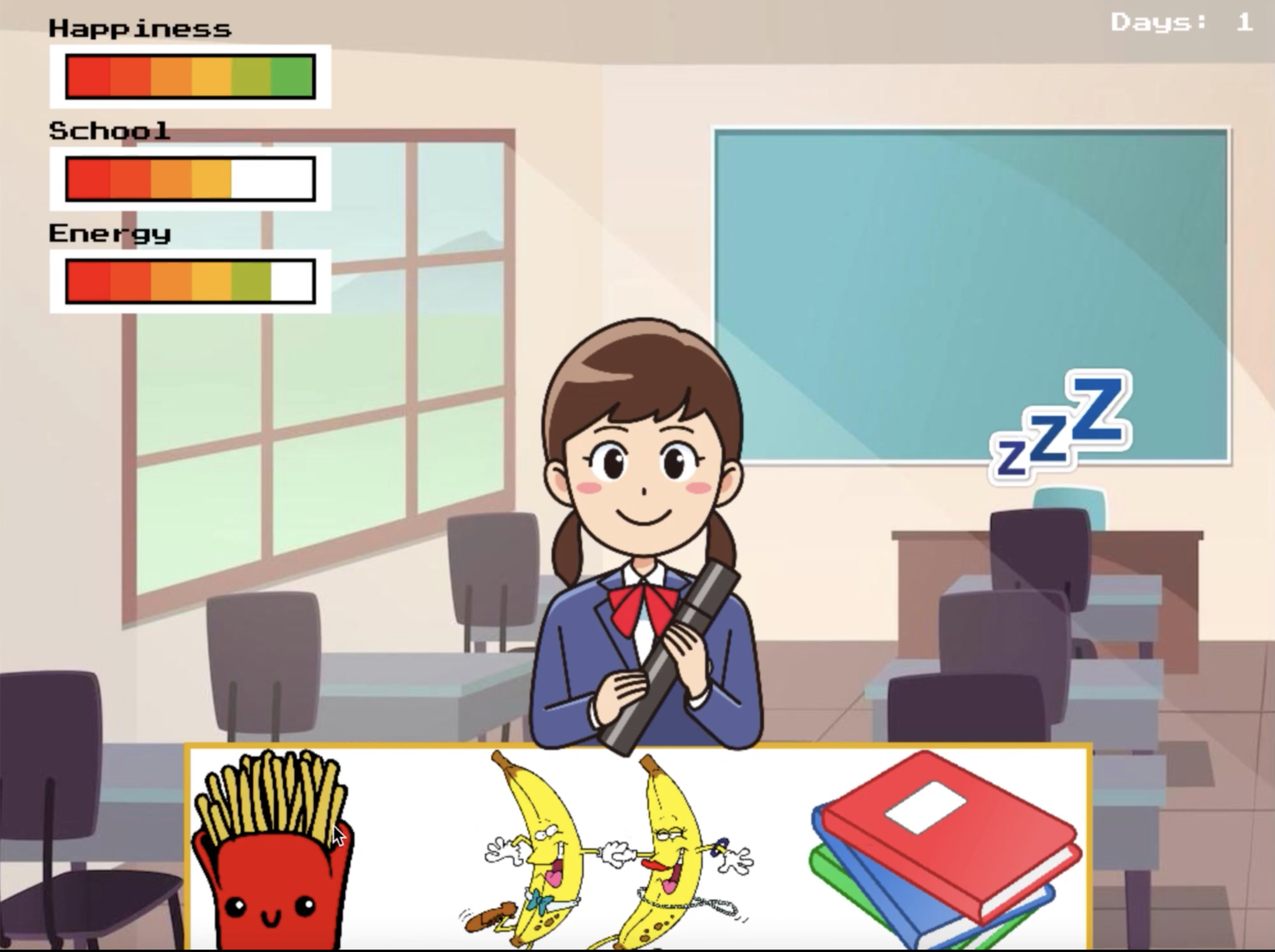
College Clicker allows the user to eat, sleep, socialize and study. Each action will affect one of the three meters which measure happiness 😃, school 🏫, and energy🔋. This program is a fun game for the user to try to maintain a good school-life balance while in college.
The player has the option to click on buttons along the bottom of the screen that are associated with activities. Each activity will increase their related level, but beware! They may also decrease other levels in the process.
The fries 🍟 represent eating, which raises energy. The bananas 🍌🍌 represent hanging out with friends, which increases happiness but lowers school and energy levels. The books 📚 represent studying, which raises school performance but lowers happiness and energy levels. The three Z’s 💤 represent sleep, which significantly increases energy but also decreases the school level in the process.
How we built it
We built this game with the pygame library from python 🐍. This library allowed us to create a graphical interface with buttons, text, and changeable images. With the help of online tutorials, we were able to make a Button class; self-updating bars showing the student’s current status; multiple screens for character selection, gameplay, and death; entertaining background music; and a plethora of various images.
Challenges we ran into
Formatting images and making them clickable as well as formatting the character selection screen that allows the user to choose a character. These were essential parts of our game, and we wanted to ensure that these key features worked properly.
Tracking the time passed since gameplay started to determine how filled each meter should be. The meters would start decreasing as soon as the program started, so if the player spent too long on the character selection screen, the meters would be empty as soon as the game started, creating an instant game over. We could make the meters only start decreasing after the character was selected.
Making sure that buttons, images, and text were properly aligned on the screen. These were easily fixed, but time-consuming.
Accomplishments that we're proud of
Despite our complete lack of prior experience with pygame and game development, we were able to successfully make a clicker game, fix all the bugs that popped up along the way, and not pull an all-nighter doing so.
What we learned
Game development is much more difficult than we initially realized. Through the process of creating our game, we had to consider factors that in other projects we would not have to consider. For instance, multiple screens in games, the enjoyability of the game, and the difficulty of the game.
Collaboration is key 👯. During this hackathon, we all learned how to better communicate our ideas, work together to produce a product, and problem-solve issues as they arise as a team. All are crucial in resolving challenges and collaborating effectively. These are skills that we can all apply in future hackathons and other environments.
What's next for College Clicker
- Instructions screen
- Pause button with a paused screen
- Success screen
- Main menu screen
- Difficulty Selection
- Leaderboard showing the longest survival times
- Alternative image sets for working after graduation


Log in or sign up for Devpost to join the conversation.